Cheat
tmuxinator tmux session templates
 Light · Postcard
102 × 152 mm · PDF
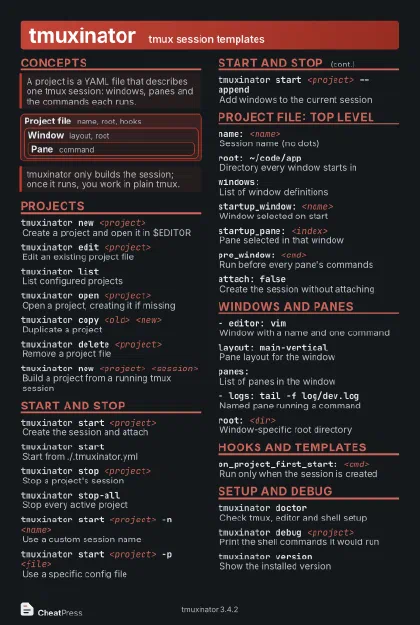 Dark · Postcard
102 × 152 mm · PDF
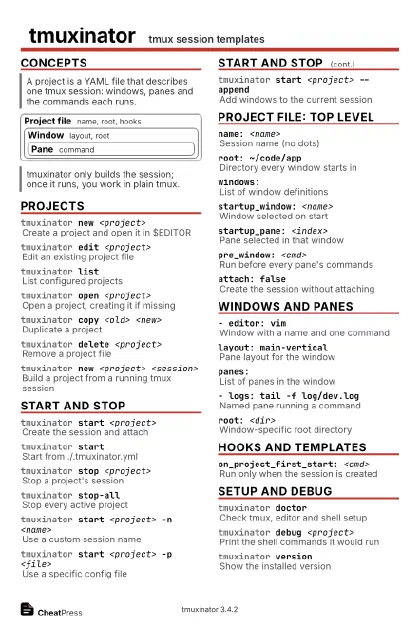 Ink saver · Postcard
102 × 152 mm · PDF
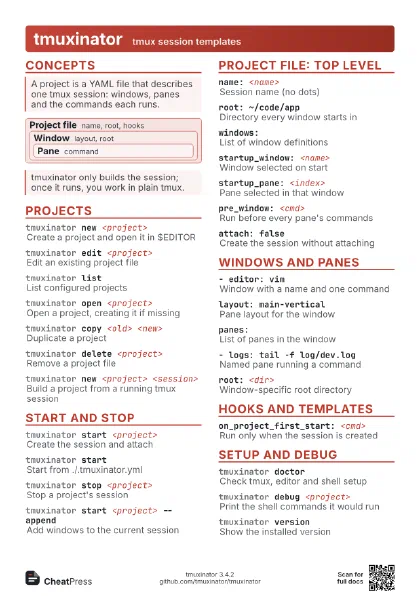
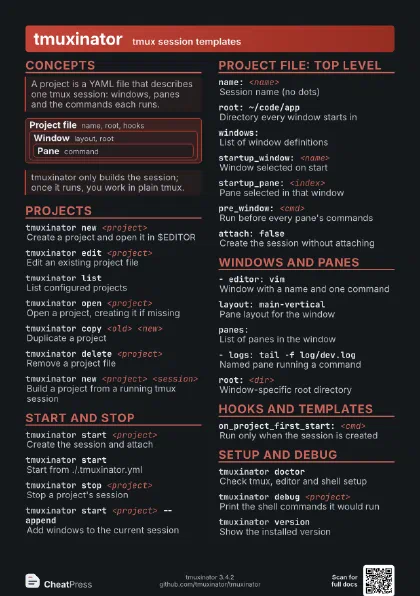
 Light · A4 landscape
297 × 210 mm · PDF
 Dark · A4 landscape
297 × 210 mm · PDF
 Ink saver · A4 landscape
297 × 210 mm · PDF
 Light · A3 landscape
420 × 297 mm · PDF
 Dark · A3 landscape
420 × 297 mm · PDF
 Ink saver · A3 landscape
420 × 297 mm · PDF
Start here
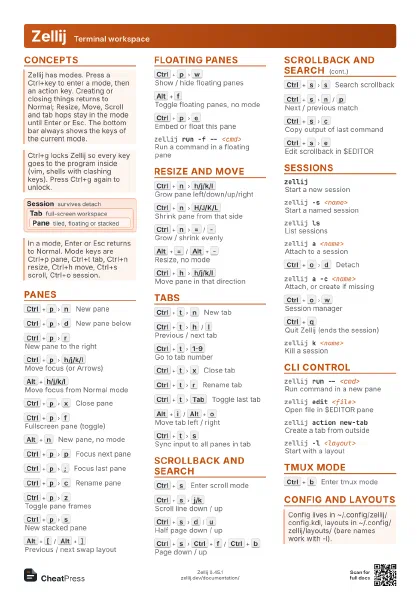
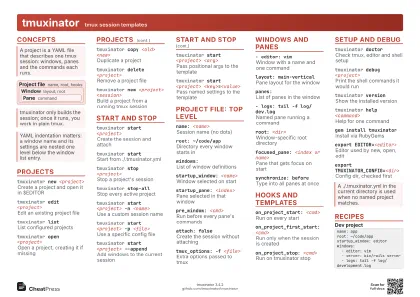
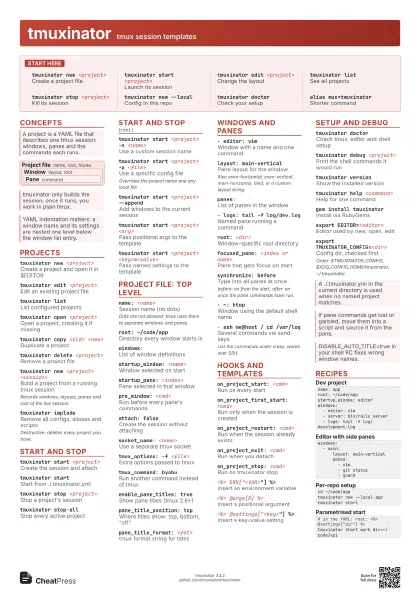
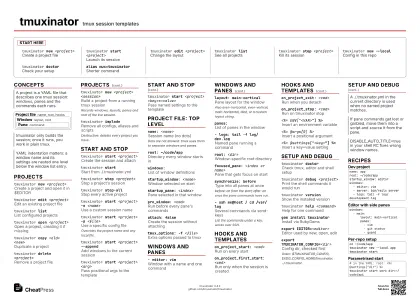
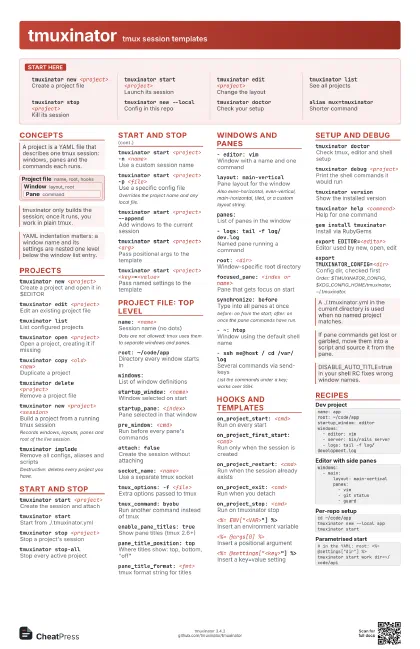
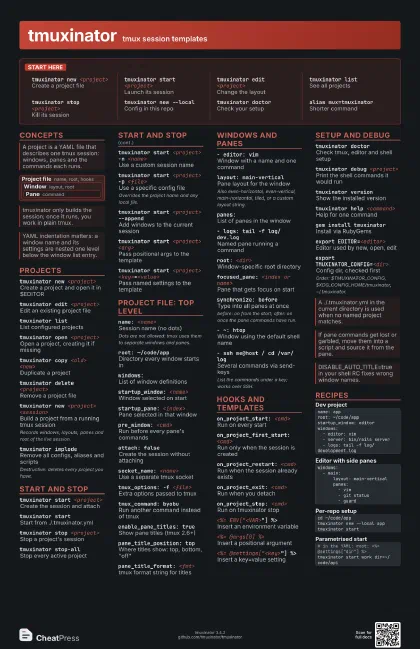
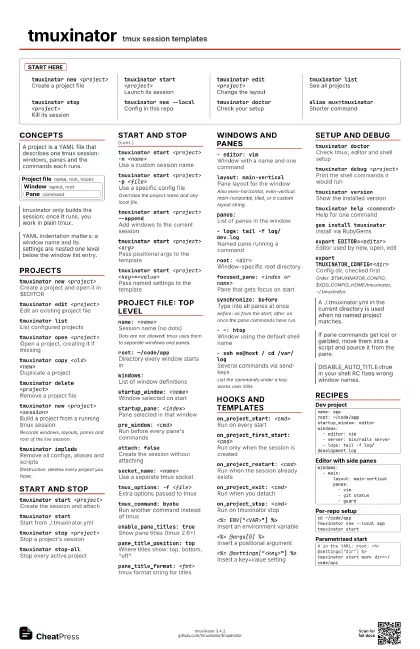
tmuxinator new <project>
Create a project file
tmuxinator start <project>
Launch its session
tmuxinator edit <project>
Change the layout
tmuxinator listSee all projects
tmuxinator stop <project>
Kill its session
tmuxinator new --local
Config in this repo
tmuxinator doctor
Check your setup
alias mux=tmuxinator
Shorter command
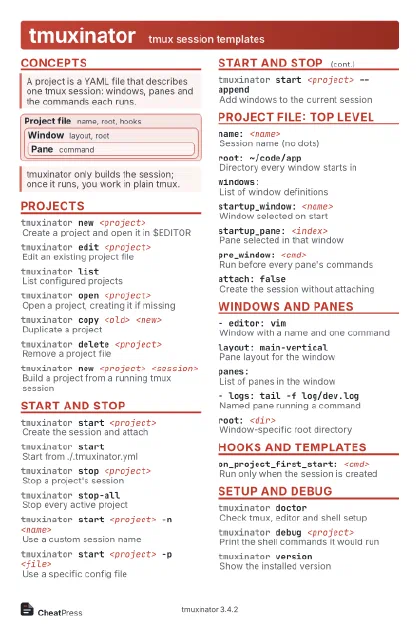
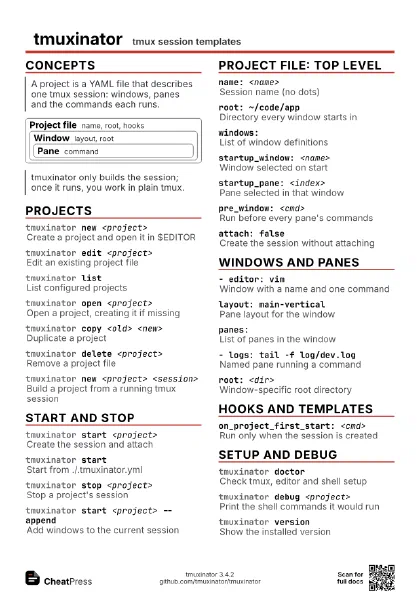
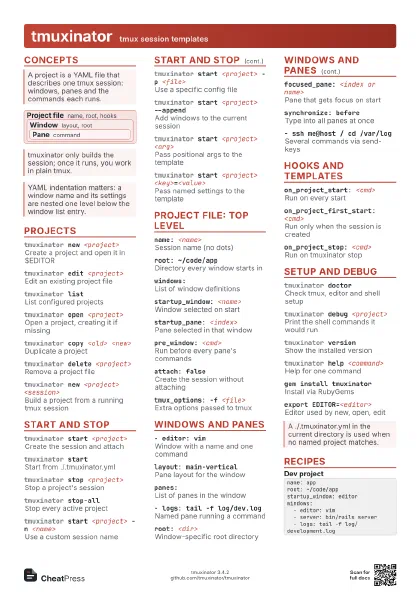
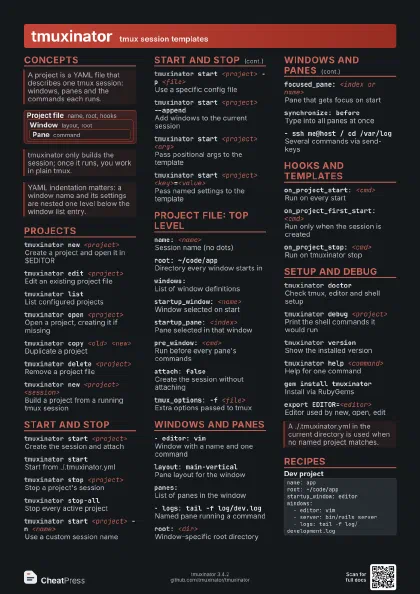
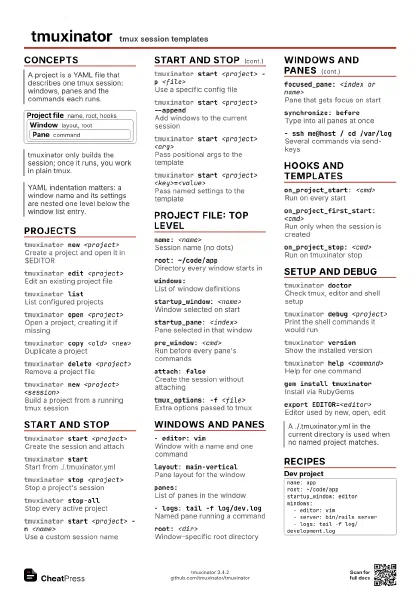
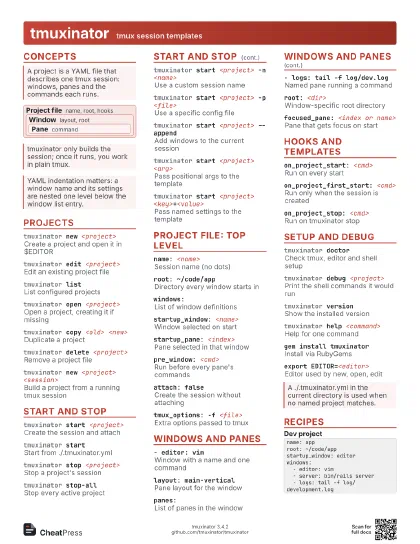
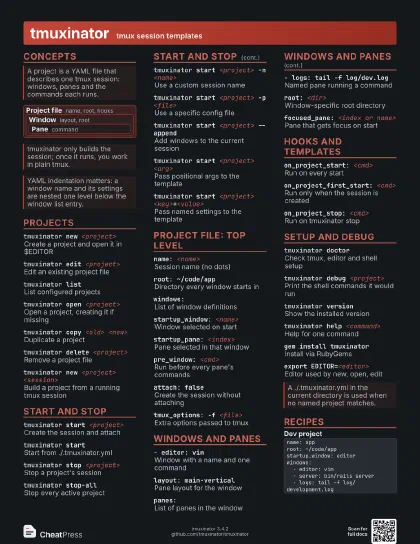
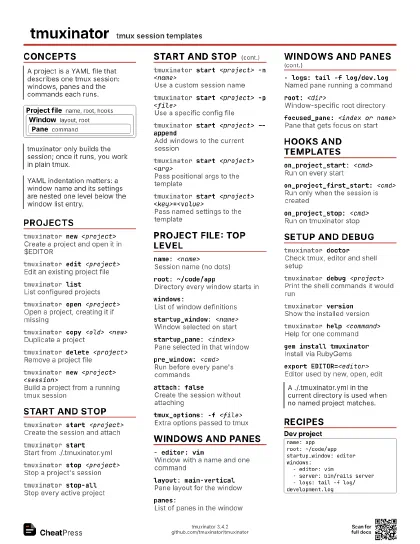
Concepts
Project file name, root, hooks
Window layout, root
Pane command
Projects
tmuxinator new <project>
Create a project and open it in $EDITOR
tmuxinator edit <project>
Edit an existing project file
tmuxinator listList configured projects
tmuxinator open <project>
Open a project, creating it if missing
tmuxinator copy <old> <new>
Duplicate a project
tmuxinator delete <project>
Remove a project file
tmuxinator new <project> <session>
Build a project from a running tmux session
Records windows, layouts, panes and root of the live session.
tmuxinator implode
Remove all configs, aliases and scripts
Destructive: deletes every project you have.
Start and stop
tmuxinator start <project>
Create the session and attach
tmuxinator start
Start from ./.tmuxinator.yml
tmuxinator stop <project>
Stop a project's session
tmuxinator stop-all
Stop every active project
tmuxinator start <project> -n <name>
Use a custom session name
tmuxinator start <project> -p <file>
Use a specific config file
Overrides the project name and any local file.
tmuxinator start <project> --append
Add windows to the current session
tmuxinator start <project> <arg>
Pass positional args to the template
tmuxinator start <project>
                    <key>=<value>
Pass named settings to the template
Project file: top level
name: <name>
Session name (no dots)
Dots are not allowed: tmux uses them to separate windows and
panes.
root: ~/code/app
Directory every window starts in
windows:List of window definitions
startup_window: <name>
Window selected on start
startup_pane: <index>
Pane selected in that window
pre_window: <cmd>
Run before every pane's commands
attach: falseCreate the session without attaching
socket_name: <name>
Use a separate tmux socket
tmux_options: -f <file>
Extra options passed to tmux
tmux_command: byobu
Run another command instead of tmux
enable_pane_titles: true
Show pane titles (tmux 2.6+)
pane_title_position: top
Where titles show: top, bottom, "off"
pane_title_format: <fmt>
tmux format string for titles
Windows and panes
- editor: vimWindow with a name and one command
layout: main-vertical
Pane layout for the window
Also even-horizontal, even-vertical, main-horizontal, tiled,
or a custom layout string.
panes:List of panes in the window
- logs: tail -f log/dev.log
Named pane running a command
root: <dir>
Window-specific root directory
focused_pane: <index or name>
Pane that gets focus on start
synchronize: before
Type into all panes at once
before: on from the start; after: on once the pane commands
have run.
- ~: htopWindow using the default shell name
- ssh me@host / cd /var/log
Several commands via send-keys
List the commands under a key; works over SSH.
Hooks and templates
on_project_start: <cmd>
Run on every start
on_project_first_start: <cmd>
Run only when the session is created
on_project_restart: <cmd>
Run when the session already exists
on_project_exit: <cmd>
Run when you detach
on_project_stop: <cmd>
Run on tmuxinator stop
<%= ENV["<VAR>"] %>
Insert an environment variable
<%= @args[0] %>
Insert a positional argument
<%= @settings["<key>"] %>
Insert a key=value setting
Setup and debug
tmuxinator doctor
Check tmux, editor and shell setup
tmuxinator debug <project>
Print the shell commands it would run
tmuxinator version
Show the installed version
tmuxinator help <command>
Help for one command
gem install tmuxinator
Install via RubyGems
export EDITOR=<editor>
Editor used by new, open, edit
export TMUXINATOR_CONFIG=<dir>
Config dir, checked first
Order: $TMUXINATOR_CONFIG, $XDG_CONFIG_HOME/tmuxinator,
~/.tmuxinator.
Recipes
name: approot: ~/code/appstartup_window: editorwindows: - editor: vim - server: bin/rails server - logs: tail -f log/development.logwindows: - main: layout: main-vertical panes: - vim - git status - guardcd ~/code/apptmuxinator new --local apptmuxinator start# in the YAML: root: <%= @settings["dir"] %>tmuxinator start work dir=~/code/api