Cheat
tail, head and watch Peek, follow, repeat
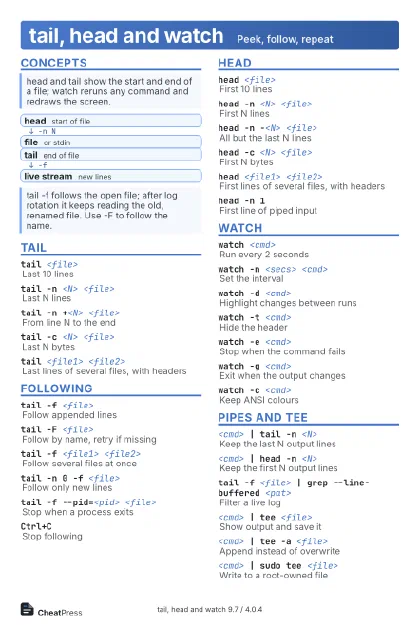 Light · Postcard
102 × 152 mm · PDF
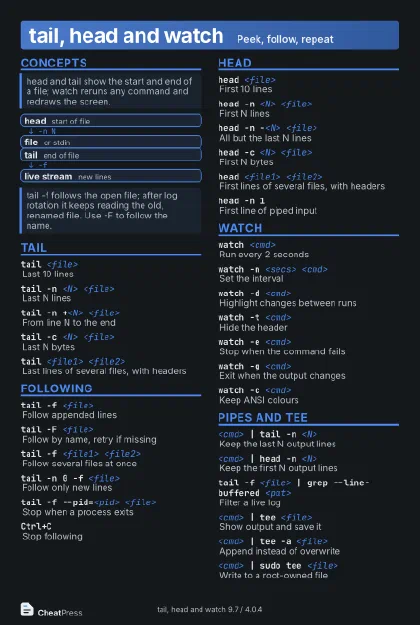 Dark · Postcard
102 × 152 mm · PDF
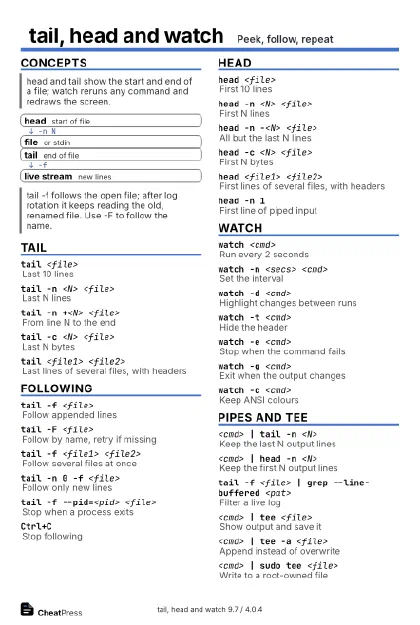 Ink saver · Postcard
102 × 152 mm · PDF
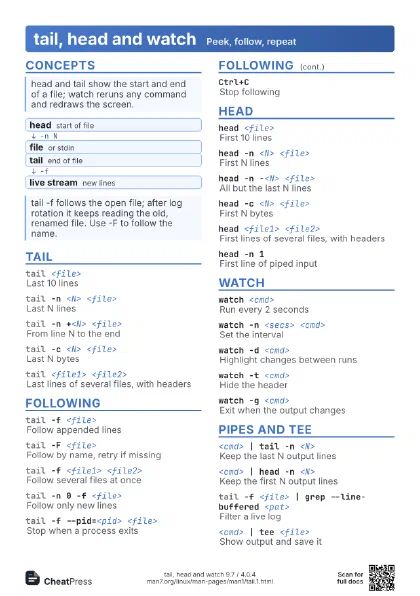
 Light · A4 landscape
297 × 210 mm · PDF
 Dark · A4 landscape
297 × 210 mm · PDF
 Ink saver · A4 landscape
297 × 210 mm · PDF
 Light · A3 landscape
420 × 297 mm · PDF
 Dark · A3 landscape
420 × 297 mm · PDF
 Ink saver · A3 landscape
420 × 297 mm · PDF
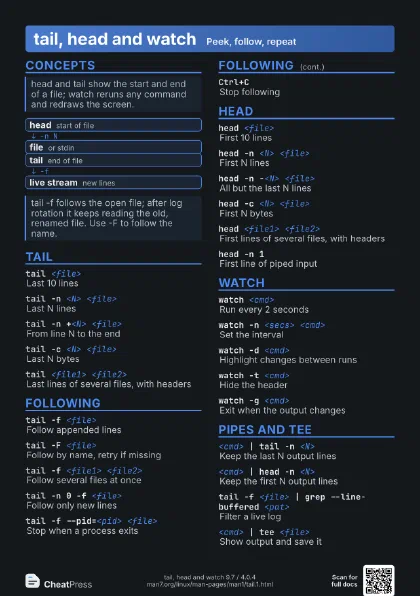
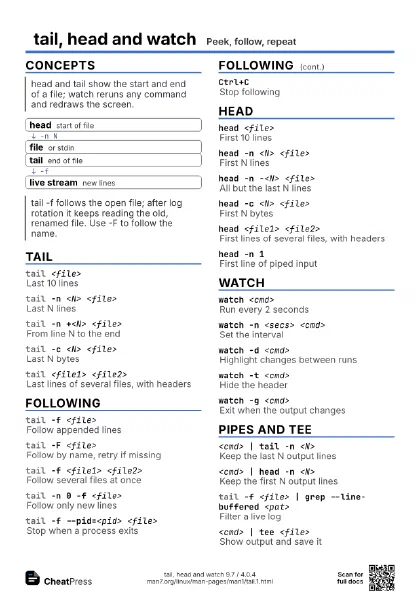
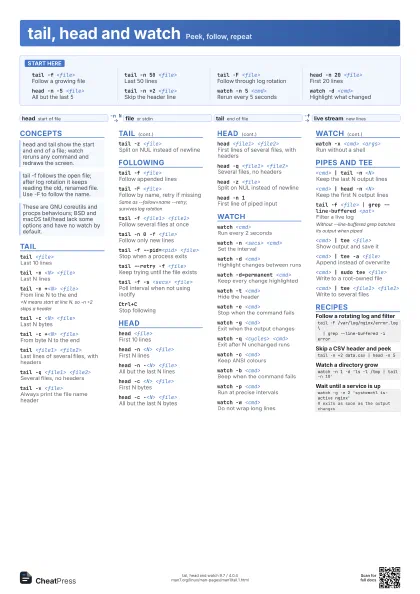
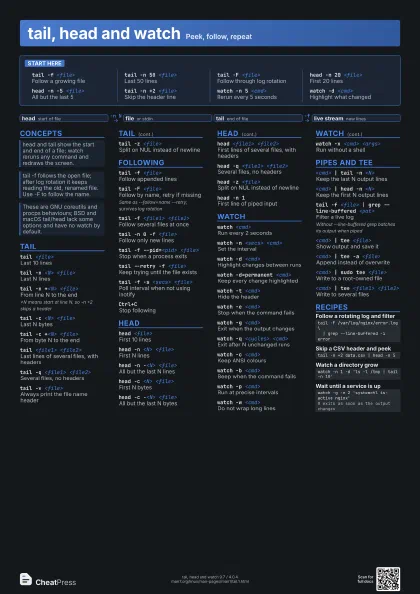
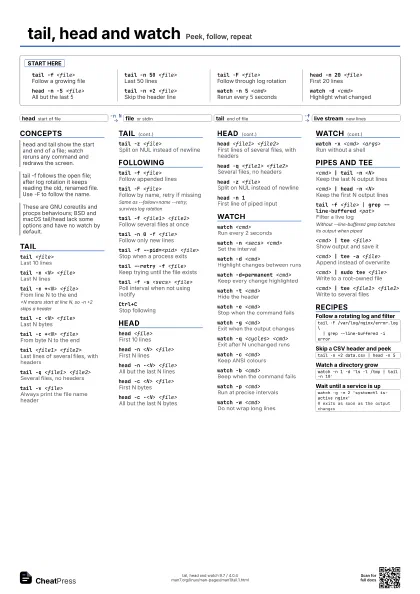
Start here
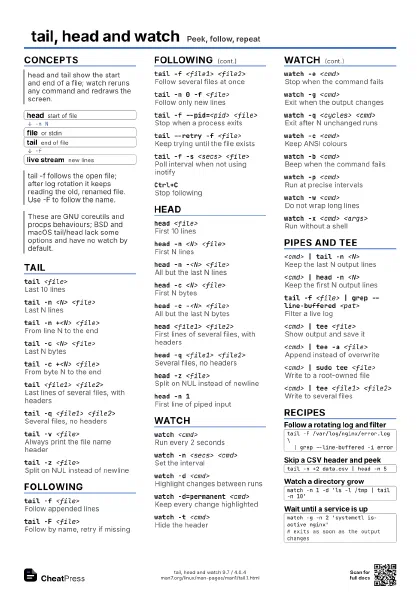
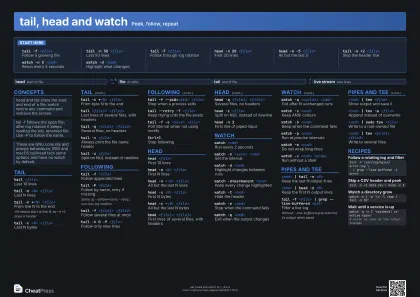
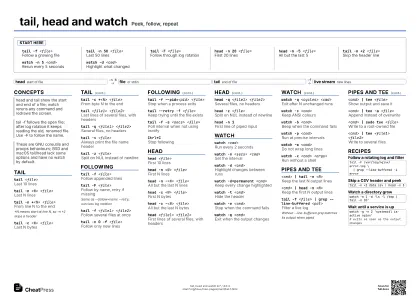
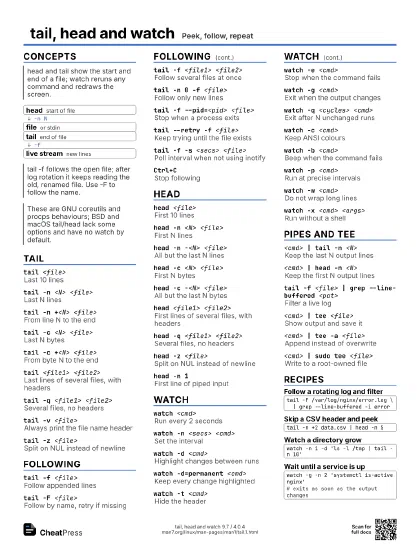
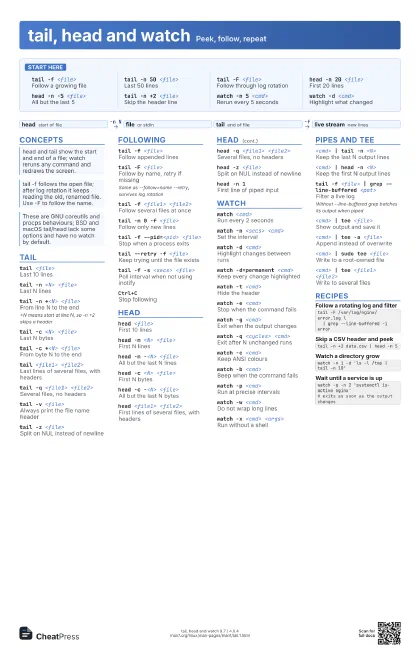
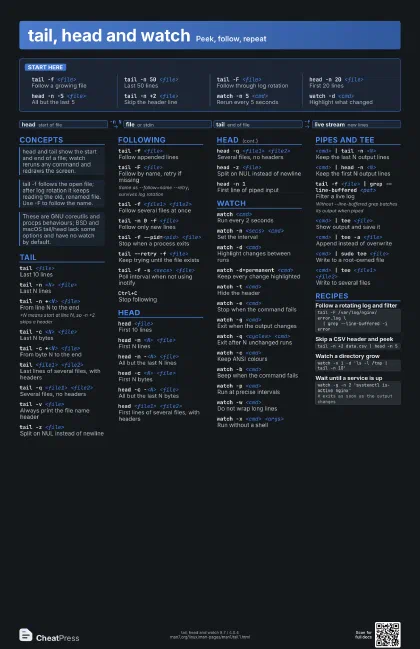
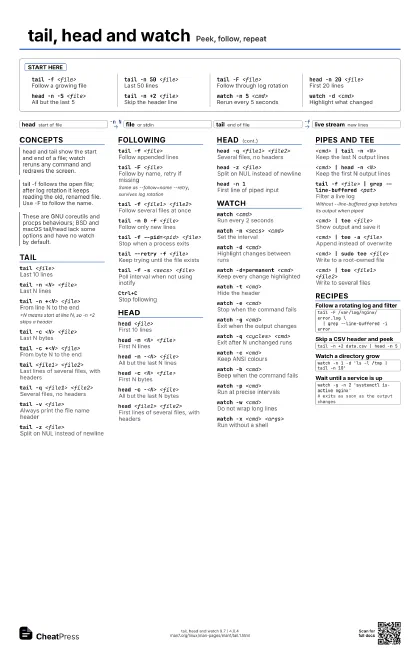
tail -f <file>
Follow a growing file
tail -n 50 <file>
Last 50 lines
tail -F <file>
Follow through log rotation
head -n 20 <file>
First 20 lines
head -n -5 <file>
All but the last 5
tail -n +2 <file>
Skip the header line
watch -n 5 <cmd>
Rerun every 5 seconds
watch -d <cmd>
Highlight what changed
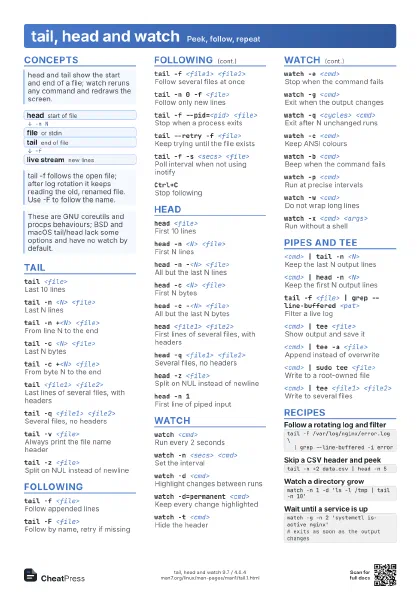
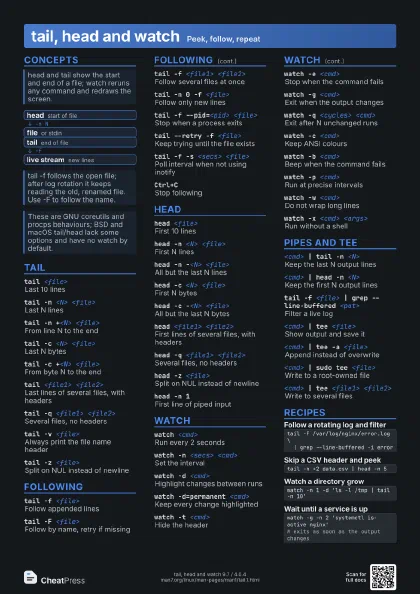
Concepts
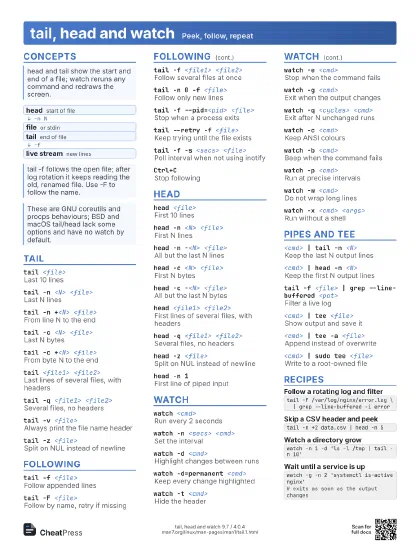
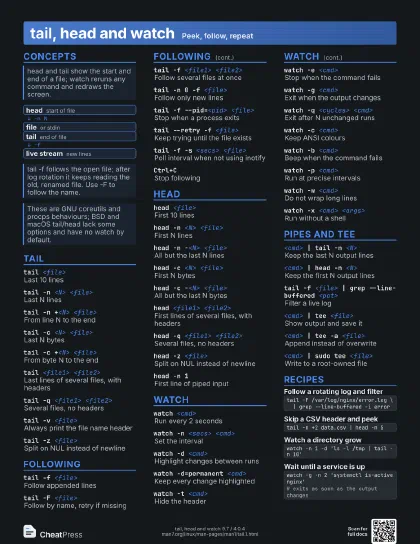
- head start of file
- file or stdin
- tail end of file
- live stream new lines
tail
tail <file>
Last 10 lines
tail -n <N> <file>
Last N lines
tail -n +<N> <file>
From line N to the end
+N means start at line N, so -n +2 skips a header
tail -c <N> <file>
Last N bytes
tail -c +<N> <file>
From byte N to the end
tail <file1> <file2>
Last lines of several files, with headers
tail -q <file1> <file2>
Several files, no headers
tail -v <file>
Always print the file name header
tail -z <file>
Split on NUL instead of newline
Following
tail -f <file>
Follow appended lines
tail -F <file>
Follow by name, retry if missing
Same as --follow=name --retry; survives log rotation
tail -f <file1> <file2>
Follow several files at once
tail -n 0 -f <file>
Follow only new lines
tail -f --pid=<pid> <file>
Stop when a process exits
tail --retry -f <file>
Keep trying until the file exists
tail -f -s <secs> <file>
Poll interval when not using inotify
Ctrl+CStop following
head
head <file>
First 10 lines
head -n <N> <file>
First N lines
head -n -<N> <file>
All but the last N lines
head -c <N> <file>
First N bytes
head -c -<N> <file>
All but the last N bytes
head <file1> <file2>
First lines of several files, with headers
head -q <file1> <file2>
Several files, no headers
head -z <file>
Split on NUL instead of newline
head -n 1First line of piped input
watch
watch <cmd>
Run every 2 seconds
watch -n <secs> <cmd>
Set the interval
watch -d <cmd>
Highlight changes between runs
watch -d=permanent <cmd>
Keep every change highlighted
watch -t <cmd>
Hide the header
watch -e <cmd>
Stop when the command fails
watch -g <cmd>
Exit when the output changes
watch -q <cycles> <cmd>
Exit after N unchanged runs
watch -c <cmd>
Keep ANSI colours
watch -b <cmd>
Beep when the command fails
watch -p <cmd>
Run at precise intervals
watch -w <cmd>
Do not wrap long lines
watch -x <cmd> <args>
Run without a shell
Pipes and tee
<cmd> | tail -n <N>
Keep the last N output lines
<cmd> | head -n <N>
Keep the first N output lines
tail -f <file> | grep --line-buffered
                    <pat>
Filter a live log
Without --line-buffered grep batches its output when piped
<cmd> | tee <file>
Show output and save it
<cmd> | tee -a <file>
Append instead of overwrite
<cmd> | sudo tee <file>
Write to a root-owned file
<cmd> | tee <file1> <file2>
Write to several files
Recipes
tail -F /var/log/nginx/error.log \ | grep --line-buffered -i errortail -n +2 data.csv | head -n 5watch -n 1 -d 'ls -l /tmp | tail -n 10'watch -g -n 2 'systemctl is-active nginx'# exits as soon as the output changes