Cheat
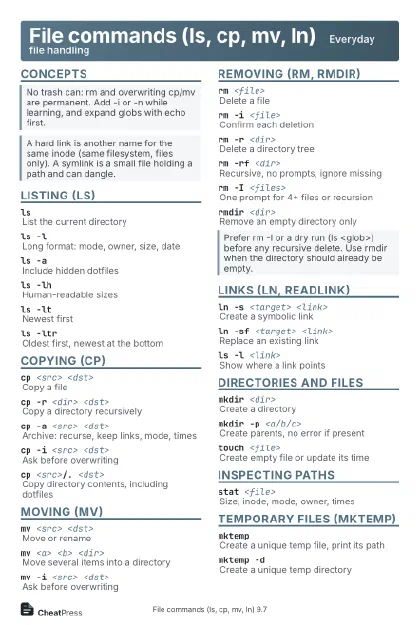
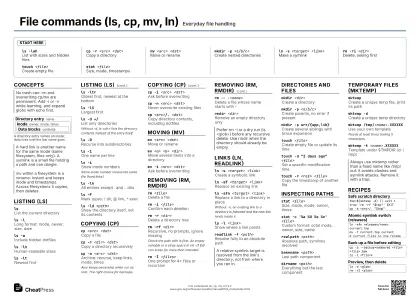
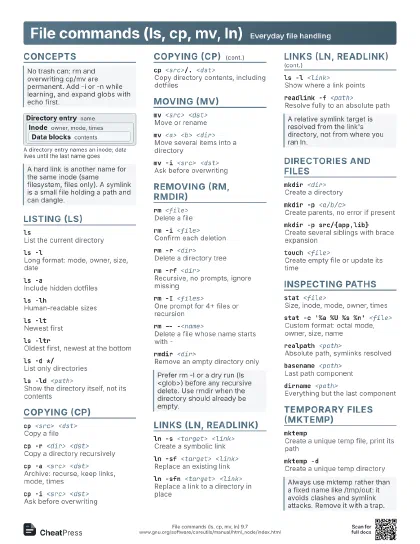
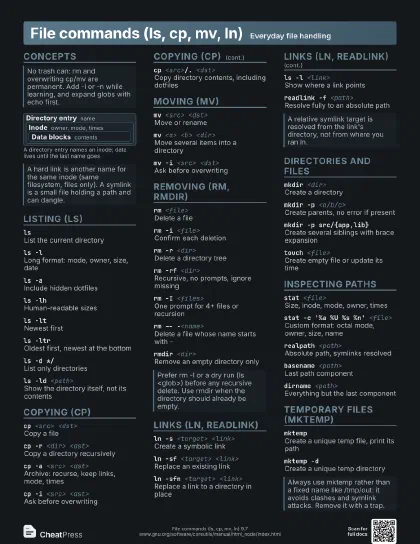
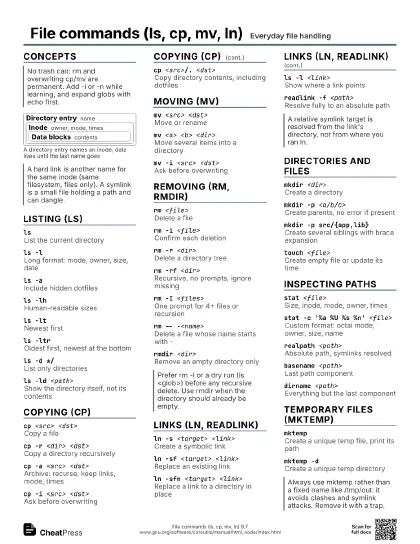
File commands (ls, cp, mv, ln) Everyday file handling
 Light · Postcard
102 × 152 mm · PDF
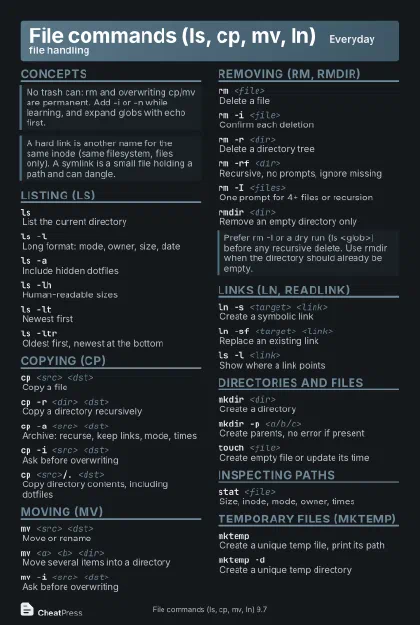 Dark · Postcard
102 × 152 mm · PDF
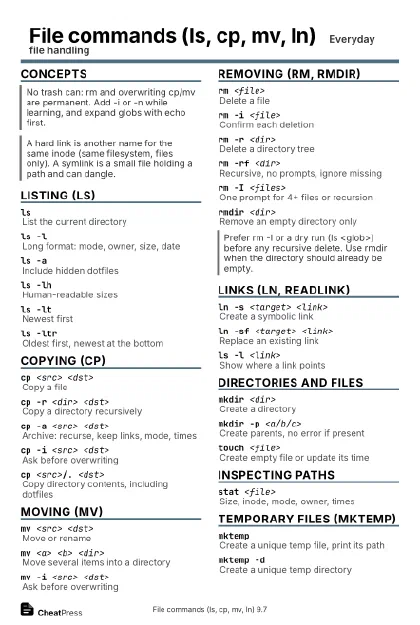 Ink saver · Postcard
102 × 152 mm · PDF
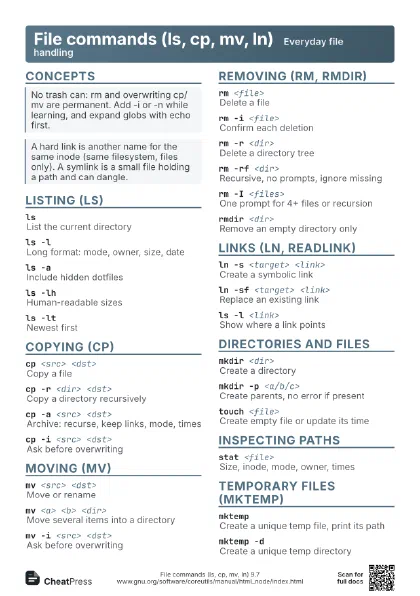
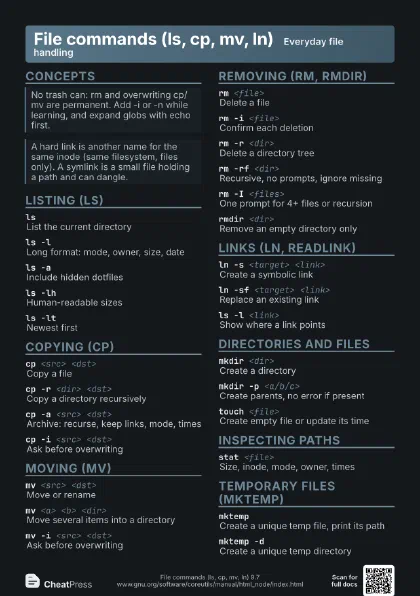
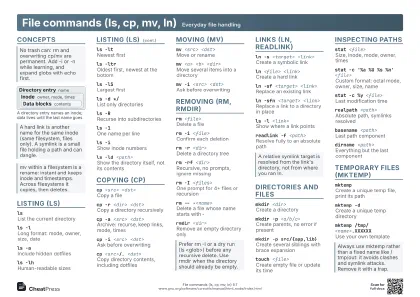 Light · A4 landscape
297 × 210 mm · PDF
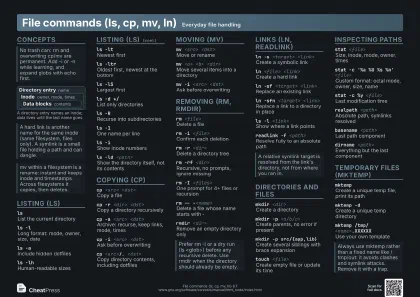 Dark · A4 landscape
297 × 210 mm · PDF
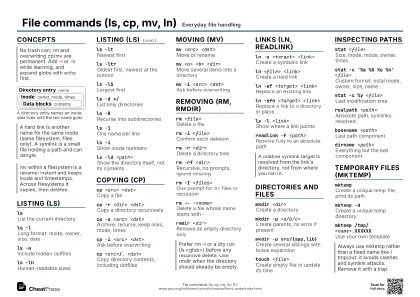 Ink saver · A4 landscape
297 × 210 mm · PDF
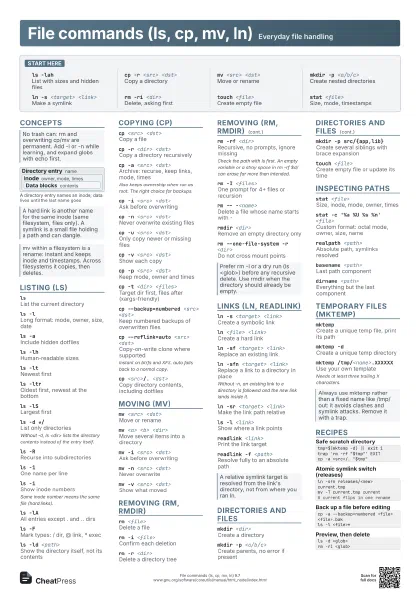
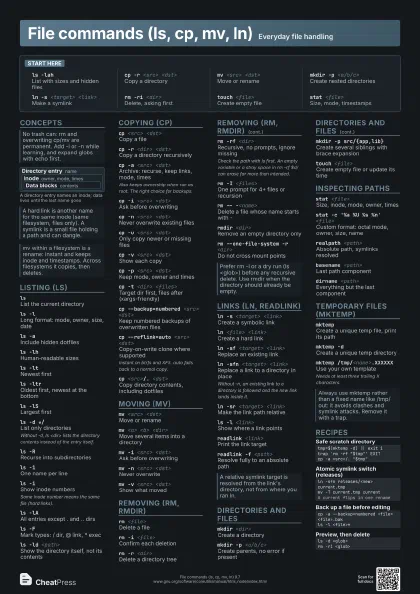
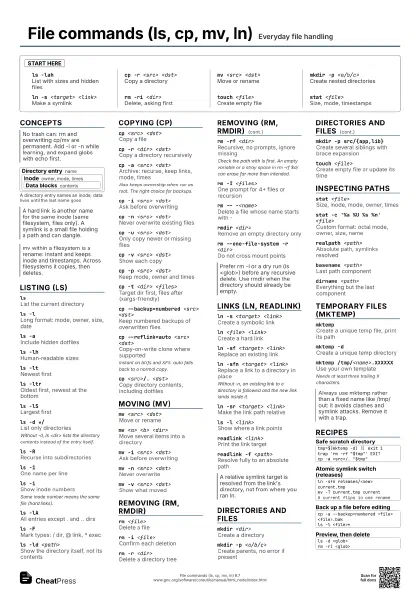
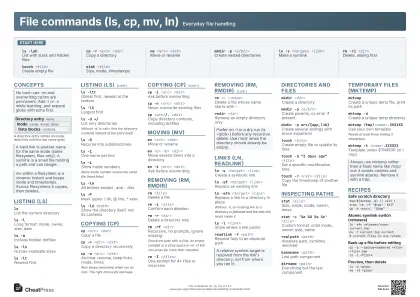 Light · A3 landscape
420 × 297 mm · PDF
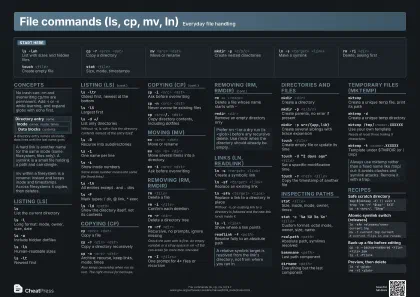 Dark · A3 landscape
420 × 297 mm · PDF
 Ink saver · A3 landscape
420 × 297 mm · PDF
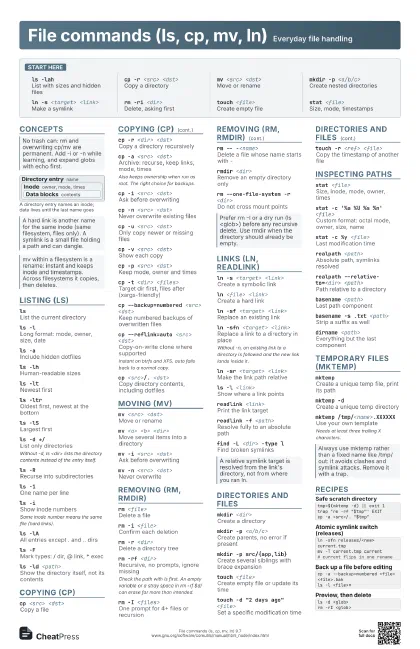
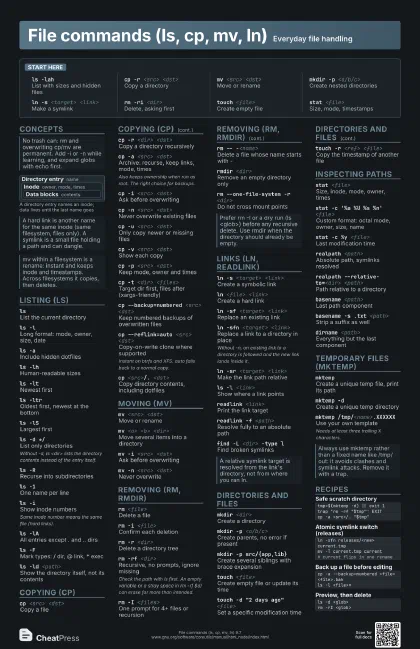
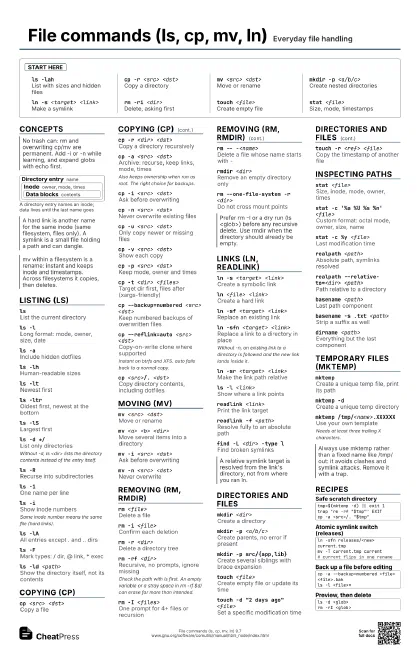
Start here
ls -lahList with sizes and hidden files
cp -r <src> <dst>
Copy a directory
mv <src> <dst>
Move or rename
mkdir -p <a/b/c>
Create nested directories
ln -s <target> <link>
Make a symlink
rm -ri <dir>
Delete, asking first
touch <file>
Create empty file
stat <file>
Size, mode, timestamps
Concepts
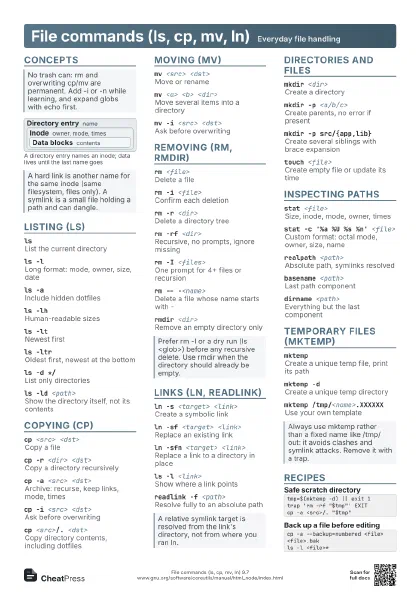
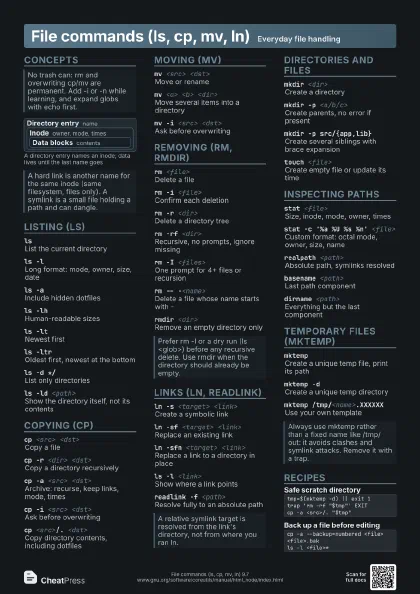
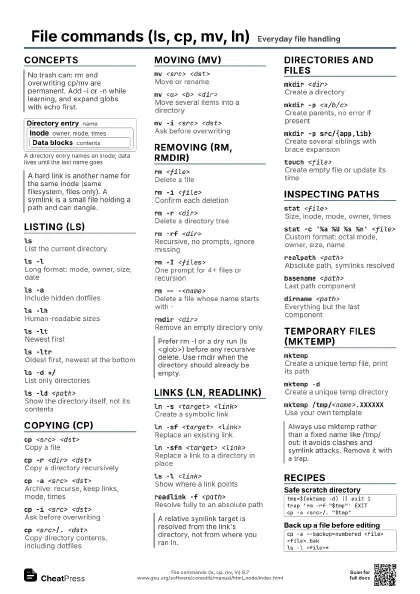
Directory entry name
Inode owner, mode, times
Data blocks contents
Listing (ls)
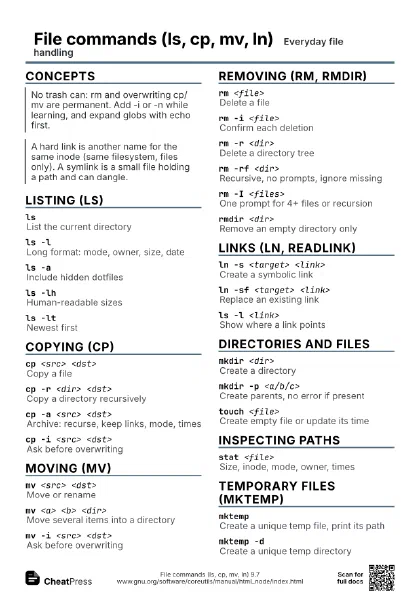
lsList the current directory
ls -lLong format: mode, owner, size, date
ls -aInclude hidden dotfiles
ls -lhHuman-readable sizes
ls -ltNewest first
ls -ltrOldest first, newest at the bottom
ls -lSLargest first
ls -d */List only directories
Without -d, ls <dir> lists the directory contents
instead of the entry itself.
ls -RRecurse into subdirectories
ls -1One name per line
ls -iShow inode numbers
Same inode number means the same file (hard links).
ls -lAAll entries except . and .. dirs
ls --group-directories-first
Directories before files
ls -FMark types: / dir, @ link, * exec
ls -ld <path>
Show the directory itself, not its contents
Copying (cp)
cp <src> <dst>
Copy a file
cp -r <dir> <dst>
Copy a directory recursively
cp -a <src> <dst>
Archive: recurse, keep links, mode, times
Also keeps ownership when run as root. The right choice for
backups.
cp -i <src> <dst>
Ask before overwriting
cp -n <src> <dst>
Never overwrite existing files
cp -u <src> <dst>
Only copy newer or missing files
cp -v <src> <dst>
Show each copy
cp -p <src> <dst>
Keep mode, owner and times
cp -t <dir> <files>
Target dir first, files after (xargs-friendly)
cp --backup=numbered <src> <dst>
Keep numbered backups of overwritten files
cp --reflink=auto <src> <dst>
Copy-on-write clone where supported
Instant on btrfs and XFS. auto falls back to a normal copy.
cp -L <src> <dst>
Follow symlinks and copy their targets
cp <src>/. <dst>
Copy directory contents, including dotfiles
Moving (mv)
mv <src> <dst>
Move or rename
mv <a> <b> <dir>
Move several items into a directory
mv -i <src> <dst>
Ask before overwriting
mv -n <src> <dst>
Never overwrite
mv -v <src> <dst>
Show what moved
mv -t <dir> <files>
Target dir first
mv -T <src> <dst>
Treat dst as a file, never as a dir
Removing (rm, rmdir)
rm <file>Delete a file
rm -i <file>
Confirm each deletion
rm -r <dir>
Delete a directory tree
rm -rf <dir>
Recursive, no prompts, ignore missing
Check the path with ls first. An empty variable or a stray
space in rm -rf $d/ can erase far more than intended.
rm -I <files>
One prompt for 4+ files or recursion
rm -v <file>
Print each removal
rm -- -<name>
Delete a file whose name starts with -
rm -d <dir>
Remove an empty directory
rmdir <dir>
Remove an empty directory only
rm --one-file-system -r <dir>
Do not cross mount points
Links (ln, readlink)
ln -s <target> <link>
Create a symbolic link
ln <file> <link>
Create a hard link
ln -sf <target> <link>
Replace an existing link
ln -sfn <target> <link>
Replace a link to a directory in place
Without -n, an existing link to a directory is followed and
the new link lands inside it.
ln -sr <target> <link>
Make the link path relative
ls -l <link>
Show where a link points
readlink <link>
Print the link target
readlink -f <path>
Resolve fully to an absolute path
find -L <dir> -type l
Find broken symlinks
Directories and files
mkdir <dir>
Create a directory
mkdir -p <a/b/c>
Create parents, no error if present
mkdir -m 700 <dir>
Create with a given mode
mkdir -p src/{app,lib}
Create several siblings with brace expansion
touch <file>
Create empty file or update its time
touch -d "2 days ago" <file>
Set a specific modification time
touch -r <ref> <file>
Copy the timestamp of another file
Inspecting paths
stat <file>
Size, inode, mode, owner, times
stat -c '%a %U %s %n' <file>
Custom format: octal mode, owner, size, name
stat -c %y <file>
Last modification time
realpath <path>
Absolute path, symlinks resolved
realpath --relative-to=<dir> <path>
Path relative to a directory
basename <path>
Last path component
basename -s .txt <path>
Strip a suffix as well
dirname <path>
Everything but the last component
file <path>
Detect the file type
du -sh <path>
Total size of a path
Temporary files (mktemp)
mktemp
Create a unique temp file, print its path
mktemp -dCreate a unique temp directory
mktemp /tmp/<name>.XXXXXX
Use your own template
Needs at least three trailing X characters.
mktemp -t <name>.XXXXXX
Template under $TMPDIR (or /tmp)
Recipes
tmp=$(mktemp -d) || exit 1trap 'rm -rf "$tmp"' EXITcp -a <src>/. "$tmp"ln -sfn releases/<new> current.tmpmv -T current.tmp current# current flips in one renamecp -a --backup=numbered <file> <file>.bakls -l <file>*ls -d <glob>rm -rI <glob>