Cheat
journalctl Query the journal
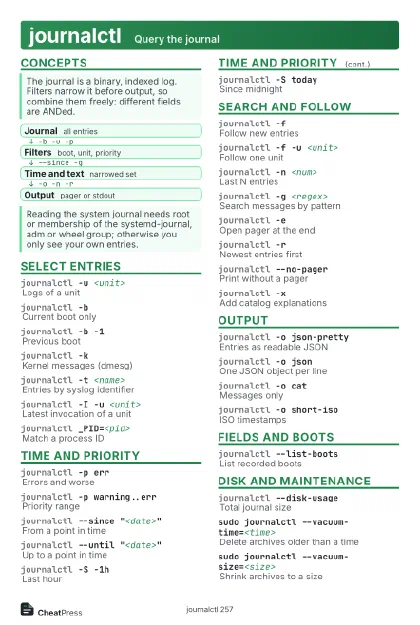 Light · Postcard
102 × 152 mm · PDF
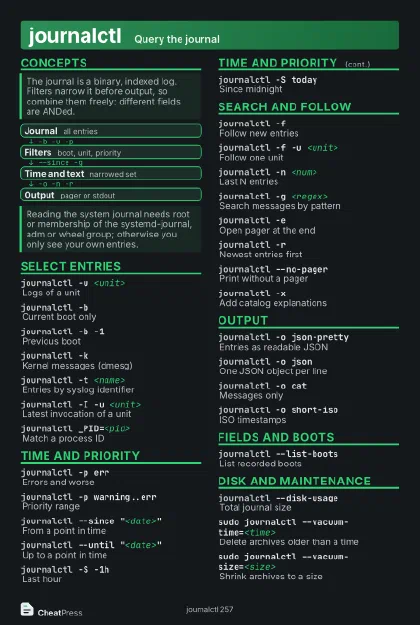 Dark · Postcard
102 × 152 mm · PDF
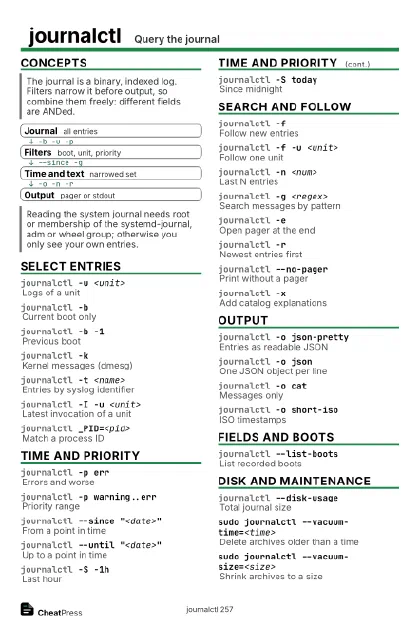 Ink saver · Postcard
102 × 152 mm · PDF
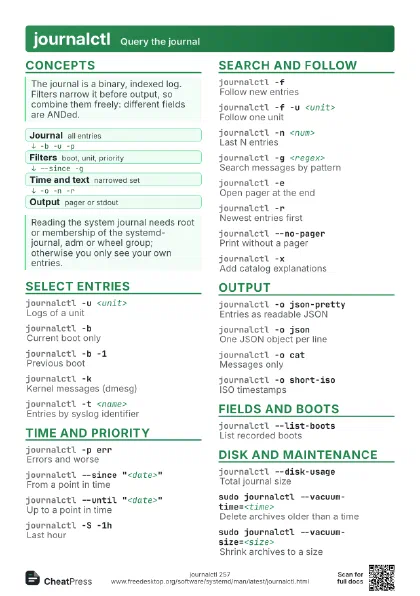
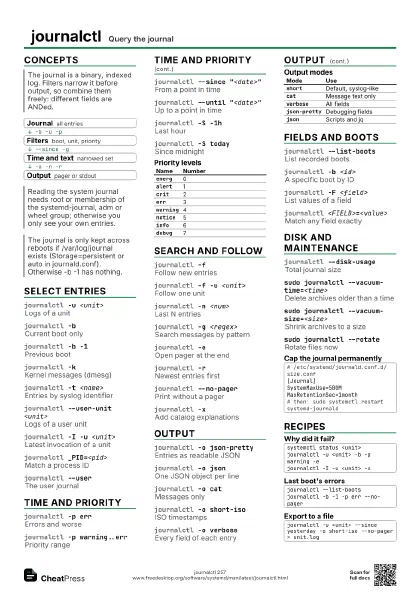
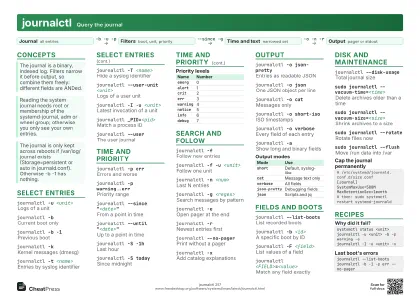 Light · A4 landscape
297 × 210 mm · PDF
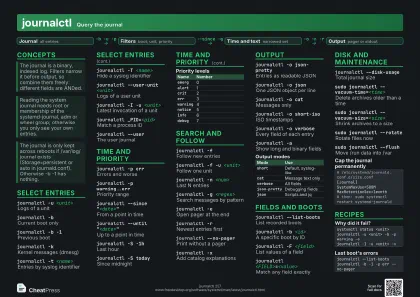 Dark · A4 landscape
297 × 210 mm · PDF
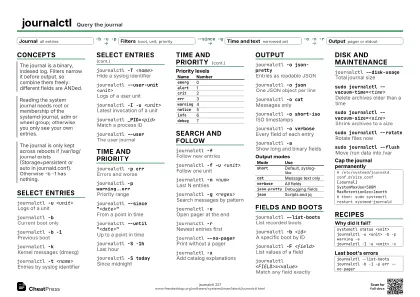 Ink saver · A4 landscape
297 × 210 mm · PDF
 Light · A3 landscape
420 × 297 mm · PDF
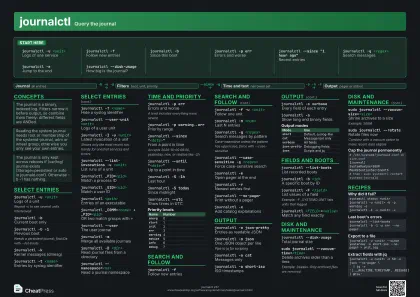 Dark · A3 landscape
420 × 297 mm · PDF
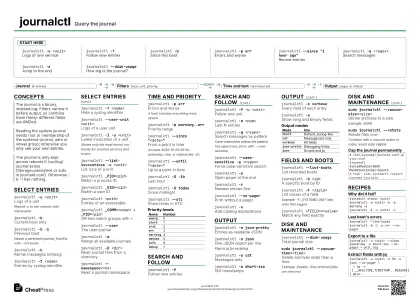 Ink saver · A3 landscape
420 × 297 mm · PDF
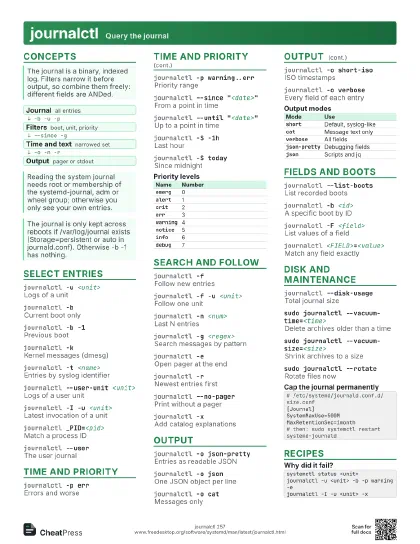
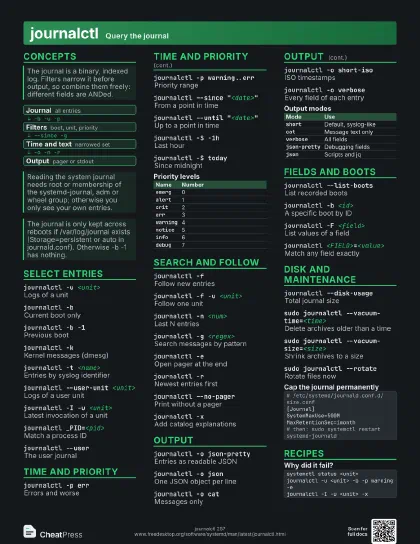
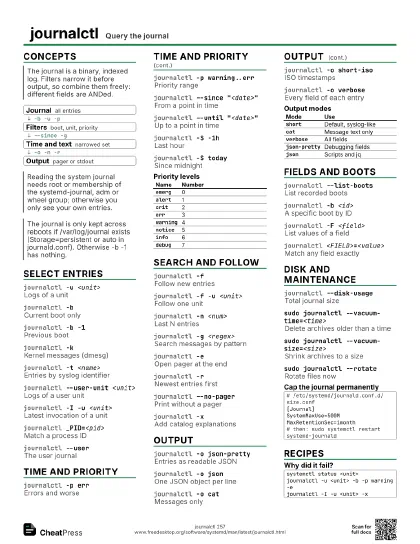
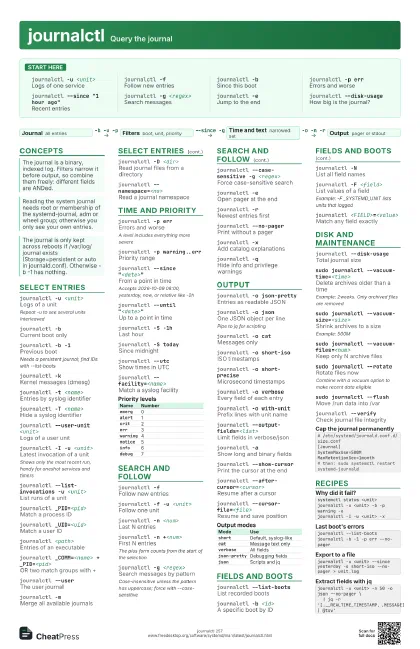
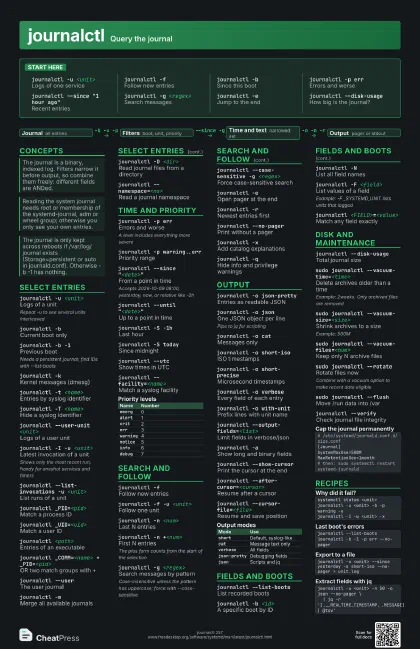
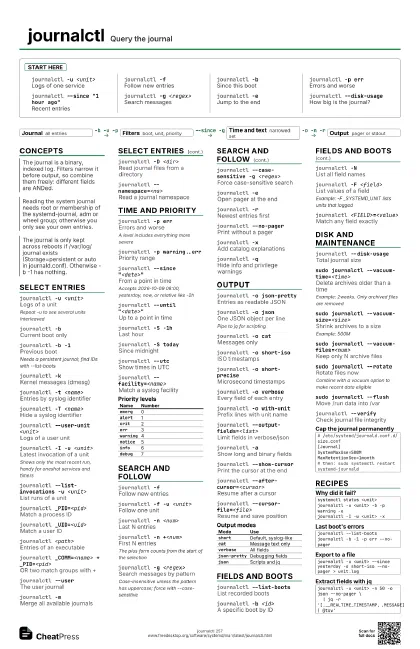
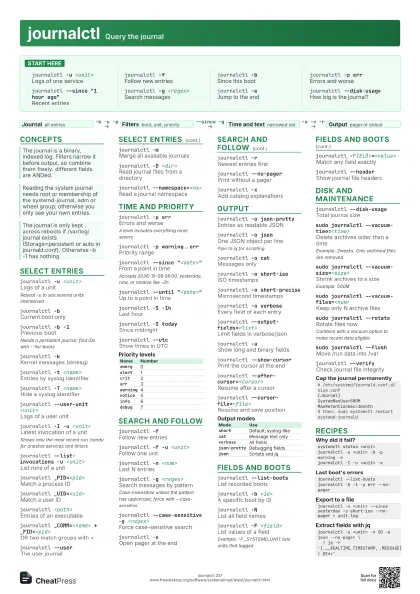
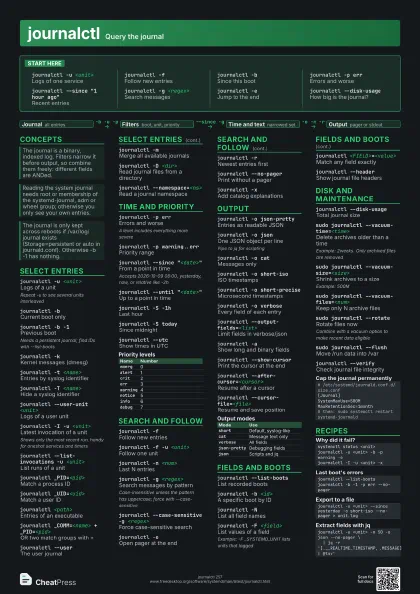
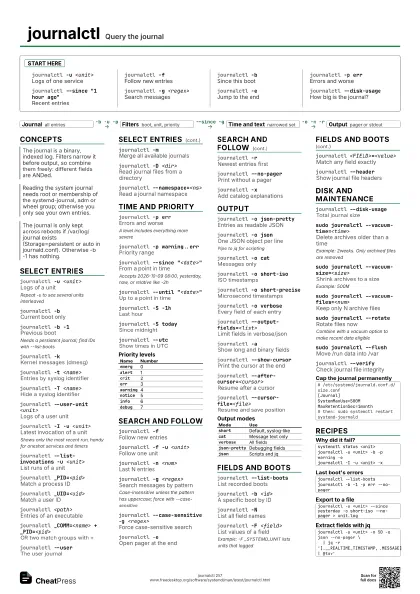
Start here
journalctl -u <unit>
Logs of one service
journalctl -fFollow new entries
journalctl -bSince this boot
journalctl -p err
Errors and worse
journalctl --since "1 hour ago"
Recent entries
journalctl -g <regex>
Search messages
journalctl -eJump to the end
journalctl --disk-usage
How big is the journal?
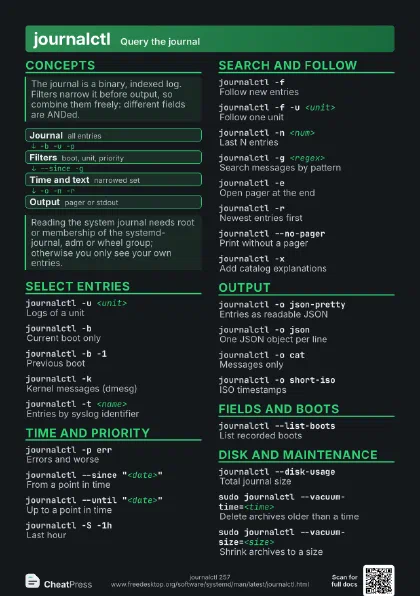
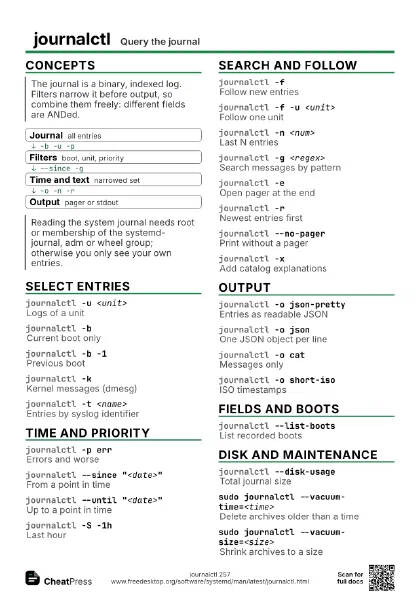
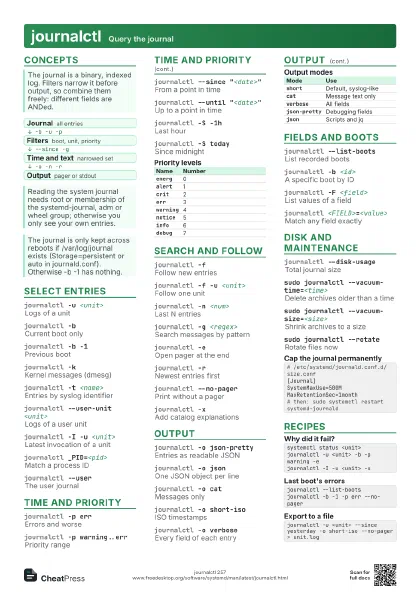
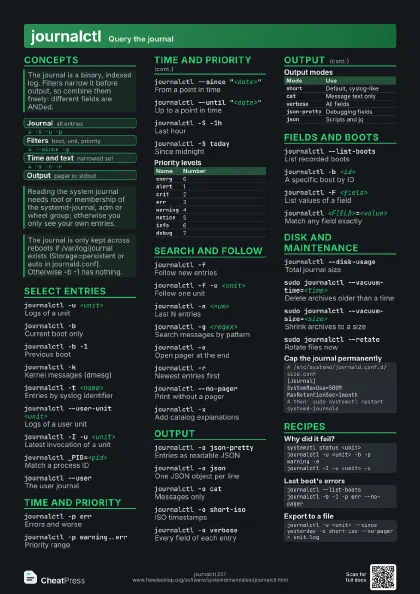
Concepts
- Journal all entries
- Filters boot, unit, priority
- Time and text narrowed set
- Output pager or stdout
Select entries
journalctl -u <unit>
Logs of a unit
Repeat -u to see several units interleaved
journalctl -bCurrent boot only
journalctl -b -1
Previous boot
Needs a persistent journal; find IDs with --list-boots
journalctl -kKernel messages (dmesg)
journalctl -t <name>
Entries by syslog identifier
journalctl -T <name>
Hide a syslog identifier
journalctl --user-unit <unit>
Logs of a user unit
journalctl -I -u <unit>
Latest invocation of a unit
Shows only the most recent run, handy for oneshot services and
timers
journalctl --list-invocations -u <unit>
List runs of a unit
journalctl _PID=<pid>
Match a process ID
journalctl _UID=<uid>
Match a user ID
journalctl <path>
Entries of an executable
journalctl _COMM=<name> + _PID=<pid>
OR two match groups with +
journalctl --user
The user journal
journalctl -mMerge all available journals
journalctl -D <dir>
Read journal files from a directory
journalctl --namespace=<ns>
Read a journal namespace
Time and priority
journalctl -p err
Errors and worse
A level includes everything more severe
journalctl -p warning..err
Priority range
journalctl --since "<date>"
From a point in time
Accepts 2026-10-09 08:00, yesterday, now, or relative like -2h
journalctl --until "<date>"
Up to a point in time
journalctl -S -1h
Last hour
journalctl -S today
Since midnight
journalctl --utc
Show times in UTC
journalctl --facility=<name>
Match a syslog facility
| Name | Number |
|---|---|
emerg |
0 |
alert |
1 |
crit |
2 |
err |
3 |
warning |
4 |
notice |
5 |
info |
6 |
debug |
7 |
Search and follow
journalctl -fFollow new entries
journalctl -f -u <unit>
Follow one unit
journalctl -n <num>
Last N entries
journalctl -n +<num>
First N entries
The plus form counts from the start of the selection
journalctl -g <regex>
Search messages by pattern
Case-insensitive unless the pattern has uppercase; force with
--case-sensitive
journalctl --case-sensitive -g <regex>
Force case-sensitive search
journalctl -eOpen pager at the end
journalctl -rNewest entries first
journalctl --no-pager
Print without a pager
journalctl -xAdd catalog explanations
journalctl -qHide info and privilege warnings
Output
journalctl -o json-pretty
Entries as readable JSON
journalctl -o json
One JSON object per line
Pipe to jq for scripting
journalctl -o cat
Messages only
journalctl -o short-iso
ISO timestamps
journalctl -o short-precise
Microsecond timestamps
journalctl -o verbose
Every field of each entry
journalctl -o with-unit
Prefix lines with unit name
journalctl -o export
Binary export format
journalctl --output-fields=<list>
Limit fields in verbose/json
journalctl -aShow long and binary fields
journalctl --no-hostname
Hide the host name
journalctl --show-cursor
Print the cursor at the end
journalctl --after-cursor=<cursor>
Resume after a cursor
journalctl --cursor-file=<file>
Resume and save position
| Mode | Use |
|---|---|
short |
Default, syslog-like |
cat |
Message text only |
verbose |
All fields |
json-pretty |
Debugging fields |
json |
Scripts and jq |
Fields and boots
journalctl --list-boots
List recorded boots
journalctl -b <id>
A specific boot by ID
journalctl -NList all field names
journalctl -F <field>
List values of a field
Example: -F _SYSTEMD_UNIT lists units that logged
journalctl <FIELD>=<value>
Match any field exactly
journalctl --header
Show journal file headers
journalctl --list-catalog
List catalog message IDs
journalctl --list-namespaces
List journal namespaces
Disk and maintenance
journalctl --disk-usage
Total journal size
sudo journalctl --vacuum-time=<time>
Delete archives older than a time
Example: 2weeks. Only archived files are removed
sudo journalctl --vacuum-size=<size>
Shrink archives to a size
Example: 500M
sudo journalctl --vacuum-files=<num>
Keep only N archive files
sudo journalctl --rotate
Rotate files now
Combine with a vacuum option to make recent data eligible
sudo journalctl --flush
Move /run data into /var
sudo journalctl --sync
Write pending messages to disk
journalctl --verify
Check journal file integrity
sudo journalctl --setup-keys
Generate sealing keys
# /etc/systemd/journald.conf.d/size.conf[Journal]SystemMaxUse=500MMaxRetentionSec=1month# then: sudo systemctl restart systemd-journaldRecipes
systemctl status <unit>journalctl -u <unit> -b -p warning -ejournalctl -I -u <unit> -xjournalctl --list-bootsjournalctl -b -1 -p err --no-pagerjournalctl -u <unit> --since yesterday -o short-iso --no-pager > unit.logjournalctl -u <unit> -n 50 -o json --no-pager \ | jq -r '[.__REALTIME_TIMESTAMP, .MESSAGE] | @tsv'