Cheat
strace Syscall tracer
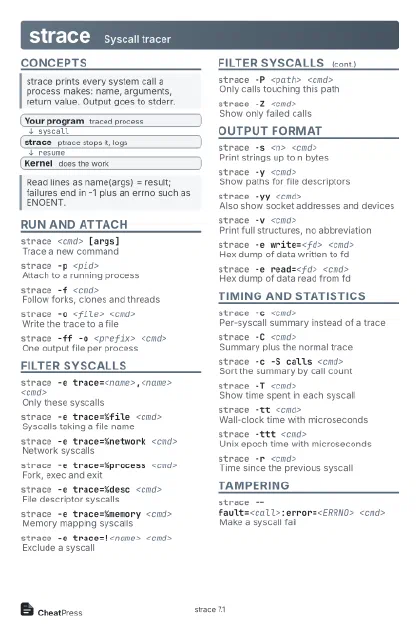 Light · Postcard
102 × 152 mm · PDF
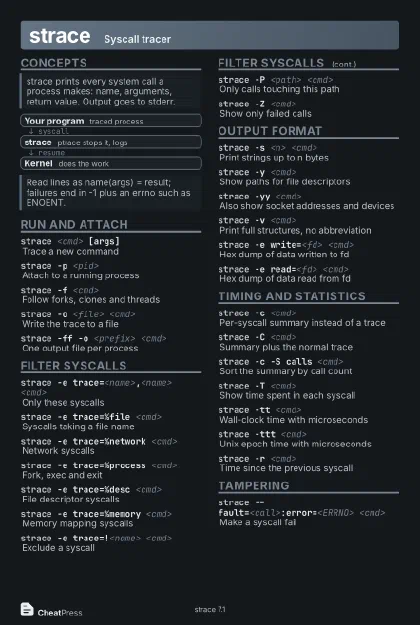 Dark · Postcard
102 × 152 mm · PDF
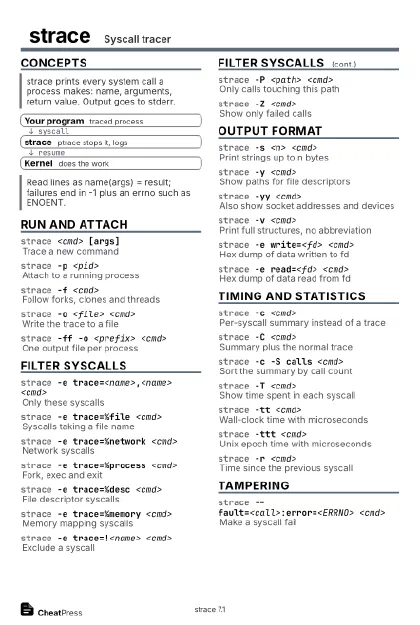 Ink saver · Postcard
102 × 152 mm · PDF
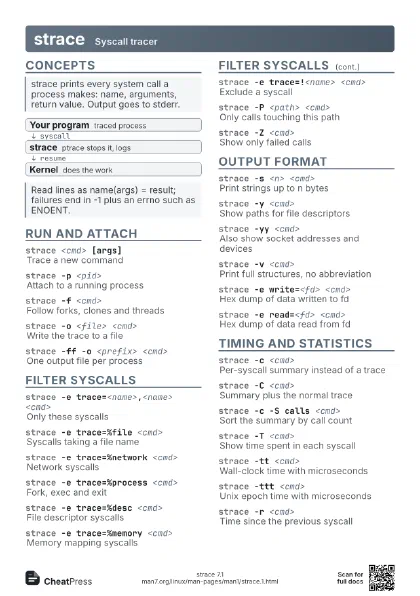
 Light · A4 landscape
297 × 210 mm · PDF
 Dark · A4 landscape
297 × 210 mm · PDF
 Ink saver · A4 landscape
297 × 210 mm · PDF
 Light · A3 landscape
420 × 297 mm · PDF
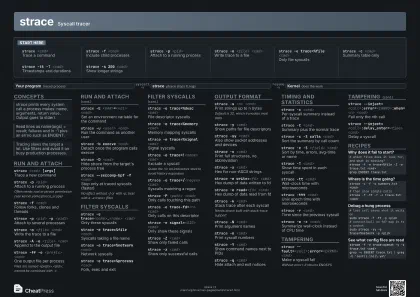 Dark · A3 landscape
420 × 297 mm · PDF
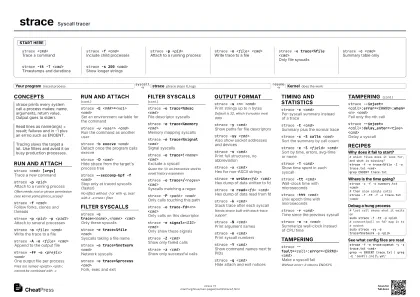 Ink saver · A3 landscape
420 × 297 mm · PDF
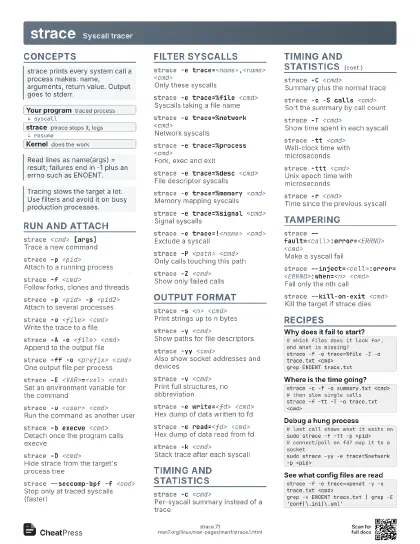
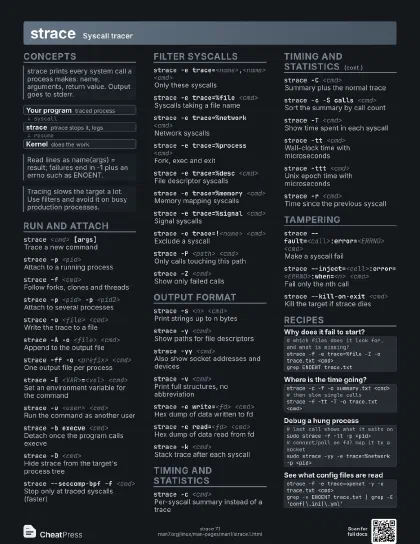
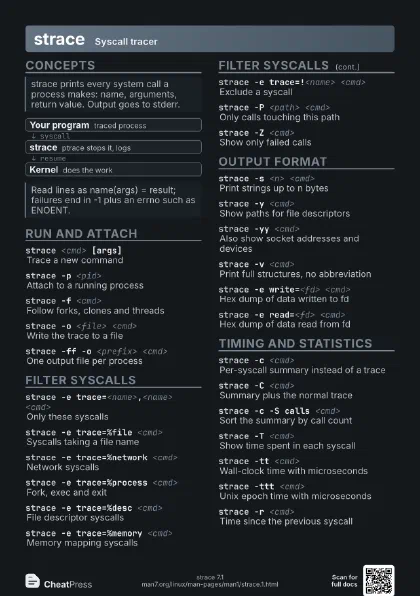
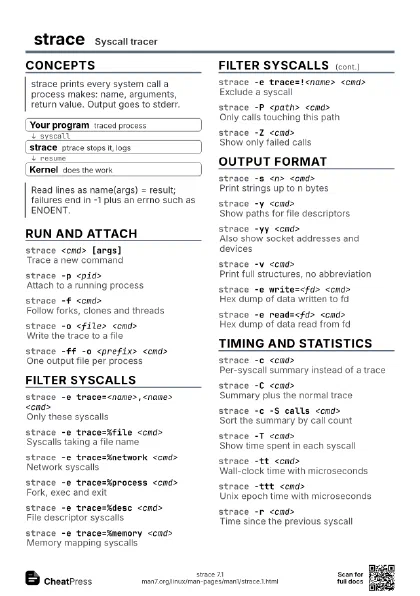
Start here
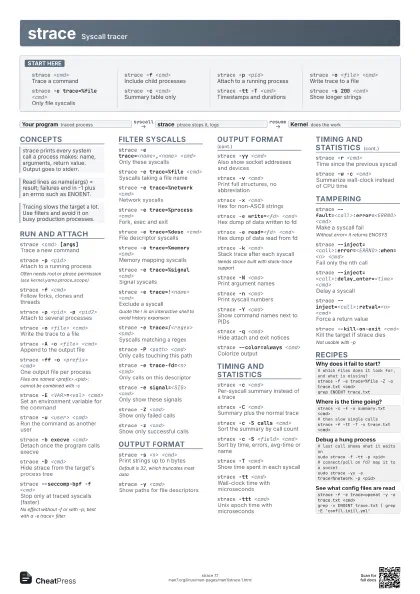
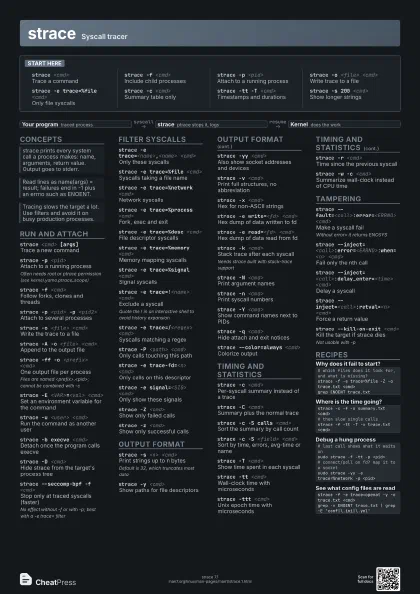
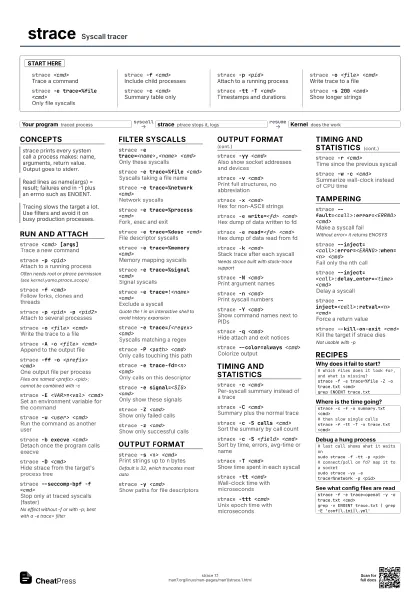
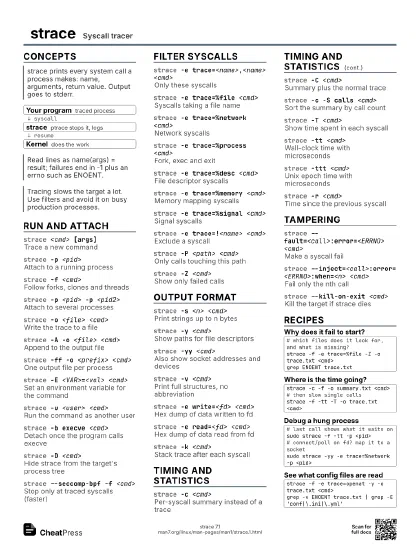
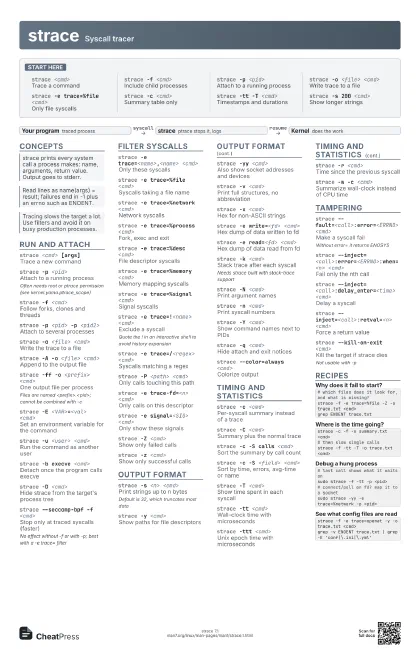
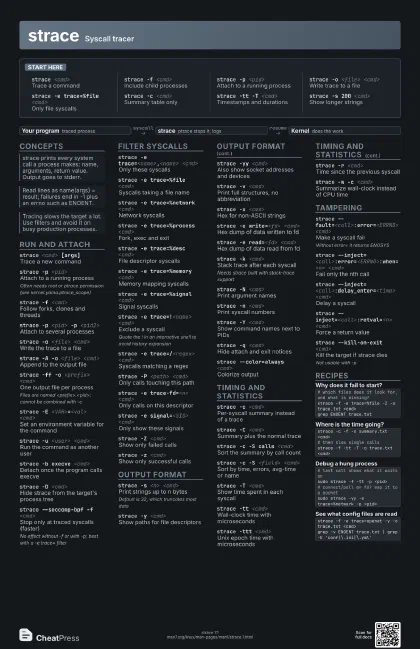
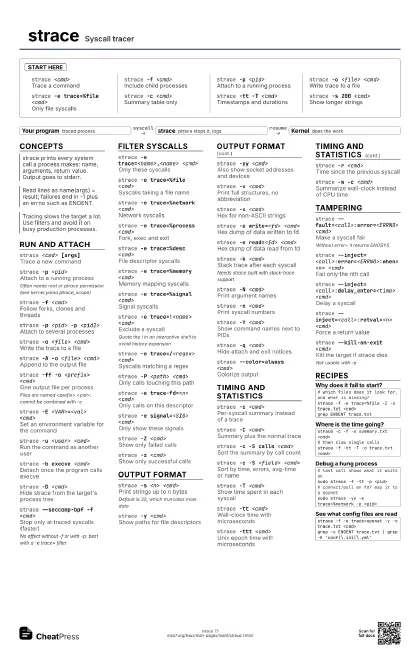
strace <cmd>
Trace a command
strace -f <cmd>
Include child processes
strace -p <pid>
Attach to a running process
strace -o <file> <cmd>
Write trace to a file
strace -e trace=%file <cmd>
Only file syscalls
strace -c <cmd>
Summary table only
strace -tt -T <cmd>
Timestamps and durations
strace -s 200 <cmd>
Show longer strings
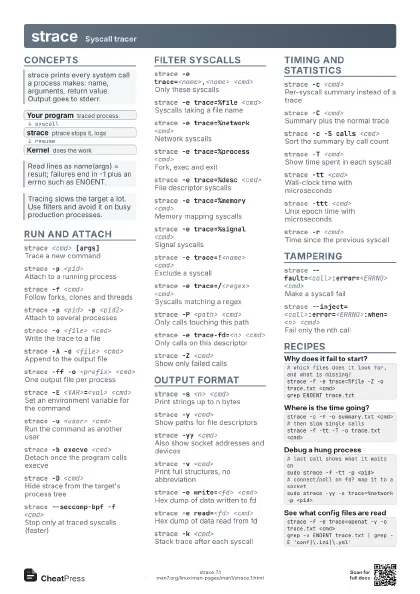
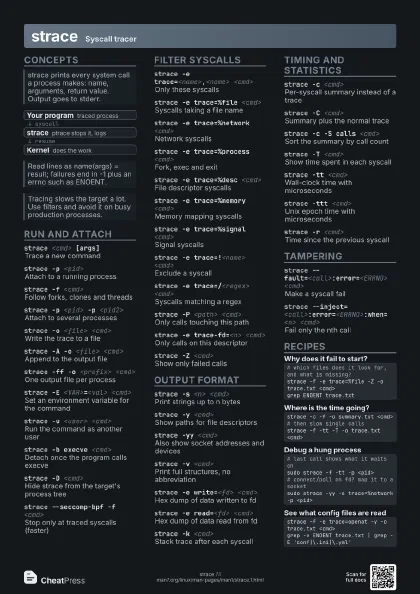
Concepts
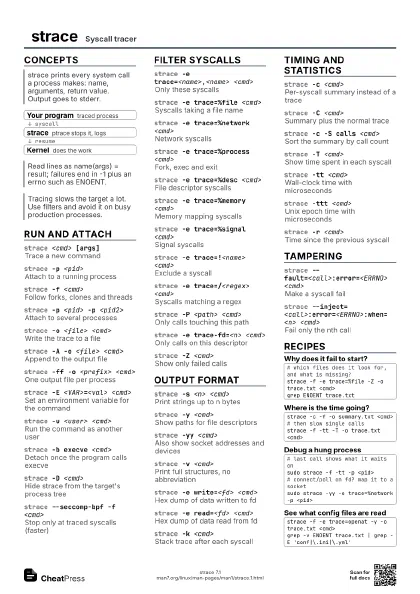
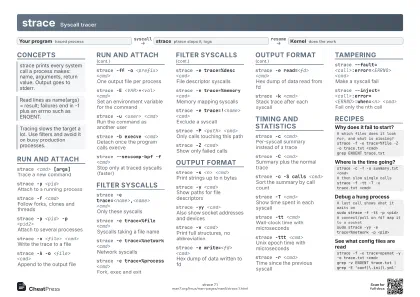
- Your program traced process
- strace ptrace stops it, logs
- Kernel does the work
Run and attach
strace <cmd> [args]
Trace a new command
strace -p <pid>
Attach to a running process
Often needs root or ptrace permission (see
kernel.yama.ptrace_scope)
strace -f <cmd>
Follow forks, clones and threads
strace -p <pid> -p <pid2>
Attach to several processes
strace -o <file> <cmd>
Write the trace to a file
strace -A -o <file> <cmd>
Append to the output file
strace -ff -o <prefix> <cmd>
One output file per process
Files are named <prefix>.<pid>; cannot be combined
with -c
strace -E <VAR>=<val> <cmd>
Set an environment variable for the command
strace -u <user> <cmd>
Run the command as another user
strace -b execve <cmd>
Detach once the program calls execve
strace -D <cmd>
Hide strace from the target's process tree
strace --seccomp-bpf -f <cmd>
Stop only at traced syscalls (faster)
No effect without -f or with -p; best with a -e trace= filter
Filter syscalls
strace -e trace=<name>,<name> <cmd>
Only these syscalls
strace -e trace=%file <cmd>
Syscalls taking a file name
strace -e trace=%network <cmd>
Network syscalls
strace -e trace=%process <cmd>
Fork, exec and exit
strace -e trace=%desc <cmd>
File descriptor syscalls
strace -e trace=%memory <cmd>
Memory mapping syscalls
strace -e trace=%signal <cmd>
Signal syscalls
strace -e trace=!<name> <cmd>
Exclude a syscall
Quote the ! in an interactive shell to avoid history expansion
strace -e trace=/<regex> <cmd>
Syscalls matching a regex
strace -P <path> <cmd>
Only calls touching this path
strace -e trace-fd=<n> <cmd>
Only calls on this descriptor
strace -e signal=<SIG> <cmd>
Only show these signals
strace -Z <cmd>
Show only failed calls
strace -z <cmd>
Show only successful calls
Output format
strace -s <n> <cmd>
Print strings up to n bytes
Default is 32, which truncates most data
strace -y <cmd>
Show paths for file descriptors
strace -yy <cmd>
Also show socket addresses and devices
strace -v <cmd>
Print full structures, no abbreviation
strace -x <cmd>
Hex for non-ASCII strings
strace -e write=<fd> <cmd>
Hex dump of data written to fd
strace -e read=<fd> <cmd>
Hex dump of data read from fd
strace -k <cmd>
Stack trace after each syscall
Needs strace built with stack-trace support
strace -N <cmd>
Print argument names
strace -n <cmd>
Print syscall numbers
strace -Y <cmd>
Show command names next to PIDs
strace -q <cmd>
Hide attach and exit notices
strace --color=always <cmd>
Colorize output
Timing and statistics
strace -c <cmd>
Per-syscall summary instead of a trace
strace -C <cmd>
Summary plus the normal trace
strace -c -S calls <cmd>
Sort the summary by call count
strace -c -S <field> <cmd>
Sort by time, errors, avg-time or name
strace -T <cmd>
Show time spent in each syscall
strace -tt <cmd>
Wall-clock time with microseconds
strace -ttt <cmd>
Unix epoch time with microseconds
strace -r <cmd>
Time since the previous syscall
strace -w -c <cmd>
Summarize wall-clock instead of CPU time
Tampering
strace --fault=<call>:error=<ERRNO>
                    <cmd>
Make a syscall fail
Without error= it returns ENOSYS
strace
                    --inject=<call>:error=<ERRNO>:when=<n>
                    <cmd>
Fail only the nth call
strace --inject=<call>:delay_enter=<time>
                    <cmd>
Delay a syscall
strace --inject=<call>:retval=<n>
                    <cmd>
Force a return value
strace --kill-on-exit <cmd>
Kill the target if strace dies
Not usable with -p
Recipes
# which files does it look for, and what is missing?strace -f -e trace=%file -Z -o trace.txt <cmd>grep ENOENT trace.txtstrace -c -f -o summary.txt <cmd># then slow single callsstrace -f -tt -T -o trace.txt <cmd># last call shows what it waits onsudo strace -f -tt -p <pid># connect/poll on fd? map it to a socketsudo strace -yy -e trace=%network -p <pid>strace -f -e trace=openat -y -o trace.txt <cmd>grep -v ENOENT trace.txt | grep -E 'conf|\.ini|\.yml'