Cheat
lsof List open files
 Light · Postcard
102 × 152 mm · PDF
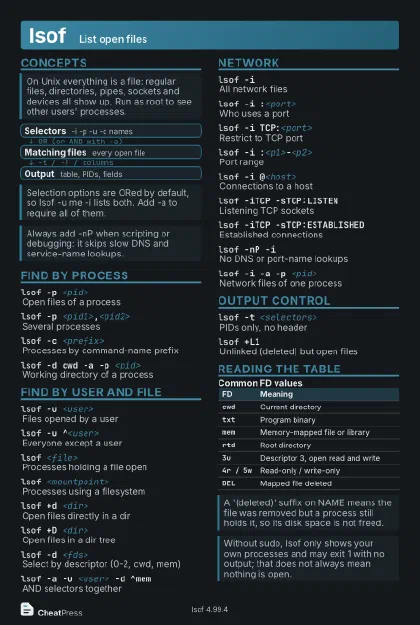 Dark · Postcard
102 × 152 mm · PDF
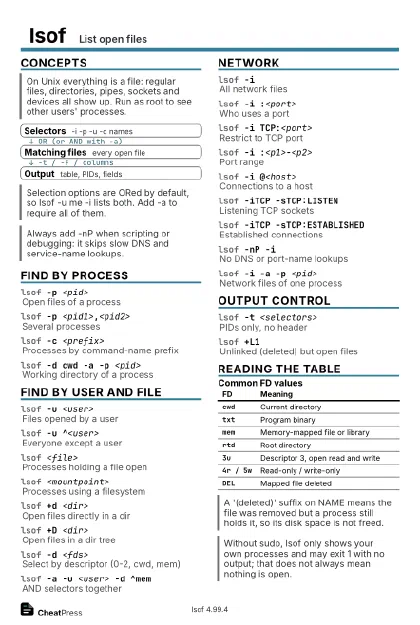 Ink saver · Postcard
102 × 152 mm · PDF
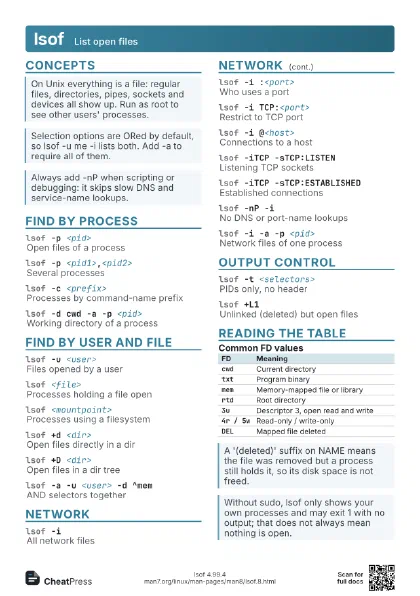
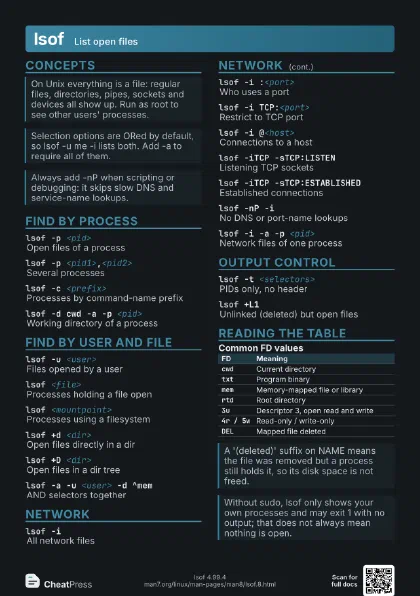
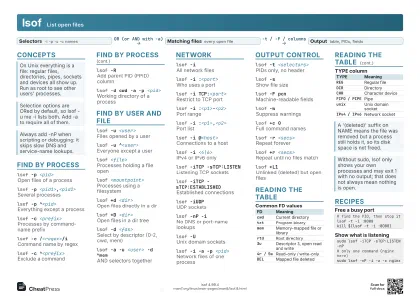 Light · A4 landscape
297 × 210 mm · PDF
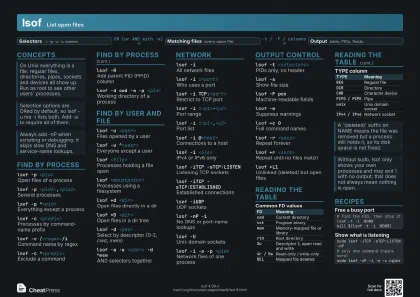 Dark · A4 landscape
297 × 210 mm · PDF
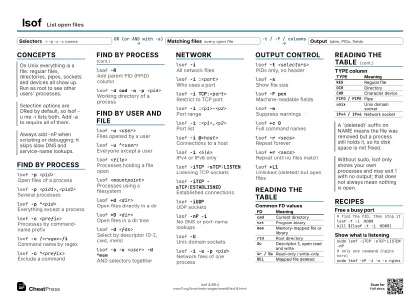 Ink saver · A4 landscape
297 × 210 mm · PDF
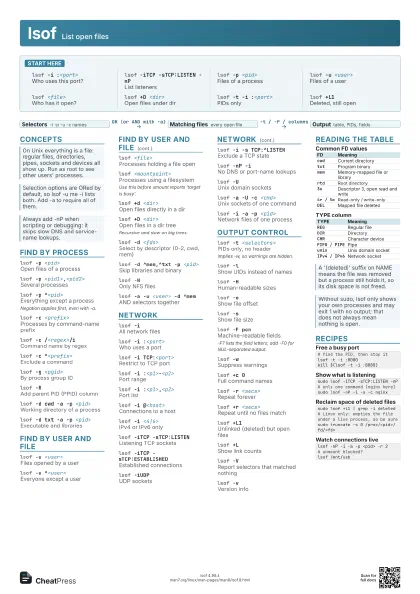
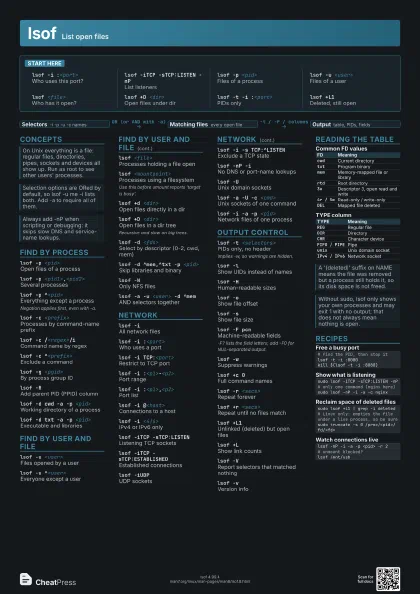
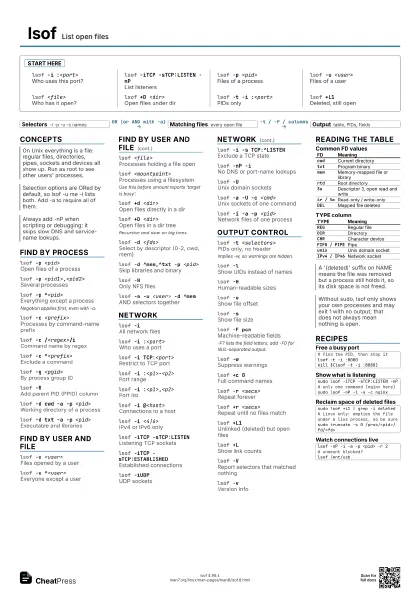
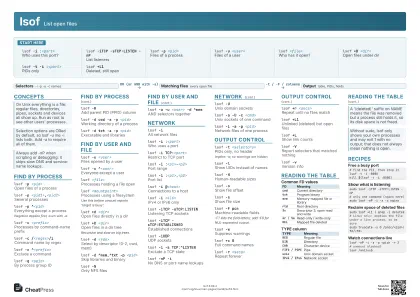 Light · A3 landscape
420 × 297 mm · PDF
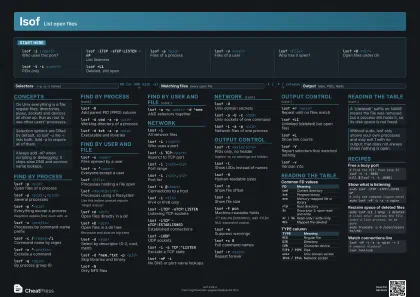 Dark · A3 landscape
420 × 297 mm · PDF
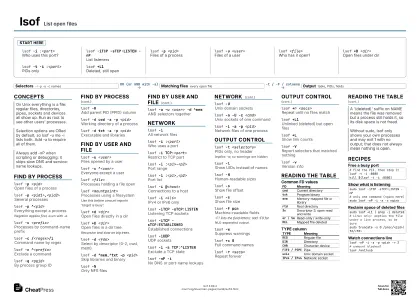 Ink saver · A3 landscape
420 × 297 mm · PDF
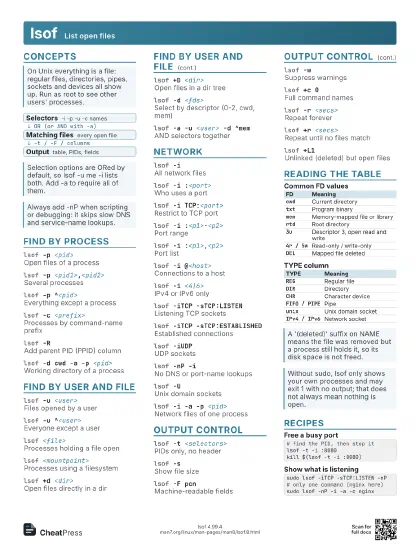
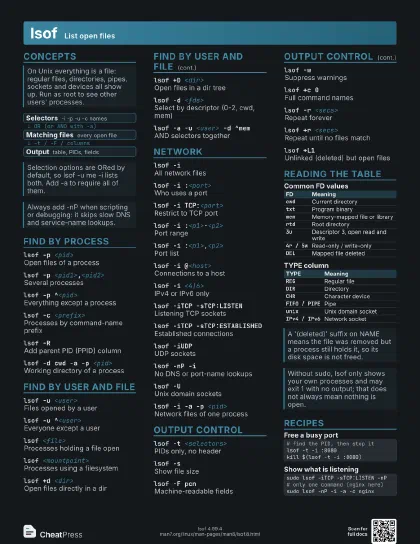
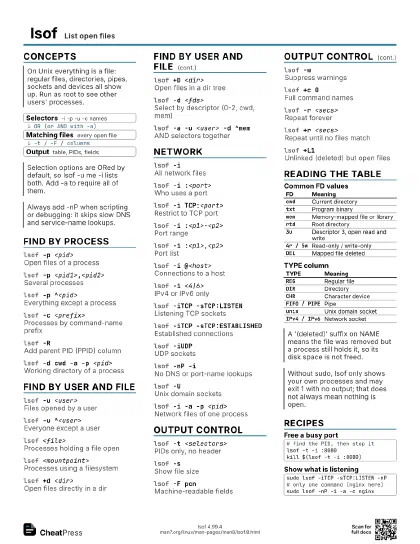
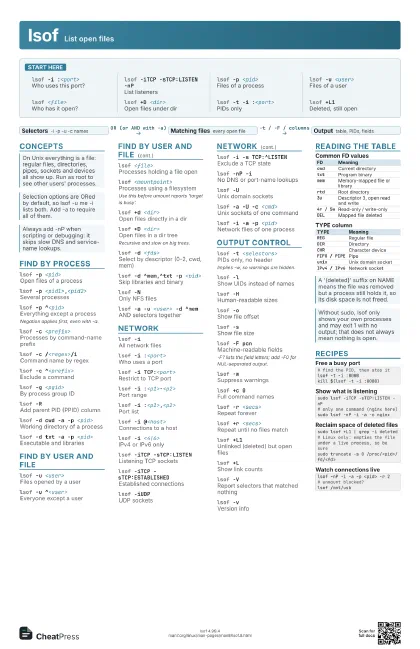
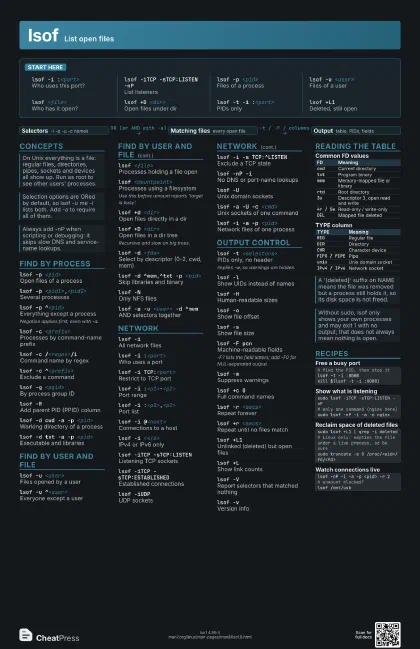
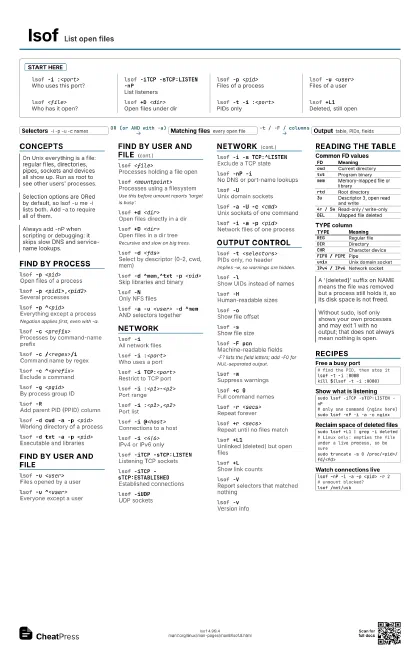
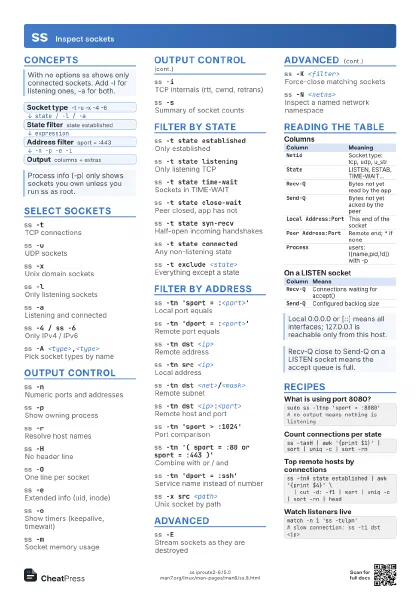
Start here
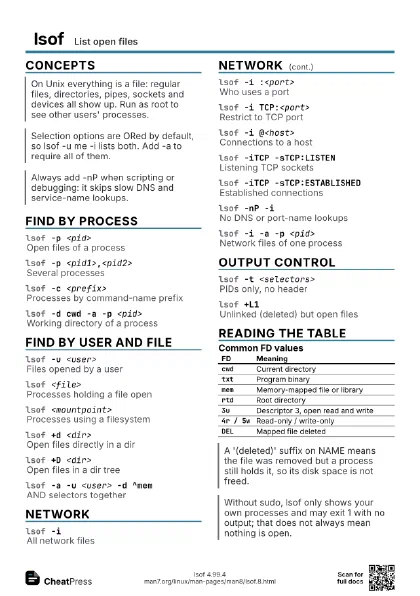
lsof -i :<port>
Who uses this port?
lsof -iTCP -sTCP:LISTEN -nP
List listeners
lsof -p <pid>
Files of a process
lsof -u <user>
Files of a user
lsof <file>
Who has it open?
lsof +D <dir>
Open files under dir
lsof -t -i :<port>
PIDs only
lsof +L1Deleted, still open
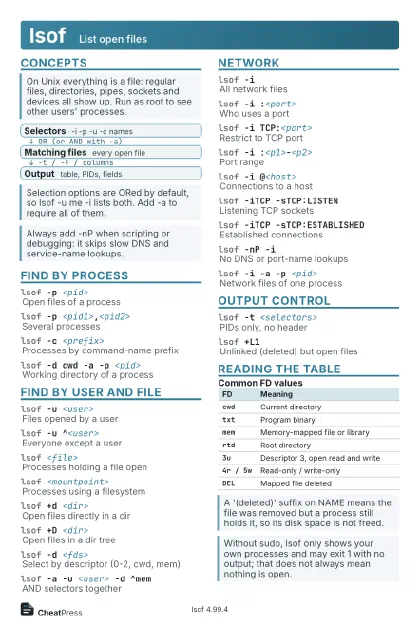
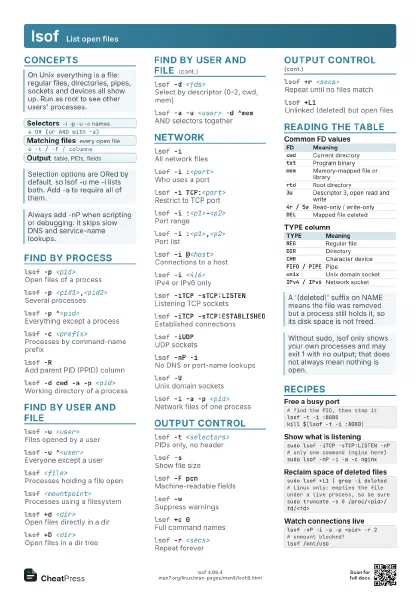
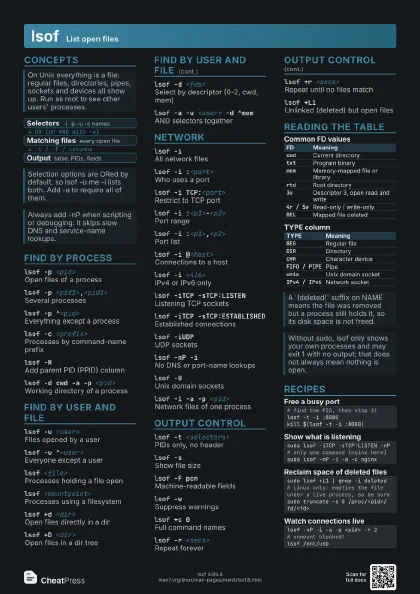
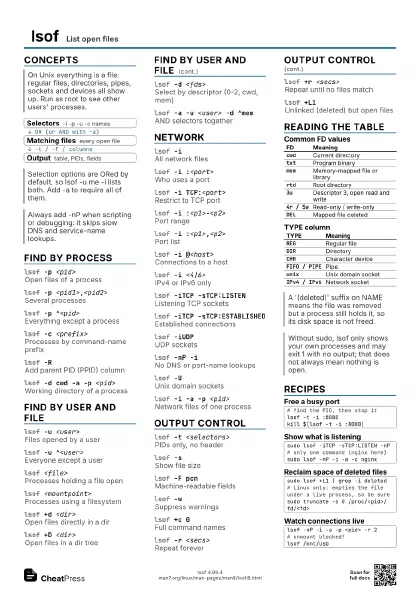
Concepts
- Selectors -i -p -u -c names
- Matching files every open file
- Output table, PIDs, fields
Find by process
lsof -p <pid>
Open files of a process
lsof -p <pid1>,<pid2>
Several processes
lsof -p ^<pid>
Everything except a process
Negation applies first, even with -a.
lsof -c <prefix>
Processes by command-name prefix
lsof -c /<regex>/i
Command name by regex
lsof -c ^<prefix>
Exclude a command
lsof -g <pgid>
By process group ID
lsof -RAdd parent PID (PPID) column
lsof -d cwd -a -p <pid>
Working directory of a process
lsof -d txt -a -p <pid>
Executable and libraries
Find by user and file
lsof -u <user>
Files opened by a user
lsof -u ^<user>
Everyone except a user
lsof <file>
Processes holding a file open
lsof <mountpoint>
Processes using a filesystem
Use this before umount reports 'target is busy'.
lsof +d <dir>
Open files directly in a dir
lsof +D <dir>
Open files in a dir tree
Recursive and slow on big trees.
lsof -d <fds>
Select by descriptor (0-2, cwd, mem)
lsof -d ^mem,^txt -p <pid>
Skip libraries and binary
lsof -NOnly NFS files
lsof -a -u <user> -d ^mem
AND selectors together
Network
lsof -iAll network files
lsof -i :<port>
Who uses a port
lsof -i TCP:<port>
Restrict to TCP port
lsof -i :<p1>-<p2>
Port range
lsof -i :<p1>,<p2>
Port list
lsof -i @<host>
Connections to a host
lsof -i <4|6>
IPv4 or IPv6 only
lsof -iTCP -sTCP:LISTEN
Listening TCP sockets
lsof -iTCP -sTCP:ESTABLISHED
Established connections
lsof -iUDPUDP sockets
lsof -i -s TCP:^LISTEN
Exclude a TCP state
lsof -nP -iNo DNS or port-name lookups
lsof -UUnix domain sockets
lsof -a -U -c <cmd>
Unix sockets of one command
lsof -i -a -p <pid>
Network files of one process
Output control
lsof -t <selectors>
PIDs only, no header
Implies -w, so warnings are hidden.
lsof -lShow UIDs instead of names
lsof -HHuman-readable sizes
lsof -oShow file offset
lsof -sShow file size
lsof -F pcnMachine-readable fields
-F? lists the field letters; add -F0 for NUL-separated output.
lsof -wSuppress warnings
lsof +c 0Full command names
lsof -r <secs>
Repeat forever
lsof +r <secs>
Repeat until no files match
lsof +L1Unlinked (deleted) but open files
lsof +LShow link counts
lsof -VReport selectors that matched nothing
lsof -vVersion info
Reading the table
| FD | Meaning |
|---|---|
cwd |
Current directory |
txt |
Program binary |
mem |
Memory-mapped file or library |
rtd |
Root directory |
3u |
Descriptor 3, open read and write |
4r / 5w |
Read-only / write-only |
DEL |
Mapped file deleted |
| TYPE | Meaning |
|---|---|
REG |
Regular file |
DIR |
Directory |
CHR |
Character device |
FIFO / PIPE |
Pipe |
unix |
Unix domain socket |
IPv4 / IPv6 |
Network socket |
Recipes
# find the PID, then stop itlsof -t -i :8080kill $(lsof -t -i :8080)sudo lsof -iTCP -sTCP:LISTEN -nP# only one command (nginx here)sudo lsof -nP -i -a -c nginxsudo lsof +L1 | grep -i deleted# Linux only: empties the file under a live process, so be suresudo truncate -s 0 /proc/<pid>/fd/<fd>lsof -nP -i -a -p <pid> -r 2# unmount blocked?lsof /mnt/usb