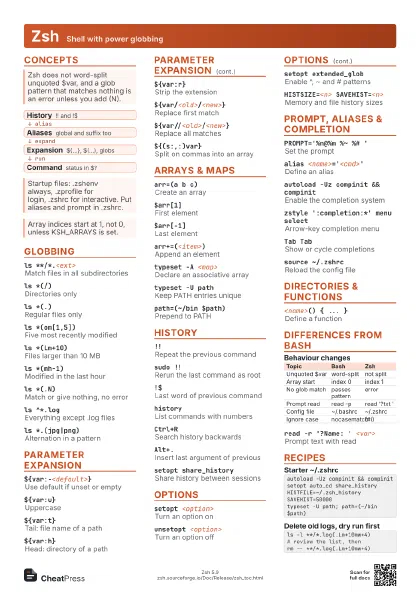
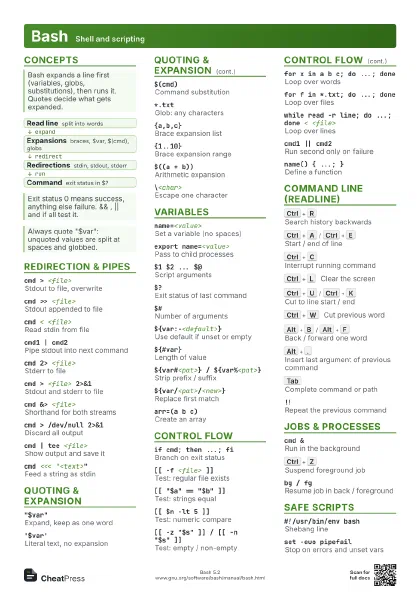
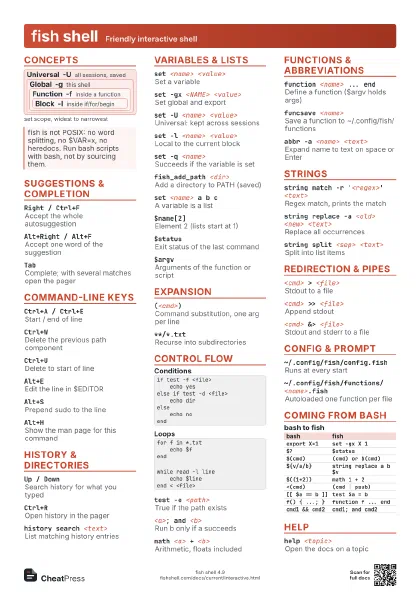
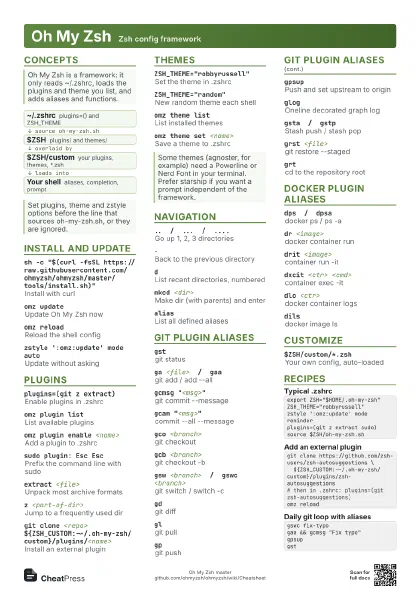
Cheat
Starship Cross-shell prompt
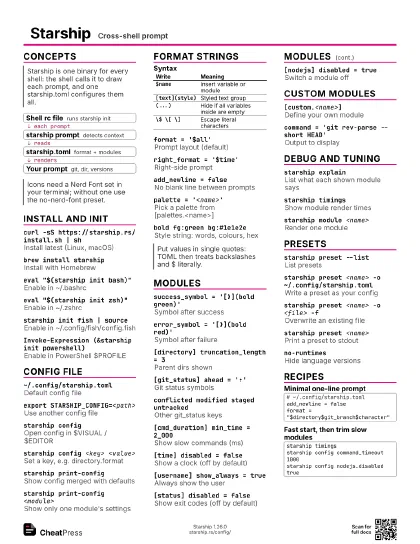
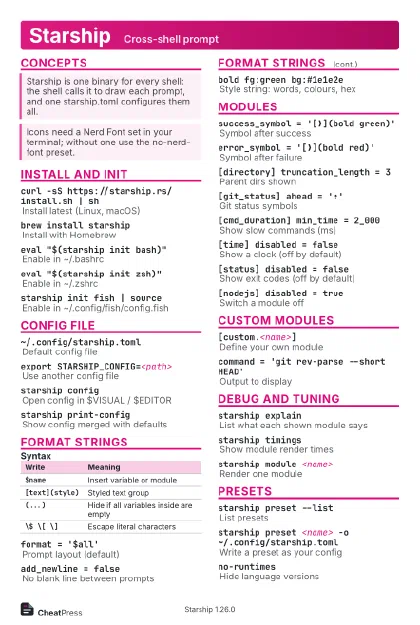 Light · Postcard
102 × 152 mm · PDF
 Dark · Postcard
102 × 152 mm · PDF
 Ink saver · Postcard
102 × 152 mm · PDF
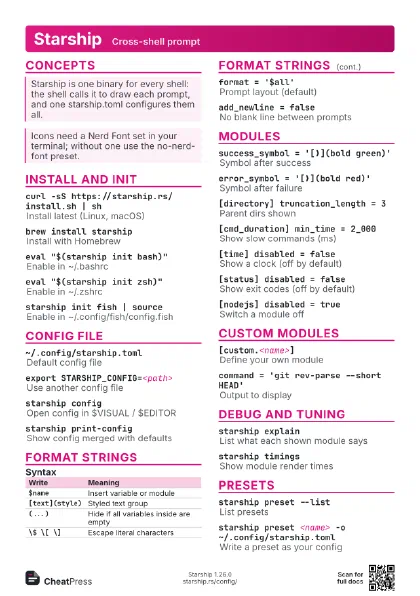
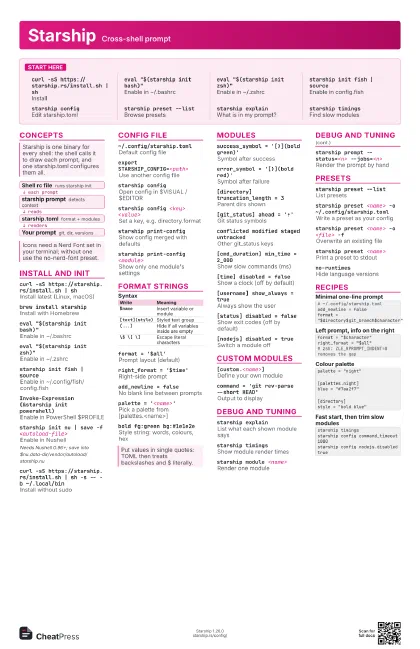
 Light · A4 landscape
297 × 210 mm · PDF
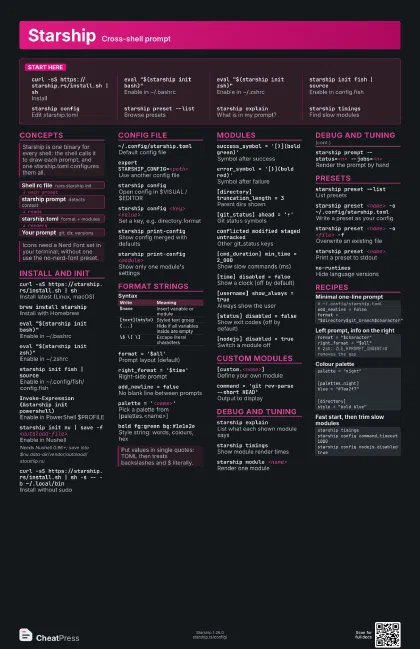
 Dark · A4 landscape
297 × 210 mm · PDF
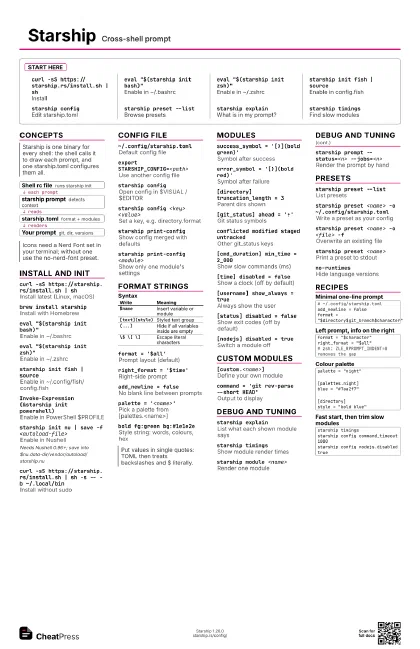
 Ink saver · A4 landscape
297 × 210 mm · PDF
 Light · A3 landscape
420 × 297 mm · PDF
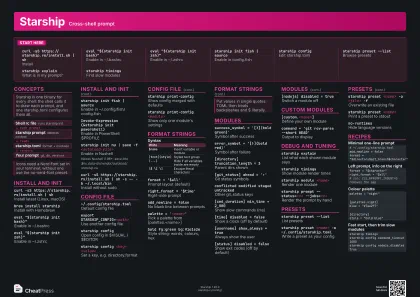 Dark · A3 landscape
420 × 297 mm · PDF
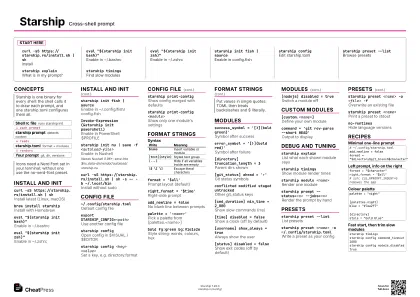 Ink saver · A3 landscape
420 × 297 mm · PDF
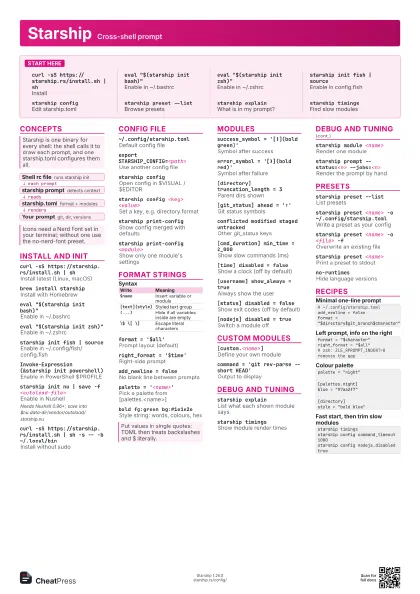
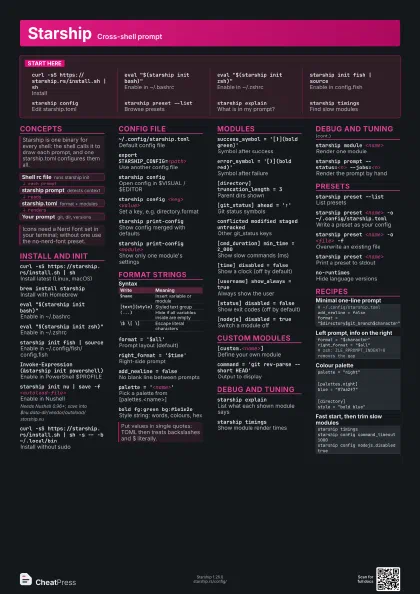
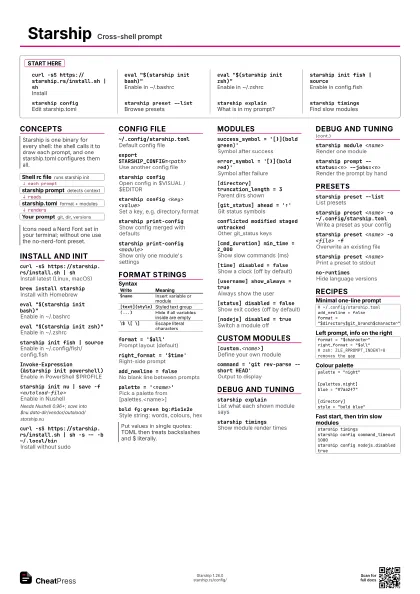
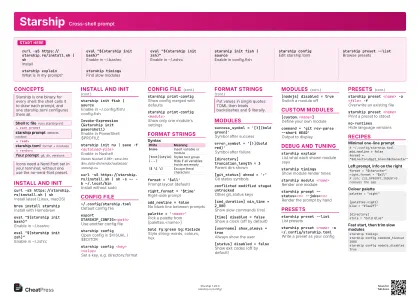
Start here
curl -sS https://starship.rs/install.sh | sh
Install
eval "$(starship init bash)"
Enable in ~/.bashrc
eval "$(starship init zsh)"
Enable in ~/.zshrc
starship init fish | source
Enable in config.fish
starship configEdit starship.toml
starship preset --list
Browse presets
starship explain
What is in my prompt?
starship timings
Find slow modules
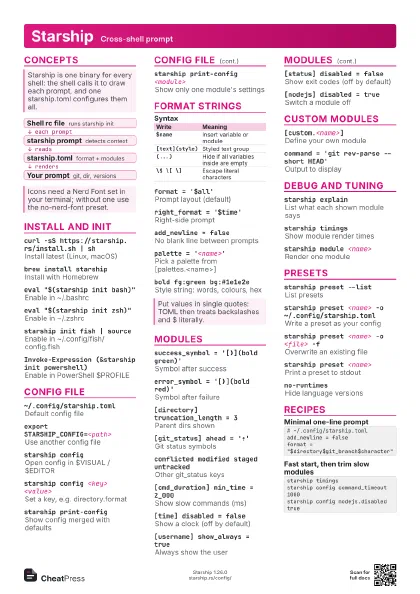
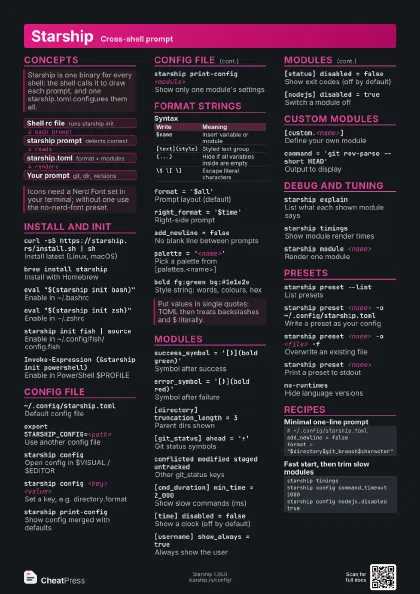
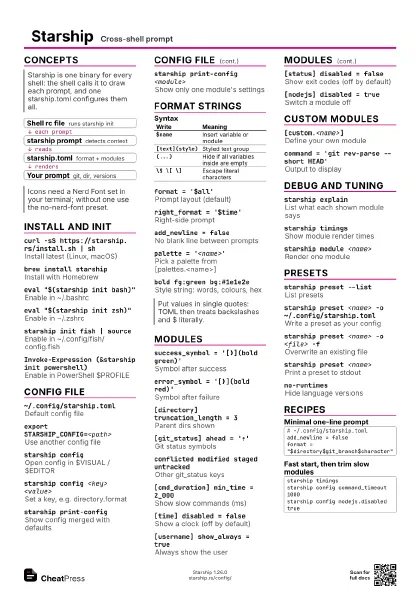
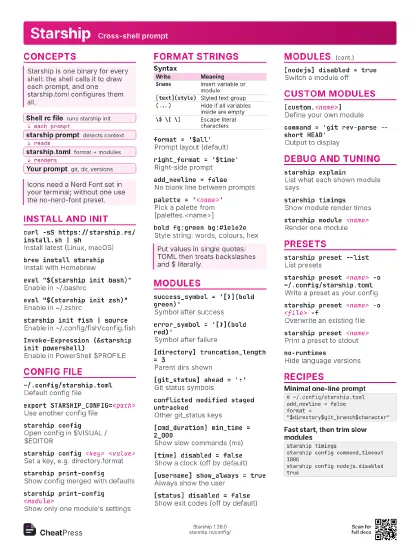
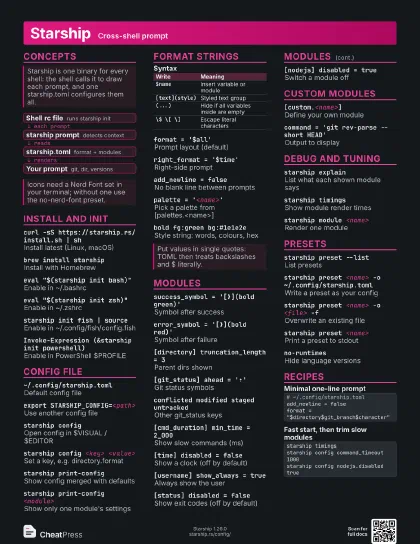
Concepts
- Shell rc file runs starship init
- starship prompt detects context
- starship.toml format + modules
- Your prompt git, dir, versions
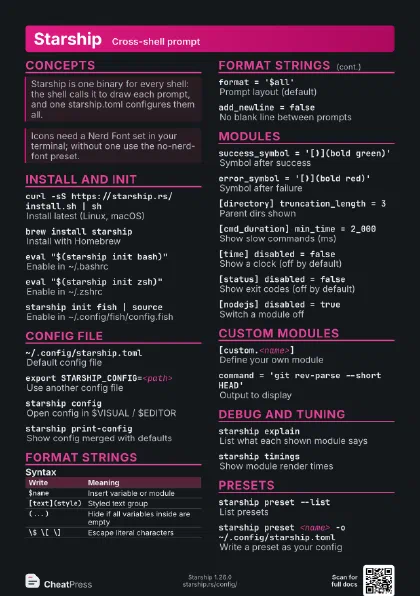
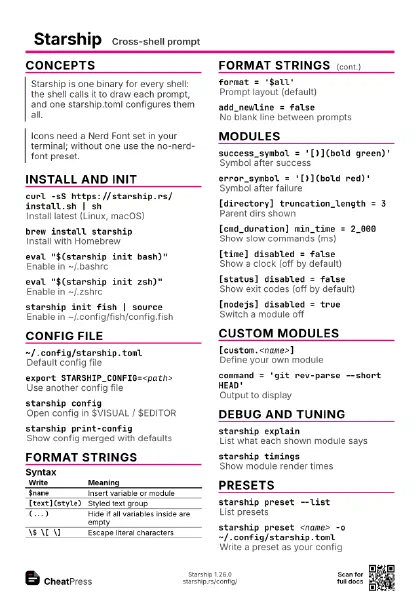
Install and init
curl -sS https://starship.rs/install.sh | sh
Install latest (Linux, macOS)
brew install starship
Install with Homebrew
eval "$(starship init bash)"
Enable in ~/.bashrc
eval "$(starship init zsh)"
Enable in ~/.zshrc
starship init fish | source
Enable in ~/.config/fish/config.fish
Invoke-Expression (&starship init powershell)
Enable in PowerShell $PROFILE
starship init nu | save -f <autoload-file>
Enable in Nushell
Needs Nushell 0.96+; save into
$nu.data-dir/vendor/autoload/starship.nu
curl -sS https://starship.rs/install.sh | sh -s -- -b
                    ~/.local/bin
Install without sudo
Config file
~/.config/starship.toml
Default config file
export STARSHIP_CONFIG=<path>
Use another config file
starship configOpen config in $VISUAL / $EDITOR
starship config <key> <value>
Set a key, e.g. directory.format
starship print-config
Show config merged with defaults
starship print-config <module>
Show only one module's settings
Format strings
| Write | Meaning |
|---|---|
$name |
Insert variable or module |
[text](style) |
Styled text group |
(...) |
Hide if all variables inside are empty |
\$ \[ \] |
Escape literal characters |
format = '$all'
Prompt layout (default)
right_format = '$time'
Right-side prompt
add_newline = false
No blank line between prompts
palette = '<name>'
Pick a palette from [palettes.<name>]
bold fg:green bg:#1e1e2e
Style string: words, colours, hex
Modules
success_symbol = '[❯](bold green)'
Symbol after success
error_symbol = '[❯](bold red)'
Symbol after failure
[directory] truncation_length = 3
Parent dirs shown
[git_status] ahead = '⇡'
Git status symbols
conflicted modified staged untracked
Other git_status keys
[cmd_duration] min_time = 2_000
Show slow commands (ms)
[time] disabled = false
Show a clock (off by default)
[username] show_always = true
Always show the user
[status] disabled = false
Show exit codes (off by default)
[nodejs] disabled = true
Switch a module off
Custom modules
[custom.<name>]
Define your own module
command = 'git rev-parse --short HEAD'
Output to display
Debug and tuning
starship explain
List what each shown module says
starship timings
Show module render times
starship module <name>
Render one module
starship prompt --status=<n> --jobs=<n>
Render the prompt by hand
Presets
starship preset --list
List presets
starship preset <name> -o
                    ~/.config/starship.toml
Write a preset as your config
starship preset <name> -o <file> -f
Overwrite an existing file
starship preset <name>
Print a preset to stdout
no-runtimesHide language versions
Recipes
# ~/.config/starship.tomladd_newline = falseformat = "$directory$git_branch$character"format = "$character"right_format = "$all"# zsh: ZLE_RPROMPT_INDENT=0 removes the gappalette = "night"[palettes.night]blue = "#7aa2f7"[directory]style = "bold blue"starship timingsstarship config command_timeout 1000starship config nodejs.disabled true