Cheat
fish shell Friendly interactive shell
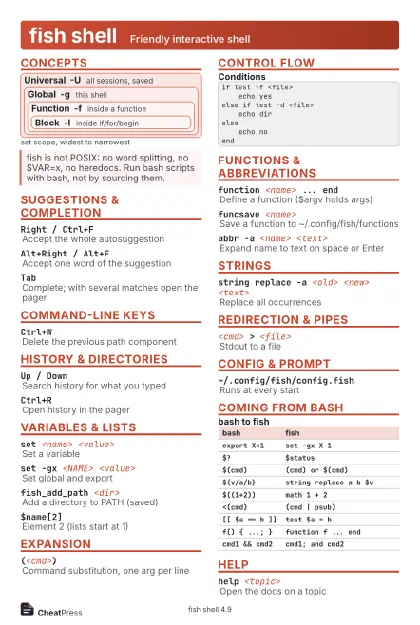 Light · Postcard
102 × 152 mm · PDF
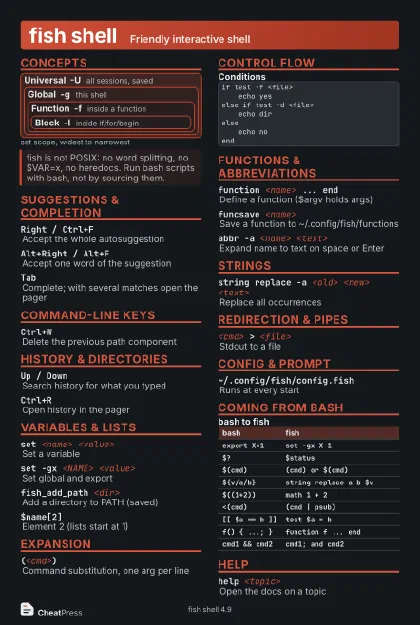 Dark · Postcard
102 × 152 mm · PDF
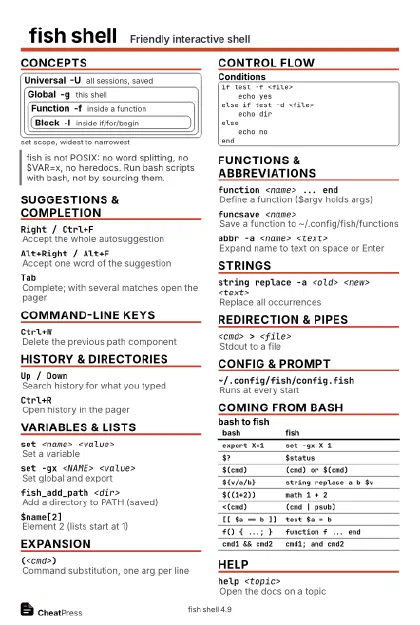 Ink saver · Postcard
102 × 152 mm · PDF
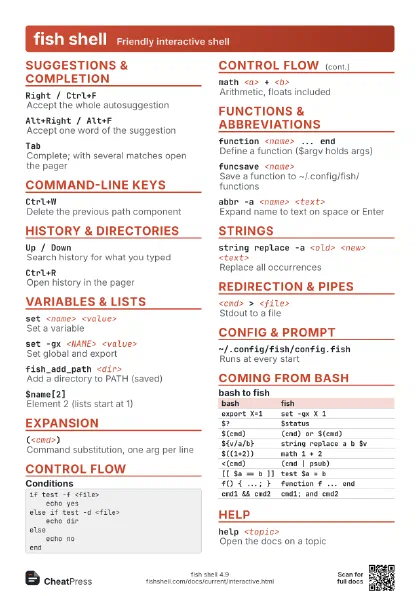
 Light · A4 landscape
297 × 210 mm · PDF
 Dark · A4 landscape
297 × 210 mm · PDF
 Ink saver · A4 landscape
297 × 210 mm · PDF
 Light · A3 landscape
420 × 297 mm · PDF
 Dark · A3 landscape
420 × 297 mm · PDF
 Ink saver · A3 landscape
420 × 297 mm · PDF
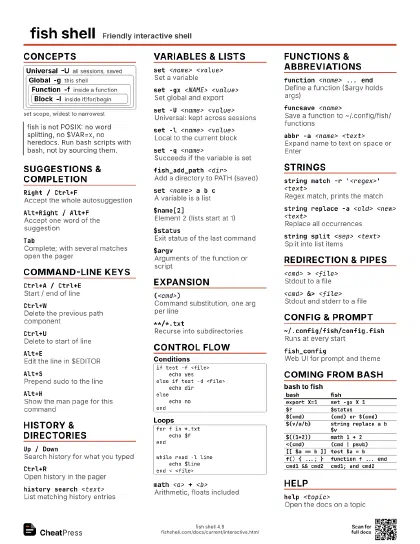
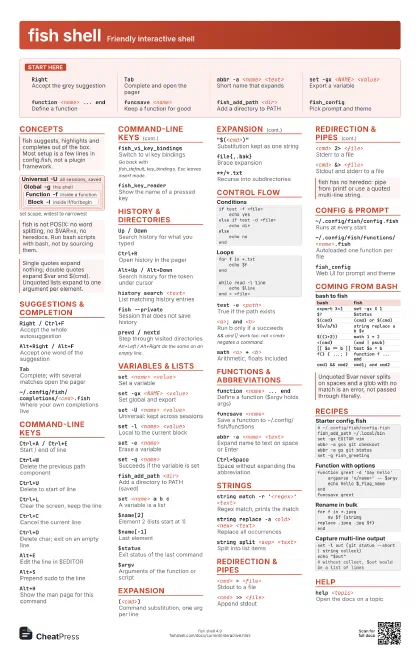
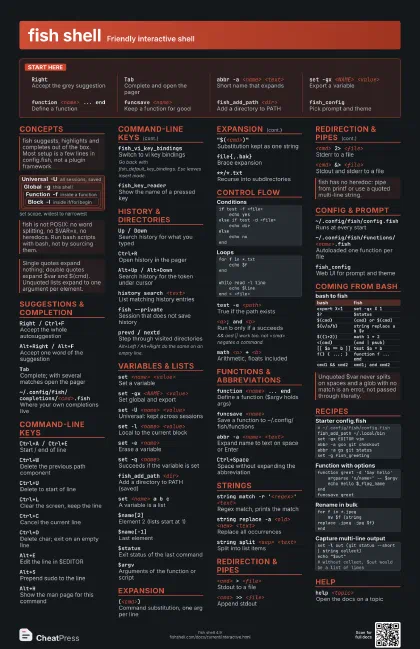
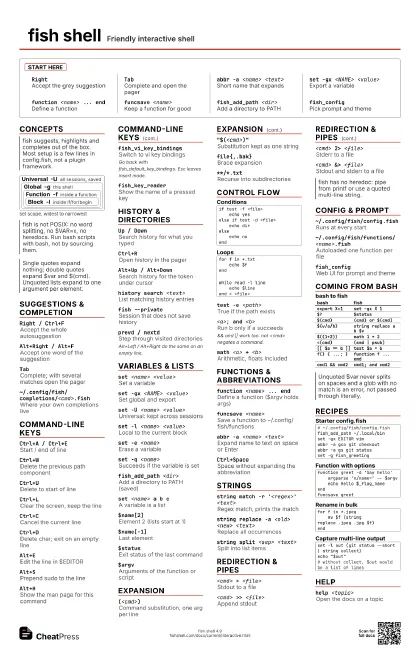
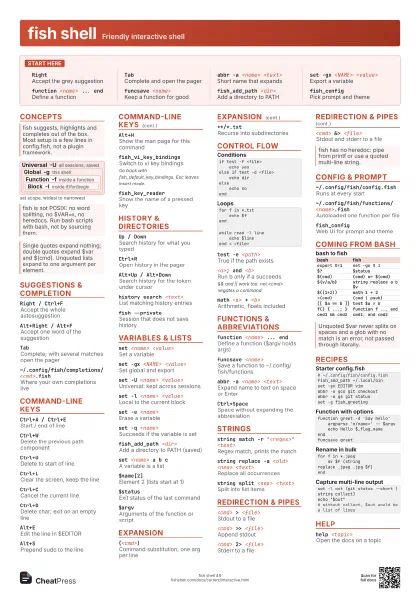
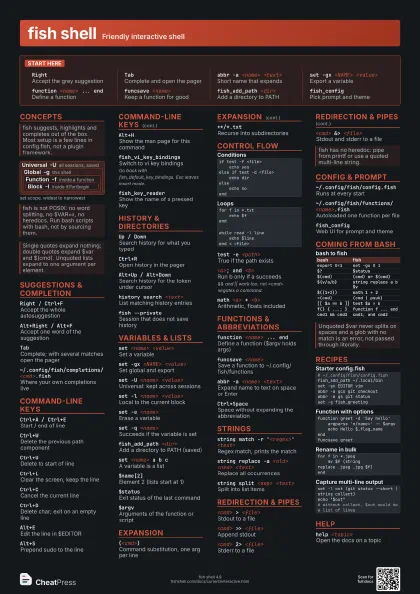
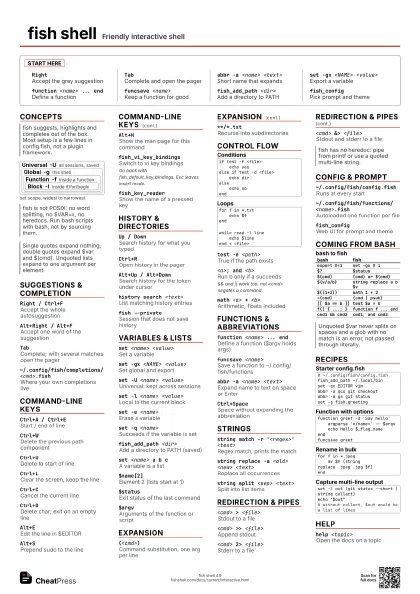
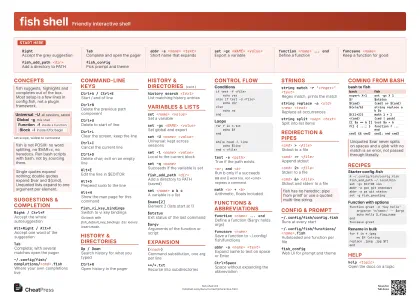
Start here
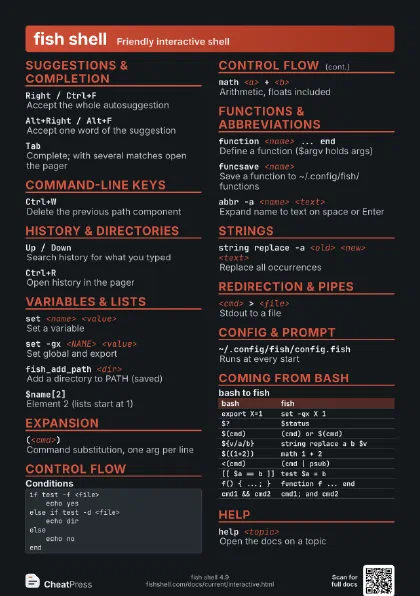
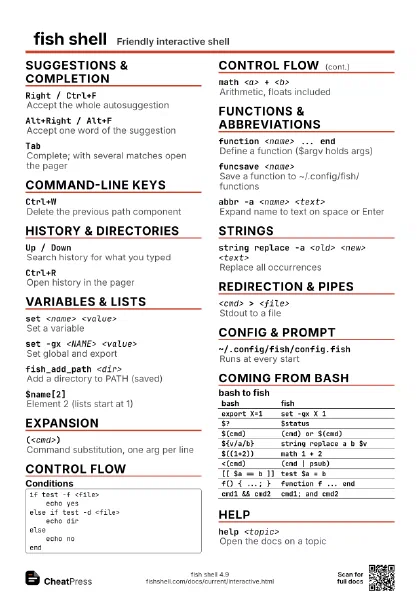
RightAccept the grey suggestion
TabComplete and open the pager
abbr -a <name> <text>
Short name that expands
set -gx <NAME> <value>
Export a variable
function <name> ... end
Define a function
funcsave <name>
Keep a function for good
fish_add_path <dir>
Add a directory to PATH
fish_configPick prompt and theme
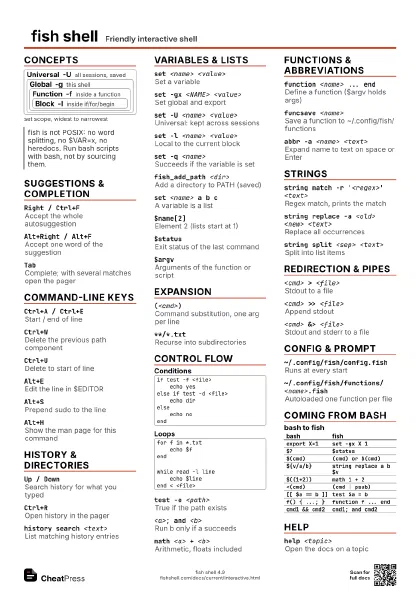
Concepts
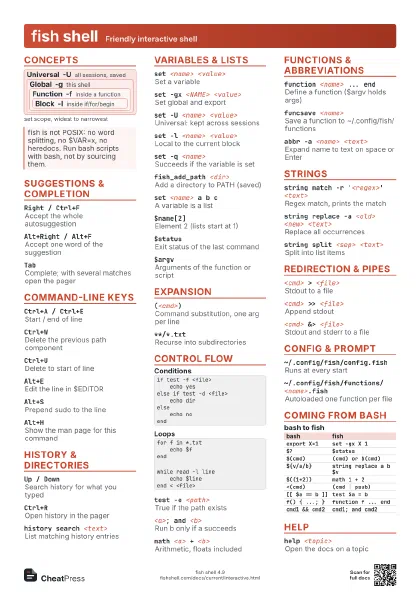
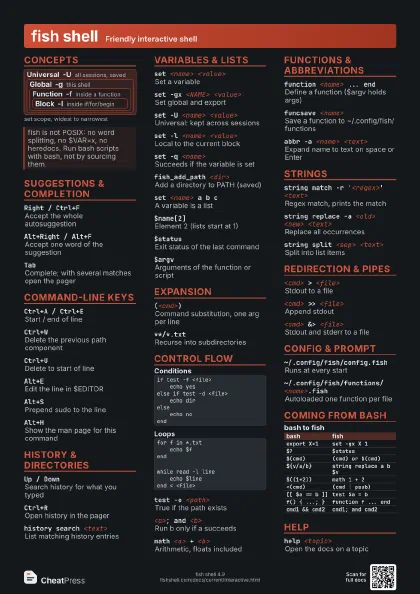
Universal -U
all sessions, saved
Global -g this shell
Function -f
inside a function
Block -l
inside if/for/begin
Suggestions & Completion
Right / Ctrl+F
Accept the whole autosuggestion
Alt+Right / Alt+F
Accept one word of the suggestion
Tab
Complete; with several matches open the pager
~/.config/fish/completions/<cmd>.fish
Where your own completions live
Command-line Keys
Ctrl+A / Ctrl+E
Start / end of line
Ctrl+WDelete the previous path component
Ctrl+UDelete to start of line
Ctrl+LClear the screen, keep the line
Ctrl+CCancel the current line
Ctrl+DDelete char; exit on an empty line
Alt+EEdit the line in $EDITOR
Alt+SPrepend sudo to the line
Alt+HShow the man page for this command
fish_vi_key_bindings
Switch to vi key bindings
Go back with fish_default_key_bindings. Esc leaves insert
mode.
fish_key_readerShow the name of a pressed key
History & Directories
Up / DownSearch history for what you typed
Ctrl+ROpen history in the pager
Alt+Up / Alt+Down
Search history for the token under cursor
history search <text>
List matching history entries
fish --privateSession that does not save history
prevd / nextdStep through visited directories
Alt+Left / Alt+Right do the same on an empty line.
Variables & Lists
set <name> <value>
Set a variable
set -gx <NAME> <value>
Set global and export
set -U <name> <value>
Universal: kept across sessions
set -l <name> <value>
Local to the current block
set -e <name>
Erase a variable
set -q <name>
Succeeds if the variable is set
fish_add_path <dir>
Add a directory to PATH (saved)
set <name> a b c
A variable is a list
$name[2]Element 2 (lists start at 1)
$name[-1]Last element
$statusExit status of the last command
$argvArguments of the function or script
Expansion
(<cmd>)Command substitution, one arg per line
"$(<cmd>)"
Substitution kept as one string
file{,.bak}Brace expansion
**/*.txtRecurse into subdirectories
Control Flow
if test -f <file> echo yeselse if test -d <file> echo direlse echo noendfor f in *.txt echo $fendwhile read -l line echo $lineend < <file>switch $xcase a b echo abcase '*' echo otherendtest -e <path>
True if the path exists
<a>; and <b>
Run b only if a succeeds
&& and || work too. not <cmd> negates a command.
<a>; or <b>
Run b only if a fails
read -l <var>
Read a line into a variable
math <a> + <b>
Arithmetic, floats included
argparse 'h/help' 'n/name=' -- $argv
Parse options into _flag_* vars
Functions & Abbreviations
function <name> ... end
Define a function ($argv holds args)
function <name> -w <cmd> -d
                    '<text>'
Inherit completions, add a description
funced <name>
Edit a function in $EDITOR
funcsave <name>
Save a function to ~/.config/fish/functions
command <cmd>
Run the program, skip a same-named function
abbr -a <name> <text>
Expand name to text on space or Enter
abbr -a --position anywhere <name> <text>
Expand anywhere on the line
Ctrl+SpaceSpace without expanding the abbreviation
Strings
string match -r '<regex>' <text>
Regex match, prints the match
string match -rg '<(re)>' <text>
Print only the capture groups
string replace -a <old> <new>
                    <text>
Replace all occurrences
string split <sep> <text>
Split into list items
string trim <text>
Strip surrounding whitespace
<cmd> | string collect
Keep multi-line output as one string
Redirection & Pipes
<cmd> > <file>
Stdout to a file
<cmd> >> <file>
Append stdout
<cmd> 2> <file>
Stderr to a file
<cmd> &> <file>
Stdout and stderr to a file
<cmd> &| less
Pipe stdout and stderr (2>&1 |)
Config & Prompt
~/.config/fish/config.fish
Runs at every start
~/.config/fish/functions/<name>.fish
Autoloaded one function per file
fish_configWeb UI for prompt and theme
set -U fish_greeting
Empty greeting (no welcome text)
Coming from bash
| bash | fish |
|---|---|
export X=1 |
set -gx X 1 |
$? |
$status |
$(cmd) |
(cmd) or $(cmd) |
${v/a/b} |
string replace a b $v |
$((1+2)) |
math 1 + 2 |
<(cmd) |
(cmd | psub) |
[[ $a == b ]] |
test $a = b |
f() { ...; } |
function f ... end |
cmd1 && cmd2 |
cmd1; and cmd2 |
Recipes
# ~/.config/fish/config.fishfish_add_path ~/.local/binset -gx EDITOR vimabbr -a gco git checkoutabbr -a gs git statusset -g fish_greetingfunction greet -d 'Say hello' argparse 'n/name=' -- $argv echo Hello $_flag_nameendfuncsave greetfor f in *.jpeg mv $f (string replace .jpeg .jpg $f)endset -l out (git status --short | string collect)echo "$out"# without collect, $out would be a list of linesHelp
help <topic>
Open the docs on a topic