Cheat
sshfs Mount over SSH
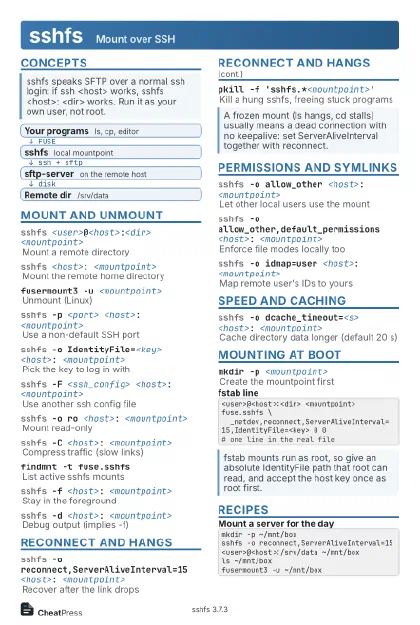 Light · Postcard
102 × 152 mm · PDF
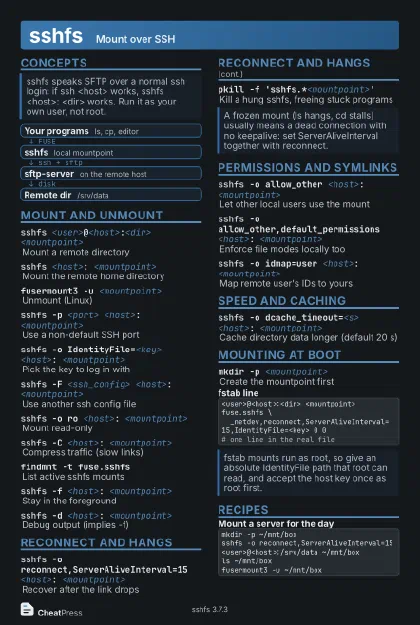 Dark · Postcard
102 × 152 mm · PDF
 Ink saver · Postcard
102 × 152 mm · PDF
 Light · A4 landscape
297 × 210 mm · PDF
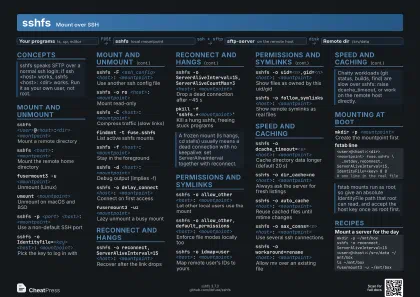 Dark · A4 landscape
297 × 210 mm · PDF
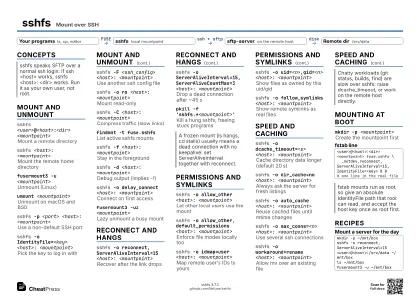 Ink saver · A4 landscape
297 × 210 mm · PDF
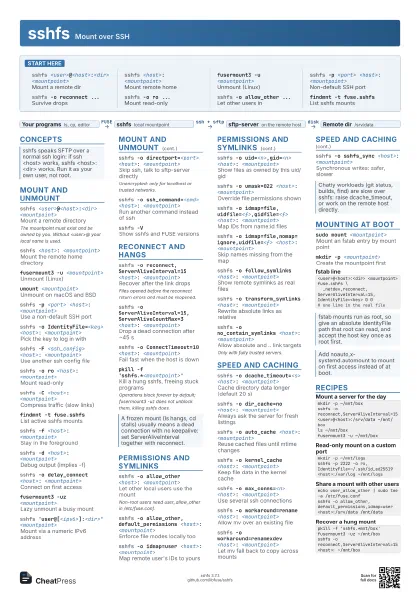
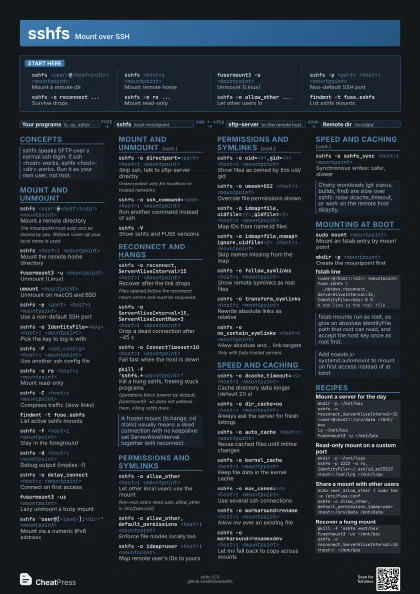
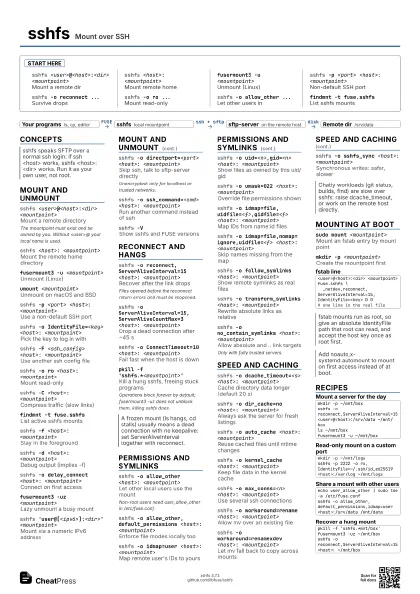
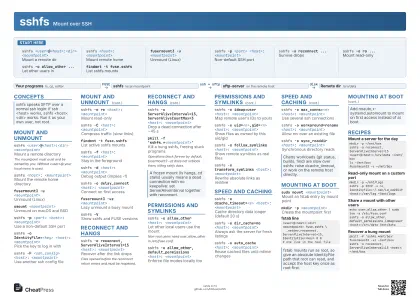 Light · A3 landscape
420 × 297 mm · PDF
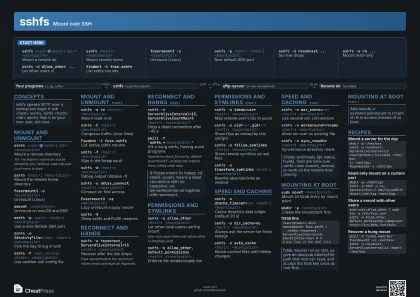 Dark · A3 landscape
420 × 297 mm · PDF
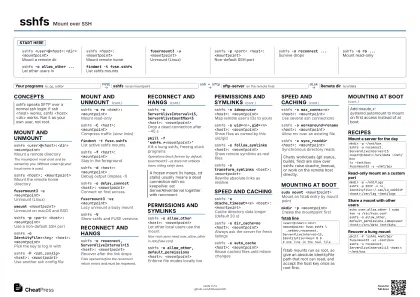 Ink saver · A3 landscape
420 × 297 mm · PDF
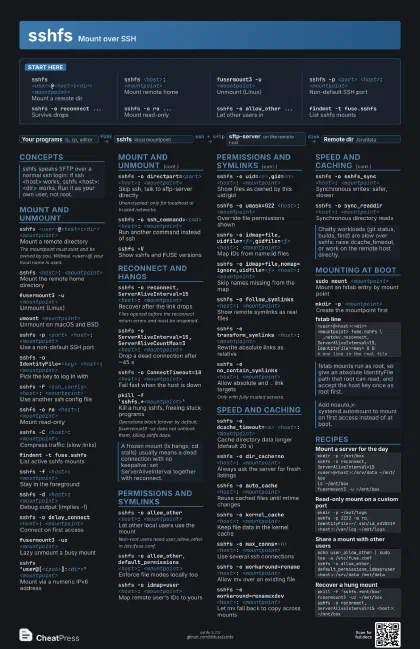
Start here
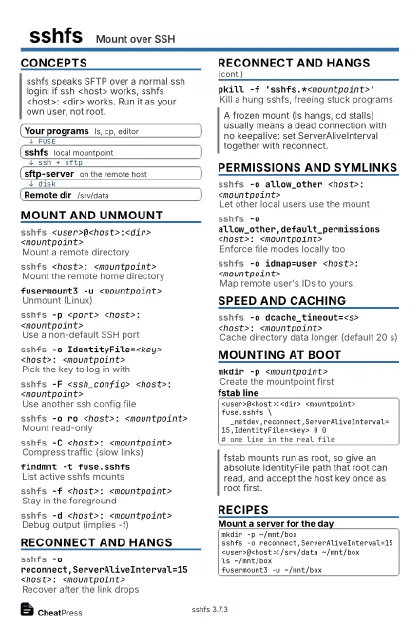
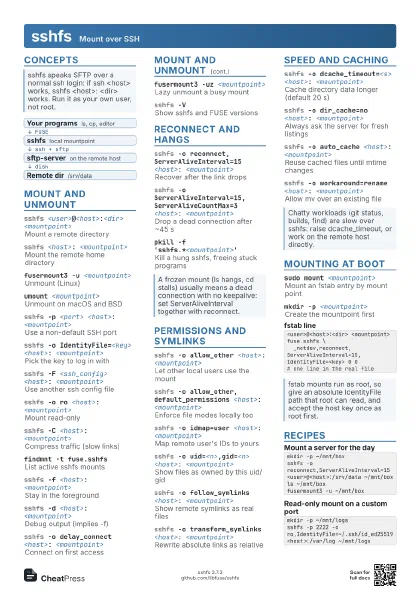
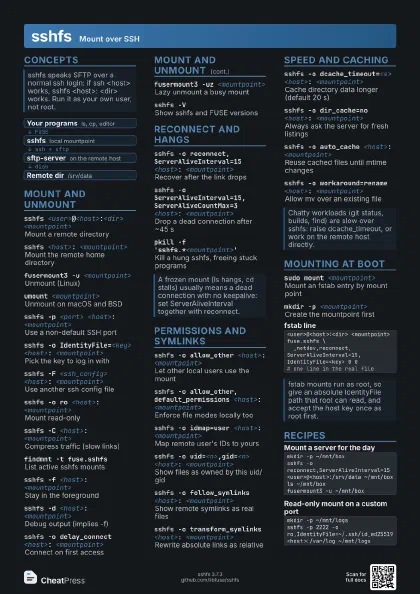
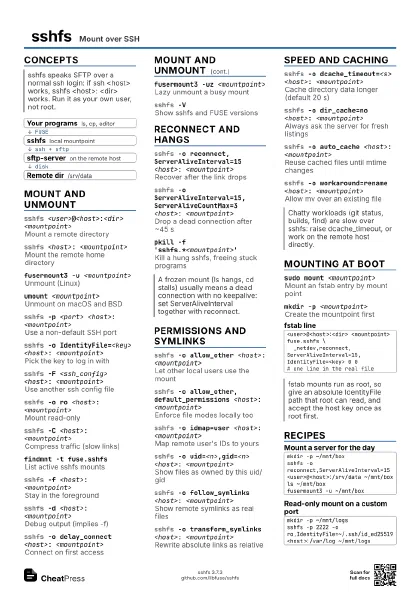
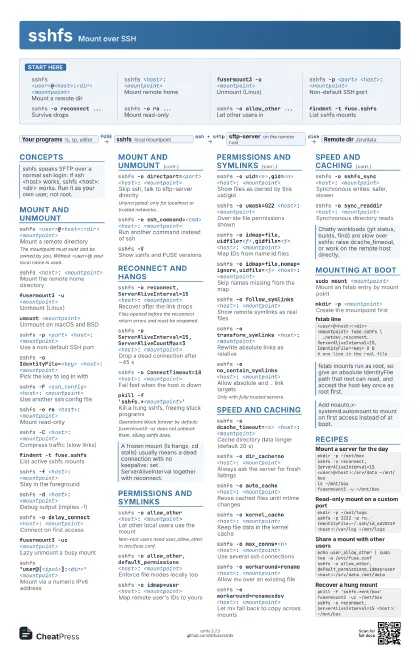
sshfs <user>@<host>:<dir>
                    <mountpoint>
Mount a remote dir
sshfs <host>: <mountpoint>
Mount remote home
fusermount3 -u <mountpoint>
Unmount (Linux)
sshfs -p <port> <host>:
                    <mountpoint>
Non-default SSH port
sshfs -o reconnect ...
Survive drops
sshfs -o ro ...Mount read-only
sshfs -o allow_other ...
Let other users in
findmnt -t fuse.sshfs
List sshfs mounts
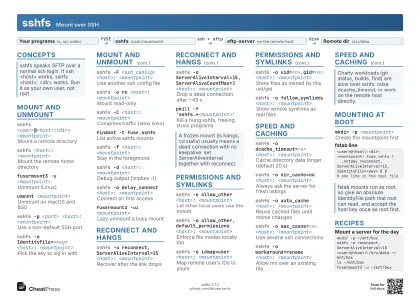
Concepts
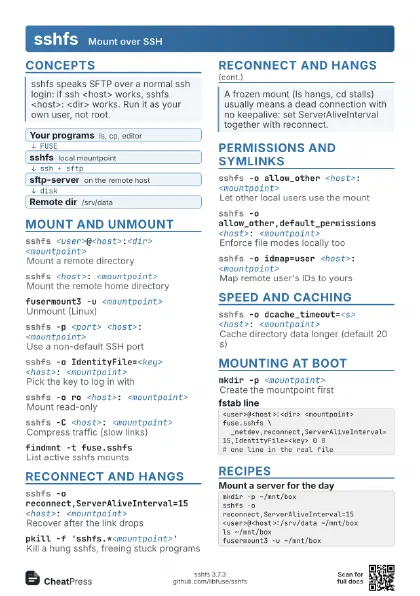
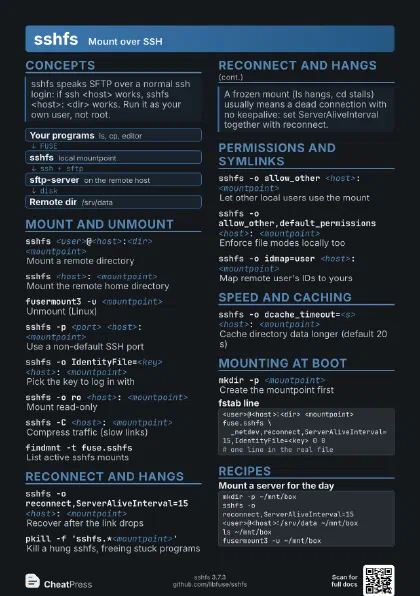
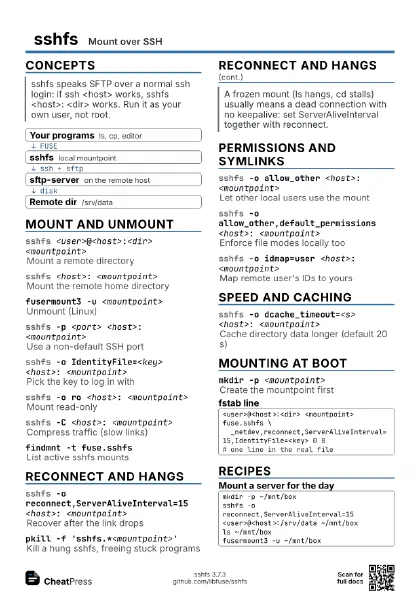
- Your programs ls, cp, editor
- sshfs local mountpoint
- sftp-server on the remote host
- Remote dir /srv/data
Mount and unmount
sshfs <user>@<host>:<dir>
                    <mountpoint>
Mount a remote directory
The mountpoint must exist and be owned by you. Without
<user>@ your local name is used.
sshfs <host>: <mountpoint>
Mount the remote home directory
fusermount3 -u <mountpoint>
Unmount (Linux)
umount <mountpoint>
Unmount on macOS and BSD
sshfs -p <port> <host>:
                    <mountpoint>
Use a non-default SSH port
sshfs -o IdentityFile=<key> <host>:
                    <mountpoint>
Pick the key to log in with
sshfs -F <ssh_config> <host>:
                    <mountpoint>
Use another ssh config file
sshfs -o ro <host>: <mountpoint>
Mount read-only
sshfs -C <host>: <mountpoint>
Compress traffic (slow links)
findmnt -t fuse.sshfs
List active sshfs mounts
sshfs -f <host>: <mountpoint>
Stay in the foreground
sshfs -d <host>: <mountpoint>
Debug output (implies -f)
sshfs -o delay_connect <host>:
                    <mountpoint>
Connect on first access
fusermount3 -uz <mountpoint>
Lazy unmount a busy mount
sshfs 'user@[<ipv6>]:<dir>'
                    <mountpoint>
Mount via a numeric IPv6 address
sshfs -o directport=<port> <host>:
                    <mountpoint>
Skip ssh, talk to sftp-server directly
Unencrypted: only for localhost or trusted networks.
sshfs -o ssh_command=<cmd> <host>:
                    <mountpoint>
Run another command instead of ssh
sshfs -VShow sshfs and FUSE versions
Reconnect and hangs
sshfs -o reconnect,ServerAliveInterval=15 <host>:
                    <mountpoint>
Recover after the link drops
Files opened before the reconnect return errors and must be
reopened.
sshfs -o ServerAliveInterval=15,ServerAliveCountMax=3
                    <host>: <mountpoint>
Drop a dead connection after ~45 s
sshfs -o ConnectTimeout=10 <host>:
                    <mountpoint>
Fail fast when the host is down
pkill -f 'sshfs.*<mountpoint>'
Kill a hung sshfs, freeing stuck programs
Operations block forever by default; fusermount3 -uz does not
unblock them, killing sshfs does.
Permissions and symlinks
sshfs -o allow_other <host>: <mountpoint>
Let other local users use the mount
Non-root users need user_allow_other in /etc/fuse.conf.
sshfs -o allow_other,default_permissions <host>:
                    <mountpoint>
Enforce file modes locally too
sshfs -o idmap=user <host>: <mountpoint>
Map remote user's IDs to yours
sshfs -o uid=<n>,gid=<n> <host>:
                    <mountpoint>
Show files as owned by this uid/gid
sshfs -o umask=022 <host>: <mountpoint>
Override file permissions shown
sshfs -o idmap=file,uidfile=<f>,gidfile=<f>
                    <host>: <mountpoint>
Map IDs from name:id files
sshfs -o idmap=file,nomap=ignore,uidfile=<f>
                    <host>: <mountpoint>
Skip names missing from the map
sshfs -o follow_symlinks <host>:
                    <mountpoint>
Show remote symlinks as real files
sshfs -o transform_symlinks <host>:
                    <mountpoint>
Rewrite absolute links as relative
sshfs -o no_contain_symlinks <host>:
                    <mountpoint>
Allow absolute and .. link targets
Only with fully trusted servers.
sshfs -o disable_hardlink <host>:
                    <mountpoint>
Make link() fail with ENOSYS
Speed and caching
sshfs -o dcache_timeout=<s> <host>:
                    <mountpoint>
Cache directory data longer (default 20 s)
sshfs -o dir_cache=no <host>:
                    <mountpoint>
Always ask the server for fresh listings
sshfs -o auto_cache <host>: <mountpoint>
Reuse cached files until mtime changes
sshfs -o kernel_cache <host>:
                    <mountpoint>
Keep file data in the kernel cache
sshfs -o max_conns=<n> <host>:
                    <mountpoint>
Use several ssh connections
sshfs -o workaround=rename <host>:
                    <mountpoint>
Allow mv over an existing file
sshfs -o workaround=renamexdev <host>:
                    <mountpoint>
Let mv fall back to copy across mounts
sshfs -o sshfs_sync <host>: <mountpoint>
Synchronous writes: safer, slower
sshfs -o sync_readdir <host>:
                    <mountpoint>
Synchronous directory reads
sshfs -o no_readahead <host>:
                    <mountpoint>
Disable speculative reads
sshfs -o direct_io <host>: <mountpoint>
Bypass the page cache
sshfs -o no_check_root <host>: <dir>
                    <mountpoint>
Skip the check that <dir> exists
Mounting at boot
sudo mount <mountpoint>
Mount an fstab entry by mount point
mkdir -p <mountpoint>
Create the mountpoint first
<user>@<host>:<dir> <mountpoint> fuse.sshfs \ _netdev,reconnect,ServerAliveInterval=15,IdentityFile=<key> 0 0# one line in the real fileRecipes
mkdir -p ~/mnt/boxsshfs -o reconnect,ServerAliveInterval=15 <user>@<host>:/srv/data ~/mnt/boxls ~/mnt/boxfusermount3 -u ~/mnt/boxmkdir -p ~/mnt/logssshfs -p 2222 -o ro,IdentityFile=~/.ssh/id_ed25519 <host>:/var/log ~/mnt/logsecho user_allow_other | sudo tee -a /etc/fuse.confsshfs -o allow_other,default_permissions,idmap=user <host>:/srv/data /mnt/datapkill -f 'sshfs.*mnt/box'fusermount3 -uz ~/mnt/boxsshfs -o reconnect,ServerAliveInterval=15 <host>: ~/mnt/box