Cheat
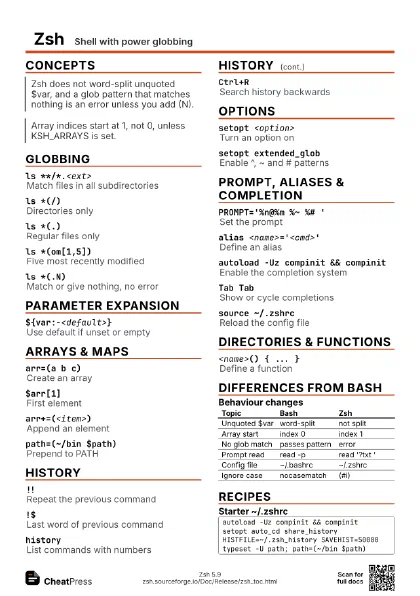
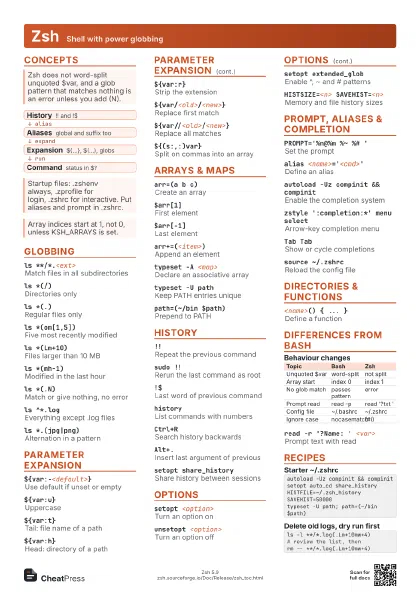
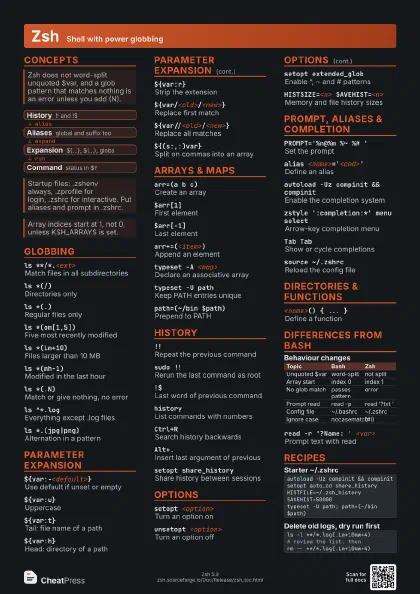
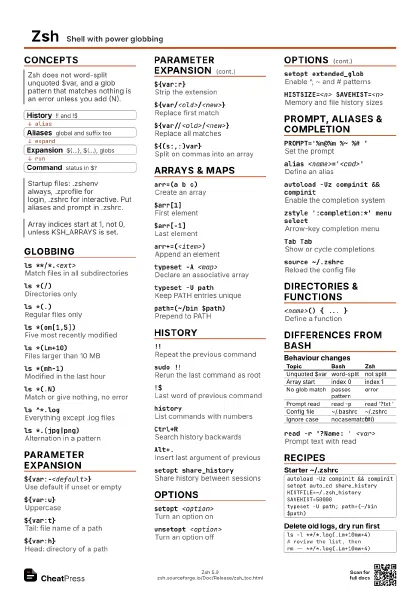
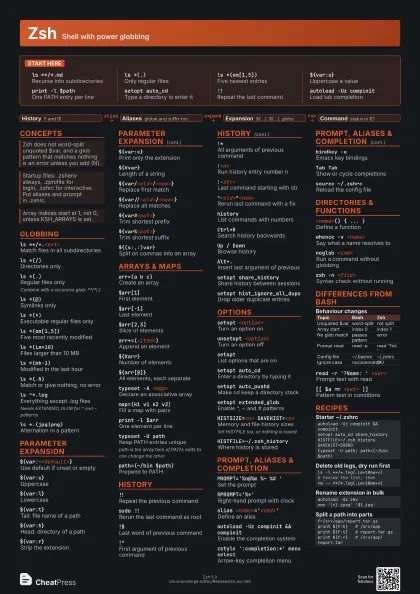
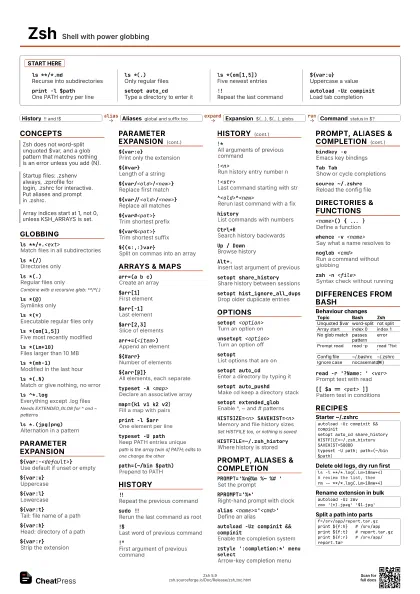
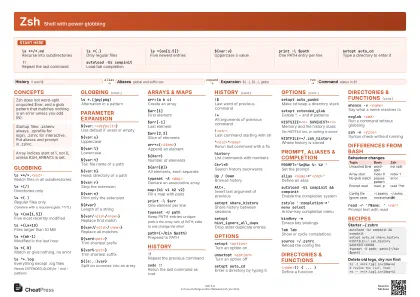
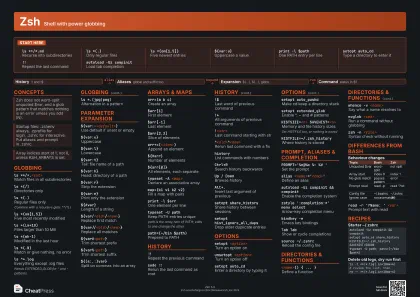
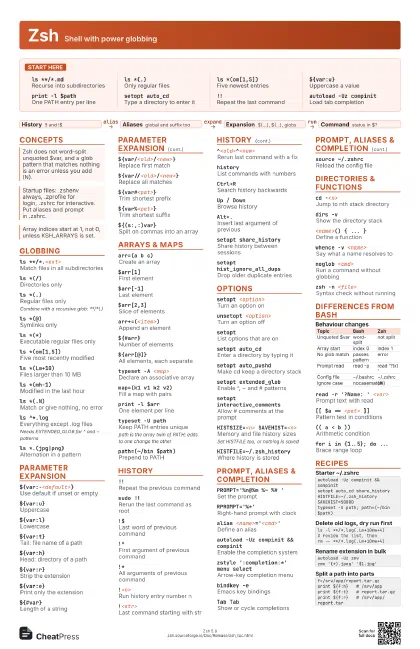
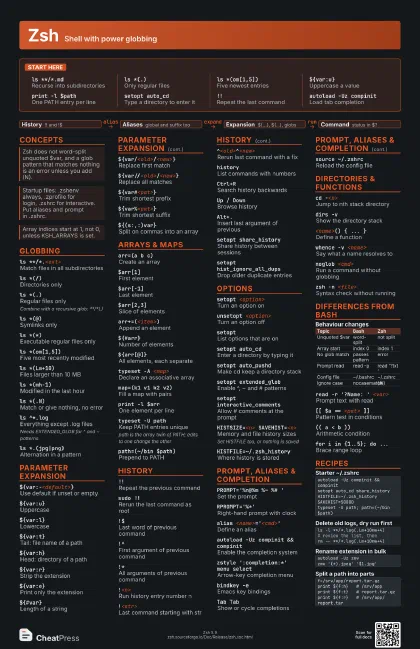
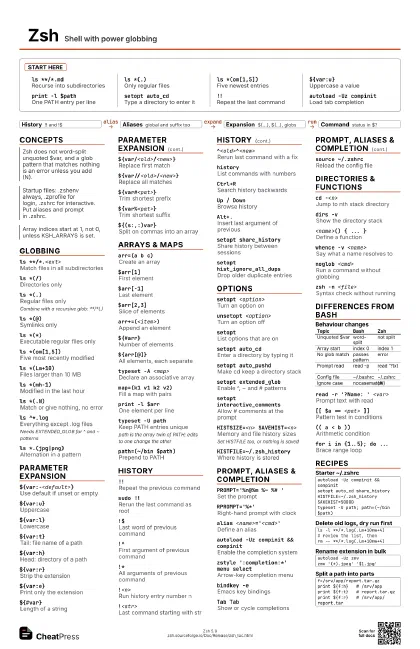
Zsh Shell with power globbing
 Light · Postcard
102 × 152 mm · PDF
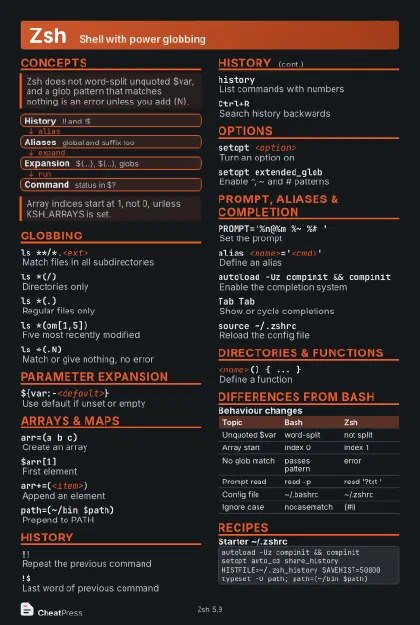 Dark · Postcard
102 × 152 mm · PDF
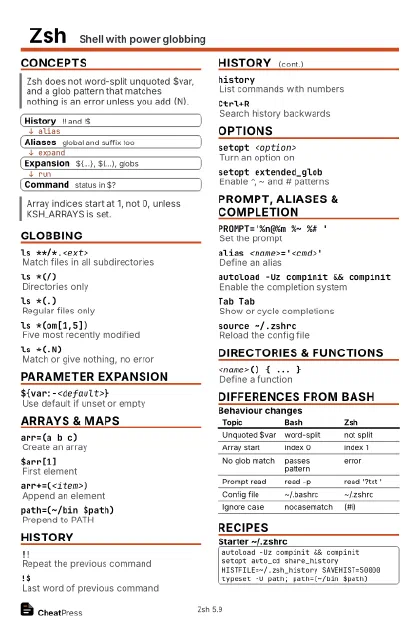 Ink saver · Postcard
102 × 152 mm · PDF
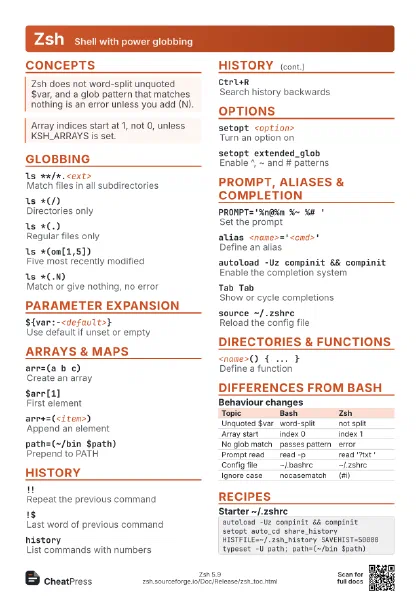
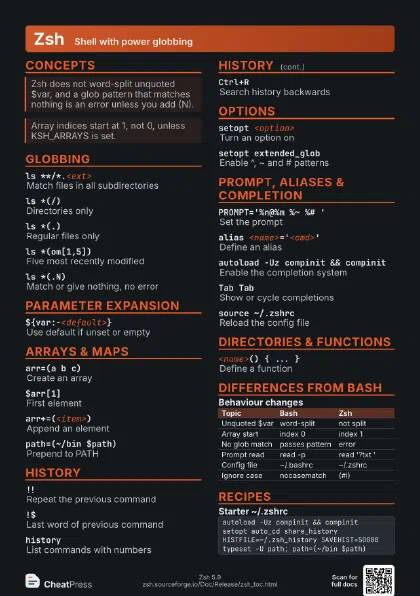
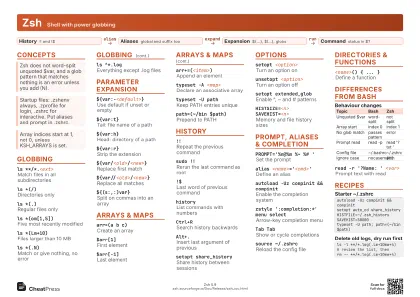 Light · A4 landscape
297 × 210 mm · PDF
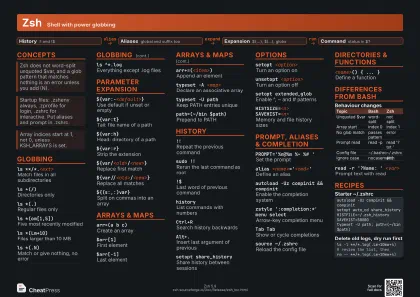 Dark · A4 landscape
297 × 210 mm · PDF
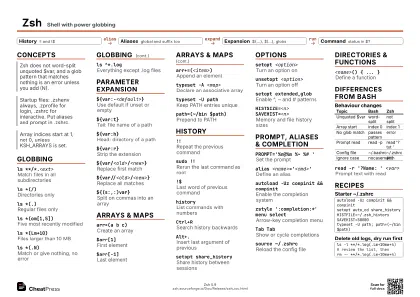 Ink saver · A4 landscape
297 × 210 mm · PDF
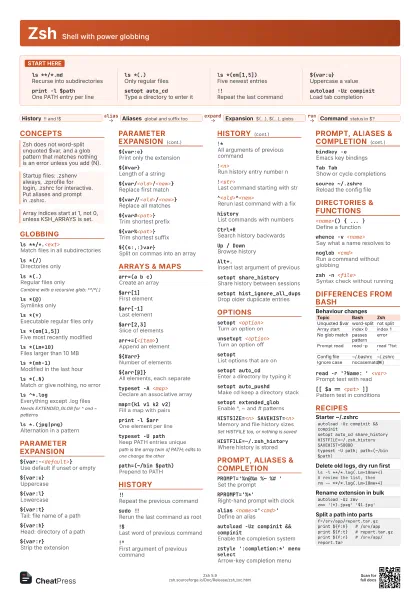
 Light · A3 landscape
420 × 297 mm · PDF
 Dark · A3 landscape
420 × 297 mm · PDF
 Ink saver · A3 landscape
420 × 297 mm · PDF
Start here
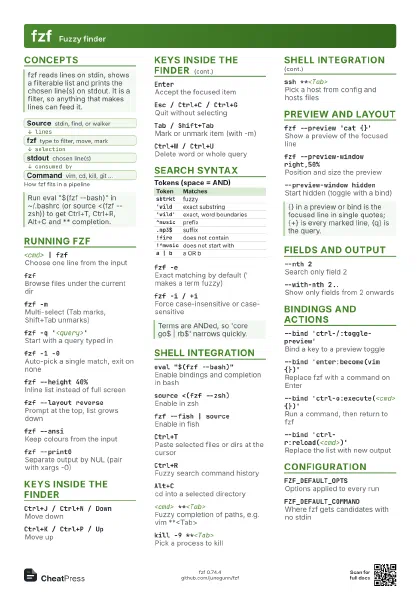
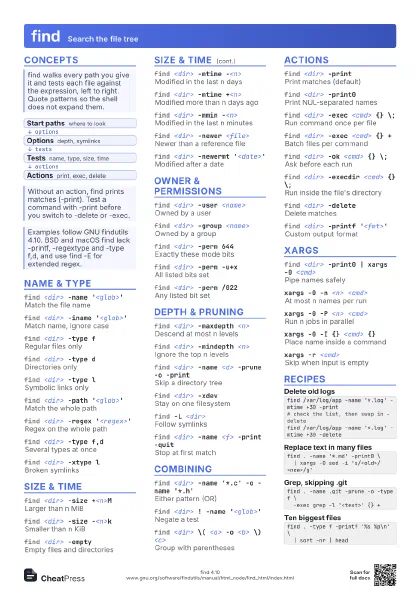
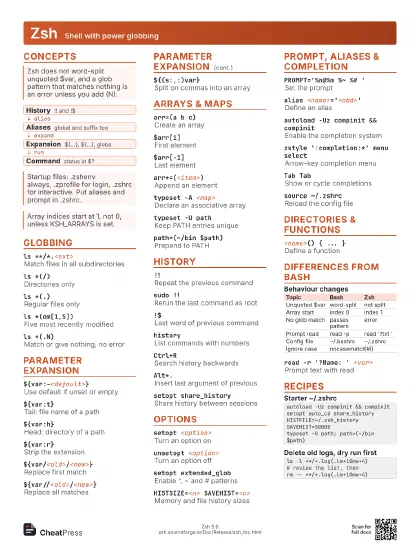
ls **/*.mdRecurse into subdirectories
ls *(.)Only regular files
ls *(om[1,5])Five newest entries
${var:u}Uppercase a value
print -l $pathOne PATH entry per line
setopt auto_cdType a directory to enter it
!!Repeat the last command
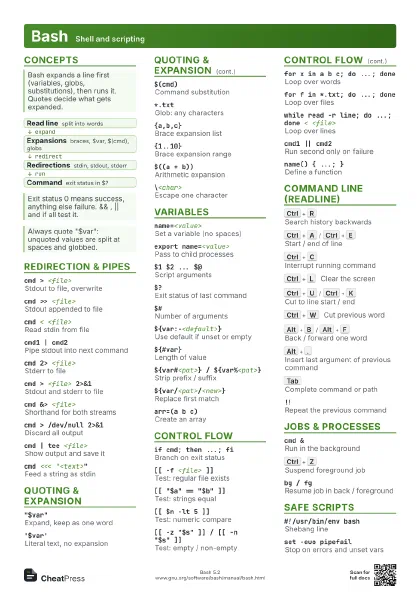
autoload -Uz compinit
Load tab completion
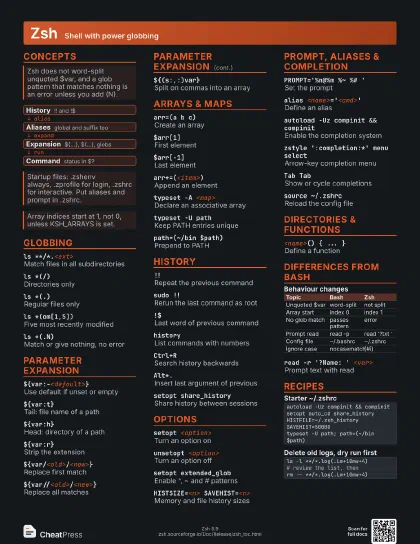
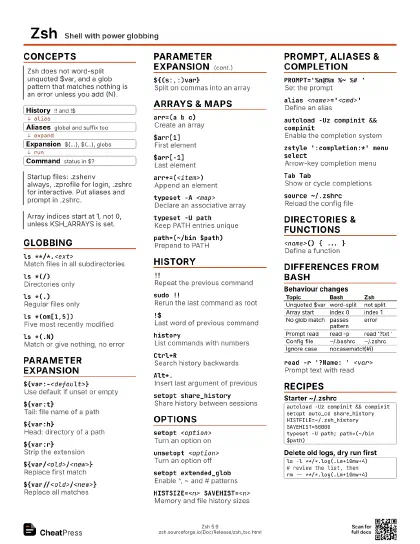
Concepts
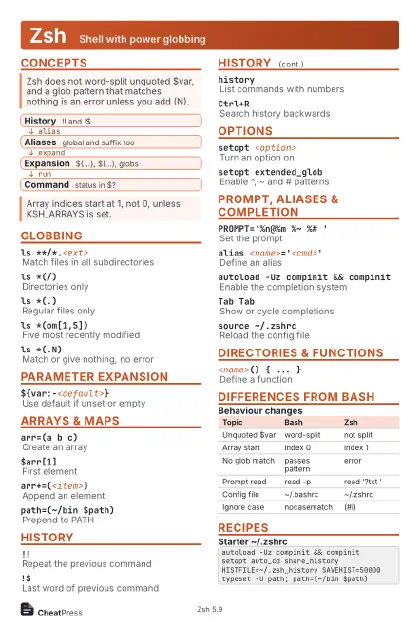
- History !! and !$
- Aliases global and suffix too
- Expansion ${...}, $(...), globs
- Command status in $?
Globbing
ls **/*.<ext>
Match files in all subdirectories
ls *(/)Directories only
ls *(.)Regular files only
Combine with a recursive glob: **/*(.)
ls *(@)Symlinks only
ls *(*)Executable regular files only
ls *(om[1,5])Five most recently modified
ls *(Lm+10)Files larger than 10 MB
ls *(mh-1)Modified in the last hour
ls *(.N)Match or give nothing, no error
ls ^*.logEverything except .log files
Needs EXTENDED_GLOB for ^ and ~ patterns
ls *.(jpg|png)Alternation in a pattern
Parameter Expansion
${var:-<default>}
Use default if unset or empty
${var:u}Uppercase
${var:l}Lowercase
${var:t}Tail: file name of a path
${var:h}Head: directory of a path
${var:r}Strip the extension
${var:e}Print only the extension
${#var}Length of a string
${var/<old>/<new>}
Replace first match
${var//<old>/<new>}
Replace all matches
${var#<pat>}
Trim shortest prefix
${var%<pat>}
Trim shortest suffix
${(s:,:)var}Split on commas into an array
Arrays & Maps
arr=(a b c)Create an array
$arr[1]First element
$arr[-1]Last element
$arr[2,3]Slice of elements
arr+=(<item>)
Append an element
${#arr}Number of elements
${arr[@]}All elements, each separate
typeset -A <map>
Declare an associative array
map=(k1 v1 k2 v2)
Fill a map with pairs
print -l $arrOne element per line
typeset -U pathKeep PATH entries unique
path is the array twin of PATH; edits to one change the other
path=(~/bin $path)
Prepend to PATH
History
!!Repeat the previous command
sudo !!Rerun the last command as root
!$Last word of previous command
!^First argument of previous command
!*All arguments of previous command
!<n>Run history entry number n
!<str>Last command starting with str
^<old>^<new>
Rerun last command with a fix
historyList commands with numbers
Ctrl+RSearch history backwards
Up / DownBrowse history
Alt+.Insert last argument of previous
setopt share_history
Share history between sessions
setopt hist_ignore_all_dups
Drop older duplicate entries
Options
setopt <option>
Turn an option on
unsetopt <option>
Turn an option off
setoptList options that are on
setopt auto_cdEnter a directory by typing it
setopt auto_pushd
Make cd keep a directory stack
setopt extended_glob
Enable ^, ~ and # patterns
setopt interactive_comments
Allow # comments at the prompt
HISTSIZE=<n> SAVEHIST=<n>
Memory and file history sizes
Set HISTFILE too, or nothing is saved
HISTFILE=~/.zsh_history
Where history is stored
Prompt, Aliases & Completion
PROMPT='%n@%m %~ %# '
Set the prompt
RPROMPT='%*'
Right-hand prompt with clock
alias <name>='<cmd>'
Define an alias
autoload -Uz compinit && compinit
Enable the completion system
zstyle ':completion:*' menu select
Arrow-key completion menu
bindkey -eEmacs key bindings
Tab TabShow or cycle completions
source ~/.zshrcReload the config file
Directories & Functions
cd -<n>Jump to nth stack directory
dirs -vShow the directory stack
<name>() { ... }
Define a function
whence -v <name>
Say what a name resolves to
noglob <cmd>
Run a command without globbing
zsh -n <file>
Syntax check without running
Differences from Bash
| Topic | Bash | Zsh |
|---|---|---|
| Unquoted $var | word-split | not split |
| Array start | index 0 | index 1 |
| No glob match | passes pattern | error |
| Prompt read | read -p | read '?txt ' |
| Config file | ~/.bashrc | ~/.zshrc |
| Ignore case | nocasematch | (#i) |
read -r '?Name: ' <var>
Prompt text with read
[[ $a == <pat> ]]
Pattern test in conditions
(( a < b ))Arithmetic condition
for i in {1..5}; do ...
Brace range loop
Recipes
autoload -Uz compinit && compinitsetopt auto_cd share_historyHISTFILE=~/.zsh_history SAVEHIST=50000typeset -U path; path=(~/bin $path)ls -l **/*.log(.Lm+10mw+4)# review the list, thenrm -- **/*.log(.Lm+10mw+4)autoload -Uz zmvzmv '(*).jpeg' '$1.jpg'f=/srv/app/report.tar.gzprint ${f:h} # /srv/appprint ${f:t} # report.tar.gzprint ${f:r} # /srv/app/report.tar