Cheat
mount and lsblk Disks and mounts
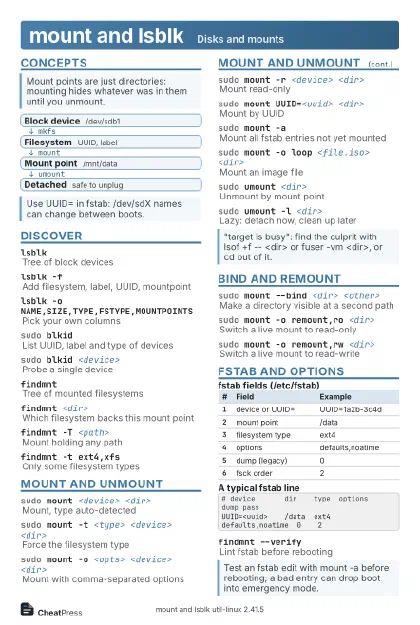 Light · Postcard
102 × 152 mm · PDF
 Dark · Postcard
102 × 152 mm · PDF
 Ink saver · Postcard
102 × 152 mm · PDF
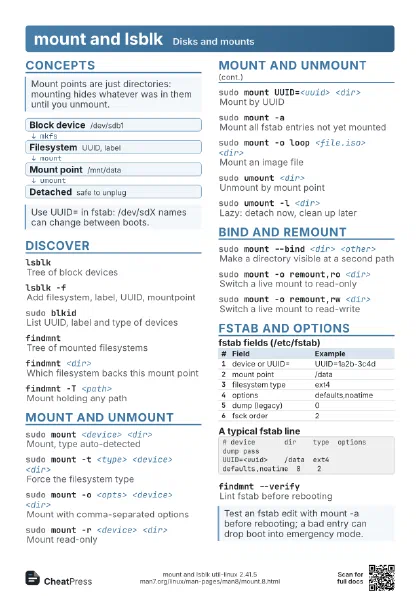
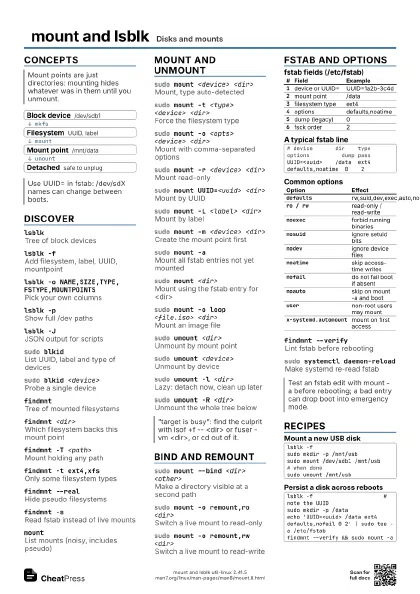
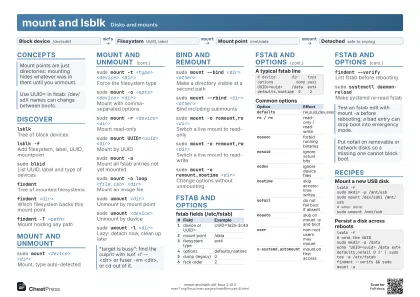 Light · A4 landscape
297 × 210 mm · PDF
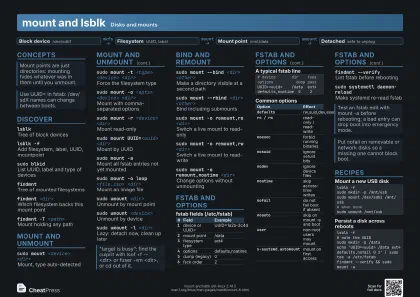 Dark · A4 landscape
297 × 210 mm · PDF
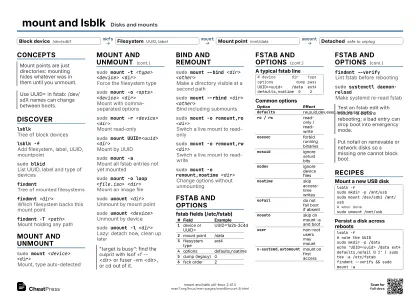 Ink saver · A4 landscape
297 × 210 mm · PDF
 Light · A3 landscape
420 × 297 mm · PDF
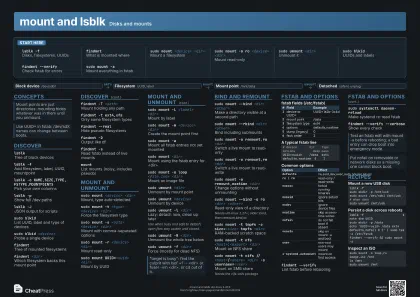 Dark · A3 landscape
420 × 297 mm · PDF
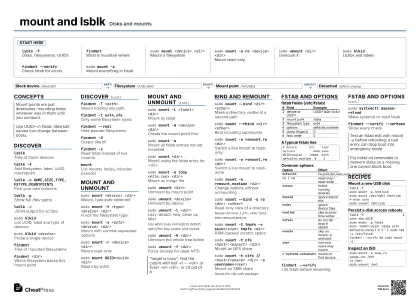 Ink saver · A3 landscape
420 × 297 mm · PDF
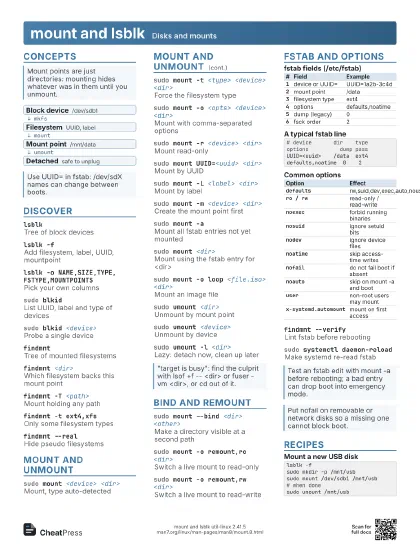
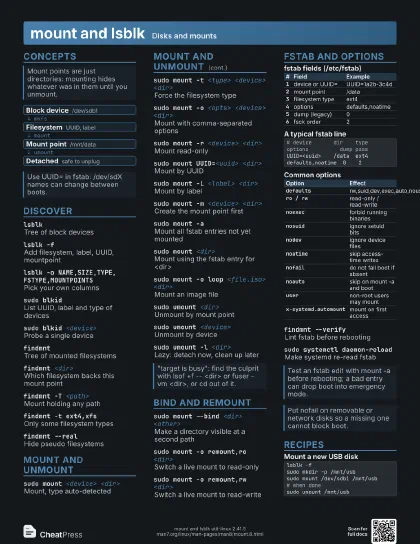
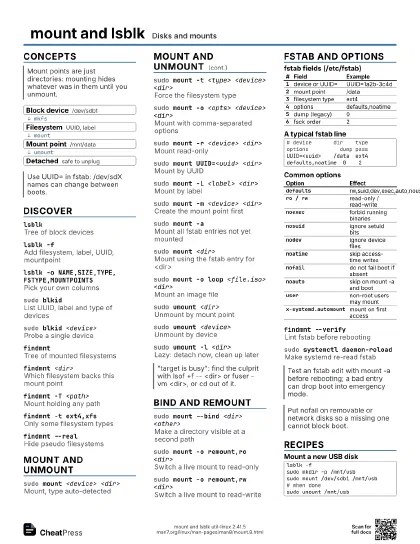
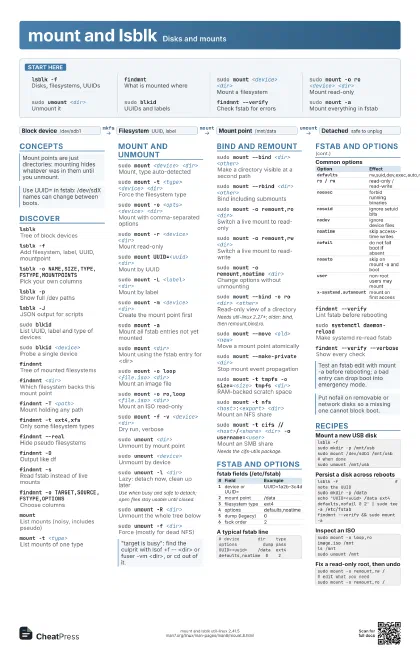
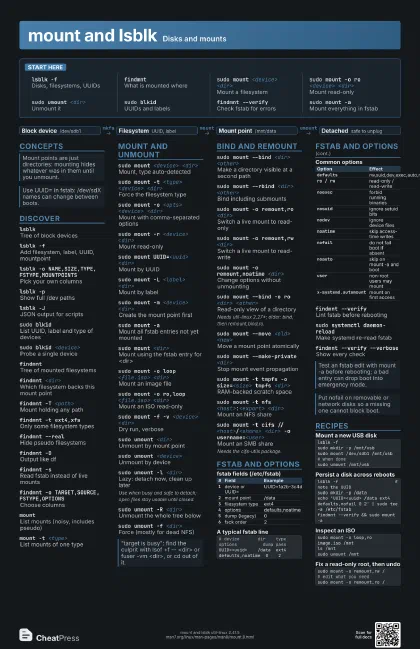
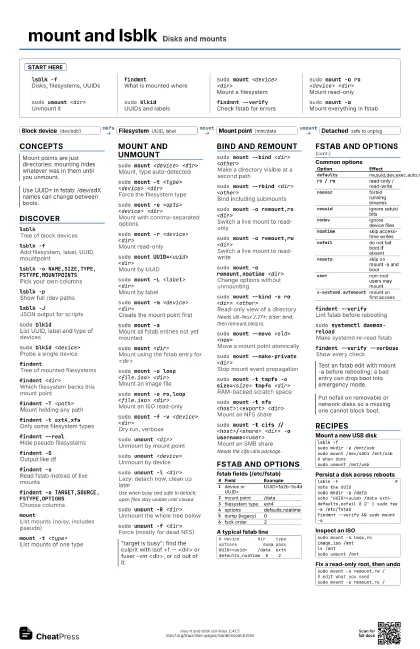
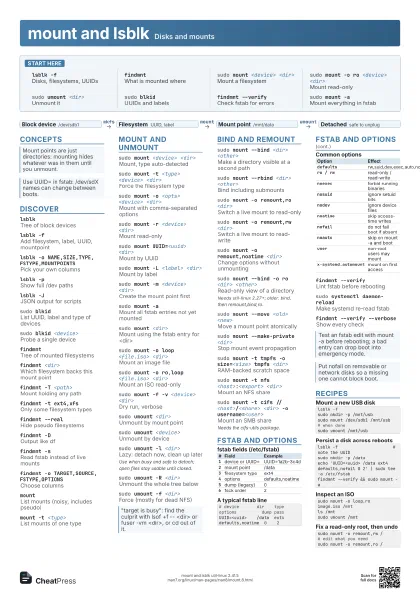
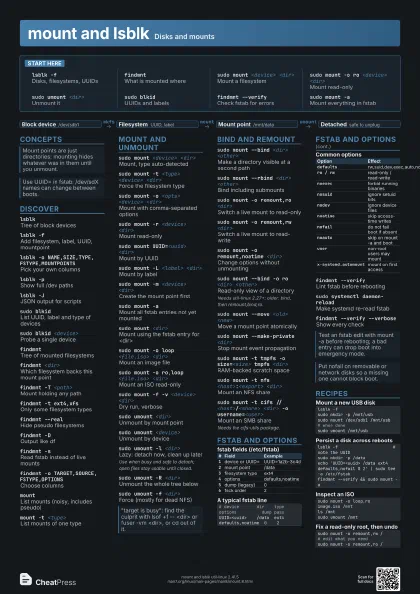
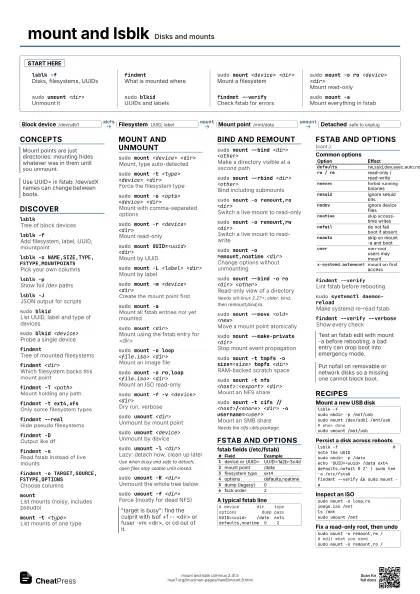
Start here
lsblk -fDisks, filesystems, UUIDs
findmntWhat is mounted where
sudo mount <device> <dir>
Mount a filesystem
sudo mount -o ro <device> <dir>
Mount read-only
sudo umount <dir>
Unmount it
sudo blkidUUIDs and labels
findmnt --verify
Check fstab for errors
sudo mount -aMount everything in fstab
Concepts
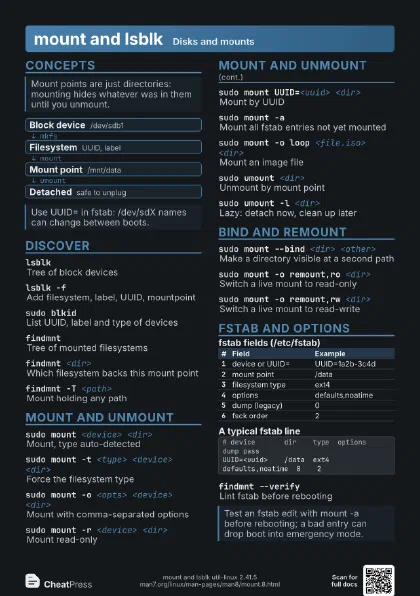
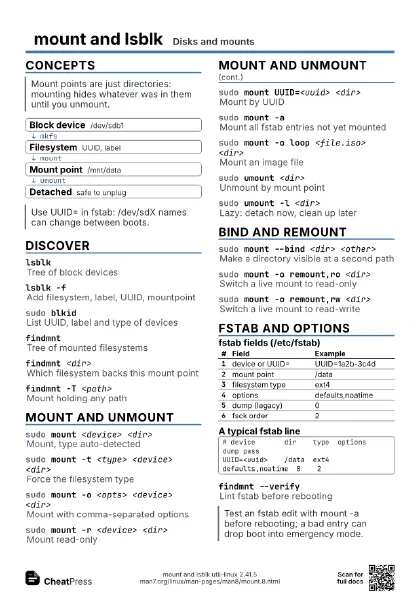
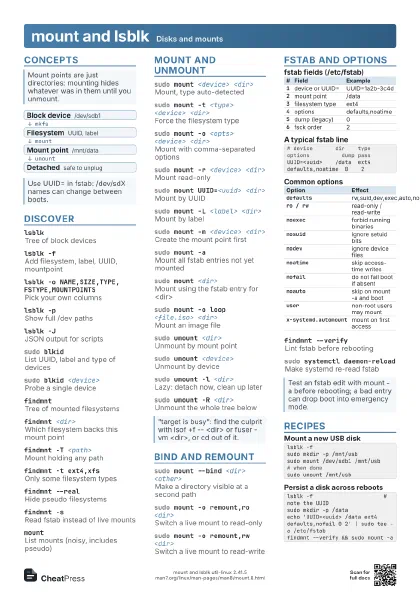
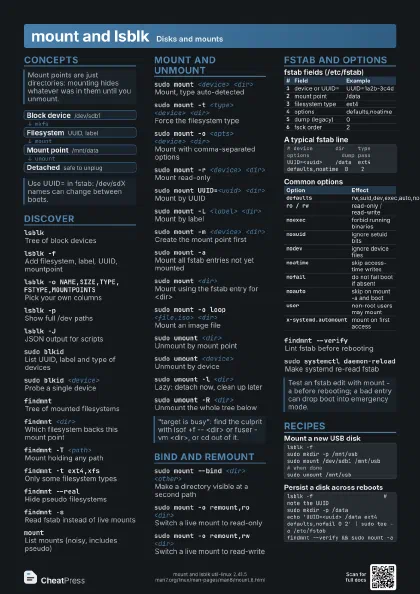
- Block device /dev/sdb1
- Filesystem UUID, label
- Mount point /mnt/data
- Detached safe to unplug
Discover
lsblkTree of block devices
lsblk -fAdd filesystem, label, UUID, mountpoint
lsblk -o NAME,SIZE,TYPE,FSTYPE,MOUNTPOINTS
Pick your own columns
lsblk -pShow full /dev paths
lsblk -JJSON output for scripts
sudo blkidList UUID, label and type of devices
sudo blkid <device>
Probe a single device
findmntTree of mounted filesystems
findmnt <dir>
Which filesystem backs this mount point
findmnt -T <path>
Mount holding any path
findmnt -t ext4,xfs
Only some filesystem types
findmnt --realHide pseudo filesystems
findmnt -DOutput like df
findmnt -sRead fstab instead of live mounts
findmnt -o TARGET,SOURCE,FSTYPE,OPTIONS
Choose columns
mountList mounts (noisy, includes pseudo)
mount -t <type>
List mounts of one type
Mount and unmount
sudo mount <device> <dir>
Mount, type auto-detected
sudo mount -t <type> <device> <dir>
Force the filesystem type
sudo mount -o <opts> <device> <dir>
Mount with comma-separated options
sudo mount -r <device> <dir>
Mount read-only
sudo mount UUID=<uuid> <dir>
Mount by UUID
sudo mount -L <label> <dir>
Mount by label
sudo mount -m <device> <dir>
Create the mount point first
sudo mount -aMount all fstab entries not yet mounted
sudo mount <dir>
Mount using the fstab entry for <dir>
sudo mount -o loop <file.iso> <dir>
Mount an image file
sudo mount -o ro,loop <file.iso> <dir>
Mount an ISO read-only
sudo mount -f -v <device> <dir>
Dry run, verbose
sudo umount <dir>
Unmount by mount point
sudo umount <device>
Unmount by device
sudo umount -l <dir>
Lazy: detach now, clean up later
Use when busy and safe to detach; open files stay usable until
closed.
sudo umount -R <dir>
Unmount the whole tree below
sudo umount -f <dir>
Force (mostly for dead NFS)
Bind and remount
sudo mount --bind <dir> <other>
Make a directory visible at a second path
sudo mount --rbind <dir> <other>
Bind including submounts
sudo mount -o remount,ro <dir>
Switch a live mount to read-only
sudo mount -o remount,rw <dir>
Switch a live mount to read-write
sudo mount -o remount,noatime <dir>
Change options without unmounting
sudo mount --bind -o ro <dir> <other>
Read-only view of a directory
Needs util-linux 2.27+; older: bind, then remount,bind,ro.
sudo mount --move <old> <new>
Move a mount point atomically
sudo mount --make-private <dir>
Stop mount event propagation
sudo mount -t tmpfs -o size=<size> tmpfs
                    <dir>
RAM-backed scratch space
sudo mount -t nfs <host>:<export>
                    <dir>
Mount an NFS share
sudo mount -t cifs //<host>/<share> <dir>
                    -o username=<user>
Mount an SMB share
Needs the cifs-utils package.
fstab and options
| # | Field | Example |
|---|---|---|
1 |
device or UUID= | UUID=1a2b-3c4d |
2 |
mount point | /data |
3 |
filesystem type | ext4 |
4 |
options | defaults,noatime |
5 |
dump (legacy) | 0 |
6 |
fsck order | 2 |
# device dir type options dump passUUID=<uuid> /data ext4 defaults,noatime 0 2| Option | Effect |
|---|---|
defaults |
rw,suid,dev,exec,auto,nouser,async |
ro / rw |
read-only / read-write |
noexec |
forbid running binaries |
nosuid |
ignore setuid bits |
nodev |
ignore device files |
noatime |
skip access-time writes |
nofail |
do not fail boot if absent |
noauto |
skip on mount -a and boot |
user |
non-root users may mount |
x-systemd.automount |
mount on first access |
findmnt --verify
Lint fstab before rebooting
sudo systemctl daemon-reload
Make systemd re-read fstab
findmnt --verify --verbose
Show every check
Recipes
lsblk -fsudo mkdir -p /mnt/usbsudo mount /dev/sdb1 /mnt/usb# when donesudo umount /mnt/usblsblk -f # note the UUIDsudo mkdir -p /dataecho 'UUID=<uuid> /data ext4 defaults,nofail 0 2' | sudo tee -a /etc/fstabfindmnt --verify && sudo mount -asudo mount -o loop,ro image.iso /mntls /mntsudo umount /mntsudo mount -o remount,rw /# edit what you needsudo mount -o remount,ro /