Cheat
lftp Scriptable file transfer
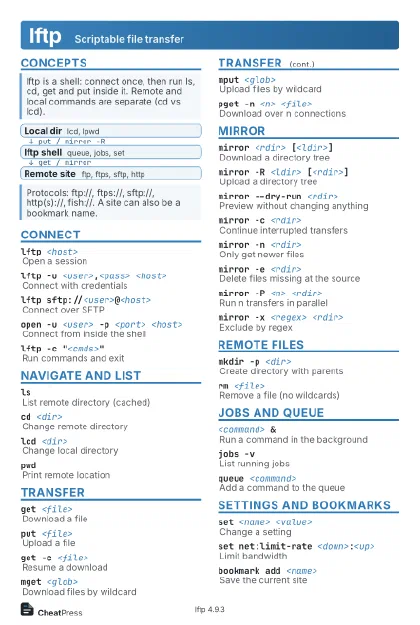 Light · Postcard
102 × 152 mm · PDF
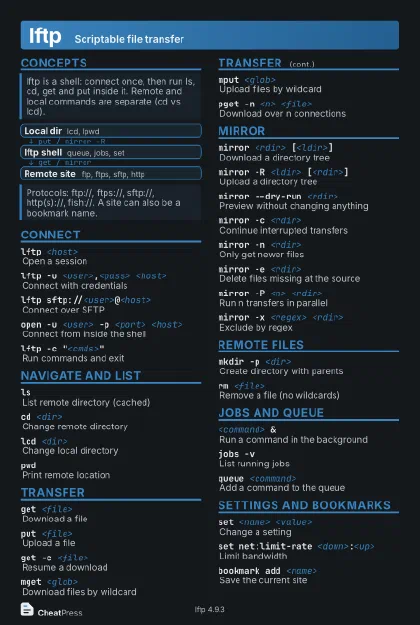 Dark · Postcard
102 × 152 mm · PDF
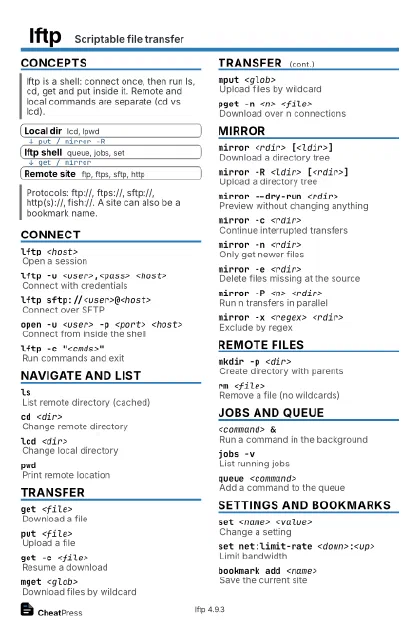 Ink saver · Postcard
102 × 152 mm · PDF
 Light · A4 landscape
297 × 210 mm · PDF
 Dark · A4 landscape
297 × 210 mm · PDF
 Ink saver · A4 landscape
297 × 210 mm · PDF
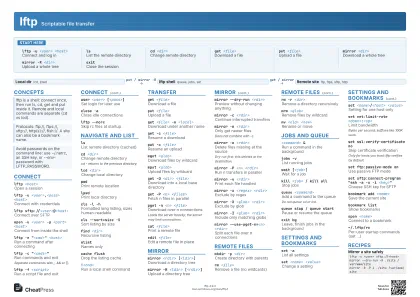 Light · A3 landscape
420 × 297 mm · PDF
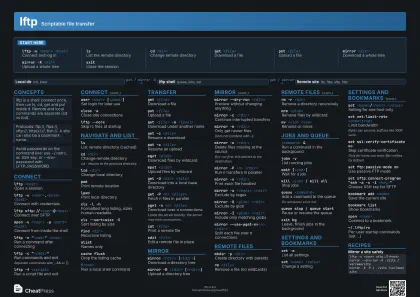 Dark · A3 landscape
420 × 297 mm · PDF
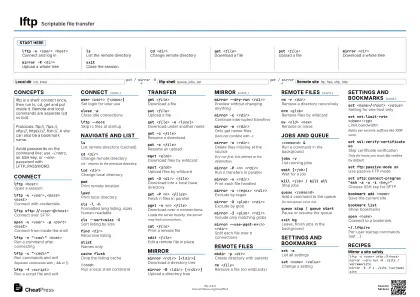 Ink saver · A3 landscape
420 × 297 mm · PDF
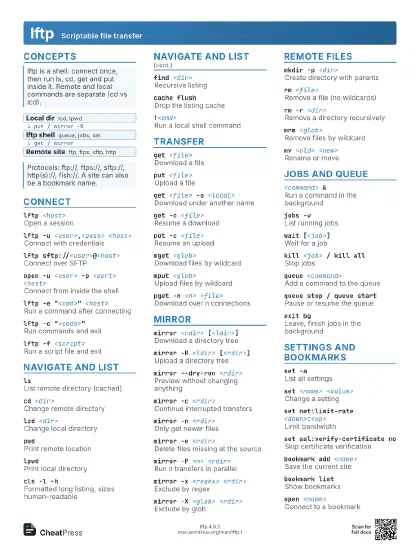
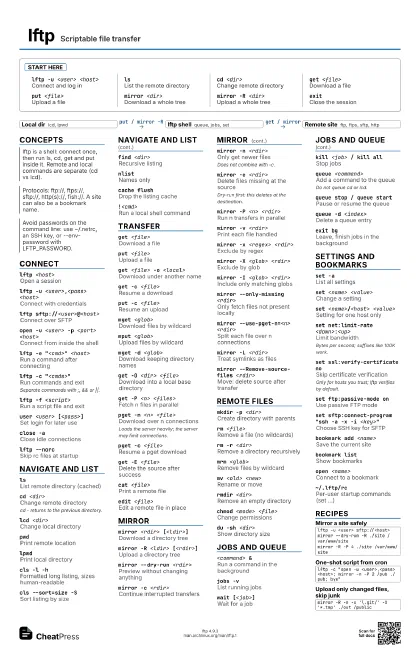
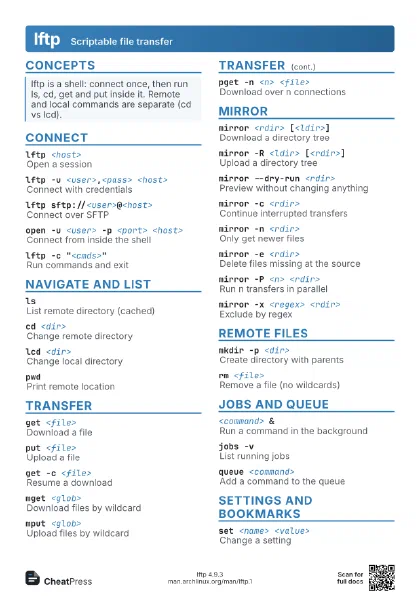
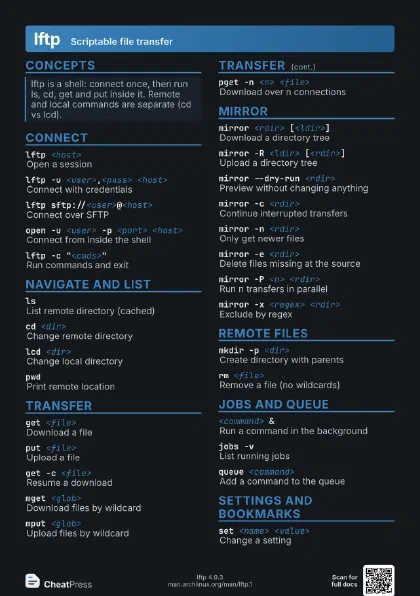
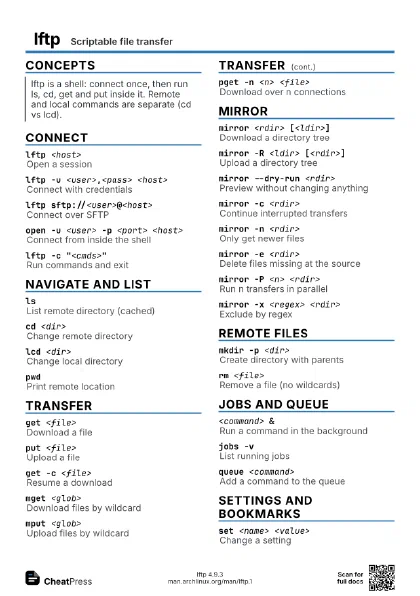
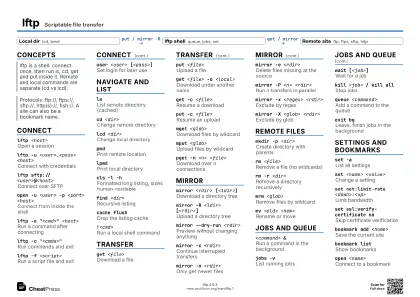
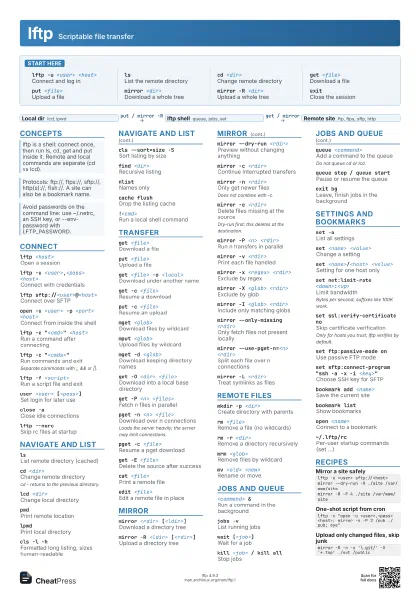
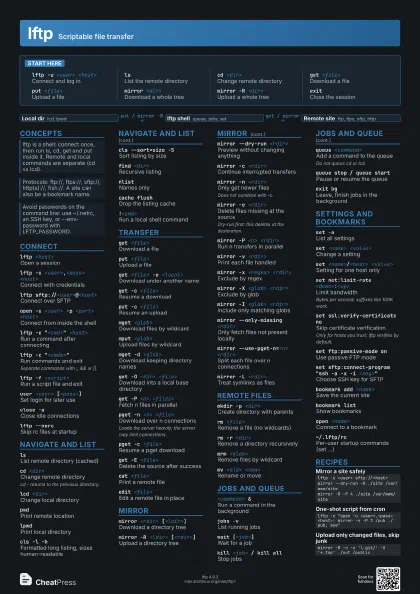
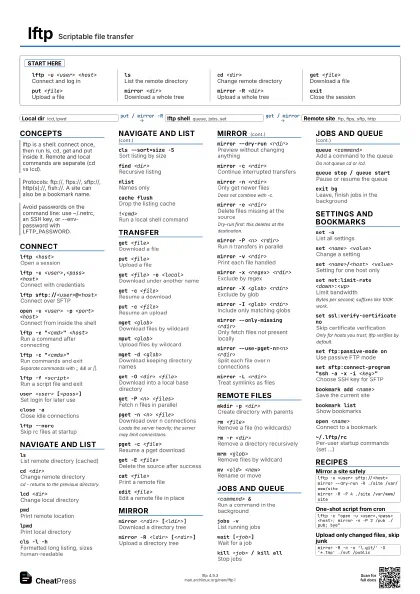
Start here
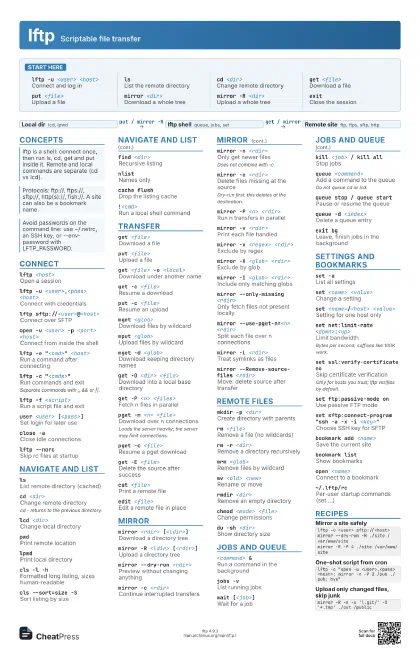
lftp -u <user> <host>
Connect and log in
lsList the remote directory
cd <dir>Change remote directory
get <file>
Download a file
put <file>
Upload a file
mirror <dir>
Download a whole tree
mirror -R <dir>
Upload a whole tree
exitClose the session
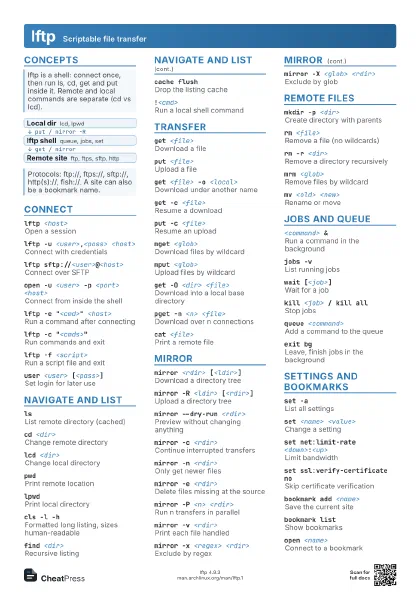
Concepts
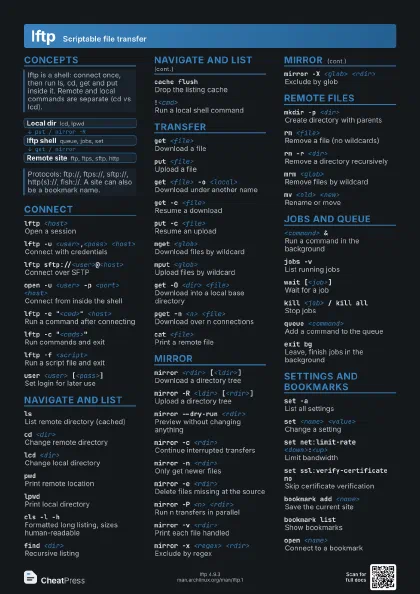
- Local dir lcd, lpwd
- lftp shell queue, jobs, set
- Remote site ftp, ftps, sftp, http
Connect
lftp <host>
Open a session
lftp -u <user>,<pass> <host>
Connect with credentials
lftp sftp://<user>@<host>
Connect over SFTP
open -u <user> -p <port> <host>
Connect from inside the shell
lftp -e "<cmd>" <host>
Run a command after connecting
lftp -c "<cmds>"
Run commands and exit
Separate commands with ;, && or ||.
lftp -f <script>
Run a script file and exit
user <user> [<pass>]
Set login for later use
close -aClose idle connections
lftp --norcSkip rc files at startup
Navigate and list
lsList remote directory (cached)
cd <dir>Change remote directory
cd - returns to the previous directory.
lcd <dir>Change local directory
pwdPrint remote location
lpwdPrint local directory
cls -l -h
Formatted long listing, sizes human-readable
cls --sort=size -S
Sort listing by size
find <dir>
Recursive listing
nlistNames only
cache flushDrop the listing cache
!<cmd>Run a local shell command
Transfer
get <file>
Download a file
put <file>
Upload a file
get <file> -o <local>
Download under another name
get -c <file>
Resume a download
put -c <file>
Resume an upload
mget <glob>
Download files by wildcard
mput <glob>
Upload files by wildcard
mget -d <glob>
Download keeping directory names
get -O <dir> <file>
Download into a local base directory
get -P <n> <files>
Fetch n files in parallel
pget -n <n> <file>
Download over n connections
Loads the server heavily; the server may limit connections.
pget -c <file>
Resume a pget download
get -E <file>
Delete the source after success
cat <file>
Print a remote file
edit <file>
Edit a remote file in place
Mirror
mirror <rdir> [<ldir>]
Download a directory tree
mirror -R <ldir> [<rdir>]
Upload a directory tree
mirror --dry-run <rdir>
Preview without changing anything
mirror -c <rdir>
Continue interrupted transfers
mirror -n <rdir>
Only get newer files
Does not combine with -c.
mirror -e <rdir>
Delete files missing at the source
Dry-run first: this deletes at the destination.
mirror -P <n> <rdir>
Run n transfers in parallel
mirror -v <rdir>
Print each file handled
mirror -x <regex> <rdir>
Exclude by regex
mirror -X <glob> <rdir>
Exclude by glob
mirror -I <glob> <rdir>
Include only matching globs
mirror --only-missing <rdir>
Only fetch files not present locally
mirror --use-pget-n=<n> <rdir>
Split each file over n connections
mirror -L <rdir>
Treat symlinks as files
mirror --Remove-source-files <rdir>
Move: delete source after transfer
mirror --loop --on-change="<cmd>"
                    <rdir>
Rerun until something changes
Remote files
mkdir -p <dir>
Create directory with parents
rm <file>Remove a file (no wildcards)
rm -r <dir>
Remove a directory recursively
mrm <glob>
Remove files by wildcard
mv <old> <new>
Rename or move
rmdir <dir>
Remove an empty directory
chmod <mode> <file>
Change permissions
du -sh <dir>
Show directory size
ln -s <target> <link>
Create a symlink
Jobs and queue
<command> &
Run a command in the background
jobs -vList running jobs
wait [<job>]
Wait for a job
kill <job> / kill all
Stop jobs
queue <command>
Add a command to the queue
Do not queue cd or lcd.
queue stop / queue start
Pause or resume the queue
queue -d <index>
Delete a queue entry
queue -m <index> <pos>
Reorder queue entries
repeat -d <secs> <command>
Repeat a command at an interval
at <time> -- <command>
Run a command later
exit bgLeave, finish jobs in the background
Settings and bookmarks
set -aList all settings
set <name> <value>
Change a setting
set <name>/<host> <value>
Setting for one host only
set net:limit-rate <down>:<up>
Limit bandwidth
Bytes per second; suffixes like 100K work.
set ssl:verify-certificate no
Skip certificate verification
Only for hosts you trust; lftp verifies by default.
set ftp:passive-mode on
Use passive FTP mode
set sftp:connect-program "ssh -a -x -i
                    <key>"
Choose SSH key for SFTP
set mirror:parallel-directories on
Mirror several dirs at once
set xfer:clobber on
Overwrite existing local files
bookmark add <name>
Save the current site
bookmark listShow bookmarks
open <name>
Connect to a bookmark
source <file>
Run commands from a file
~/.lftp/rcPer-user startup commands (set ...)
Recipes
lftp -u <user> sftp://<host>mirror --dry-run -R ./site /var/www/sitemirror -R -P 4 ./site /var/www/sitelftp -c "open -u <user>,<pass> <host>; mirror -n -P 2 /pub ./pub; bye"mirror -R -n -x '\.git/' -X '*.tmp' ./out /public# ~/.lftp/rcset ssl:verify-certificate yesset net:limit-rate 0:500Kset mirror:parallel-transfer-count 3