Cheat
rclone Cloud file sync
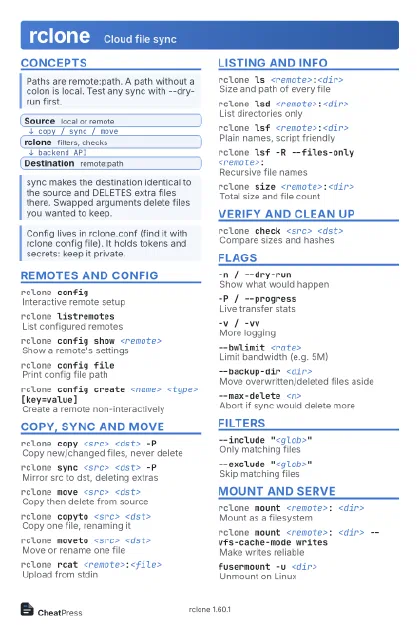 Light · Postcard
102 × 152 mm · PDF
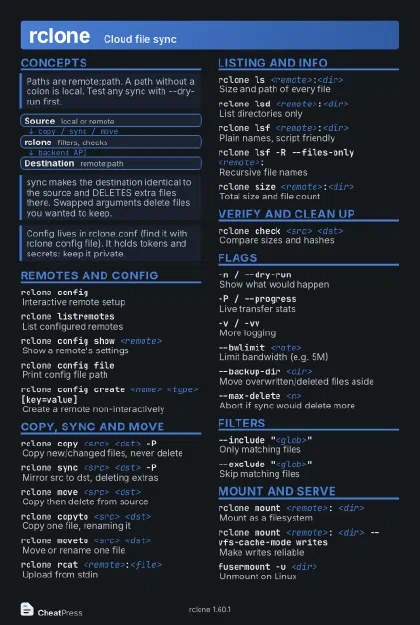 Dark · Postcard
102 × 152 mm · PDF
 Ink saver · Postcard
102 × 152 mm · PDF
 Light · A4 landscape
297 × 210 mm · PDF
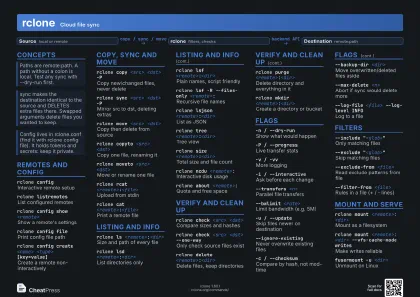 Dark · A4 landscape
297 × 210 mm · PDF
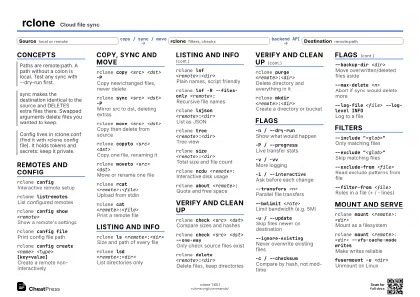 Ink saver · A4 landscape
297 × 210 mm · PDF
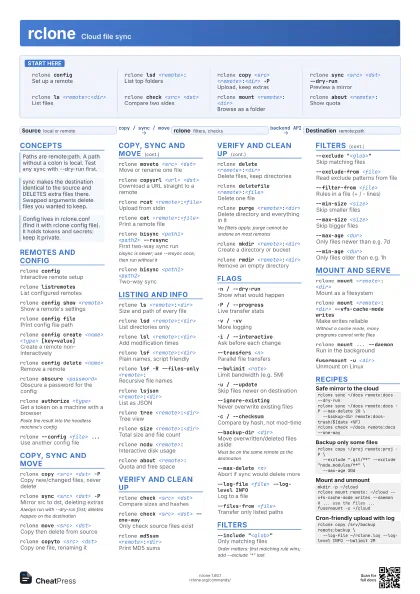
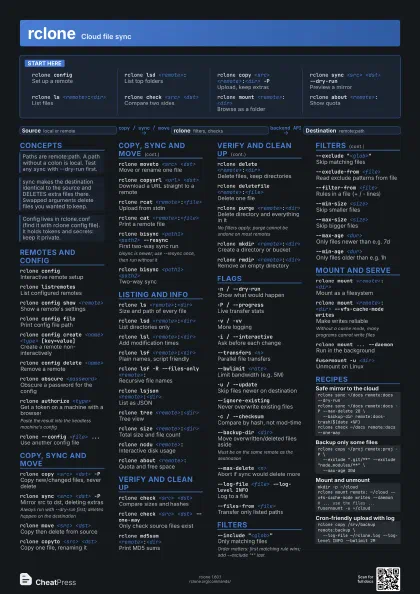
 Light · A3 landscape
420 × 297 mm · PDF
 Dark · A3 landscape
420 × 297 mm · PDF
 Ink saver · A3 landscape
420 × 297 mm · PDF
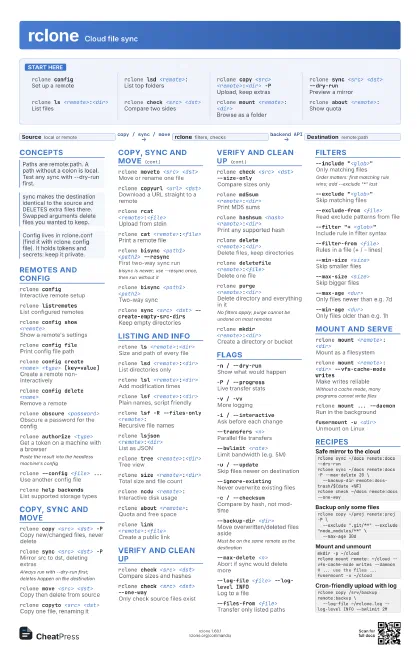
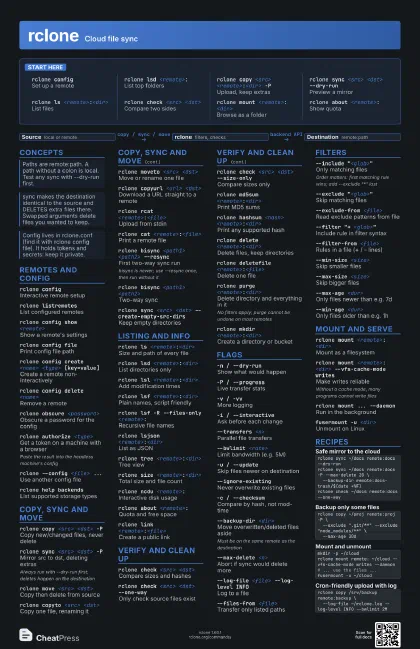
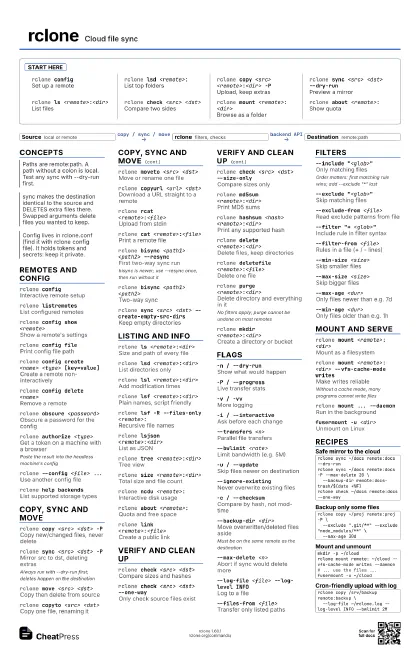
Start here
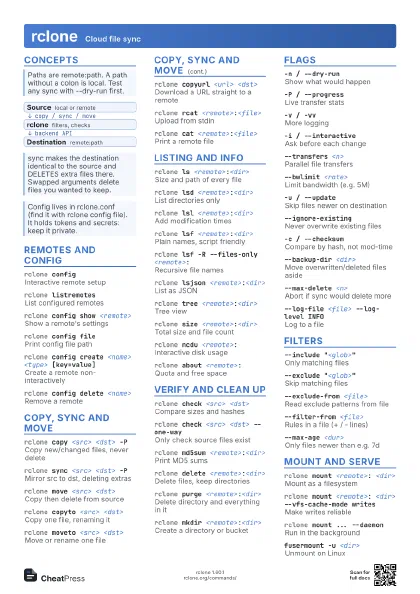
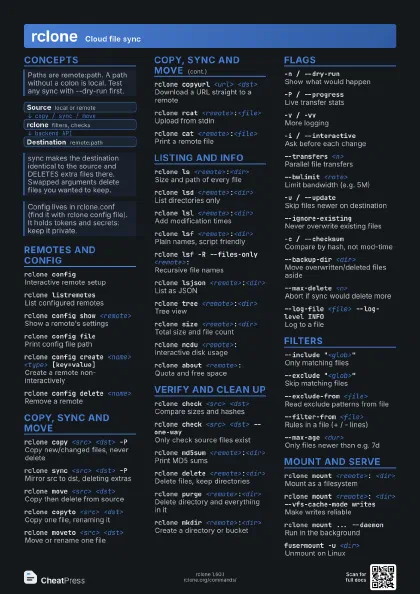
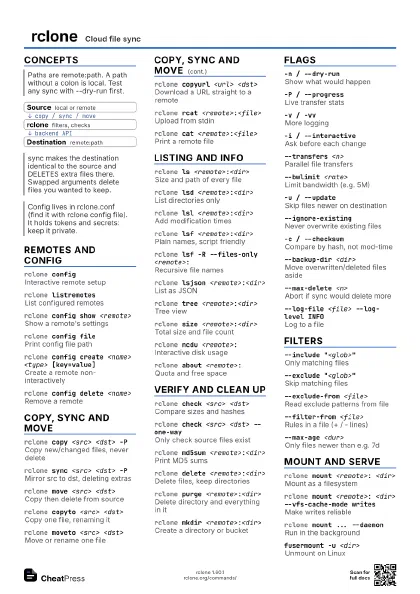
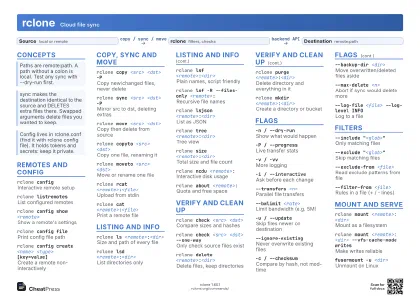
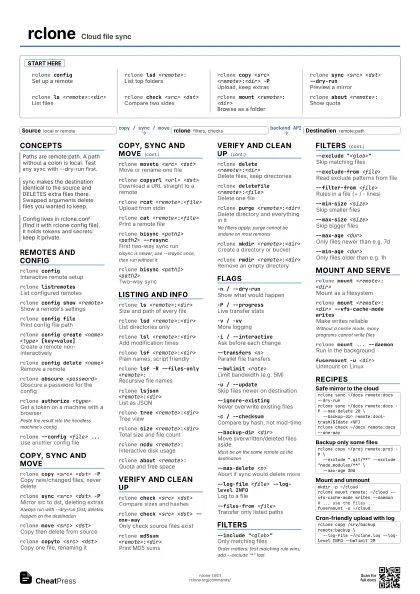
rclone configSet up a remote
rclone lsd <remote>:
List top folders
rclone copy <src> <remote>:<dir> -P
Upload, keep extras
rclone sync <src> <dst> --dry-run
Preview a mirror
rclone ls <remote>:<dir>
List files
rclone check <src> <dst>
Compare two sides
rclone mount <remote>: <dir>
Browse as a folder
rclone about <remote>:
Show quota
Concepts
- Source local or remote
- rclone filters, checks
- Destination remote:path
Remotes and config
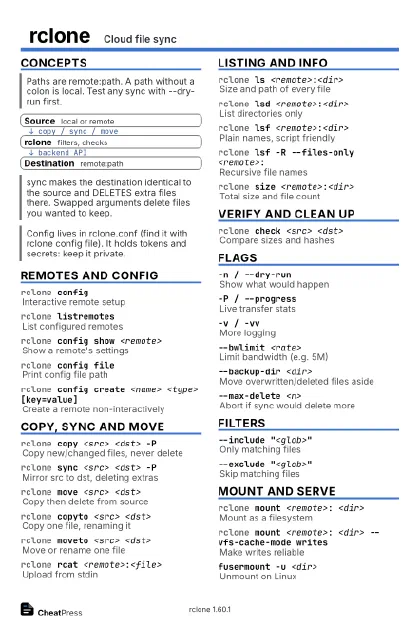
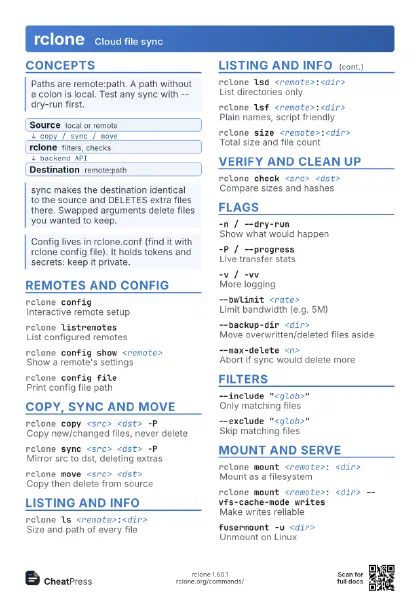
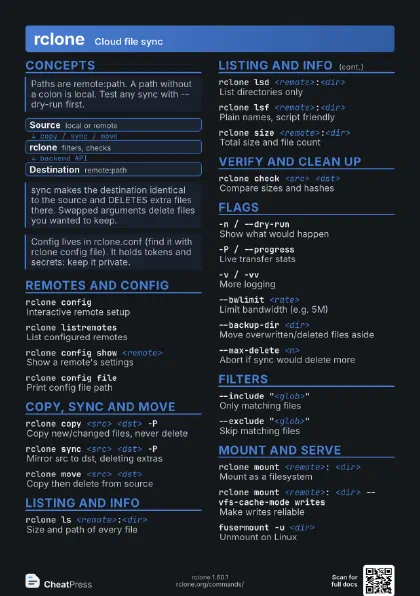
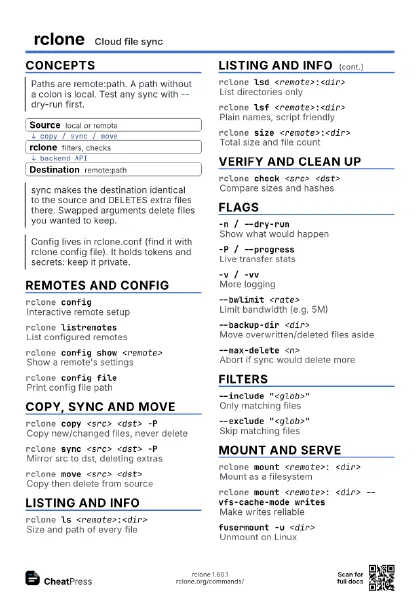
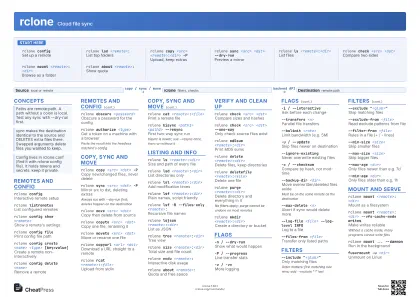
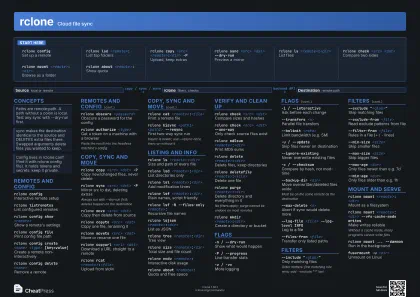
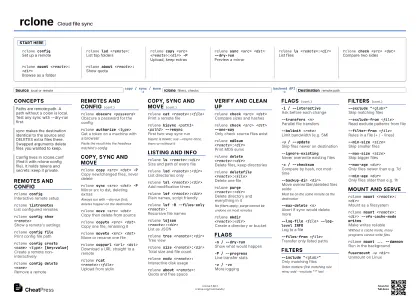
rclone configInteractive remote setup
rclone listremotes
List configured remotes
rclone config show <remote>
Show a remote's settings
rclone config file
Print config file path
rclone config create <name> <type>
                    [key=value]
Create a remote non-interactively
rclone config delete <name>
Remove a remote
rclone obscure <password>
Obscure a password for the config
rclone authorize <type>
Get a token on a machine with a browser
Paste the result into the headless machine's config
rclone --config <file> ...
Use another config file
rclone help backends
List supported storage types
Copy, sync and move
rclone copy <src> <dst> -P
Copy new/changed files, never delete
rclone sync <src> <dst> -P
Mirror src to dst, deleting extras
Always run with --dry-run first; deletes happen on the
destination
rclone move <src> <dst>
Copy then delete from source
rclone copyto <src> <dst>
Copy one file, renaming it
rclone moveto <src> <dst>
Move or rename one file
rclone copyurl <url> <dst>
Download a URL straight to a remote
rclone rcat <remote>:<file>
Upload from stdin
rclone cat <remote>:<file>
Print a remote file
rclone bisync <path1> <path2> --resync
First two-way sync run
bisync is newer; use --resync once, then run without it
rclone bisync <path1> <path2>
Two-way sync
rclone sync <src> <dst>
                    --create-empty-src-dirs
Keep empty directories
Listing and info
rclone ls <remote>:<dir>
Size and path of every file
rclone lsd <remote>:<dir>
List directories only
rclone lsl <remote>:<dir>
Add modification times
rclone lsf <remote>:<dir>
Plain names, script friendly
rclone lsf -R --files-only <remote>:
Recursive file names
rclone lsjson <remote>:<dir>
List as JSON
rclone tree <remote>:<dir>
Tree view
rclone size <remote>:<dir>
Total size and file count
rclone ncdu <remote>:
Interactive disk usage
rclone about <remote>:
Quota and free space
rclone link <remote>:<file>
Create a public link
Verify and clean up
rclone check <src> <dst>
Compare sizes and hashes
rclone check <src> <dst> --one-way
Only check source files exist
rclone check <src> <dst> --size-only
Compare sizes only
rclone cryptcheck <src> <crypt-remote>:
Check against an encrypted remote
rclone md5sum <remote>:<dir>
Print MD5 sums
rclone hashsum <hash>
                    <remote>:<dir>
Print any supported hash
rclone delete <remote>:<dir>
Delete files, keep directories
rclone deletefile <remote>:<file>
Delete one file
rclone purge <remote>:<dir>
Delete directory and everything in it
No filters apply; purge cannot be undone on most remotes
rclone mkdir <remote>:<dir>
Create a directory or bucket
rclone rmdir <remote>:<dir>
Remove an empty directory
rclone rmdirs <remote>:<dir>
Remove empty directories below
rclone dedupe <remote>:<dir>
Resolve duplicate names
rclone cleanup <remote>:
Empty trash / old versions
Flags
-n / --dry-runShow what would happen
-P / --progressLive transfer stats
-v / -vvMore logging
-i / --interactive
Ask before each change
--transfers <n>
Parallel file transfers
--checkers <n>
Parallel comparisons
--bwlimit <rate>
Limit bandwidth (e.g. 5M)
-u / --updateSkip files newer on destination
--ignore-existing
Never overwrite existing files
-c / --checksumCompare by hash, not mod-time
--size-onlyCompare by size only
--backup-dir <dir>
Move overwritten/deleted files aside
Must be on the same remote as the destination
--max-delete <n>
Abort if sync would delete more
--track-renamesMove instead of re-upload on rename
--fast-listFewer API calls, more memory
--tpslimit <n>
Limit API requests per second
--log-file <file> --log-level INFO
Log to a file
--files-from <file>
Transfer only listed paths
Filters
--include "<glob>"
Only matching files
Order matters: first matching rule wins; add --exclude
"*" last
--exclude "<glob>"
Skip matching files
--exclude-from <file>
Read exclude patterns from file
--filter "+ <glob>"
Include rule in filter syntax
--filter-from <file>
Rules in a file (+ / - lines)
--exclude-if-present <name>
Skip dirs containing a marker file
--min-size <size>
Skip smaller files
--max-size <size>
Skip bigger files
--max-age <dur>
Only files newer than e.g. 7d
--min-age <dur>
Only files older than e.g. 1h
--max-depth <n>
Limit recursion depth
Mount and serve
rclone mount <remote>: <dir>
Mount as a filesystem
rclone mount <remote>: <dir> --vfs-cache-mode
                    writes
Make writes reliable
Without a cache mode, many programs cannot write files
rclone mount ... --daemon
Run in the background
rclone mount ... --read-only
Mount read-only
fusermount -u <dir>
Unmount on Linux
rclone serve webdav <remote>:
Serve over WebDAV
rclone serve http <remote>:
Serve read-only over HTTP
rclone serve sftp <remote>:
Serve over SFTP
Recipes
rclone sync ~/docs remote:docs --dry-runrclone sync ~/docs remote:docs -P --max-delete 20 \ --backup-dir remote:docs-trash/$(date +%F)rclone check ~/docs remote:docs --one-wayrclone copy ~/proj remote:proj -P \ --exclude ".git/**" --exclude "node_modules/**" \ --max-age 30dmkdir -p ~/cloudrclone mount remote: ~/cloud --vfs-cache-mode writes --daemon# ... use the files ...fusermount -u ~/cloudrclone copy /srv/backup remote:backup \ --log-file ~/rclone.log --log-level INFO --bwlimit 2M