Cheat
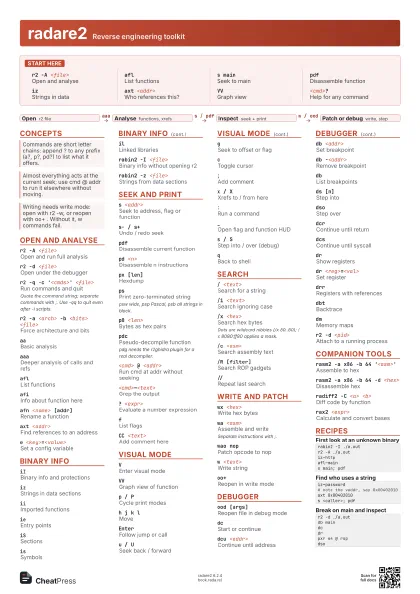
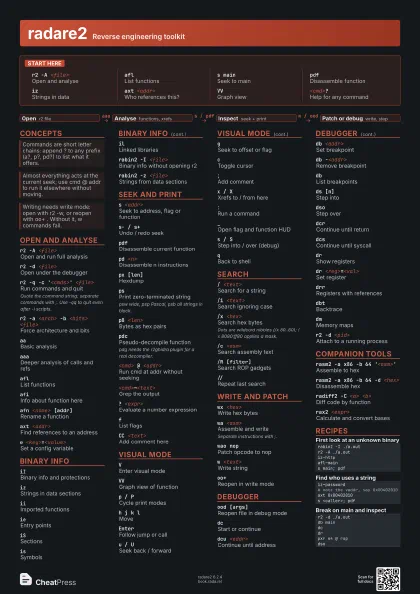
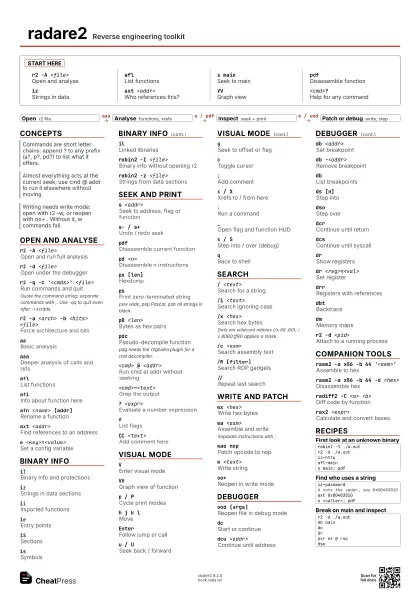
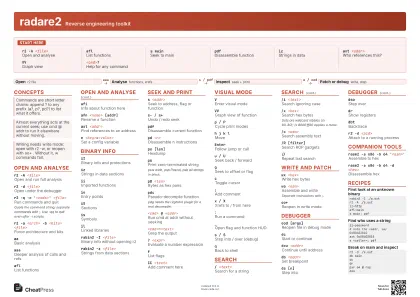
radare2 Reverse engineering toolkit
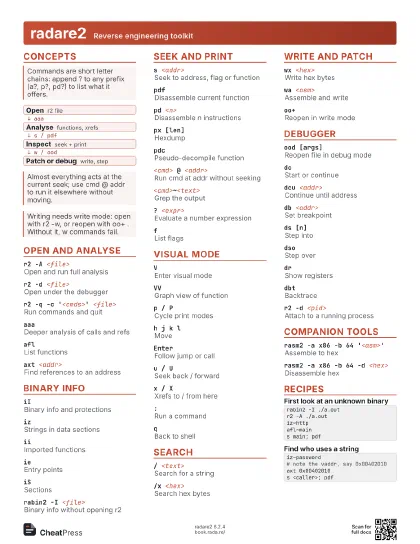
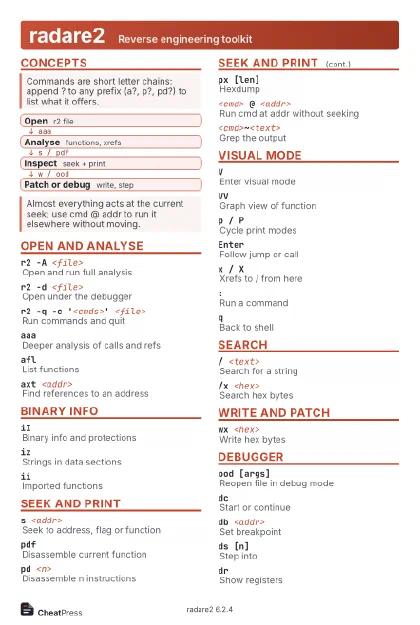 Light · Postcard
102 × 152 mm · PDF
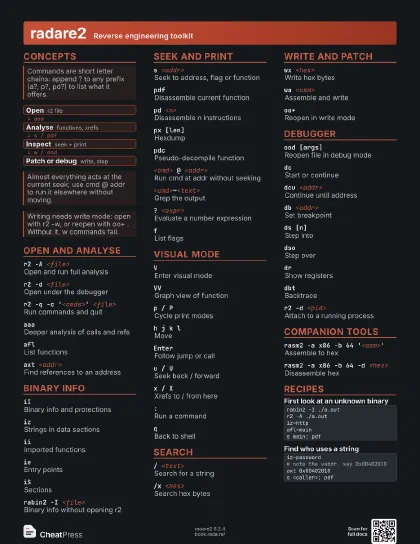
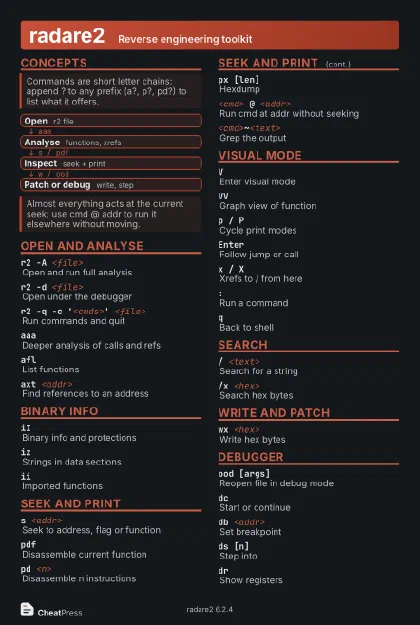 Dark · Postcard
102 × 152 mm · PDF
 Ink saver · Postcard
102 × 152 mm · PDF
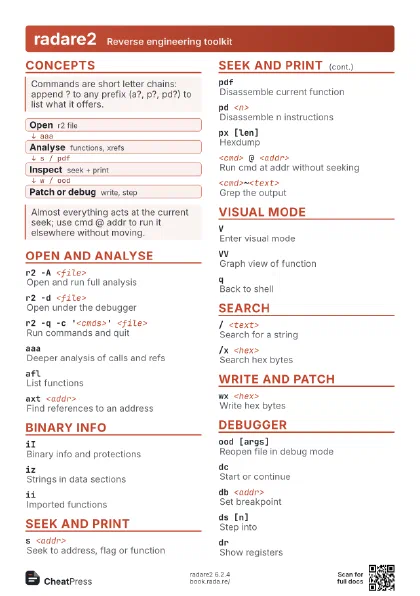
 Light · A4 landscape
297 × 210 mm · PDF
 Dark · A4 landscape
297 × 210 mm · PDF
 Ink saver · A4 landscape
297 × 210 mm · PDF
 Light · A3 landscape
420 × 297 mm · PDF
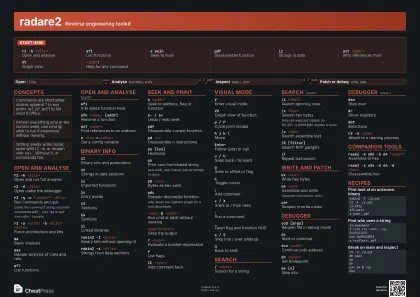 Dark · A3 landscape
420 × 297 mm · PDF
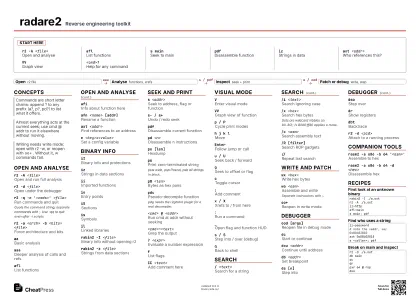 Ink saver · A3 landscape
420 × 297 mm · PDF
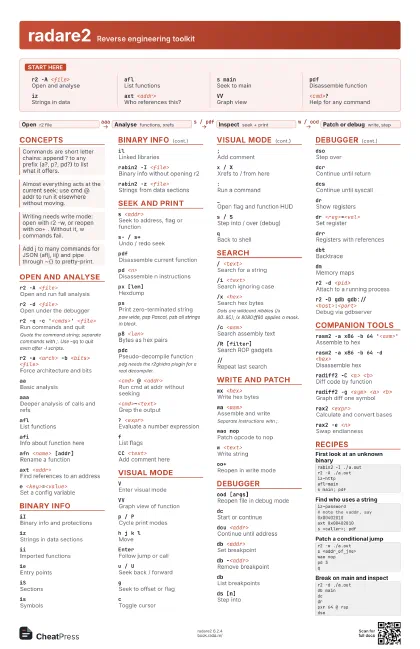
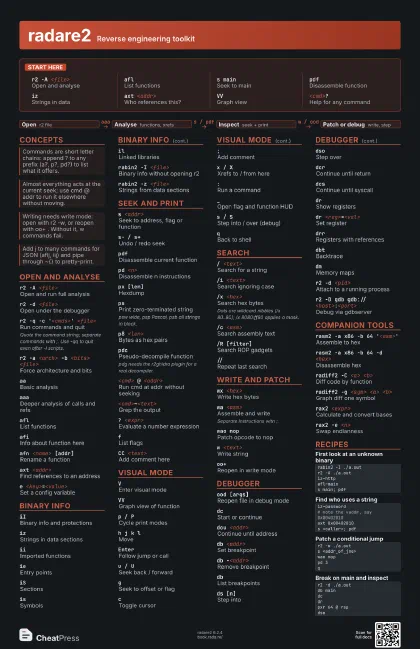
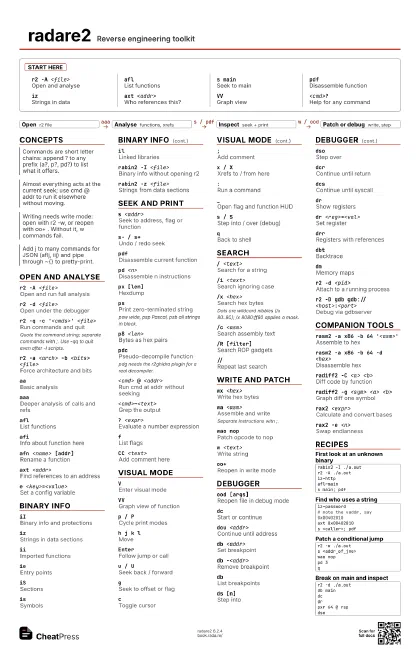
Start here
r2 -A <file>
Open and analyse
aflList functions
s mainSeek to main
pdfDisassemble function
izStrings in data
axt <addr>
Who references this?
VVGraph view
<cmd>?Help for any command
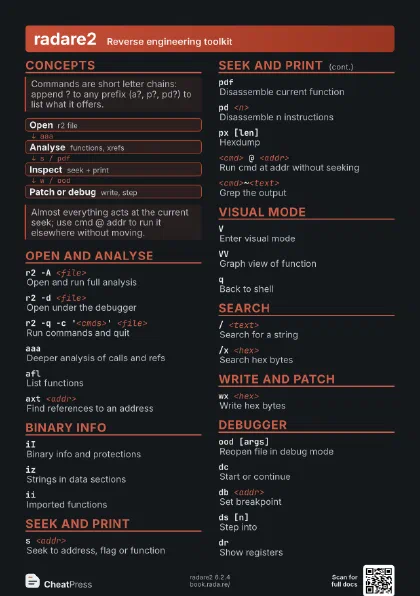
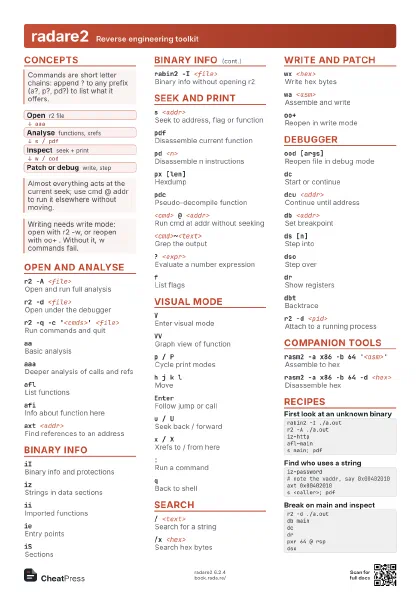
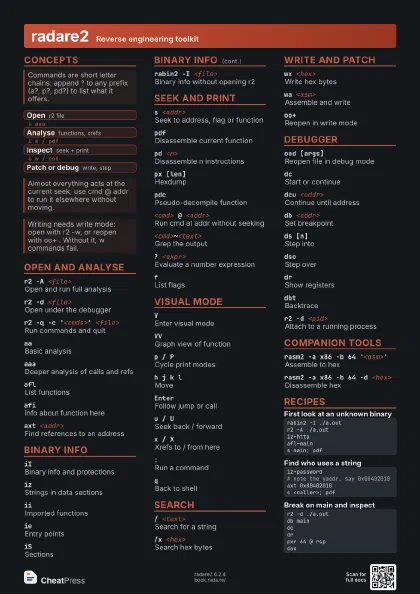
Concepts
- Open r2 file
- Analyse functions, xrefs
- Inspect seek + print
- Patch or debug write, step
Open and analyse
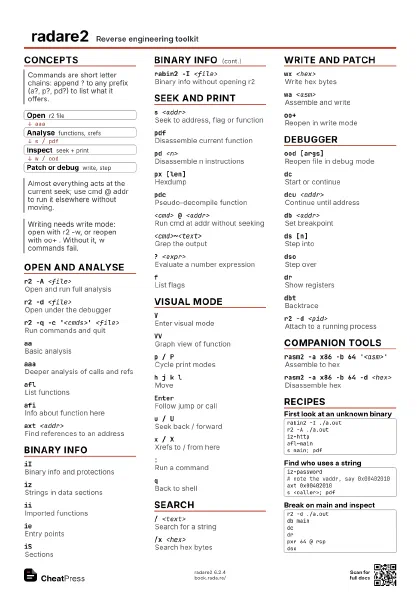
r2 -A <file>
Open and run full analysis
r2 -d <file>
Open under the debugger
r2 -q -c '<cmds>' <file>
Run commands and quit
Quote the command string; separate commands with ;. Use -qq to
quit even after -i scripts.
r2 -a <arch> -b <bits> <file>
Force architecture and bits
aaBasic analysis
aaaDeeper analysis of calls and refs
aflList functions
afiInfo about function here
afn <name> [addr]
Rename a function
axt <addr>
Find references to an address
e <key>=<value>
Set a config variable
Binary info
iIBinary info and protections
izStrings in data sections
iiImported functions
ieEntry points
iSSections
isSymbols
ilLinked libraries
rabin2 -I <file>
Binary info without opening r2
rabin2 -z <file>
Strings from data sections
Seek and print
s <addr>Seek to address, flag or function
s- / s+Undo / redo seek
pdfDisassemble current function
pd <n>Disassemble n instructions
px [len]Hexdump
psPrint zero-terminated string
psw wide, psp Pascal, psb all strings in block.
p8 <len>Bytes as hex pairs
pdcPseudo-decompile function
pdg needs the r2ghidra plugin for a real decompiler.
<cmd> @ <addr>
Run cmd at addr without seeking
<cmd>~<text>
Grep the output
? <expr>Evaluate a number expression
fList flags
CC <text>Add comment here
Visual mode
VEnter visual mode
VVGraph view of function
p / PCycle print modes
h j k lMove
EnterFollow jump or call
u / USeek back / forward
gSeek to offset or flag
cToggle cursor
;Add comment
x / XXrefs to / from here
:Run a command
_Open flag and function HUD
s / SStep into / over (debug)
qBack to shell
Search
/ <text>Search for a string
/i <text>Search ignoring case
/x <hex>Search hex bytes
Dots are wildcard nibbles (/x 80..80); /x 8080:ff80 applies a
mask.
/c <asm>Search assembly text
/R [filter]Search ROP gadgets
//Repeat last search
Write and patch
wx <hex>Write hex bytes
wa <asm>Assemble and write
Separate instructions with ;.
wao nopPatch opcode to nop
w <text>Write string
oo+Reopen in write mode
Debugger
ood [args]Reopen file in debug mode
dcStart or continue
dcu <addr>
Continue until address
db <addr>Set breakpoint
db -<addr>
Remove breakpoint
dbList breakpoints
ds [n]Step into
dsoStep over
dcrContinue until return
dcsContinue until syscall
drShow registers
dr <reg>=<val>
Set register
drrRegisters with references
dbtBacktrace
dmMemory maps
r2 -d <pid>
Attach to a running process
r2 -D gdb gdb://<host>:<port>
Debug via gdbserver
Companion tools
rasm2 -a x86 -b 64 '<asm>'
Assemble to hex
rasm2 -a x86 -b 64 -d <hex>
Disassemble hex
radiff2 -C <a> <b>
Diff code by function
radiff2 -g <sym> <a> <b>
Graph diff one symbol
rax2 <expr>
Calculate and convert bases
rax2 -e <n>
Swap endianness
Recipes
rabin2 -I ./a.outr2 -A ./a.outiz~httpafl~mains main; pdfiz~password# note the vaddr, say 0x00402010axt 0x00402010s <caller>; pdfr2 -w ./a.outs <addr_of_jne>wao noppd 3qr2 -d ./a.outdb maindcdrpxr 64 @ rspdso