Cheat
qutebrowser Keyboard-driven browser
 Light · Postcard
102 × 152 mm · PDF
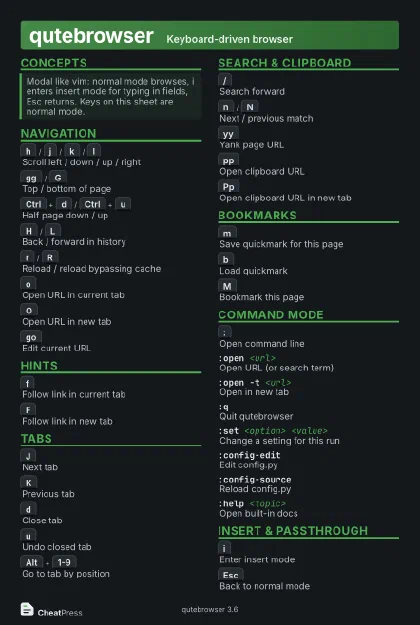 Dark · Postcard
102 × 152 mm · PDF
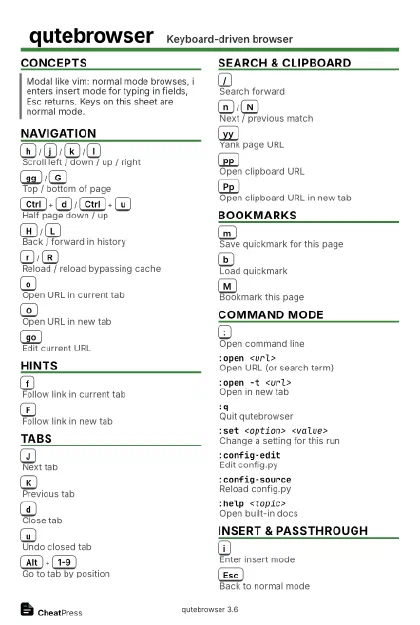 Ink saver · Postcard
102 × 152 mm · PDF
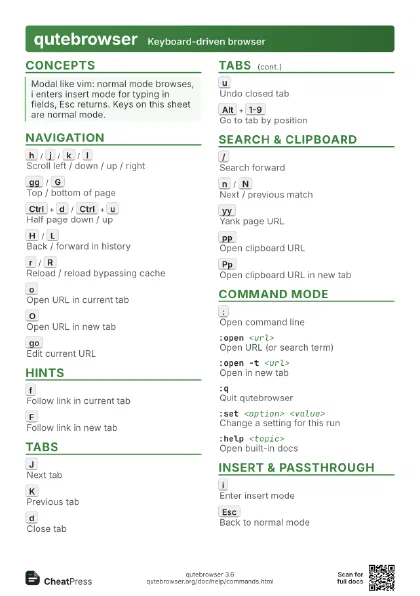
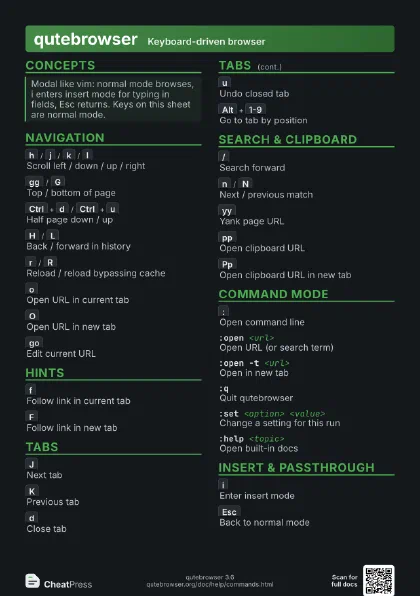
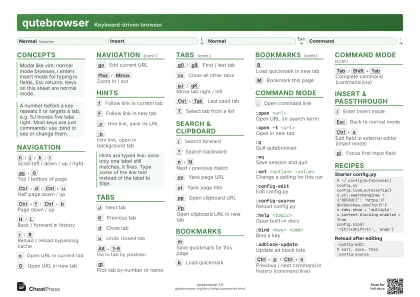 Light · A4 landscape
297 × 210 mm · PDF
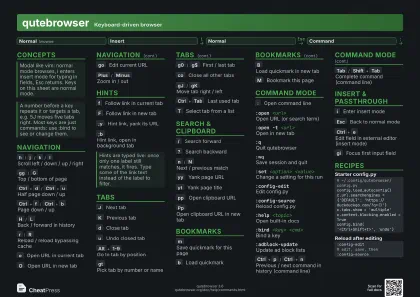 Dark · A4 landscape
297 × 210 mm · PDF
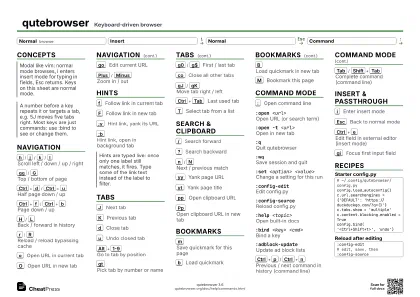 Ink saver · A4 landscape
297 × 210 mm · PDF
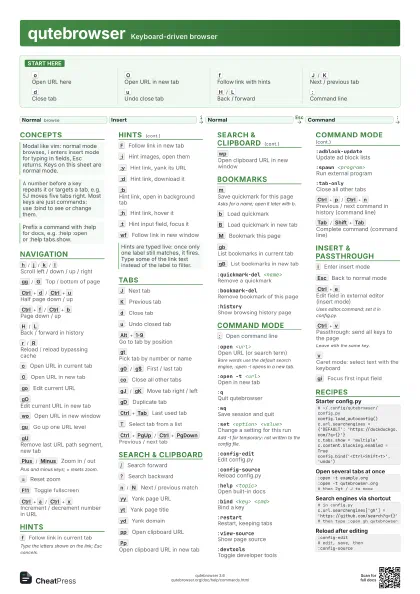
 Light · A3 landscape
420 × 297 mm · PDF
 Dark · A3 landscape
420 × 297 mm · PDF
 Ink saver · A3 landscape
420 × 297 mm · PDF
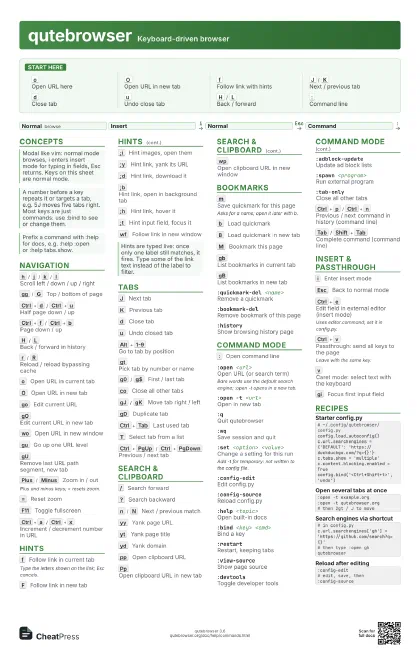
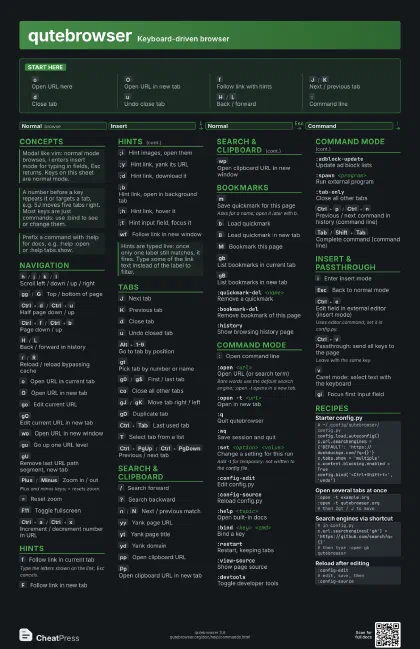
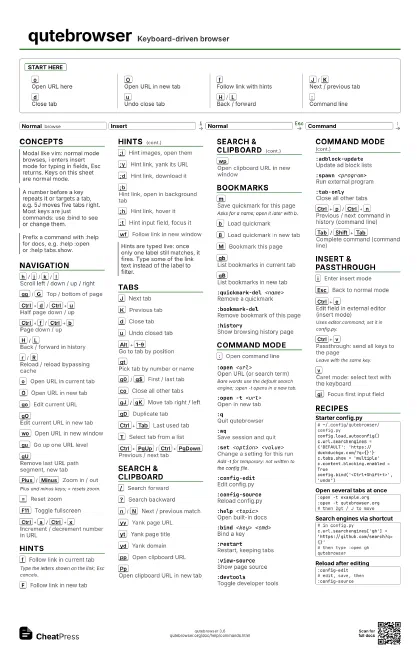
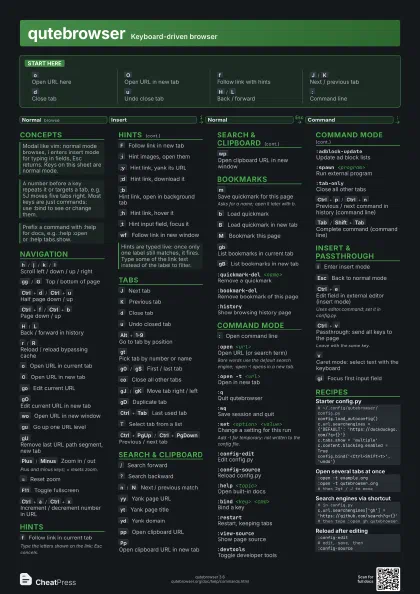
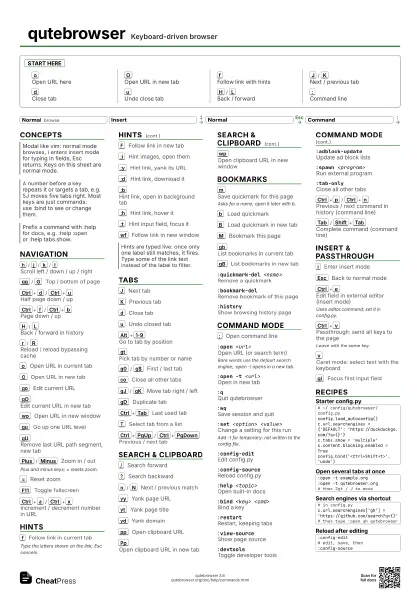
Start here
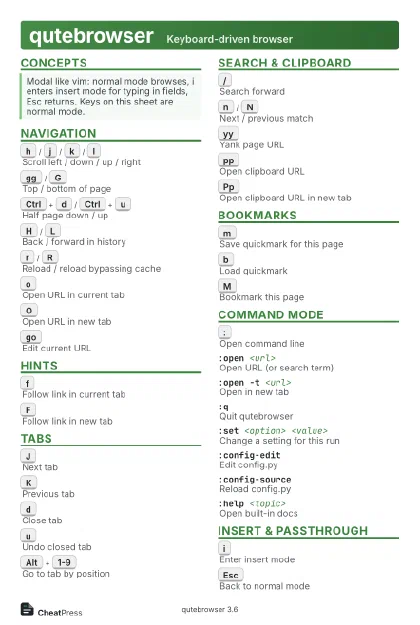
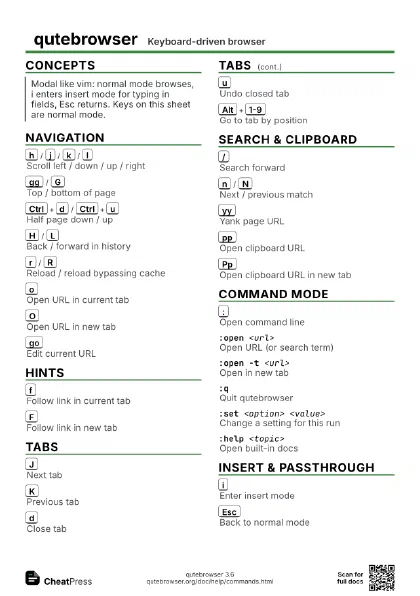
o
Open URL here
O
Open URL in new tab
f
Follow link with hints
J
/
K
Next / previous tab
d
Close tab
u
Undo close tab
H
/
L
Back / forward
:
Command line
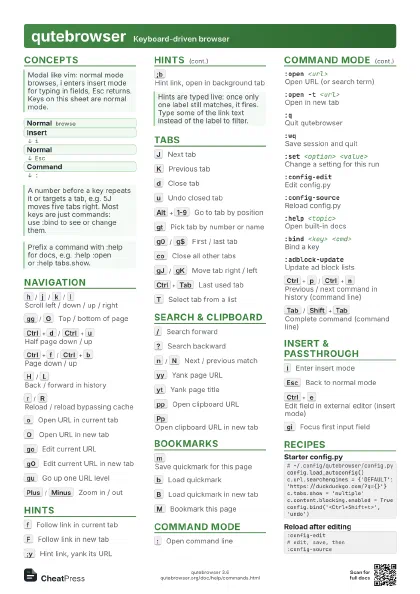
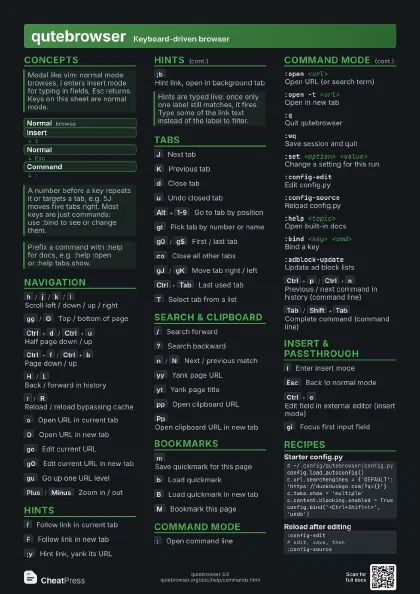
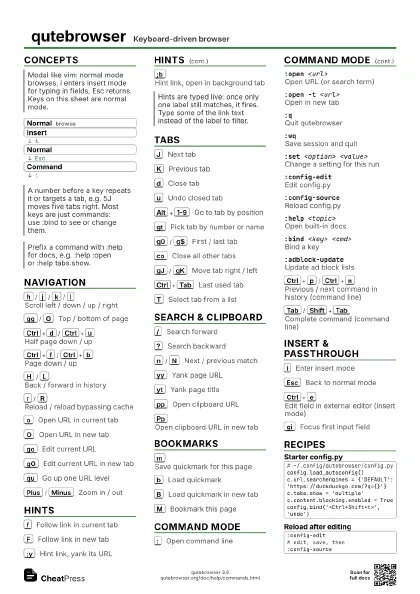
Concepts
- Normal browse
- Insert
- Normal
- Command
Navigation
h
/
j
/
k
/
l
Scroll left / down / up / right
gg
/
G
Top / bottom of page
Ctrl+d
/
Ctrl+u
Half page down / up
Ctrl+f
/
Ctrl+b
Page down / up
H
/
L
Back / forward in history
r
/
R
Reload / reload bypassing cache
o
Open URL in current tab
O
Open URL in new tab
go
Edit current URL
gO
Edit current URL in new tab
wo
Open URL in new window
gu
Go up one URL level
gU
Remove last URL path segment, new tab
Plus
/
Minus
Zoom in / out
Plus and minus keys; = resets zoom.
=
Reset zoom
F11
Toggle fullscreen
Ctrl+a
/
Ctrl+x
Increment / decrement number in URL
Hints
f
Follow link in current tab
Type the letters shown on the link; Esc cancels.
F
Follow link in new tab
;i
Hint images, open them
;y
Hint link, yank its URL
;d
Hint link, download it
;b
Hint link, open in background tab
;h
Hint link, hover it
;t
Hint input field, focus it
wf
Follow link in new window
Tabs
J
Next tab
K
Previous tab
d
Close tab
u
Undo closed tab
Alt+1-9
Go to tab by position
gt
Pick tab by number or name
g0
/
g$
First / last tab
co
Close all other tabs
gJ
/
gK
Move tab right / left
gD
Duplicate tab
Ctrl+Tab
Last used tab
T
Select tab from a list
Ctrl+PgUp
/
Ctrl+PgDown
Previous / next tab
Search & Clipboard
/
Search forward
?
Search backward
n
/
N
Next / previous match
yy
Yank page URL
yt
Yank page title
yd
Yank domain
pp
Open clipboard URL
Pp
Open clipboard URL in new tab
wp
Open clipboard URL in new window
Bookmarks
m
Save quickmark for this page
Asks for a name; open it later with b.
b
Load quickmark
B
Load quickmark in new tab
M
Bookmark this page
gb
List bookmarks in current tab
gB
List bookmarks in new tab
:quickmark-del <name>
Remove a quickmark
:bookmark-delRemove bookmark of this page
:historyShow browsing history page
Command Mode
:
Open command line
:open <url>
Open URL (or search term)
Bare words use the default search engine; :open -t opens in a
new tab.
:open -t <url>
Open in new tab
:qQuit qutebrowser
:wqSave session and quit
:set <option> <value>
Change a setting for this run
Add -t for temporary: not written to the config file.
:config-editEdit config.py
:config-sourceReload config.py
:help <topic>
Open built-in docs
:bind <key> <cmd>
Bind a key
:restartRestart, keeping tabs
:view-sourceShow page source
:devtoolsToggle developer tools
:adblock-updateUpdate ad block lists
:spawn <program>
Run external program
:tab-onlyClose all other tabs
Ctrl+p
/
Ctrl+n
Previous / next command in history (command line)
Tab
/
Shift+Tab
Complete command (command line)
Insert & Passthrough
i
Enter insert mode
Esc
Back to normal mode
Ctrl+e
Edit field in external editor (insert mode)
Uses editor.command; set it in config.py.
Ctrl+v
Passthrough: send all keys to the page
Leave with the same key.
v
Caret mode: select text with the keyboard
gi
Focus first input field
Recipes
# ~/.config/qutebrowser/config.pyconfig.load_autoconfig()c.url.searchengines = {'DEFAULT': 'https://duckduckgo.com/?q={}'}c.tabs.show = 'multiple'c.content.blocking.enabled = Trueconfig.bind('<Ctrl+Shift+t>', 'undo'):open -t example.org:open -t qutebrowser.org# then 2gt / J to move# in config.pyc.url.searchengines['gh'] = 'https://github.com/search?q={}'# then type :open gh qutebrowser:config-edit# edit, save, then:config-source