Cheat
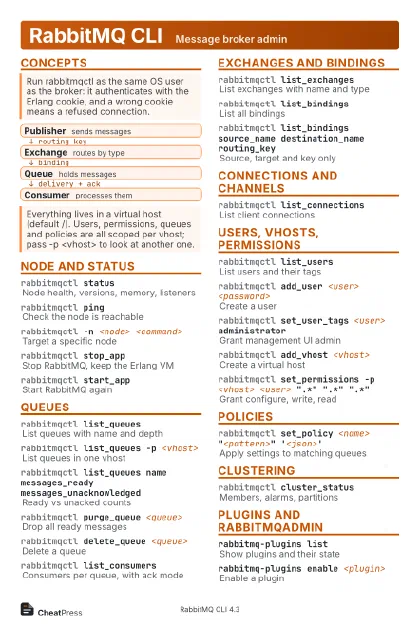
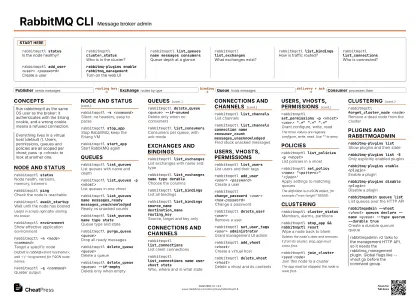
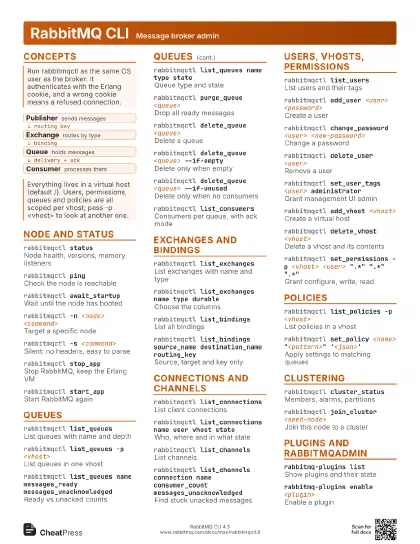
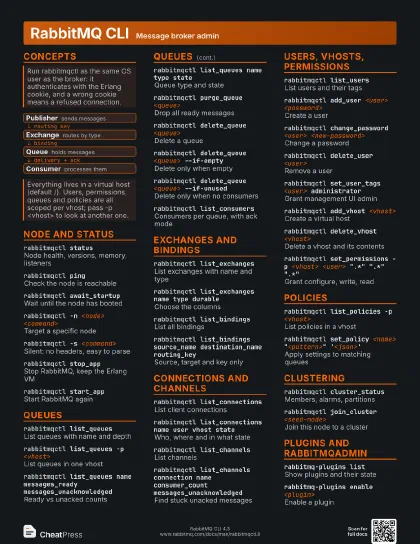
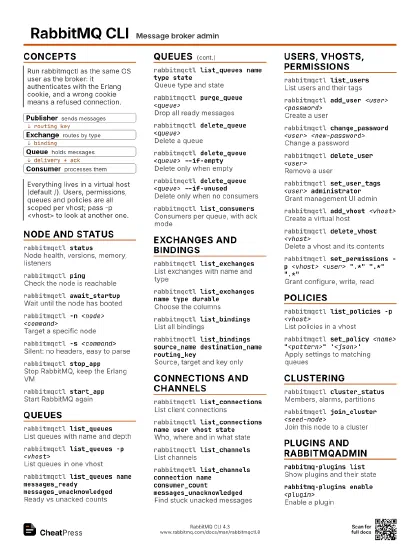
RabbitMQ CLI Message broker admin
 Light · Postcard
102 × 152 mm · PDF
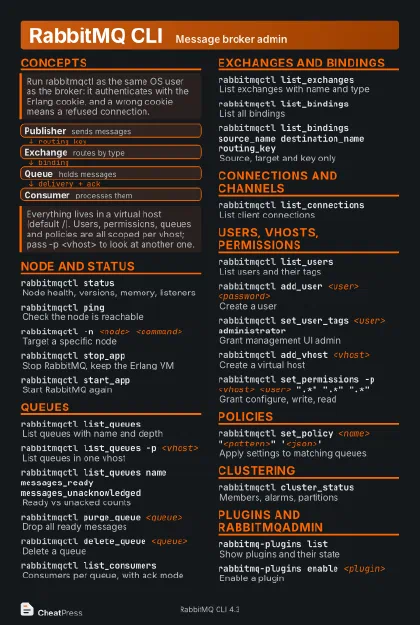 Dark · Postcard
102 × 152 mm · PDF
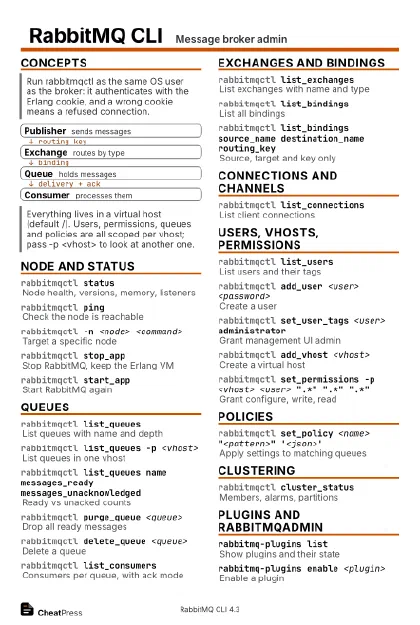 Ink saver · Postcard
102 × 152 mm · PDF
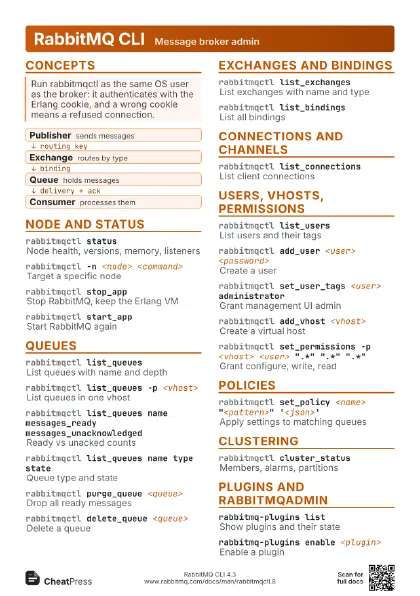
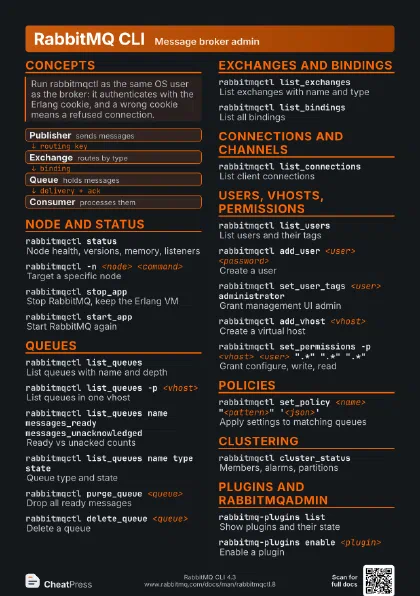
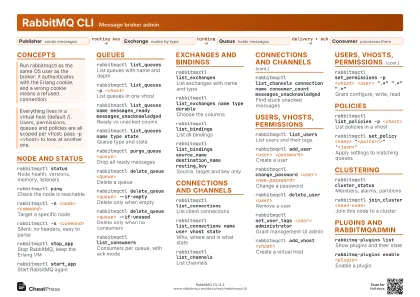 Light · A4 landscape
297 × 210 mm · PDF
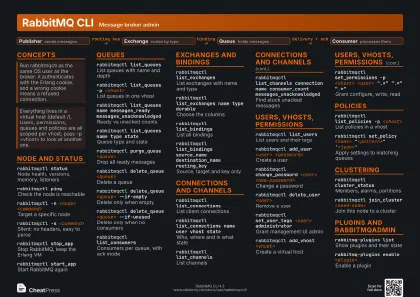 Dark · A4 landscape
297 × 210 mm · PDF
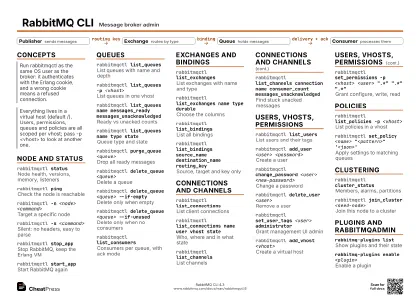 Ink saver · A4 landscape
297 × 210 mm · PDF
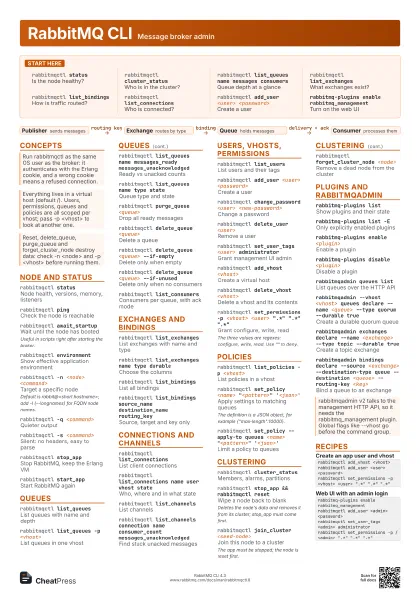
 Light · A3 landscape
420 × 297 mm · PDF
 Dark · A3 landscape
420 × 297 mm · PDF
 Ink saver · A3 landscape
420 × 297 mm · PDF
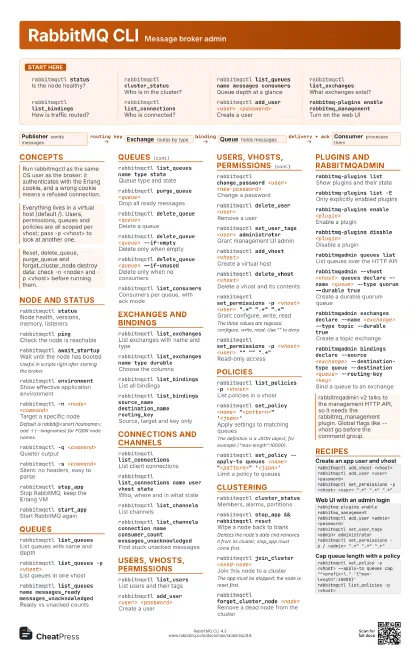
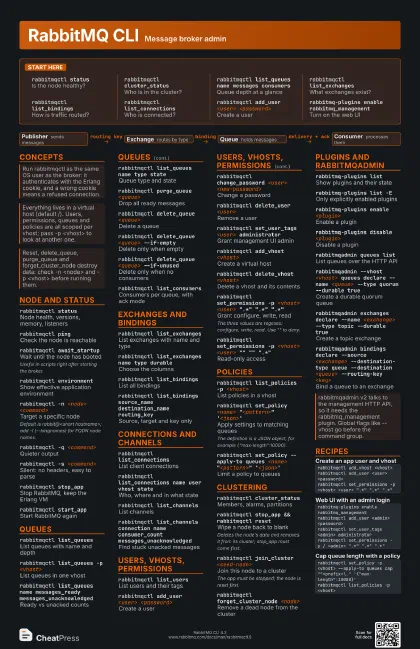
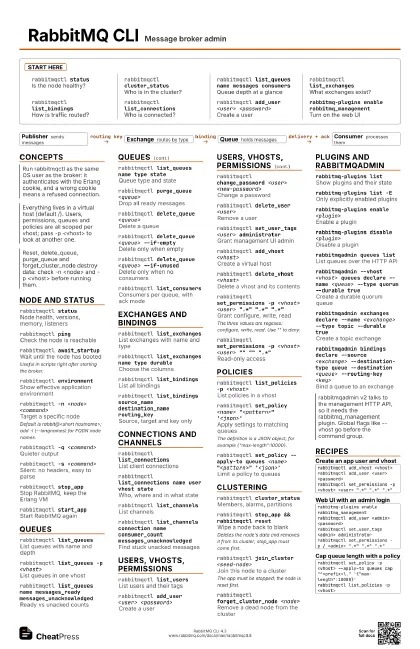
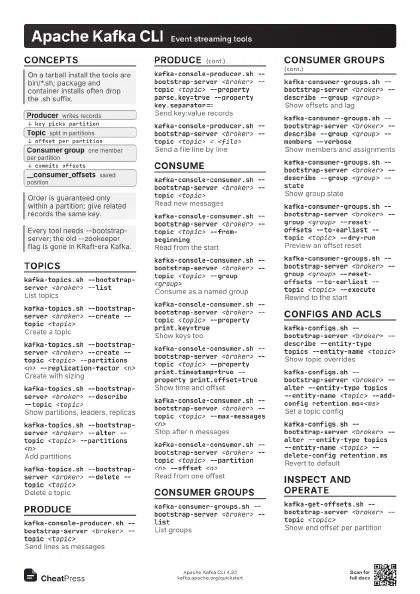
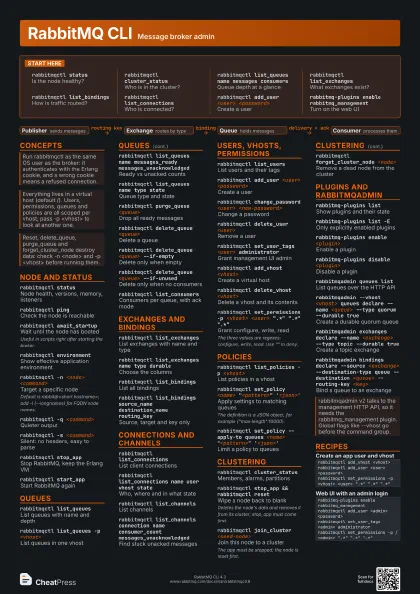
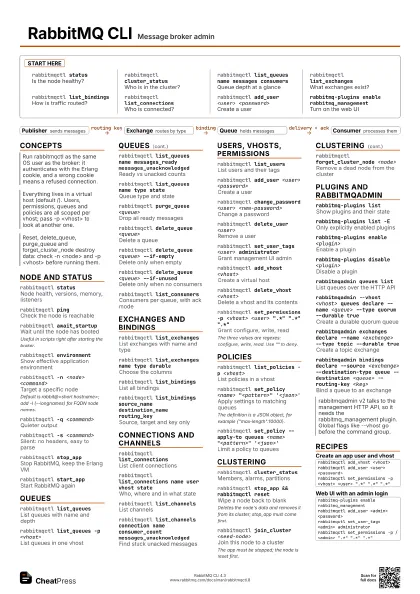
Start here
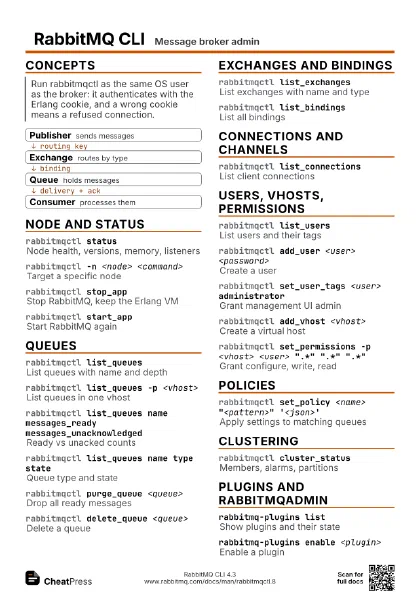
rabbitmqctl status
Is the node healthy?
rabbitmqctl cluster_status
Who is in the cluster?
rabbitmqctl list_queues name messages consumers
Queue depth at a glance
rabbitmqctl list_exchanges
What exchanges exist?
rabbitmqctl list_bindings
How is traffic routed?
rabbitmqctl list_connections
Who is connected?
rabbitmqctl add_user <user> <password>
Create a user
rabbitmq-plugins enable rabbitmq_management
Turn on the web UI
Concepts
- Publisher sends messages
- Exchange routes by type
- Queue holds messages
- Consumer processes them
Node and status
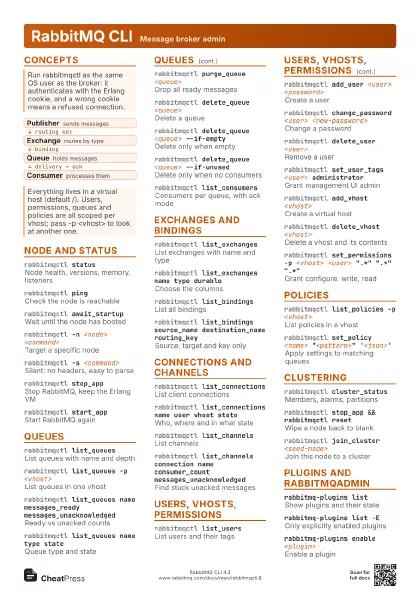
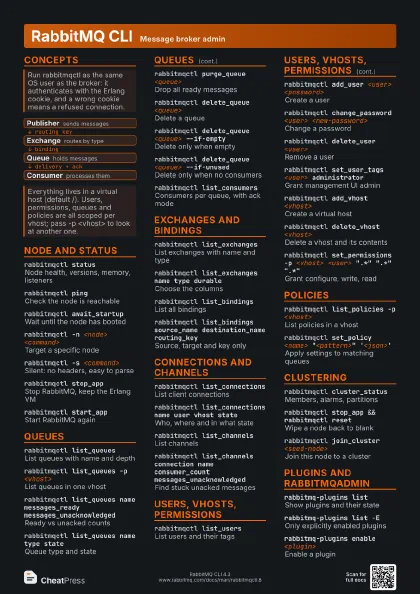
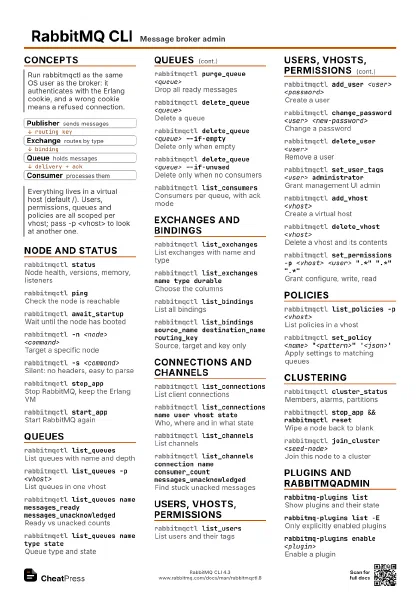
rabbitmqctl status
Node health, versions, memory, listeners
rabbitmqctl ping
Check the node is reachable
rabbitmqctl await_startup
Wait until the node has booted
Useful in scripts right after starting the broker.
rabbitmqctl environment
Show effective application environment
rabbitmqctl -n <node> <command>
Target a specific node
Default is rabbit@<short hostname>; add -l (--longnames)
for FQDN node names.
rabbitmqctl -q <command>
Quieter output
rabbitmqctl -s <command>
Silent: no headers, easy to parse
rabbitmqctl stop_app
Stop RabbitMQ, keep the Erlang VM
rabbitmqctl start_app
Start RabbitMQ again
Queues
rabbitmqctl list_queues
List queues with name and depth
rabbitmqctl list_queues -p <vhost>
List queues in one vhost
rabbitmqctl list_queues name messages_ready
                    messages_unacknowledged
Ready vs unacked counts
rabbitmqctl list_queues name type state
Queue type and state
rabbitmqctl purge_queue <queue>
Drop all ready messages
rabbitmqctl delete_queue <queue>
Delete a queue
rabbitmqctl delete_queue <queue> --if-empty
Delete only when empty
rabbitmqctl delete_queue <queue> --if-unused
Delete only when no consumers
rabbitmqctl list_consumers
Consumers per queue, with ack mode
Exchanges and bindings
rabbitmqctl list_exchanges
List exchanges with name and type
rabbitmqctl list_exchanges name type durable
Choose the columns
rabbitmqctl list_bindings
List all bindings
rabbitmqctl list_bindings source_name destination_name
                    routing_key
Source, target and key only
Connections and channels
rabbitmqctl list_connections
List client connections
rabbitmqctl list_connections name user vhost state
Who, where and in what state
rabbitmqctl list_channels
List channels
rabbitmqctl list_channels connection name consumer_count
                    messages_unacknowledged
Find stuck unacked messages
Users, vhosts, permissions
rabbitmqctl list_users
List users and their tags
rabbitmqctl add_user <user> <password>
Create a user
rabbitmqctl change_password <user>
                    <new-password>
Change a password
rabbitmqctl delete_user <user>
Remove a user
rabbitmqctl set_user_tags <user> administrator
Grant management UI admin
rabbitmqctl add_vhost <vhost>
Create a virtual host
rabbitmqctl delete_vhost <vhost>
Delete a vhost and its contents
rabbitmqctl set_permissions -p <vhost> <user>
                    ".*" ".*" ".*"
Grant configure, write, read
The three values are regexes: configure, write, read. Use
"" to deny.
rabbitmqctl set_permissions -p <vhost> <user>
                    "" "" ".*"
Read-only access
Policies
rabbitmqctl list_policies -p <vhost>
List policies in a vhost
rabbitmqctl set_policy <name>
                    "<pattern>" '<json>'
Apply settings to matching queues
The definition is a JSON object, for example
{"max-length":10000}.
rabbitmqctl set_policy --apply-to queues <name>
                    "<pattern>" '<json>'
Limit a policy to queues
Clustering
rabbitmqctl cluster_status
Members, alarms, partitions
rabbitmqctl stop_app && rabbitmqctl reset
Wipe a node back to blank
Deletes the node's data and removes it from its cluster;
stop_app must come first.
rabbitmqctl join_cluster <seed-node>
Join this node to a cluster
The app must be stopped; the node is reset first.
rabbitmqctl forget_cluster_node <node>
Remove a dead node from the cluster
Plugins and rabbitmqadmin
rabbitmq-plugins list
Show plugins and their state
rabbitmq-plugins list -E
Only explicitly enabled plugins
rabbitmq-plugins enable <plugin>
Enable a plugin
rabbitmq-plugins disable <plugin>
Disable a plugin
rabbitmq-plugins enable --offline <plugin>
Enable while the node is stopped
rabbitmqadmin queues list
List queues over the HTTP API
rabbitmqadmin --vhost <vhost> queues declare --name
                    <queue> --type quorum --durable true
Create a durable quorum queue
rabbitmqadmin exchanges declare --name <exchange>
                    --type topic --durable true
Create a topic exchange
rabbitmqadmin bindings declare --source <exchange>
                    --destination-type queue --destination <queue>
                    --routing-key <key>
Bind a queue to an exchange
Recipes
rabbitmqctl add_vhost <vhost>rabbitmqctl add_user <user> <password>rabbitmqctl set_permissions -p <vhost> <user> ".*" ".*" ".*"rabbitmq-plugins enable rabbitmq_managementrabbitmqctl add_user <admin> <password>rabbitmqctl set_user_tags <admin> administratorrabbitmqctl set_permissions -p / <admin> ".*" ".*" ".*"rabbitmqctl set_policy -p <vhost> --apply-to queues cap "^<prefix>\." '{"max-length":10000}'rabbitmqctl list_policies -p <vhost># on the new noderabbitmqctl stop_apprabbitmqctl join_cluster rabbit@<seed>rabbitmqctl start_apprabbitmqctl cluster_status