Cheat
QEMU Machine emulator and virtualizer
 Light · Postcard
102 × 152 mm · PDF
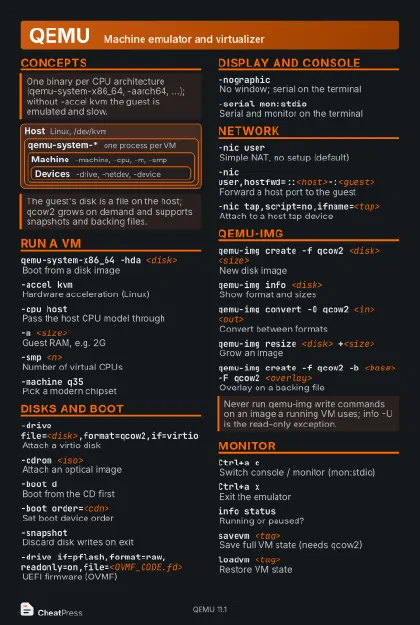 Dark · Postcard
102 × 152 mm · PDF
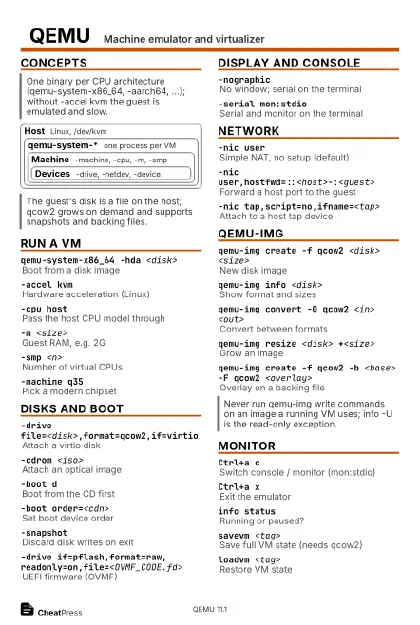 Ink saver · Postcard
102 × 152 mm · PDF
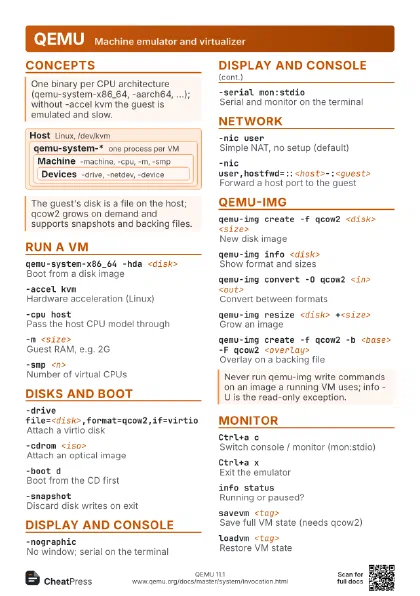
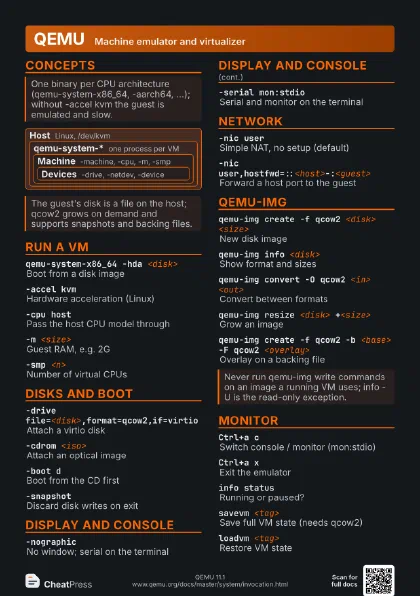
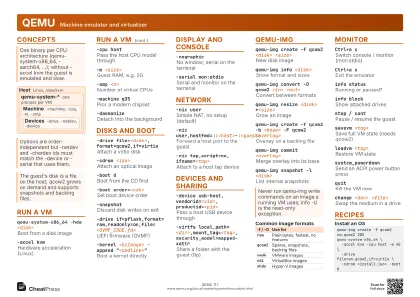 Light · A4 landscape
297 × 210 mm · PDF
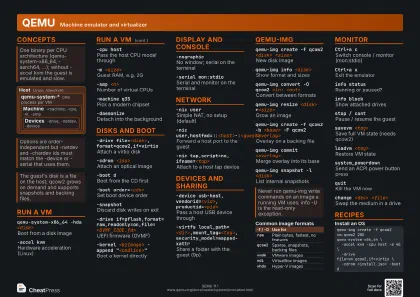 Dark · A4 landscape
297 × 210 mm · PDF
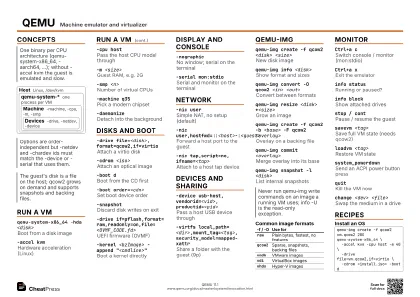 Ink saver · A4 landscape
297 × 210 mm · PDF
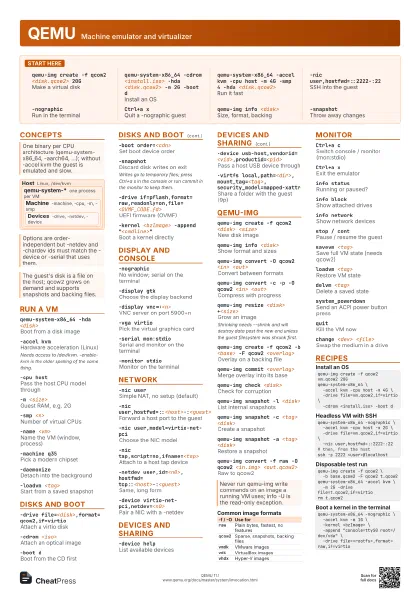
 Light · A3 landscape
420 × 297 mm · PDF
 Dark · A3 landscape
420 × 297 mm · PDF
 Ink saver · A3 landscape
420 × 297 mm · PDF
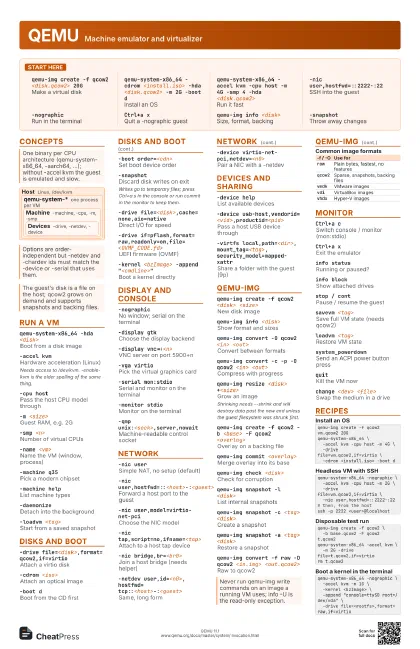
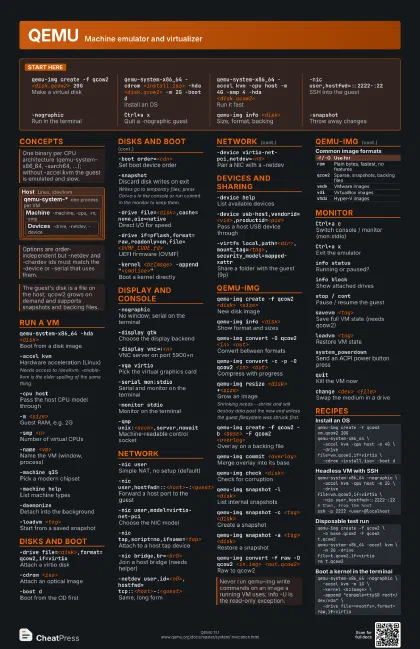
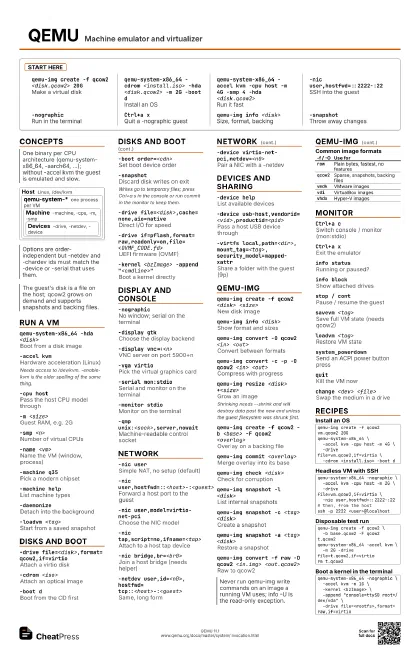
Start here
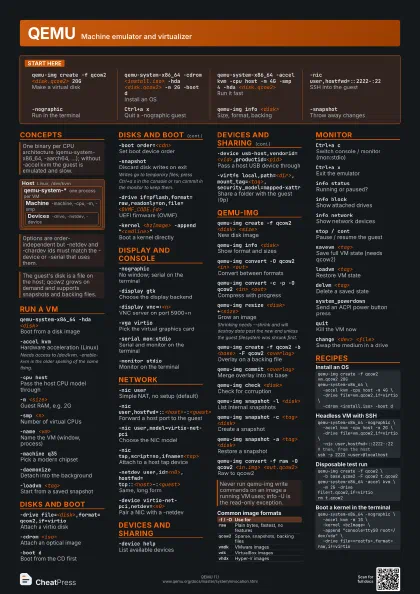
qemu-img create -f qcow2 <disk.qcow2> 20G
Make a virtual disk
qemu-system-x86_64 -cdrom <install.iso> -hda
                    <disk.qcow2> -m 2G -boot d
Install an OS
qemu-system-x86_64 -accel kvm -cpu host -m 4G -smp 4 -hda
                    <disk.qcow2>
Run it fast
-nic user,hostfwd=::2222-:22
SSH into the guest
-nographicRun in the terminal
Ctrl+a xQuit a -nographic guest
qemu-img info <disk>
Size, format, backing
-snapshotThrow away changes
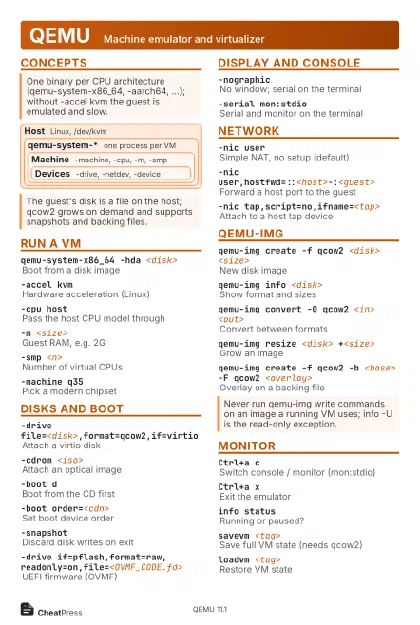
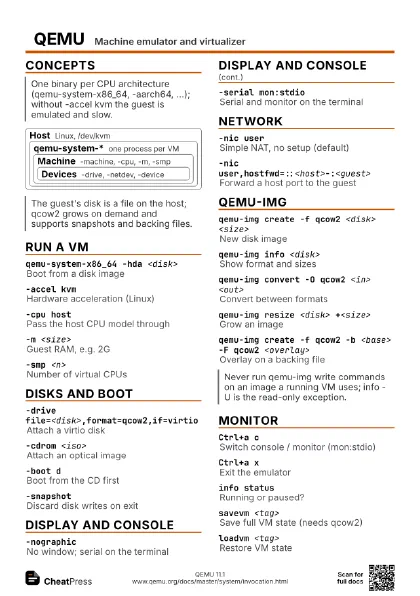
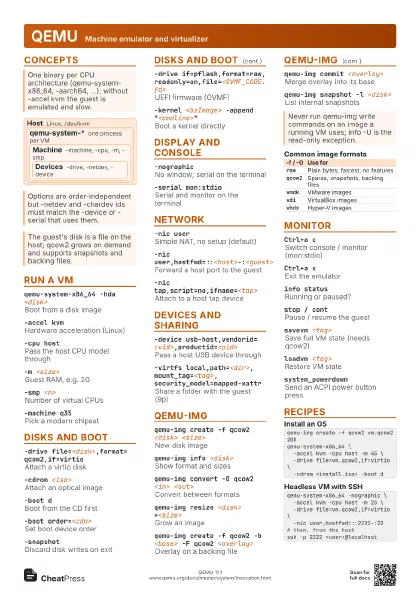
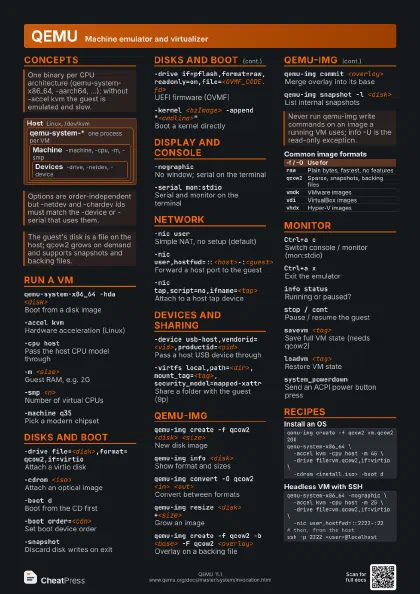
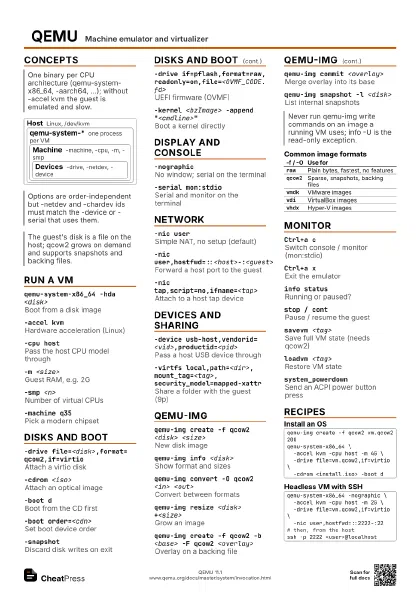
Concepts
Host Linux, /dev/kvm
qemu-system-*
one process per VM
Machine
-machine, -cpu, -m, -smp
Devices
-drive, -netdev, -device
Run a VM
qemu-system-x86_64 -hda <disk>
Boot from a disk image
-accel kvmHardware acceleration (Linux)
Needs access to /dev/kvm. -enable-kvm is the older spelling of
the same thing.
-cpu hostPass the host CPU model through
-m <size>Guest RAM, e.g. 2G
-smp <n>Number of virtual CPUs
-name <vm>
Name the VM (window, process)
-machine q35Pick a modern chipset
-machine helpList machine types
-daemonizeDetach into the background
-loadvm <tag>
Start from a saved snapshot
Disks and boot
-drive file=<disk>,format=qcow2,if=virtio
Attach a virtio disk
-cdrom <iso>
Attach an optical image
-boot dBoot from the CD first
-boot order=<cdn>
Set boot device order
-snapshotDiscard disk writes on exit
Writes go to temporary files; press Ctrl+a s in the
console or run commit in the monitor to keep them.
-drive file=<disk>,cache=none,aio=native
Direct I/O for speed
-drive
                    if=pflash,format=raw,readonly=on,file=<OVMF_CODE.fd>
UEFI firmware (OVMF)
-kernel <bzImage> -append
                    "<cmdline>"
Boot a kernel directly
Display and console
-nographicNo window; serial on the terminal
-display gtkChoose the display backend
-display vnc=:<n>
VNC server on port 5900+n
-vga virtioPick the virtual graphics card
-serial mon:stdio
Serial and monitor on the terminal
-monitor stdioMonitor on the terminal
-qmp unix:<sock>,server,nowait
Machine-readable control socket
Network
-nic userSimple NAT, no setup (default)
-nic user,hostfwd=::<host>-:<guest>
Forward a host port to the guest
-nic user,model=virtio-net-pci
Choose the NIC model
-nic tap,script=no,ifname=<tap>
Attach to a host tap device
-nic bridge,br=<br0>
Join a host bridge (needs helper)
-netdev
                    user,id=<n0>,hostfwd=tcp::<host>-:<guest>
Same, long form
-device virtio-net-pci,netdev=<n0>
Pair a NIC with a -netdev
Devices and sharing
-device helpList available devices
-usbEnable the USB controller
-device
                    usb-host,vendorid=<vid>,productid=<pid>
Pass a host USB device through
-virtfs
                    local,path=<dir>,mount_tag=<tag>,security_model=mapped-xattr
Share a folder with the guest (9p)
-device vfio-pci,host=<bdf>
PCI passthrough
qemu-img
qemu-img create -f qcow2 <disk> <size>
New disk image
qemu-img info <disk>
Show format and sizes
qemu-img convert -O qcow2 <in> <out>
Convert between formats
qemu-img convert -c -p -O qcow2 <in>
                    <out>
Compress with progress
qemu-img resize <disk> +<size>
Grow an image
Shrinking needs --shrink and will destroy data past the new
end unless the guest filesystem was shrunk first.
qemu-img create -f qcow2 -b <base> -F qcow2
                    <overlay>
Overlay on a backing file
qemu-img info --backing-chain <disk>
Show the whole overlay chain
qemu-img commit <overlay>
Merge overlay into its base
qemu-img check <disk>
Check for corruption
qemu-img snapshot -l <disk>
List internal snapshots
qemu-img snapshot -c <tag> <disk>
Create a snapshot
qemu-img snapshot -a <tag> <disk>
Restore a snapshot
qemu-img convert -f raw -O qcow2 <in.img>
                    <out.qcow2>
Raw to qcow2
| -f / -O | Use for |
|---|---|
raw |
Plain bytes, fastest, no features |
qcow2 |
Sparse, snapshots, backing files |
vmdk |
VMware images |
vdi |
VirtualBox images |
vhdx |
Hyper-V images |
Monitor
Ctrl+a cSwitch console / monitor (mon:stdio)
Ctrl+a xExit the emulator
info statusRunning or paused?
info blockShow attached drives
info networkShow network devices
stop / contPause / resume the guest
savevm <tag>
Save full VM state (needs qcow2)
loadvm <tag>
Restore VM state
delvm <tag>
Delete a saved state
system_powerdown
Send an ACPI power button press
system_resetHard reset
quitKill the VM now
change <dev> <file>
Swap the medium in a drive
device_add <driver>,id=<id>
Hotplug a device
Recipes
qemu-img create -f qcow2 vm.qcow2 20Gqemu-system-x86_64 \ -accel kvm -cpu host -m 4G \ -drive file=vm.qcow2,if=virtio \ -cdrom <install.iso> -boot dqemu-system-x86_64 -nographic \ -accel kvm -cpu host -m 2G \ -drive file=vm.qcow2,if=virtio \ -nic user,hostfwd=::2222-:22# then, from the hostssh -p 2222 <user>@localhostqemu-img create -f qcow2 \ -b base.qcow2 -F qcow2 t.qcow2qemu-system-x86_64 -accel kvm \ -m 2G -drive file=t.qcow2,if=virtiorm t.qcow2qemu-system-x86_64 -nographic \ -accel kvm -m 1G \ -kernel <bzImage> \ -append "console=ttyS0 root=/dev/vda" \ -drive file=<rootfs>,format=raw,if=virtio