Cheat
NATS CLI Messaging and JetStream
 Light · Postcard
102 × 152 mm · PDF
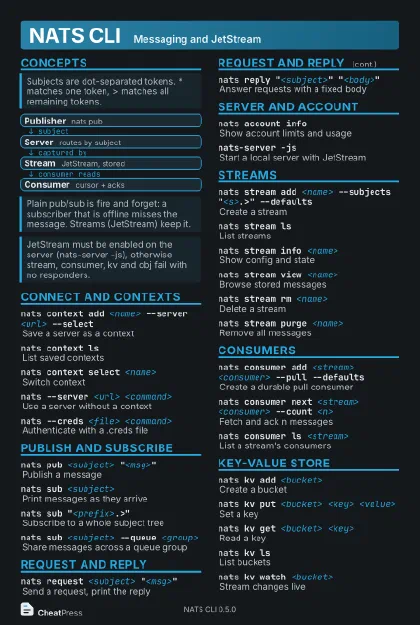 Dark · Postcard
102 × 152 mm · PDF
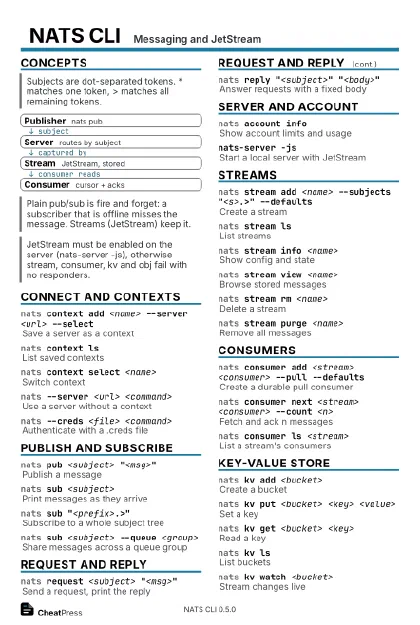 Ink saver · Postcard
102 × 152 mm · PDF
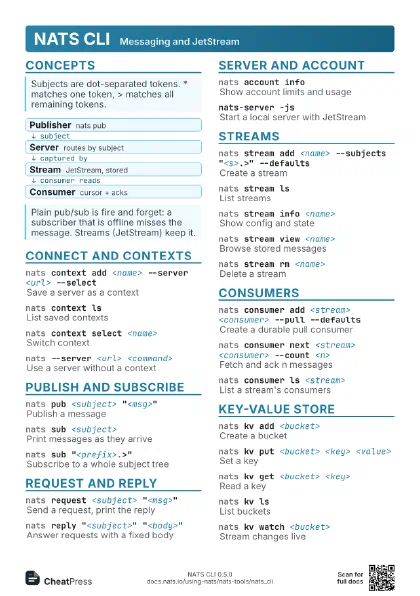
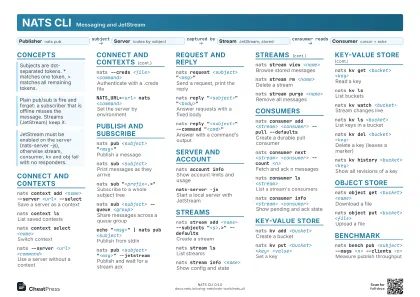 Light · A4 landscape
297 × 210 mm · PDF
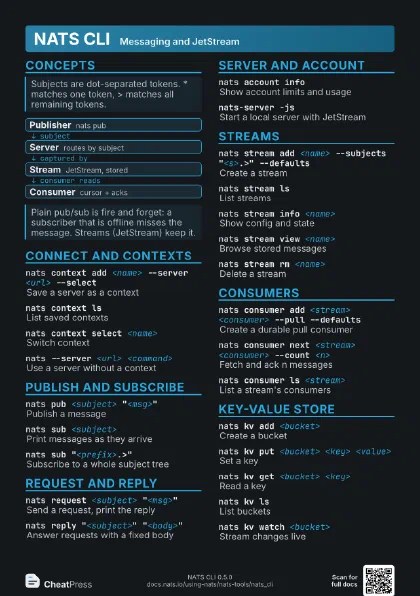
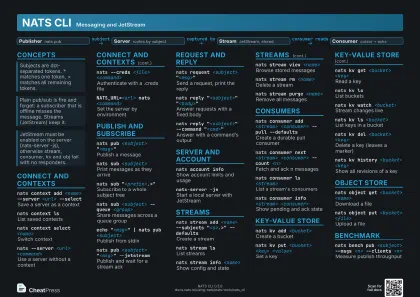 Dark · A4 landscape
297 × 210 mm · PDF
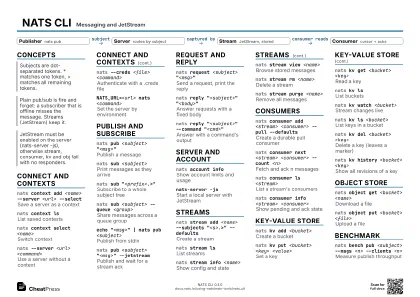 Ink saver · A4 landscape
297 × 210 mm · PDF
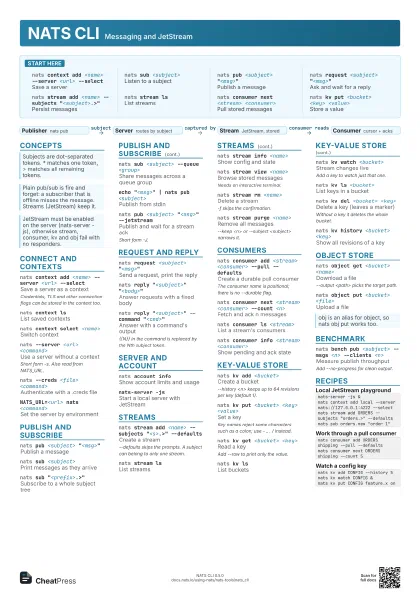

 Light · A3 landscape
420 × 297 mm · PDF
 Dark · A3 landscape
420 × 297 mm · PDF
 Ink saver · A3 landscape
420 × 297 mm · PDF
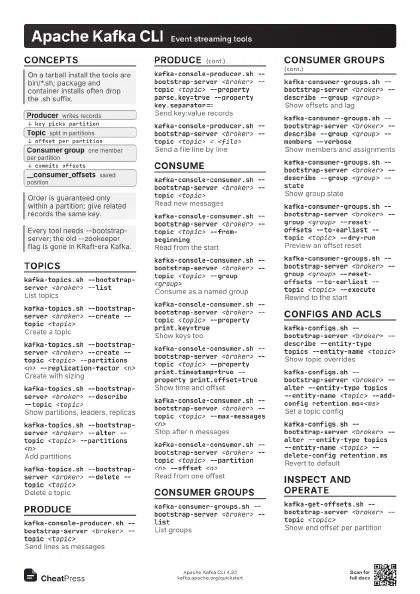
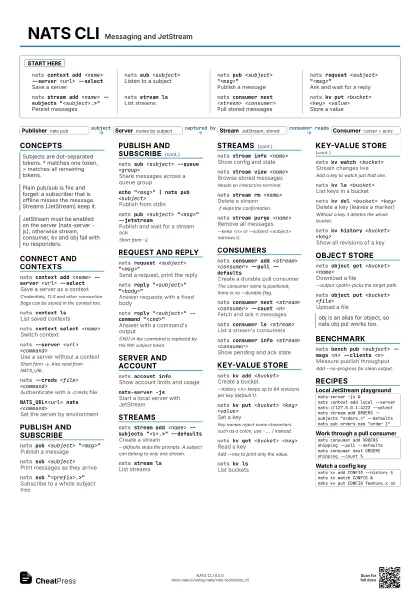
Start here
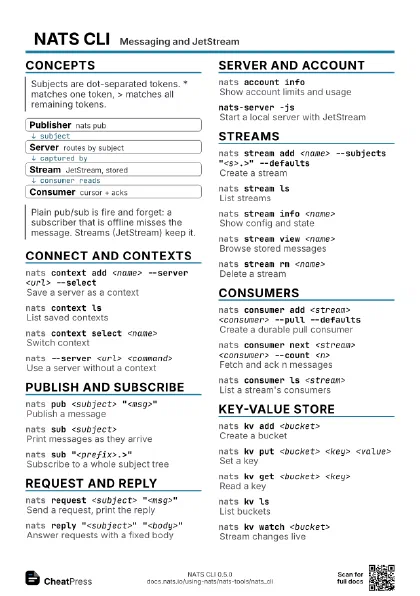
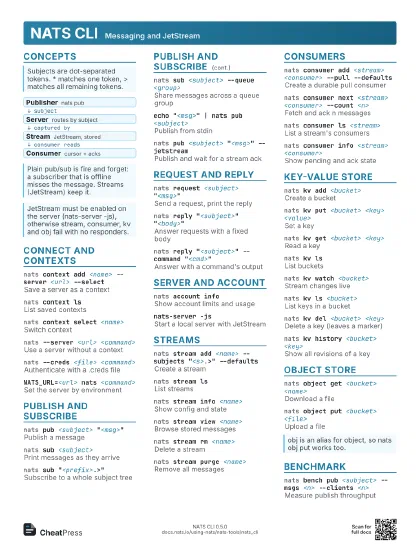
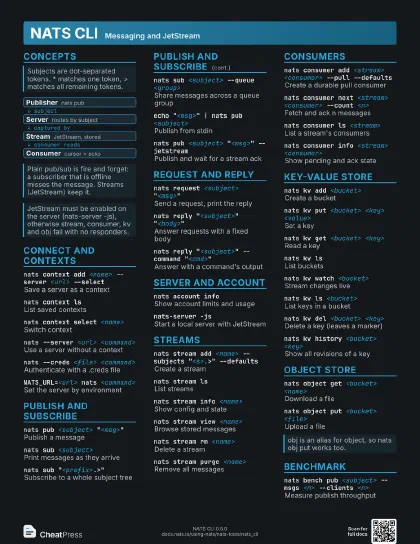
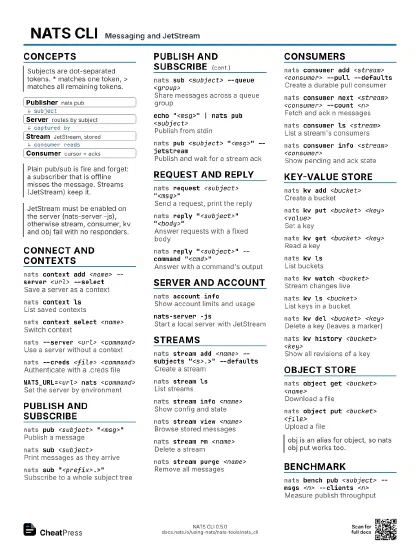
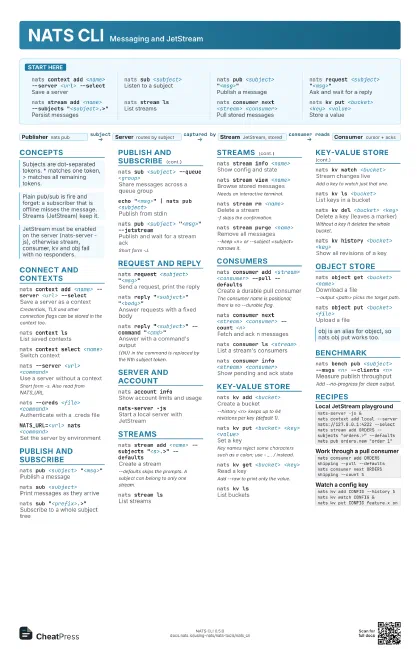
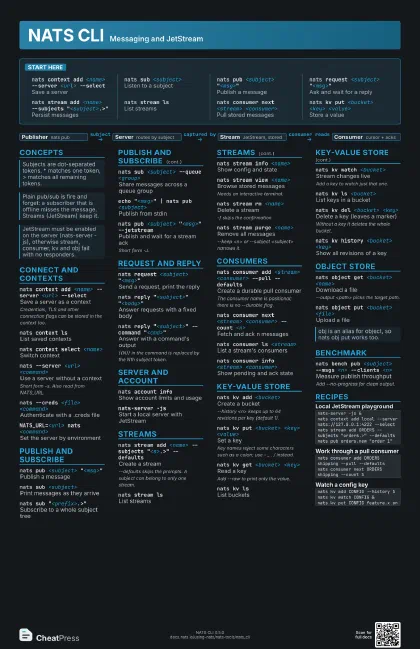
nats context add <name> --server <url>
                    --select
Save a server
nats sub <subject>
Listen to a subject
nats pub <subject> "<msg>"
Publish a message
nats request <subject> "<msg>"
Ask and wait for a reply
nats stream add <name> --subjects
                    "<subject>.>"
Persist messages
nats stream lsList streams
nats consumer next <stream> <consumer>
Pull stored messages
nats kv put <bucket> <key> <value>
Store a value
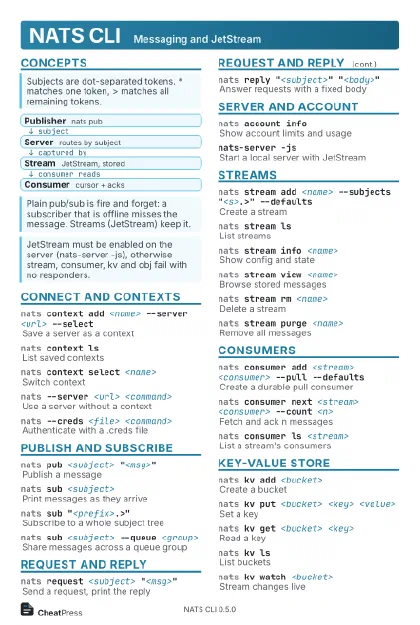
Concepts
- Publisher nats pub
- Server routes by subject
- Stream JetStream, stored
- Consumer cursor + acks
Connect and contexts
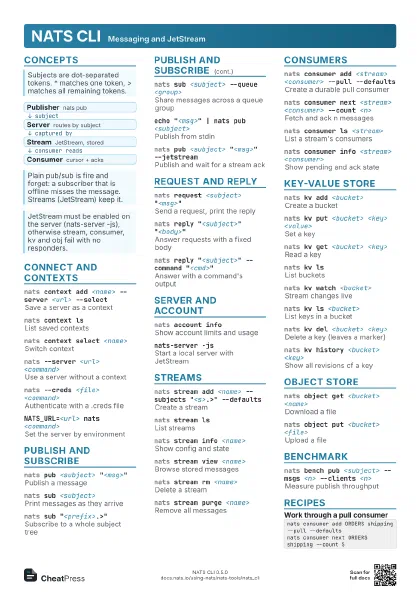
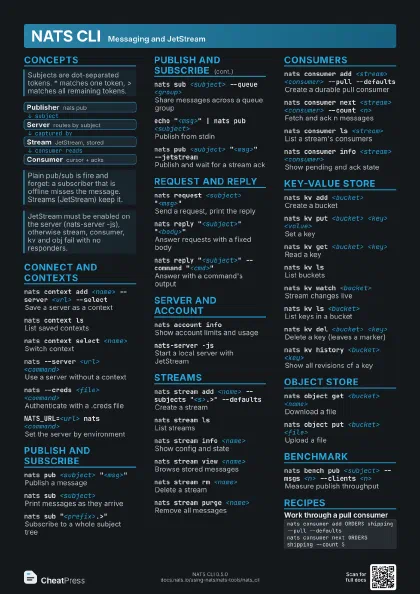
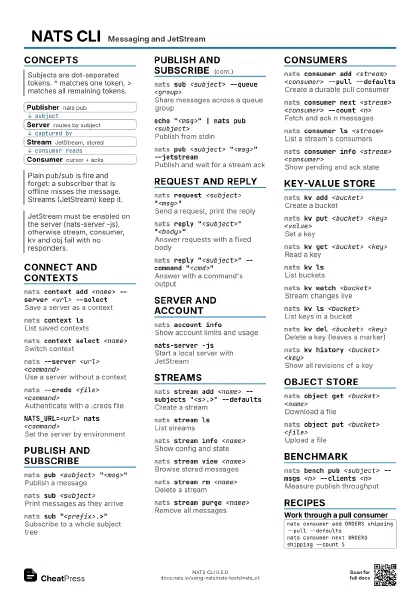
nats context add <name> --server <url>
                    --select
Save a server as a context
Credentials, TLS and other connection flags can be stored in
the context too.
nats context lsList saved contexts
nats context select <name>
Switch context
nats --server <url> <command>
Use a server without a context
Short form -s. Also read from NATS_URL.
nats --creds <file> <command>
Authenticate with a .creds file
NATS_URL=<url> nats <command>
Set the server by environment
Publish and subscribe
nats pub <subject> "<msg>"
Publish a message
nats sub <subject>
Print messages as they arrive
nats sub "<prefix>.>"
Subscribe to a whole subject tree
nats sub <subject> --queue <group>
Share messages across a queue group
echo "<msg>" | nats pub <subject>
Publish from stdin
nats pub <subject> "<msg>"
                    --jetstream
Publish and wait for a stream ack
Short form -J.
Request and reply
nats request <subject> "<msg>"
Send a request, print the reply
nats reply "<subject>"
                    "<body>"
Answer requests with a fixed body
nats reply "<subject>" --command
                    "<cmd>"
Answer with a command's output
{{N}} in the command is replaced by the Nth subject token.
Server and account
nats account info
Show account limits and usage
nats-server -jsStart a local server with JetStream
Streams
nats stream add <name> --subjects
                    "<s>.>" --defaults
Create a stream
--defaults skips the prompts. A subject can belong to only one
stream.
nats stream lsList streams
nats stream info <name>
Show config and state
nats stream view <name>
Browse stored messages
Needs an interactive terminal.
nats stream rm <name>
Delete a stream
-f skips the confirmation.
nats stream purge <name>
Remove all messages
--keep <n> or --subject <subject> narrows it.
Consumers
nats consumer add <stream> <consumer> --pull
                    --defaults
Create a durable pull consumer
The consumer name is positional; there is no --durable flag.
nats consumer next <stream> <consumer> --count
                    <n>
Fetch and ack n messages
nats consumer ls <stream>
List a stream's consumers
nats consumer info <stream> <consumer>
Show pending and ack state
Key-Value store
nats kv add <bucket>
Create a bucket
--history <n> keeps up to 64 revisions per key (default
1).
nats kv put <bucket> <key> <value>
Set a key
Key names reject some characters such as a colon; use - _ . /
instead.
nats kv get <bucket> <key>
Read a key
Add --raw to print only the value.
nats kv lsList buckets
nats kv watch <bucket>
Stream changes live
Add a key to watch just that one.
nats kv ls <bucket>
List keys in a bucket
nats kv del <bucket> <key>
Delete a key (leaves a marker)
Without a key it deletes the whole bucket.
nats kv history <bucket> <key>
Show all revisions of a key
Object store
nats object get <bucket> <name>
Download a file
--output <path> picks the target path.
nats object put <bucket> <file>
Upload a file
Benchmark
nats bench pub <subject> --msgs <n> --clients
                    <n>
Measure publish throughput
Add --no-progress for clean output.
Recipes
nats-server -js &nats context add local --server nats://127.0.0.1:4222 --selectnats stream add ORDERS --subjects "orders.>" --defaultsnats pub orders.new "order 1"nats consumer add ORDERS shipping --pull --defaultsnats consumer next ORDERS shipping --count 5nats kv add CONFIG --history 5nats kv watch CONFIG &nats kv put CONFIG feature.x on