Cheat
s3cmd S3 command line
 Light · Postcard
102 × 152 mm · PDF
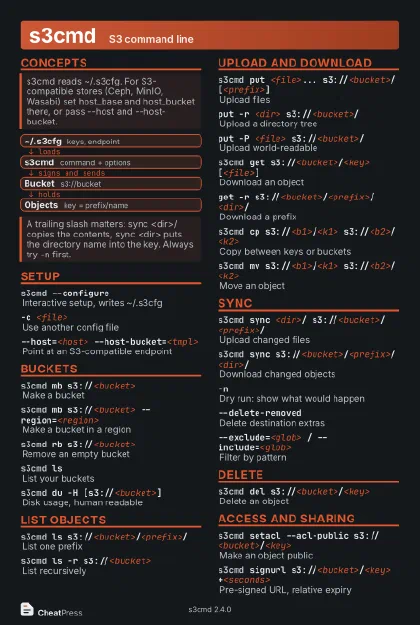 Dark · Postcard
102 × 152 mm · PDF
 Ink saver · Postcard
102 × 152 mm · PDF
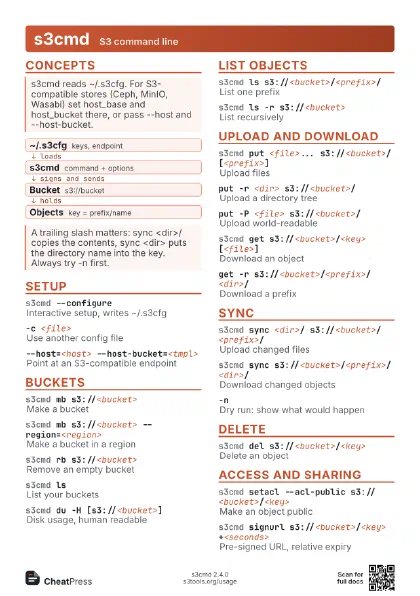
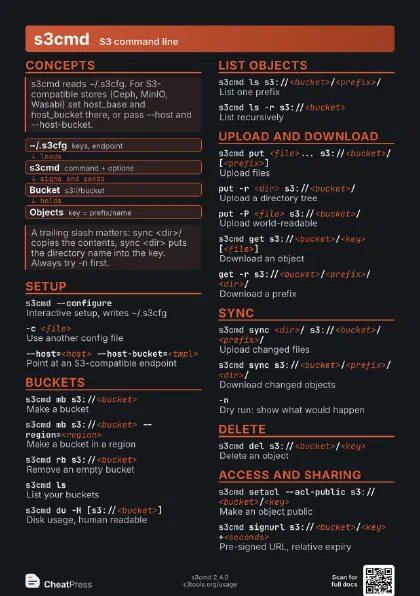
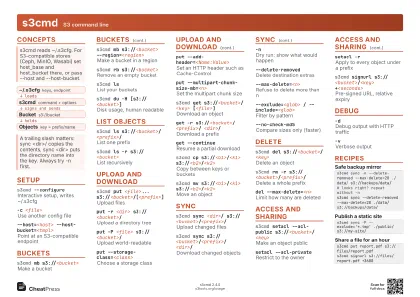 Light · A4 landscape
297 × 210 mm · PDF
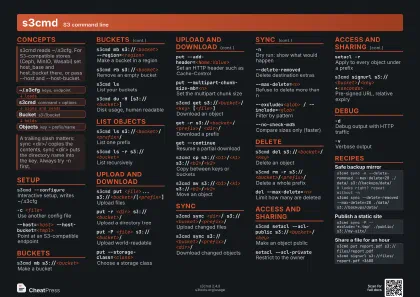 Dark · A4 landscape
297 × 210 mm · PDF
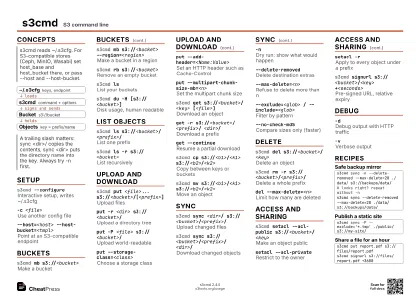 Ink saver · A4 landscape
297 × 210 mm · PDF
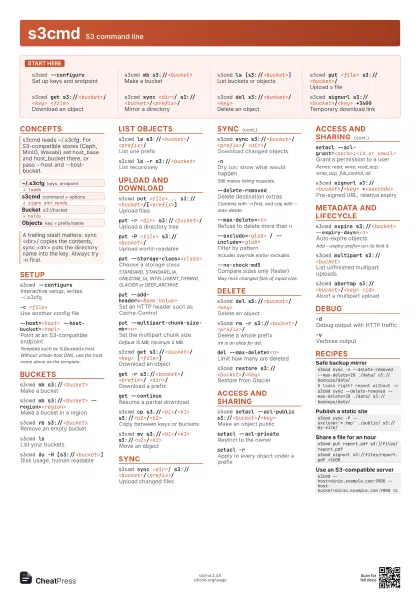
 Light · A3 landscape
420 × 297 mm · PDF
 Dark · A3 landscape
420 × 297 mm · PDF
 Ink saver · A3 landscape
420 × 297 mm · PDF
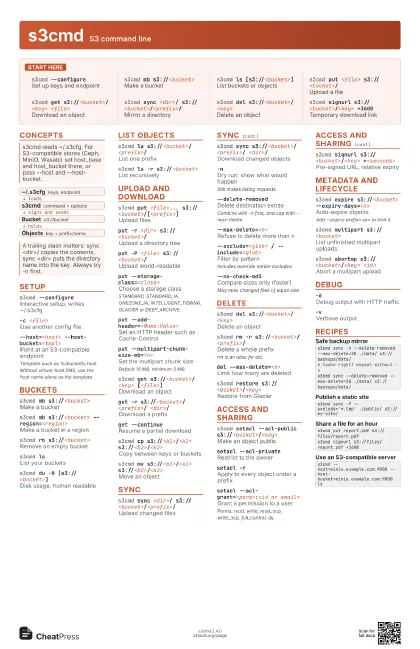
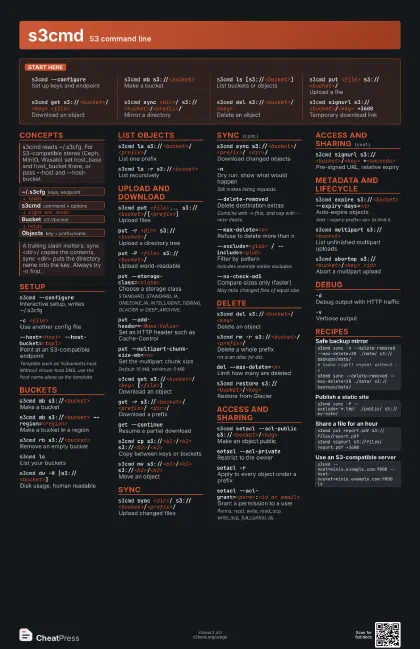
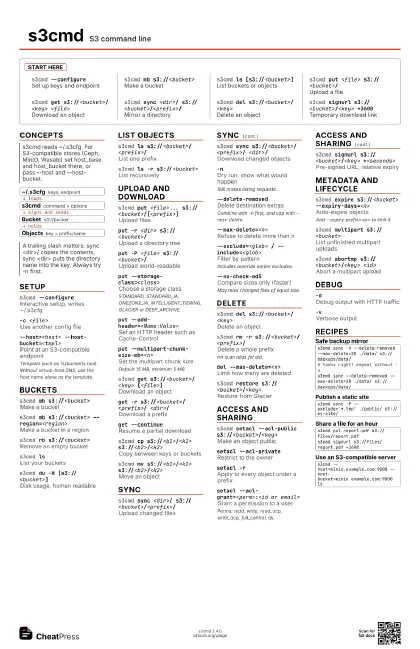
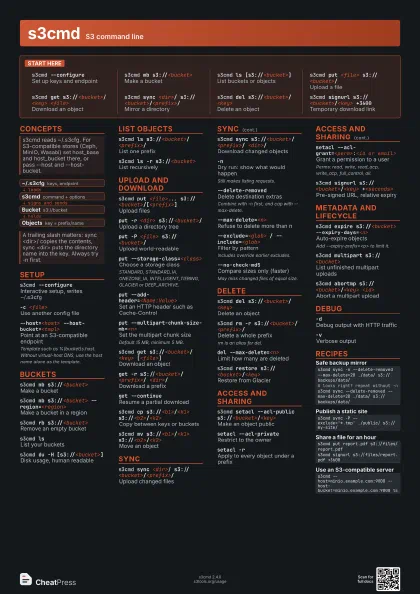
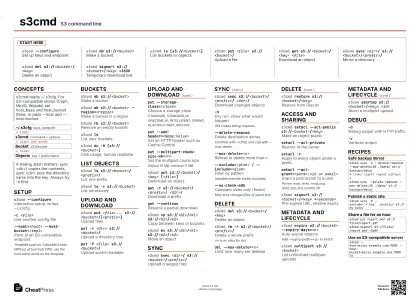
Start here
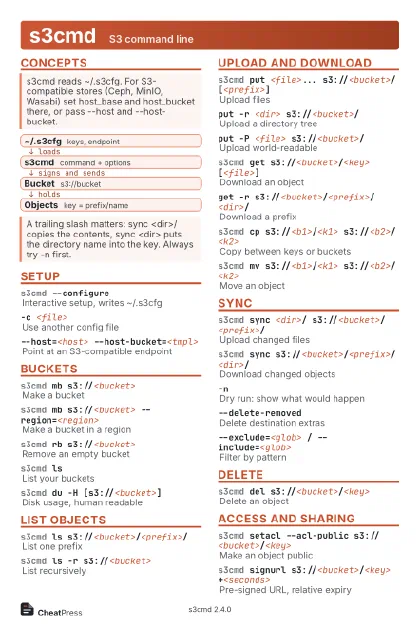
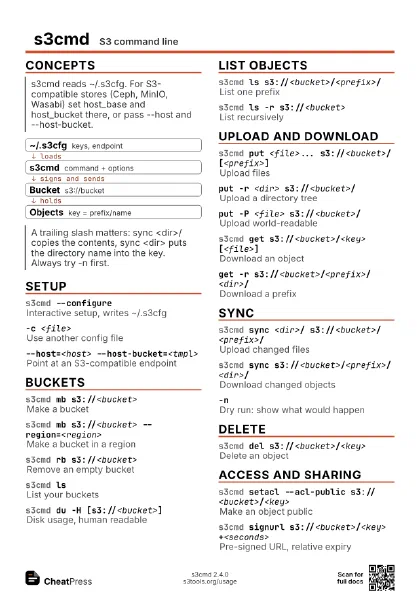
s3cmd --configure
Set up keys and endpoint
s3cmd mb s3://<bucket>
Make a bucket
s3cmd ls [s3://<bucket>]
List buckets or objects
s3cmd put <file> s3://<bucket>/
Upload a file
s3cmd get s3://<bucket>/<key>
                    <file>
Download an object
s3cmd sync <dir>/
                    s3://<bucket>/<prefix>/
Mirror a directory
s3cmd del s3://<bucket>/<key>
Delete an object
s3cmd signurl s3://<bucket>/<key>
                    +3600
Temporary download link
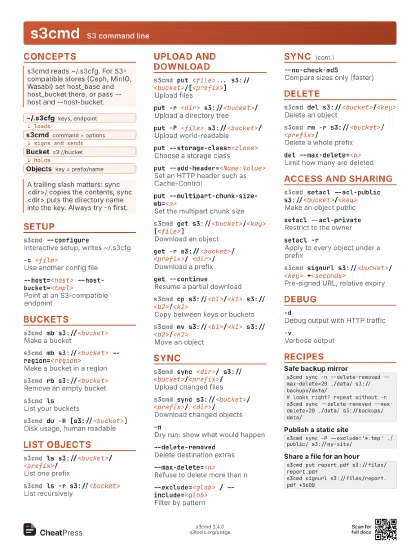
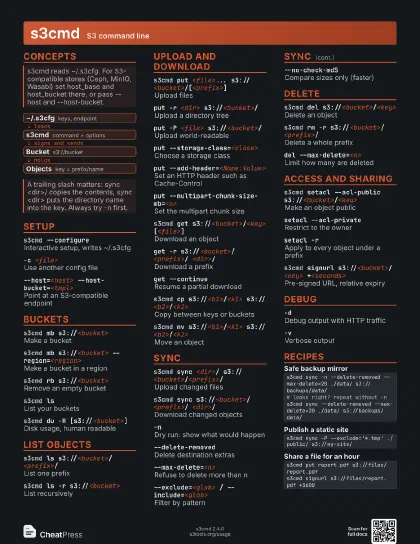
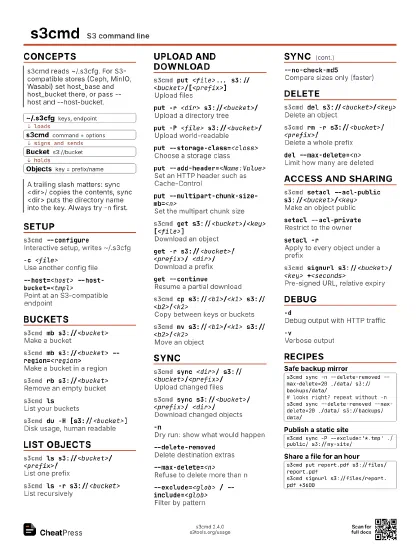
Concepts
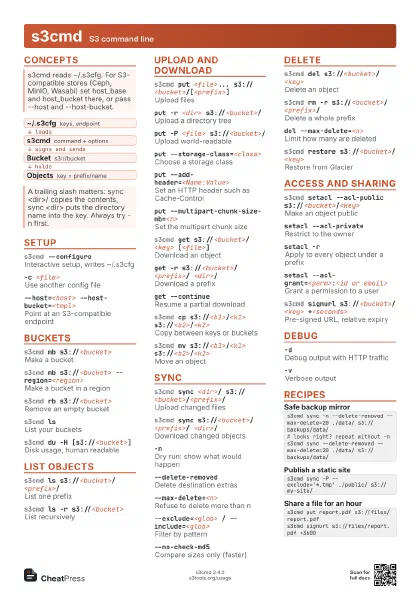
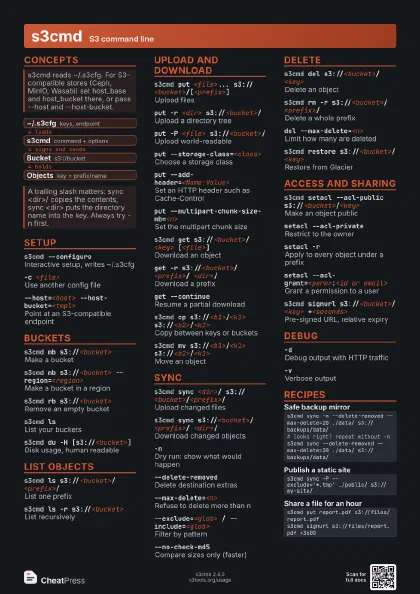
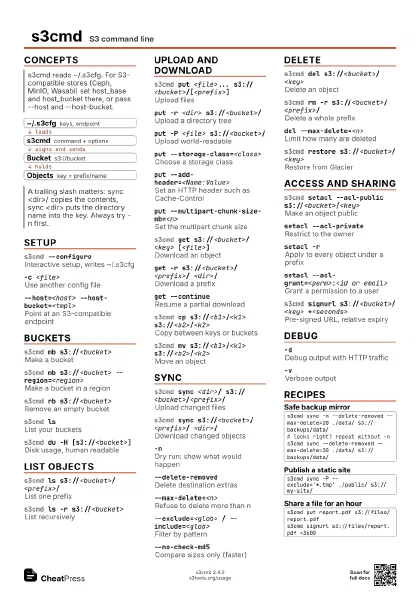
- ~/.s3cfg keys, endpoint
- s3cmd command + options
- Bucket s3://bucket
- Objects key = prefix/name
Setup
s3cmd --configure
Interactive setup, writes ~/.s3cfg
-c <file>Use another config file
--host=<host> --host-bucket=<tmpl>
Point at an S3-compatible endpoint
Template such as %(bucket)s.host. Without virtual-host DNS,
use the host name alone as the template.
Buckets
s3cmd mb s3://<bucket>
Make a bucket
s3cmd mb s3://<bucket> --region=<region>
Make a bucket in a region
s3cmd rb s3://<bucket>
Remove an empty bucket
s3cmd lsList your buckets
s3cmd du -H [s3://<bucket>]
Disk usage, human readable
List objects
s3cmd ls s3://<bucket>/<prefix>/
List one prefix
s3cmd ls -r s3://<bucket>
List recursively
Upload and download
s3cmd put <file>...
                    s3://<bucket>/[<prefix>]
Upload files
put -r <dir> s3://<bucket>/
Upload a directory tree
put -P <file> s3://<bucket>/
Upload world-readable
put --storage-class=<class>
Choose a storage class
STANDARD, STANDARD_IA, ONEZONE_IA, INTELLIGENT_TIERING,
GLACIER or DEEP_ARCHIVE.
put --add-header=<Name:Value>
Set an HTTP header such as Cache-Control
put --multipart-chunk-size-mb=<n>
Set the multipart chunk size
Default 15 MB, minimum 5 MB.
s3cmd get s3://<bucket>/<key>
                    [<file>]
Download an object
get -r s3://<bucket>/<prefix>/
                    <dir>/
Download a prefix
get --continueResume a partial download
s3cmd cp s3://<b1>/<k1>
                    s3://<b2>/<k2>
Copy between keys or buckets
s3cmd mv s3://<b1>/<k1>
                    s3://<b2>/<k2>
Move an object
Sync
s3cmd sync <dir>/
                    s3://<bucket>/<prefix>/
Upload changed files
s3cmd sync s3://<bucket>/<prefix>/
                    <dir>/
Download changed objects
-nDry run: show what would happen
Still makes listing requests.
--delete-removed
Delete destination extras
Combine with -n first, and cap with --max-delete.
--max-delete=<n>
Refuse to delete more than n
--exclude=<glob> / --include=<glob>
Filter by pattern
Includes override earlier excludes.
--no-check-md5Compare sizes only (faster)
May miss changed files of equal size.
Delete
s3cmd del s3://<bucket>/<key>
Delete an object
s3cmd rm -r s3://<bucket>/<prefix>/
Delete a whole prefix
rm is an alias for del.
del --max-delete=<n>
Limit how many are deleted
s3cmd restore s3://<bucket>/<key>
Restore from Glacier
Access and sharing
s3cmd setacl --acl-public
                    s3://<bucket>/<key>
Make an object public
setacl --acl-private
Restrict to the owner
setacl -rApply to every object under a prefix
setacl --acl-grant=<perm>:<id or email>
Grant a permission to a user
Perms: read, write, read_acp, write_acp, full_control, all.
s3cmd signurl s3://<bucket>/<key>
                    +<seconds>
Pre-signed URL, relative expiry
Metadata and lifecycle
s3cmd expire s3://<bucket>
                    --expiry-days=<n>
Auto-expire objects
Add --expiry-prefix=<p> to limit it.
s3cmd multipart s3://<bucket>
List unfinished multipart uploads
s3cmd abortmp s3://<bucket>/<key>
                    <id>
Abort a multipart upload
Debug
-dDebug output with HTTP traffic
-vVerbose output
Recipes
s3cmd sync -n --delete-removed --max-delete=20 ./data/ s3://backups/data/# looks right? repeat without -ns3cmd sync --delete-removed --max-delete=20 ./data/ s3://backups/data/s3cmd sync -P --exclude='*.tmp' ./public/ s3://my-site/s3cmd put report.pdf s3://files/report.pdfs3cmd signurl s3://files/report.pdf +3600s3cmd --host=minio.example.com:9000 --host-bucket=minio.example.com:9000 ls