Cheat
Qtile Python tiling WM
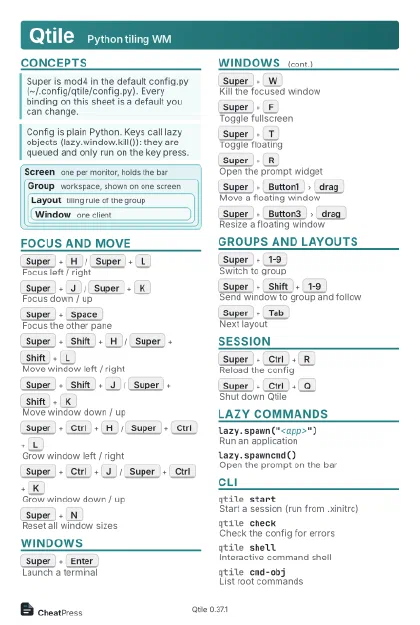 Light · Postcard
102 × 152 mm · PDF
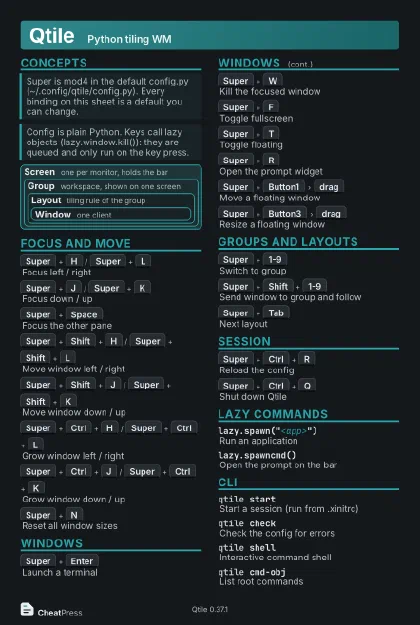 Dark · Postcard
102 × 152 mm · PDF
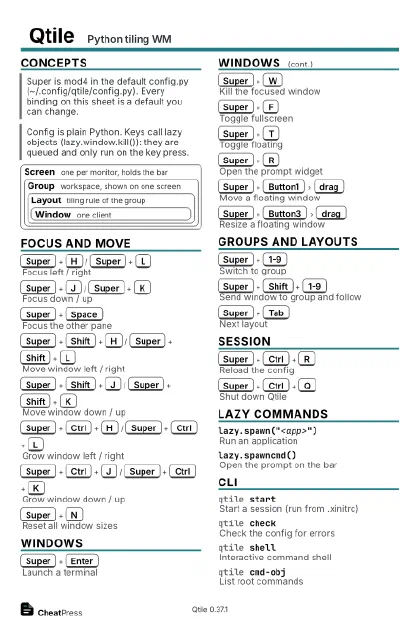 Ink saver · Postcard
102 × 152 mm · PDF
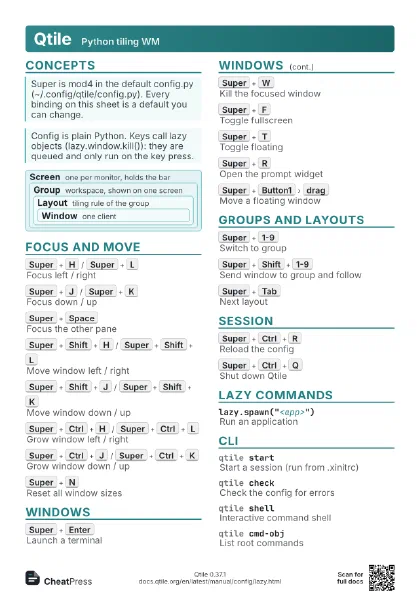
 Light · A4 landscape
297 × 210 mm · PDF
 Dark · A4 landscape
297 × 210 mm · PDF
 Ink saver · A4 landscape
297 × 210 mm · PDF
 Light · A3 landscape
420 × 297 mm · PDF
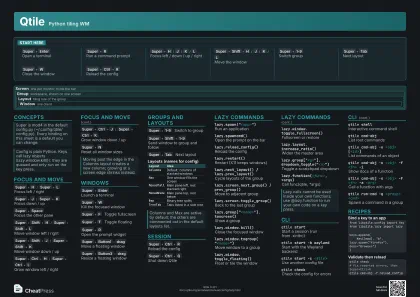 Dark · A3 landscape
420 × 297 mm · PDF
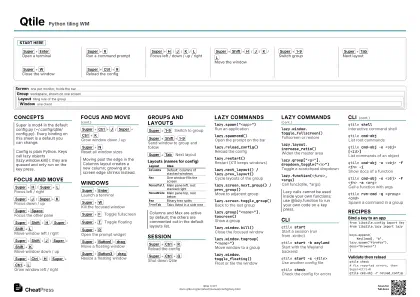 Ink saver · A3 landscape
420 × 297 mm · PDF
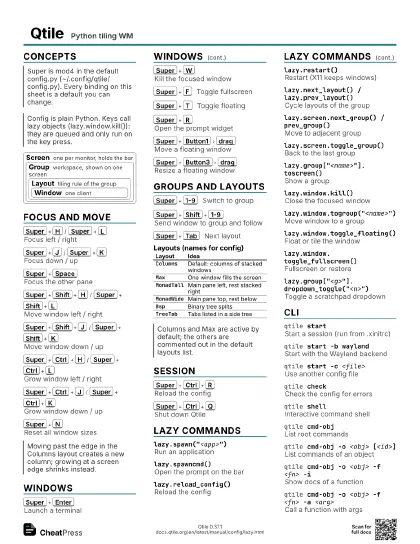
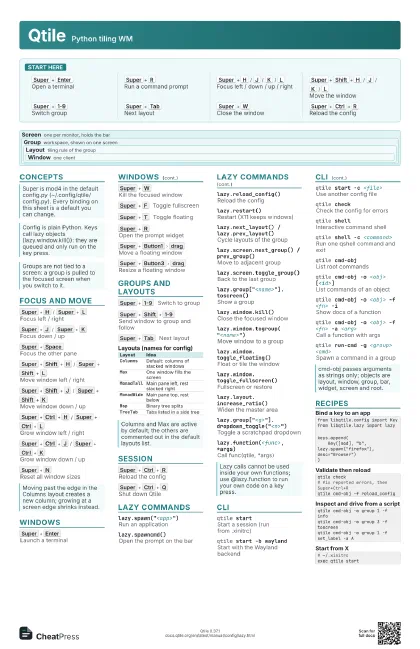
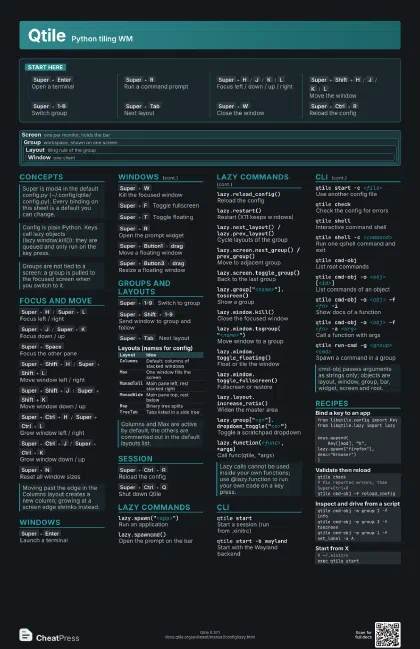
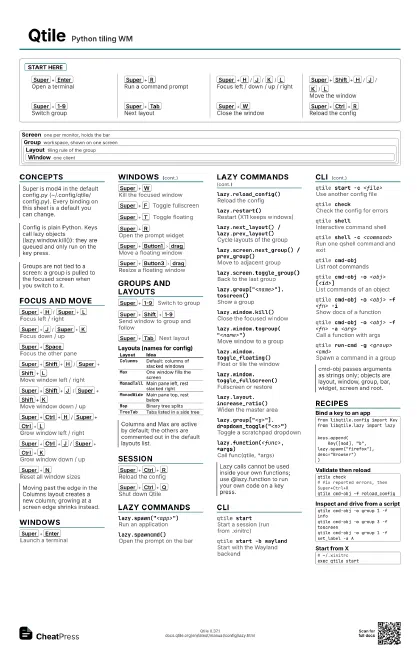
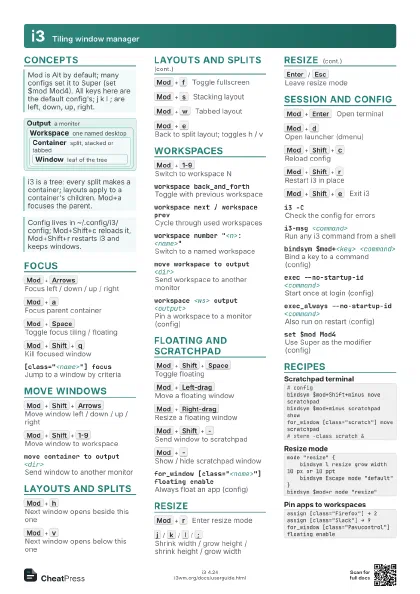
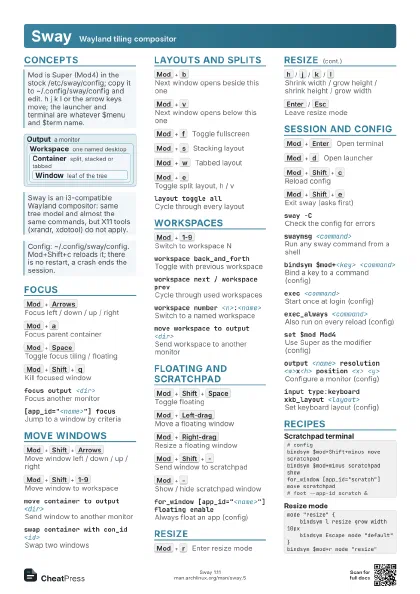
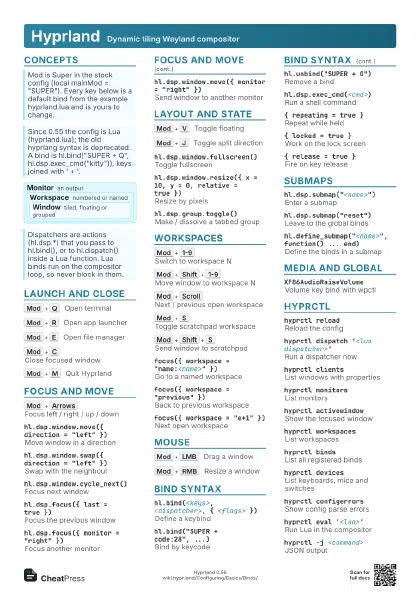
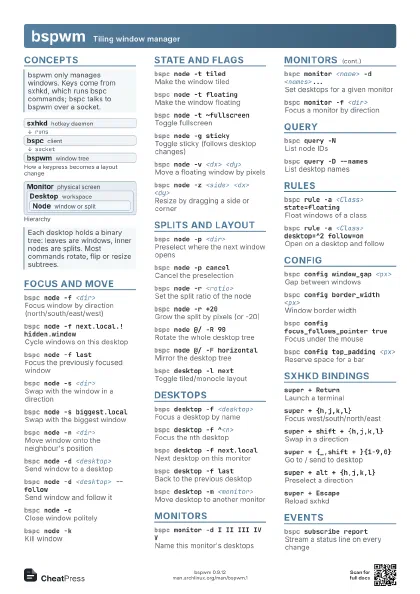
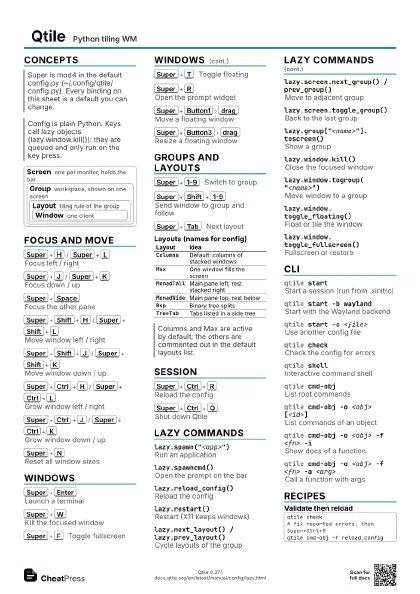
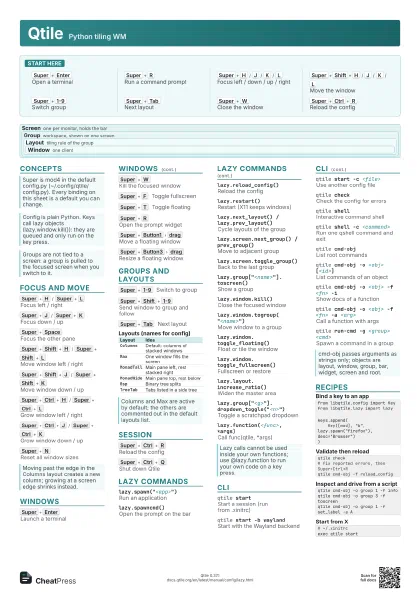
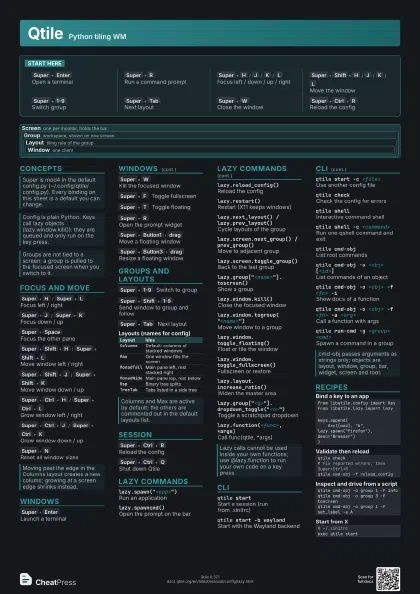
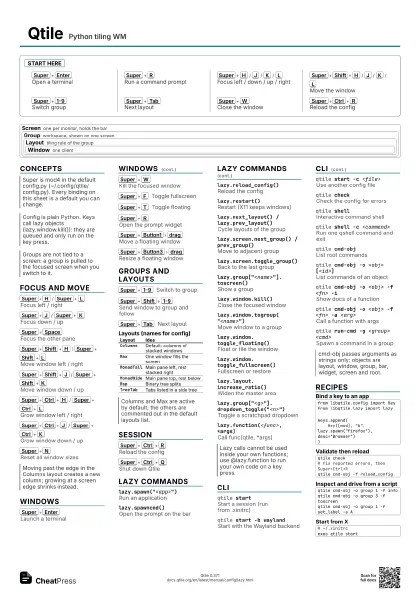
Start here
Super+Enter
Open a terminal
Super+R
Run a command prompt
Super+H
/
J
/
K
/
L
Focus left / down / up / right
Super+Shift+H
/
J
/
K
/
L
Move the window
Super+1-9
Switch group
Super+Tab
Next layout
Super+W
Close the window
Super+Ctrl+R
Reload the config
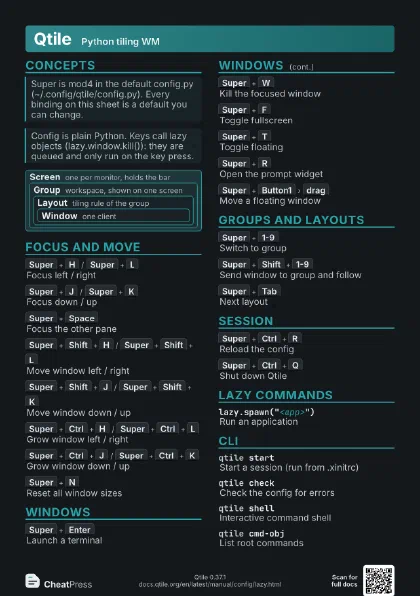
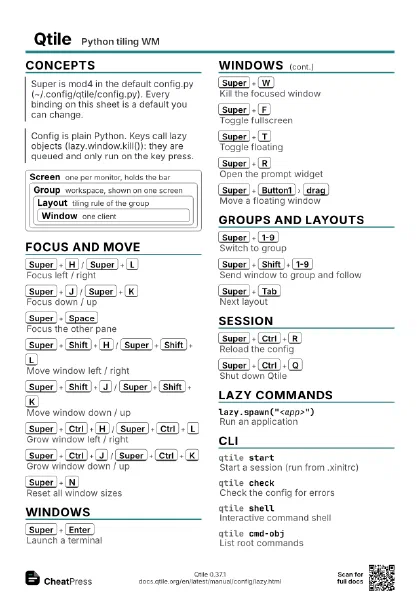
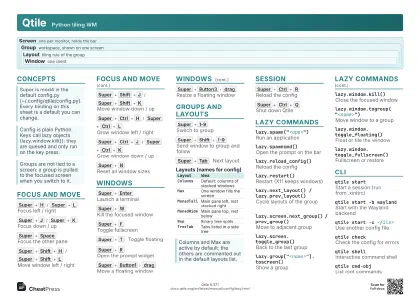
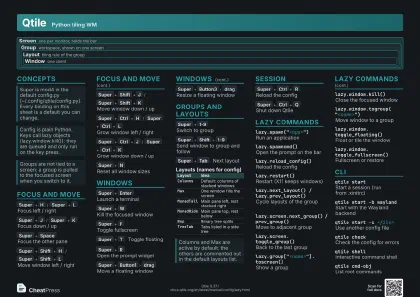
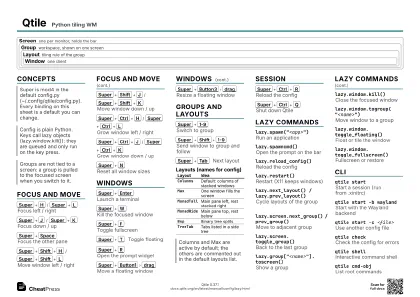
Concepts
Screen
one per monitor, holds the bar
Group
workspace, shown on one screen
Layout
tiling rule of the group
Window one client
Focus and move
Super+H
/
Super+L
Focus left / right
Super+J
/
Super+K
Focus down / up
Super+Space
Focus the other pane
Super+Shift+H
/
Super+Shift+L
Move window left / right
Super+Shift+J
/
Super+Shift+K
Move window down / up
Super+Ctrl+H
/
Super+Ctrl+L
Grow window left / right
Super+Ctrl+J
/
Super+Ctrl+K
Grow window down / up
Super+N
Reset all window sizes
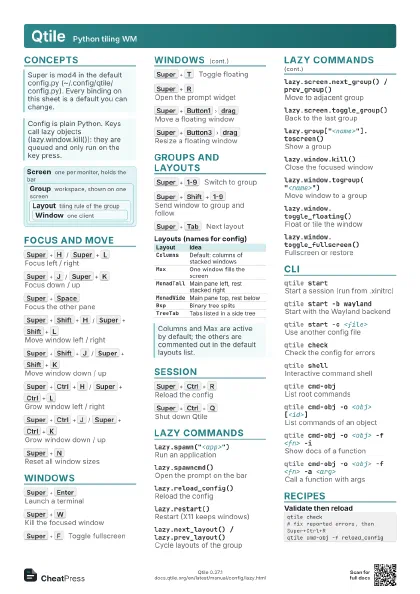
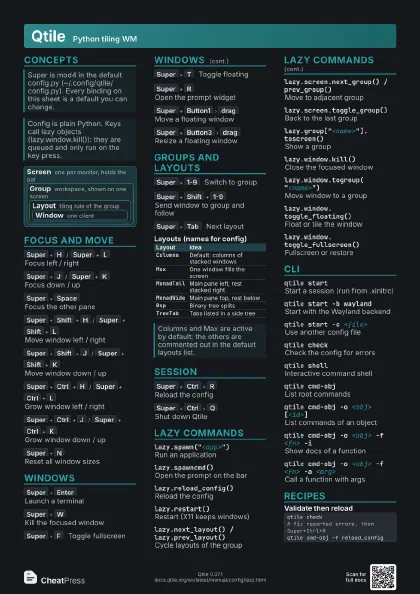
Windows
Super+Enter
Launch a terminal
Super+W
Kill the focused window
Super+F
Toggle fullscreen
Super+T
Toggle floating
Super+R
Open the prompt widget
Super+Button1
drag
Move a floating window
Super+Button3
drag
Resize a floating window
Groups and layouts
Super+1-9
Switch to group
Super+Shift+1-9
Send window to group and follow
Super+Tab
Next layout
| Layout | Idea |
|---|---|
Columns |
Default: columns of stacked windows |
Max |
One window fills the screen |
MonadTall |
Main pane left, rest stacked right |
MonadWide |
Main pane top, rest below |
Bsp |
Binary tree splits |
TreeTab |
Tabs listed in a side tree |
Session
Super+Ctrl+R
Reload the config
Super+Ctrl+Q
Shut down Qtile
Lazy commands
lazy.spawn("<app>")
Run an application
lazy.spawncmd()Open the prompt on the bar
lazy.reload_config()
Reload the config
lazy.restart()Restart (X11 keeps windows)
lazy.next_layout() / lazy.prev_layout()
Cycle layouts of the group
lazy.screen.next_group() / prev_group()
Move to adjacent group
lazy.screen.toggle_group()
Back to the last group
lazy.group["<name>"].toscreen()
Show a group
lazy.window.kill()
Close the focused window
lazy.window.togroup("<name>")
Move window to a group
lazy.window.toggle_floating()
Float or tile the window
lazy.window.toggle_fullscreen()
Fullscreen or restore
lazy.layout.increase_ratio()
Widen the master area
lazy.group["<g>"].dropdown_toggle("<n>")
Toggle a scratchpad dropdown
lazy.function(<func>, *args)
Call func(qtile, *args)
CLI
qtile startStart a session (run from .xinitrc)
qtile start -b wayland
Start with the Wayland backend
qtile start -c <file>
Use another config file
qtile checkCheck the config for errors
qtile shellInteractive command shell
qtile shell -c <command>
Run one qshell command and exit
qtile cmd-objList root commands
qtile cmd-obj -o <obj> [<id>]
List commands of an object
qtile cmd-obj -o <obj> -f <fn> -i
Show docs of a function
qtile cmd-obj -o <obj> -f <fn> -a
                    <arg>
Call a function with args
qtile run-cmd -g <group> <cmd>
Spawn a command in a group
Recipes
from libqtile.config import Keyfrom libqtile.lazy import lazykeys.append( Key([mod], "b", lazy.spawn("firefox"), desc="Browser"))qtile check# fix reported errors, then Super+Ctrl+Rqtile cmd-obj -f reload_configqtile cmd-obj -o group 1 -f infoqtile cmd-obj -o group 3 -f toscreenqtile cmd-obj -o group 1 -f set_label -a A# ~/.xinitrcexec qtile start