Cheat
Pandoc Document converter
 Light · Postcard
102 × 152 mm · PDF
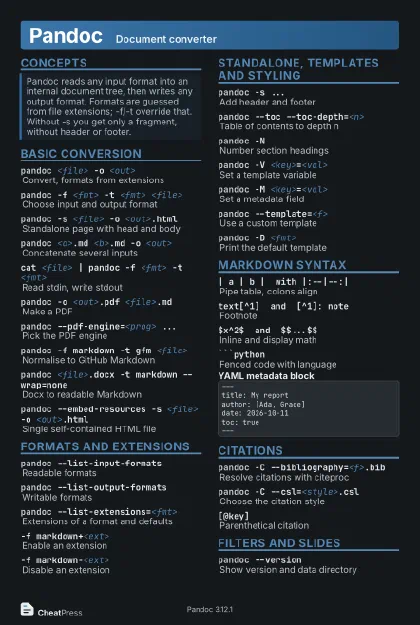 Dark · Postcard
102 × 152 mm · PDF
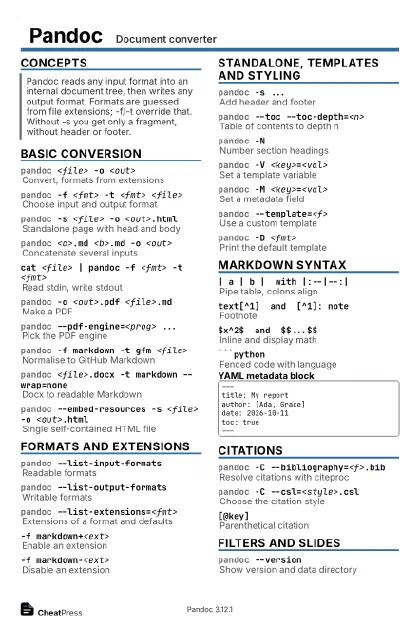 Ink saver · Postcard
102 × 152 mm · PDF
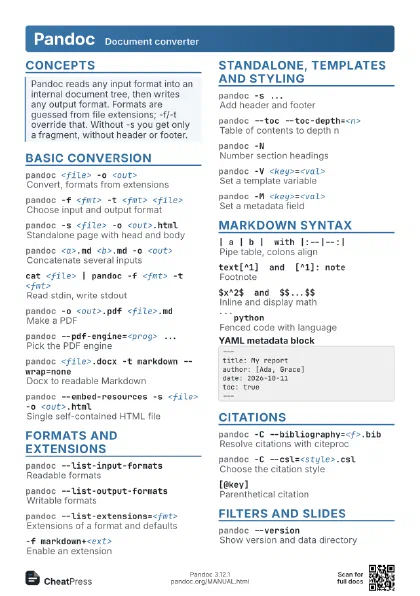
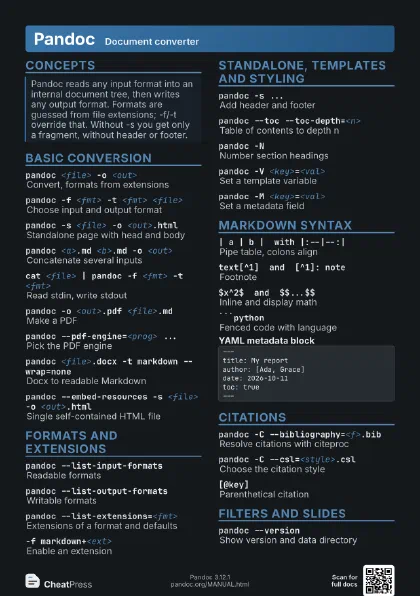
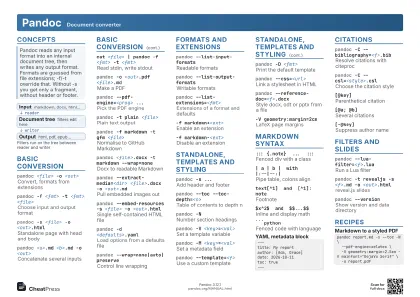 Light · A4 landscape
297 × 210 mm · PDF
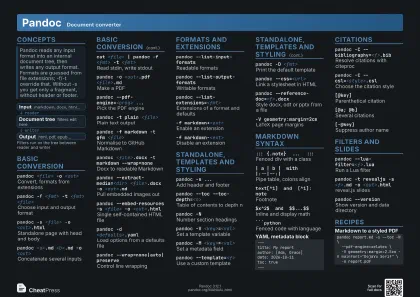 Dark · A4 landscape
297 × 210 mm · PDF
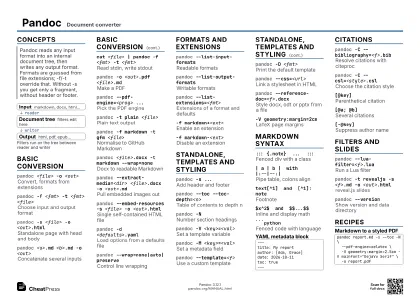 Ink saver · A4 landscape
297 × 210 mm · PDF
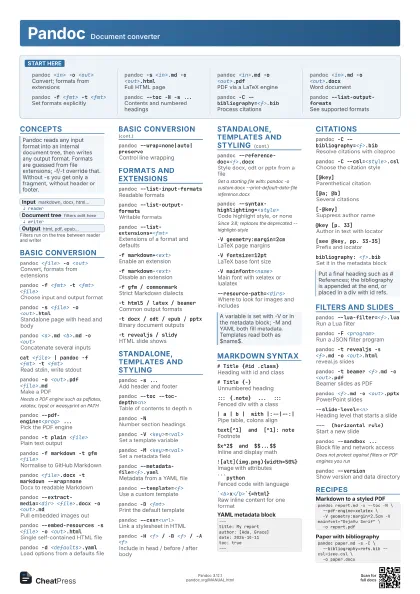
 Light · A3 landscape
420 × 297 mm · PDF
 Dark · A3 landscape
420 × 297 mm · PDF
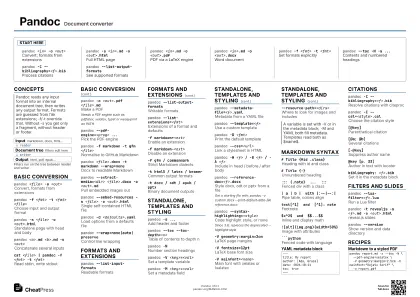 Ink saver · A3 landscape
420 × 297 mm · PDF
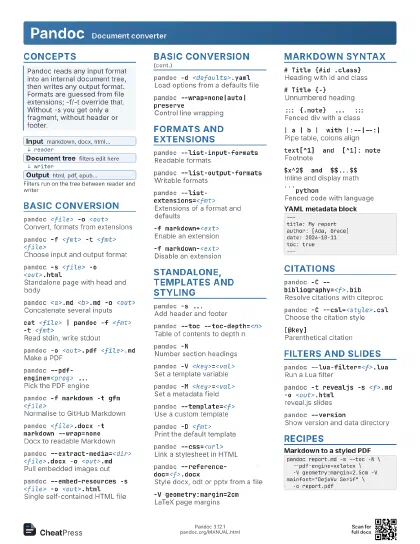
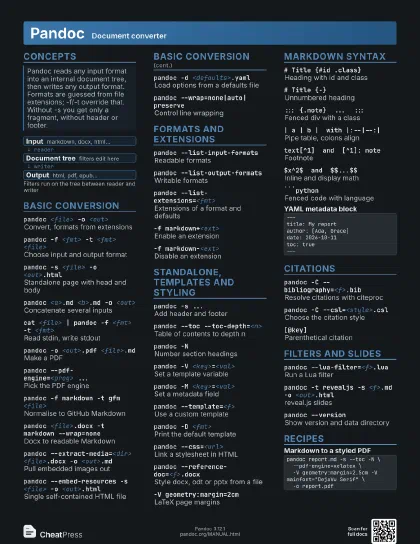
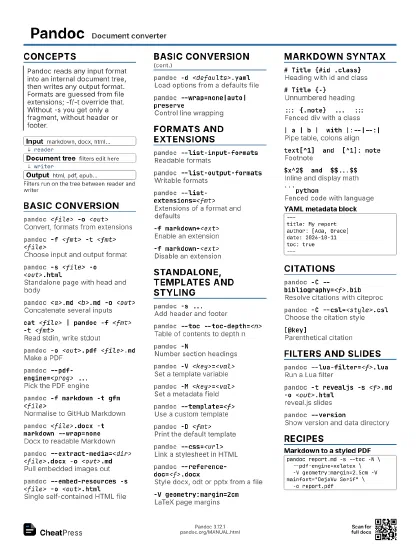
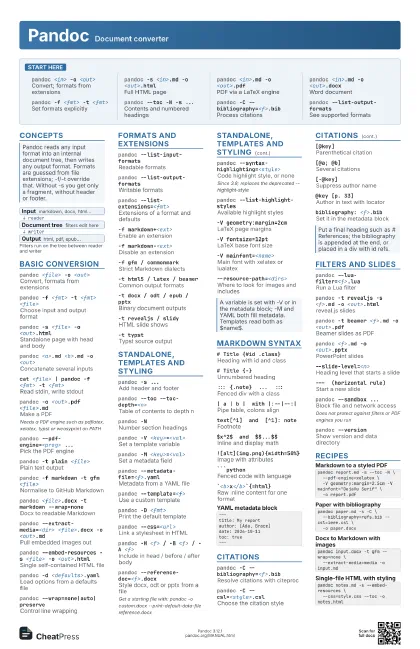
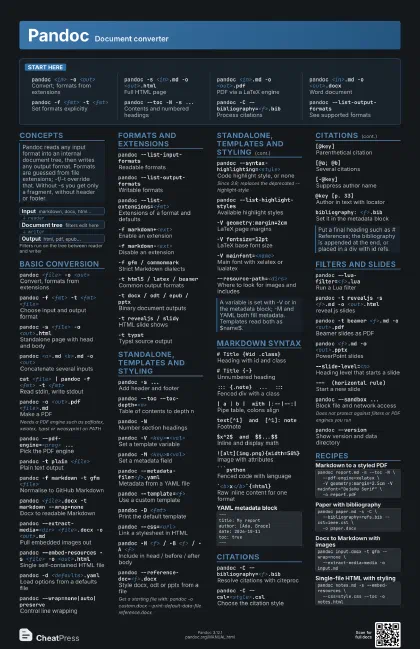
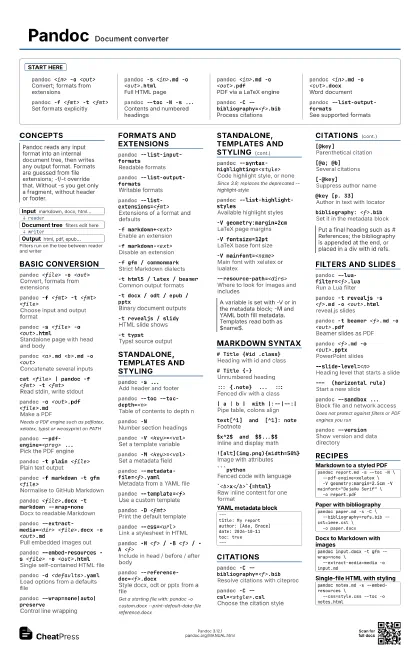
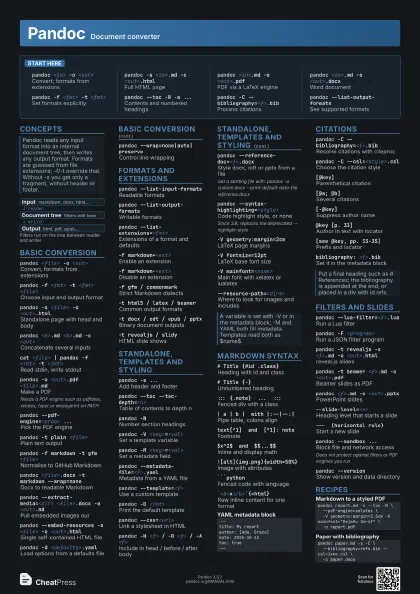
Start here
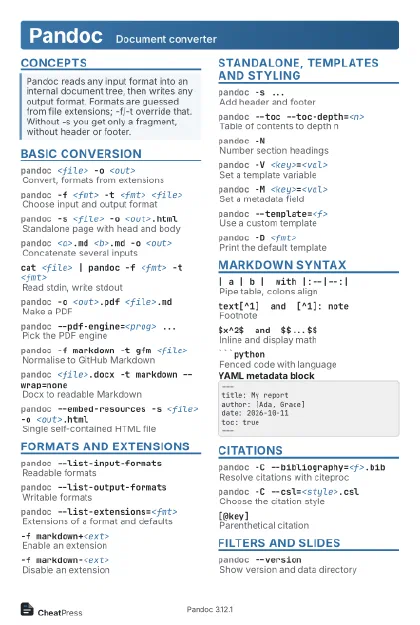
pandoc <in> -o <out>
Convert; formats from extensions
pandoc -s <in>.md -o <out>.html
Full HTML page
pandoc <in>.md -o <out>.pdf
PDF via a LaTeX engine
pandoc <in>.md -o <out>.docx
Word document
pandoc -f <fmt> -t <fmt>
Set formats explicitly
pandoc --toc -N -s ...
Contents and numbered headings
pandoc -C --bibliography=<f>.bib
Process citations
pandoc --list-output-formats
See supported formats
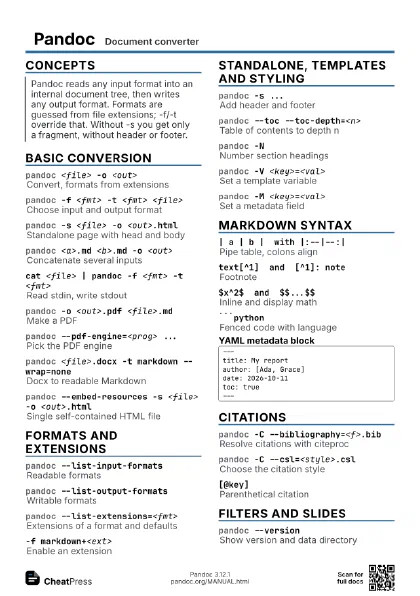
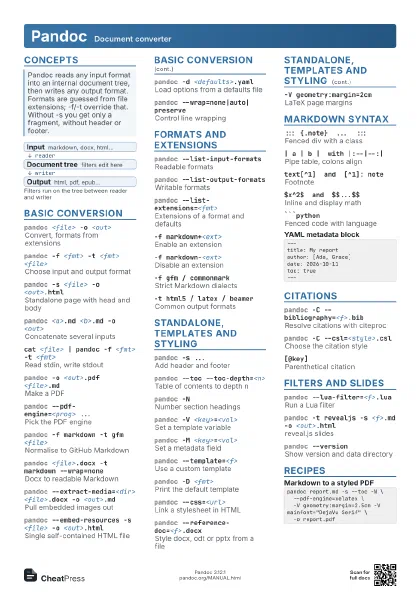
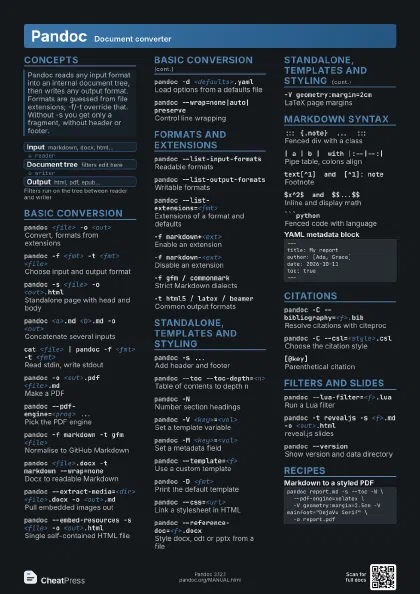
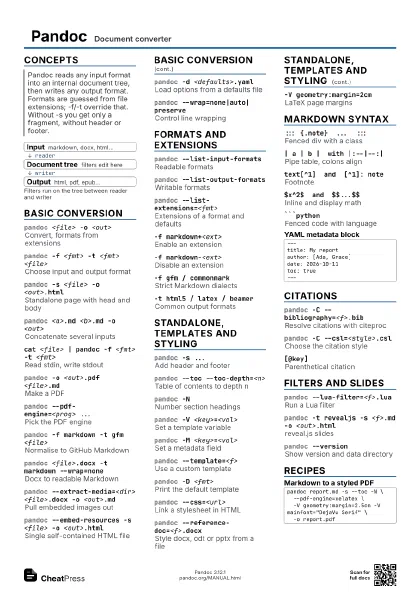
Concepts
- Input markdown, docx, html...
- Document tree filters edit here
- Output html, pdf, epub...
Basic conversion
pandoc <file> -o <out>
Convert, formats from extensions
pandoc -f <fmt> -t <fmt> <file>
Choose input and output format
pandoc -s <file> -o <out>.html
Standalone page with head and body
pandoc <a>.md <b>.md -o <out>
Concatenate several inputs
cat <file> | pandoc -f <fmt> -t
                    <fmt>
Read stdin, write stdout
pandoc -o <out>.pdf <file>.md
Make a PDF
Needs a PDF engine such as pdflatex, xelatex, typst or
weasyprint on PATH
pandoc --pdf-engine=<prog> ...
Pick the PDF engine
pandoc --pdf-engine-opt=<opt> ...
Pass an option to the PDF engine
pandoc -t plain <file>
Plain text output
pandoc -f markdown -t gfm <file>
Normalise to GitHub Markdown
pandoc <file>.docx -t markdown --wrap=none
Docx to readable Markdown
pandoc --extract-media=<dir> <file>.docx -o
                    <out>.md
Pull embedded images out
pandoc --embed-resources -s <file> -o
                    <out>.html
Single self-contained HTML file
pandoc -d <defaults>.yaml
Load options from a defaults file
pandoc --wrap=none|auto|preserve
Control line wrapping
pandoc --columns=<n>
Line width for wrapping
pandoc --shift-heading-level-by=<n>
Move all headings up or down
pandoc --file-scope ...
Parse each input file on its own
Formats and extensions
pandoc --list-input-formats
Readable formats
pandoc --list-output-formats
Writable formats
pandoc --list-extensions=<fmt>
Extensions of a format and defaults
-f markdown+<ext>
Enable an extension
-f markdown-<ext>
Disable an extension
-f markdown-smart
Keep straight quotes and dashes
-f gfm / commonmark
Strict Markdown dialects
-t html5 / latex / beamer
Common output formats
-t docx / odt / epub / pptx
Binary document outputs
-t revealjs / slidy
HTML slide shows
-t typstTypst source output
-t json / native
Dump the document tree
Standalone, templates and styling
pandoc -s ...Add header and footer
pandoc --toc --toc-depth=<n>
Table of contents to depth n
pandoc -NNumber section headings
pandoc -V <key>=<val>
Set a template variable
pandoc -M <key>=<val>
Set a metadata field
pandoc --metadata-file=<f>.yaml
Metadata from a YAML file
pandoc --template=<f>
Use a custom template
pandoc -D <fmt>
Print the default template
pandoc --css=<url>
Link a stylesheet in HTML
pandoc -H <f> / -B <f> / -A <f>
Include in head / before / after body
pandoc --reference-doc=<f>.docx
Style docx, odt or pptx from a file
Get a starting file with: pandoc -o custom.docx
--print-default-data-file reference.docx
pandoc --syntax-highlighting=<style>
Code highlight style, or none
Since 3.8; replaces the deprecated --highlight-style
pandoc --list-highlight-styles
Available highlight styles
-V geometry:margin=2cm
LaTeX page margins
-V fontsize=12pt
LaTeX base font size
-V mainfont=<name>
Main font with xelatex or lualatex
-V papersize=a4LaTeX paper size
-V colorlinks=true
Coloured links in LaTeX PDFs
--resource-path=<dirs>
Where to look for images and includes
Markdown syntax
# Title {#id .class}
Heading with id and class
# Title {-}Unnumbered heading
[text]{.smallcaps}
Span with attributes
::: {.note} ... :::
Fenced div with a class
| a | b | with |:--|--:|
Pipe table, colons align
text[^1] and [^1]: note
Footnote
$x^2$ and $$...$$
Inline and display math
{width=50%}
Image with attributes
```pythonFenced code with language
`<b>x</b>`{=html}
Raw inline content for one format
% Title / % Author / % Date
Plain title block at file top
---title: My reportauthor: [Ada, Grace]date: 2026-10-11toc: true---Citations
pandoc -C --bibliography=<f>.bib
Resolve citations with citeproc
pandoc -C --csl=<style>.csl
Choose the citation style
[@key]Parenthetical citation
[@a; @b]Several citations
[-@key]Suppress author name
@key [p. 33]Author in text with locator
[see @key, pp. 33-35]
Prefix and locator
bibliography: <f>.bib
Set it in the metadata block
Filters and slides
pandoc --lua-filter=<f>.lua
Run a Lua filter
pandoc -F <program>
Run a JSON filter program
pandoc -t revealjs -s <f>.md -o
                    <out>.html
reveal.js slides
pandoc -t beamer <f>.md -o <out>.pdf
Beamer slides as PDF
pandoc <f>.md -o <out>.pptx
PowerPoint slides
--slide-level=<n>
Heading level that starts a slide
--- (horizontal rule)
Start a new slide
::: notes ... :::
Speaker notes
pandoc --sandbox ...
Block file and network access
Does not protect against filters or PDF engines you run
pandoc --verbose / --fail-if-warnings
Debug and strict runs
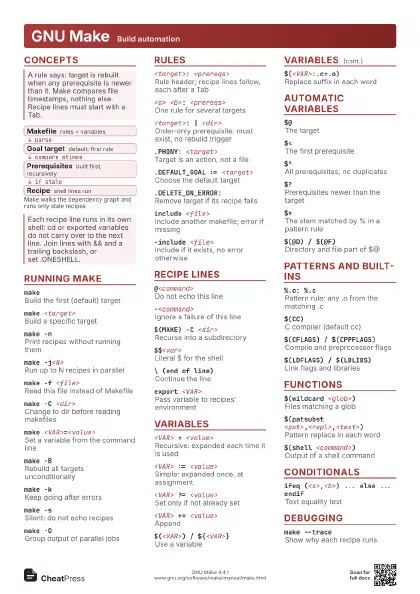
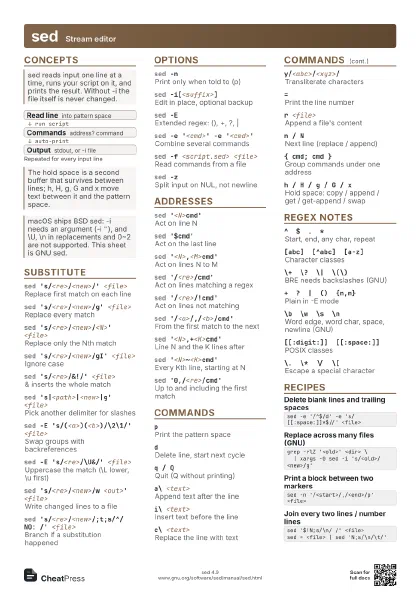
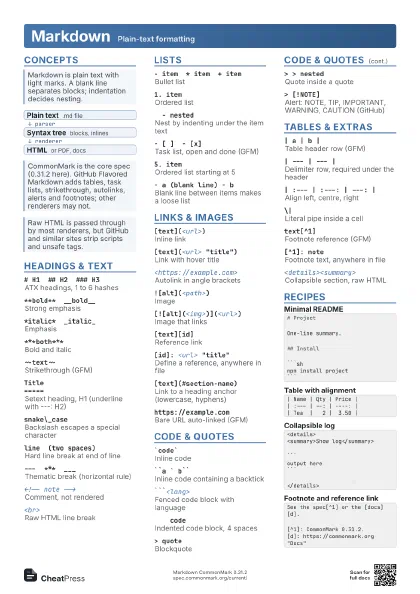
pandoc --version
Show version and data directory
Recipes
pandoc report.md -s --toc -N \ --pdf-engine=xelatex \ -V geometry:margin=2.5cm -V mainfont="DejaVu Serif" \ -o report.pdfpandoc paper.md -s -C \ --bibliography=refs.bib --csl=ieee.csl \ -o paper.docxpandoc input.docx -t gfm --wrap=none \ --extract-media=media -o input.mdpandoc notes.md -s --embed-resources \ --css=style.css --toc -o notes.html