Cheat
age Simple file encryption
 Light · Postcard
102 × 152 mm · PDF
 Dark · Postcard
102 × 152 mm · PDF
 Ink saver · Postcard
102 × 152 mm · PDF
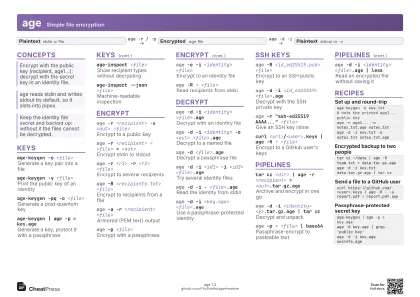 Light · A4 landscape
297 × 210 mm · PDF
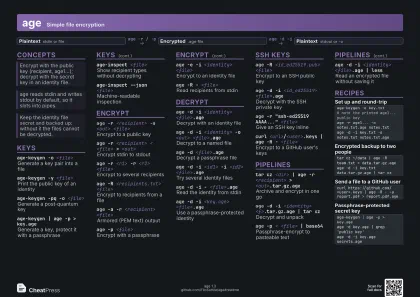 Dark · A4 landscape
297 × 210 mm · PDF
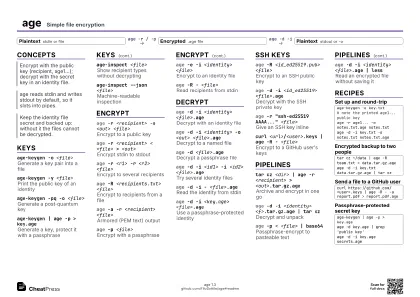 Ink saver · A4 landscape
297 × 210 mm · PDF
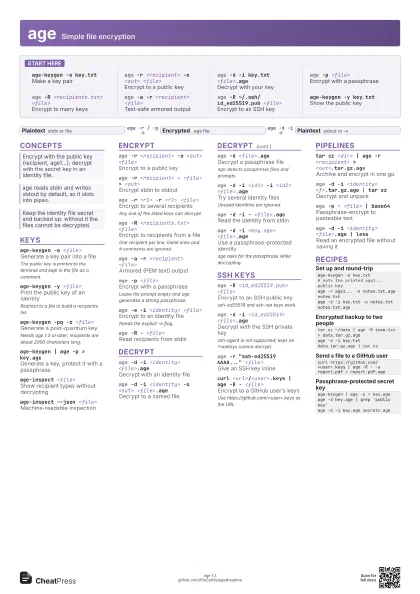
 Light · A3 landscape
420 × 297 mm · PDF
 Dark · A3 landscape
420 × 297 mm · PDF
 Ink saver · A3 landscape
420 × 297 mm · PDF
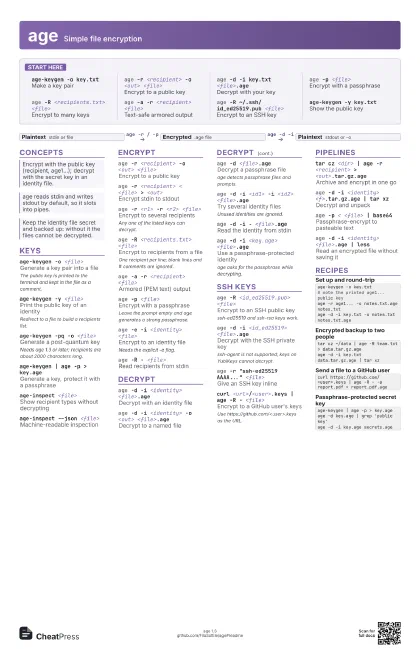
Start here
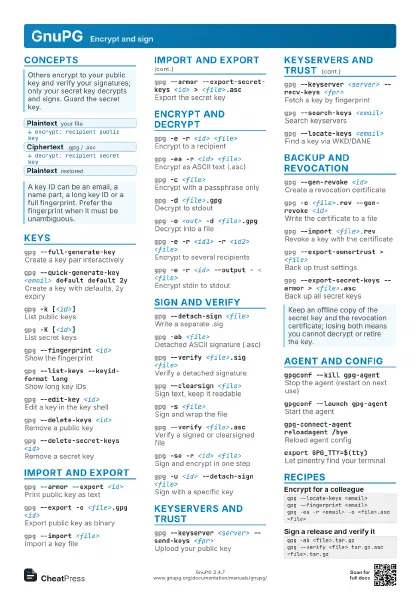
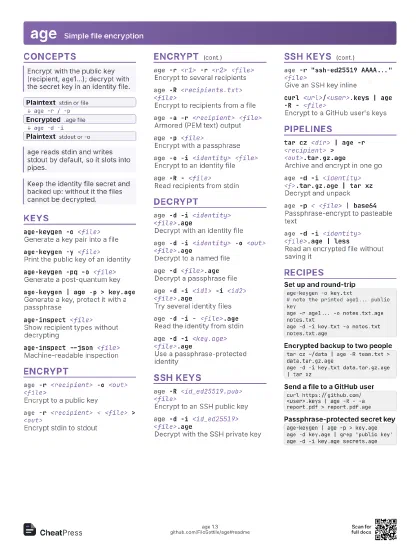
age-keygen -o key.txt
Make a key pair
age -r <recipient> -o <out> <file>
Encrypt to a public key
age -d -i key.txt <file>.age
Decrypt with your key
age -p <file>
Encrypt with a passphrase
age -R <recipients.txt> <file>
Encrypt to many keys
age -a -r <recipient> <file>
Text-safe armored output
age -R ~/.ssh/id_ed25519.pub <file>
Encrypt to an SSH key
age-keygen -y key.txt
Show the public key
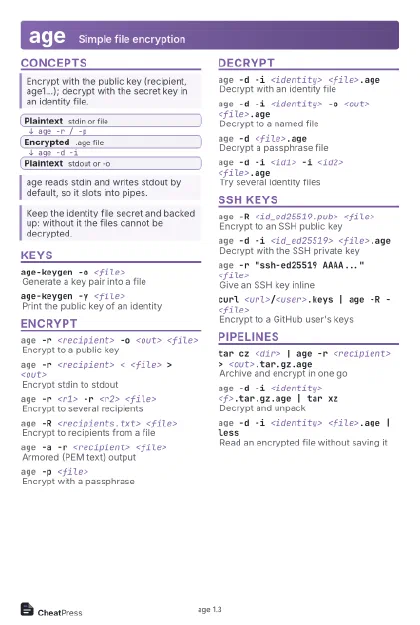
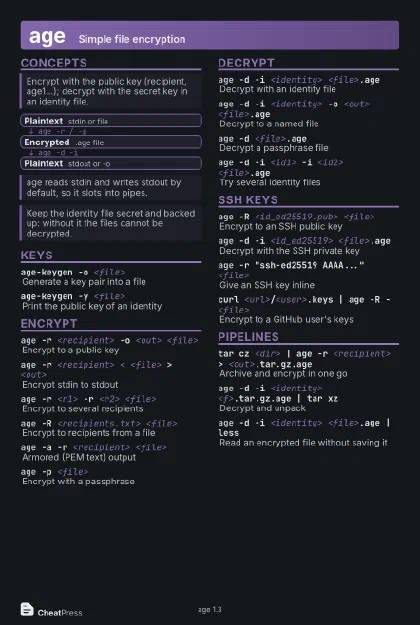
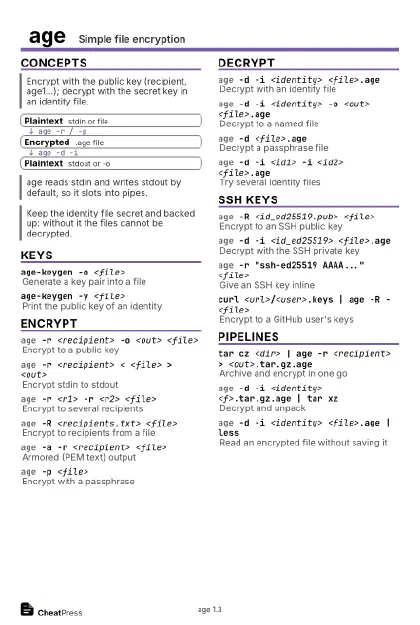
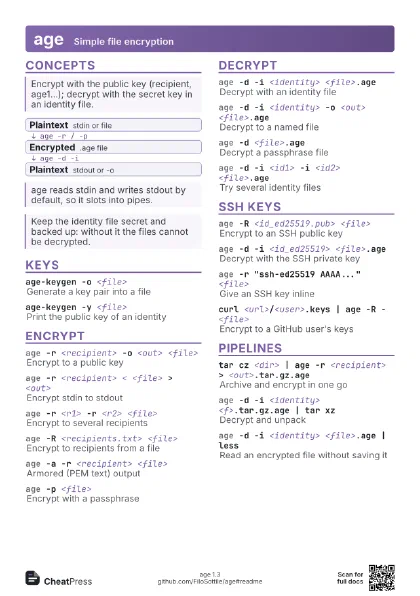
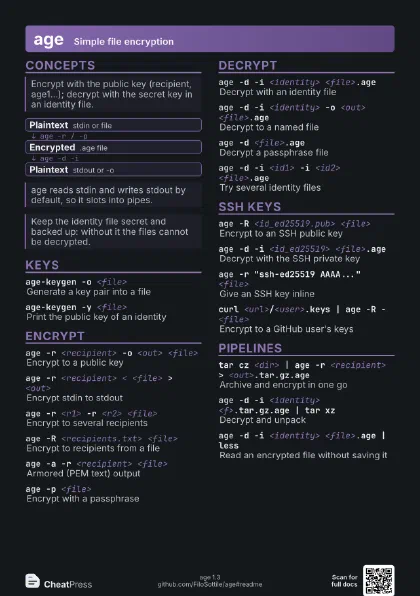
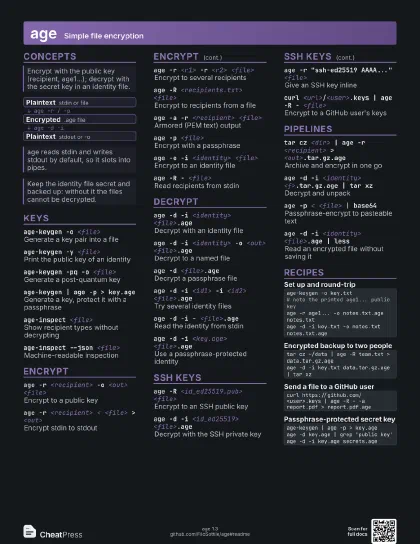
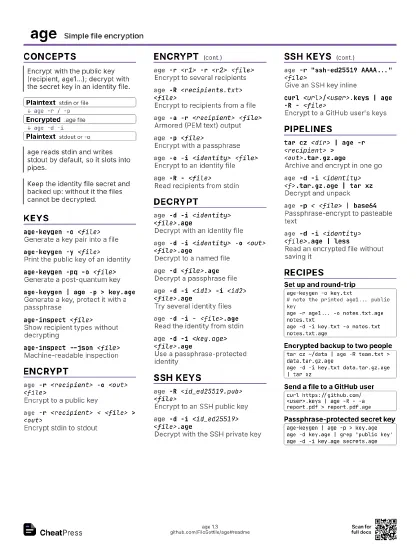
Concepts
- Plaintext stdin or file
- Encrypted .age file
- Plaintext stdout or -o
Keys
age-keygen -o <file>
Generate a key pair into a file
The public key is printed to the terminal and kept in the file
as a comment.
age-keygen -y <file>
Print the public key of an identity
Redirect to a file to build a recipients list.
age-keygen -pq -o <file>
Generate a post-quantum key
Needs age 1.3 or later; recipients are about 2000 characters
long.
age-keygen | age -p > key.age
Generate a key, protect it with a passphrase
age-inspect <file>
Show recipient types without decrypting
age-inspect --json <file>
Machine-readable inspection
Encrypt
age -r <recipient> -o <out> <file>
Encrypt to a public key
age -r <recipient> < <file> >
                    <out>
Encrypt stdin to stdout
age -r <r1> -r <r2> <file>
Encrypt to several recipients
Any one of the listed keys can decrypt.
age -R <recipients.txt> <file>
Encrypt to recipients from a file
One recipient per line; blank lines and # comments are
ignored.
age -a -r <recipient> <file>
Armored (PEM text) output
age -p <file>
Encrypt with a passphrase
Leave the prompt empty and age generates a strong passphrase.
age -e -i <identity> <file>
Encrypt to an identity file
Needs the explicit -e flag.
age -R - <file>
Read recipients from stdin
Decrypt
age -d -i <identity> <file>.age
Decrypt with an identity file
age -d -i <identity> -o <out>
                    <file>.age
Decrypt to a named file
age -d <file>.age
Decrypt a passphrase file
age detects passphrase files and prompts.
age -d -i <id1> -i <id2> <file>.age
Try several identity files
Unused identities are ignored.
age -d -i - <file>.age
Read the identity from stdin
age -d -i <key.age> <file>.age
Use a passphrase-protected identity
age asks for the passphrase while decrypting.
SSH keys
age -R <id_ed25519.pub> <file>
Encrypt to an SSH public key
ssh-ed25519 and ssh-rsa keys work.
age -d -i <id_ed25519> <file>.age
Decrypt with the SSH private key
ssh-agent is not supported; keys on YubiKeys cannot decrypt.
age -r "ssh-ed25519 AAAA..." <file>
Give an SSH key inline
curl <url>/<user>.keys | age -R -
                    <file>
Encrypt to a GitHub user's keys
Use https://github.com/<user>.keys as the URL.
Pipelines
tar cz <dir> | age -r <recipient> >
                    <out>.tar.gz.age
Archive and encrypt in one go
age -d -i <identity> <f>.tar.gz.age | tar
                    xz
Decrypt and unpack
age -p < <file> | base64
Passphrase-encrypt to pasteable text
age -d -i <identity> <file>.age | less
Read an encrypted file without saving it
Recipes
age-keygen -o key.txt# note the printed age1... public keyage -r age1... -o notes.txt.age notes.txtage -d -i key.txt -o notes.txt notes.txt.agetar cz ~/data | age -R team.txt > data.tar.gz.ageage -d -i key.txt data.tar.gz.age | tar xzcurl https://github.com/<user>.keys | age -R - -a report.pdf > report.pdf.ageage-keygen | age -p > key.ageage -d key.age | grep 'public key'age -d -i key.age secrets.age