Cheat
ImageMagick Image converter and editor
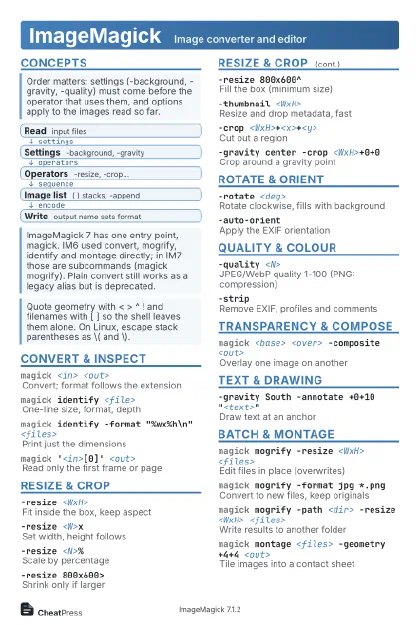 Light · Postcard
102 × 152 mm · PDF
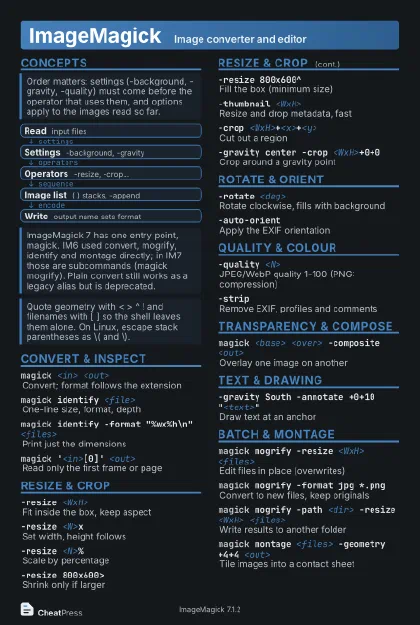 Dark · Postcard
102 × 152 mm · PDF
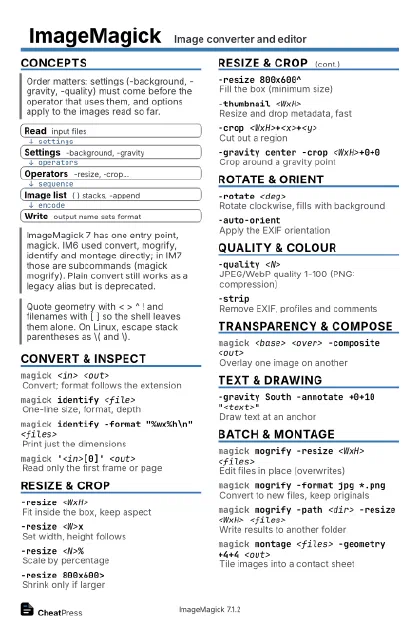 Ink saver · Postcard
102 × 152 mm · PDF
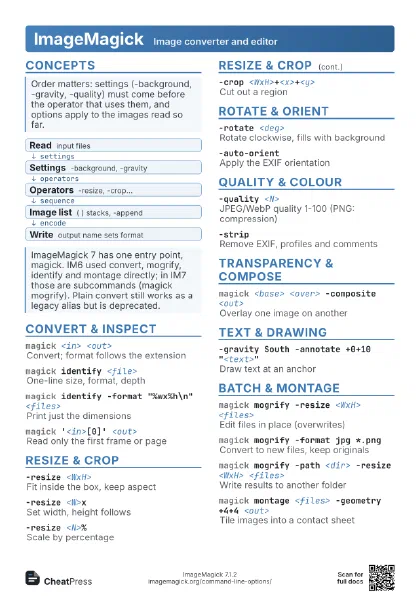
 Light · A4 landscape
297 × 210 mm · PDF
 Dark · A4 landscape
297 × 210 mm · PDF
 Ink saver · A4 landscape
297 × 210 mm · PDF
 Light · A3 landscape
420 × 297 mm · PDF
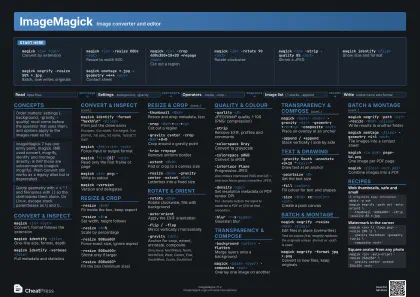 Dark · A3 landscape
420 × 297 mm · PDF
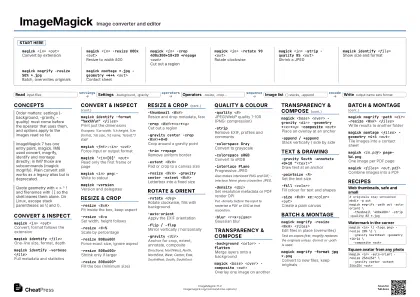 Ink saver · A3 landscape
420 × 297 mm · PDF
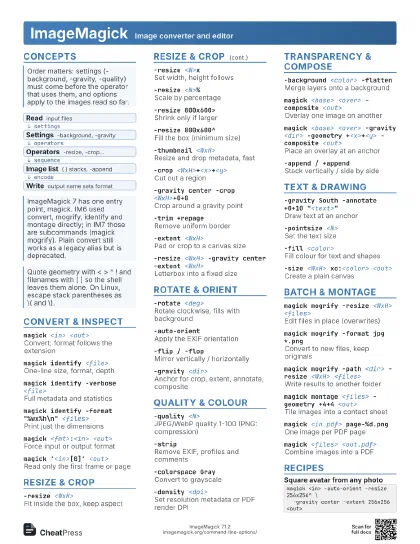
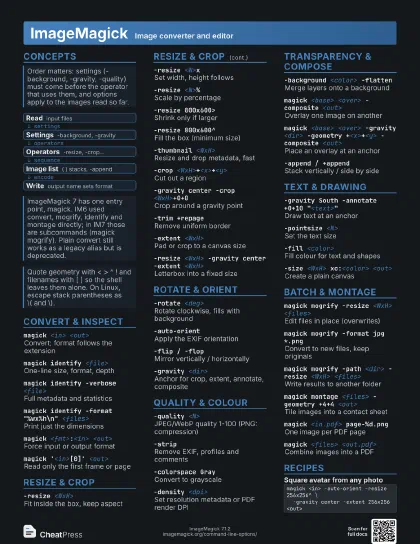
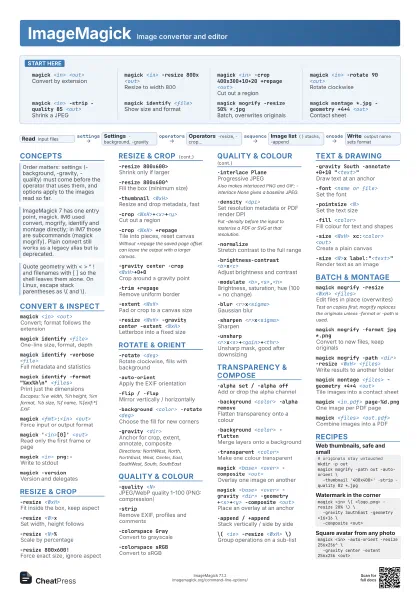
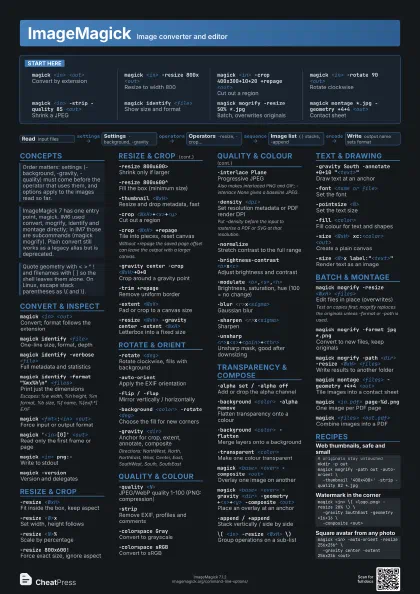
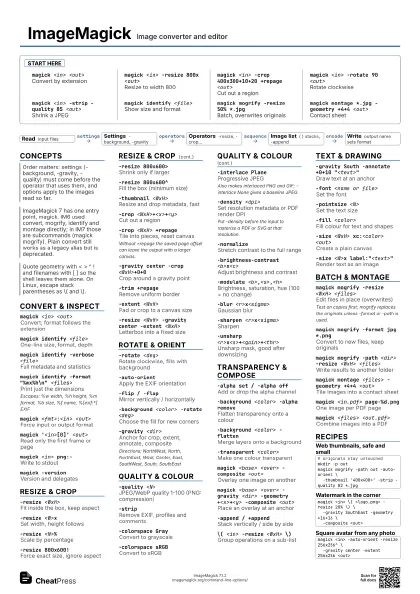
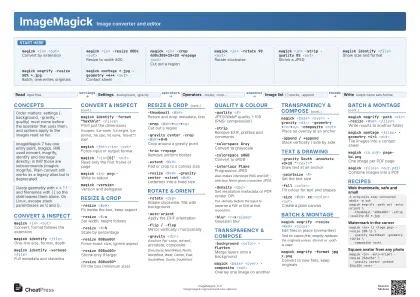
Start here
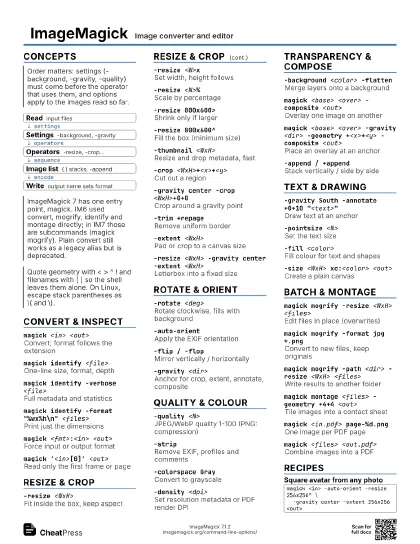
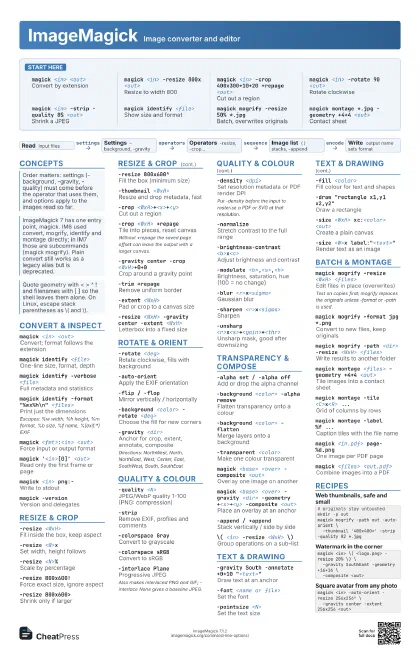
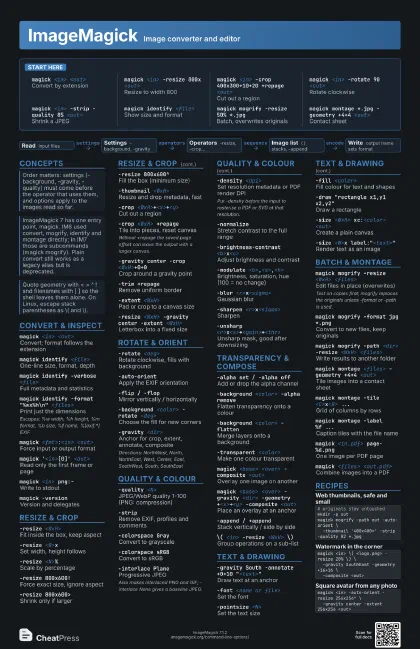
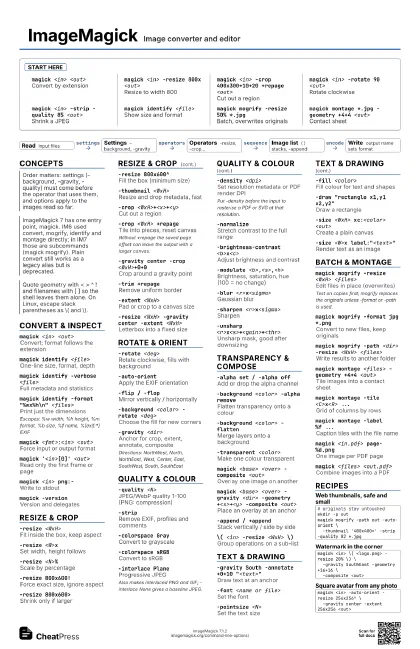
magick <in> <out>
Convert by extension
magick <in> -resize 800x <out>
Resize to width 800
magick <in> -crop 400x300+10+20 +repage
                    <out>
Cut out a region
magick <in> -rotate 90 <out>
Rotate clockwise
magick <in> -strip -quality 85 <out>
Shrink a JPEG
magick identify <file>
Show size and format
magick mogrify -resize 50% *.jpg
Batch, overwrites originals
magick montage *.jpg -geometry +4+4
                    <out>
Contact sheet
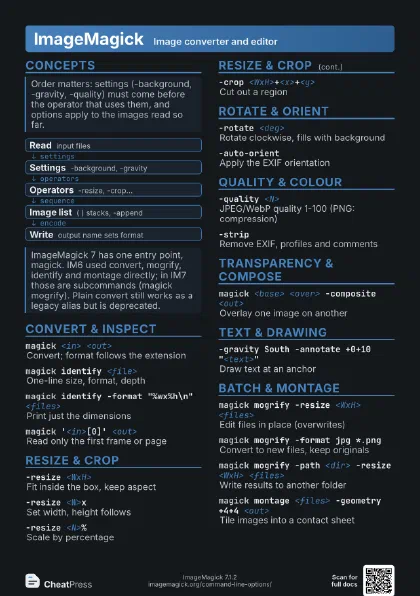
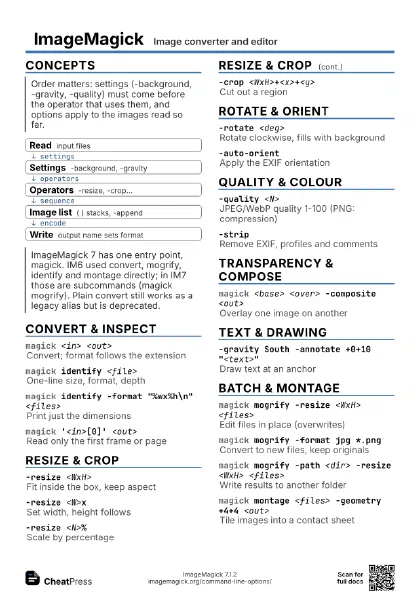
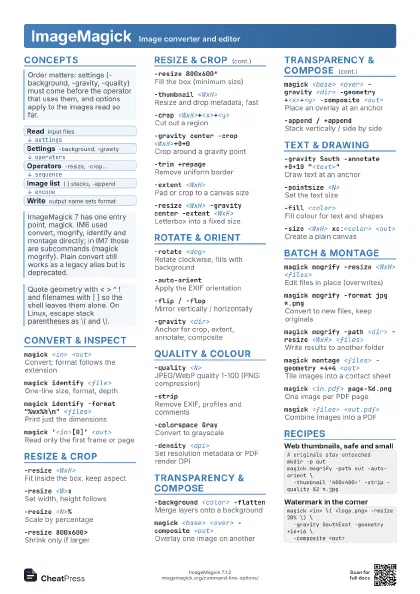
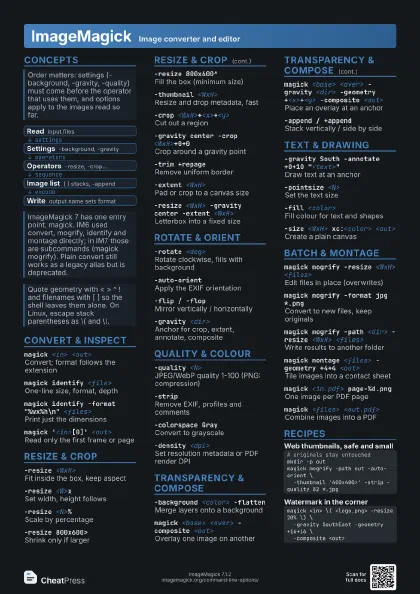
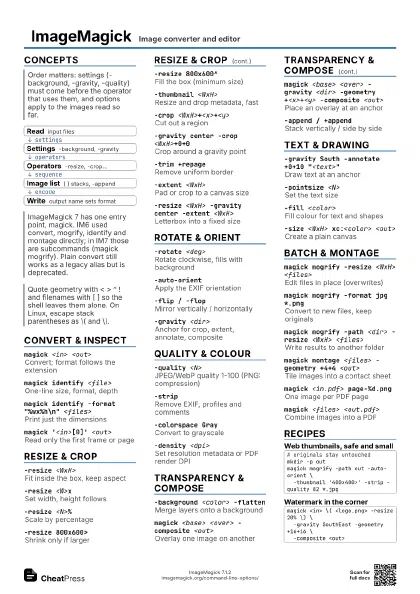
Concepts
- Read input files
- Settings -background, -gravity
- Operators -resize, -crop...
- Image list ( ) stacks, -append
- Write output name sets format
Convert & Inspect
magick <in> <out>
Convert; format follows the extension
magick identify <file>
One-line size, format, depth
magick identify -verbose <file>
Full metadata and statistics
magick identify -format "%wx%h\n"
                    <files>
Print just the dimensions
Escapes: %w width, %h height, %m format, %b size, %f name,
%[exif:*] EXIF
magick <fmt>:<in> <out>
Force input or output format
magick '<in>[0]' <out>
Read only the first frame or page
magick <in> png:-
Write to stdout
magick -versionVersion and delegates
Resize & Crop
-resize <WxH>
Fit inside the box, keep aspect
-resize <W>x
Set width, height follows
-resize <N>%
Scale by percentage
-resize 800x600!
Force exact size, ignore aspect
-resize 800x600>
Shrink only if larger
-resize 800x600^
Fill the box (minimum size)
-thumbnail <WxH>
Resize and drop metadata, fast
-crop <WxH>+<x>+<y>
Cut out a region
-crop <WxH> +repage
Tile into pieces, reset canvas
Without +repage the saved page offset can leave the output
with a larger canvas.
-gravity center -crop <WxH>+0+0
Crop around a gravity point
-trim +repage
Remove uniform border
-fuzz <N>%
Colour tolerance for -trim, -transparent
-extent <WxH>
Pad or crop to a canvas size
-resize <WxH> -gravity center -extent
                    <WxH>
Letterbox into a fixed size
Rotate & Orient
-rotate <deg>
Rotate clockwise, fills with background
-auto-orientApply the EXIF orientation
-flip / -flopMirror vertically / horizontally
-background <color> -rotate <deg>
Choose the fill for new corners
-gravity <dir>
Anchor for crop, extent, annotate, composite
Directions: NorthWest, North, NorthEast, West, Center, East,
SouthWest, South, SouthEast
Quality & Colour
-quality <N>
JPEG/WebP quality 1-100 (PNG: compression)
-stripRemove EXIF, profiles and comments
-colorspace Gray
Convert to grayscale
-colorspace sRGB
Convert to sRGB
-interlace Plane
Progressive JPEG
Also makes interlaced PNG and GIF; -interlace None gives a
baseline JPEG.
-density <dpi>
Set resolution metadata or PDF render DPI
Put -density before the input to rasterise a PDF or SVG at
that resolution.
-normalizeStretch contrast to the full range
-brightness-contrast <b>x<c>
Adjust brightness and contrast
-modulate <b>,<s>,<h>
Brightness, saturation, hue (100 = no change)
-blur <r>x<sigma>
Gaussian blur
-sharpen <r>x<sigma>
Sharpen
-unsharp
                    <r>x<s>+<gain>+<thr>
Unsharp mask, good after downsizing
Transparency & Compose
-alpha set / -alpha off
Add or drop the alpha channel
-background <color> -alpha remove
Flatten transparency onto a colour
-background <color> -flatten
Merge layers onto a background
-transparent <color>
Make one colour transparent
-fuzz <N>% -transparent <color>
Same, with colour tolerance
magick <base> <over> -composite
                    <out>
Overlay one image on another
magick <base> <over> -gravity <dir>
                    -geometry +<x>+<y> -composite
                    <out>
Place an overlay at an anchor
-append / +append
Stack vertically / side by side
\( <in> -resize <WxH> \)
Group operations on a sub-list
Text & Drawing
-gravity South -annotate +0+10
                    "<text>"
Draw text at an anchor
-font <name or file>
Set the font
-pointsize <N>
Set the text size
-fill <color>
Fill colour for text and shapes
-stroke <color> -strokewidth <N>
Outline colour and width
-draw "rectangle x1,y1 x2,y2"
Draw a rectangle
-size <WxH> xc:<color> <out>
Create a plain canvas
-size <W>x label:"<text>"
Render text as an image
Batch & Montage
magick mogrify -resize <WxH> <files>
Edit files in place (overwrites)
Test on copies first; mogrify replaces the originals unless
-format or -path is used.
magick mogrify -format jpg *.png
Convert to new files, keep originals
magick mogrify -path <dir> -resize <WxH>
                    <files>
Write results to another folder
magick montage <files> -geometry +4+4
                    <out>
Tile images into a contact sheet
magick montage -tile <C>x<R> ...
Grid of columns by rows
magick montage -label %f ...
Caption tiles with the file name
magick <files> -delay <ticks> -loop 0
                    <out.gif>
Build an animated GIF
magick <in.gif> -coalesce frame-%03d.png
Split a GIF into full frames
magick <in.pdf> page-%d.png
One image per PDF page
magick <files> <out.pdf>
Combine images into a PDF
magick compare -metric AE <a> <b>
                    <diff>
Count differing pixels
Prints the differing-pixel count; exit status 1 means the
images differ.
Recipes
# originals stay untouchedmkdir -p outmagick mogrify -path out -auto-orient \ -thumbnail '400x400>' -strip -quality 82 *.jpgmagick <in> \( <logo.png> -resize 20% \) \ -gravity SouthEast -geometry +16+16 \ -composite <out>magick <in> -auto-orient -resize 256x256^ \ -gravity center -extent 256x256 <out>magick <in.png> -background white \ -alpha remove -alpha off -quality 90 <out.jpg>