Cheat
procs Modern ps replacement
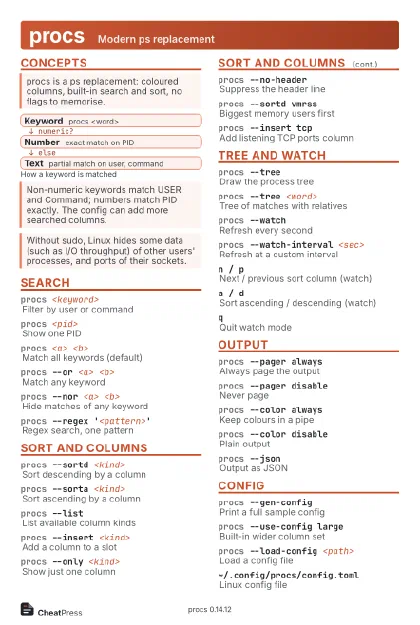 Light · Postcard
102 × 152 mm · PDF
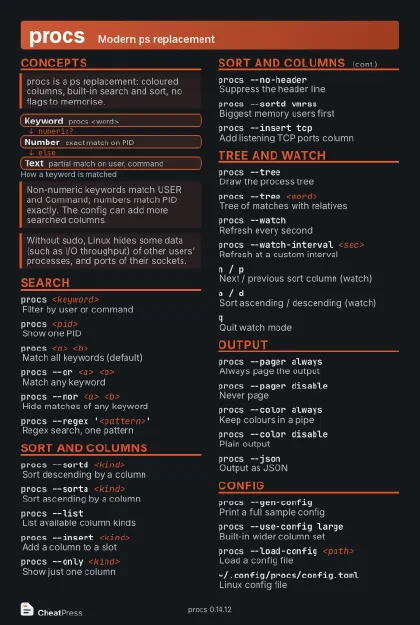 Dark · Postcard
102 × 152 mm · PDF
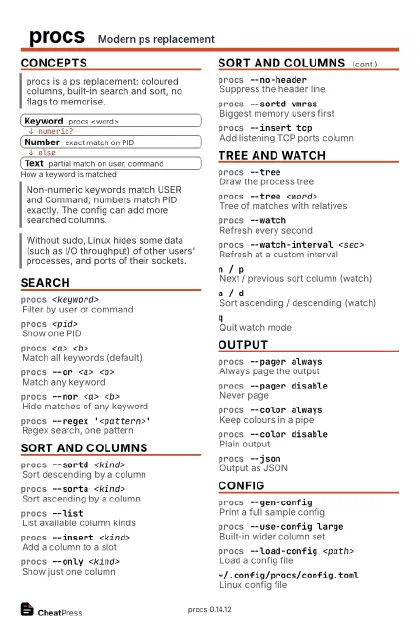 Ink saver · Postcard
102 × 152 mm · PDF
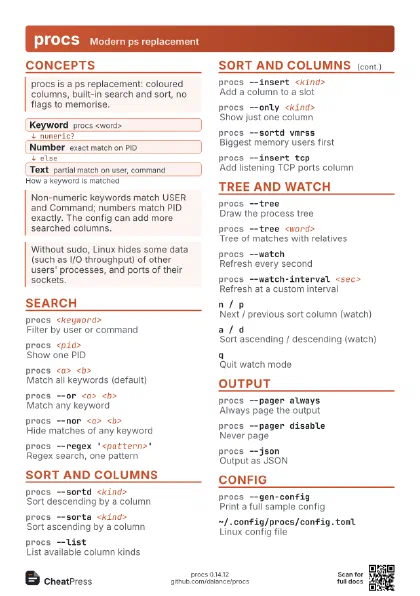
 Light · A4 landscape
297 × 210 mm · PDF
 Dark · A4 landscape
297 × 210 mm · PDF
 Ink saver · A4 landscape
297 × 210 mm · PDF
 Light · A3 landscape
420 × 297 mm · PDF
 Dark · A3 landscape
420 × 297 mm · PDF
 Ink saver · A3 landscape
420 × 297 mm · PDF
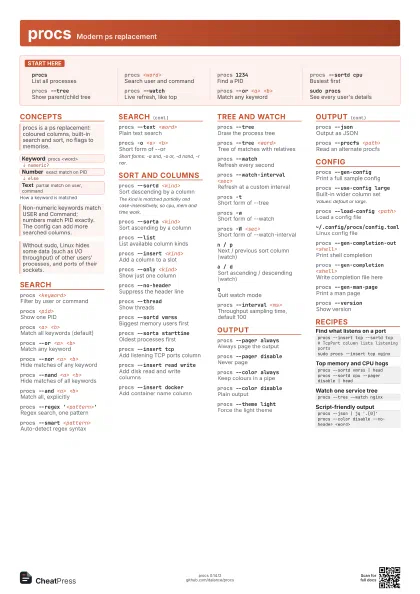
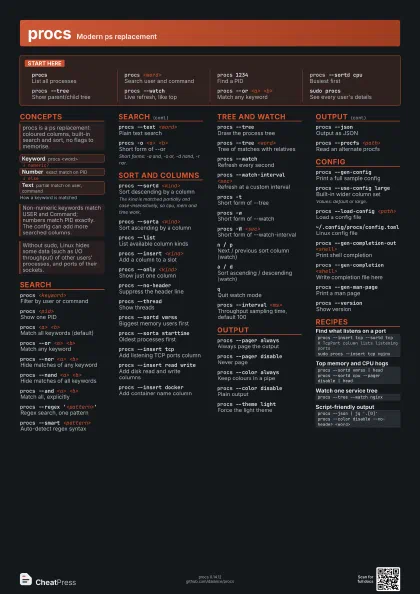
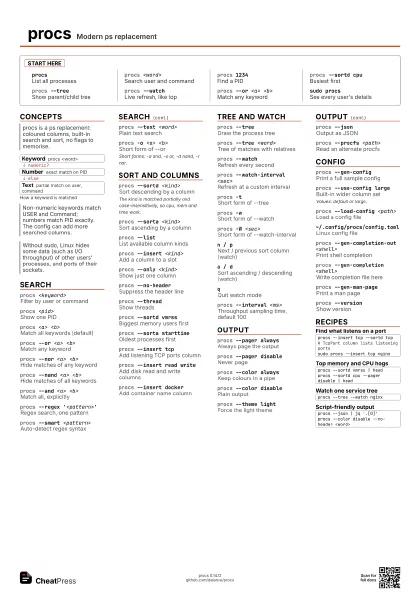
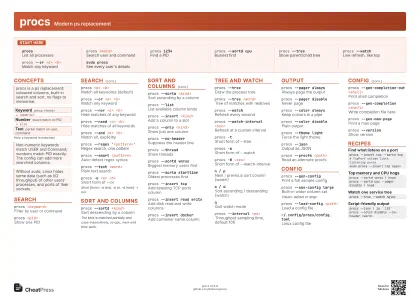
Start here
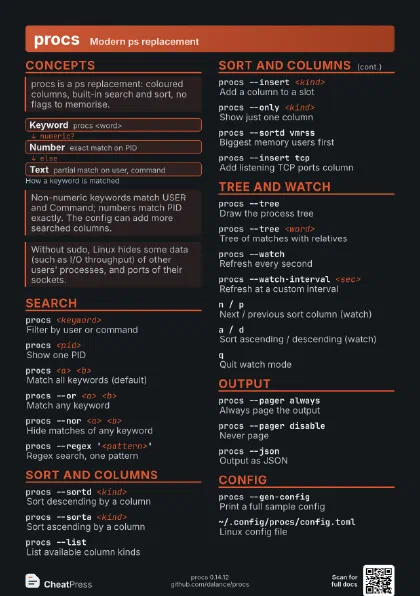
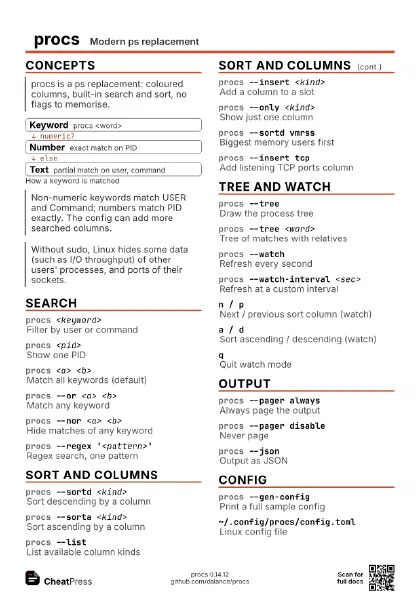
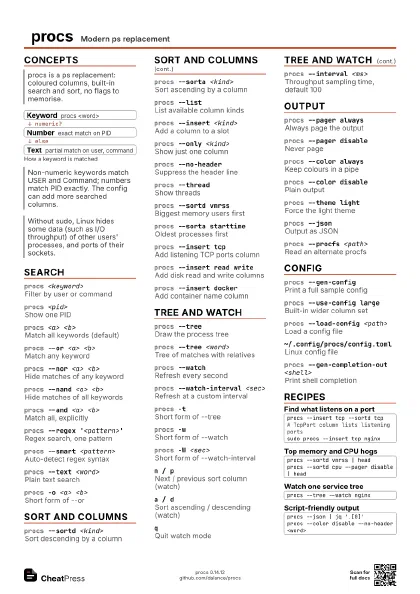
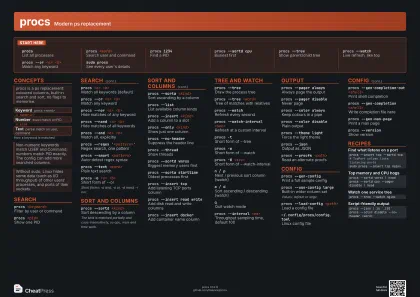
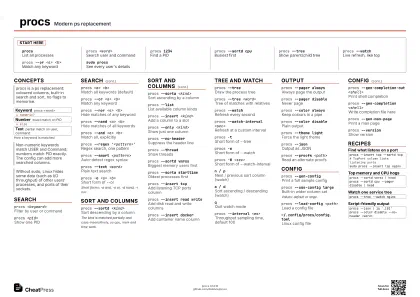
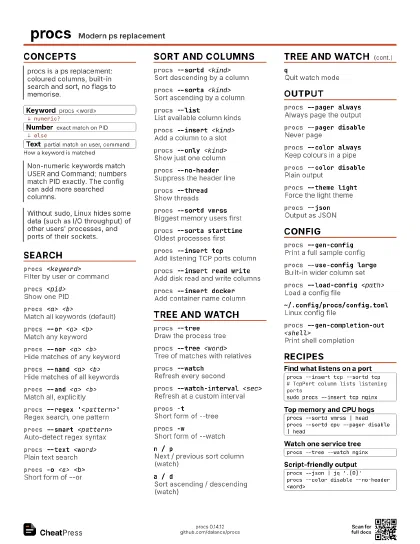
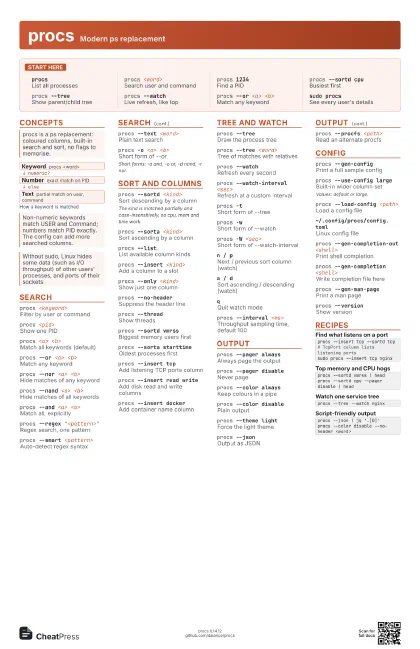
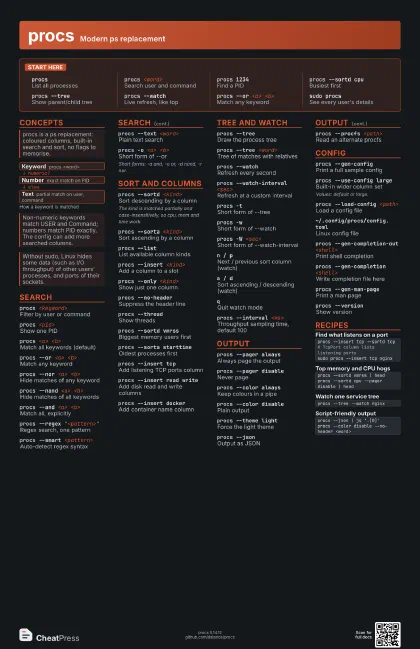
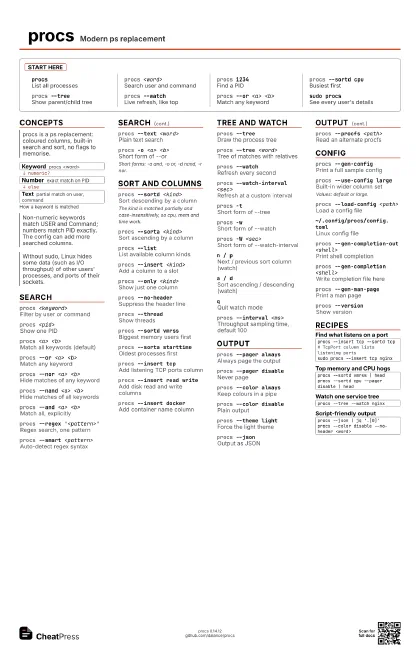
procsList all processes
procs <word>
Search user and command
procs 1234Find a PID
procs --sortd cpu
Busiest first
procs --treeShow parent/child tree
procs --watchLive refresh, like top
procs --or <a> <b>
Match any keyword
sudo procsSee every user's details
Concepts
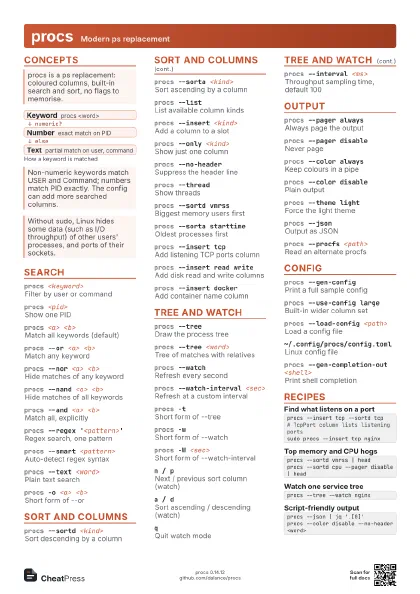
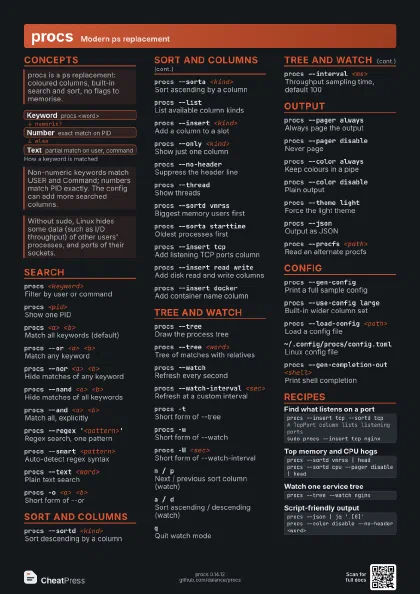
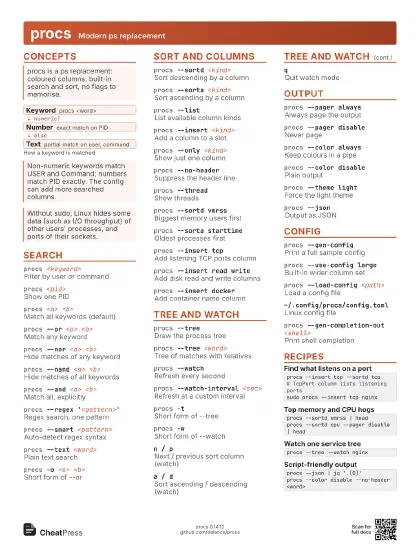
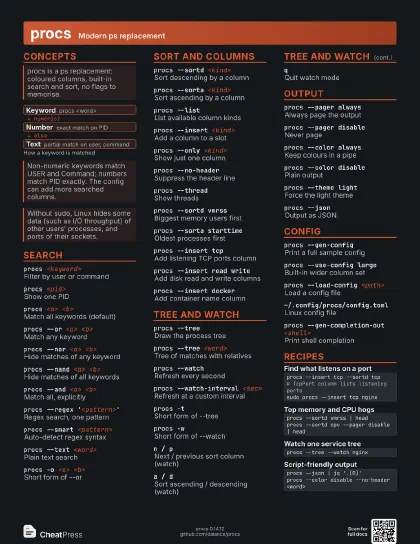
- Keyword procs <word>
- Number exact match on PID
- Text partial match on user, command
Search
procs <keyword>
Filter by user or command
procs <pid>
Show one PID
procs <a> <b>
Match all keywords (default)
procs --or <a> <b>
Match any keyword
procs --nor <a> <b>
Hide matches of any keyword
procs --nand <a> <b>
Hide matches of all keywords
procs --and <a> <b>
Match all, explicitly
procs --regex '<pattern>'
Regex search, one pattern
procs --smart <pattern>
Auto-detect regex syntax
procs --text <word>
Plain text search
procs -o <a> <b>
Short form of --or
Short forms: -a and, -o or, -d nand, -r nor.
Sort and columns
procs --sortd <kind>
Sort descending by a column
The kind is matched partially and case-insensitively, so cpu,
mem and time work.
procs --sorta <kind>
Sort ascending by a column
procs --listList available column kinds
procs --insert <kind>
Add a column to a slot
procs --only <kind>
Show just one column
procs --no-header
Suppress the header line
procs --threadShow threads
procs --sortd vmrss
Biggest memory users first
procs --sorta starttime
Oldest processes first
procs --insert tcp
Add listening TCP ports column
procs --insert read write
Add disk read and write columns
procs --insert docker
Add container name column
Tree and watch
procs --treeDraw the process tree
procs --tree <word>
Tree of matches with relatives
procs --watchRefresh every second
procs --watch-interval <sec>
Refresh at a custom interval
procs -tShort form of --tree
procs -wShort form of --watch
procs -W <sec>
Short form of --watch-interval
n / pNext / previous sort column (watch)
a / dSort ascending / descending (watch)
qQuit watch mode
procs --interval <ms>
Throughput sampling time, default 100
Output
procs --pager always
Always page the output
procs --pager disable
Never page
procs --color always
Keep colours in a pipe
procs --color disable
Plain output
procs --theme light
Force the light theme
procs --jsonOutput as JSON
procs --procfs <path>
Read an alternate procfs
Config
procs --gen-config
Print a full sample config
procs --use-config large
Built-in wider column set
Values: default or large.
procs --load-config <path>
Load a config file
~/.config/procs/config.toml
Linux config file
procs --gen-completion-out <shell>
Print shell completion
procs --gen-completion <shell>
Write completion file here
procs --gen-man-page
Print a man page
procs --versionShow version
Recipes
procs --insert tcp --sortd tcp# TcpPort column lists listening portssudo procs --insert tcp nginxprocs --sortd vmrss | headprocs --sortd cpu --pager disable | headprocs --tree --watch nginxprocs --json | jq '.[0]'procs --color disable --no-header <word>