Cheat
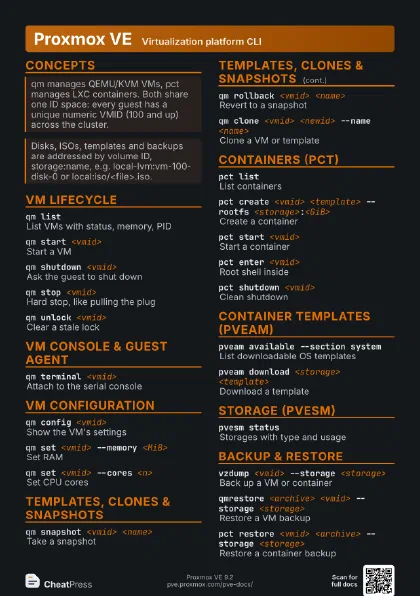
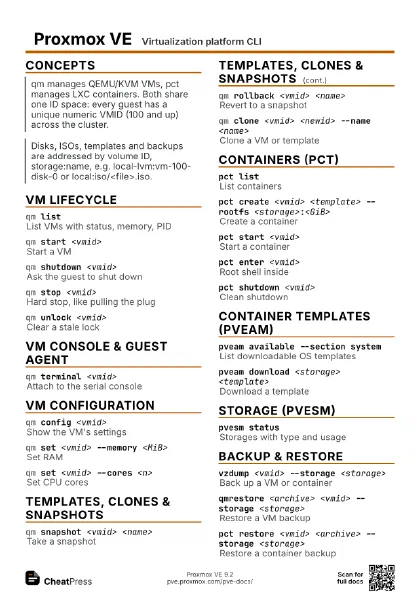
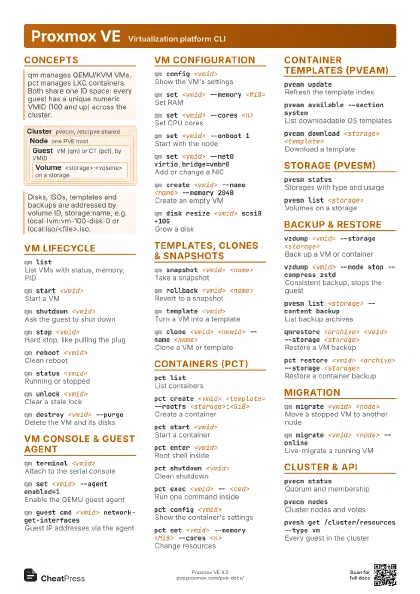
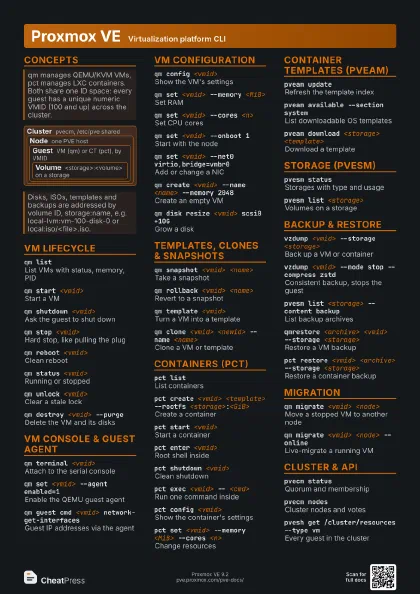
Proxmox VE Virtualization platform CLI
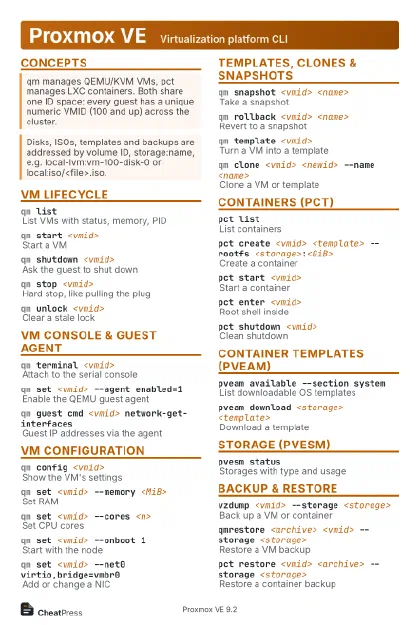 Light · Postcard
102 × 152 mm · PDF
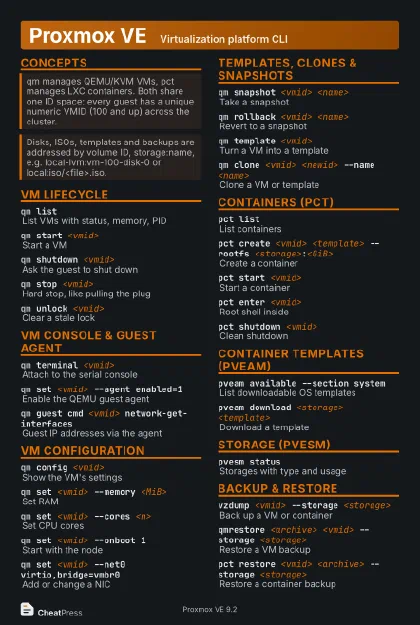 Dark · Postcard
102 × 152 mm · PDF
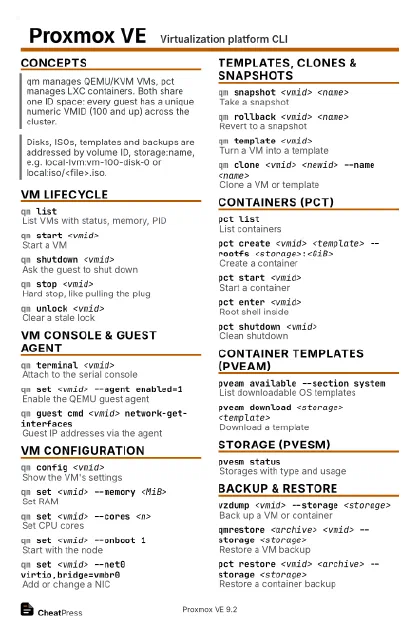 Ink saver · Postcard
102 × 152 mm · PDF
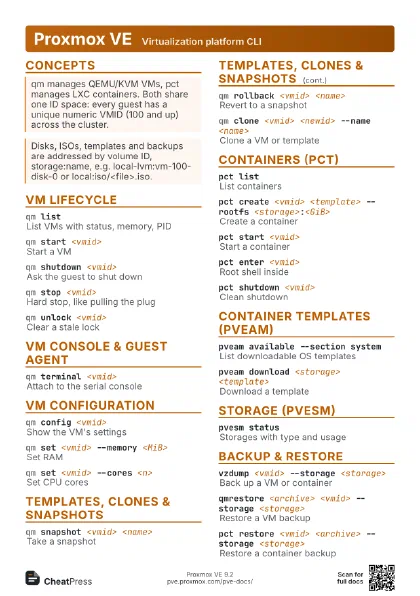
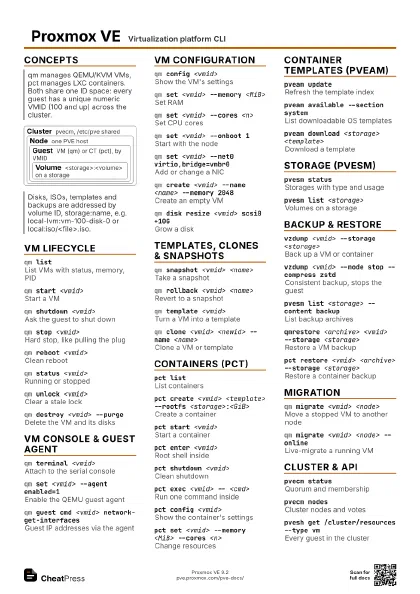
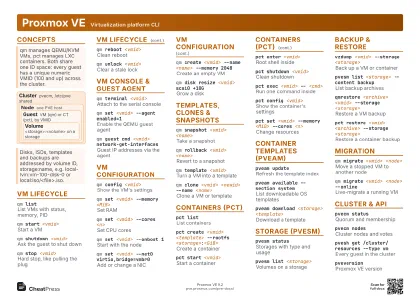 Light · A4 landscape
297 × 210 mm · PDF
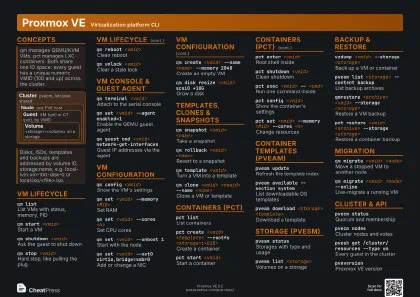 Dark · A4 landscape
297 × 210 mm · PDF
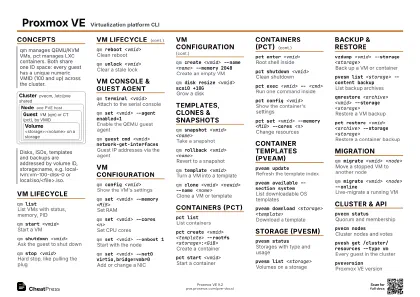 Ink saver · A4 landscape
297 × 210 mm · PDF
 Light · A3 landscape
420 × 297 mm · PDF
 Dark · A3 landscape
420 × 297 mm · PDF
 Ink saver · A3 landscape
420 × 297 mm · PDF
Start here
qm listVMs on this node
pct listContainers on this node
qm start <vmid>
Boot a VM
qm shutdown <vmid>
Clean ACPI power-off
pct enter <vmid>
Root shell in a container
qm config <vmid>
Show a VM's settings
vzdump <vmid> --storage <storage>
Back up a guest
pvesm statusStorages and free space
Concepts
Cluster pvecm, /etc/pve shared
Node one PVE host
Guest
VM (qm) or CT (pct), by VMID
Volume
<storage>:<volume> on a storage
VM lifecycle
qm listList VMs with status, memory, PID
qm start <vmid>
Start a VM
qm shutdown <vmid>
Ask the guest to shut down
Sends ACPI; --timeout <s> --forceStop 1 kills it if it
hangs.
qm stop <vmid>
Hard stop, like pulling the plug
qm reboot <vmid>
Clean reboot
qm status <vmid>
Running or stopped
qm reset <vmid>
Hard reset
qm suspend <vmid>
Pause the VM
qm resume <vmid>
Continue a paused VM
qm unlock <vmid>
Clear a stale lock
For a lock left by a crashed backup, snapshot or migration.
qm destroy <vmid> --purge
Delete the VM and its disks
--purge also drops it from backup jobs, HA and replication.
VM console & guest agent
qm terminal <vmid>
Attach to the serial console
Needs a serial port (qm set <vmid> --serial0 socket).
Exit with Ctrl+O.
qm set <vmid> --agent enabled=1
Enable the QEMU guest agent
The guest must run qemu-guest-agent too.
qm guest cmd <vmid> network-get-interfaces
Guest IP addresses via the agent
qm guest cmd <vmid> ping
Check the agent responds
qm guest exec <vmid> -- <cmd>
Run a command inside the guest
qm guest passwd <vmid> <user>
Set a guest user's password
VM configuration
qm config <vmid>
Show the VM's settings
--current shows the running values instead of pending ones.
qm set <vmid> --memory <MiB>
Set RAM
qm set <vmid> --cores <n>
Set CPU cores
qm set <vmid> --onboot 1
Start with the node
qm set <vmid> --net0 virtio,bridge=vmbr0
Add or change a NIC
qm set <vmid> --ide2
                    <storage>:iso/<file>,media=cdrom
Insert an ISO
qm set <vmid> --boot order=scsi0
Set boot order
qm set <vmid> --delete <option>
Remove a setting
qm pending <vmid>
Changes waiting for a restart
qm create <vmid> --name <name> --memory
                    2048
Create an empty VM
Add --net0 virtio,bridge=vmbr0 and a disk such as --scsi0
<storage>:32.
qm disk resize <vmid> scsi0 +10G
Grow a disk
Without + the size is absolute. Grow the partition inside
the guest afterwards.
qm disk move <vmid> scsi0 <storage>
Move a disk to another storage
The old disk stays as unusedN unless you pass --delete 1.
qm disk import <vmid> <image>
                    <storage>
Import an image as a new disk
Lands as unusedN; attach it with qm set --scsi0 or use
--target-disk.
qm set <vmid> --tags <a;b>
Tag a VM
Templates, clones & snapshots
qm snapshot <vmid> <name>
Take a snapshot
Add --vmstate 1 to include RAM of a running VM.
qm listsnapshot <vmid>
List snapshots
qm rollback <vmid> <name>
Revert to a snapshot
qm delsnapshot <vmid> <name>
Delete a snapshot
qm template <vmid>
Turn a VM into a template
One way only; templates cannot be started.
qm clone <vmid> <newid> --name
                    <name>
Clone a VM or template
From a template the default is a linked clone; --full 1 copies
the disks.
qm clone <vmid> <newid> --full 1 --storage
                    <storage>
Full copy onto a storage
qm clone <vmid> <newid> --target
                    <node>
Clone onto another node
Containers (pct)
pct listList containers
pct create <vmid> <template> --rootfs
                    <storage>:<GiB>
Create a container
<template> is a volume ID like
local:vztmpl/<file>. Add --hostname, --net0 and
--unprivileged 1.
pct start <vmid>
Start a container
pct enter <vmid>
Root shell inside
pct shutdown <vmid>
Clean shutdown
pct stop <vmid>
Kill the container
pct exec <vmid> -- <cmd>
Run one command inside
pct console <vmid>
Attach to the container's getty
Detach with Ctrl+a q.
pct config <vmid>
Show the container's settings
pct set <vmid> --memory <MiB> --cores
                    <n>
Change resources
pct set <vmid> -mp0
                    <storage>:<GiB>,mp=<path>
Add a mount point volume
pct set <vmid> -mp0
                    /<host-dir>,mp=<path>
Bind-mount a host directory
pct resize <vmid> rootfs +4G
Grow the root disk
pct push <vmid> <file> <dest>
Copy a file into it
pct pull <vmid> <path> <dest>
Copy a file out of it
pct snapshot <vmid> <name>
Snapshot a container
pct rollback <vmid> <name>
Revert a container snapshot
pct clone <vmid> <newid> --hostname
                    <name>
Clone a container
pct unlock <vmid>
Clear a stale lock
pct destroy <vmid> --purge
Delete container and volumes
Container templates (pveam)
pveam updateRefresh the template index
pveam available --section system
List downloadable OS templates
pveam download <storage> <template>
Download a template
pveam list <storage>
Templates already on a storage
pveam remove <storage>:vztmpl/<file>
Delete a template
Storage (pvesm)
pvesm statusStorages with type and usage
pvesm list <storage>
Volumes on a storage
pvesm list <storage> --content iso
Only ISOs (or vztmpl, backup ...)
pvesm list <storage> --vmid <vmid>
Volumes of one guest
pvesm path <volume>
Filesystem path of a volume
pvesm set <storage> --disable 1
Disable a storage
pvesm free <volume>
Delete a volume
Backup & restore
vzdump <vmid> --storage <storage>
Back up a VM or container
Default mode is snapshot: live, no downtime.
vzdump <vmid> --mode stop --compress zstd
Consistent backup, stops the guest
vzdump --all --storage <storage>
Back up every guest on the node
vzdump --all --exclude <vmid>,<vmid>
All guests but some
pvesm list <storage> --content backup
List backup archives
qmrestore <archive> <vmid> --storage
                    <storage>
Restore a VM backup
Restoring onto an existing VMID needs --force 1. --unique 1
makes new MACs.
pct restore <vmid> <archive> --storage
                    <storage>
Restore a container backup
pvesm extractconfig <volume>
Show the config inside a backup
vzdump <vmid> --prune-backups keep-last=3
Keep only the newest backups
Migration
qm migrate <vmid> <node>
Move a stopped VM to another node
qm migrate <vmid> <node> --online
Live-migrate a running VM
qm migrate <vmid> <node> --online
                    --with-local-disks
Live-migrate with local disks
Add --targetstorage <storage> to land on a different
storage.
pct migrate <vmid> <node> --restart
Move a running container
Containers cannot live-migrate; --restart stops and starts it.
Cluster & API
pvecm statusQuorum and membership
pvecm nodesCluster nodes and votes
pvecm create <name>
Create a cluster on this node
pvecm add <existing-node>
Join this node to a cluster
Run it on the new node; it must have no guests yet.
pvecm expected 1
Regain quorum on a lone node
Emergency only: lets a single node write /etc/pve again.
pvesh get /nodes
Nodes via the API
pvesh get /cluster/resources --type vm
Every guest in the cluster
pvesh get /nodes/<node>/qemu --output-format
                    json
API output as JSON
pvesh usage <api_path> -v
Parameters of an API call
pveversionProxmox VE version
pveversion -vVersions of all PVE packages
Recipes
qm create 9000 --name tpl --memory 2048 --net0 virtio,bridge=vmbr0 --scsihw virtio-scsi-pciqm set 9000 --scsi0 local-lvm:0,import-from=/root/<cloudimg>.imgqm set 9000 --ide2 local-lvm:cloudinit --boot order=scsi0qm set 9000 --serial0 socket --vga serial0qm template 9000qm clone 9000 123 --name web1 --full 1qm set 123 --sshkey ~/.ssh/id_rsa.pubqm set 123 --ipconfig0 ip=10.0.10.123/24,gw=10.0.10.1qm start 123pveam updatepveam download local <debian-template>.tar.zstpct create 200 local:vztmpl/<debian-template>.tar.zst \ --hostname ct1 --rootfs local-lvm:8 --unprivileged 1 \ --net0 name=eth0,bridge=vmbr0,ip=dhcp --passwordpct start 200 && pct enter 200vzdump 101 --storage local --mode snapshot --compress zstdpvesm list local --content backup# restore under a new ID with fresh MACsqmrestore local:backup/<vzdump-qemu-101-...>.vma.zst 301 --storage local-lvm --unique 1