Cheat
Incus System containers and VMs
 Light · Postcard
102 × 152 mm · PDF
 Dark · Postcard
102 × 152 mm · PDF
 Ink saver · Postcard
102 × 152 mm · PDF
 Light · A4 landscape
297 × 210 mm · PDF
 Dark · A4 landscape
297 × 210 mm · PDF
 Ink saver · A4 landscape
297 × 210 mm · PDF
 Light · A3 landscape
420 × 297 mm · PDF
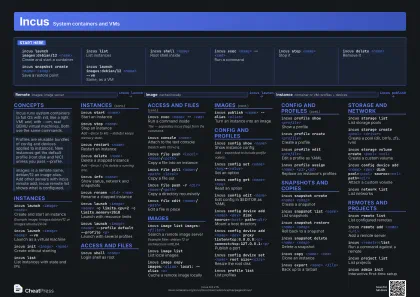 Dark · A3 landscape
420 × 297 mm · PDF
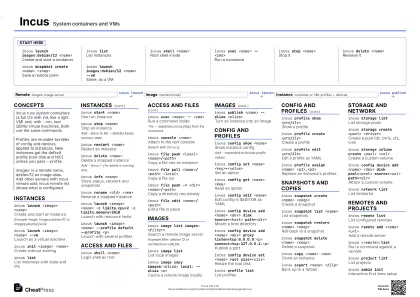 Ink saver · A3 landscape
420 × 297 mm · PDF
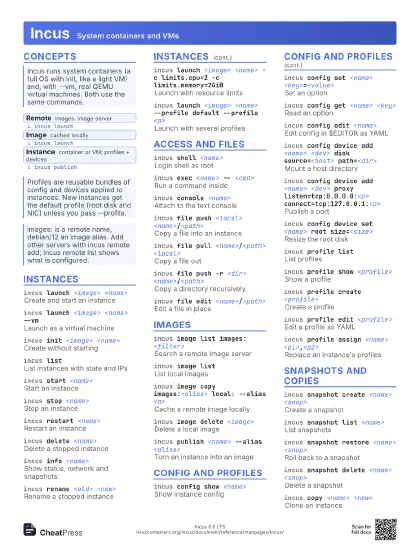
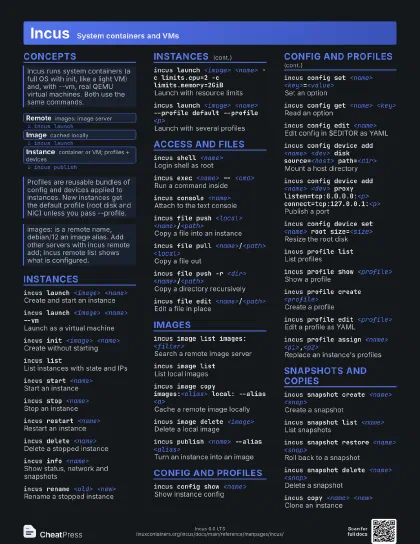
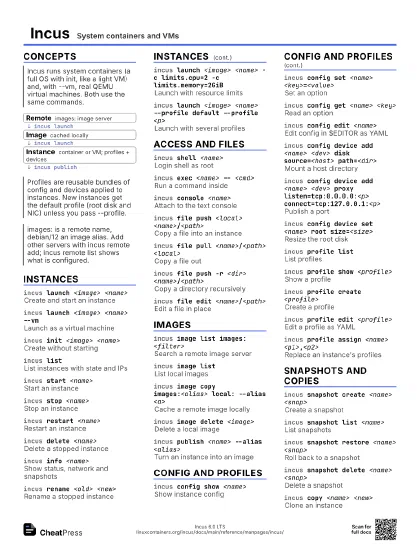
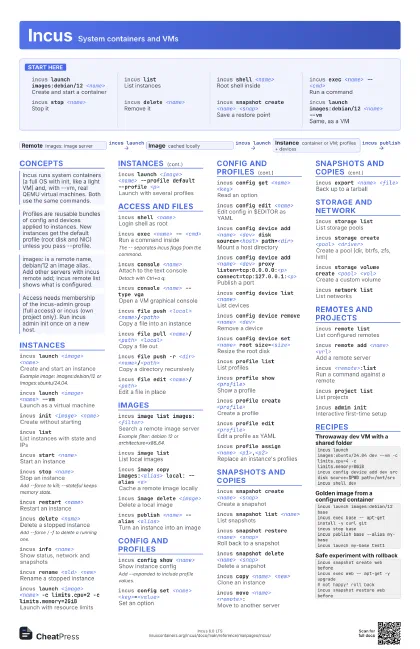
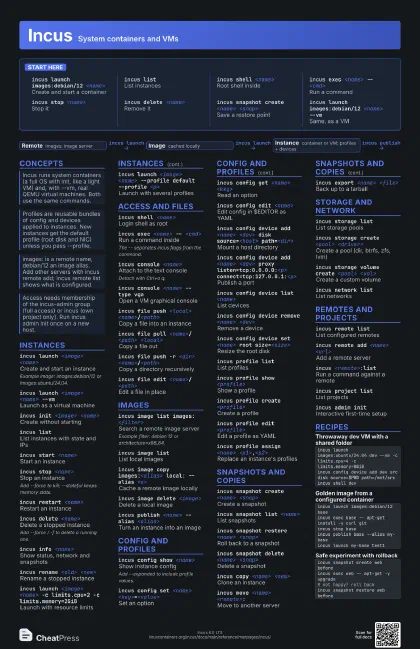
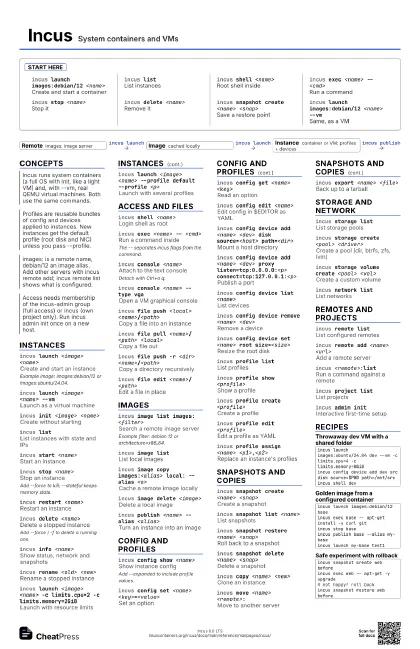
Start here
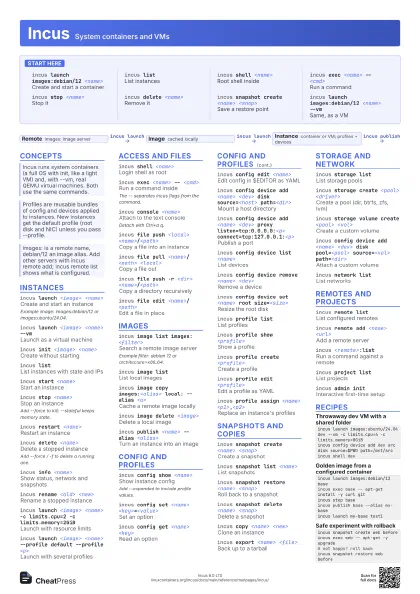
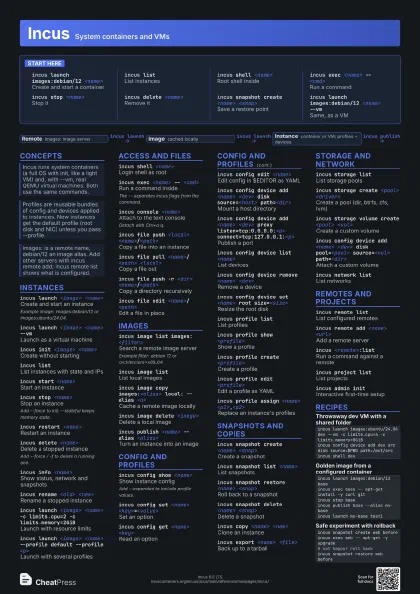
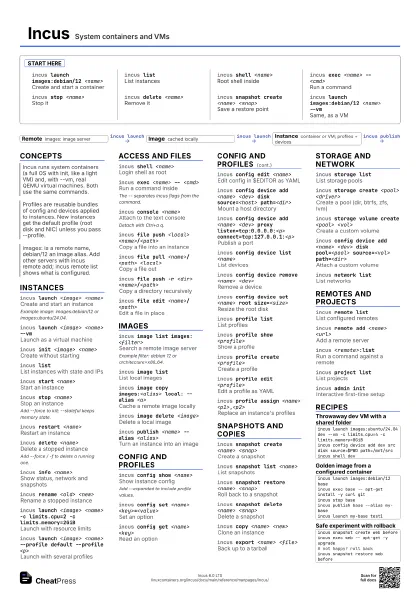
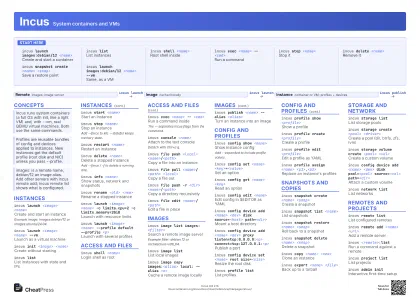
incus launch images:debian/12 <name>
Create and start a container
incus listList instances
incus shell <name>
Root shell inside
incus exec <name> -- <cmd>
Run a command
incus stop <name>
Stop it
incus delete <name>
Remove it
incus snapshot create <name> <snap>
Save a restore point
incus launch images:debian/12 <name> --vm
Same, as a VM
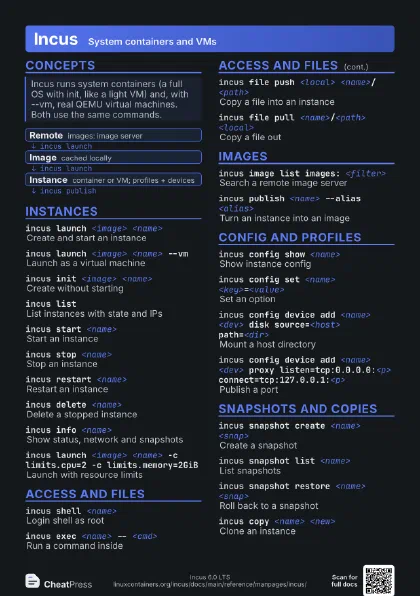
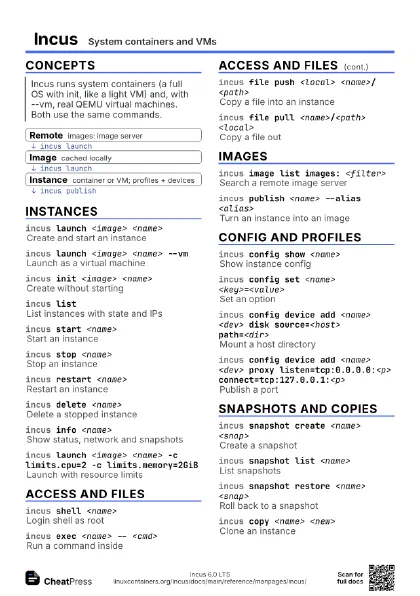
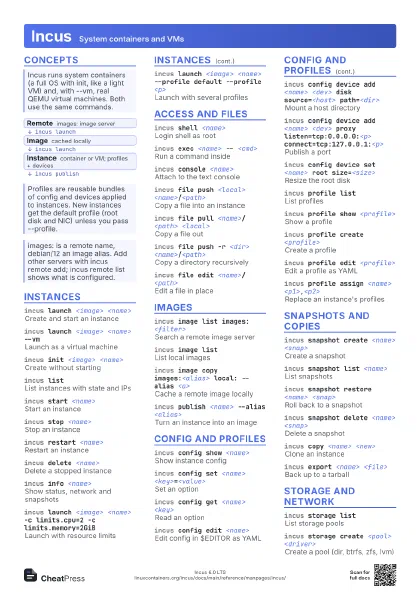
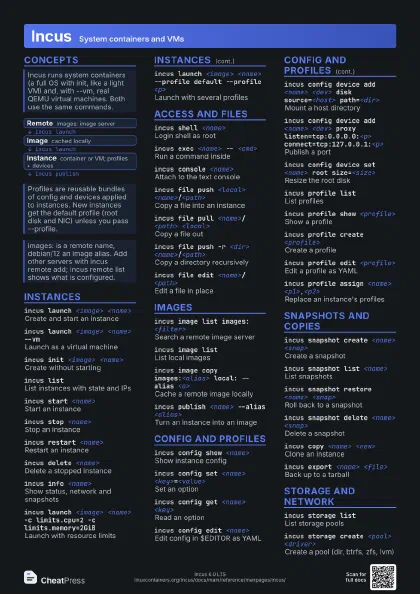
Concepts
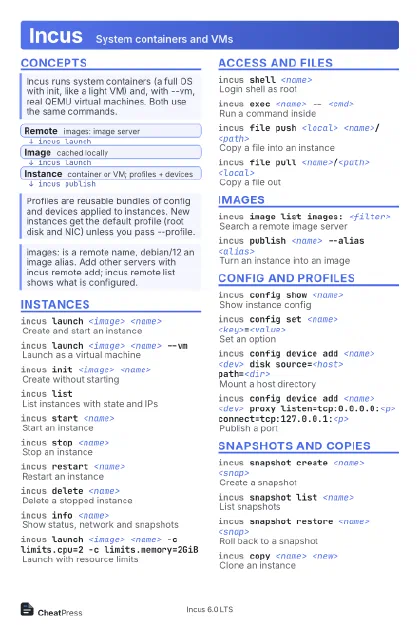
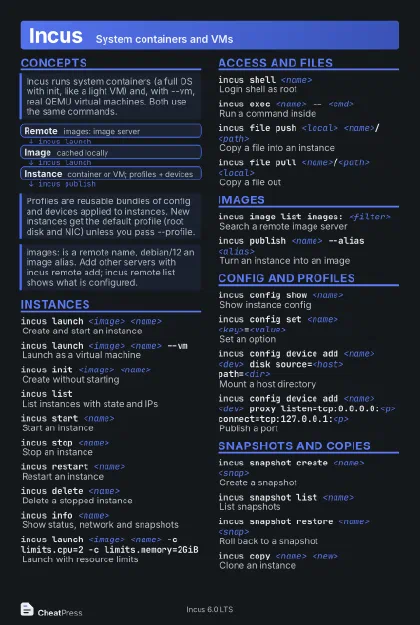
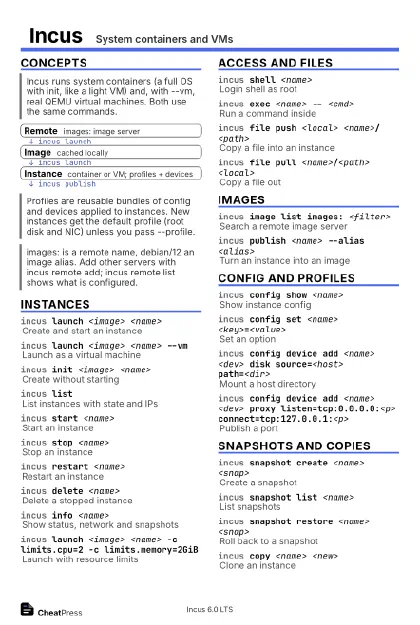
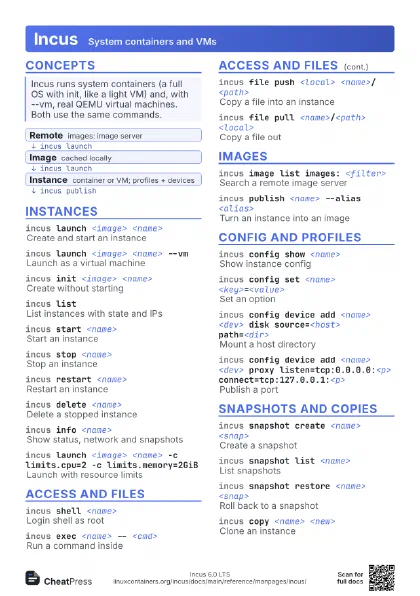
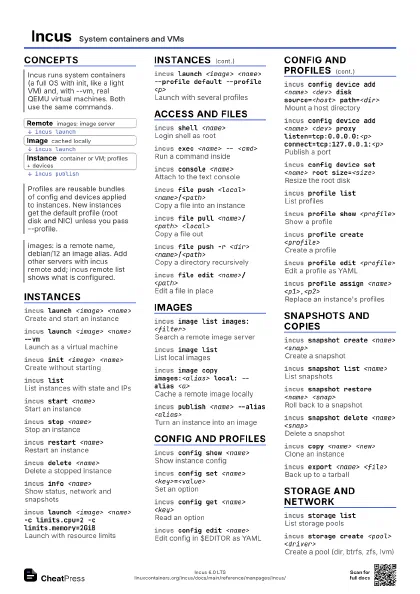
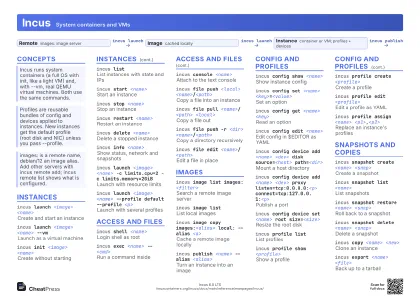
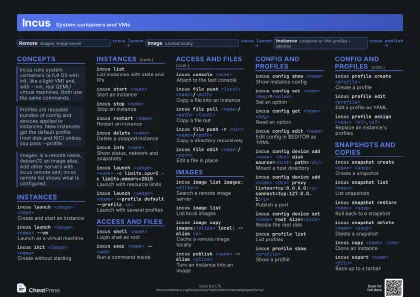
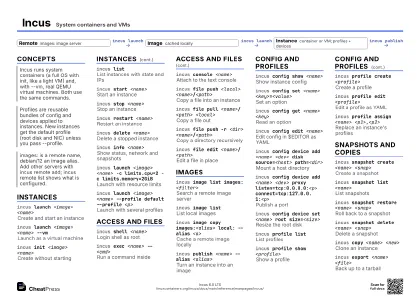
- Remote images: image server
- Image cached locally
- Instance container or VM; profiles + devices
Instances
incus launch <image> <name>
Create and start an instance
Example image: images:debian/12 or images:ubuntu/24.04.
incus launch <image> <name> --vm
Launch as a virtual machine
incus init <image> <name>
Create without starting
incus listList instances with state and IPs
incus start <name>
Start an instance
incus stop <name>
Stop an instance
Add --force to kill; --stateful keeps memory state.
incus restart <name>
Restart an instance
incus delete <name>
Delete a stopped instance
Add --force / -f to delete a running one.
incus info <name>
Show status, network and snapshots
incus rename <old> <new>
Rename a stopped instance
incus launch <image> <name> -c limits.cpu=2 -c
                    limits.memory=2GiB
Launch with resource limits
incus launch <image> <name> --profile default
                    --profile <p>
Launch with several profiles
Access and files
incus shell <name>
Login shell as root
incus exec <name> -- <cmd>
Run a command inside
The -- separates incus flags from the command.
incus console <name>
Attach to the text console
Detach with Ctrl+a q.
incus console <name> --type vga
Open a VM graphical console
incus file push <local>
                    <name>/<path>
Copy a file into an instance
incus file pull <name>/<path>
                    <local>
Copy a file out
incus file push -r <dir>
                    <name>/<path>
Copy a directory recursively
incus file edit <name>/<path>
Edit a file in place
Images
incus image list images: <filter>
Search a remote image server
Example filter: debian 12 or architecture=x86_64.
incus image list
List local images
incus image copy images:<alias> local: --alias
                    <a>
Cache a remote image locally
incus image delete <image>
Delete a local image
incus publish <name> --alias <alias>
Turn an instance into an image
Config and profiles
incus config show <name>
Show instance config
Add --expanded to include profile values.
incus config set <name>
                    <key>=<value>
Set an option
incus config get <name> <key>
Read an option
incus config edit <name>
Edit config in $EDITOR as YAML
incus config device add <name> <dev> disk
                    source=<host> path=<dir>
Mount a host directory
incus config device add <name> <dev> proxy
                    listen=tcp:0.0.0.0:<p>
                    connect=tcp:127.0.0.1:<p>
Publish a port
incus config device list <name>
List devices
incus config device remove <name> <dev>
Remove a device
incus config device set <name> root
                    size=<size>
Resize the root disk
incus profile list
List profiles
incus profile show <profile>
Show a profile
incus profile create <profile>
Create a profile
incus profile edit <profile>
Edit a profile as YAML
incus profile assign <name>
                    <p1>,<p2>
Replace an instance's profiles
Snapshots and copies
incus snapshot create <name> <snap>
Create a snapshot
incus snapshot list <name>
List snapshots
incus snapshot restore <name> <snap>
Roll back to a snapshot
incus snapshot delete <name> <snap>
Delete a snapshot
incus copy <name> <new>
Clone an instance
incus move <name> <remote>:
Move to another server
incus export <name> <file>
Back up to a tarball
Storage and network
incus storage list
List storage pools
incus storage create <pool> <driver>
Create a pool (dir, btrfs, zfs, lvm)
incus storage volume create <pool> <vol>
Create a custom volume
incus config device add <name> <dev> disk
                    pool=<pool> source=<vol> path=<dir>
Attach a custom volume
incus network list
List networks
Remotes and projects
incus remote list
List configured remotes
incus remote add <name> <url>
Add a remote server
incus <remote>:list
Run a command against a remote
incus project list
List projects
incus project switch <name>
Switch the working project
incus admin init
Interactive first-time setup
Recipes
incus launch images:ubuntu/24.04 dev --vm -c limits.cpu=4 -c limits.memory=8GiBincus config device add dev src disk source=$PWD path=/mnt/srcincus shell devincus launch images:debian/12 baseincus exec base -- apt-get install -y curl gitincus stop baseincus publish base --alias my-baseincus launch my-base test1incus snapshot create web beforeincus exec web -- apt-get -y upgrade# not happy? roll backincus snapshot restore web beforeincus list -c ns4 -f csvincus list -f json | jq -r '.[].name'incus list status=running -c n