Cheat
ZFS Pools and snapshots
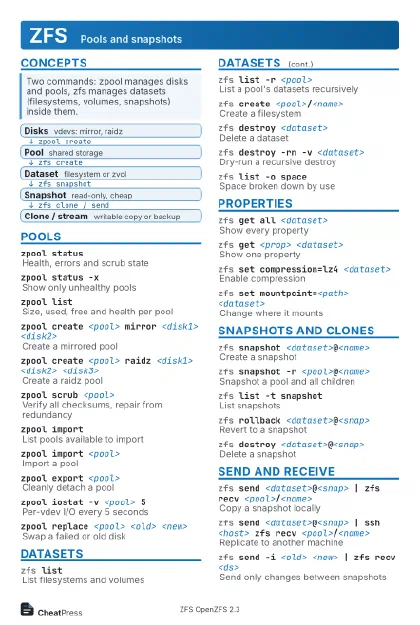 Light · Postcard
102 × 152 mm · PDF
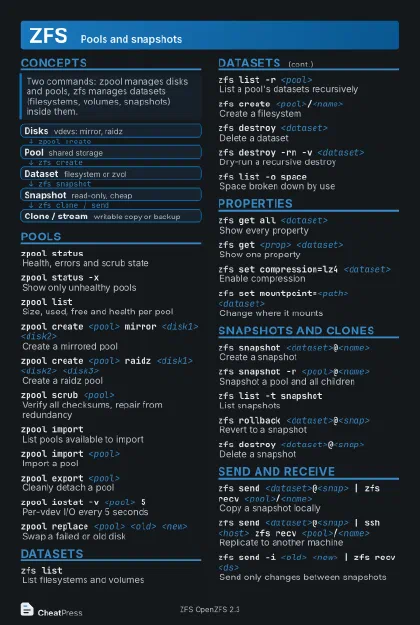 Dark · Postcard
102 × 152 mm · PDF
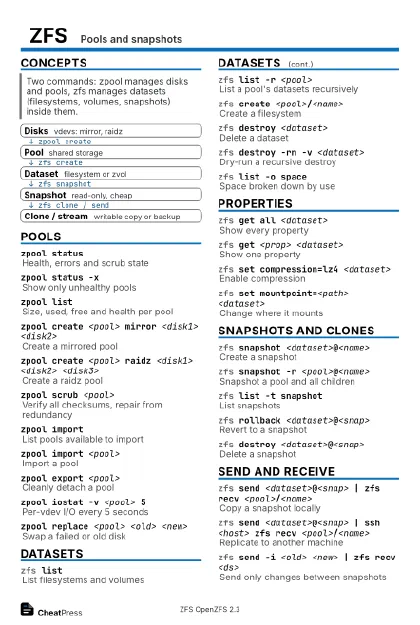 Ink saver · Postcard
102 × 152 mm · PDF
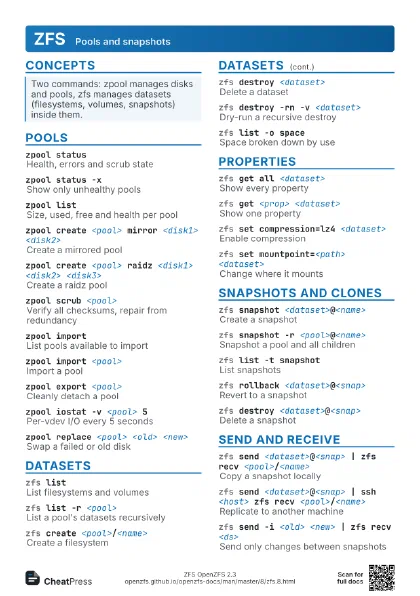
 Light · A4 landscape
297 × 210 mm · PDF
 Dark · A4 landscape
297 × 210 mm · PDF
 Ink saver · A4 landscape
297 × 210 mm · PDF
 Light · A3 landscape
420 × 297 mm · PDF
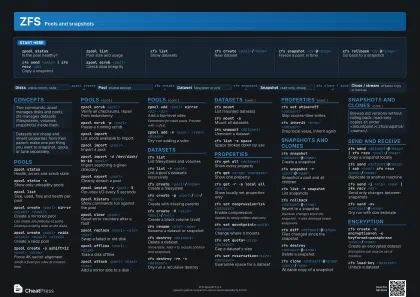 Dark · A3 landscape
420 × 297 mm · PDF
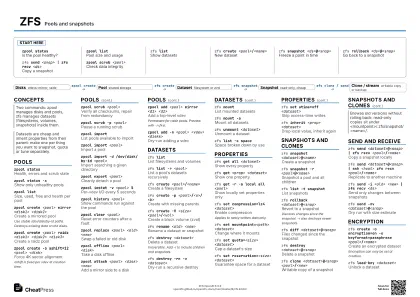 Ink saver · A3 landscape
420 × 297 mm · PDF
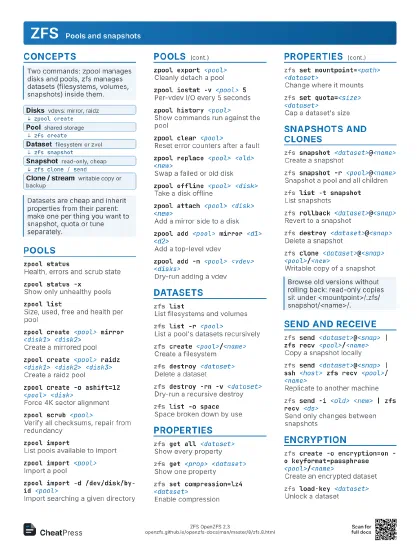
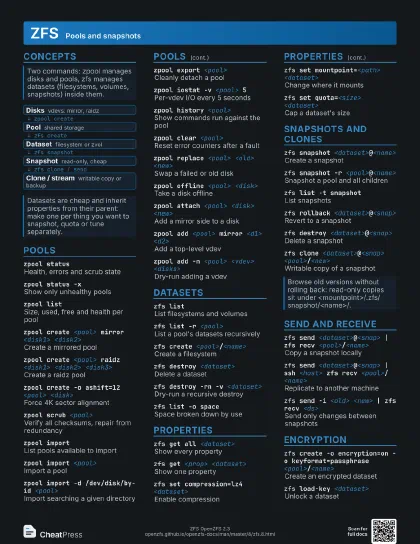
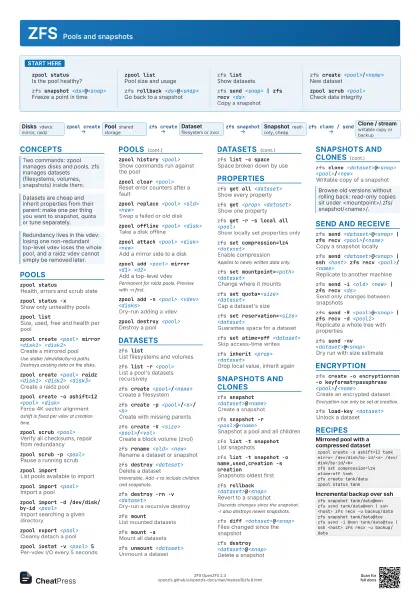
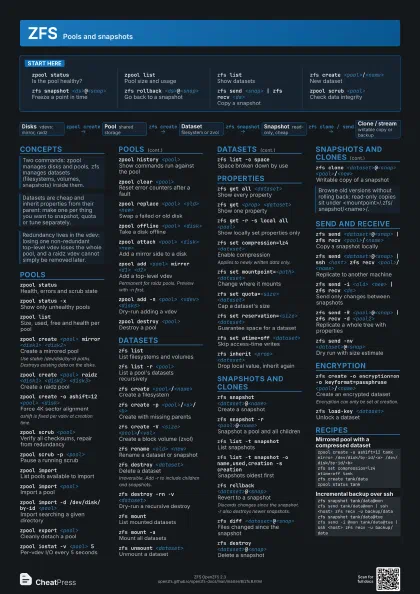
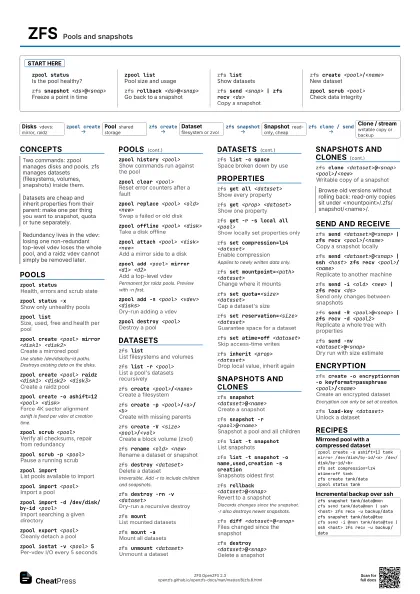
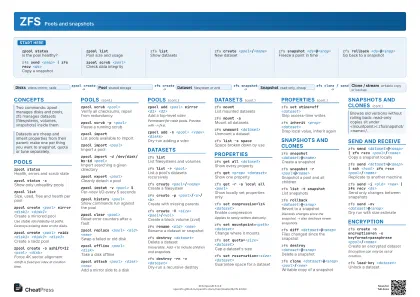
Start here
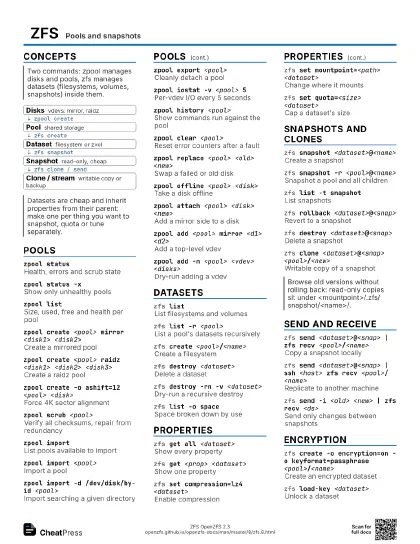
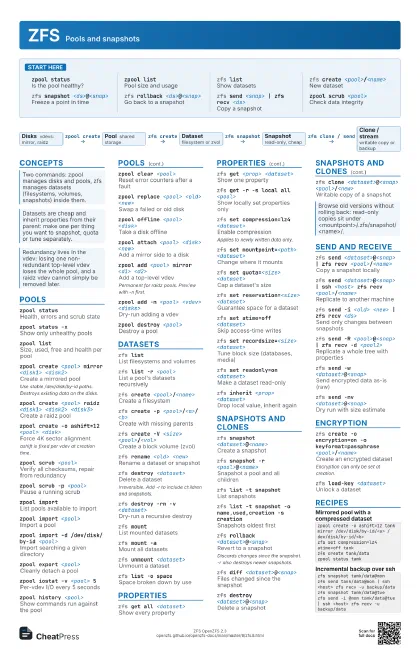
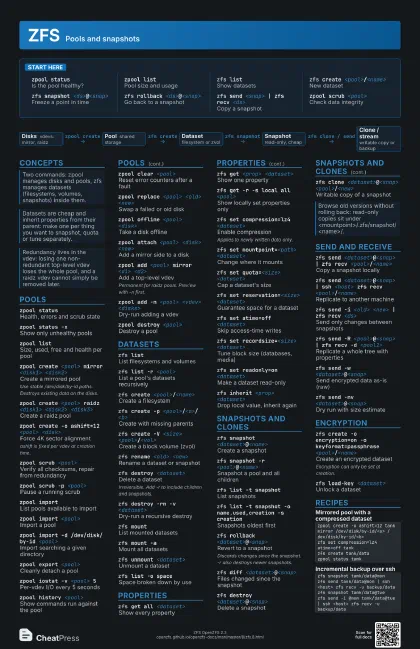
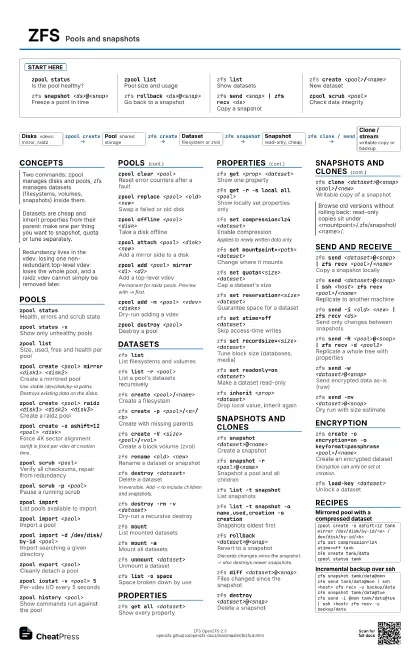
zpool statusIs the pool healthy?
zpool listPool size and usage
zfs listShow datasets
zfs create <pool>/<name>
New dataset
zfs snapshot <ds>@<snap>
Freeze a point in time
zfs rollback <ds>@<snap>
Go back to a snapshot
zfs send <snap> | zfs recv <ds>
Copy a snapshot
zpool scrub <pool>
Check data integrity
Concepts
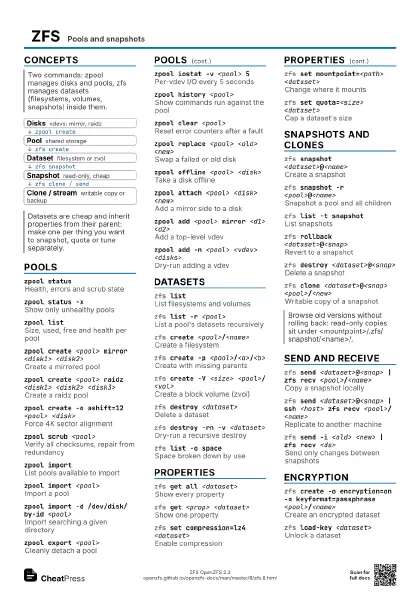
- Disks vdevs: mirror, raidz
- Pool shared storage
- Dataset filesystem or zvol
- Snapshot read-only, cheap
- Clone / stream writable copy or backup
Pools
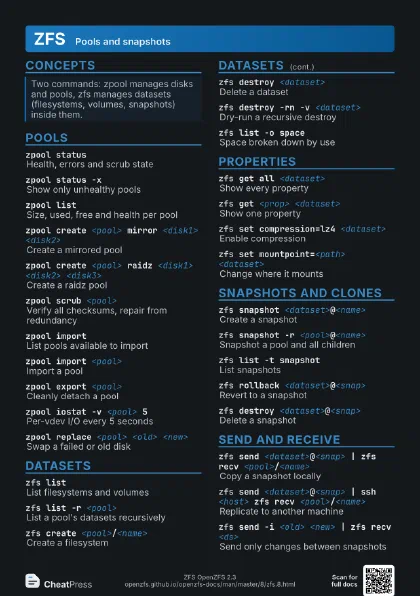
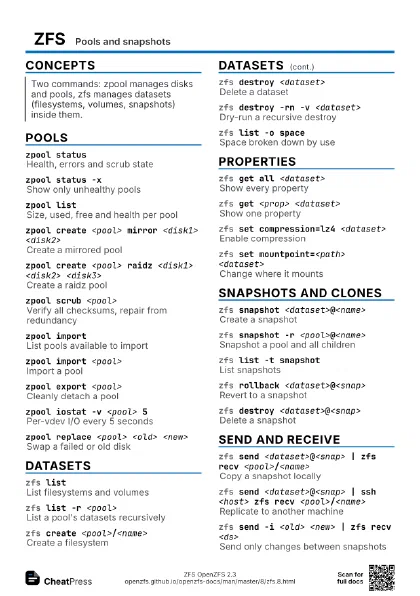
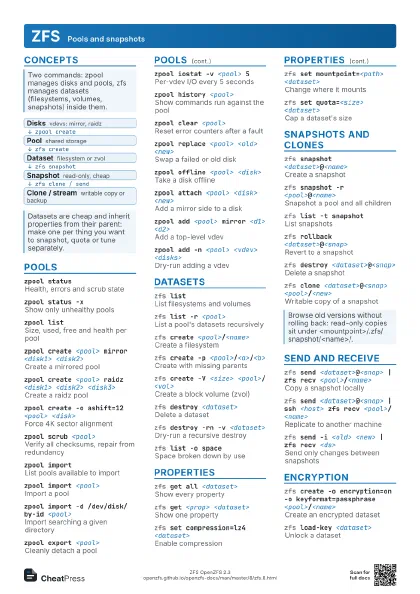
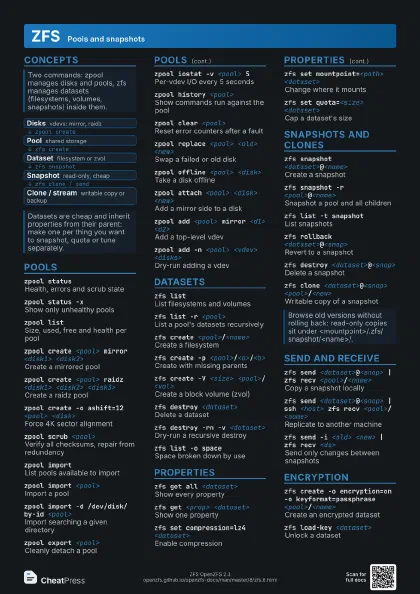
zpool statusHealth, errors and scrub state
zpool status -xShow only unhealthy pools
zpool listSize, used, free and health per pool
zpool create <pool> mirror <disk1>
                    <disk2>
Create a mirrored pool
Use stable /dev/disk/by-id paths. Destroys existing data on
the disks.
zpool create <pool> raidz <disk1> <disk2>
                    <disk3>
Create a raidz pool
zpool create -o ashift=12 <pool> <disk>
Force 4K sector alignment
ashift is fixed per vdev at creation time.
zpool scrub <pool>
Verify all checksums, repair from redundancy
zpool scrub -p <pool>
Pause a running scrub
zpool importList pools available to import
zpool import <pool>
Import a pool
zpool import -d /dev/disk/by-id <pool>
Import searching a given directory
zpool export <pool>
Cleanly detach a pool
zpool iostat -v <pool> 5
Per-vdev I/O every 5 seconds
zpool history <pool>
Show commands run against the pool
zpool clear <pool>
Reset error counters after a fault
zpool replace <pool> <old> <new>
Swap a failed or old disk
zpool offline <pool> <disk>
Take a disk offline
zpool attach <pool> <disk> <new>
Add a mirror side to a disk
zpool add <pool> mirror <d1> <d2>
Add a top-level vdev
Permanent for raidz pools. Preview with -n first.
zpool add -n <pool> <vdev> <disks>
Dry-run adding a vdev
zpool trim <pool>
TRIM free space on SSDs
zpool checkpoint <pool>
Save a pool-wide rewind point
zpool import --rewind-to-checkpoint <pool>
Roll the pool back to its checkpoint
zpool upgrade -a
Enable new features on all pools
Older systems may no longer import an upgraded pool.
zpool destroy <pool>
Destroy a pool
Datasets
zfs listList filesystems and volumes
zfs list -r <pool>
List a pool's datasets recursively
zfs create <pool>/<name>
Create a filesystem
zfs create -p <pool>/<a>/<b>
Create with missing parents
zfs create -V <size> <pool>/<vol>
Create a block volume (zvol)
zfs rename <old> <new>
Rename a dataset or snapshot
zfs destroy <dataset>
Delete a dataset
Irreversible. Add -r to include children and snapshots.
zfs destroy -rn -v <dataset>
Dry-run a recursive destroy
zfs mountList mounted datasets
zfs mount -aMount all datasets
zfs unmount <dataset>
Unmount a dataset
zfs list -o space
Space broken down by use
zfs promote <clone>
Make a clone independent of its origin
Properties
zfs get all <dataset>
Show every property
zfs get <prop> <dataset>
Show one property
zfs get -r -s local all <pool>
Show locally set properties only
zfs set compression=lz4 <dataset>
Enable compression
Applies to newly written data only.
zfs set mountpoint=<path> <dataset>
Change where it mounts
zfs set quota=<size> <dataset>
Cap a dataset's size
zfs set reservation=<size> <dataset>
Guarantee space for a dataset
zfs set atime=off <dataset>
Skip access-time writes
zfs set recordsize=<size> <dataset>
Tune block size (databases, media)
zfs set readonly=on <dataset>
Make a dataset read-only
zfs set canmount=off <dataset>
Keep a dataset from mounting
zfs inherit <prop> <dataset>
Drop local value, inherit again
Snapshots and clones
zfs snapshot <dataset>@<name>
Create a snapshot
zfs snapshot -r <pool>@<name>
Snapshot a pool and all children
zfs list -t snapshot
List snapshots
zfs list -t snapshot -o name,used,creation -s
                    creation
Snapshots oldest first
zfs rollback <dataset>@<snap>
Revert to a snapshot
Discards changes since the snapshot. -r also destroys newer
snapshots.
zfs diff <dataset>@<snap>
Files changed since the snapshot
zfs destroy <dataset>@<snap>
Delete a snapshot
zfs destroy <dataset>@<a>%<b>
Delete a range of snapshots
zfs clone <dataset>@<snap>
                    <pool>/<new>
Writable copy of a snapshot
zfs hold <tag> <dataset>@<snap>
Protect a snapshot from destroy
zfs bookmark <dataset>@<snap>
                    <dataset>#<mark>
Keep a send-base without the data
Send and receive
zfs send <dataset>@<snap> | zfs recv
                    <pool>/<name>
Copy a snapshot locally
zfs send <dataset>@<snap> | ssh <host>
                    zfs recv <pool>/<name>
Replicate to another machine
zfs send -i <old> <new> | zfs recv
                    <ds>
Send only changes between snapshots
zfs send -I <old> <new> | zfs recv
                    <ds>
Incremental including all in-between snaps
zfs send -R <pool>@<snap> | zfs recv -d
                    <pool2>
Replicate a whole tree with properties
zfs send -w <dataset>@<snap>
Send encrypted data as-is (raw)
zfs send -nv <dataset>@<snap>
Dry run with size estimate
zfs recv -F <dataset>
Roll target back to match the stream
Overwrites newer data on the target.
zfs recv -s <dataset>
Keep partial state to resume later
zfs get -H -o value receive_resume_token <ds>
Read the resume token
zfs send -t <token> | zfs recv -s <ds>
Resume an interrupted transfer
zfs recv -A <dataset>
Abort a partial receive
Encryption
zfs create -o encryption=on -o keyformat=passphrase
                    <pool>/<name>
Create an encrypted dataset
Encryption can only be set at creation.
zfs load-key <dataset>
Unlock a dataset
zfs unload-key <dataset>
Lock a dataset again
zfs change-key <dataset>
Change the passphrase or key
Recipes
zpool create -o ashift=12 tank mirror /dev/disk/by-id/<a> /dev/disk/by-id/<b>zfs set compression=lz4 atime=off tankzfs create tank/datazpool status tankzpool status -xzpool offline tank <old>zpool replace tank <old> <new>zpool status tank # watch resilverzfs snapshot tank/data@monzfs send tank/data@mon | ssh <host> zfs recv -u backup/datazfs snapshot tank/data@tuezfs send -i @mon tank/data@tue | ssh <host> zfs recv -u backup/datazfs snapshot tank/data@beforezfs clone tank/data@before tank/test# try things in /tank/testzfs destroy tank/test