Cheat
virsh Manage libvirt VMs
 Light · Postcard
102 × 152 mm · PDF
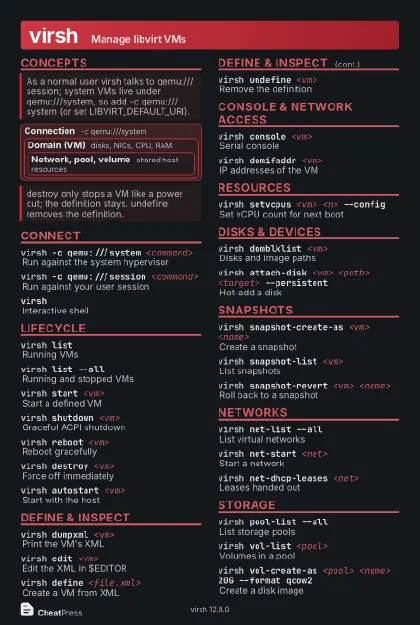 Dark · Postcard
102 × 152 mm · PDF
 Ink saver · Postcard
102 × 152 mm · PDF
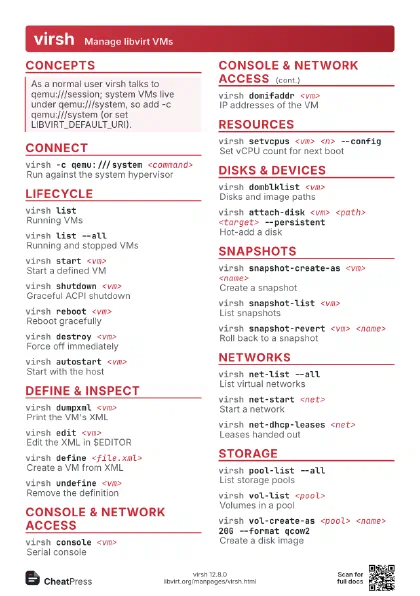
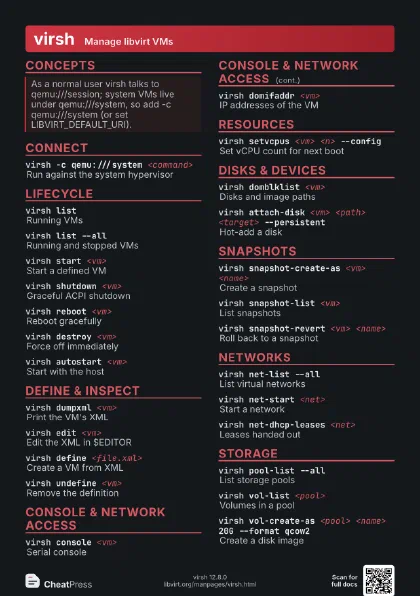
 Light · A4 landscape
297 × 210 mm · PDF
 Dark · A4 landscape
297 × 210 mm · PDF
 Ink saver · A4 landscape
297 × 210 mm · PDF
 Light · A3 landscape
420 × 297 mm · PDF
 Dark · A3 landscape
420 × 297 mm · PDF
 Ink saver · A3 landscape
420 × 297 mm · PDF
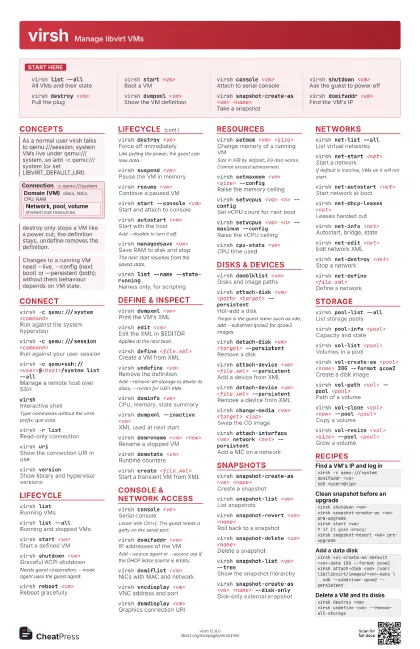
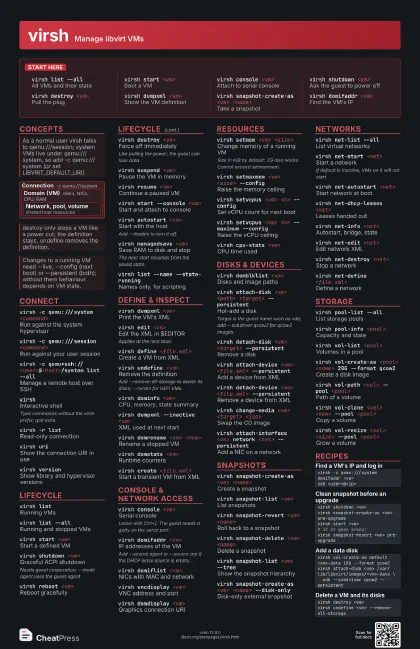
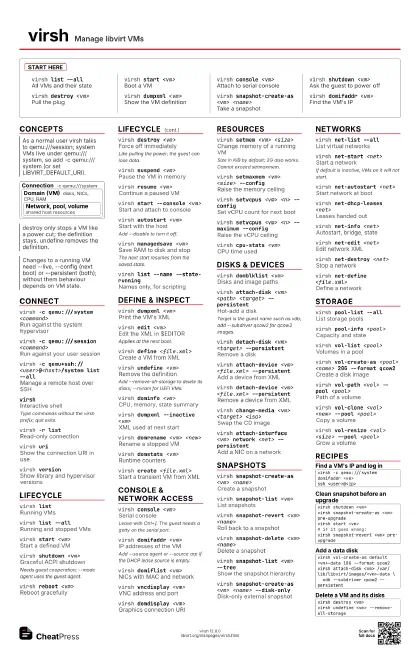
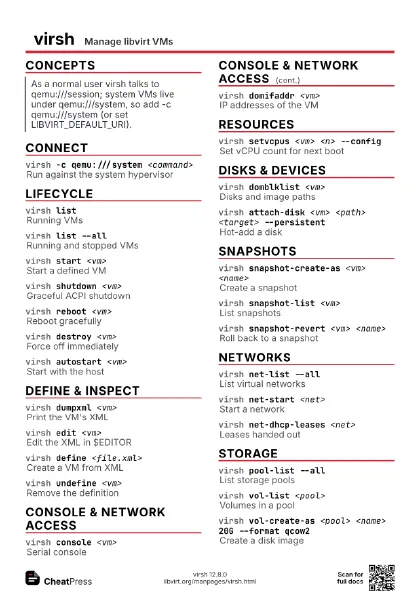
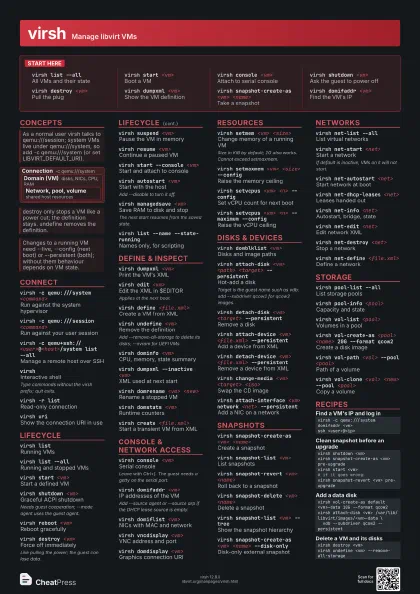
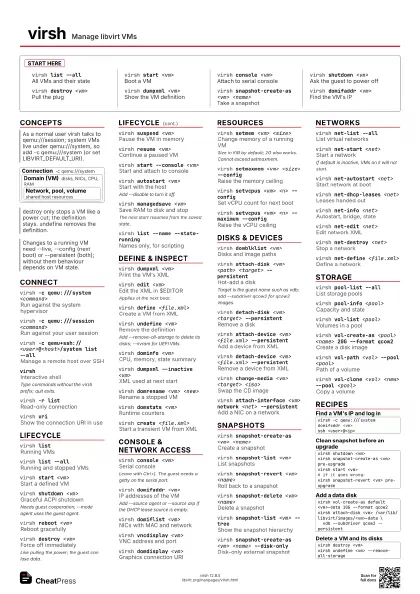
Start here
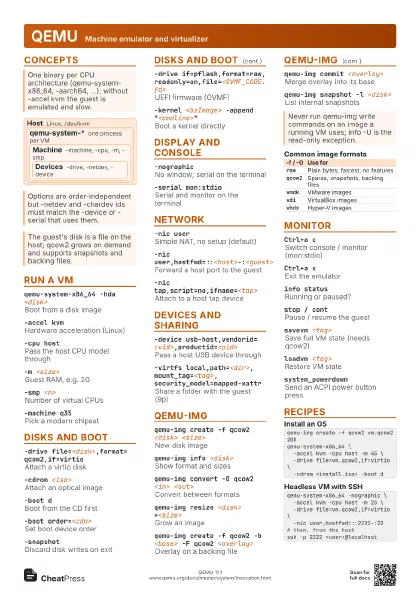
virsh list --all
All VMs and their state
virsh start <vm>
Boot a VM
virsh console <vm>
Attach to serial console
virsh shutdown <vm>
Ask the guest to power off
virsh destroy <vm>
Pull the plug
virsh dumpxml <vm>
Show the VM definition
virsh snapshot-create-as <vm> <name>
Take a snapshot
virsh domifaddr <vm>
Find the VM's IP
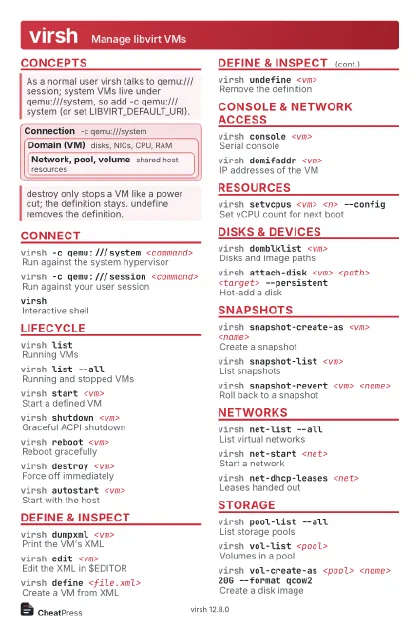
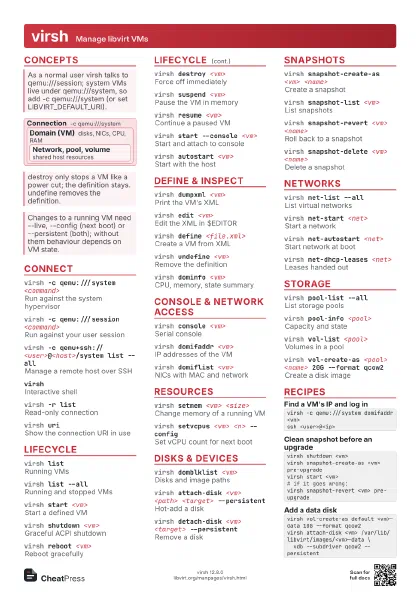
Concepts
Connection -c qemu:///system
Domain (VM)
disks, NICs, CPU, RAM
Network, pool, volume
shared host resources
Connect
virsh -c qemu:///system <command>
Run against the system hypervisor
virsh -c qemu:///session <command>
Run against your user session
virsh -c qemu+ssh://<user>@<host>/system
                    list --all
Manage a remote host over SSH
virshInteractive shell
Type commands without the virsh prefix; quit exits.
virsh -r listRead-only connection
virsh uriShow the connection URI in use
virsh versionShow library and hypervisor versions
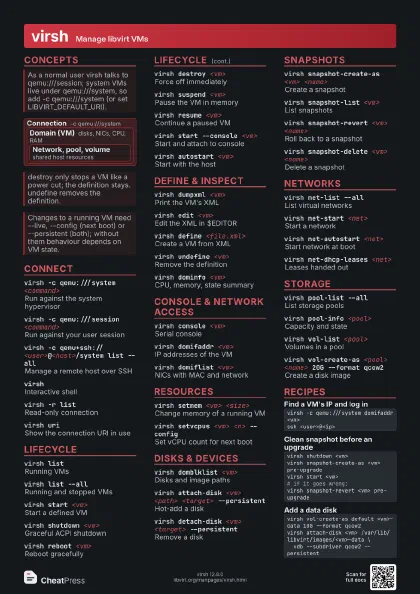
Lifecycle
virsh listRunning VMs
virsh list --all
Running and stopped VMs
virsh start <vm>
Start a defined VM
virsh shutdown <vm>
Graceful ACPI shutdown
Needs guest cooperation; --mode agent uses the guest agent.
virsh reboot <vm>
Reboot gracefully
virsh destroy <vm>
Force off immediately
Like pulling the power; the guest can lose data.
virsh suspend <vm>
Pause the VM in memory
virsh resume <vm>
Continue a paused VM
virsh start --console <vm>
Start and attach to console
virsh autostart <vm>
Start with the host
Add --disable to turn it off.
virsh managedsave <vm>
Save RAM to disk and stop
The next start resumes from the saved state.
virsh list --name --state-running
Names only, for scripting
virsh domstate <vm> --reason
State and why
Define & inspect
virsh dumpxml <vm>
Print the VM's XML
virsh edit <vm>
Edit the XML in $EDITOR
Applies at the next boot.
virsh define <file.xml>
Create a VM from XML
virsh undefine <vm>
Remove the definition
Add --remove-all-storage to delete its disks; --nvram for UEFI
VMs.
virsh dominfo <vm>
CPU, memory, state summary
virsh dumpxml --inactive <vm>
XML used at next start
virsh domrename <vm> <new>
Rename a stopped VM
virsh domuuid <vm>
Print the VM's UUID
virsh domstats <vm>
Runtime counters
virsh create <file.xml>
Start a transient VM from XML
Console & network access
virsh console <vm>
Serial console
Leave with Ctrl+]. The guest needs a getty on the serial
port.
virsh domifaddr <vm>
IP addresses of the VM
Add --source agent or --source arp if the DHCP lease source is
empty.
virsh domiflist <vm>
NICs with MAC and network
virsh vncdisplay <vm>
VNC address and port
virsh domdisplay <vm>
Graphics connection URI
virsh console --force <vm>
Take over a busy console
Resources
virsh setmem <vm> <size>
Change memory of a running VM
Size in KiB by default; 2G also works. Cannot exceed
setmaxmem.
virsh setmaxmem <vm> <size> --config
Raise the memory ceiling
virsh setvcpus <vm> <n> --config
Set vCPU count for next boot
virsh setvcpus <vm> <n> --maximum
                    --config
Raise the vCPU ceiling
virsh cpu-stats <vm>
CPU time used
Disks & devices
virsh domblklist <vm>
Disks and image paths
virsh attach-disk <vm> <path> <target>
                    --persistent
Hot-add a disk
Target is the guest name such as vdb; add --subdriver qcow2
for qcow2 images.
virsh detach-disk <vm> <target>
                    --persistent
Remove a disk
virsh attach-device <vm> <file.xml>
                    --persistent
Add a device from XML
virsh detach-device <vm> <file.xml>
                    --persistent
Remove a device from XML
virsh change-media <vm> <target>
                    <iso>
Swap the CD image
virsh attach-interface <vm> network <net>
                    --persistent
Add a NIC on a network
Snapshots
virsh snapshot-create-as <vm> <name>
Create a snapshot
virsh snapshot-list <vm>
List snapshots
virsh snapshot-revert <vm> <name>
Roll back to a snapshot
virsh snapshot-delete <vm> <name>
Delete a snapshot
virsh snapshot-current <vm>
Show the current snapshot
virsh snapshot-list <vm> --tree
Show the snapshot hierarchy
virsh snapshot-create-as <vm> <name>
                    --disk-only
Disk-only external snapshot
virsh snapshot-delete <vm> <name>
                    --metadata
Drop only libvirt's record
Networks
virsh net-list --all
List virtual networks
virsh net-start <net>
Start a network
If default is inactive, VMs on it will not start.
virsh net-autostart <net>
Start network at boot
virsh net-dhcp-leases <net>
Leases handed out
virsh net-info <net>
Autostart, bridge, state
virsh net-edit <net>
Edit network XML
virsh net-destroy <net>
Stop a network
virsh net-define <file.xml>
Define a network
virsh net-undefine <net>
Remove a network definition
Storage
virsh pool-list --all
List storage pools
virsh pool-info <pool>
Capacity and state
virsh vol-list <pool>
Volumes in a pool
virsh vol-create-as <pool> <name> 20G --format
                    qcow2
Create a disk image
virsh vol-path <vol> --pool <pool>
Path of a volume
virsh vol-clone <vol> <new> --pool
                    <pool>
Copy a volume
virsh vol-resize <vol> <size> --pool
                    <pool>
Grow a volume
virsh vol-delete <vol> --pool <pool>
Delete a volume
virsh pool-start <pool>
Start a pool
virsh pool-autostart <pool>
Start pool at boot
virsh pool-refresh <pool>
Rescan a pool
virsh vol-upload <vol> <file> --pool
                    <pool>
Upload an image into a volume
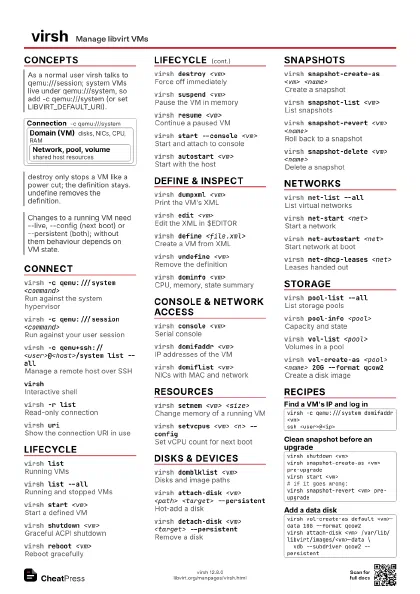
Recipes
virsh -c qemu:///system domifaddr <vm>ssh <user>@<ip>virsh shutdown <vm>virsh snapshot-create-as <vm> pre-upgradevirsh start <vm># if it goes wrong:virsh snapshot-revert <vm> pre-upgradevirsh vol-create-as default <vm>-data 10G --format qcow2virsh attach-disk <vm> /var/lib/libvirt/images/<vm>-data \ vdb --subdriver qcow2 --persistentvirsh destroy <vm>virsh undefine <vm> --remove-all-storage