Cheat
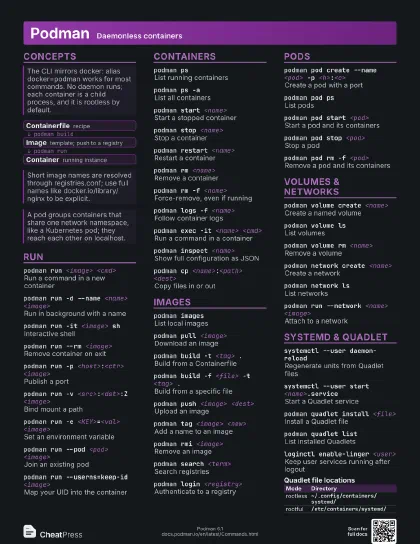
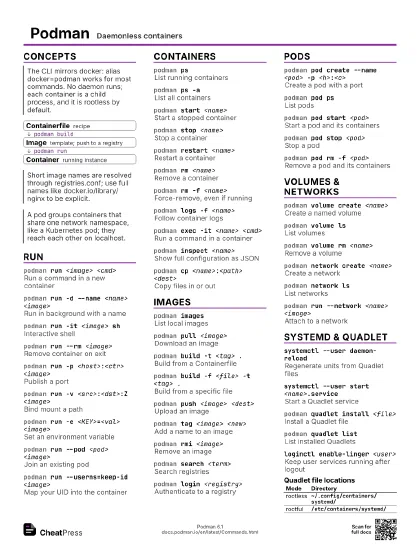
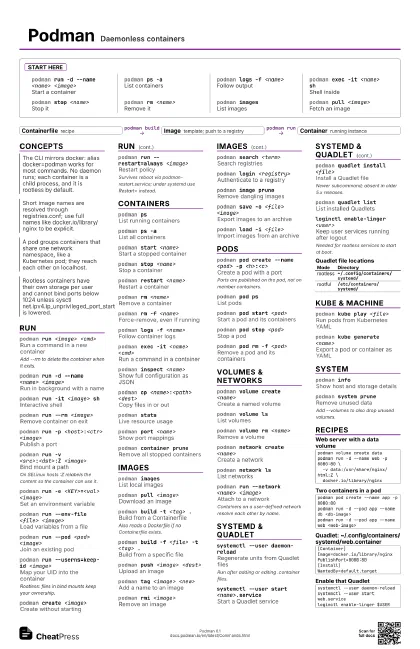
Podman Daemonless containers
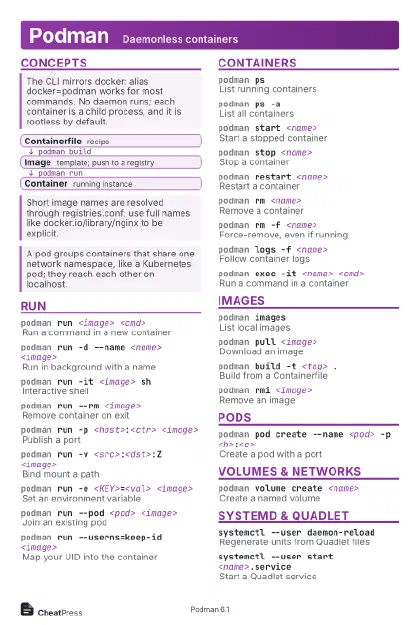 Light · Postcard
102 × 152 mm · PDF
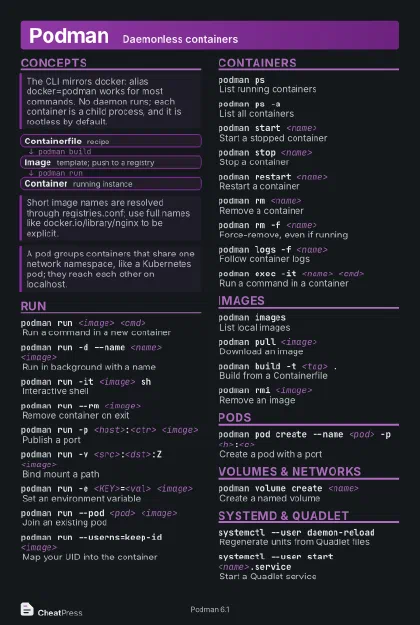 Dark · Postcard
102 × 152 mm · PDF
 Ink saver · Postcard
102 × 152 mm · PDF
 Light · A4 landscape
297 × 210 mm · PDF
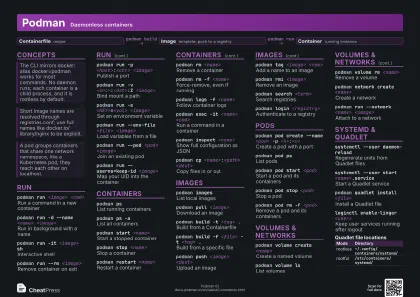 Dark · A4 landscape
297 × 210 mm · PDF
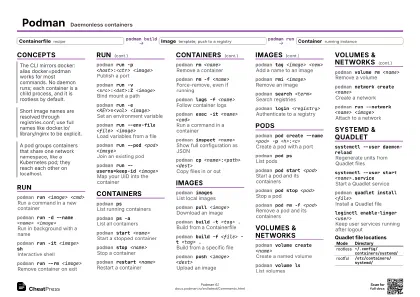 Ink saver · A4 landscape
297 × 210 mm · PDF
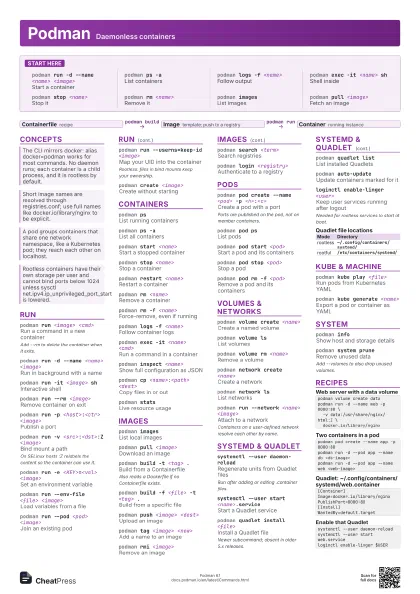

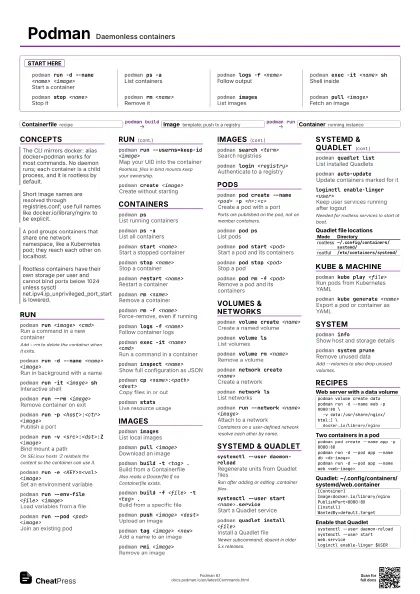
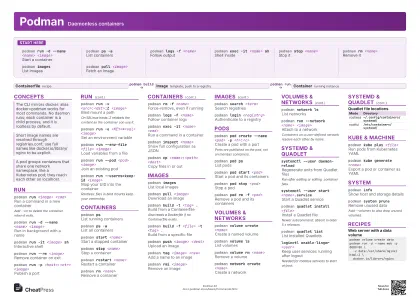 Light · A3 landscape
420 × 297 mm · PDF
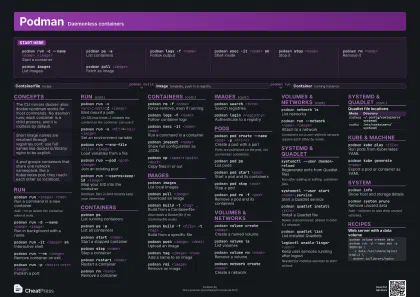 Dark · A3 landscape
420 × 297 mm · PDF
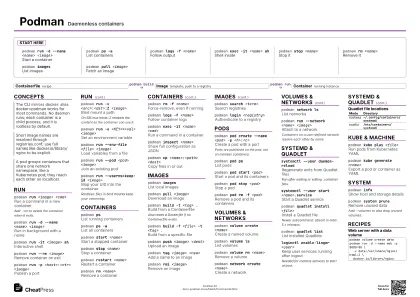 Ink saver · A3 landscape
420 × 297 mm · PDF
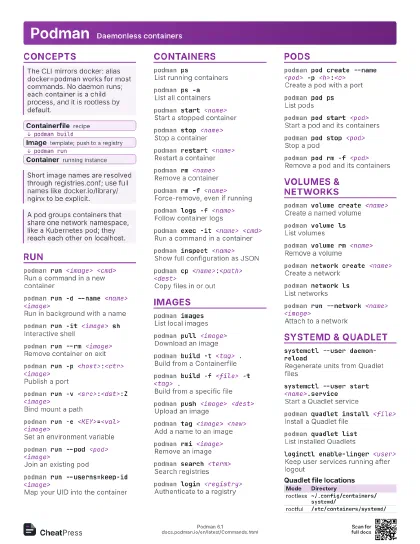
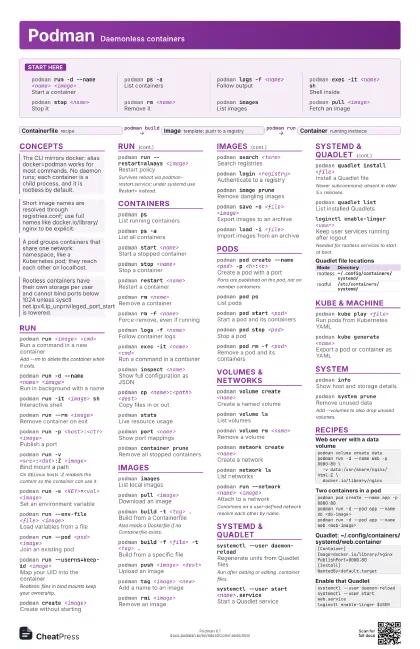
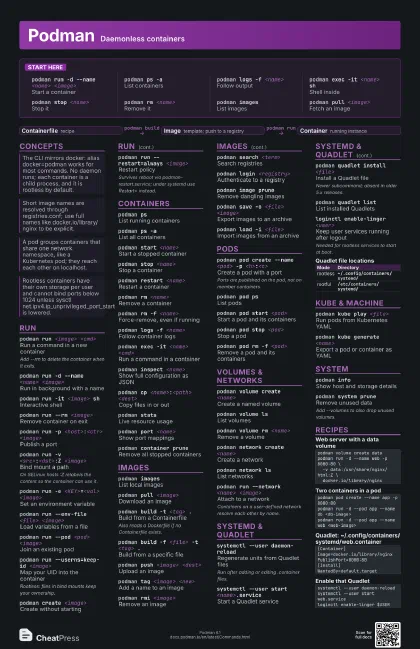
Start here
podman run -d --name <name> <image>
Start a container
podman ps -aList containers
podman logs -f <name>
Follow output
podman exec -it <name> sh
Shell inside
podman stop <name>
Stop it
podman rm <name>
Remove it
podman imagesList images
podman pull <image>
Fetch an image
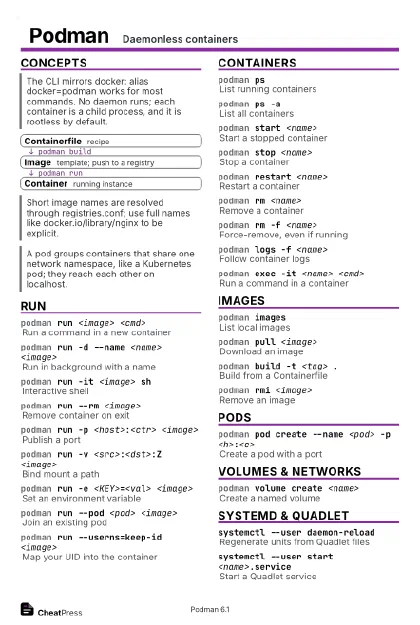
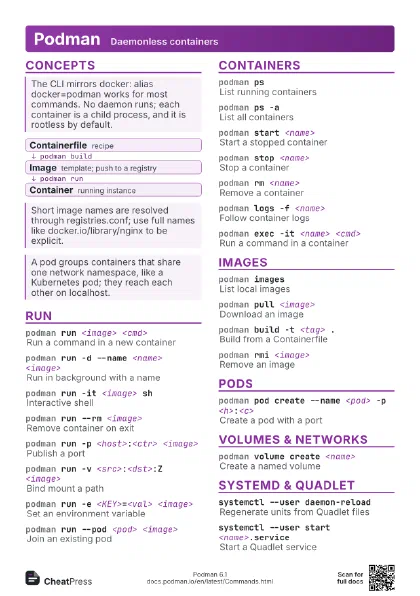
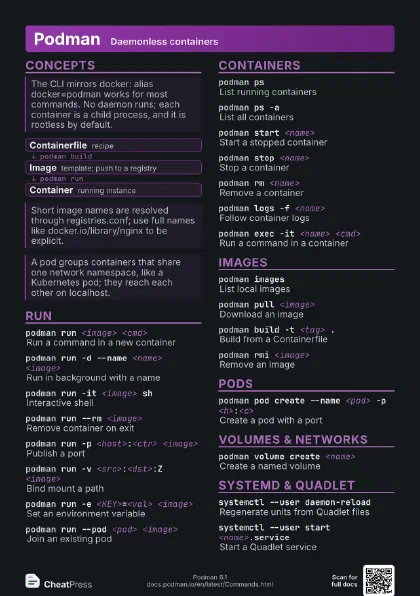
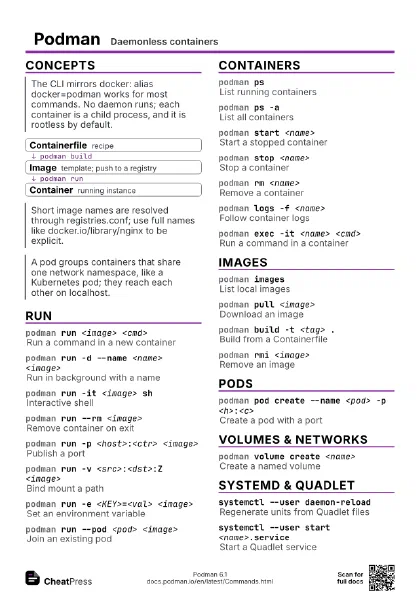
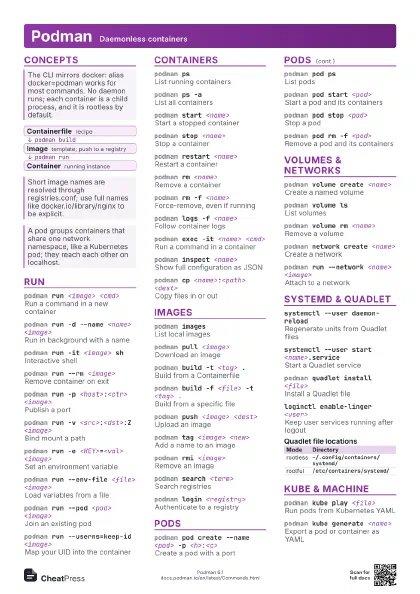
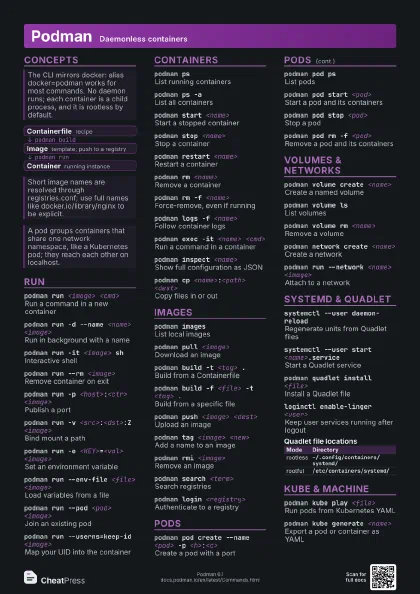
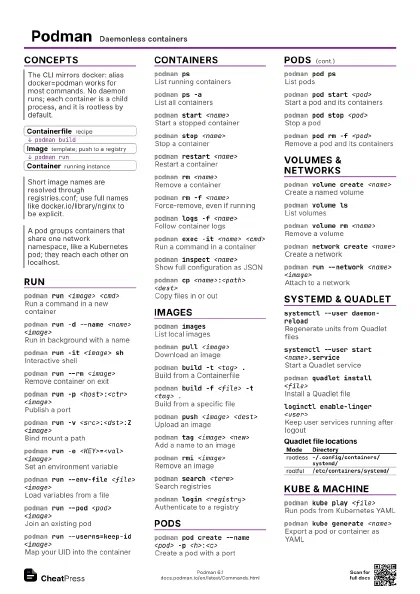
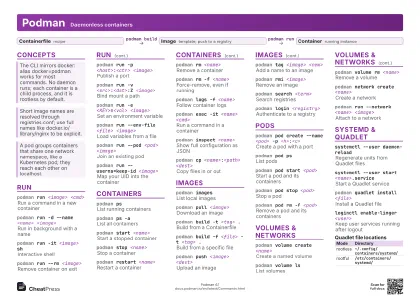
Concepts
- Containerfile recipe
- Image template; push to a registry
- Container running instance
Run
podman run <image> <cmd>
Run a command in a new container
Add --rm to delete the container when it exits.
podman run -d --name <name> <image>
Run in background with a name
podman run -it <image> sh
Interactive shell
podman run --rm <image>
Remove container on exit
podman run -p <host>:<ctr> <image>
Publish a port
podman run -v <src>:<dst>:Z <image>
Bind mount a path
On SELinux hosts :Z relabels the content so the container can
use it.
podman run -e <KEY>=<val> <image>
Set an environment variable
podman run --env-file <file> <image>
Load variables from a file
podman run --pod <pod> <image>
Join an existing pod
podman run --userns=keep-id <image>
Map your UID into the container
Rootless: files in bind mounts keep your ownership.
podman create <image>
Create without starting
podman run --restart=always <image>
Restart policy
Survives reboot via podman-restart.service; under systemd use
Restart= instead.
Containers
podman psList running containers
podman ps -aList all containers
podman start <name>
Start a stopped container
podman stop <name>
Stop a container
podman restart <name>
Restart a container
podman rm <name>
Remove a container
podman rm -f <name>
Force-remove, even if running
podman logs -f <name>
Follow container logs
podman exec -it <name> <cmd>
Run a command in a container
podman inspect <name>
Show full configuration as JSON
podman cp <name>:<path> <dest>
Copy files in or out
podman top <name>
Processes in a container
podman statsLive resource usage
podman port <name>
Show port mappings
podman kill <name>
Send a signal to a container
podman container prune
Remove all stopped containers
Images
podman imagesList local images
podman pull <image>
Download an image
podman build -t <tag> .
Build from a Containerfile
Also reads a Dockerfile if no Containerfile exists.
podman build -f <file> -t <tag> .
Build from a specific file
podman push <image> <dest>
Upload an image
podman tag <image> <new>
Add a name to an image
podman rmi <image>
Remove an image
podman search <term>
Search registries
podman login <registry>
Authenticate to a registry
podman image prune
Remove dangling images
podman save -o <file> <image>
Export images to an archive
podman load -i <file>
Import images from an archive
podman history <image>
Layers of an image
podman commit <name> <image>
Snapshot a container as an image
Pods
podman pod create --name <pod> -p
                    <h>:<c>
Create a pod with a port
Ports are published on the pod, not on member containers.
podman pod psList pods
podman pod start <pod>
Start a pod and its containers
podman pod stop <pod>
Stop a pod
podman pod rm -f <pod>
Remove a pod and its containers
podman pod inspect <pod>
Show pod details
Volumes & Networks
podman volume create <name>
Create a named volume
podman volume ls
List volumes
podman volume rm <name>
Remove a volume
podman volume prune
Remove unused volumes
Since 6.0 only anonymous volumes; add --all for every unused
one.
podman network create <name>
Create a network
podman network ls
List networks
podman run --network <name> <image>
Attach to a network
Containers on a user-defined network resolve each other by
name.
podman network rm <name>
Remove a network
Systemd & Quadlet
systemctl --user daemon-reload
Regenerate units from Quadlet files
Run after adding or editing .container files.
systemctl --user start <name>.service
Start a Quadlet service
podman quadlet install <file>
Install a Quadlet file
Newer subcommand; absent in older 5.x releases.
podman quadlet list
List installed Quadlets
podman quadlet print <name>
Show a Quadlet's contents
podman generate systemd --new --name <name>
Print a unit for a container
Deprecated; prefer Quadlet for new setups.
podman auto-update
Update containers marked for it
loginctl enable-linger <user>
Keep user services running after logout
Needed for rootless services to start at boot.
| Mode | Directory |
|---|---|
| rootless | ~/.config/containers/systemd/ |
| rootful | /etc/containers/systemd/ |
Kube & Machine
podman kube play <file>
Run pods from Kubernetes YAML
podman kube generate <name>
Export a pod or container as YAML
podman kube down <file>
Tear down what play created
podman machine init
Create a VM (macOS, Windows)
Linux VMs made before 6.0 must be recreated.
podman machine start
Start the VM
System
podman infoShow host and storage details
podman system prune
Remove unused data
Add --volumes to also drop unused volumes.
podman system df
Disk usage
podman unshare <cmd>
Run in the rootless user namespace
Use it to chown or inspect files owned by container UIDs.
podman eventsStream system events
podman versionShow client and server versions
Recipes
podman volume create datapodman run -d --name web -p 8080:80 \ -v data:/usr/share/nginx/html:Z \ docker.io/library/nginxpodman pod create --name app -p 8080:80podman run -d --pod app --name db <db-image>podman run -d --pod app --name web <web-image>[Container]Image=docker.io/library/nginxPublishPort=8080:80[Install]WantedBy=default.targetsystemctl --user daemon-reloadsystemctl --user start web.serviceloginctl enable-linger $USER