Cheat
playerctl Media player remote
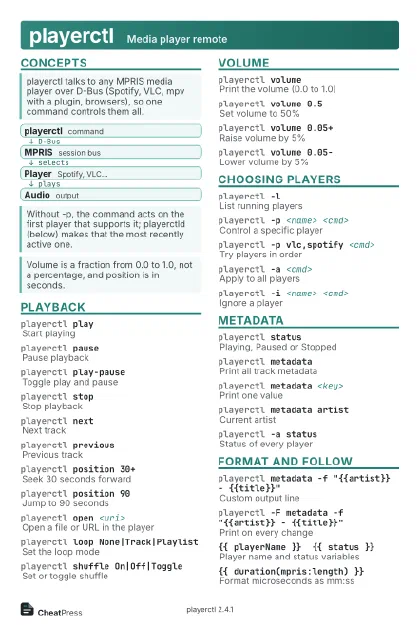 Light · Postcard
102 × 152 mm · PDF
 Dark · Postcard
102 × 152 mm · PDF
 Ink saver · Postcard
102 × 152 mm · PDF
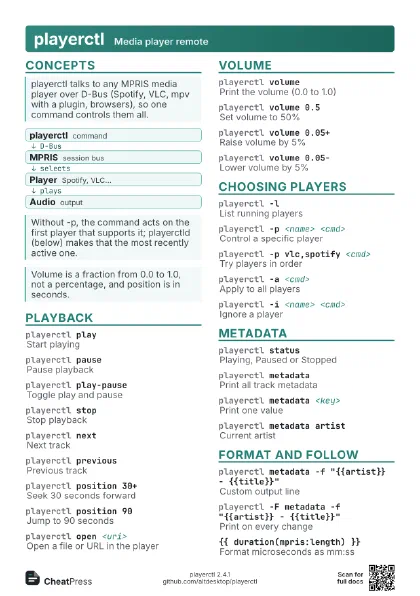
 Light · A4 landscape
297 × 210 mm · PDF
 Dark · A4 landscape
297 × 210 mm · PDF
 Ink saver · A4 landscape
297 × 210 mm · PDF
 Light · A3 landscape
420 × 297 mm · PDF
 Dark · A3 landscape
420 × 297 mm · PDF
 Ink saver · A3 landscape
420 × 297 mm · PDF
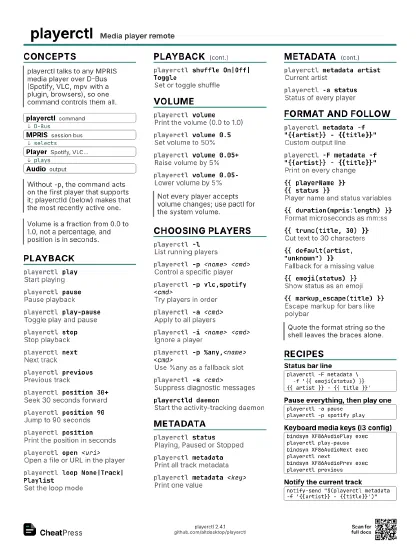
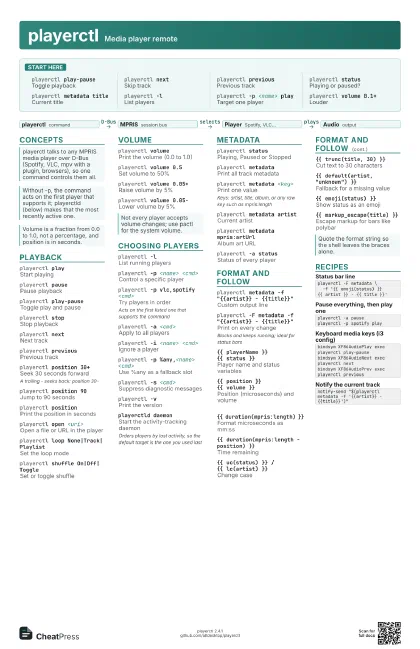
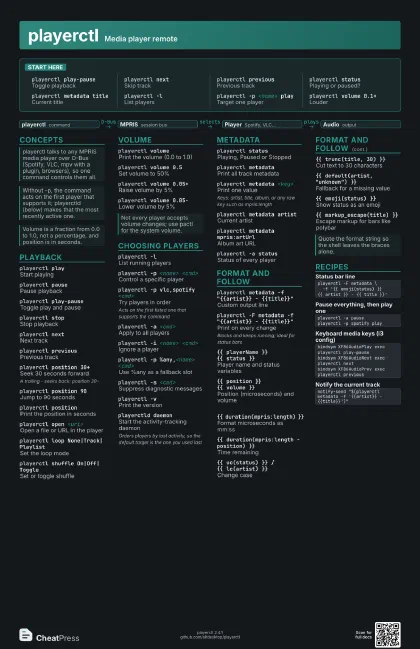
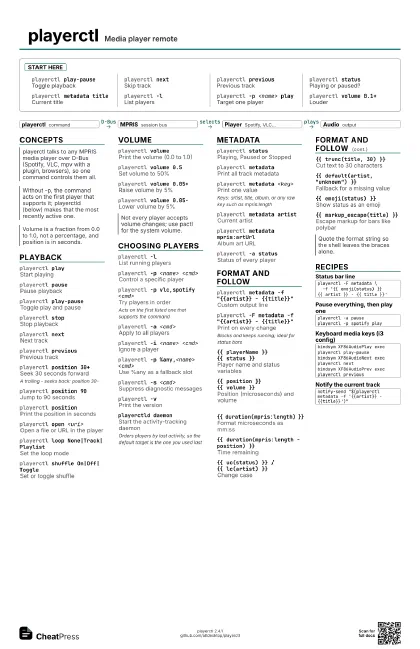
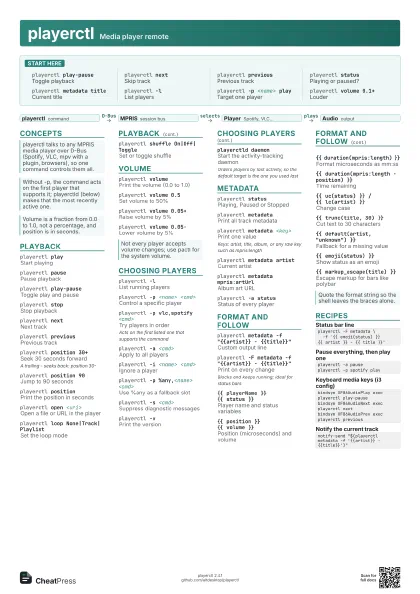
Start here
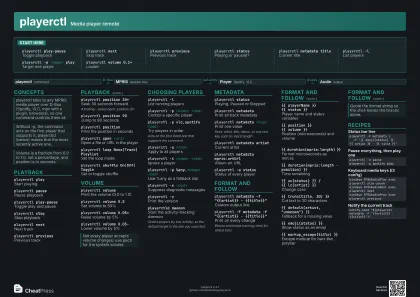
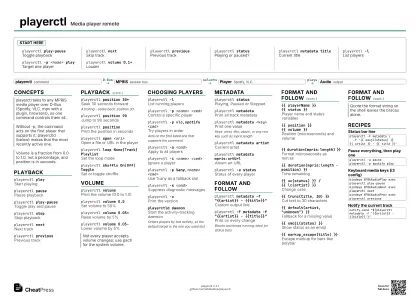
playerctl play-pause
Toggle playback
playerctl nextSkip track
playerctl previous
Previous track
playerctl status
Playing or paused?
playerctl metadata title
Current title
playerctl -lList players
playerctl -p <name> play
Target one player
playerctl volume 0.1+
Louder
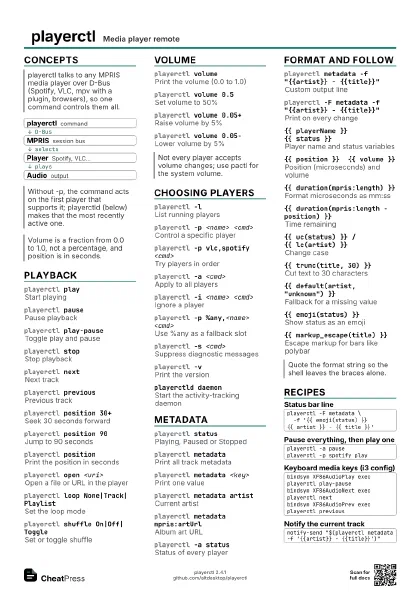
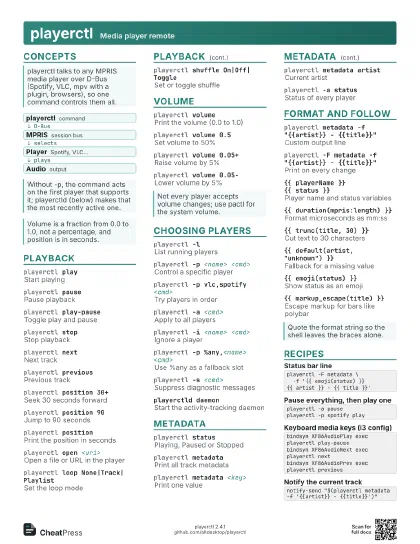
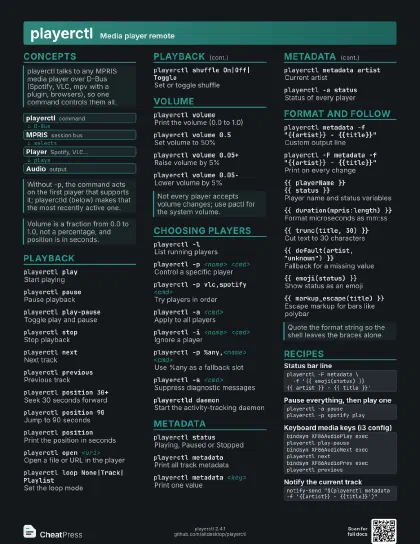
Concepts
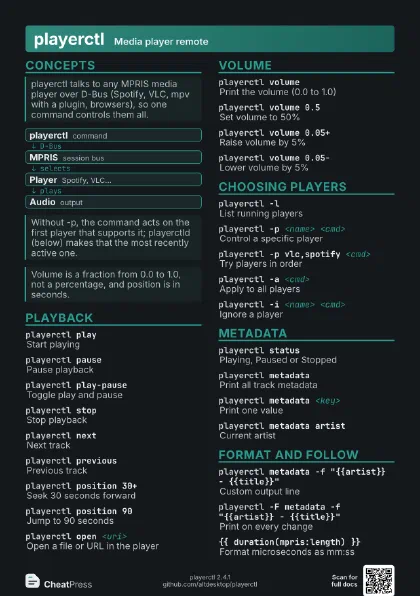
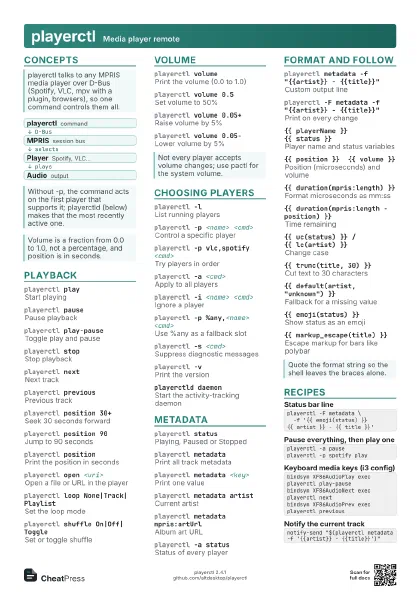
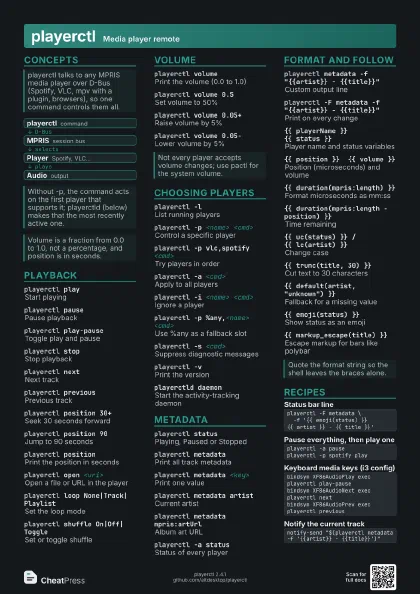
- playerctl command
- MPRIS session bus
- Player Spotify, VLC...
- Audio output
Playback
playerctl playStart playing
playerctl pausePause playback
playerctl play-pause
Toggle play and pause
playerctl stopStop playback
playerctl nextNext track
playerctl previous
Previous track
playerctl position 30+
Seek 30 seconds forward
A trailing - seeks back: position 30-
playerctl position 90
Jump to 90 seconds
playerctl position
Print the position in seconds
playerctl open <uri>
Open a file or URL in the player
playerctl loop None|Track|Playlist
Set the loop mode
playerctl shuffle On|Off|Toggle
Set or toggle shuffle
Volume
playerctl volume
Print the volume (0.0 to 1.0)
playerctl volume 0.5
Set volume to 50%
playerctl volume 0.05+
Raise volume by 5%
playerctl volume 0.05-
Lower volume by 5%
Choosing Players
playerctl -lList running players
playerctl -p <name> <cmd>
Control a specific player
playerctl -p vlc,spotify <cmd>
Try players in order
Acts on the first listed one that supports the command
playerctl -a <cmd>
Apply to all players
playerctl -i <name> <cmd>
Ignore a player
playerctl -p %any,<name> <cmd>
Use %any as a fallback slot
playerctl -s <cmd>
Suppress diagnostic messages
playerctl -vPrint the version
playerctld daemon
Start the activity-tracking daemon
Orders players by last activity, so the default target is the
one you used last
Metadata
playerctl status
Playing, Paused or Stopped
playerctl metadata
Print all track metadata
playerctl metadata <key>
Print one value
Keys: artist, title, album, or any raw key such as
mpris:length
playerctl metadata artist
Current artist
playerctl metadata mpris:artUrl
Album art URL
playerctl -a status
Status of every player
Format and Follow
playerctl metadata -f "{{artist}} -
                    {{title}}"
Custom output line
playerctl -F metadata -f "{{artist}} -
                    {{title}}"
Print on every change
Blocks and keeps running; ideal for status bars
{{ playerName }} {{ status }}
Player name and status variables
{{ position }} {{ volume }}
Position (microseconds) and volume
{{ duration(mpris:length) }}
Format microseconds as mm:ss
{{ duration(mpris:length - position) }}
Time remaining
{{ uc(status) }} / {{ lc(artist) }}
Change case
{{ trunc(title, 30) }}
Cut text to 30 characters
{{ default(artist, "unknown") }}
Fallback for a missing value
{{ emoji(status) }}
Show status as an emoji
{{ markup_escape(title) }}
Escape markup for bars like polybar
Recipes
playerctl -F metadata \ -f '{{ emoji(status) }} {{ artist }} - {{ title }}'playerctl -a pauseplayerctl -p spotify playbindsym XF86AudioPlay exec playerctl play-pausebindsym XF86AudioNext exec playerctl nextbindsym XF86AudioPrev exec playerctl previousnotify-send "$(playerctl metadata -f '{{artist}} - {{title}}')"