Cheat
ping, traceroute and mtr Network path testing
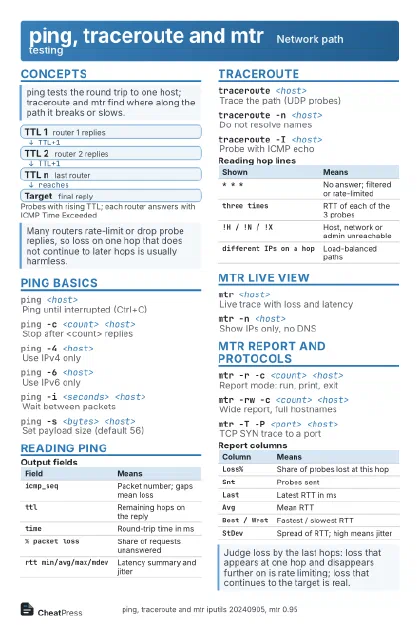 Light · Postcard
102 × 152 mm · PDF
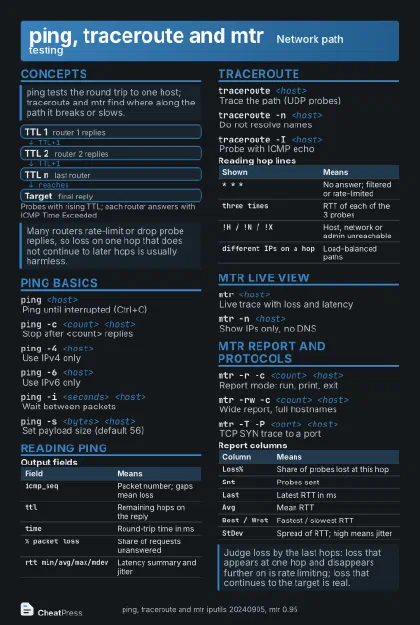 Dark · Postcard
102 × 152 mm · PDF
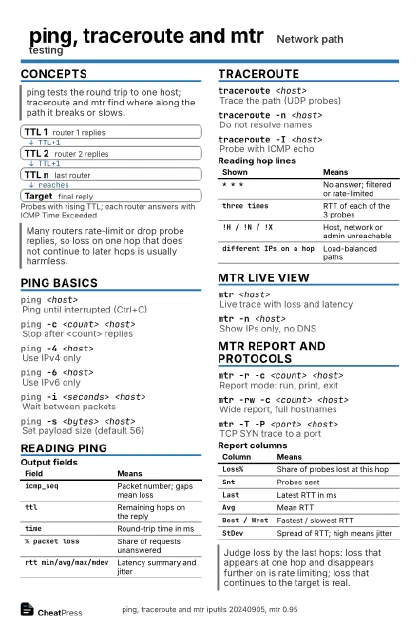 Ink saver · Postcard
102 × 152 mm · PDF
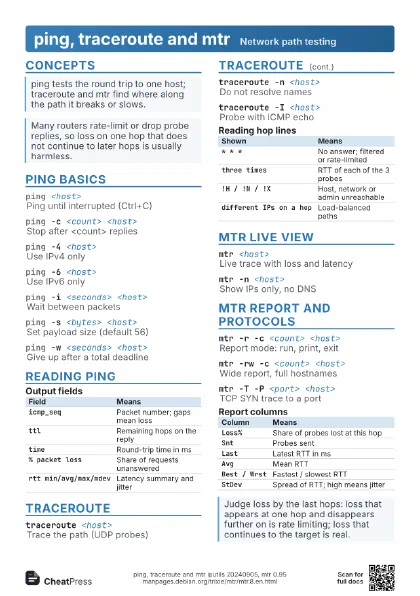
 Light · A4 landscape
297 × 210 mm · PDF
 Dark · A4 landscape
297 × 210 mm · PDF
 Ink saver · A4 landscape
297 × 210 mm · PDF
 Light · A3 landscape
420 × 297 mm · PDF
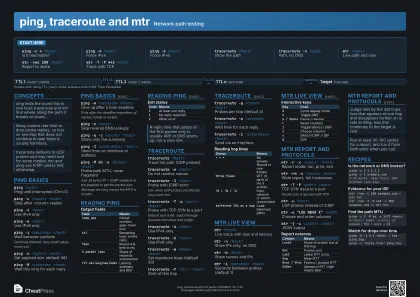 Dark · A3 landscape
420 × 297 mm · PDF
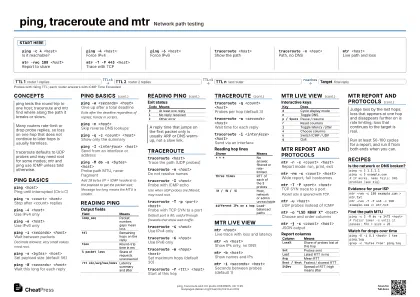 Ink saver · A3 landscape
420 × 297 mm · PDF
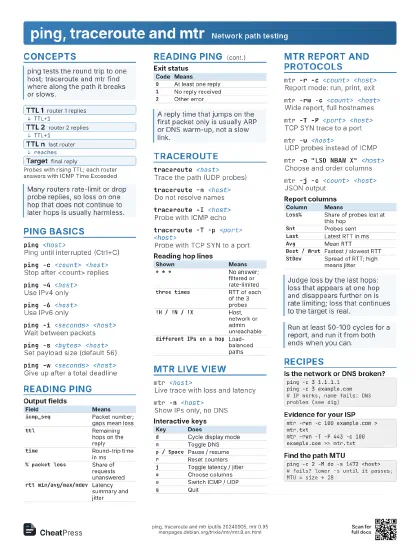
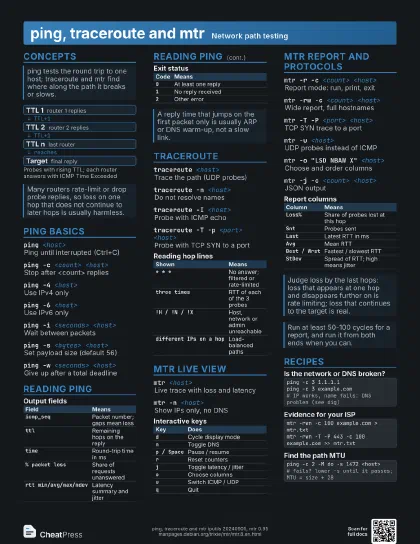
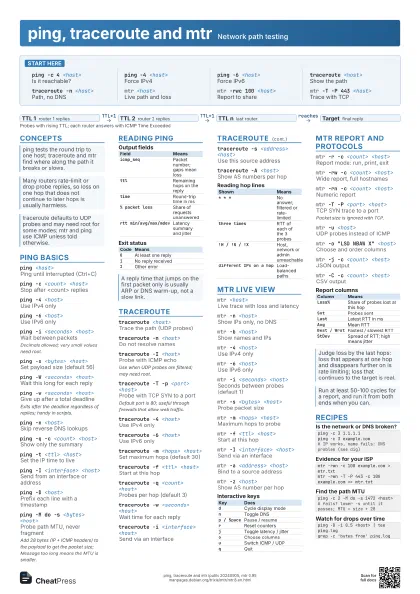
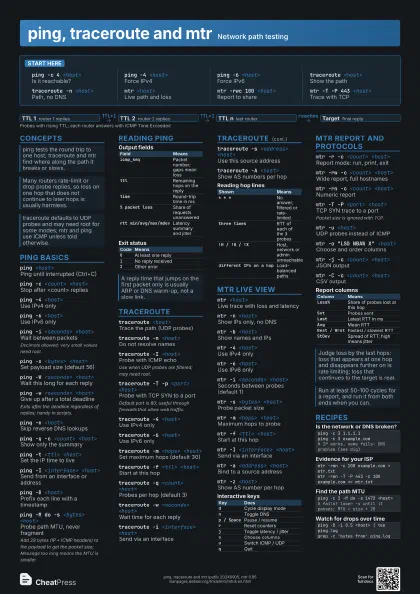
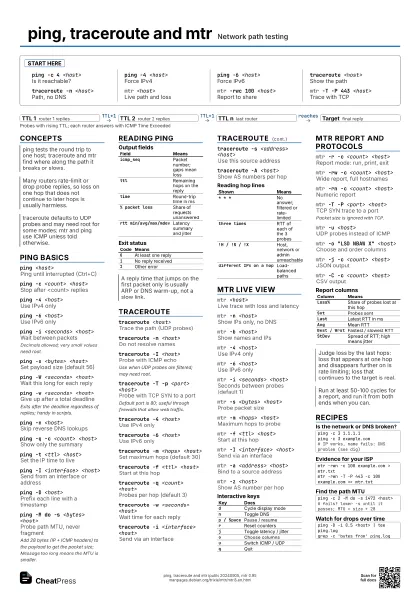
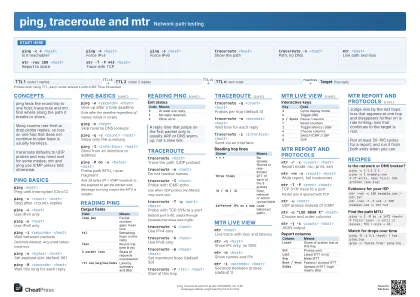
Start here
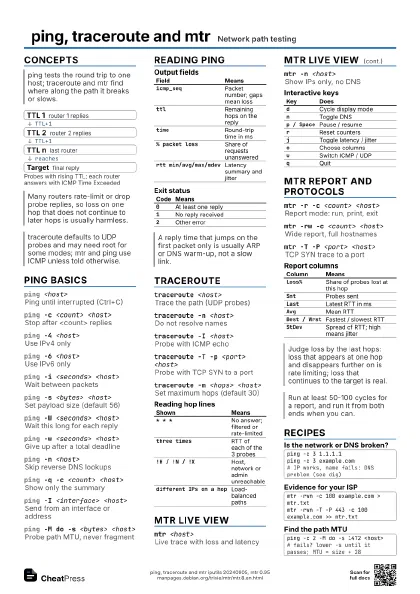
ping -c 4 <host>
Is it reachable?
ping -4 <host>
Force IPv4
ping -6 <host>
Force IPv6
traceroute <host>
Show the path
traceroute -n <host>
Path, no DNS
mtr <host>
Live path and loss
mtr -rwc 100 <host>
Report to share
mtr -T -P 443 <host>
Trace with TCP
Concepts
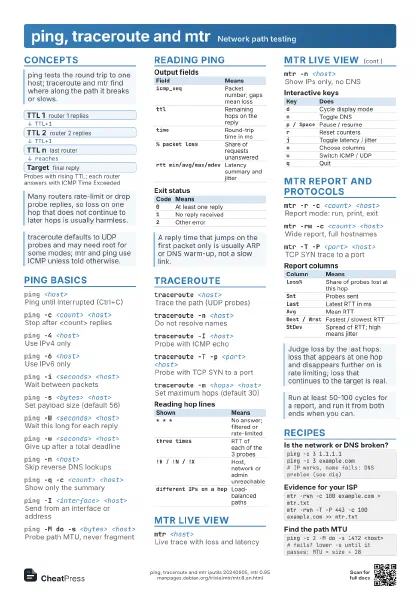
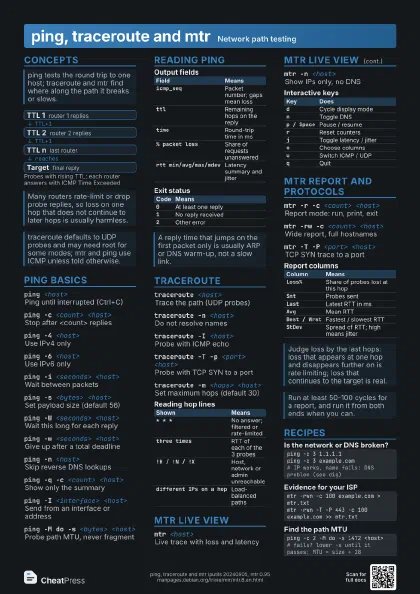
- TTL 1 router 1 replies
- TTL 2 router 2 replies
- TTL n last router
- Target final reply
ping basics
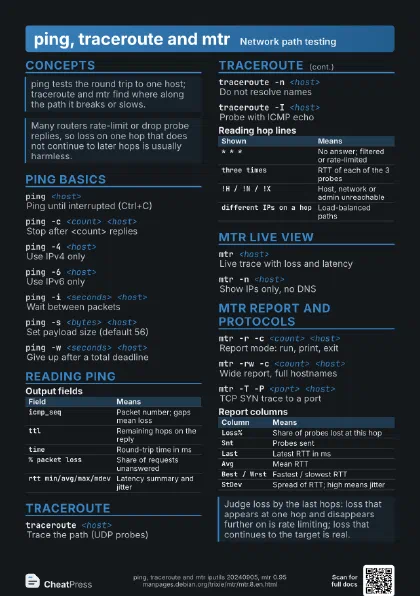
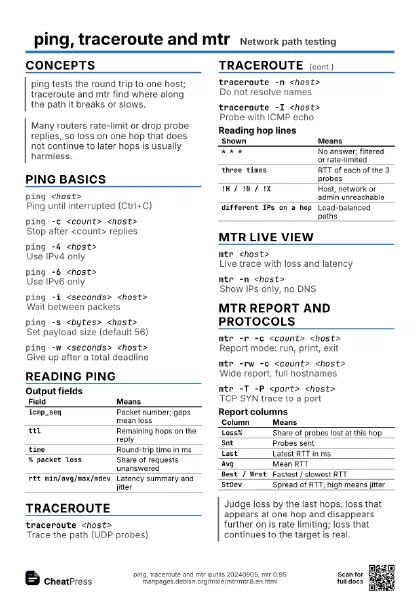
ping <host>
Ping until interrupted (Ctrl+C)
ping -c <count> <host>
Stop after <count> replies
ping -4 <host>
Use IPv4 only
ping -6 <host>
Use IPv6 only
ping -i <seconds> <host>
Wait between packets
Decimals allowed; very small values need root.
ping -s <bytes> <host>
Set payload size (default 56)
ping -W <seconds> <host>
Wait this long for each reply
ping -w <seconds> <host>
Give up after a total deadline
Exits after the deadline regardless of replies; handy in
scripts.
ping -n <host>
Skip reverse DNS lookups
ping -q -c <count> <host>
Show only the summary
ping -t <ttl> <host>
Set the IP time to live
ping -I <interface> <host>
Send from an interface or address
ping -D <host>
Prefix each line with a timestamp
ping -M do -s <bytes> <host>
Probe path MTU, never fragment
Add 28 bytes (IP + ICMP headers) to the payload to get the
packet size; Message too long means the MTU is smaller.
Reading ping
| Field | Means |
|---|---|
icmp_seq |
Packet number; gaps mean loss |
ttl |
Remaining hops on the reply |
time |
Round-trip time in ms |
% packet loss |
Share of requests unanswered |
rtt min/avg/max/mdev |
Latency summary and jitter |
| Code | Means |
|---|---|
0 |
At least one reply |
1 |
No reply received |
2 |
Other error |
traceroute
traceroute <host>
Trace the path (UDP probes)
traceroute -n <host>
Do not resolve names
traceroute -I <host>
Probe with ICMP echo
Use when UDP probes are filtered; may need root.
traceroute -T -p <port> <host>
Probe with TCP SYN to a port
Default port is 80; useful through firewalls that allow web
traffic.
traceroute -4 <host>
Use IPv4 only
traceroute -6 <host>
Use IPv6 only
traceroute -m <hops> <host>
Set maximum hops (default 30)
traceroute -f <ttl> <host>
Start at this hop
traceroute -q <count> <host>
Probes per hop (default 3)
traceroute -w <seconds> <host>
Wait time for each reply
traceroute -i <interface> <host>
Send via an interface
traceroute -s <address> <host>
Use this source address
traceroute -A <host>
Show AS numbers per hop
| Shown | Means |
|---|---|
* * * |
No answer; filtered or rate-limited |
three times |
RTT of each of the 3 probes |
!H / !N / !X |
Host, network or admin unreachable |
different IPs on a hop |
Load-balanced paths |
mtr live view
mtr <host>
Live trace with loss and latency
mtr -n <host>
Show IPs only, no DNS
mtr -b <host>
Show names and IPs
mtr -4 <host>
Use IPv4 only
mtr -6 <host>
Use IPv6 only
mtr -i <seconds> <host>
Seconds between probes (default 1)
mtr -s <bytes> <host>
Probe packet size
mtr -m <hops> <host>
Maximum hops to probe
mtr -f <ttl> <host>
Start at this hop
mtr -I <interface> <host>
Send via an interface
mtr -a <address> <host>
Bind to a source address
mtr -z <host>
Show AS number per hop
| Key | Does |
|---|---|
d |
Cycle display mode |
n |
Toggle DNS |
p / Space |
Pause / resume |
r |
Reset counters |
j |
Toggle latency / jitter |
o |
Choose columns |
u |
Switch ICMP / UDP |
q |
Quit |
mtr report and protocols
mtr -r -c <count> <host>
Report mode: run, print, exit
mtr -rw -c <count> <host>
Wide report, full hostnames
mtr -rn -c <count> <host>
Numeric report
mtr -T -P <port> <host>
TCP SYN trace to a port
Packet size is ignored with TCP.
mtr -u <host>
UDP probes instead of ICMP
mtr -o "LSD NBAW X" <host>
Choose and order columns
mtr -j -c <count> <host>
JSON output
mtr -C -c <count> <host>
CSV output
| Column | Means |
|---|---|
Loss% |
Share of probes lost at this hop |
Snt |
Probes sent |
Last |
Latest RTT in ms |
Avg |
Mean RTT |
Best / Wrst |
Fastest / slowest RTT |
StDev |
Spread of RTT; high means jitter |
Recipes
ping -c 3 1.1.1.1ping -c 3 example.com# IP works, name fails: DNS problem (see dig)mtr -rwn -c 100 example.com > mtr.txtmtr -rwn -T -P 443 -c 100 example.com >> mtr.txtping -c 2 -M do -s 1472 <host># fails? lower -s until it passes; MTU = size + 28ping -D -i 0.5 <host> | tee ping.loggrep -c 'bytes from' ping.log