Cheat
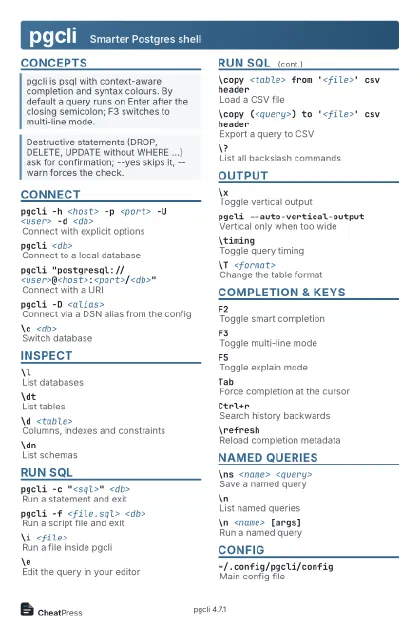
pgcli Smarter Postgres shell
 Light · Postcard
102 × 152 mm · PDF
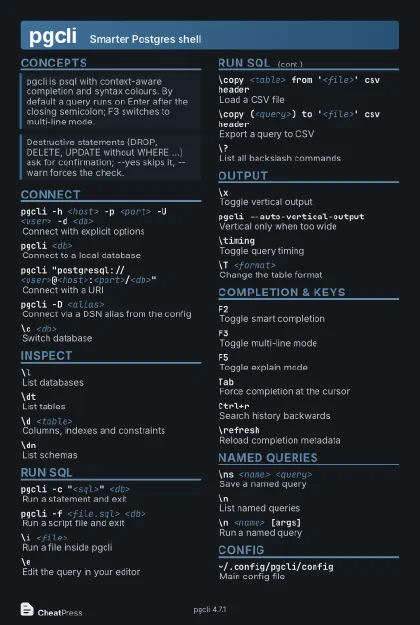 Dark · Postcard
102 × 152 mm · PDF
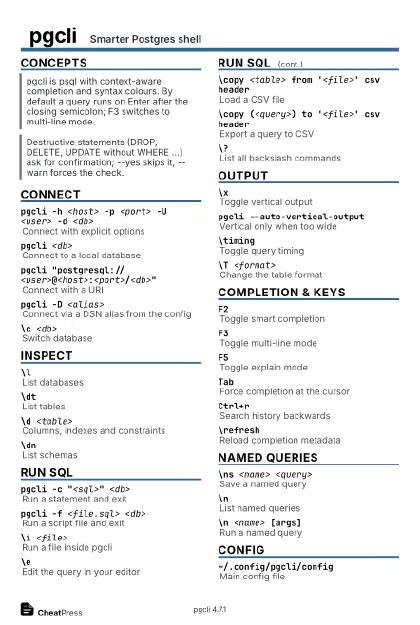 Ink saver · Postcard
102 × 152 mm · PDF
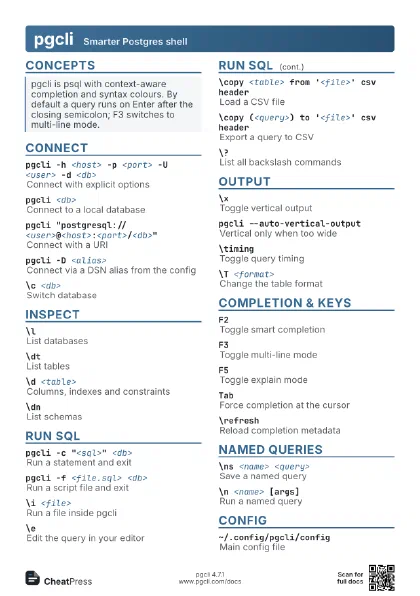
 Light · A4 landscape
297 × 210 mm · PDF
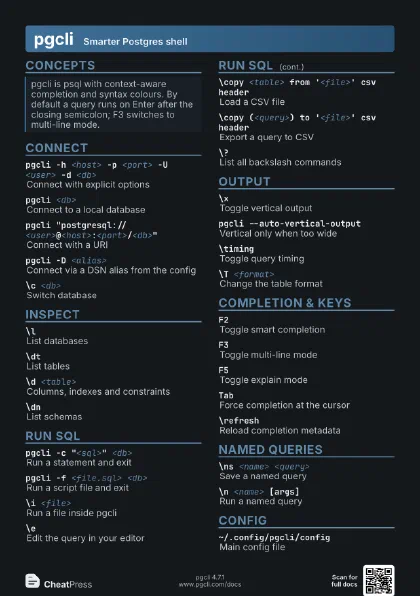
 Dark · A4 landscape
297 × 210 mm · PDF
 Ink saver · A4 landscape
297 × 210 mm · PDF
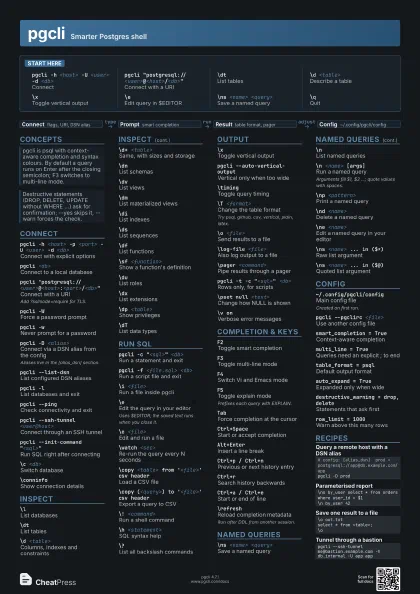
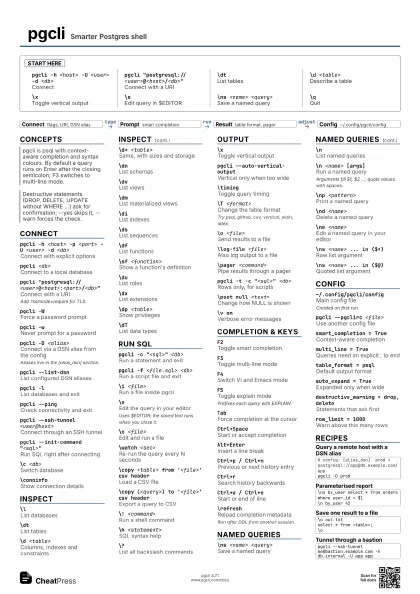
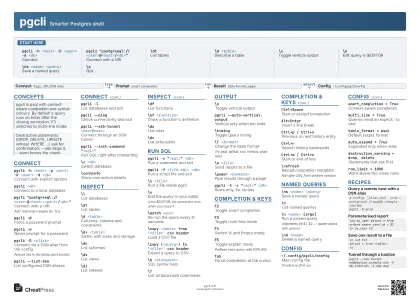 Light · A3 landscape
420 × 297 mm · PDF
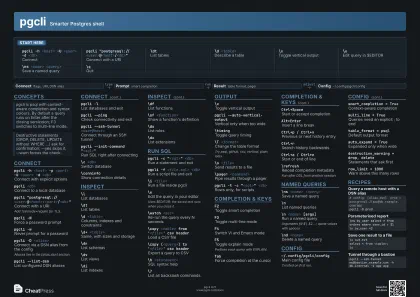 Dark · A3 landscape
420 × 297 mm · PDF
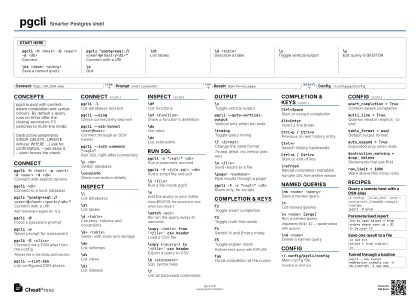 Ink saver · A3 landscape
420 × 297 mm · PDF
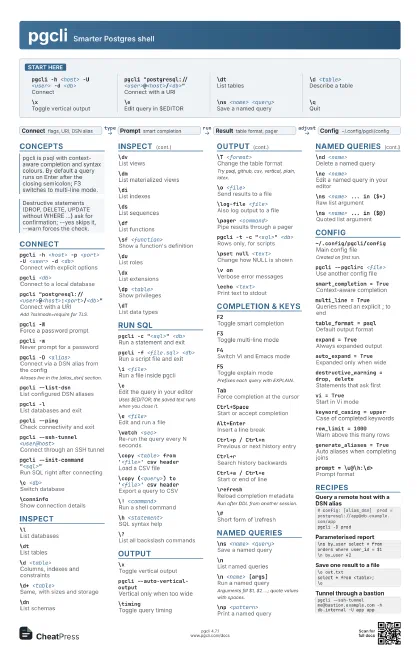
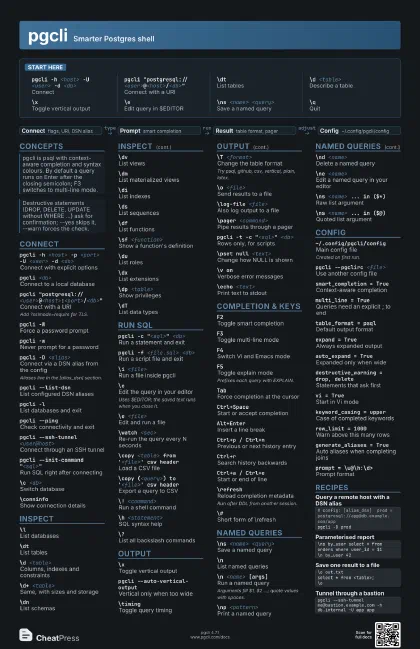
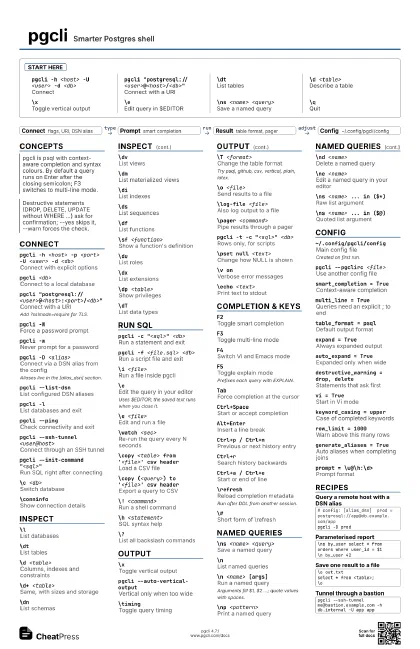
Start here
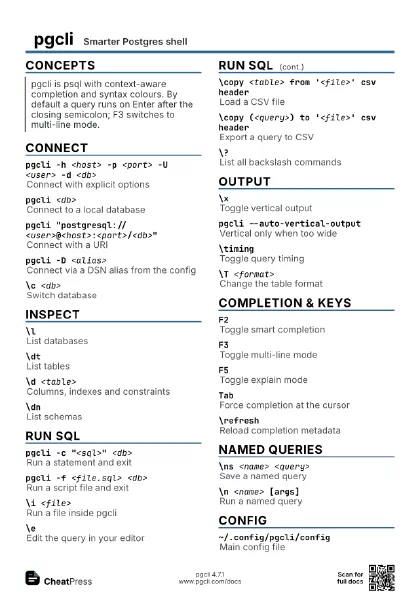
pgcli -h <host> -U <user> -d <db>
Connect
pgcli
                    "postgresql://<user>@<host>/<db>"
Connect with a URI
\dtList tables
\d <table>
Describe a table
\xToggle vertical output
\eEdit query in $EDITOR
\ns <name> <query>
Save a named query
\qQuit
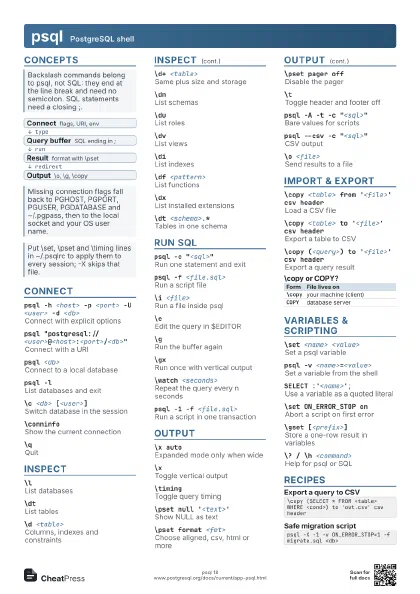
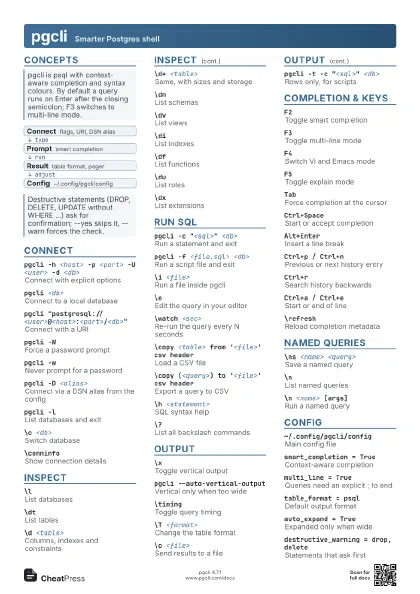
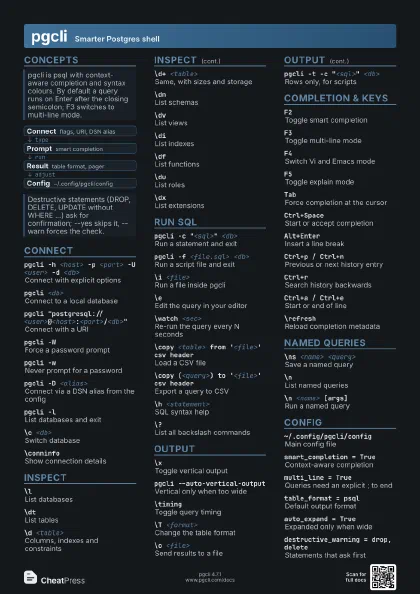
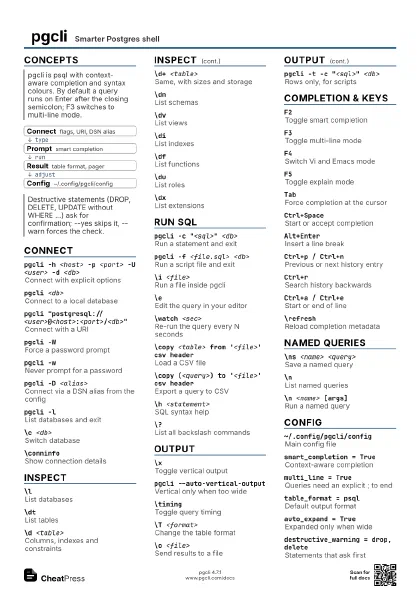
Concepts
- Connect flags, URI, DSN alias
- Prompt smart completion
- Result table format, pager
- Config ~/.config/pgcli/config
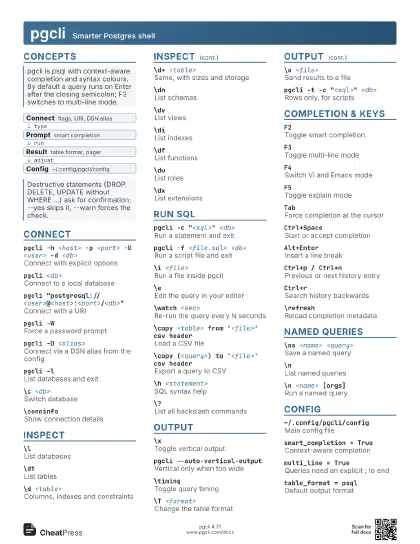
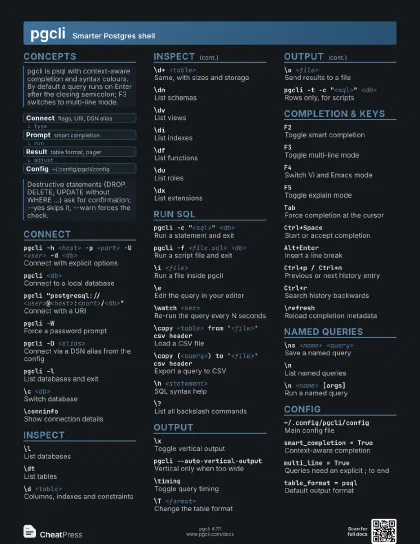
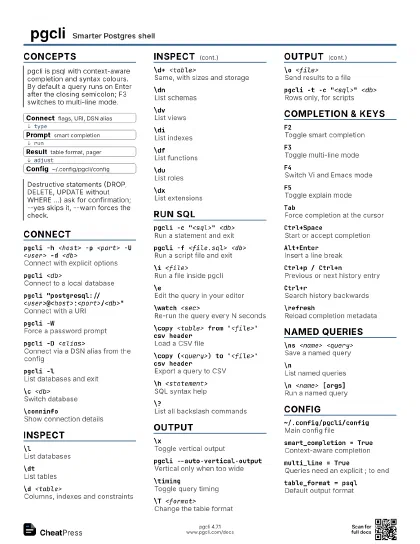
Connect
pgcli -h <host> -p <port> -U <user> -d
                    <db>
Connect with explicit options
pgcli <db>
Connect to a local database
pgcli
                    "postgresql://<user>@<host>:<port>/<db>"
Connect with a URI
Add ?sslmode=require for TLS.
pgcli -WForce a password prompt
pgcli -wNever prompt for a password
pgcli -D <alias>
Connect via a DSN alias from the config
Aliases live in the [alias_dsn] section.
pgcli --list-dsn
List configured DSN aliases
pgcli -lList databases and exit
pgcli --pingCheck connectivity and exit
pgcli --ssh-tunnel <user@host>
Connect through an SSH tunnel
pgcli --init-command "<sql>"
Run SQL right after connecting
\c <db>Switch database
\conninfoShow connection details
Inspect
\lList databases
\dtList tables
\d <table>
Columns, indexes and constraints
\d+ <table>
Same, with sizes and storage
\dnList schemas
\dvList views
\dmList materialized views
\diList indexes
\dsList sequences
\dfList functions
\sf <function>
Show a function's definition
\duList roles
\dxList extensions
\dp <table>
Show privileges
\dTList data types
Run SQL
pgcli -c "<sql>" <db>
Run a statement and exit
pgcli -f <file.sql> <db>
Run a script file and exit
\i <file>Run a file inside pgcli
\eEdit the query in your editor
Uses $EDITOR; the saved text runs when you close it.
\e <file>Edit and run a file
\watch <sec>
Re-run the query every N seconds
\copy <table> from '<file>' csv
                    header
Load a CSV file
\copy (<query>) to '<file>' csv
                    header
Export a query to CSV
\! <command>
Run a shell command
\h <statement>
SQL syntax help
\?List all backslash commands
Output
\xToggle vertical output
pgcli --auto-vertical-output
Vertical only when too wide
\timingToggle query timing
\T <format>
Change the table format
Try psql, github, csv, vertical, plain, latex.
\o <file>Send results to a file
\log-file <file>
Also log output to a file
\pager <command>
Pipe results through a pager
pgcli -t -c "<sql>" <db>
Rows only, for scripts
\pset null <text>
Change how NULL is shown
\v onVerbose error messages
\echo <text>
Print text to stdout
Completion & Keys
F2Toggle smart completion
F3Toggle multi-line mode
F4Switch Vi and Emacs mode
F5Toggle explain mode
Prefixes each query with EXPLAIN.
TabForce completion at the cursor
Ctrl+SpaceStart or accept completion
Alt+EnterInsert a line break
Ctrl+p / Ctrl+n
Previous or next history entry
Ctrl+rSearch history backwards
Ctrl+a / Ctrl+e
Start or end of line
\refreshReload completion metadata
Run after DDL from another session.
\#Short form of \refresh
Named Queries
\ns <name> <query>
Save a named query
\nList named queries
\n <name> [args]
Run a named query
Arguments fill $1, $2 ...; quote values with spaces.
\np <pattern>
Print a named query
\nd <name>
Delete a named query
\ne <name>
Edit a named query in your editor
\ns <name> ... in ($*)
Raw list argument
\ns <name> ... in ($@)
Quoted list argument
Config
~/.config/pgcli/config
Main config file
Created on first run.
pgcli --pgclirc <file>
Use another config file
smart_completion = True
Context-aware completion
multi_line = True
Queries need an explicit ; to end
table_format = psql
Default output format
expand = TrueAlways expanded output
auto_expand = True
Expanded only when wide
destructive_warning = drop, delete
Statements that ask first
vi = TrueStart in Vi mode
keyword_casing = upper
Case of completed keywords
row_limit = 1000
Warn above this many rows
generate_aliases = True
Auto aliases when completing joins
null_string = <null>
Text shown for NULL
prompt = \u@\h:\d>
Prompt format
pgcli --less-chatty
Skip the intro and goodbye
~/.config/pgcli/log
Default log file
Recipes
# config: [alias_dsn] prod = postgresql://app@db.example.com/apppgcli -D prod\ns by_user select * from orders where user_id = $1\n by_user 42\o out.txtselect * from <table>;\opgcli --ssh-tunnel me@bastion.example.com -h db.internal -U app app