Cheat
pg_dump and pg_restore PostgreSQL backups
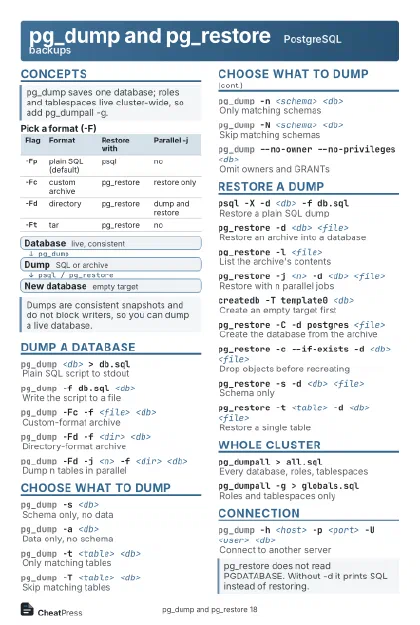 Light · Postcard
102 × 152 mm · PDF
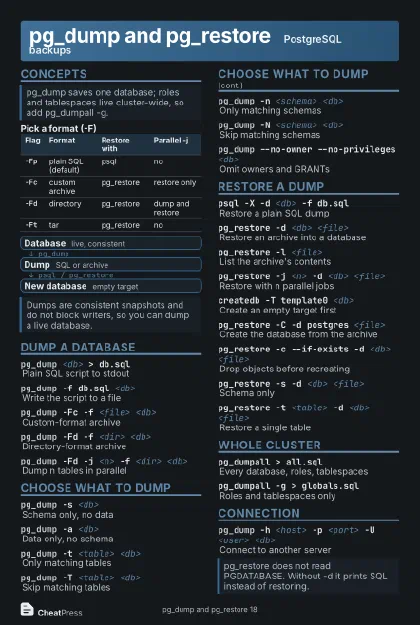 Dark · Postcard
102 × 152 mm · PDF
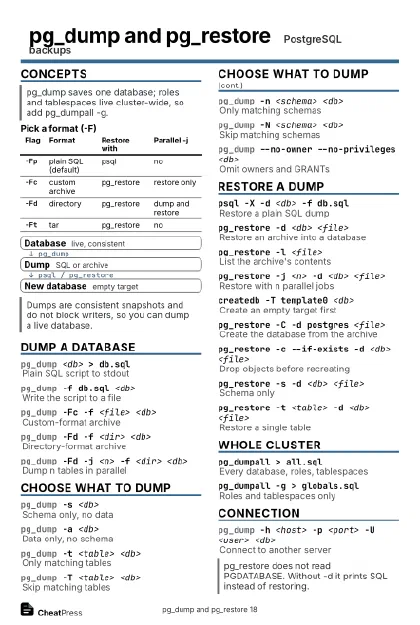 Ink saver · Postcard
102 × 152 mm · PDF
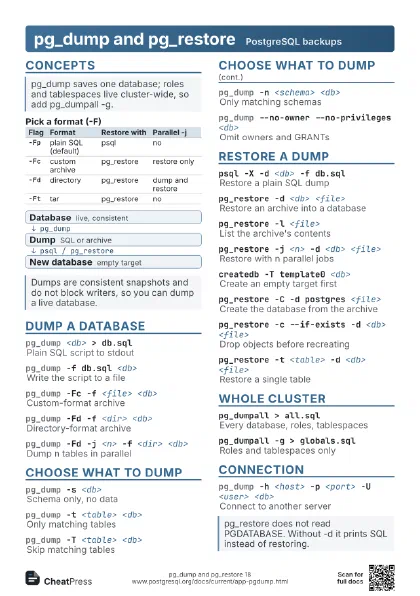
 Light · A4 landscape
297 × 210 mm · PDF
 Dark · A4 landscape
297 × 210 mm · PDF
 Ink saver · A4 landscape
297 × 210 mm · PDF
 Light · A3 landscape
420 × 297 mm · PDF
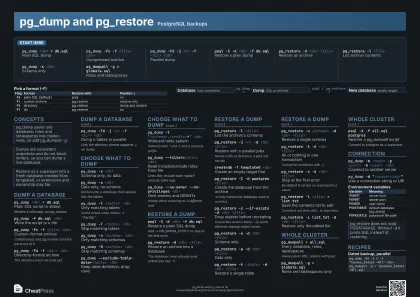 Dark · A3 landscape
420 × 297 mm · PDF
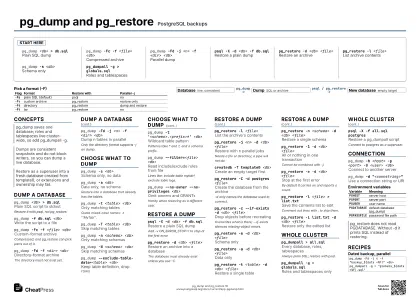 Ink saver · A3 landscape
420 × 297 mm · PDF
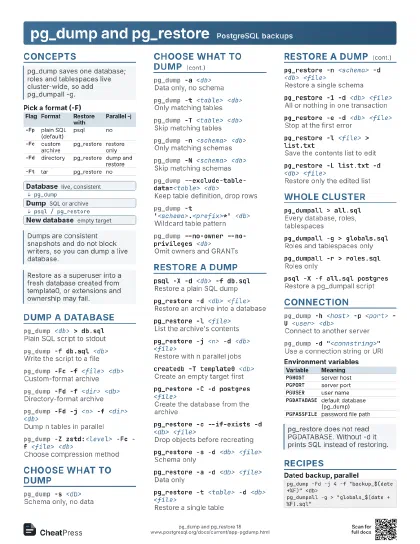
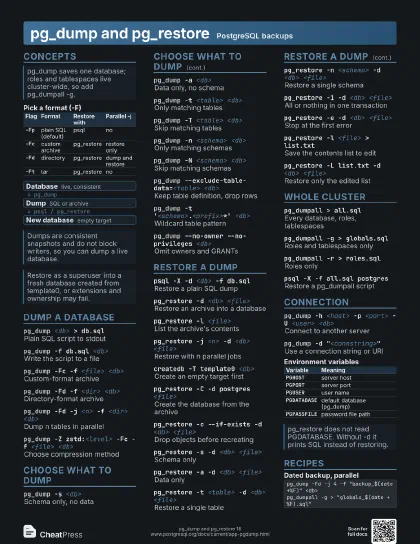
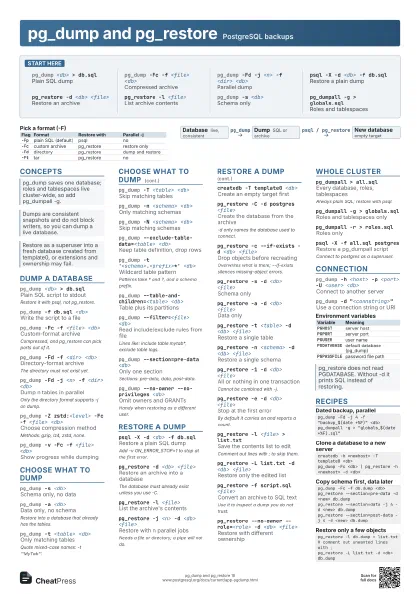
Start here
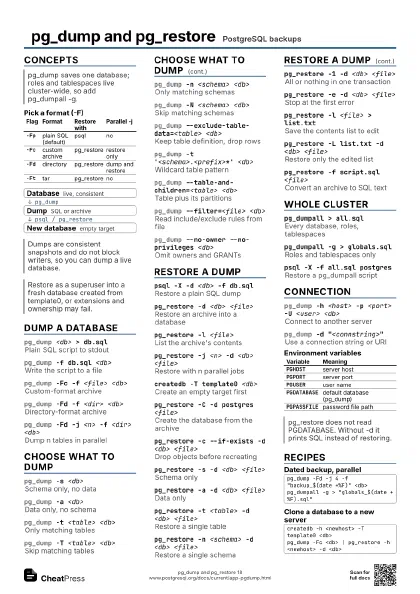
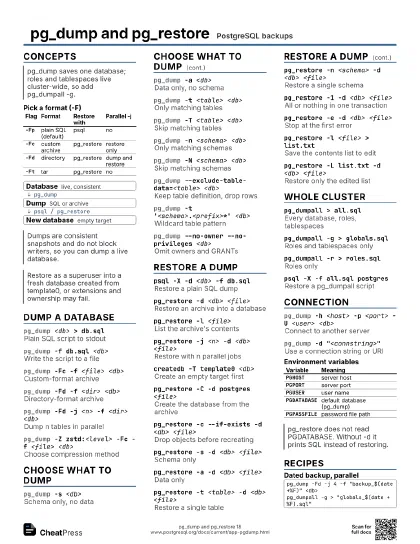
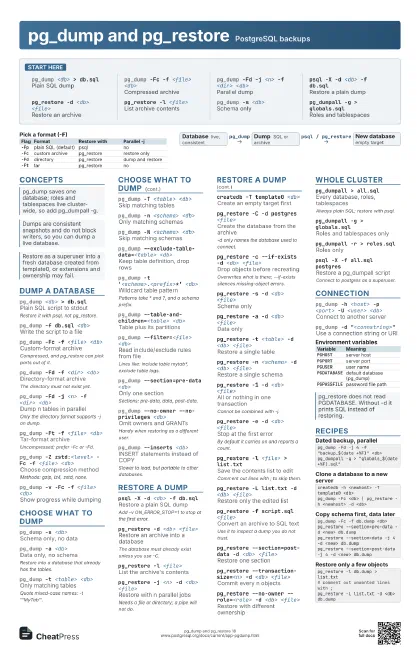
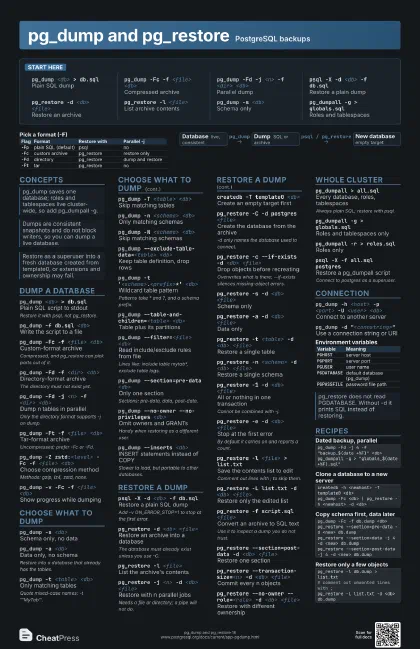
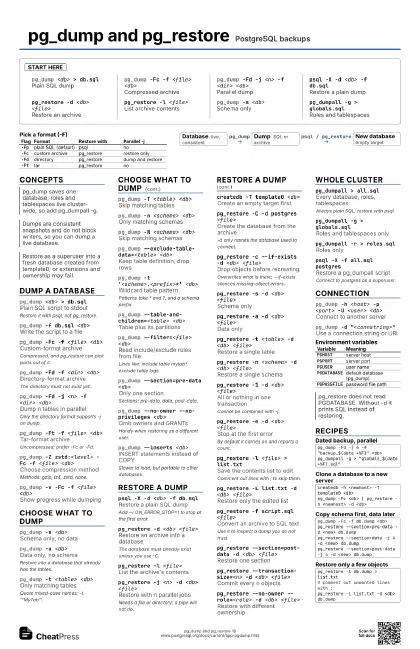
pg_dump <db> > db.sql
Plain SQL dump
pg_dump -Fc -f <file> <db>
Compressed archive
pg_dump -Fd -j <n> -f <dir> <db>
Parallel dump
psql -X -d <db> -f db.sql
Restore a plain dump
pg_restore -d <db> <file>
Restore an archive
pg_restore -l <file>
List archive contents
pg_dump -s <db>
Schema only
pg_dumpall -g > globals.sql
Roles and tablespaces
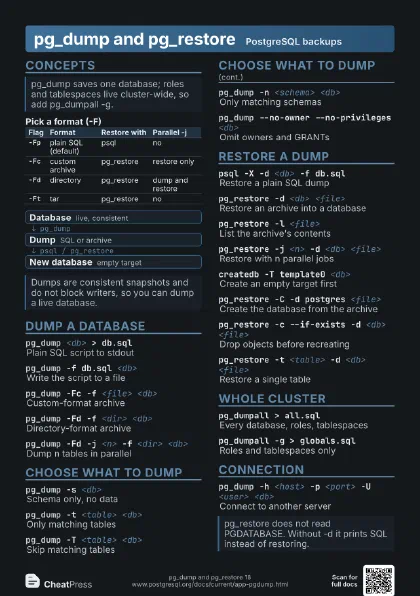
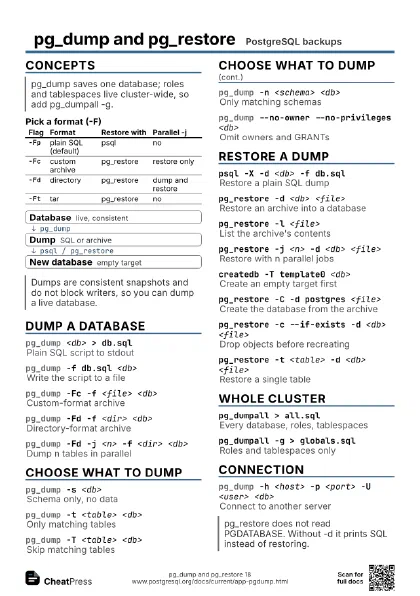
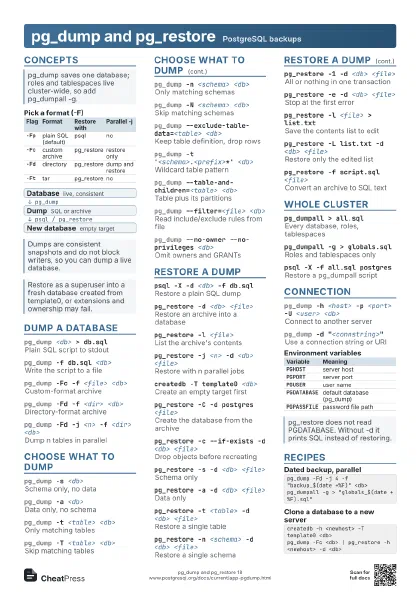
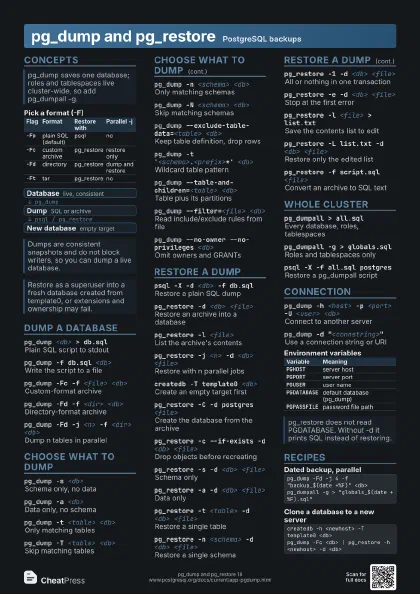
Concepts
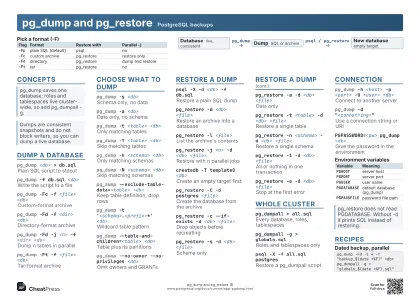
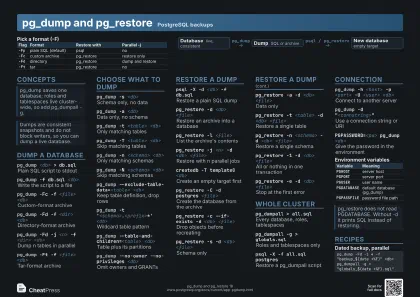
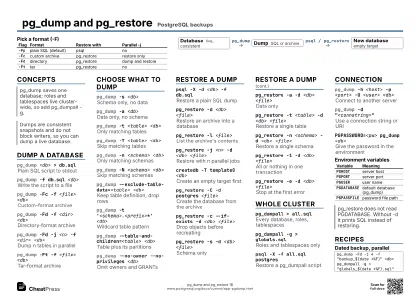
| Flag | Format | Restore with | Parallel -j |
|---|---|---|---|
-Fp |
plain SQL (default) | psql | no |
-Fc |
custom archive | pg_restore | restore only |
-Fd |
directory | pg_restore | dump and restore |
-Ft |
tar | pg_restore | no |
- Database live, consistent
- Dump SQL or archive
- New database empty target
Dump a database
pg_dump <db> > db.sql
Plain SQL script to stdout
Restore it with psql, not pg_restore.
pg_dump -f db.sql <db>
Write the script to a file
pg_dump -Fc -f <file> <db>
Custom-format archive
Compressed, and pg_restore can pick parts out of it.
pg_dump -Fd -f <dir> <db>
Directory-format archive
The directory must not exist yet.
pg_dump -Fd -j <n> -f <dir> <db>
Dump n tables in parallel
Only the directory format supports -j on dump.
pg_dump -Ft -f <file> <db>
Tar-format archive
Uncompressed; prefer -Fc or -Fd.
pg_dump -Z zstd:<level> -Fc -f <file>
                    <db>
Choose compression method
Methods: gzip, lz4, zstd, none.
pg_dump -v -Fc -f <file> <db>
Show progress while dumping
Choose what to dump
pg_dump -s <db>
Schema only, no data
pg_dump -a <db>
Data only, no schema
Restore into a database that already has the tables.
pg_dump -t <table> <db>
Only matching tables
Quote mixed-case names: -t '"MyTab"'.
pg_dump -T <table> <db>
Skip matching tables
pg_dump -n <schema> <db>
Only matching schemas
pg_dump -N <schema> <db>
Skip matching schemas
pg_dump --exclude-table-data=<table> <db>
Keep table definition, drop rows
pg_dump -t '<schema>.<prefix>*'
                    <db>
Wildcard table pattern
Patterns take * and ?, and a schema prefix.
pg_dump --table-and-children=<table> <db>
Table plus its partitions
pg_dump --filter=<file> <db>
Read include/exclude rules from file
Lines like: include table mytab*, exclude table logs.
pg_dump --section=pre-data <db>
Only one section
Sections: pre-data, data, post-data.
pg_dump --no-owner --no-privileges <db>
Omit owners and GRANTs
Handy when restoring as a different user.
pg_dump --strict-names -t <table> <db>
Fail if a pattern matches nothing
pg_dump --inserts <db>
INSERT statements instead of COPY
Slower to load, but portable to other databases.
pg_dump --column-inserts <db>
INSERTs with column names
pg_dump --on-conflict-do-nothing --inserts <db>
Make INSERT dumps re-runnable
Restore a dump
psql -X -d <db> -f db.sql
Restore a plain SQL dump
Add -v ON_ERROR_STOP=1 to stop at the first error.
pg_restore -d <db> <file>
Restore an archive into a database
The database must already exist unless you use -C.
pg_restore -l <file>
List the archive's contents
pg_restore -j <n> -d <db> <file>
Restore with n parallel jobs
Needs a file or directory; a pipe will not do.
createdb -T template0 <db>
Create an empty target first
pg_restore -C -d postgres <file>
Create the database from the archive
-d only names the database used to connect.
pg_restore -c --if-exists -d <db> <file>
Drop objects before recreating
Overwrites what is there; --if-exists silences missing-object
errors.
pg_restore -s -d <db> <file>
Schema only
pg_restore -a -d <db> <file>
Data only
pg_restore -t <table> -d <db>
                    <file>
Restore a single table
pg_restore -n <schema> -d <db>
                    <file>
Restore a single schema
pg_restore -1 -d <db> <file>
All or nothing in one transaction
Cannot be combined with -j.
pg_restore -e -d <db> <file>
Stop at the first error
By default it carries on and reports a count.
pg_restore -l <file> > list.txt
Save the contents list to edit
Comment out lines with ; to skip them.
pg_restore -L list.txt -d <db> <file>
Restore only the edited list
pg_restore -f script.sql <file>
Convert an archive to SQL text
Use it to inspect a dump you do not trust.
pg_restore --section=post-data -d <db>
                    <file>
Restore one section
pg_restore --transaction-size=<n> -d <db>
                    <file>
Commit every n objects
pg_restore --no-owner --role=<role> -d <db>
                    <file>
Restore with different ownership
Whole cluster
pg_dumpall > all.sql
Every database, roles, tablespaces
Always plain SQL; restore with psql.
pg_dumpall -g > globals.sql
Roles and tablespaces only
pg_dumpall -r > roles.sql
Roles only
psql -X -f all.sql postgres
Restore a pg_dumpall script
Connect to postgres as a superuser.
pg_dumpall --clean --if-exists > all.sql
Add DROPs for a full overwrite
Connection
pg_dump -h <host> -p <port> -U <user>
                    <db>
Connect to another server
pg_dump -d "<connstring>"
Use a connection string or URI
PGPASSWORD=<pw> pg_dump <db>
Give the password in the environment
Prefer ~/.pgpass; environment values leak.
pg_dump -w <db>
Never prompt for a password
For scripts and cron.
pg_dump --role=<role> <db>
SET ROLE after connecting
| Variable | Meaning |
|---|---|
PGHOST |
server host |
PGPORT |
server port |
PGUSER |
user name |
PGDATABASE |
default database (pg_dump) |
PGPASSFILE |
password file path |
Recipes
pg_dump -Fd -j 4 -f "backup_$(date +%F)" <db>pg_dumpall -g > "globals_$(date +%F).sql"createdb -h <newhost> -T template0 <db>pg_dump -Fc <db> | pg_restore -h <newhost> -d <db>pg_dump -Fc -f db.dump <db>pg_restore --section=pre-data -d <new> db.dumppg_restore --section=data -j 4 -d <new> db.dumppg_restore --section=post-data -j 4 -d <new> db.dumppg_restore -l db.dump > list.txt# comment out unwanted lines with ;pg_restore -L list.txt -d <db> db.dump