Cheat
PgBouncer Postgres connection pooler
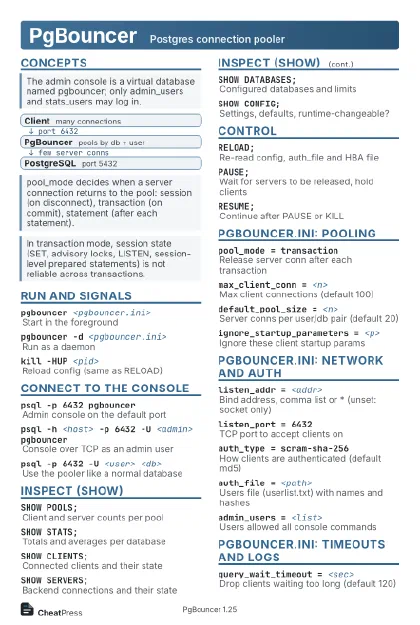 Light · Postcard
102 × 152 mm · PDF
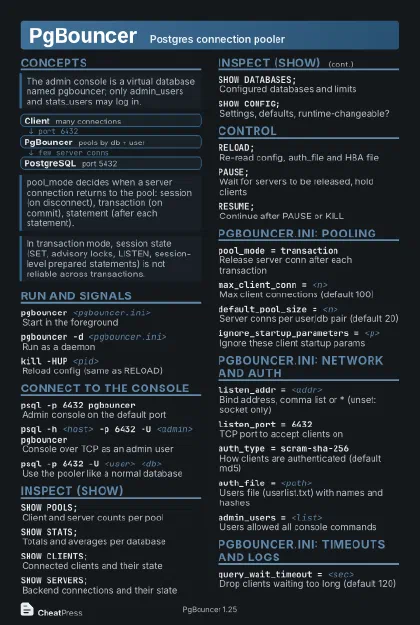 Dark · Postcard
102 × 152 mm · PDF
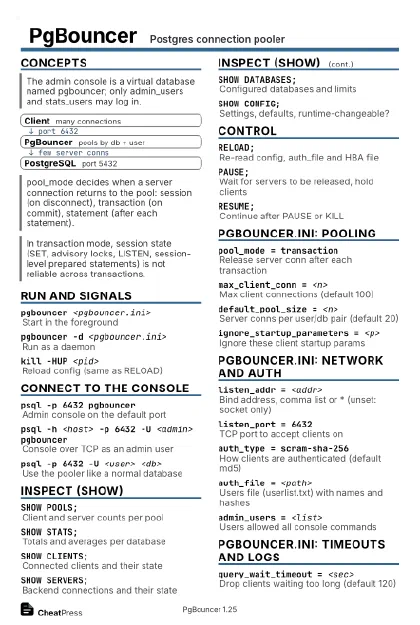 Ink saver · Postcard
102 × 152 mm · PDF
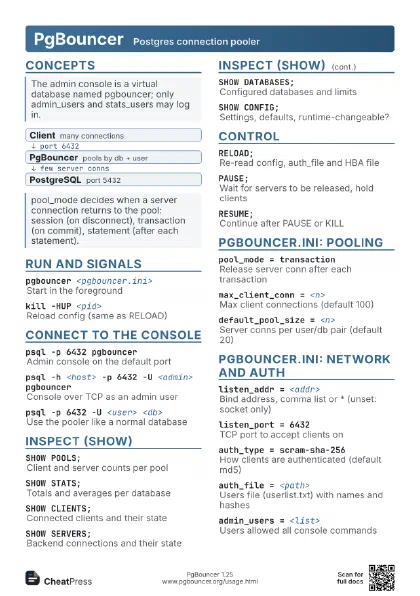
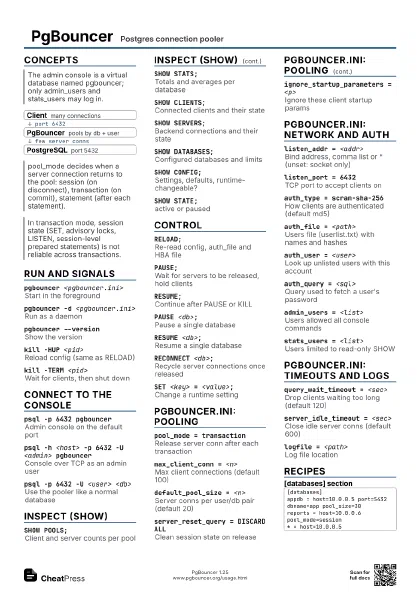
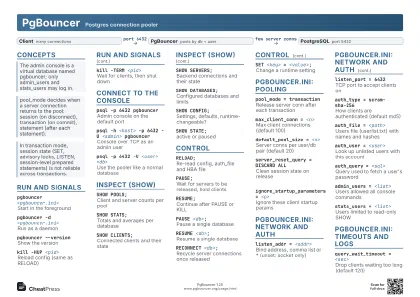 Light · A4 landscape
297 × 210 mm · PDF
 Dark · A4 landscape
297 × 210 mm · PDF
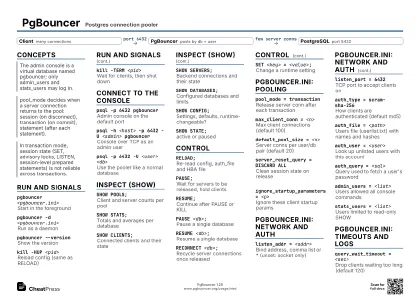 Ink saver · A4 landscape
297 × 210 mm · PDF
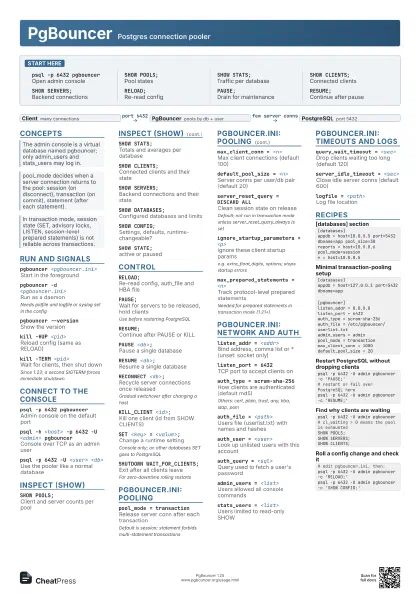

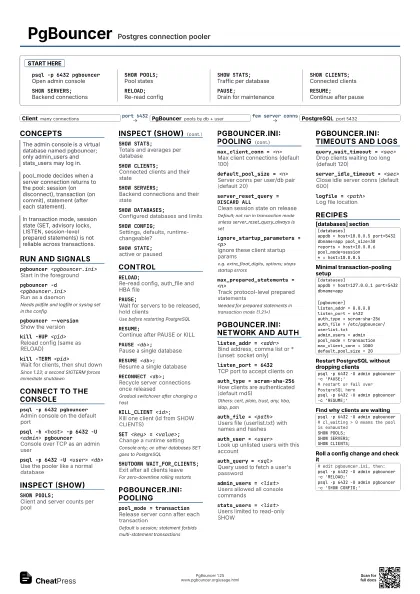
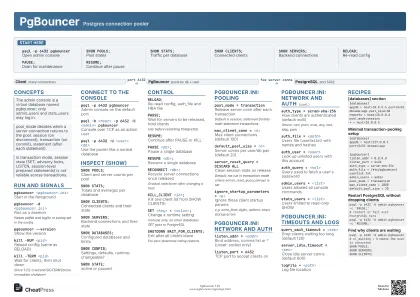 Light · A3 landscape
420 × 297 mm · PDF
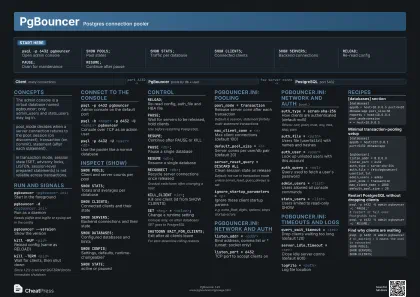 Dark · A3 landscape
420 × 297 mm · PDF
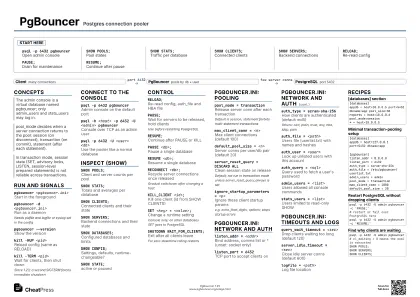 Ink saver · A3 landscape
420 × 297 mm · PDF
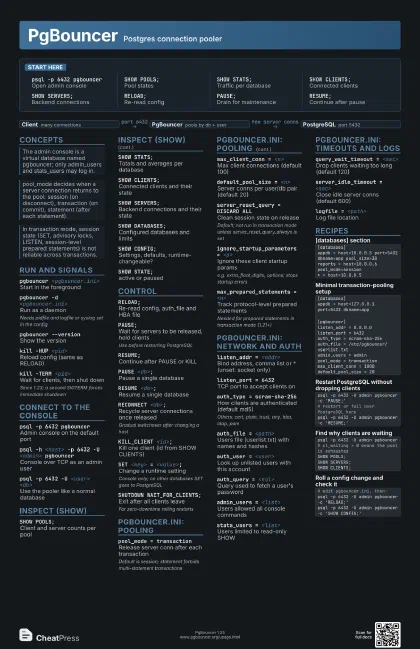
Start here
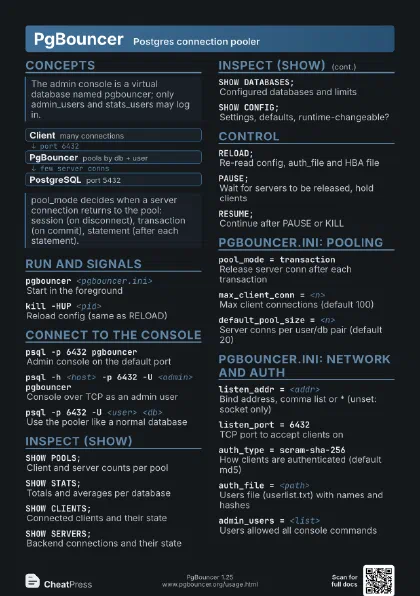
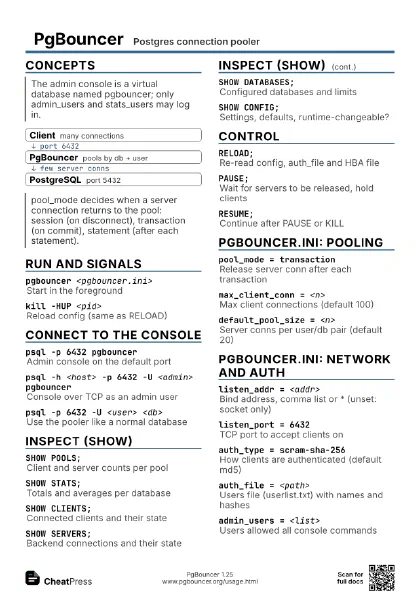
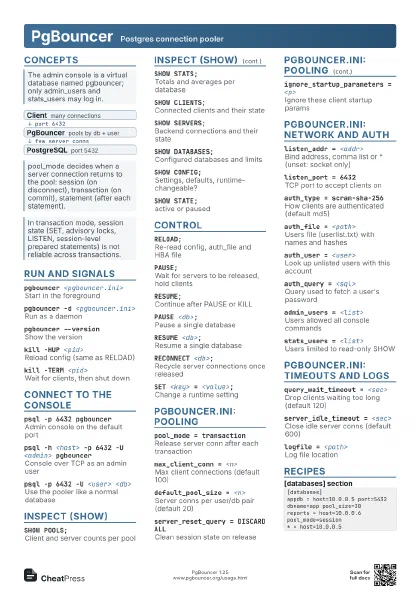
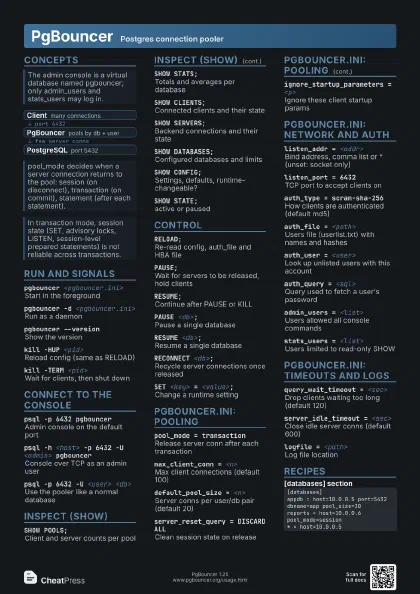
psql -p 6432 pgbouncer
Open admin console
SHOW POOLS;Pool states
SHOW STATS;Traffic per database
SHOW CLIENTS;Connected clients
SHOW SERVERS;Backend connections
RELOAD;Re-read config
PAUSE;Drain for maintenance
RESUME;Continue after pause
Concepts
- Client many connections
- PgBouncer pools by db + user
- PostgreSQL port 5432
Run and signals
pgbouncer <pgbouncer.ini>
Start in the foreground
pgbouncer -d <pgbouncer.ini>
Run as a daemon
Needs pidfile and logfile or syslog set in the config
pgbouncer --version
Show the version
kill -HUP <pid>
Reload config (same as RELOAD)
kill -TERM <pid>
Wait for clients, then shut down
Since 1.23; a second SIGTERM forces immediate shutdown
Connect to the console
psql -p 6432 pgbouncer
Admin console on the default port
psql -h <host> -p 6432 -U <admin>
                    pgbouncer
Console over TCP as an admin user
psql -p 6432 -U <user> <db>
Use the pooler like a normal database
Inspect (SHOW)
SHOW POOLS;Client and server counts per pool
SHOW STATS;Totals and averages per database
SHOW CLIENTS;Connected clients and their state
SHOW SERVERS;Backend connections and their state
SHOW DATABASES;Configured databases and limits
SHOW CONFIG;Settings, defaults, runtime-changeable?
SHOW STATE;active or paused
Control
RELOAD;Re-read config, auth_file and HBA file
PAUSE;
Wait for servers to be released, hold clients
Use before restarting PostgreSQL
RESUME;Continue after PAUSE or KILL
PAUSE <db>;
Pause a single database
RESUME <db>;
Resume a single database
RECONNECT <db>;
Recycle server connections once released
Gradual switchover after changing a host
KILL_CLIENT <id>;
Kill one client (id from SHOW CLIENTS)
SET <key> = <value>;
Change a runtime setting
Console only; on other databases SET goes to PostgreSQL
SHUTDOWN WAIT_FOR_CLIENTS;
Exit after all clients leave
For zero-downtime rolling restarts
pgbouncer.ini: pooling
pool_mode = transaction
Release server conn after each transaction
Default is session; statement forbids multi-statement
transactions
max_client_conn = <n>
Max client connections (default 100)
default_pool_size = <n>
Server conns per user/db pair (default 20)
server_reset_query = DISCARD ALL
Clean session state on release
Default; not run in transaction mode unless
server_reset_query_always is set
ignore_startup_parameters = <p>
Ignore these client startup params
e.g. extra_float_digits, options; stops startup errors
max_prepared_statements = <n>
Track protocol-level prepared statements
Needed for prepared statements in transaction mode (1.21+)
pgbouncer.ini: network and auth
listen_addr = <addr>
Bind address, comma list or * (unset: socket only)
listen_port = 6432
TCP port to accept clients on
auth_type = scram-sha-256
How clients are authenticated (default md5)
Others: cert, plain, trust, any, hba, ldap, pam
auth_file = <path>
Users file (userlist.txt) with names and hashes
auth_user = <user>
Look up unlisted users with this account
auth_query = <sql>
Query used to fetch a user's password
admin_users = <list>
Users allowed all console commands
stats_users = <list>
Users limited to read-only SHOW
pgbouncer.ini: timeouts and logs
query_wait_timeout = <sec>
Drop clients waiting too long (default 120)
server_idle_timeout = <sec>
Close idle server conns (default 600)
logfile = <path>
Log file location
Recipes
[databases]appdb = host=10.0.0.5 port=5432 dbname=app pool_size=30reports = host=10.0.0.6 pool_mode=session* = host=10.0.0.5[databases]appdb = host=127.0.0.1 port=5432 dbname=app[pgbouncer]listen_addr = 0.0.0.0listen_port = 6432auth_type = scram-sha-256auth_file = /etc/pgbouncer/userlist.txtadmin_users = adminpool_mode = transactionmax_client_conn = 1000default_pool_size = 20psql -p 6432 -U admin pgbouncer -c 'PAUSE;'# restart or fail over PostgreSQL herepsql -p 6432 -U admin pgbouncer -c 'RESUME;'psql -p 6432 -U admin pgbouncer# cl_waiting > 0 means the pool is exhaustedSHOW POOLS;SHOW SERVERS;SHOW CLIENTS;# edit pgbouncer.ini, then:psql -p 6432 -U admin pgbouncer -c 'RELOAD;'psql -p 6432 -U admin pgbouncer -c 'SHOW CONFIG;'