Cheat
Packer Machine image builder
 Light · Postcard
102 × 152 mm · PDF
 Dark · Postcard
102 × 152 mm · PDF
 Ink saver · Postcard
102 × 152 mm · PDF
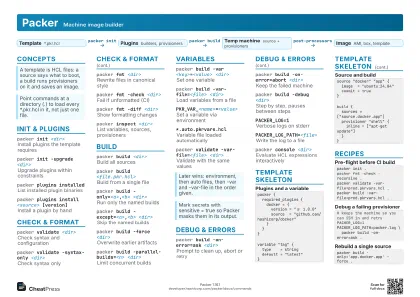 Light · A4 landscape
297 × 210 mm · PDF
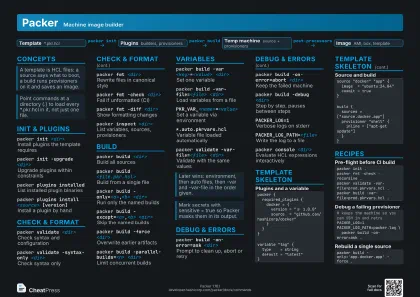 Dark · A4 landscape
297 × 210 mm · PDF
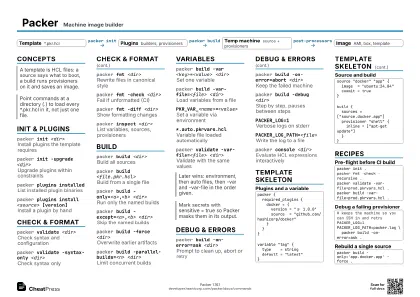 Ink saver · A4 landscape
297 × 210 mm · PDF
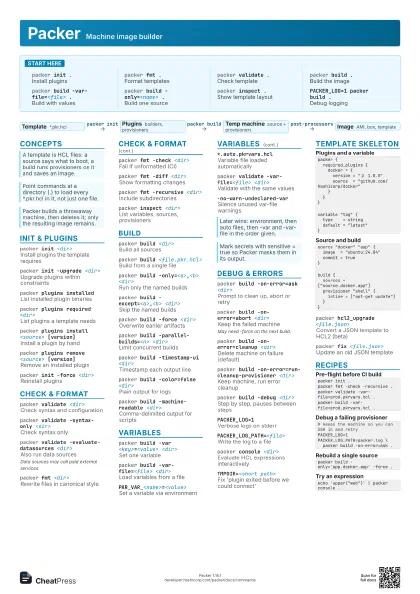
 Light · A3 landscape
420 × 297 mm · PDF
 Dark · A3 landscape
420 × 297 mm · PDF
 Ink saver · A3 landscape
420 × 297 mm · PDF
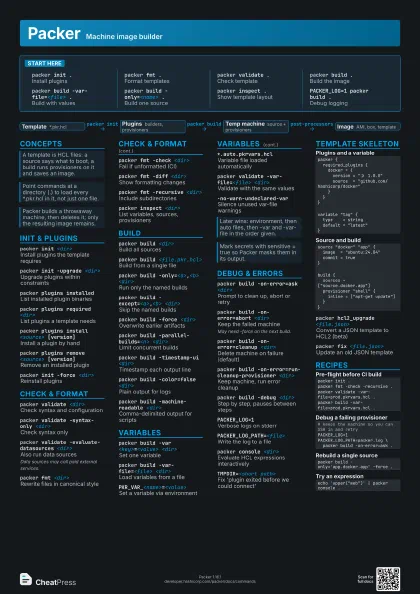
Start here
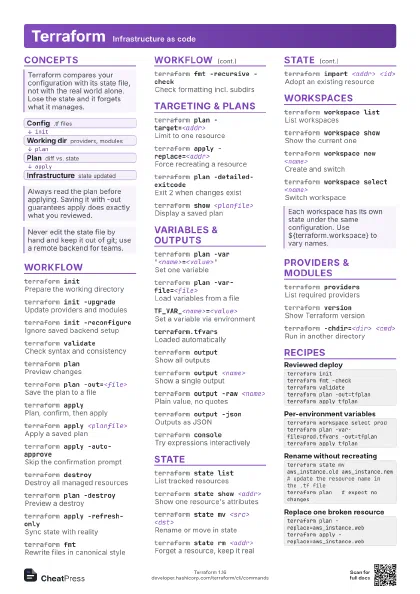
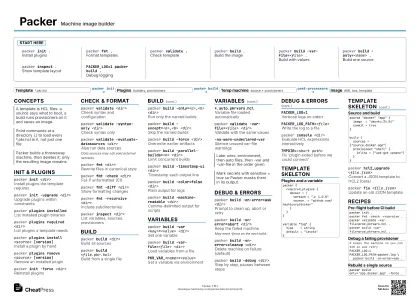
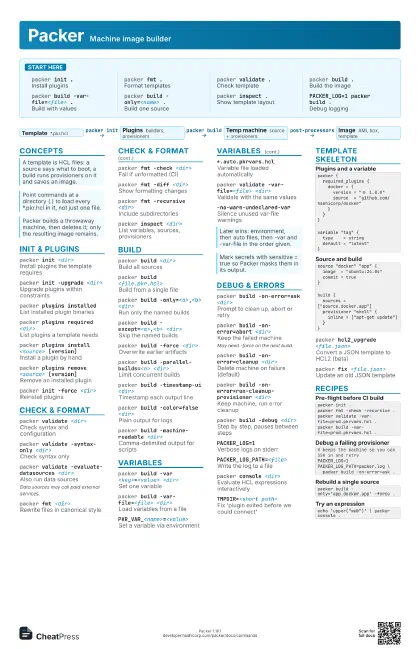
packer init .Install plugins
packer fmt .Format templates
packer validate .
Check template
packer build .Build the image
packer build -var-file=<file> .
Build with values
packer build -only=<name> .
Build one source
packer inspect .
Show template layout
PACKER_LOG=1 packer build .
Debug logging
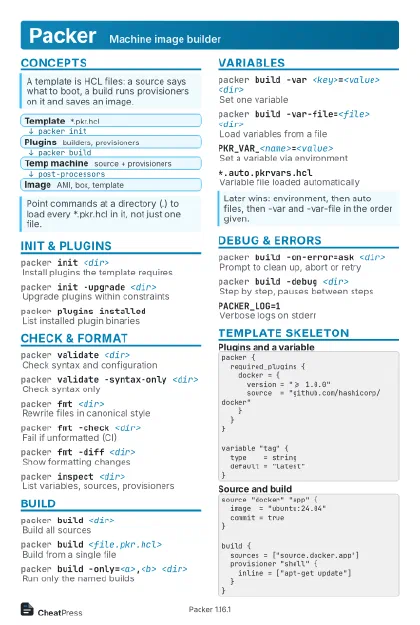
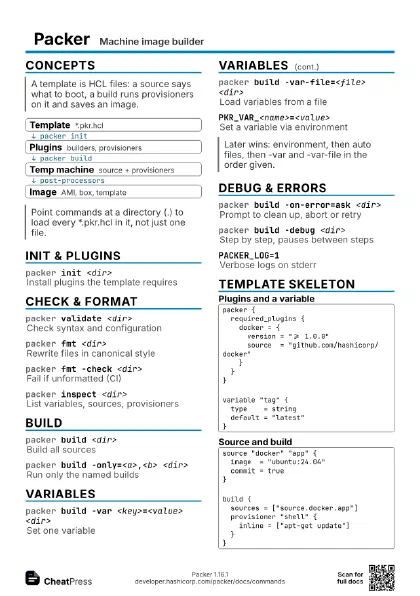
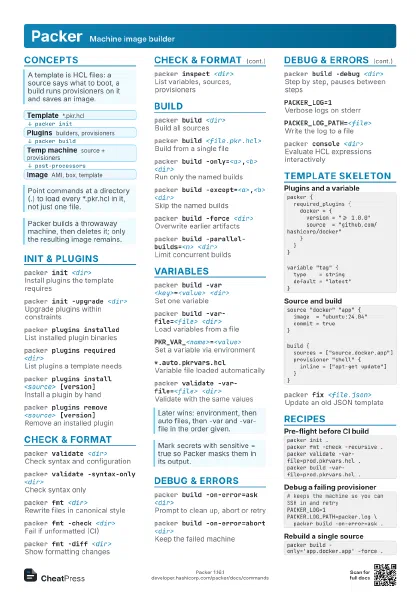
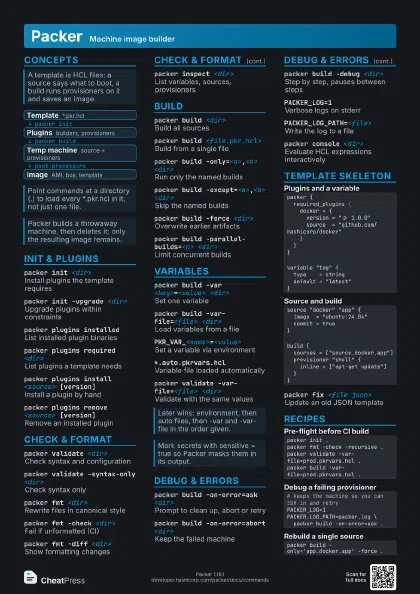
Concepts
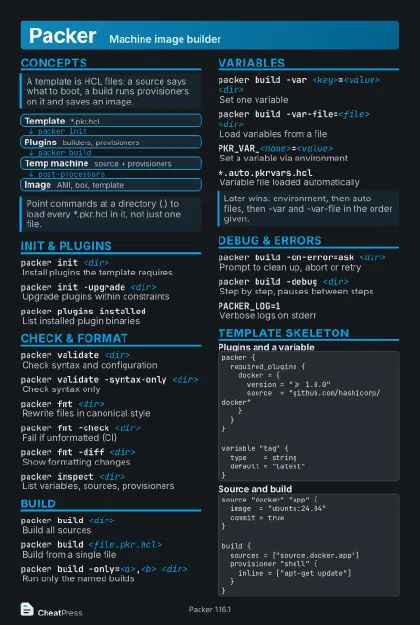
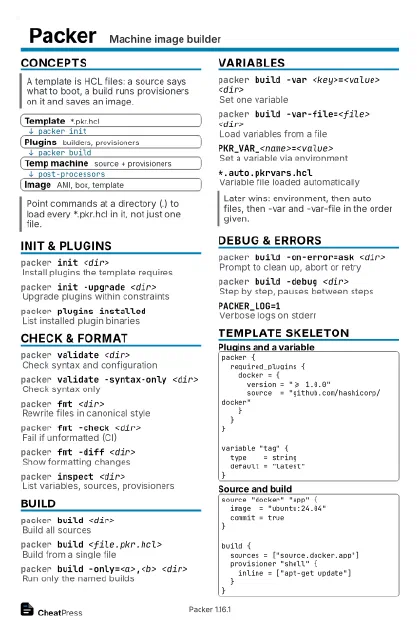
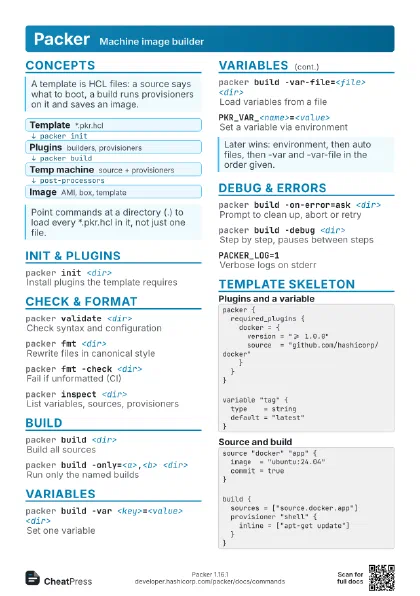
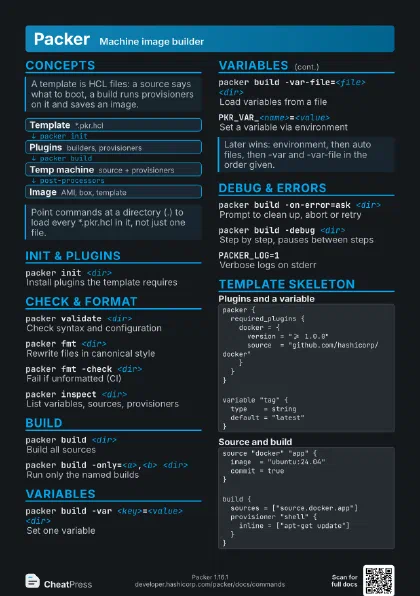
- Template *.pkr.hcl
- Plugins builders, provisioners
- Temp machine source + provisioners
- Image AMI, box, template
Init & plugins
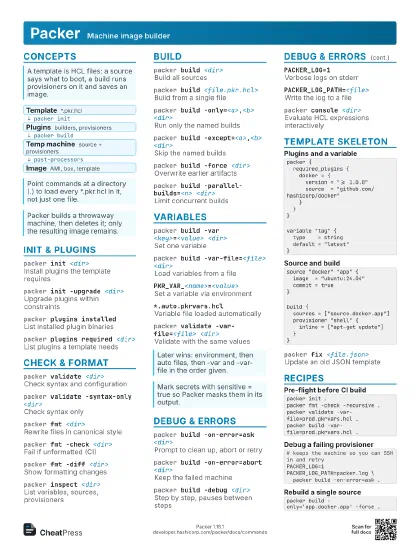
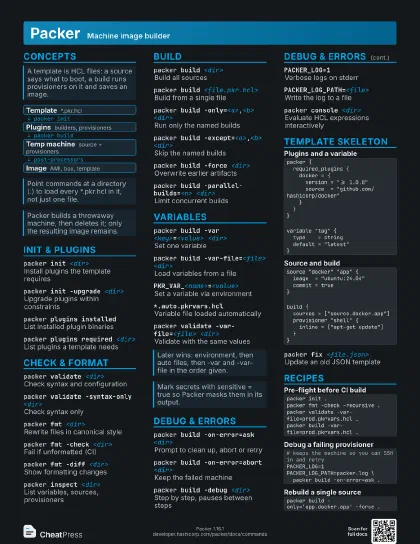
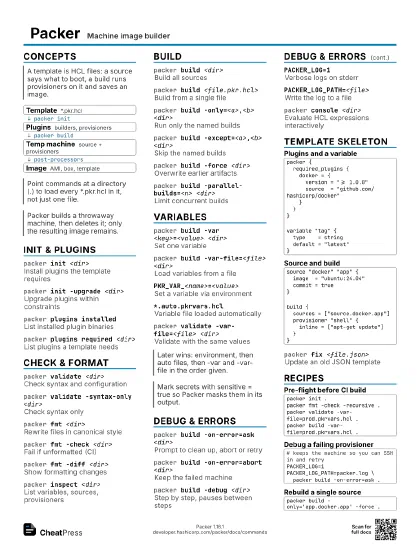
packer init <dir>
Install plugins the template requires
packer init -upgrade <dir>
Upgrade plugins within constraints
packer plugins installed
List installed plugin binaries
packer plugins required <dir>
List plugins a template needs
packer plugins install <source> [version]
Install a plugin by hand
packer plugins remove <source> [version]
Remove an installed plugin
packer init -force <dir>
Reinstall plugins
Check & format
packer validate <dir>
Check syntax and configuration
packer validate -syntax-only <dir>
Check syntax only
packer validate -evaluate-datasources <dir>
Also run data sources
Data sources may call paid external services.
packer fmt <dir>
Rewrite files in canonical style
packer fmt -check <dir>
Fail if unformatted (CI)
packer fmt -diff <dir>
Show formatting changes
packer fmt -recursive <dir>
Include subdirectories
packer inspect <dir>
List variables, sources, provisioners
Build
packer build <dir>
Build all sources
packer build <file.pkr.hcl>
Build from a single file
packer build -only=<a>,<b> <dir>
Run only the named builds
packer build -except=<a>,<b> <dir>
Skip the named builds
packer build -force <dir>
Overwrite earlier artifacts
packer build -parallel-builds=<n> <dir>
Limit concurrent builds
packer build -timestamp-ui <dir>
Timestamp each output line
packer build -color=false <dir>
Plain output for logs
packer build -machine-readable <dir>
Comma-delimited output for scripts
Variables
packer build -var <key>=<value>
                    <dir>
Set one variable
packer build -var-file=<file> <dir>
Load variables from a file
PKR_VAR_<name>=<value>
Set a variable via environment
*.auto.pkrvars.hcl
Variable file loaded automatically
packer validate -var-file=<file> <dir>
Validate with the same values
-no-warn-undeclared-var
Silence unused var-file warnings
Debug & errors
packer build -on-error=ask <dir>
Prompt to clean up, abort or retry
packer build -on-error=abort <dir>
Keep the failed machine
May need -force on the next build.
packer build -on-error=cleanup <dir>
Delete machine on failure (default)
packer build -on-error=run-cleanup-provisioner
                    <dir>
Keep machine, run error cleanup
packer build -debug <dir>
Step by step, pauses between steps
PACKER_LOG=1Verbose logs on stderr
PACKER_LOG_PATH=<file>
Write the log to a file
packer console <dir>
Evaluate HCL expressions interactively
TMPDIR=<short path>
Fix 'plugin exited before we could connect'
Template skeleton
packer { required_plugins { docker = { version = ">= 1.0.0" source = "github.com/hashicorp/docker" } }}variable "tag" { type = string default = "latest"}source "docker" "app" { image = "ubuntu:24.04" commit = true}build { sources = ["source.docker.app"] provisioner "shell" { inline = ["apt-get update"] }}packer hcl2_upgrade <file.json>
Convert a JSON template to HCL2 (beta)
packer fix <file.json>
Update an old JSON template
Recipes
packer init .packer fmt -check -recursive .packer validate -var-file=prod.pkrvars.hcl .packer build -var-file=prod.pkrvars.hcl .# keeps the machine so you can SSH in and retryPACKER_LOG=1 PACKER_LOG_PATH=packer.log \ packer build -on-error=ask .packer build -only='app.docker.app' -force .echo 'upper("web")' | packer console .