Cheat
Vagrant Reproducible dev VMs
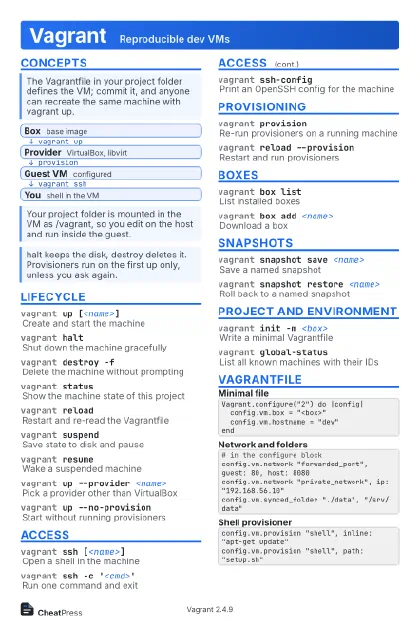 Light · Postcard
102 × 152 mm · PDF
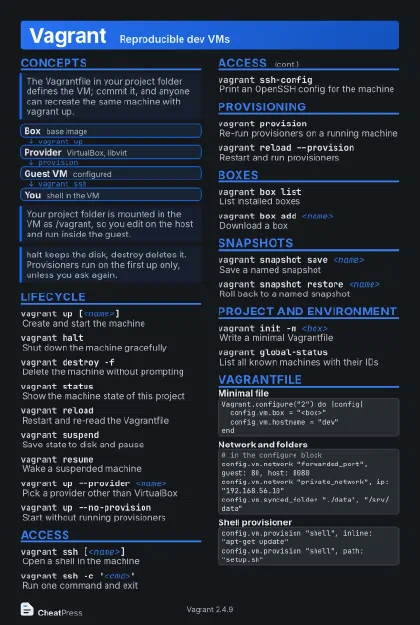 Dark · Postcard
102 × 152 mm · PDF
 Ink saver · Postcard
102 × 152 mm · PDF
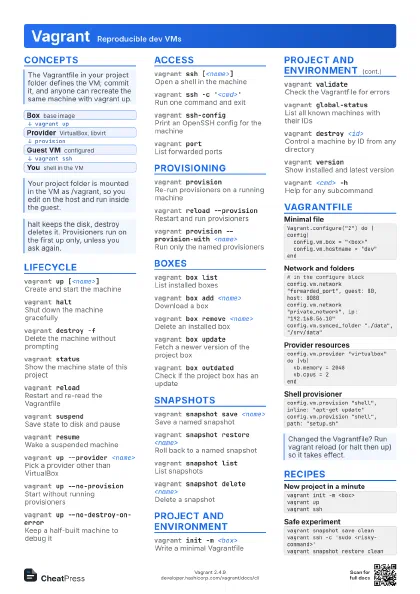
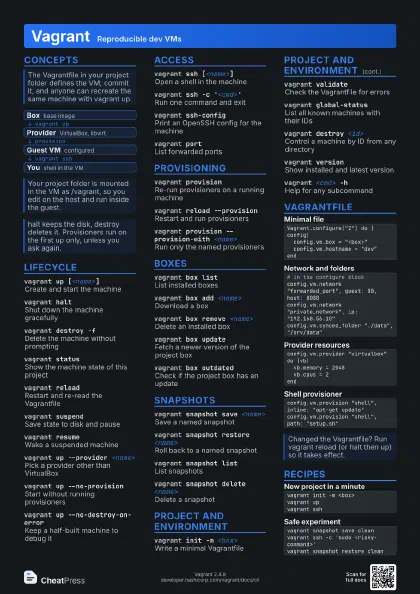
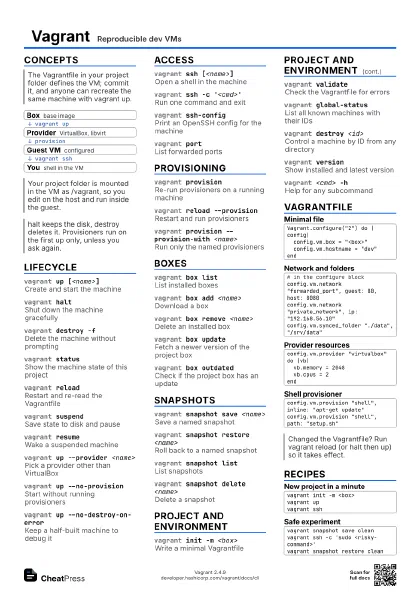
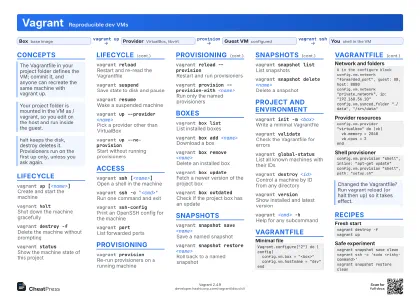 Light · A4 landscape
297 × 210 mm · PDF
 Dark · A4 landscape
297 × 210 mm · PDF
 Ink saver · A4 landscape
297 × 210 mm · PDF
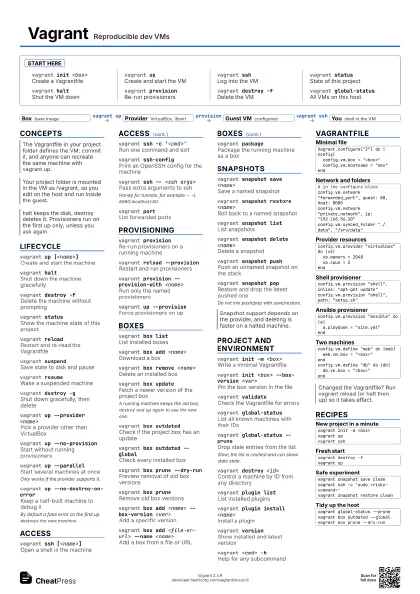
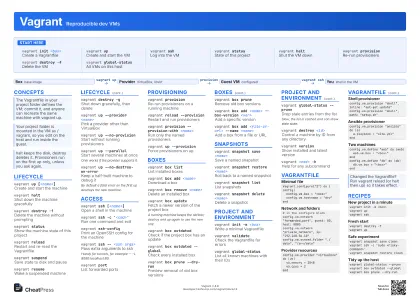 Light · A3 landscape
420 × 297 mm · PDF
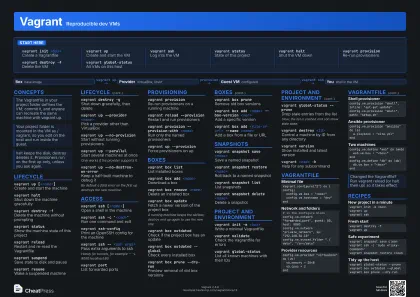 Dark · A3 landscape
420 × 297 mm · PDF
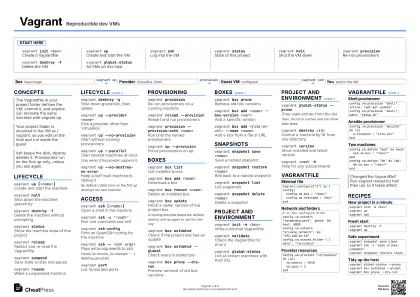 Ink saver · A3 landscape
420 × 297 mm · PDF
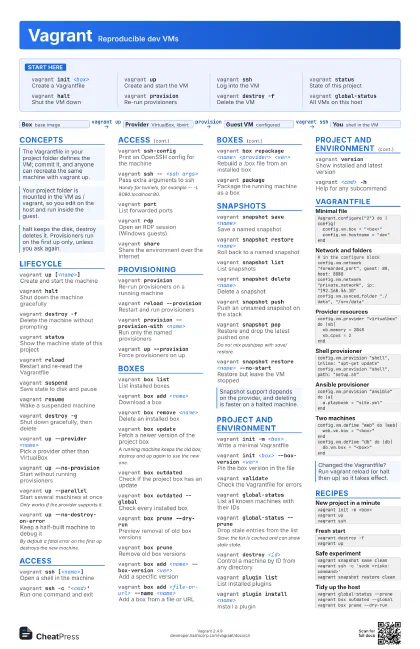
Start here
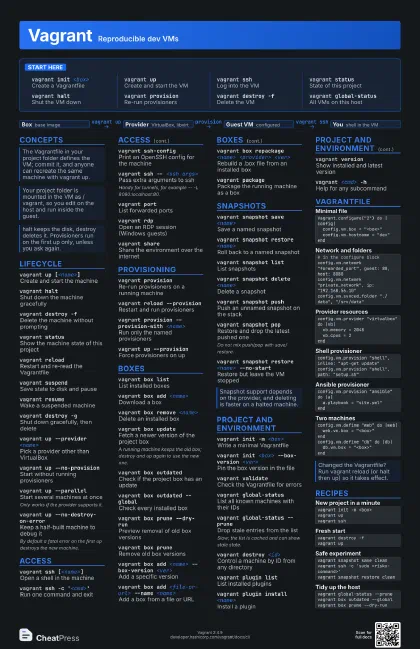
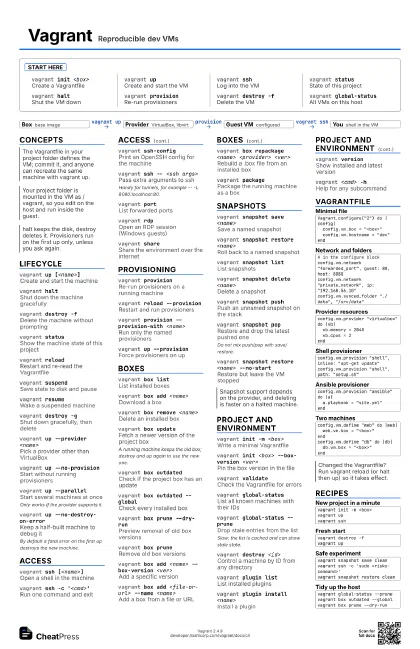
vagrant init <box>
Create a Vagrantfile
vagrant upCreate and start the VM
vagrant sshLog into the VM
vagrant statusState of this project
vagrant haltShut the VM down
vagrant provision
Re-run provisioners
vagrant destroy -f
Delete the VM
vagrant global-status
All VMs on this host
Concepts
- Box base image
- Provider VirtualBox, libvirt
- Guest VM configured
- You shell in the VM
Lifecycle
vagrant up [<name>]
Create and start the machine
vagrant haltShut down the machine gracefully
vagrant destroy -f
Delete the machine without prompting
vagrant statusShow the machine state of this project
vagrant reloadRestart and re-read the Vagrantfile
vagrant suspendSave state to disk and pause
vagrant resumeWake a suspended machine
vagrant destroy -g
Shut down gracefully, then delete
vagrant up --provider <name>
Pick a provider other than VirtualBox
vagrant up --no-provision
Start without running provisioners
vagrant up --parallel
Start several machines at once
Only works if the provider supports it.
vagrant up --no-destroy-on-error
Keep a half-built machine to debug it
By default a fatal error on the first up destroys the new
machine.
Access
vagrant ssh [<name>]
Open a shell in the machine
vagrant ssh -c '<cmd>'
Run one command and exit
vagrant ssh-config
Print an OpenSSH config for the machine
vagrant ssh -- <ssh args>
Pass extra arguments to ssh
Handy for tunnels, for example -- -L 8080:localhost:80.
vagrant portList forwarded ports
vagrant rdpOpen an RDP session (Windows guests)
vagrant shareShare the environment over the internet
Provisioning
vagrant provision
Re-run provisioners on a running machine
vagrant reload --provision
Restart and run provisioners
vagrant provision --provision-with <name>
Run only the named provisioners
vagrant up --provision
Force provisioners on up
Boxes
vagrant box list
List installed boxes
vagrant box add <name>
Download a box
vagrant box remove <name>
Delete an installed box
vagrant box update
Fetch a newer version of the project box
A running machine keeps the old box; destroy and up again to
use the new one.
vagrant box outdated
Check if the project box has an update
vagrant box outdated --global
Check every installed box
vagrant box prune --dry-run
Preview removal of old box versions
vagrant box prune
Remove old box versions
vagrant box add <name> --box-version
                    <ver>
Add a specific version
vagrant box add <file-or-url> --name
                    <name>
Add a box from a file or URL
vagrant box repackage <name> <provider>
                    <ver>
Rebuild a .box file from an installed box
vagrant packagePackage the running machine as a box
Snapshots
vagrant snapshot save <name>
Save a named snapshot
vagrant snapshot restore <name>
Roll back to a named snapshot
vagrant snapshot list
List snapshots
vagrant snapshot delete <name>
Delete a snapshot
vagrant snapshot push
Push an unnamed snapshot on the stack
vagrant snapshot pop
Restore and drop the latest pushed one
Do not mix push/pop with save/restore.
vagrant snapshot restore <name> --no-start
Restore but leave the VM stopped
Project and environment
vagrant init -m <box>
Write a minimal Vagrantfile
vagrant init <box> --box-version <ver>
Pin the box version in the file
vagrant validate
Check the Vagrantfile for errors
vagrant global-status
List all known machines with their IDs
vagrant global-status --prune
Drop stale entries from the list
Slow; the list is cached and can show stale state.
vagrant destroy <id>
Control a machine by ID from any directory
vagrant plugin list
List installed plugins
vagrant plugin install <name>
Install a plugin
vagrant versionShow installed and latest version
vagrant <cmd> -h
Help for any subcommand
Vagrantfile
Vagrant.configure("2") do |config| config.vm.box = "<box>" config.vm.hostname = "dev"end# in the configure blockconfig.vm.network "forwarded_port", guest: 80, host: 8080config.vm.network "private_network", ip: "192.168.56.10"config.vm.synced_folder "./data", "/srv/data"config.vm.provider "virtualbox" do |vb| vb.memory = 2048 vb.cpus = 2endconfig.vm.provision "shell", inline: "apt-get update"config.vm.provision "shell", path: "setup.sh"config.vm.provision "ansible" do |a| a.playbook = "site.yml"endconfig.vm.define "web" do |web| web.vm.box = "<box>"endconfig.vm.define "db" do |db| db.vm.box = "<box>"endRecipes
vagrant init -m <box>vagrant upvagrant sshvagrant destroy -fvagrant upvagrant snapshot save cleanvagrant ssh -c 'sudo <risky-command>'vagrant snapshot restore cleanvagrant global-status --prunevagrant box outdated --globalvagrant box prune --dry-run