Cheat
OpenVPN Community VPN daemon
 Light · Postcard
102 × 152 mm · PDF
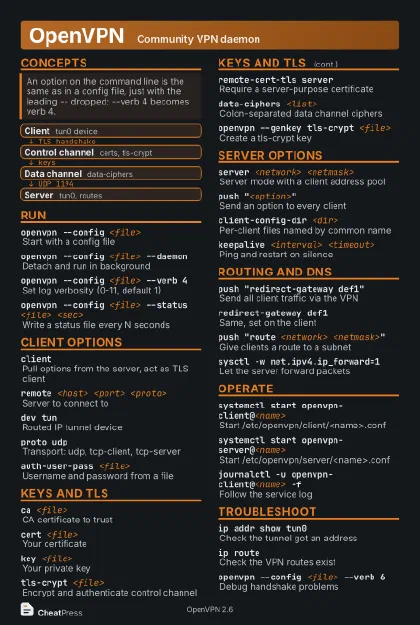 Dark · Postcard
102 × 152 mm · PDF
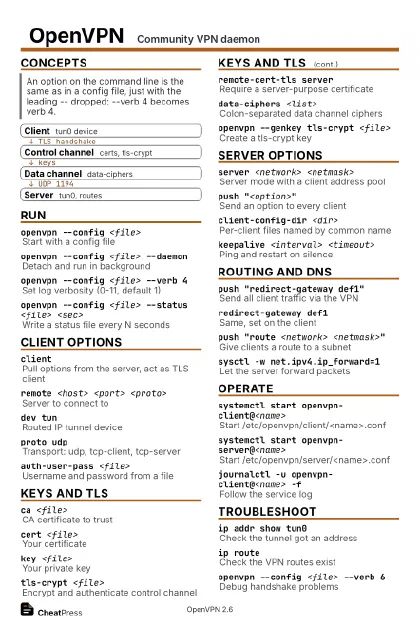 Ink saver · Postcard
102 × 152 mm · PDF
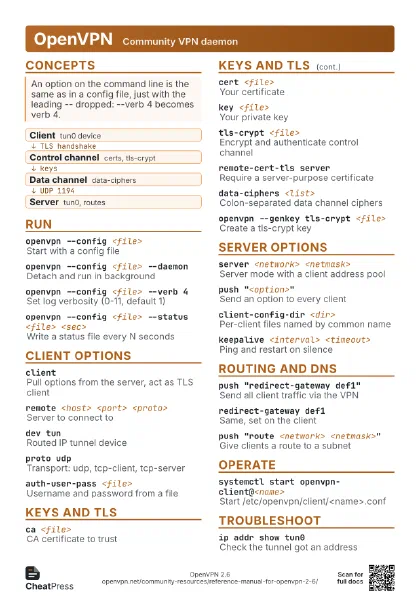
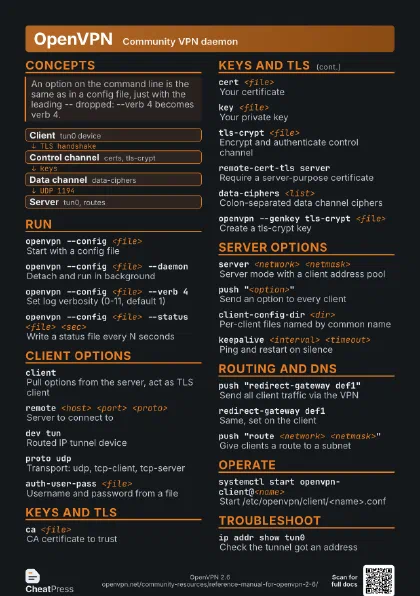
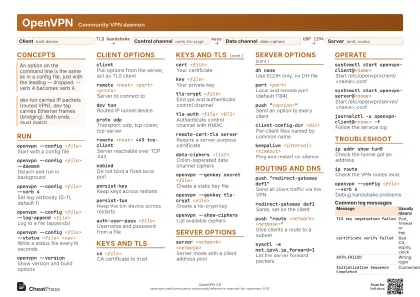 Light · A4 landscape
297 × 210 mm · PDF
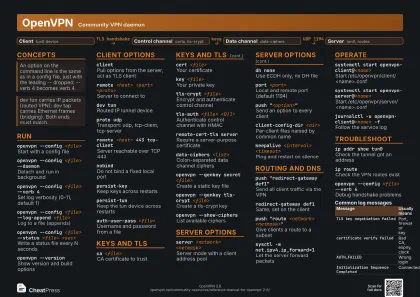 Dark · A4 landscape
297 × 210 mm · PDF
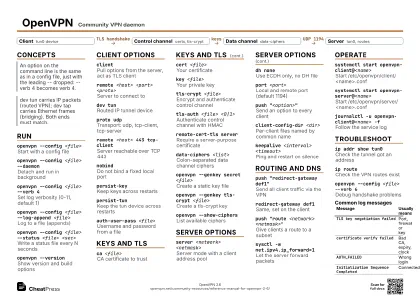 Ink saver · A4 landscape
297 × 210 mm · PDF
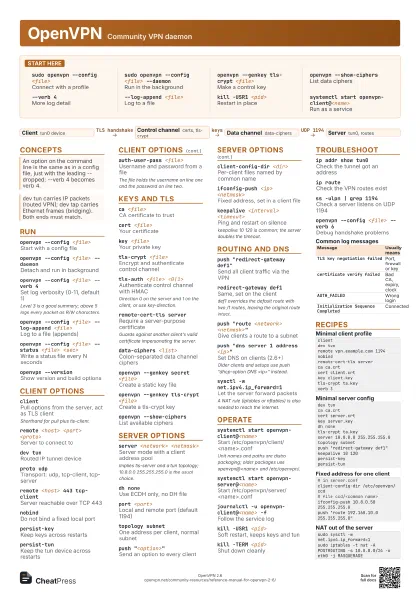
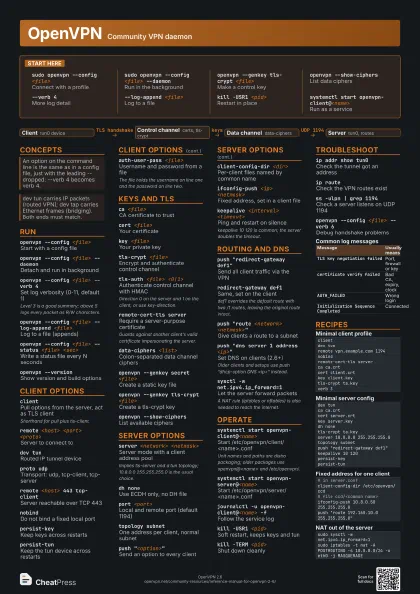
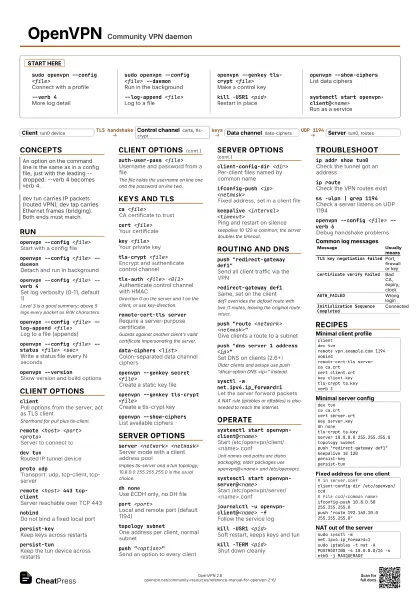
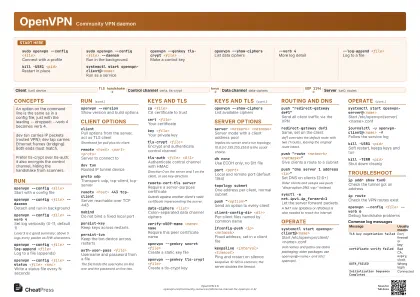 Light · A3 landscape
420 × 297 mm · PDF
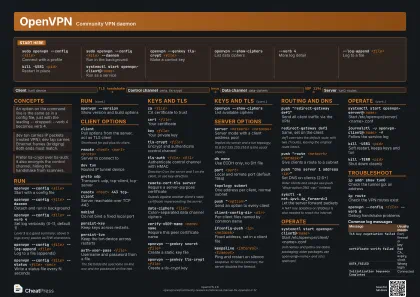 Dark · A3 landscape
420 × 297 mm · PDF
 Ink saver · A3 landscape
420 × 297 mm · PDF
Start here
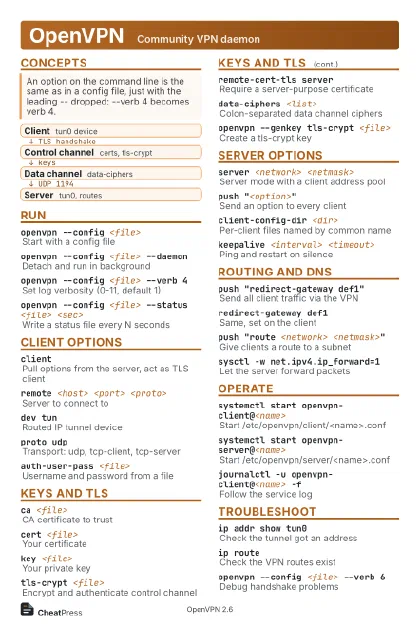
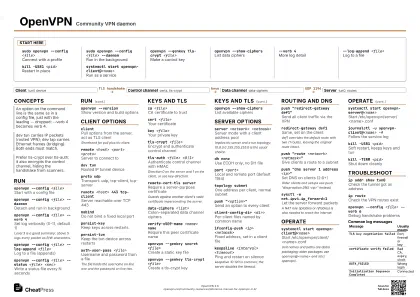
sudo openvpn --config <file>
Connect with a profile
sudo openvpn --config <file> --daemon
Run in the background
openvpn --genkey tls-crypt <file>
Make a control key
openvpn --show-ciphers
List data ciphers
--verb 4More log detail
--log-append <file>
Log to a file
kill -USR1 <pid>
Restart in place
systemctl start openvpn-client@<name>
Run as a service
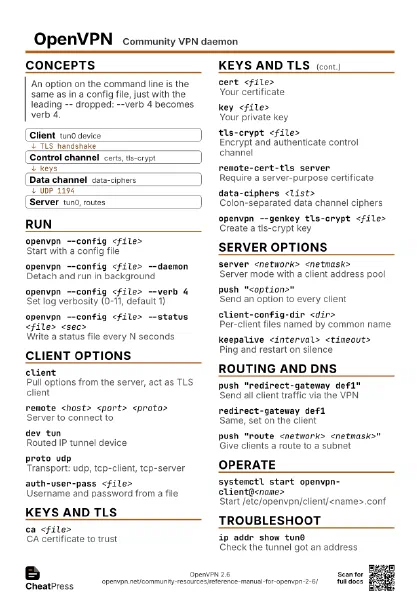
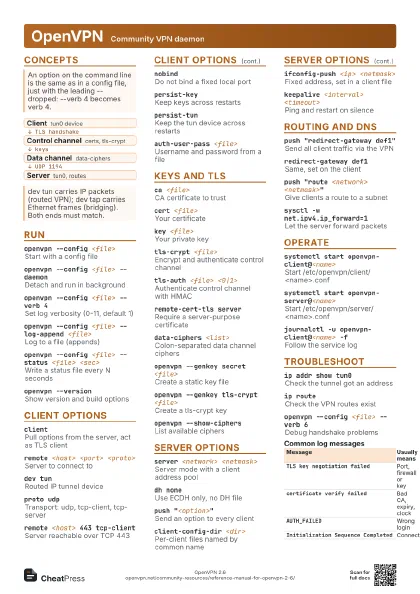
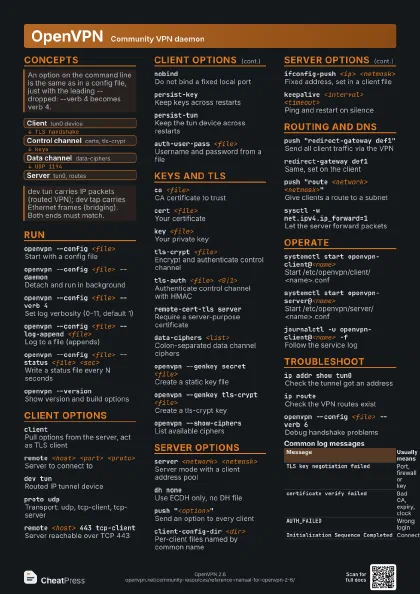
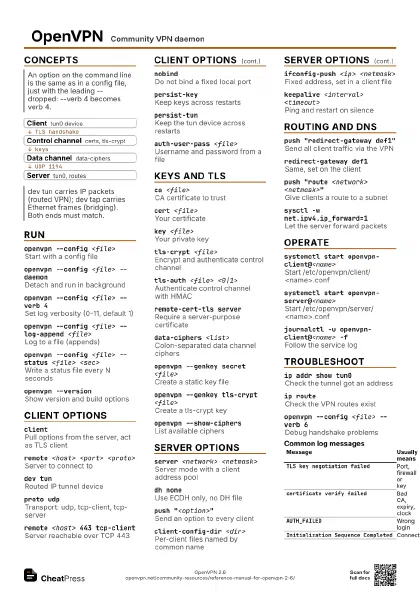
Concepts
- Client tun0 device
- Control channel certs, tls-crypt
- Data channel data-ciphers
- Server tun0, routes
Run
openvpn --config <file>
Start with a config file
openvpn --config <file> --daemon
Detach and run in background
openvpn --config <file> --verb 4
Set log verbosity (0-11, default 1)
Level 3 is a good summary; above 5 logs every packet as R/W
characters.
openvpn --config <file> --log-append
                    <file>
Log to a file (appends)
openvpn --config <file> --status <file>
                    <sec>
Write a status file every N seconds
openvpn --version
Show version and build options
Client options
client
Pull options from the server, act as TLS client
Shorthand for pull plus tls-client.
remote <host> <port> <proto>
Server to connect to
dev tunRouted IP tunnel device
proto udpTransport: udp, tcp-client, tcp-server
remote <host> 443 tcp-client
Server reachable over TCP 443
nobindDo not bind a fixed local port
persist-keyKeep keys across restarts
persist-tunKeep the tun device across restarts
auth-user-pass <file>
Username and password from a file
The file holds the username on line one and the password on
line two.
Keys and TLS
ca <file>CA certificate to trust
cert <file>
Your certificate
key <file>
Your private key
tls-crypt <file>
Encrypt and authenticate control channel
tls-auth <file> <0|1>
Authenticate control channel with HMAC
Direction 0 on the server and 1 on the client, or use
key-direction.
remote-cert-tls server
Require a server-purpose certificate
Guards against another client's valid certificate
impersonating the server.
data-ciphers <list>
Colon-separated data channel ciphers
verify-x509-name <name> name
Require this peer certificate name
openvpn --genkey secret <file>
Create a static key file
openvpn --genkey tls-crypt <file>
Create a tls-crypt key
openvpn --show-ciphers
List available ciphers
Server options
server <network> <netmask>
Server mode with a client address pool
Implies tls-server and a tun topology; 10.8.0.0 255.255.255.0
is the usual choice.
dh noneUse ECDH only, no DH file
port <port>
Local and remote port (default 1194)
topology subnetOne address per client, normal subnet
push "<option>"
Send an option to every client
client-config-dir <dir>
Per-client files named by common name
ifconfig-push <ip> <netmask>
Fixed address, set in a client file
keepalive <interval> <timeout>
Ping and restart on silence
keepalive 10 120 is common; the server doubles the timeout.
Routing and DNS
push "redirect-gateway def1"
Send all client traffic via the VPN
redirect-gateway def1
Same, set on the client
def1 overrides the default route with two /1 routes, leaving
the original route intact.
push "route <network> <netmask>"
Give clients a route to a subnet
push "dns server 1 address <ip>"
Set DNS on clients (2.6+)
Older clients and setups use push "dhcp-option DNS
<ip>" instead.
sysctl -w net.ipv4.ip_forward=1
Let the server forward packets
A NAT rule (iptables or nftables) is also needed to reach the
internet.
Operate
systemctl start openvpn-client@<name>
Start /etc/openvpn/client/<name>.conf
Unit names and paths are distro packaging; older packages use
openvpn@<name> and /etc/openvpn/.
systemctl start openvpn-server@<name>
Start /etc/openvpn/server/<name>.conf
journalctl -u openvpn-client@<name> -f
Follow the service log
kill -USR1 <pid>
Soft restart, keeps keys and tun
kill -TERM <pid>
Shut down cleanly
management 127.0.0.1 7505
Expose a management console
Troubleshoot
ip addr show tun0
Check the tunnel got an address
ip routeCheck the VPN routes exist
ss -ulpn | grep 1194
Check a server listens on UDP 1194
openvpn --config <file> --verb 6
Debug handshake problems
| Message | Usually means |
|---|---|
TLS key negotiation failed |
Port, firewall or key |
certificate verify failed |
Bad CA, expiry, clock |
AUTH_FAILED |
Wrong login |
Initialization Sequence Completed |
Connected |
Recipes
clientdev tunremote vpn.example.com 1194nobindremote-cert-tls serverca ca.crtcert client.crtkey client.keytls-crypt ta.keyverb 3dev tunca ca.crtcert server.crtkey server.keydh nonetls-crypt ta.keyserver 10.8.0.0 255.255.255.0topology subnetpush "redirect-gateway def1"keepalive 10 120persist-keypersist-tun# in server.confclient-config-dir /etc/openvpn/ccd# file ccd/<common name>ifconfig-push 10.8.0.50 255.255.255.0push "route 192.168.10.0 255.255.255.0"sudo sysctl -w net.ipv4.ip_forward=1sudo iptables -t nat -A POSTROUTING -s 10.8.0.0/24 -o eth0 -j MASQUERADE