Cheat
Obsidian Windows / Linux hotkeys
 Light · Postcard
102 × 152 mm · PDF
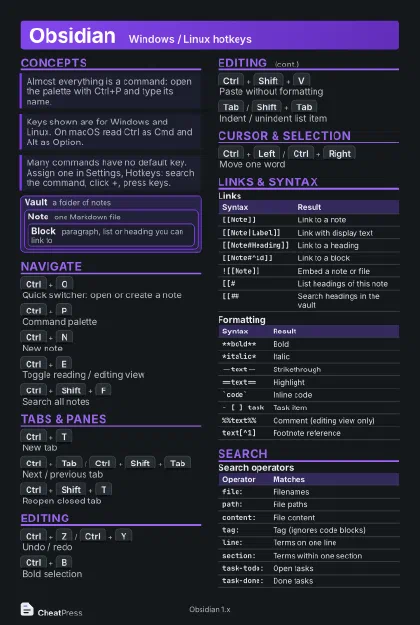 Dark · Postcard
102 × 152 mm · PDF
 Ink saver · Postcard
102 × 152 mm · PDF
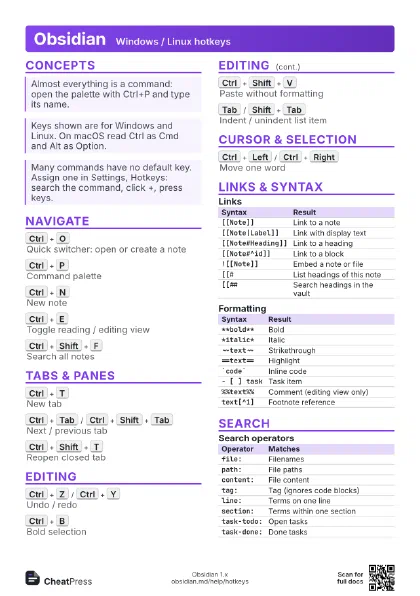
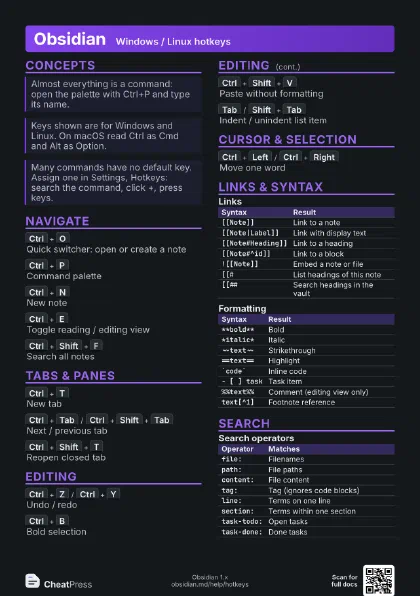
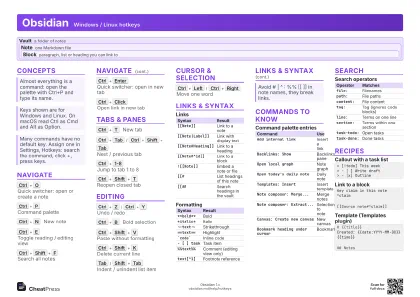 Light · A4 landscape
297 × 210 mm · PDF
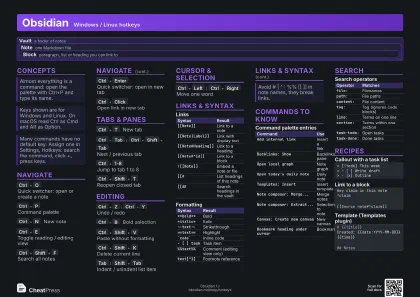 Dark · A4 landscape
297 × 210 mm · PDF
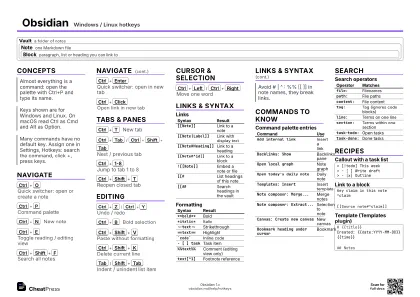 Ink saver · A4 landscape
297 × 210 mm · PDF
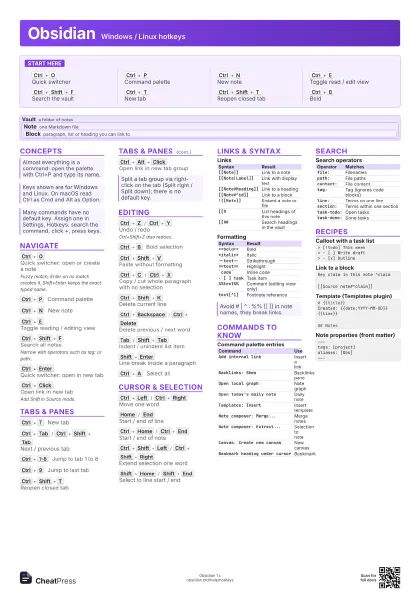
 Light · A3 landscape
420 × 297 mm · PDF
 Dark · A3 landscape
420 × 297 mm · PDF
 Ink saver · A3 landscape
420 × 297 mm · PDF
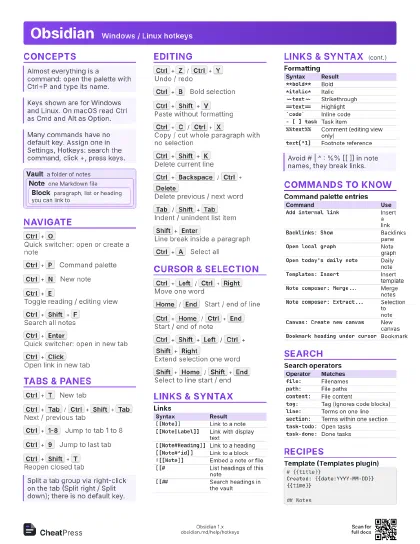
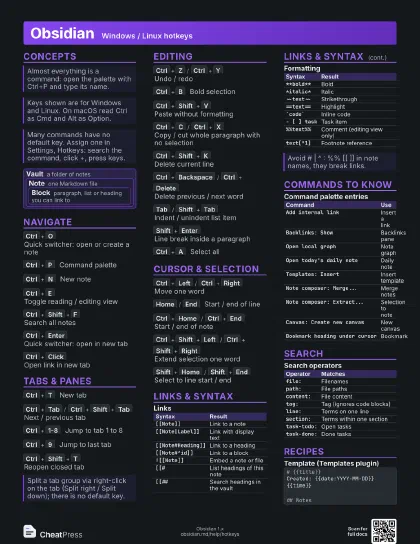
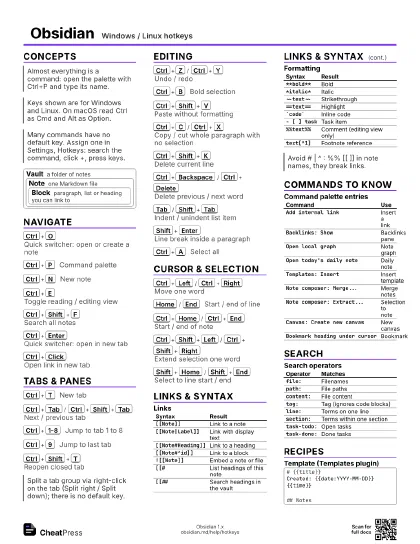
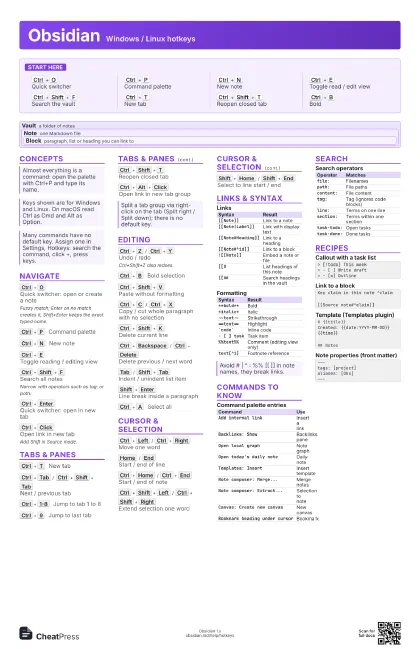
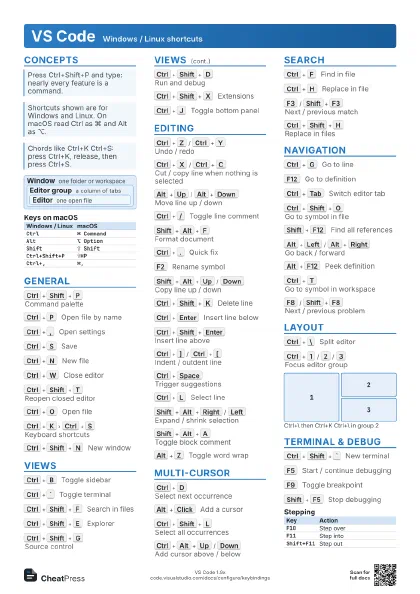
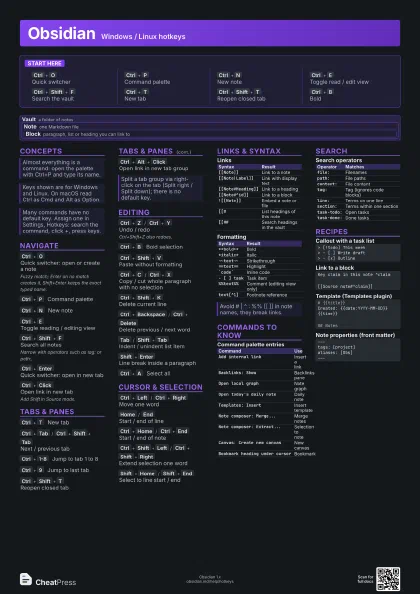
Start here
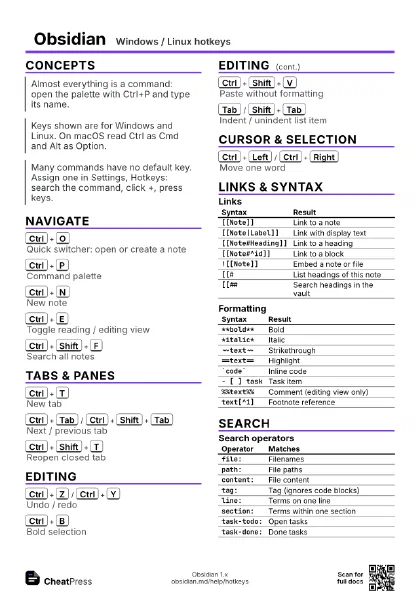
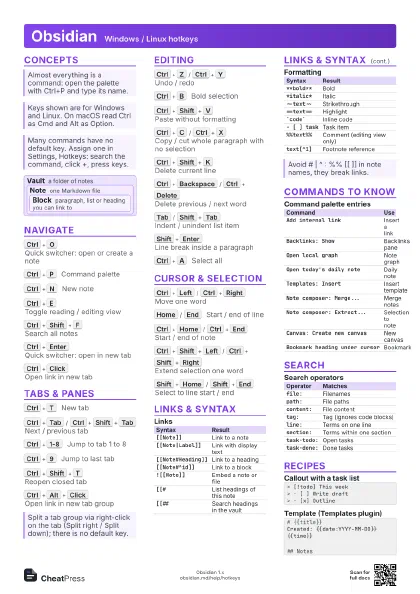
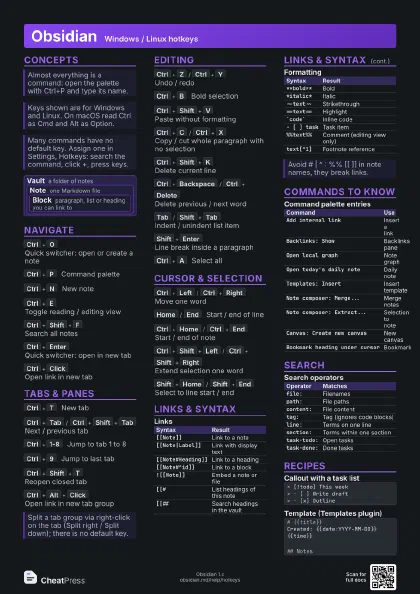
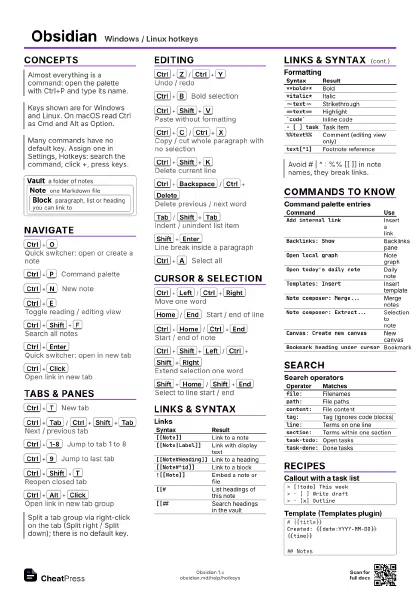
Ctrl+O
Quick switcher
Ctrl+P
Command palette
Ctrl+N
New note
Ctrl+E
Toggle read / edit view
Ctrl+Shift+F
Search the vault
Ctrl+T
New tab
Ctrl+Shift+T
Reopen closed tab
Ctrl+B
Bold
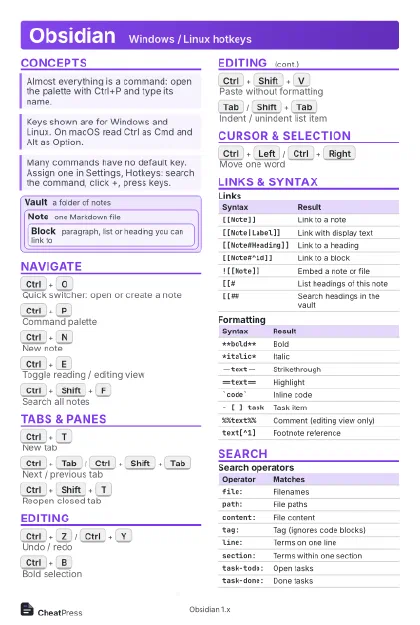
Concepts
Vault a folder of notes
Note one Markdown file
Block
paragraph, list or heading you can link to
Navigate
Ctrl+O
Quick switcher: open or create a note
Fuzzy match; Enter on no match creates it, Shift+Enter
keeps the exact typed name.
Ctrl+P
Command palette
Ctrl+N
New note
Ctrl+E
Toggle reading / editing view
Ctrl+Shift+F
Search all notes
Narrow with operators such as tag: or path:.
Ctrl+Enter
Quick switcher: open in new tab
Ctrl+Click
Open link in new tab
Add Shift in Source mode.
Tabs & Panes
Ctrl+T
New tab
Ctrl+Tab
/
Ctrl+Shift+Tab
Next / previous tab
Ctrl+1-8
Jump to tab 1 to 8
Ctrl+9
Jump to last tab
Ctrl+Shift+T
Reopen closed tab
Ctrl+Alt+Click
Open link in new tab group
Editing
Ctrl+Z
/
Ctrl+Y
Undo / redo
Ctrl+Shift+Z also redoes.
Ctrl+B
Bold selection
Ctrl+Shift+V
Paste without formatting
Ctrl+C
/
Ctrl+X
Copy / cut whole paragraph with no selection
Ctrl+Shift+K
Delete current line
Ctrl+Backspace
/
Ctrl+Delete
Delete previous / next word
Tab
/
Shift+Tab
Indent / unindent list item
Shift+Enter
Line break inside a paragraph
Ctrl+A
Select all
Cursor & Selection
Ctrl+Left
/
Ctrl+Right
Move one word
Home
/
End
Start / end of line
Ctrl+Home
/
Ctrl+End
Start / end of note
Ctrl+Shift+Left
/
Ctrl+Shift+Right
Extend selection one word
Shift+Home
/
Shift+End
Select to line start / end
Links & Syntax
| Syntax | Result |
|---|---|
[[Note]] |
Link to a note |
[[Note|Label]] |
Link with display text |
[[Note#Heading]] |
Link to a heading |
[[Note#^id]] |
Link to a block |
![[Note]] |
Embed a note or file |
[[# |
List headings of this note |
[[## |
Search headings in the vault |
| Syntax | Result |
|---|---|
**bold** |
Bold |
*italic* |
Italic |
~~text~~ |
Strikethrough |
==text== |
Highlight |
`code` |
Inline code |
- [ ] task |
Task item |
%%text%% |
Comment (editing view only) |
text[^1] |
Footnote reference |
Commands to Know
| Command | Use |
|---|---|
Add internal link |
Insert a link |
Backlinks: Show |
Backlinks pane |
Open local graph |
Note graph |
Open today's daily note |
Daily note |
Templates: Insert |
Insert template |
Note composer: Merge... |
Merge notes |
Note composer: Extract... |
Selection to note |
Canvas: Create new canvas |
New canvas |
Bookmark heading under cursor |
Bookmark |
Search
| Operator | Matches |
|---|---|
file: |
Filenames |
path: |
File paths |
content: |
File content |
tag: |
Tag (ignores code blocks) |
line: |
Terms on one line |
section: |
Terms within one section |
task-todo: |
Open tasks |
task-done: |
Done tasks |
Recipes
> [!todo] This week> - [ ] Write draft> - [x] OutlineKey claim in this note ^claim[[Source note#^claim]]# {{title}}Created: {{date:YYYY-MM-DD}} {{time}}## Notes---tags: [project]aliases: [Obs]---