Cheat
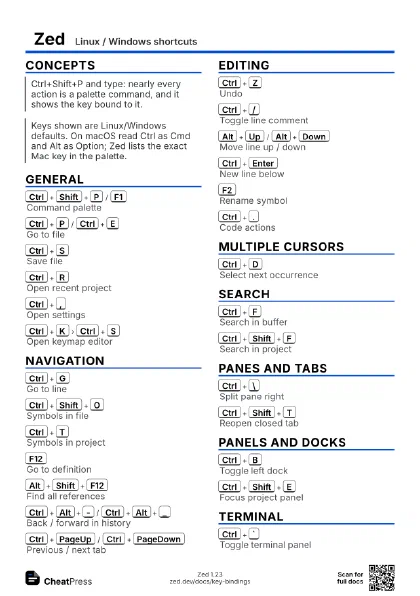
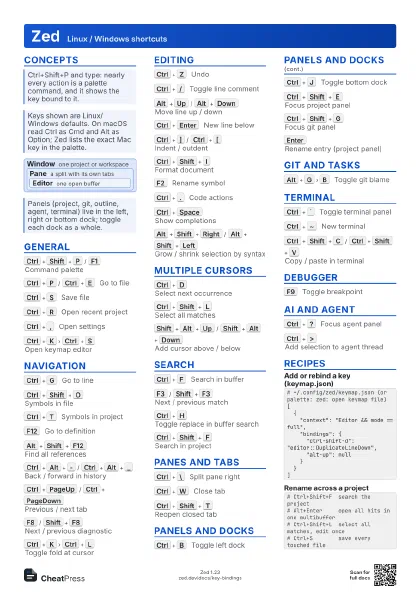
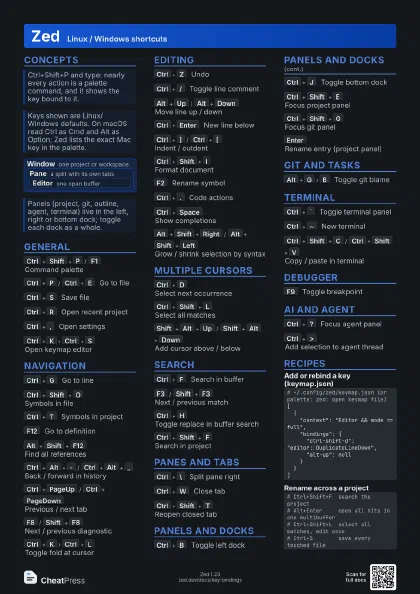
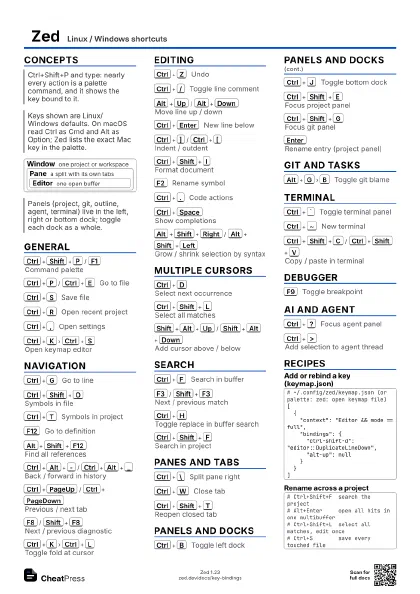
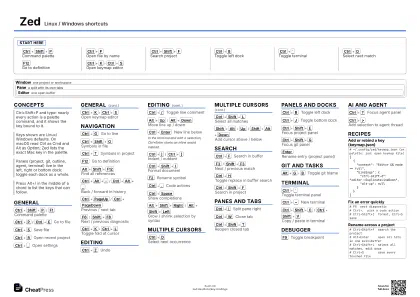
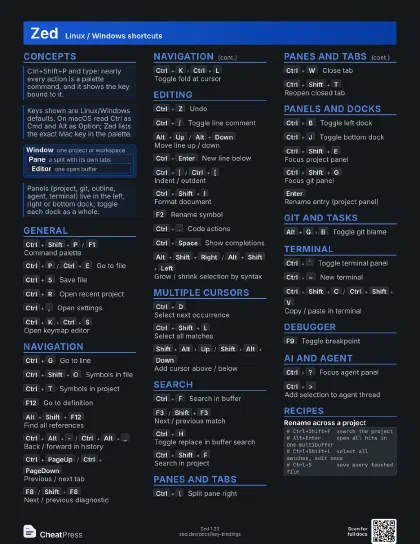
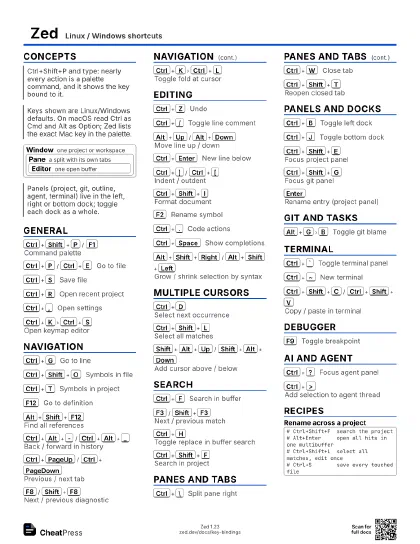
Zed Linux / Windows shortcuts
 Light · Postcard
102 × 152 mm · PDF
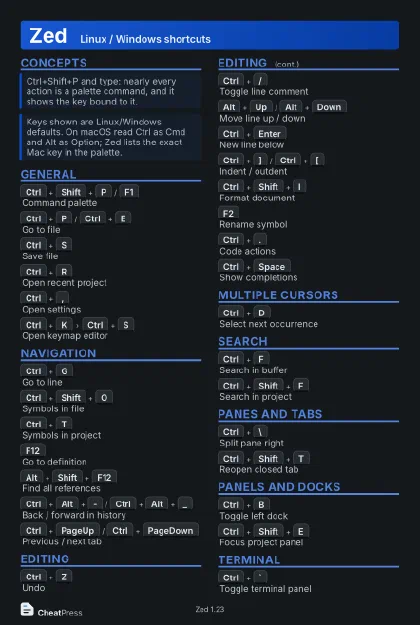 Dark · Postcard
102 × 152 mm · PDF
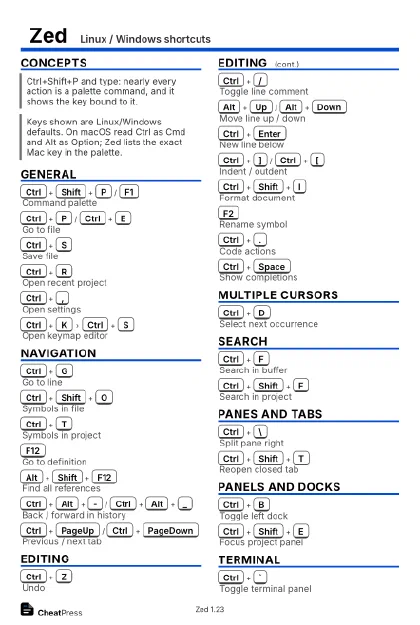 Ink saver · Postcard
102 × 152 mm · PDF
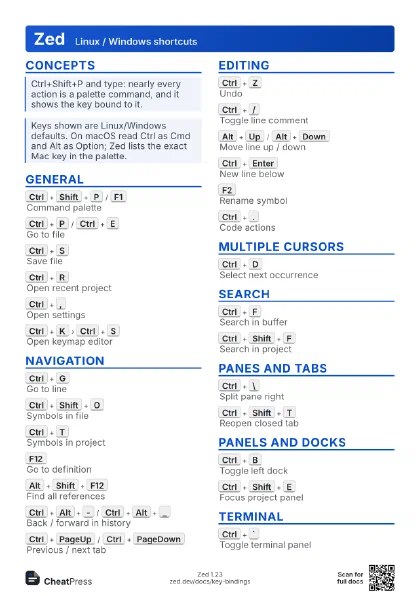
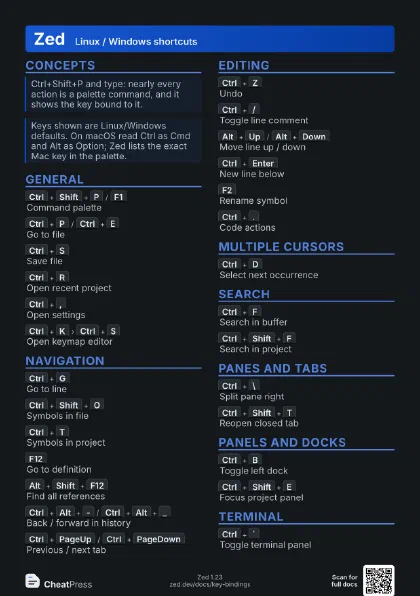
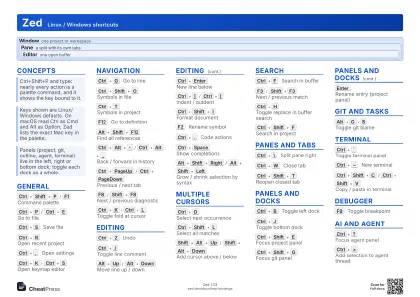 Light · A4 landscape
297 × 210 mm · PDF
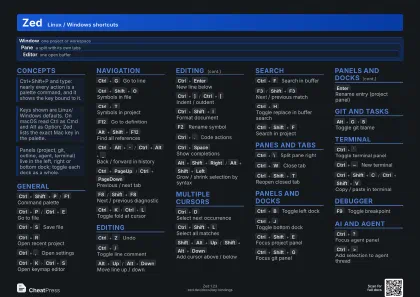 Dark · A4 landscape
297 × 210 mm · PDF
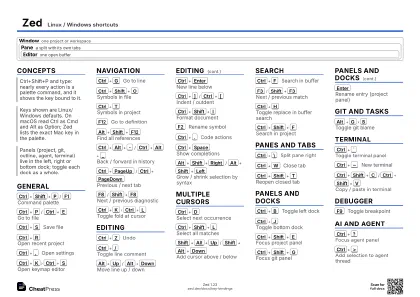 Ink saver · A4 landscape
297 × 210 mm · PDF
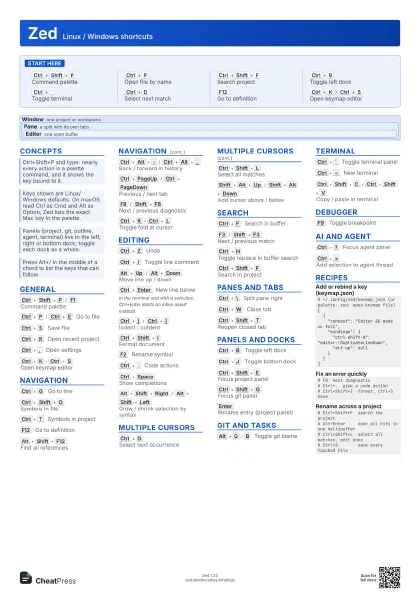
 Light · A3 landscape
420 × 297 mm · PDF
 Dark · A3 landscape
420 × 297 mm · PDF
 Ink saver · A3 landscape
420 × 297 mm · PDF
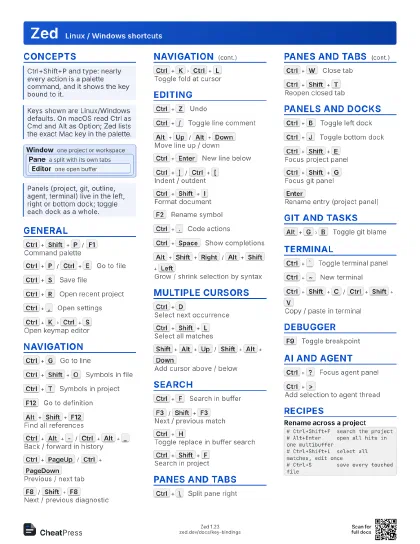
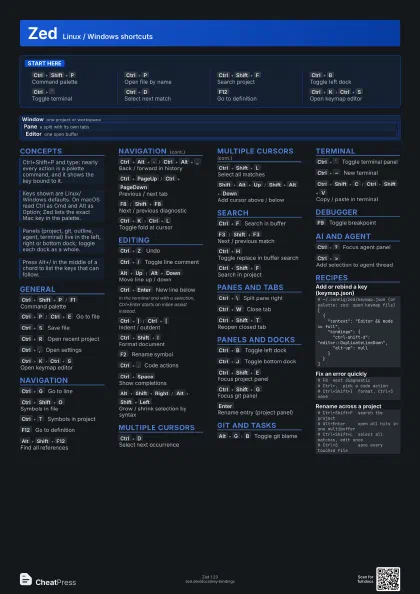
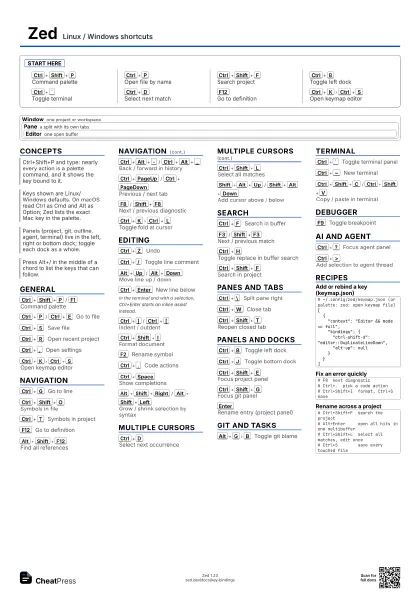
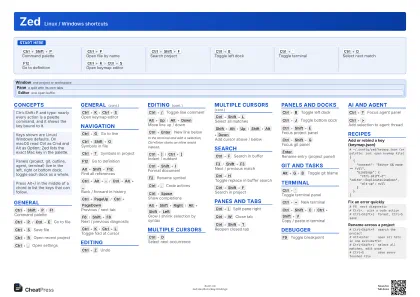
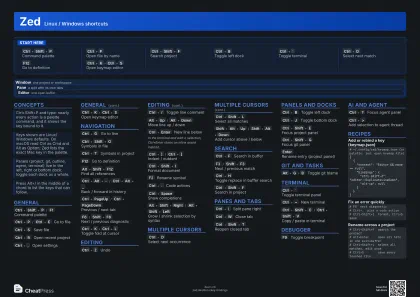
Start here
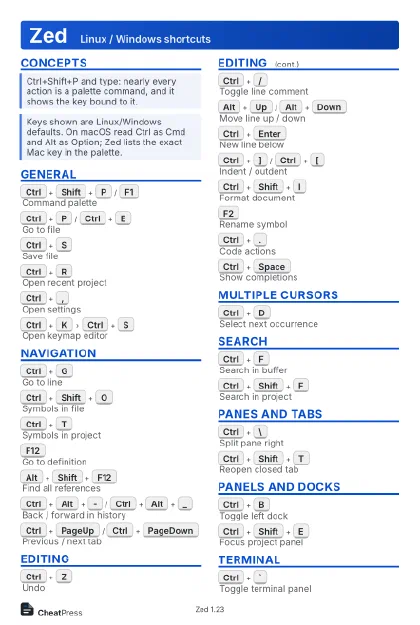
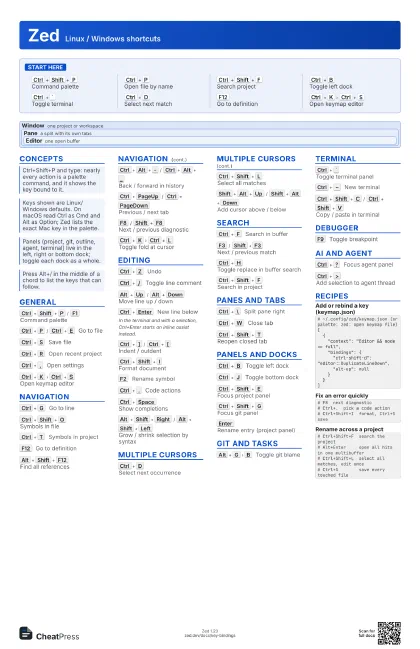
Ctrl+Shift+P
Command palette
Ctrl+P
Open file by name
Ctrl+Shift+F
Search project
Ctrl+B
Toggle left dock
Ctrl+`
Toggle terminal
Ctrl+D
Select next match
F12
Go to definition
Ctrl+K
Ctrl+S
Open keymap editor
Concepts
Window
one project or workspace
Pane
a split with its own tabs
Editor one open buffer
General
Ctrl+Shift+P
/
F1
Command palette
Ctrl+P
/
Ctrl+E
Go to file
Ctrl+S
Save file
Ctrl+R
Open recent project
Ctrl+,
Open settings
Ctrl+K
Ctrl+S
Open keymap editor
Navigation
Ctrl+G
Go to line
Ctrl+Shift+O
Symbols in file
Ctrl+T
Symbols in project
F12
Go to definition
Alt+Shift+F12
Find all references
Ctrl+Alt+-
/
Ctrl+Alt+_
Back / forward in history
Ctrl+PageUp
/
Ctrl+PageDown
Previous / next tab
F8
/
Shift+F8
Next / previous diagnostic
Ctrl+K
Ctrl+L
Toggle fold at cursor
Editing
Ctrl+Z
Undo
Ctrl+/
Toggle line comment
Alt+Up
/
Alt+Down
Move line up / down
Ctrl+Enter
New line below
In the terminal and with a selection, Ctrl+Enter starts an
inline assist instead.
Ctrl+]
/
Ctrl+[
Indent / outdent
Ctrl+Shift+I
Format document
F2
Rename symbol
Ctrl+.
Code actions
Ctrl+Space
Show completions
Alt+Shift+Right
/
Alt+Shift+Left
Grow / shrink selection by syntax
Multiple cursors
Ctrl+D
Select next occurrence
Ctrl+Shift+L
Select all matches
Shift+Alt+Up
/
Shift+Alt+Down
Add cursor above / below
Search
Ctrl+F
Search in buffer
F3
/
Shift+F3
Next / previous match
Ctrl+H
Toggle replace in buffer search
Ctrl+Shift+F
Search in project
Panes and tabs
Ctrl+\
Split pane right
Ctrl+W
Close tab
Ctrl+Shift+T
Reopen closed tab
Panels and docks
Ctrl+B
Toggle left dock
Ctrl+J
Toggle bottom dock
Ctrl+Shift+E
Focus project panel
Ctrl+Shift+G
Focus git panel
Enter
Rename entry (project panel)
Git and tasks
Alt+G
B
Toggle git blame
Terminal
Ctrl+`
Toggle terminal panel
Ctrl+~
New terminal
Ctrl+Shift+C
/
Ctrl+Shift+V
Copy / paste in terminal
Debugger
F9
Toggle breakpoint
AI and agent
Ctrl+?
Focus agent panel
Ctrl+>
Add selection to agent thread
Recipes
# ~/.config/zed/keymap.json (or palette: zed: open keymap file)[ { "context": "Editor && mode == full", "bindings": { "ctrl-shift-d": "editor::DuplicateLineDown", "alt-up": null } }]# F8 next diagnostic# Ctrl+. pick a code action# Ctrl+Shift+I format, Ctrl+S save# Ctrl+Shift+F search the project# Alt+Enter open all hits in one multibuffer# Ctrl+Shift+L select all matches, edit once# Ctrl+S save every touched file