Cheat
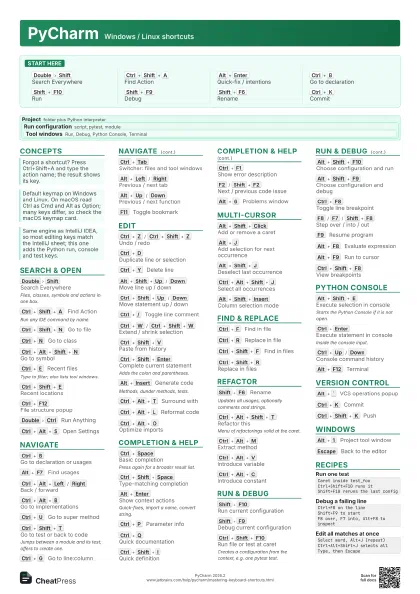
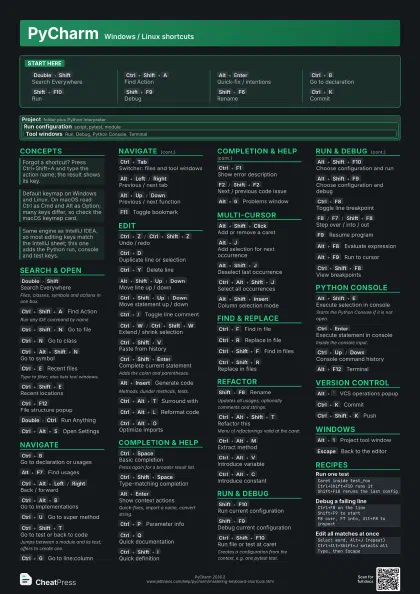
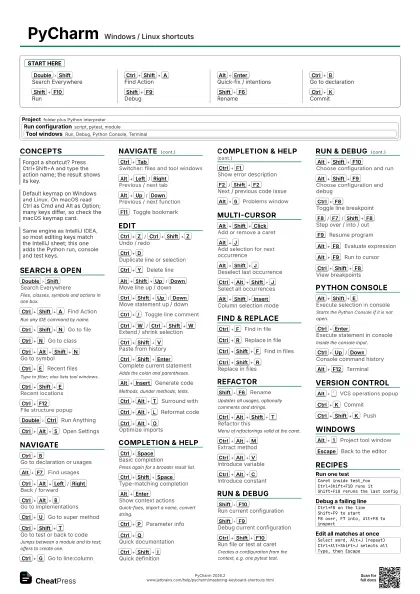
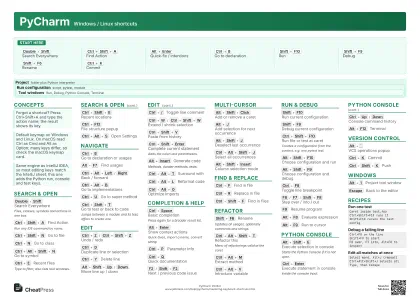
PyCharm Windows / Linux shortcuts
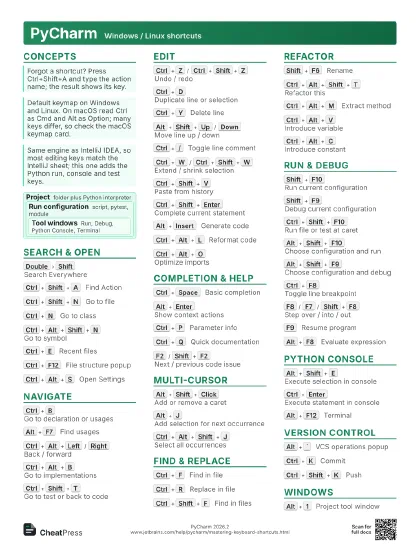
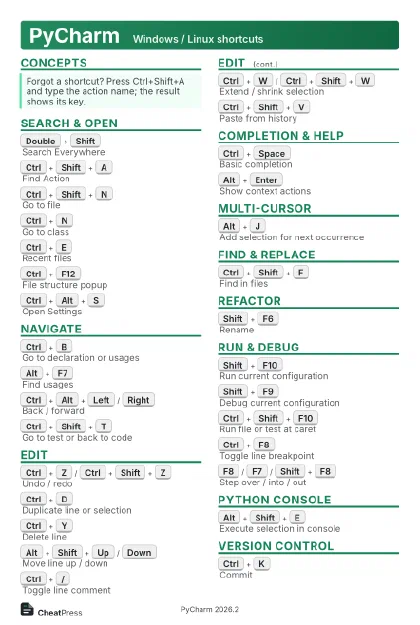 Light · Postcard
102 × 152 mm · PDF
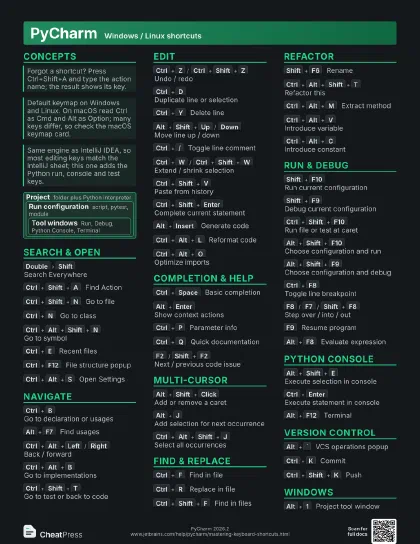
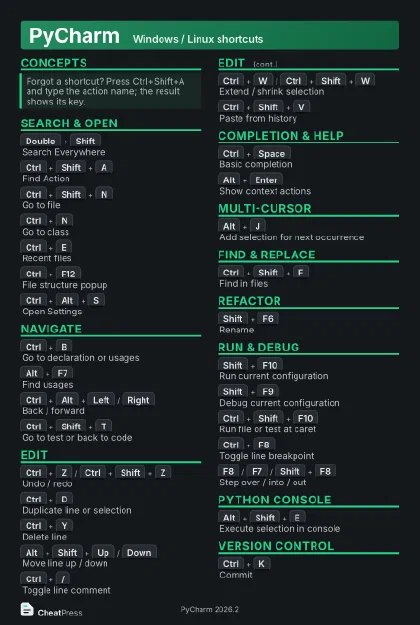 Dark · Postcard
102 × 152 mm · PDF
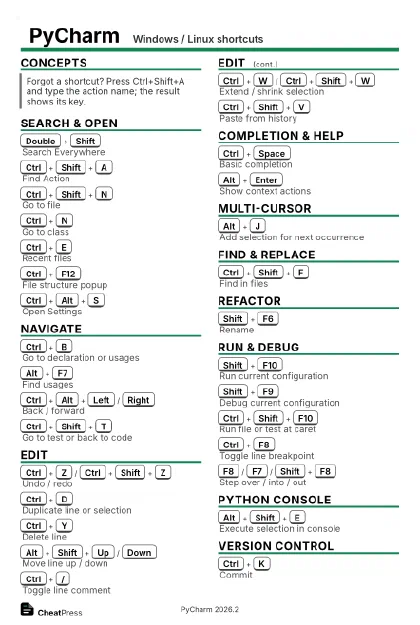 Ink saver · Postcard
102 × 152 mm · PDF
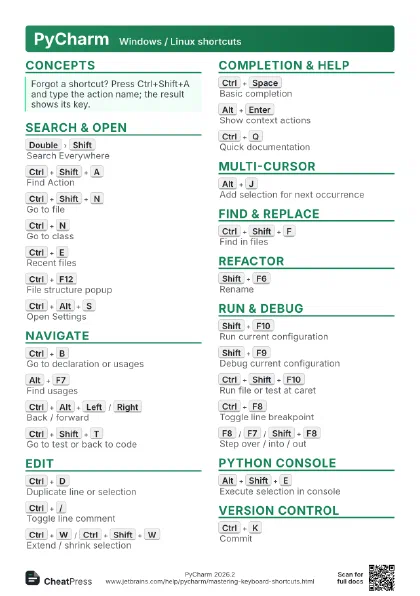
 Light · A4 landscape
297 × 210 mm · PDF
 Dark · A4 landscape
297 × 210 mm · PDF
 Ink saver · A4 landscape
297 × 210 mm · PDF
 Light · A3 landscape
420 × 297 mm · PDF
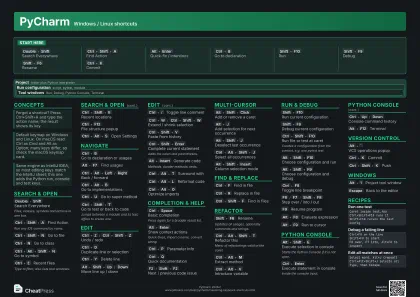 Dark · A3 landscape
420 × 297 mm · PDF
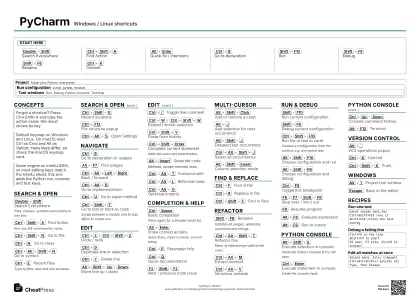 Ink saver · A3 landscape
420 × 297 mm · PDF
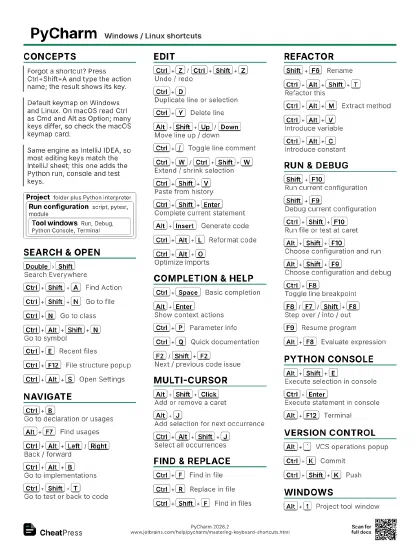
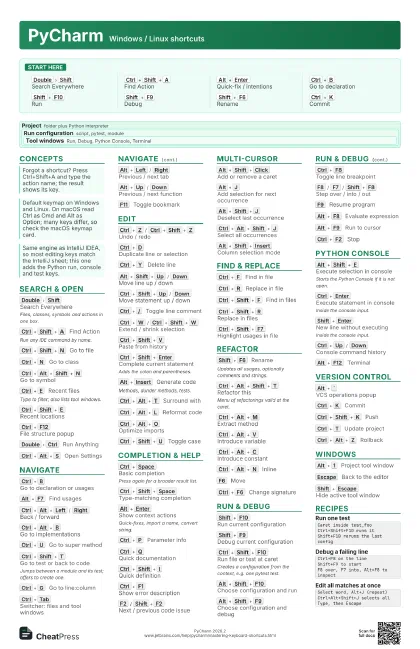
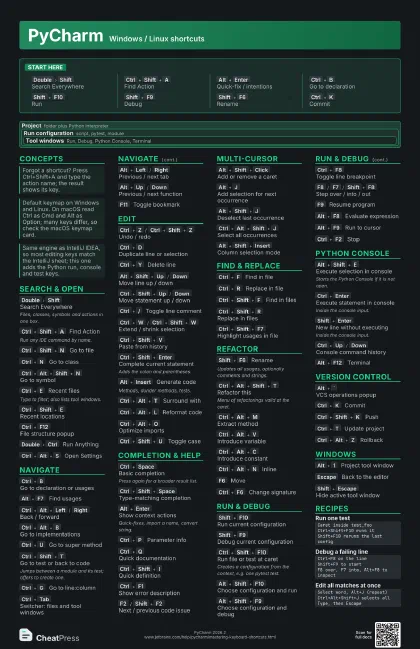
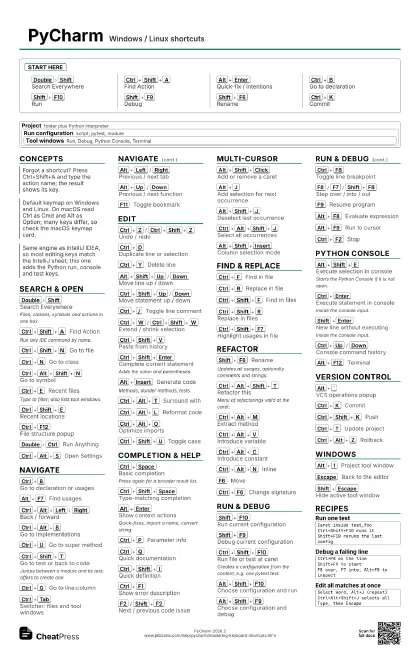
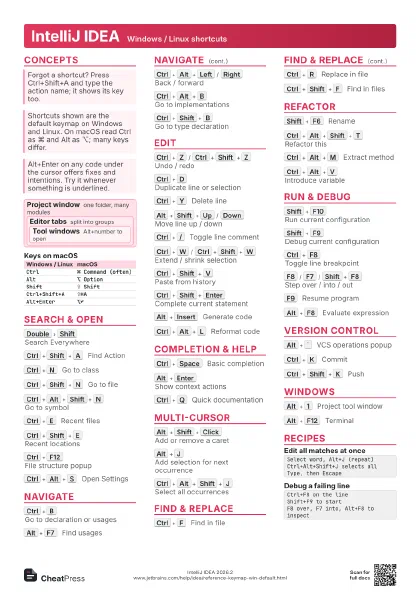
Start here
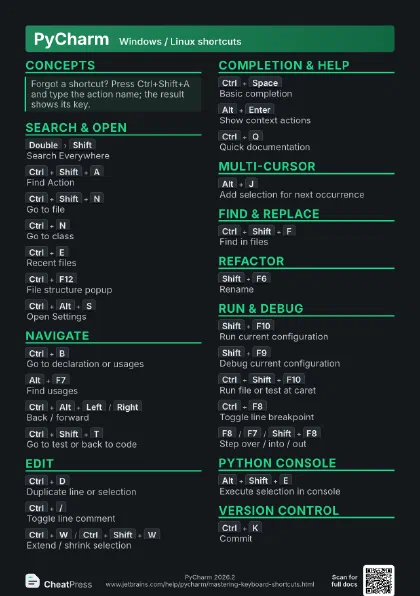
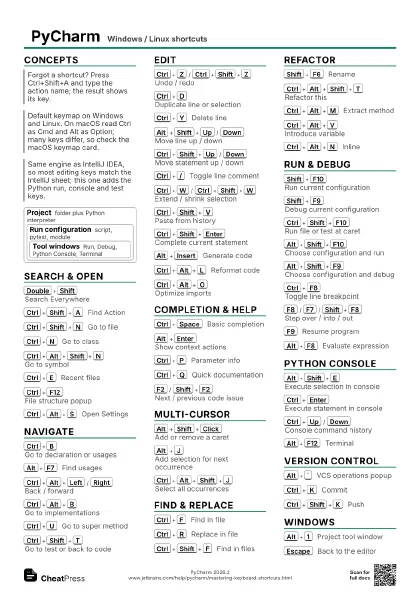
Double
Shift
Search Everywhere
Ctrl+Shift+A
Find Action
Alt+Enter
Quick-fix / intentions
Ctrl+B
Go to declaration
Shift+F10
Run
Shift+F9
Debug
Shift+F6
Rename
Ctrl+K
Commit
Concepts
Project
folder plus Python interpreter
Run configuration
script, pytest, module
Tool windows
Run, Debug, Python Console, Terminal
Search & Open
Double
Shift
Search Everywhere
Files, classes, symbols and actions in one box.
Ctrl+Shift+A
Find Action
Run any IDE command by name.
Ctrl+Shift+N
Go to file
Ctrl+N
Go to class
Ctrl+Alt+Shift+N
Go to symbol
Ctrl+E
Recent files
Type to filter; also lists tool windows.
Ctrl+Shift+E
Recent locations
Ctrl+F12
File structure popup
Double
Ctrl
Run Anything
Ctrl+Alt+S
Open Settings
Navigate
Ctrl+B
Go to declaration or usages
Alt+F7
Find usages
Ctrl+Alt+Left
/
Right
Back / forward
Ctrl+Alt+B
Go to implementations
Ctrl+U
Go to super method
Ctrl+Shift+T
Go to test or back to code
Jumps between a module and its test; offers to create one.
Ctrl+G
Go to line:column
Ctrl+Tab
Switcher: files and tool windows
Alt+Left
/
Right
Previous / next tab
Alt+Up
/
Down
Previous / next function
F11
Toggle bookmark
Edit
Ctrl+Z
/
Ctrl+Shift+Z
Undo / redo
Ctrl+D
Duplicate line or selection
Ctrl+Y
Delete line
Alt+Shift+Up
/
Down
Move line up / down
Ctrl+Shift+Up
/
Down
Move statement up / down
Ctrl+/
Toggle line comment
Ctrl+Shift+/
Toggle block comment
Ctrl+W
/
Ctrl+Shift+W
Extend / shrink selection
Ctrl+Shift+V
Paste from history
Ctrl+Shift+Enter
Complete current statement
Adds the colon and parentheses.
Alt+Insert
Generate code
Methods, dunder methods, tests.
Ctrl+Alt+T
Surround with
Ctrl+Alt+L
Reformat code
Ctrl+Alt+O
Optimize imports
Ctrl+Shift+U
Toggle case
Completion & Help
Ctrl+Space
Basic completion
Press again for a broader result list.
Ctrl+Shift+Space
Type-matching completion
Alt+Enter
Show context actions
Quick-fixes, import a name, convert string.
Ctrl+P
Parameter info
Ctrl+Q
Quick documentation
Ctrl+Shift+I
Quick definition
Ctrl+F1
Show error description
F2
/
Shift+F2
Next / previous code issue
Alt+6
Problems window
Multi-Cursor
Alt+Shift+Click
Add or remove a caret
Alt+J
Add selection for next occurrence
Alt+Shift+J
Deselect last occurrence
Ctrl+Alt+Shift+J
Select all occurrences
Alt+Shift+Insert
Column selection mode
Find & Replace
Ctrl+F
Find in file
Ctrl+R
Replace in file
Ctrl+Shift+F
Find in files
Ctrl+Shift+R
Replace in files
Ctrl+Shift+F7
Highlight usages in file
Refactor
Shift+F6
Rename
Updates all usages, optionally comments and strings.
Ctrl+Alt+Shift+T
Refactor this
Menu of refactorings valid at the caret.
Ctrl+Alt+M
Extract method
Ctrl+Alt+V
Introduce variable
Ctrl+Alt+C
Introduce constant
Ctrl+Alt+P
Introduce parameter
Ctrl+Alt+N
Inline
F6
Move
Ctrl+F6
Change signature
Run & Debug
Shift+F10
Run current configuration
Shift+F9
Debug current configuration
Ctrl+Shift+F10
Run file or test at caret
Creates a configuration from the context, e.g. one pytest
test.
Alt+Shift+F10
Choose configuration and run
Alt+Shift+F9
Choose configuration and debug
Ctrl+F8
Toggle line breakpoint
F8
/
F7
/
Shift+F8
Step over / into / out
F9
Resume program
Alt+F8
Evaluate expression
Alt+F9
Run to cursor
Ctrl+F2
Stop
Ctrl+Shift+F8
View breakpoints
Alt+4
/
Alt+5
Run / Debug tool window
Python Console
Alt+Shift+E
Execute selection in console
Starts the Python Console if it is not open.
Ctrl+Enter
Execute statement in console
Inside the console input.
Shift+Enter
New line without executing
Inside the console input.
Ctrl+Up
/
Down
Console command history
Alt+F12
Terminal
Version Control
Alt+`
VCS operations popup
Ctrl+K
Commit
Ctrl+Shift+K
Push
Ctrl+T
Update project
Ctrl+Alt+Z
Rollback
Ctrl+Alt+Shift+Down
/
Up
Next / previous change
Alt+9
Version Control window
Windows
Alt+1
Project tool window
Escape
Back to the editor
Shift+Escape
Hide active tool window
Ctrl+Shift+F12
Hide all tool windows
Press again to restore them.
Recipes
Caret inside test_fooCtrl+Shift+F10 runs itShift+F10 reruns the last configCtrl+F8 on the lineShift+F9 to startF8 over, F7 into, Alt+F8 to inspectSelect lines in the editorAlt+Shift+E sends them to the consoleInspect variables, keep goingSelect word, Alt+J (repeat)Ctrl+Alt+Shift+J selects allType, then Escape