Cheat
nnn Fast terminal file manager
 Light · Postcard
102 × 152 mm · PDF
 Dark · Postcard
102 × 152 mm · PDF
 Ink saver · Postcard
102 × 152 mm · PDF
 Light · A4 landscape
297 × 210 mm · PDF
 Dark · A4 landscape
297 × 210 mm · PDF
 Ink saver · A4 landscape
297 × 210 mm · PDF
 Light · A3 landscape
420 × 297 mm · PDF
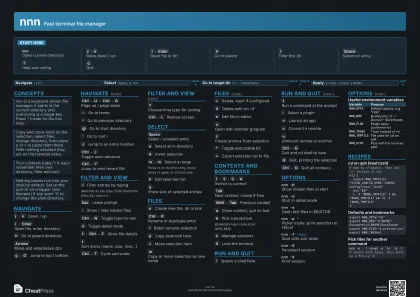 Dark · A3 landscape
420 × 297 mm · PDF
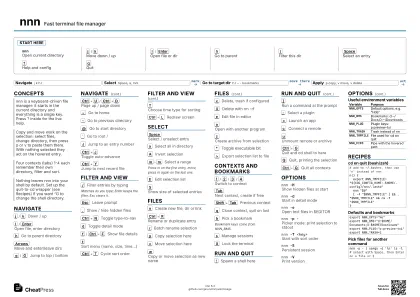 Ink saver · A3 landscape
420 × 297 mm · PDF
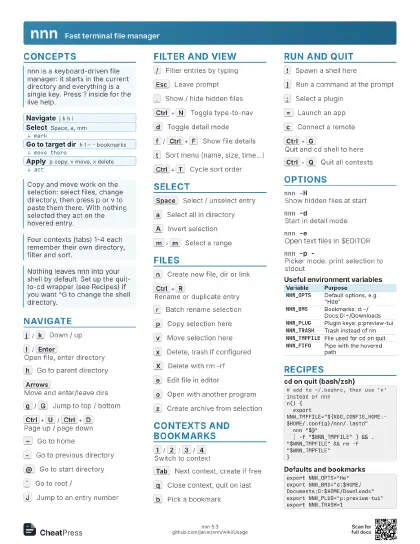
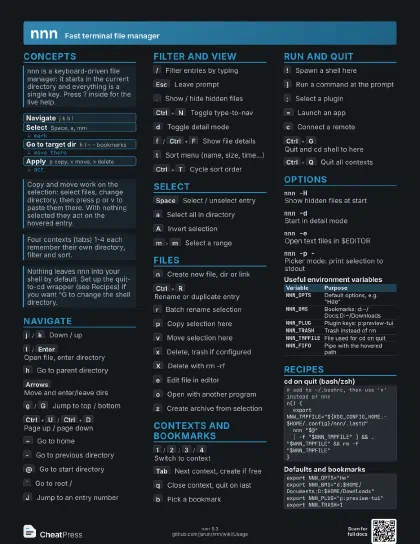
Start here
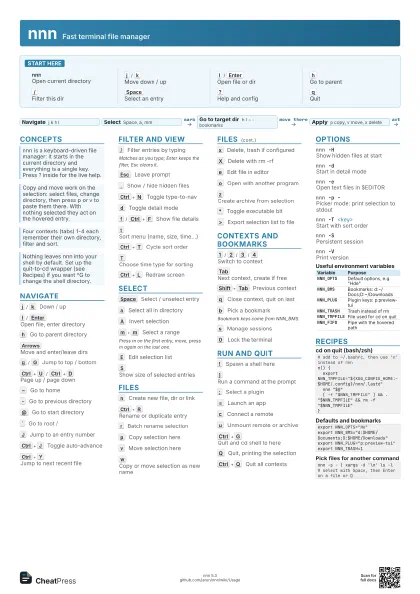
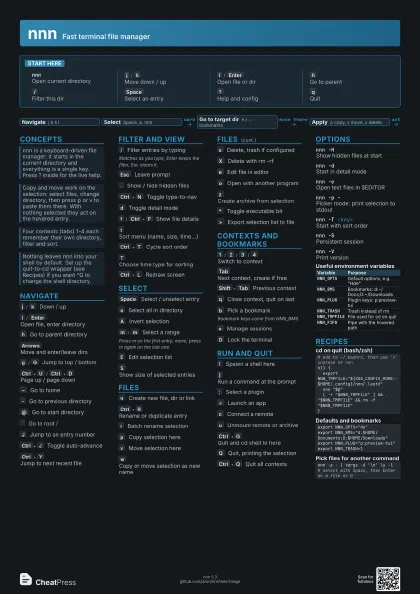
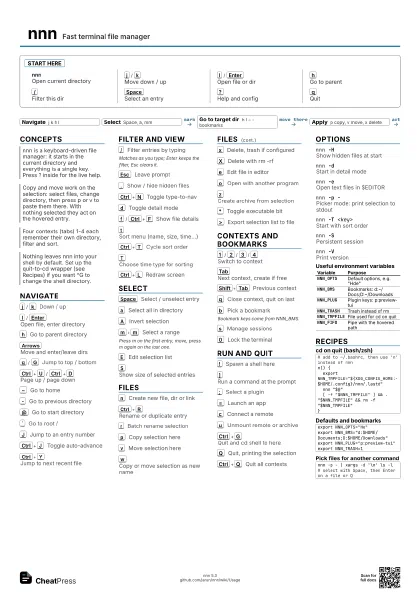
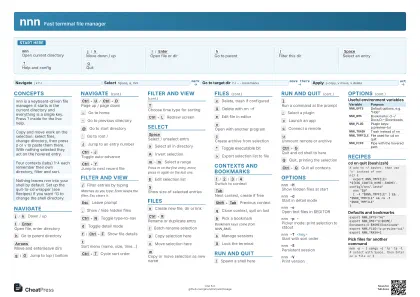
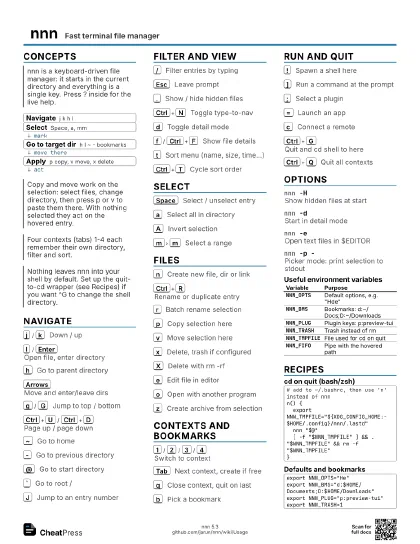
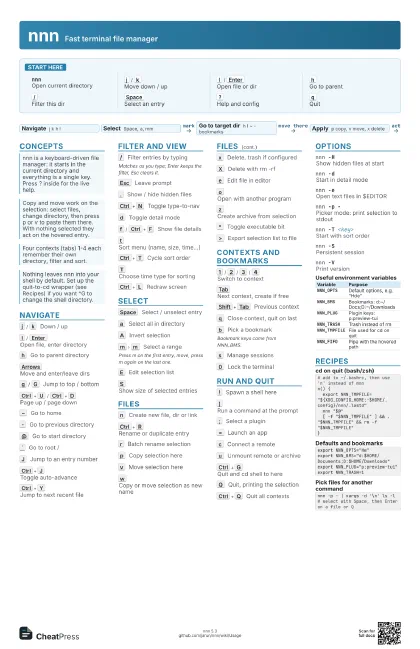
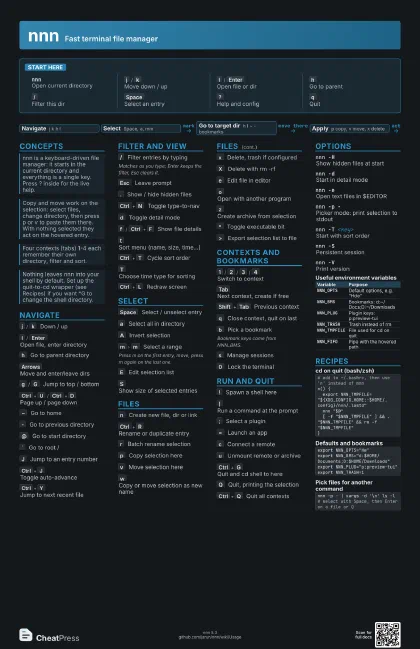
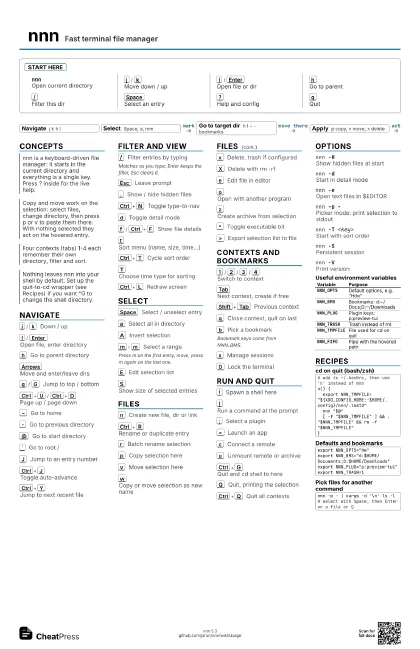
nnnOpen current directory
j
/
k
Move down / up
l
/
Enter
Open file or dir
h
Go to parent
/
Filter this dir
Space
Select an entry
?
Help and config
q
Quit
Concepts
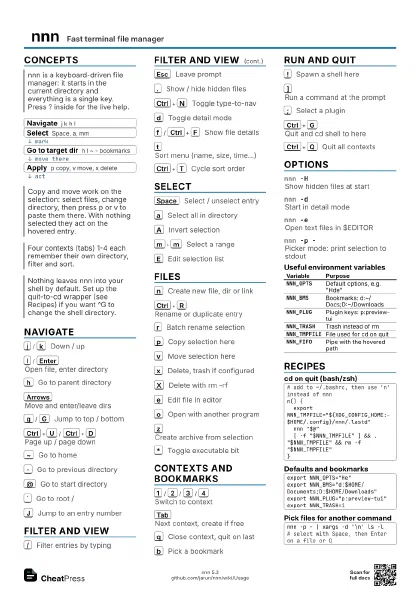
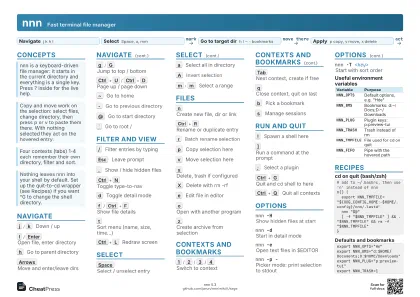
- Navigate j k h l
- Select Space, a, mm
- Go to target dir h l ~ - bookmarks
- Apply p copy, v move, x delete
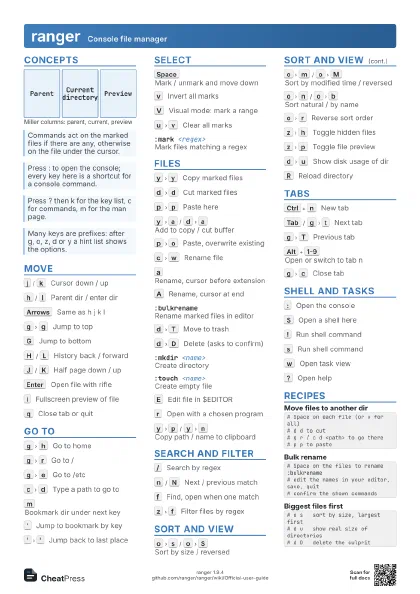
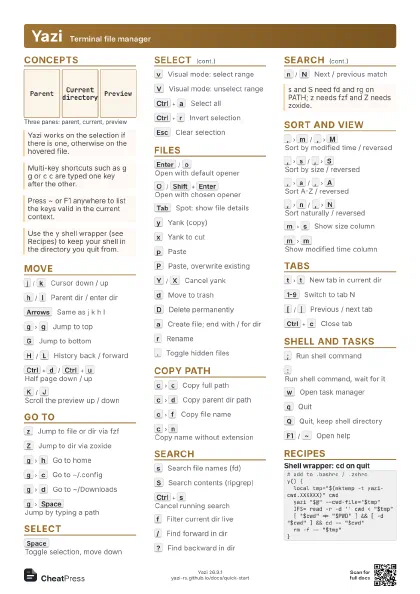
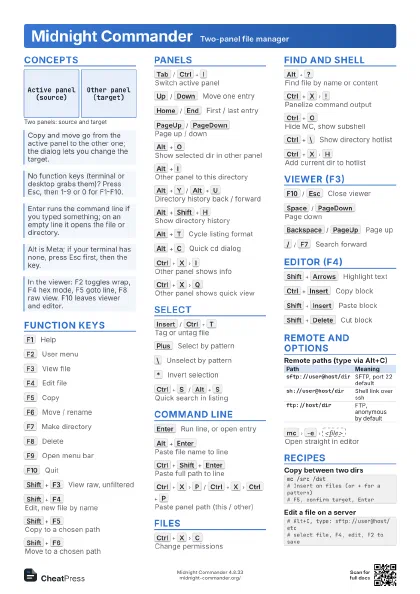
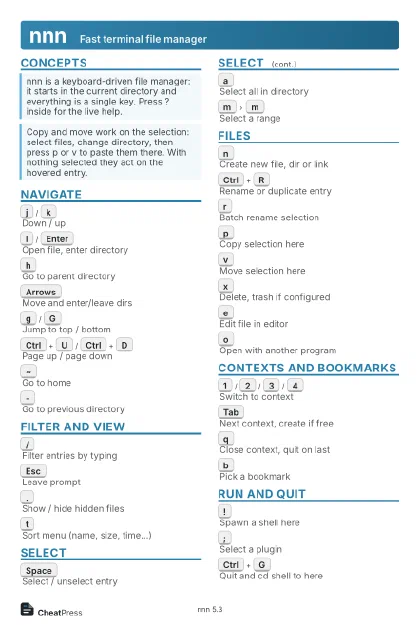
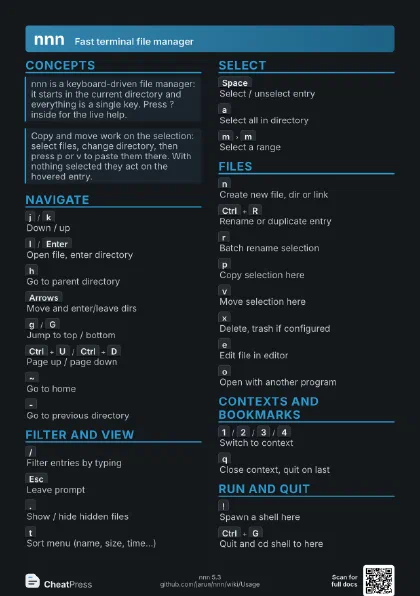
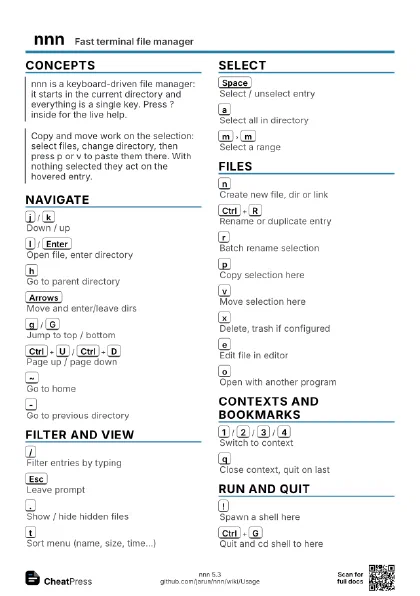
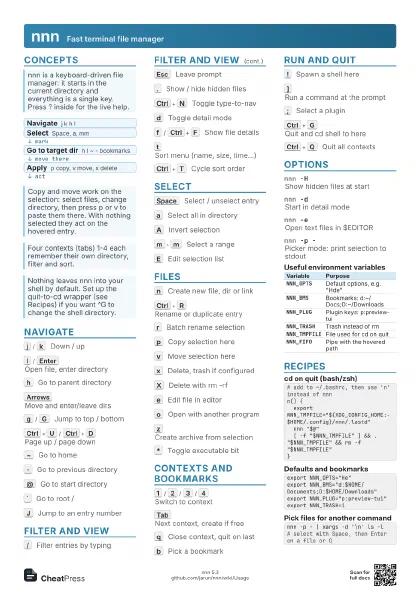
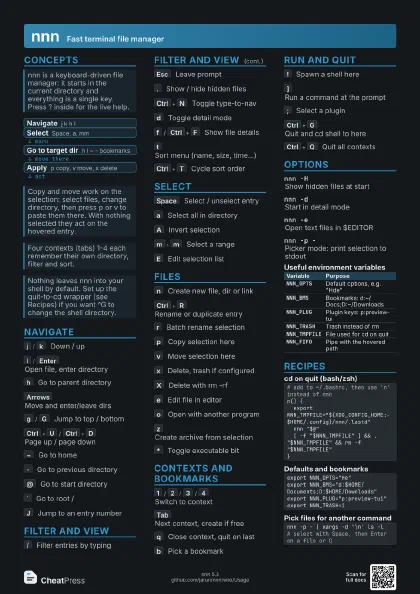
Navigate
j
/
k
Down / up
l
/
Enter
Open file, enter directory
h
Go to parent directory
Arrows
Move and enter/leave dirs
g
/
G
Jump to top / bottom
Ctrl+U
/
Ctrl+D
Page up / page down
~
Go to home
-
Go to previous directory
@
Go to start directory
`
Go to root /
J
Jump to an entry number
Ctrl+J
Toggle auto-advance
Ctrl+Y
Jump to next recent file
Filter and view
/
Filter entries by typing
Matches as you type; Enter keeps the filter, Esc clears it.
Esc
Leave prompt
.
Show / hide hidden files
Ctrl+N
Toggle type-to-nav
d
Toggle detail mode
f
/
Ctrl+F
Show file details
t
Sort menu (name, size, time...)
Ctrl+T
Cycle sort order
T
Choose time type for sorting
Ctrl+L
Redraw screen
Select
Space
Select / unselect entry
a
Select all in directory
A
Invert selection
m
m
Select a range
Press m on the first entry, move, press m again on the last
one.
E
Edit selection list
S
Show size of selected entries
Files
n
Create new file, dir or link
Ctrl+R
Rename or duplicate entry
r
Batch rename selection
p
Copy selection here
v
Move selection here
w
Copy or move selection as new name
x
Delete, trash if configured
X
Delete with rm -rf
e
Edit file in editor
o
Open with another program
z
Create archive from selection
*
Toggle executable bit
>
Export selection list to file
Contexts and bookmarks
1
/
2
/
3
/
4
Switch to context
Tab
Next context, create if free
Shift+Tab
Previous context
q
Close context, quit on last
b
Pick a bookmark
Bookmark keys come from NNN_BMS.
s
Manage sessions
0
Lock the terminal
Run and quit
!
Spawn a shell here
]
Run a command at the prompt
;
Select a plugin
=
Launch an app
c
Connect a remote
u
Unmount remote or archive
Ctrl+G
Quit and cd shell to here
Q
Quit, printing the selection
Ctrl+Q
Quit all contexts
Options
nnn -HShow hidden files at start
nnn -dStart in detail mode
nnn -eOpen text files in $EDITOR
nnn -p -Picker mode: print selection to stdout
nnn -T <key>
Start with sort order
nnn -SPersistent session
nnn -VPrint version
| Variable | Purpose |
|---|---|
NNN_OPTS |
Default options, e.g. "Hde" |
NNN_BMS |
Bookmarks: d:~/Docs;D:~/Downloads |
NNN_PLUG |
Plugin keys: p:preview-tui |
NNN_TRASH |
Trash instead of rm |
NNN_TMPFILE |
File used for cd on quit |
NNN_FIFO |
Pipe with the hovered path |
Recipes
# add to ~/.bashrc, then use 'n' instead of nnnn() { export NNN_TMPFILE="${XDG_CONFIG_HOME:-$HOME/.config}/nnn/.lastd" nnn "$@" [ -f "$NNN_TMPFILE" ] && . "$NNN_TMPFILE" && rm -f "$NNN_TMPFILE"}export NNN_OPTS="He"export NNN_BMS="d:$HOME/Documents;D:$HOME/Downloads"export NNN_PLUG="p:preview-tui"export NNN_TRASH=1nnn -p - | xargs -d '\n' ls -l# select with Space, then Enter on a file or Q