Cheat
nmcli NetworkManager CLI
 Light · Postcard
102 × 152 mm · PDF
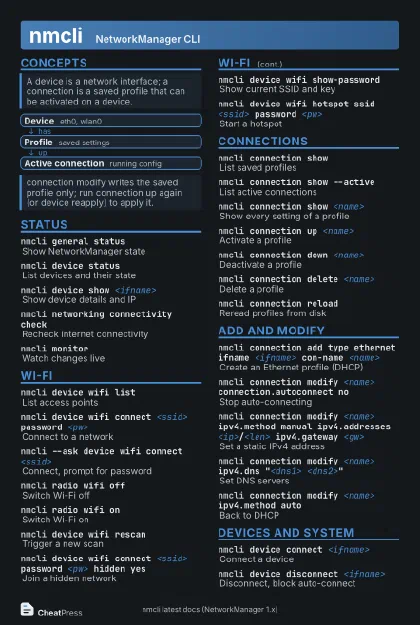 Dark · Postcard
102 × 152 mm · PDF
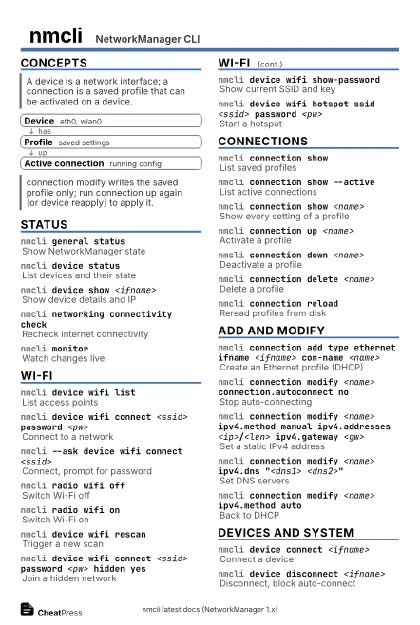 Ink saver · Postcard
102 × 152 mm · PDF
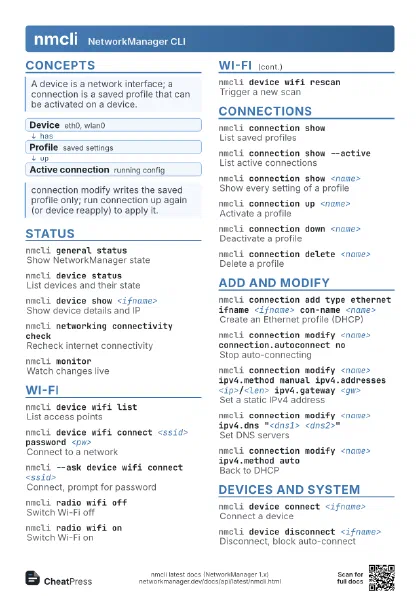
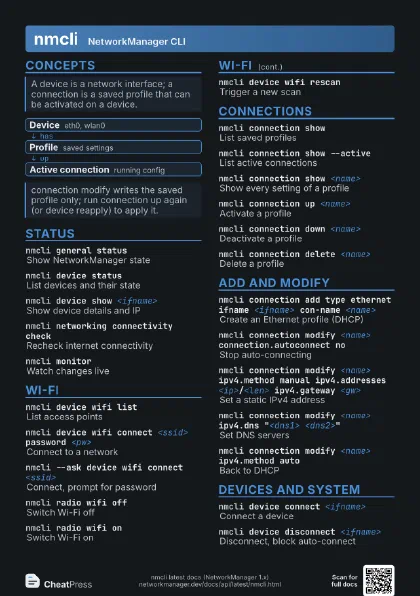
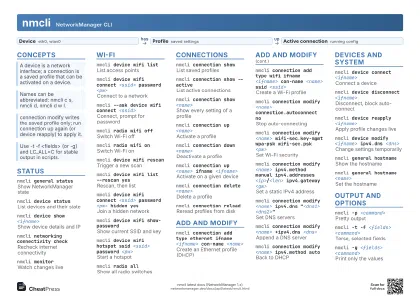 Light · A4 landscape
297 × 210 mm · PDF
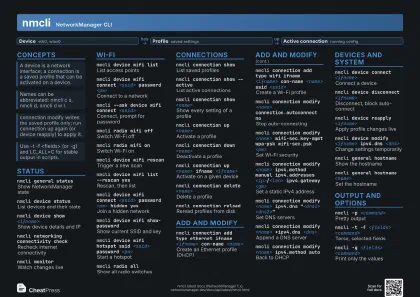 Dark · A4 landscape
297 × 210 mm · PDF
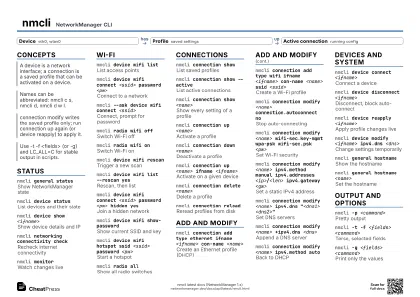 Ink saver · A4 landscape
297 × 210 mm · PDF
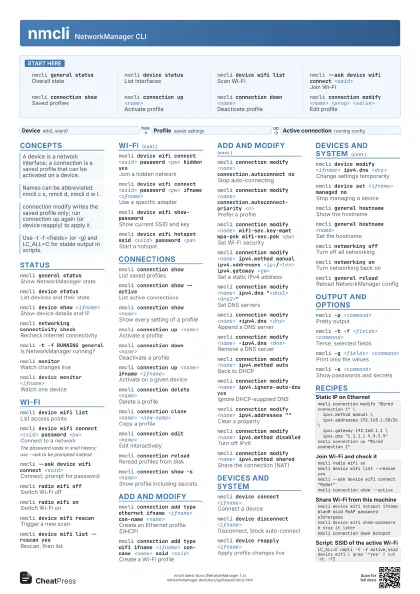
 Light · A3 landscape
420 × 297 mm · PDF
 Dark · A3 landscape
420 × 297 mm · PDF
 Ink saver · A3 landscape
420 × 297 mm · PDF
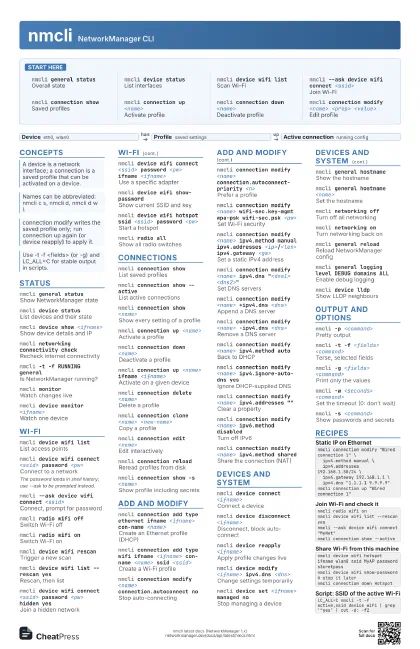
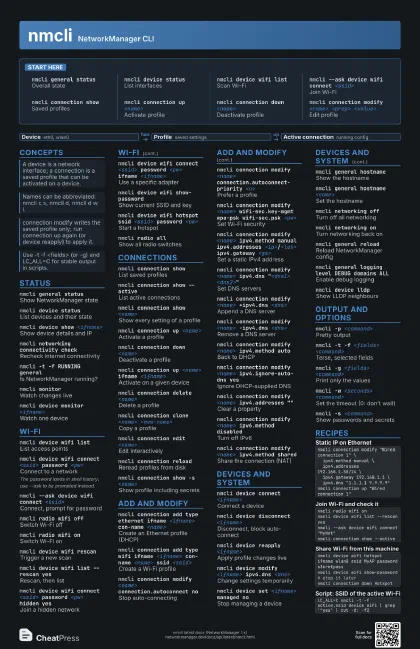
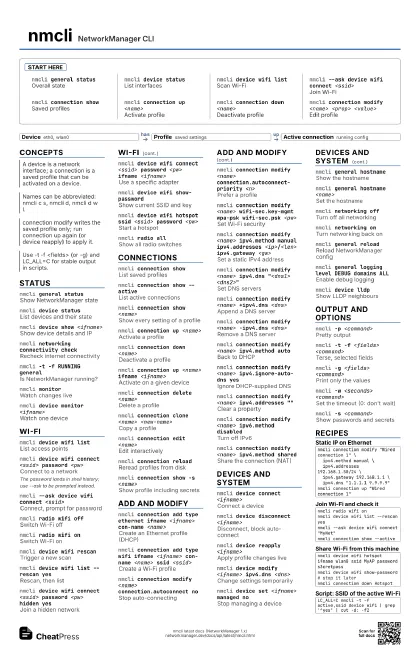
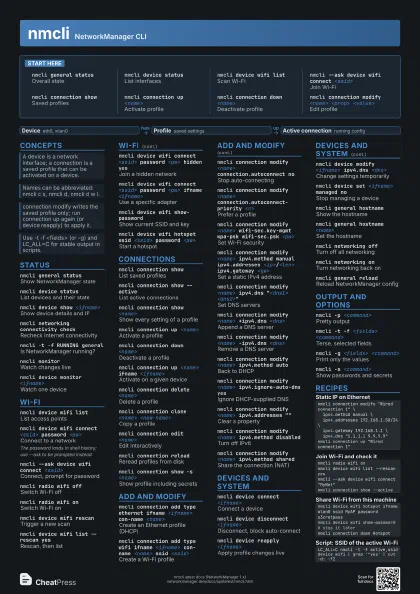
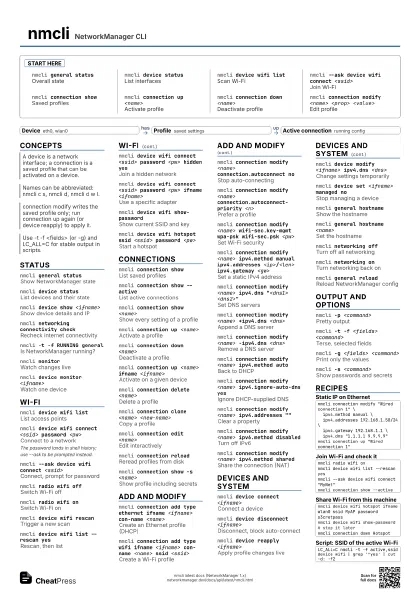
Start here
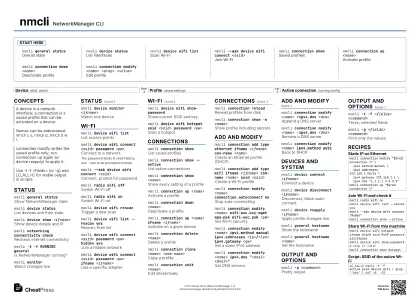
nmcli general status
Overall state
nmcli device status
List interfaces
nmcli device wifi list
Scan Wi-Fi
nmcli --ask device wifi connect <ssid>
Join Wi-Fi
nmcli connection show
Saved profiles
nmcli connection up <name>
Activate profile
nmcli connection down <name>
Deactivate profile
nmcli connection modify <name> <prop>
                    <value>
Edit profile
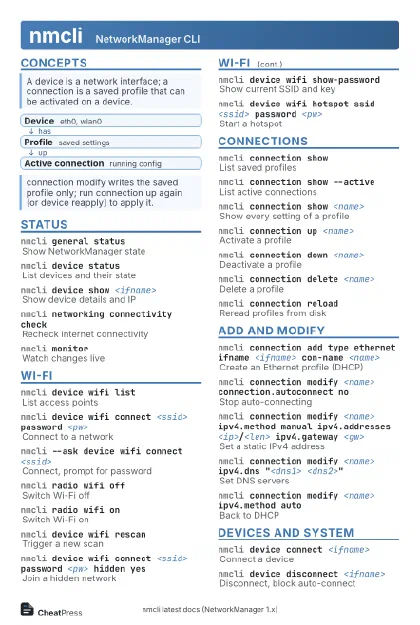
Concepts
- Device eth0, wlan0
- Profile saved settings
- Active connection running config
Status
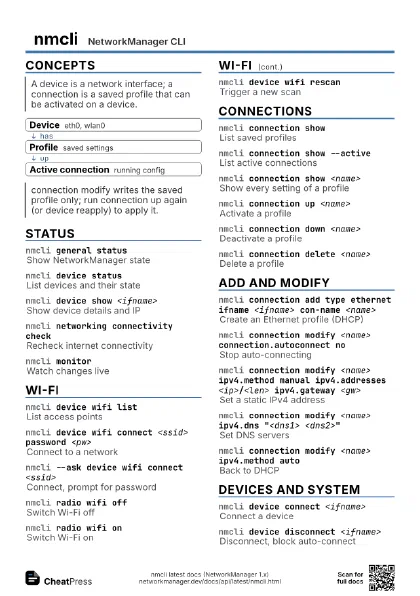
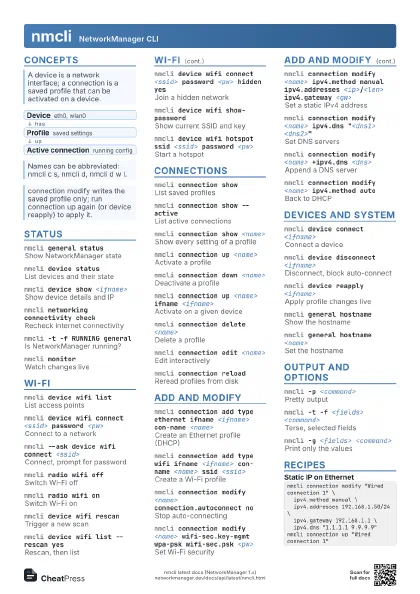
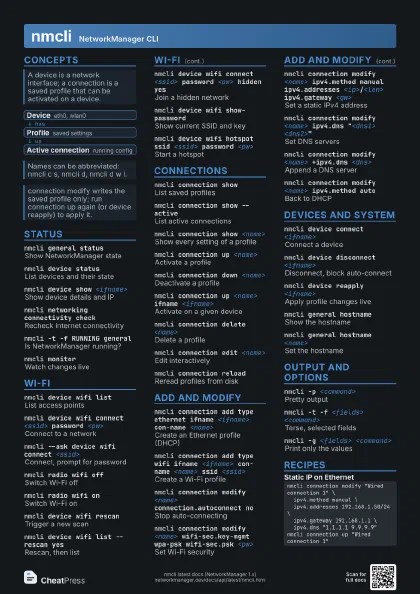
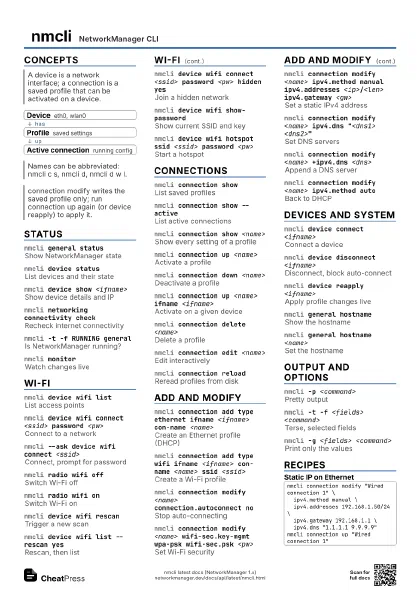
nmcli general status
Show NetworkManager state
nmcli device status
List devices and their state
nmcli device show <ifname>
Show device details and IP
nmcli networking connectivity check
Recheck internet connectivity
nmcli -t -f RUNNING general
Is NetworkManager running?
nmcli general permissions
Show what you may change
nmcli monitorWatch changes live
nmcli device monitor <ifname>
Watch one device
Wi-Fi
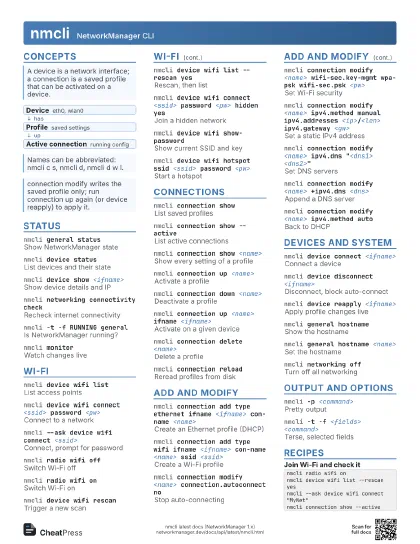
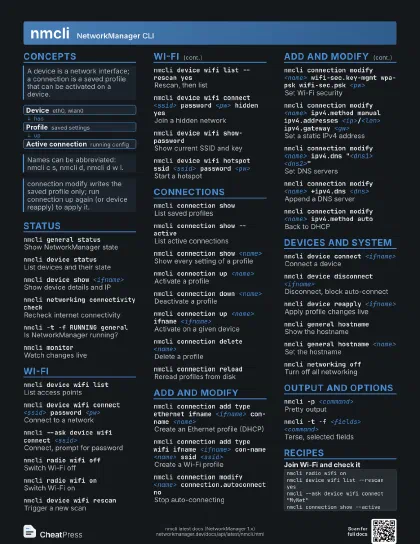
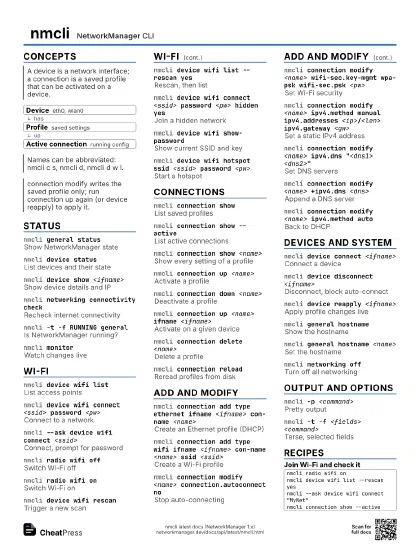
nmcli device wifi list
List access points
nmcli device wifi connect <ssid> password
                    <pw>
Connect to a network
The password lands in shell history; use --ask to be prompted
instead.
nmcli --ask device wifi connect <ssid>
Connect, prompt for password
nmcli radio wifi off
Switch Wi-Fi off
nmcli radio wifi on
Switch Wi-Fi on
nmcli device wifi rescan
Trigger a new scan
nmcli device wifi list --rescan yes
Rescan, then list
nmcli device wifi connect <ssid> password <pw>
                    hidden yes
Join a hidden network
nmcli device wifi connect <ssid> password <pw>
                    ifname <ifname>
Use a specific adapter
nmcli device wifi show-password
Show current SSID and key
nmcli device wifi hotspot ssid <ssid> password
                    <pw>
Start a hotspot
nmcli radio allShow all radio switches
Connections
nmcli connection show
List saved profiles
nmcli connection show --active
List active connections
nmcli connection show <name>
Show every setting of a profile
nmcli connection up <name>
Activate a profile
nmcli connection down <name>
Deactivate a profile
nmcli connection up <name> ifname
                    <ifname>
Activate on a given device
nmcli connection delete <name>
Delete a profile
nmcli connection clone <name> <new-name>
Copy a profile
nmcli connection edit <name>
Edit interactively
nmcli connection reload
Reread profiles from disk
nmcli connection show -s <name>
Show profile including secrets
Add and modify
nmcli connection add type ethernet ifname <ifname>
                    con-name <name>
Create an Ethernet profile (DHCP)
nmcli connection add type wifi ifname <ifname>
                    con-name <name> ssid <ssid>
Create a Wi-Fi profile
nmcli connection modify <name> connection.autoconnect
                    no
Stop auto-connecting
nmcli connection modify <name>
                    connection.autoconnect-priority <n>
Prefer a profile
nmcli connection modify <name> wifi-sec.key-mgmt
                    wpa-psk wifi-sec.psk <pw>
Set Wi-Fi security
nmcli connection modify <name> ipv4.method manual
                    ipv4.addresses <ip>/<len> ipv4.gateway
                    <gw>
Set a static IPv4 address
nmcli connection modify <name> ipv4.dns
                    "<dns1> <dns2>"
Set DNS servers
nmcli connection modify <name> +ipv4.dns
                    <dns>
Append a DNS server
nmcli connection modify <name> -ipv4.dns
                    <dns>
Remove a DNS server
nmcli connection modify <name> ipv4.method auto
Back to DHCP
nmcli connection modify <name> ipv4.ignore-auto-dns
                    yes
Ignore DHCP-supplied DNS
nmcli connection modify <name> ipv4.addresses
                    ""
Clear a property
nmcli connection modify <name> ipv6.method
                    disabled
Turn off IPv6
nmcli connection modify <name> ipv4.method
                    shared
Share the connection (NAT)
nmcli connection modify <name>
                    connection.interface-name <ifname>
Bind profile to a device
nmcli connection modify <name> 802-3-ethernet.mtu
                    <n>
Set the MTU
nmcli --offline connection add type ethernet con-name
                    <name>
Print a profile as keyfile
Devices and system
nmcli device connect <ifname>
Connect a device
nmcli device disconnect <ifname>
Disconnect, block auto-connect
nmcli device reapply <ifname>
Apply profile changes live
nmcli device modify <ifname> ipv4.dns
                    <dns>
Change settings temporarily
nmcli device set <ifname> managed no
Stop managing a device
nmcli device delete <ifname>
Remove a software device
nmcli general hostname
Show the hostname
nmcli general hostname <name>
Set the hostname
nmcli networking off
Turn off all networking
nmcli networking on
Turn networking back on
nmcli general reload
Reload NetworkManager config
nmcli general logging level DEBUG domains ALL
Enable debug logging
nmcli device lldp
Show LLDP neighbours
Output and options
nmcli -p <command>
Pretty output
nmcli -t -f <fields> <command>
Terse, selected fields
nmcli -g <fields> <command>
Print only the values
nmcli -m multiline <command>
One field per line
nmcli -w <seconds> <command>
Set the timeout (0: don't wait)
nmcli -s <command>
Show passwords and secrets
Recipes
nmcli connection modify "Wired connection 1" \ ipv4.method manual \ ipv4.addresses 192.168.1.50/24 \ ipv4.gateway 192.168.1.1 \ ipv4.dns "1.1.1.1 9.9.9.9"nmcli connection up "Wired connection 1"nmcli radio wifi onnmcli device wifi list --rescan yesnmcli --ask device wifi connect "MyNet"nmcli connection show --activenmcli device wifi hotspot ifname wlan0 ssid MyAP password s3cretpassnmcli device wifi show-password# stop it laternmcli connection down HotspotLC_ALL=C nmcli -t -f active,ssid device wifi | grep '^yes' | cut -d: -f2