Cheat
Multipass Ubuntu VMs on demand
 Light · Postcard
102 × 152 mm · PDF
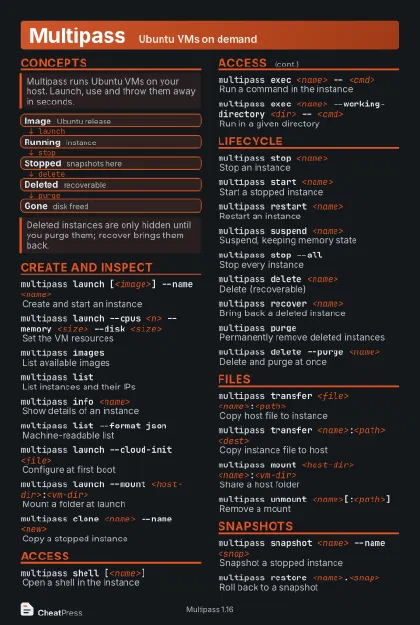 Dark · Postcard
102 × 152 mm · PDF
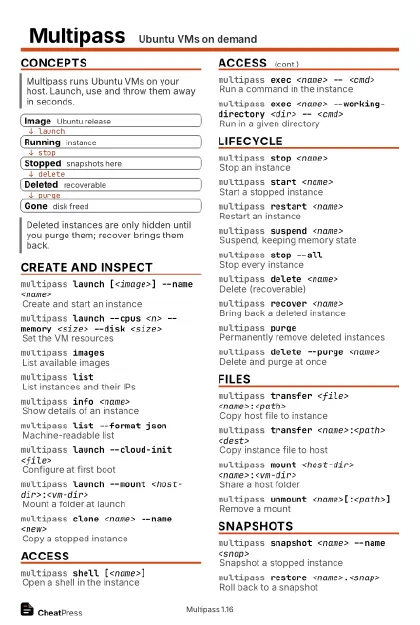 Ink saver · Postcard
102 × 152 mm · PDF
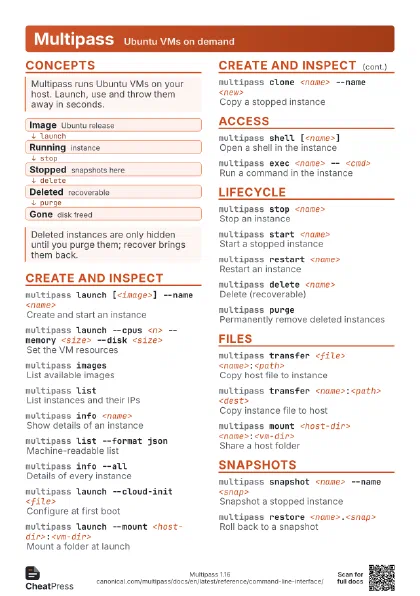
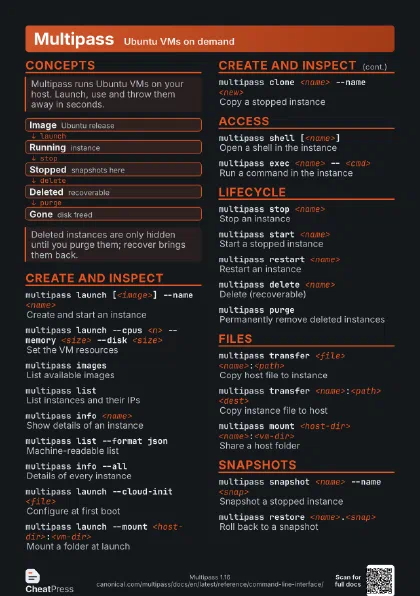
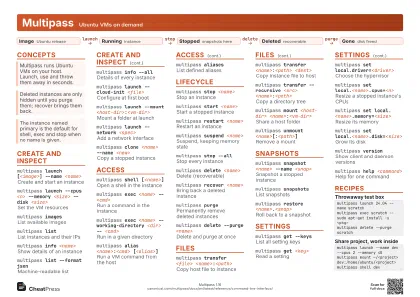 Light · A4 landscape
297 × 210 mm · PDF
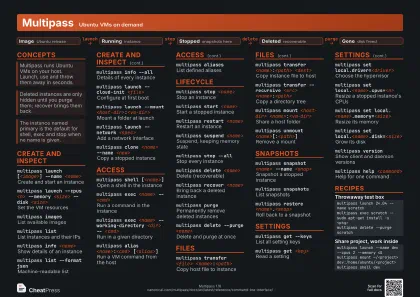 Dark · A4 landscape
297 × 210 mm · PDF
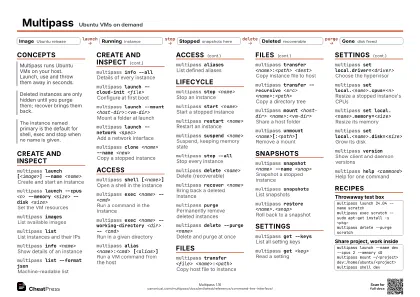 Ink saver · A4 landscape
297 × 210 mm · PDF
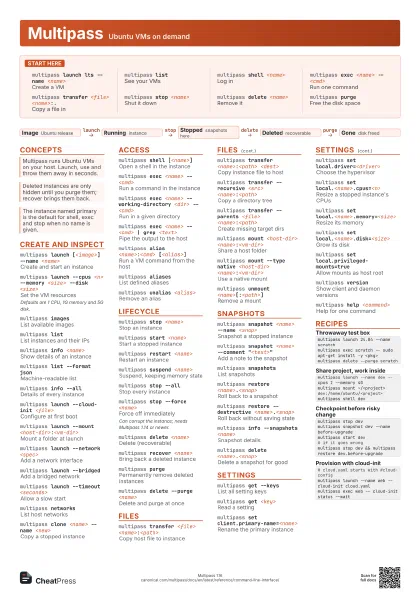
 Light · A3 landscape
420 × 297 mm · PDF
 Dark · A3 landscape
420 × 297 mm · PDF
 Ink saver · A3 landscape
420 × 297 mm · PDF
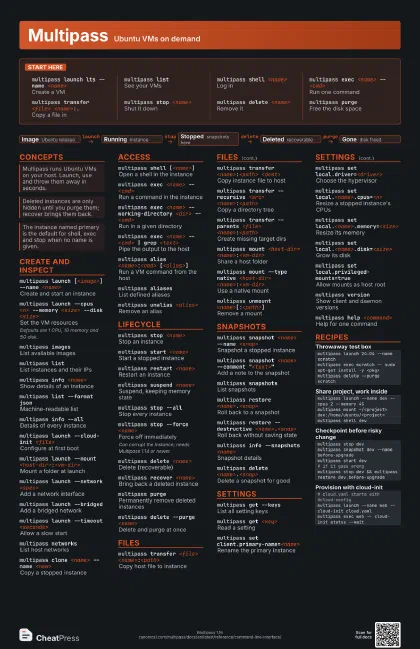
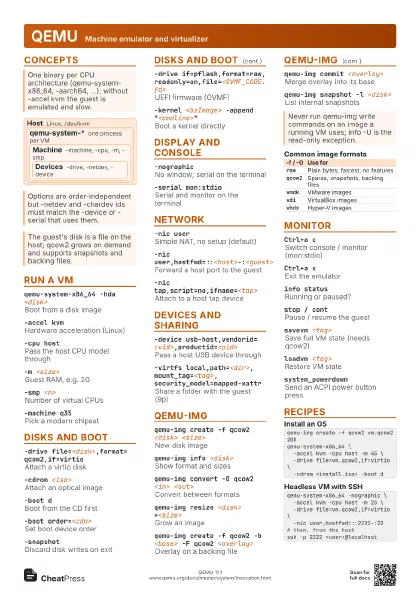
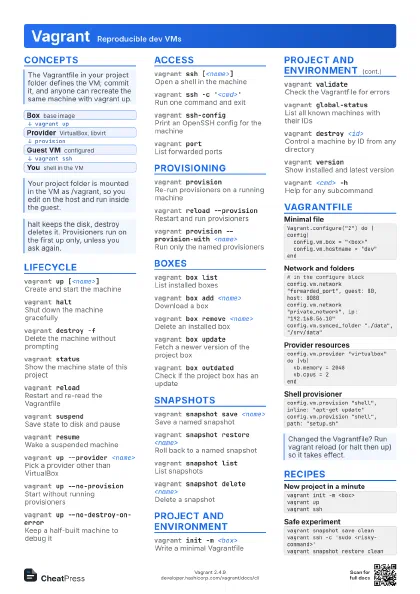
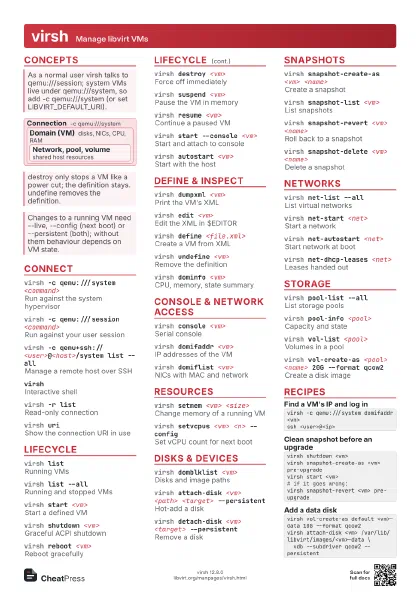
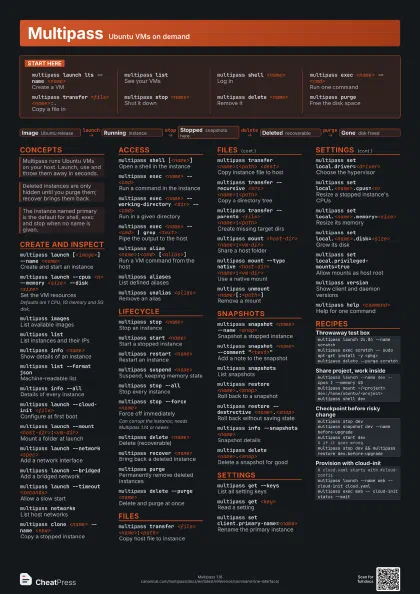
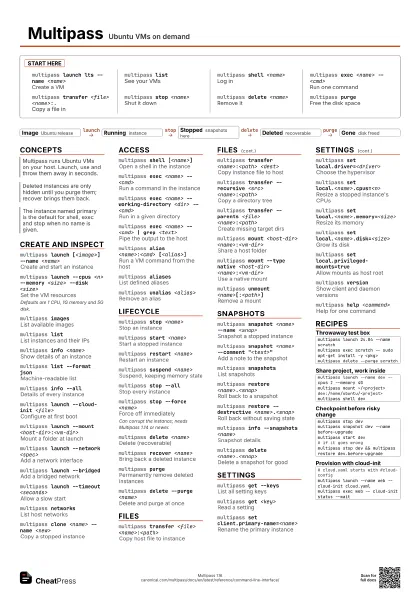
Start here
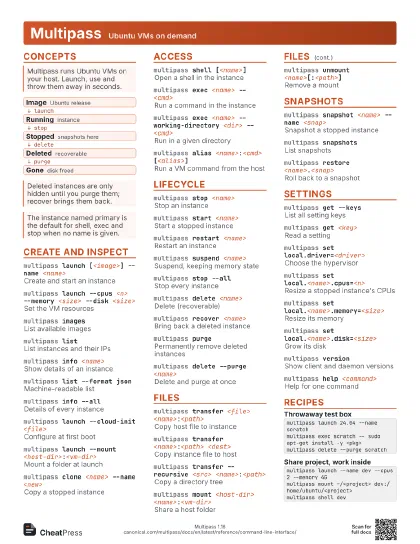
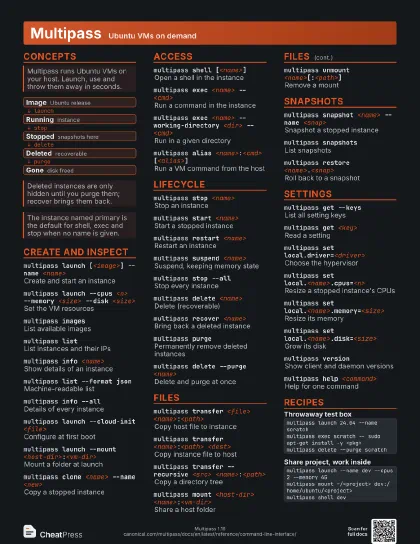
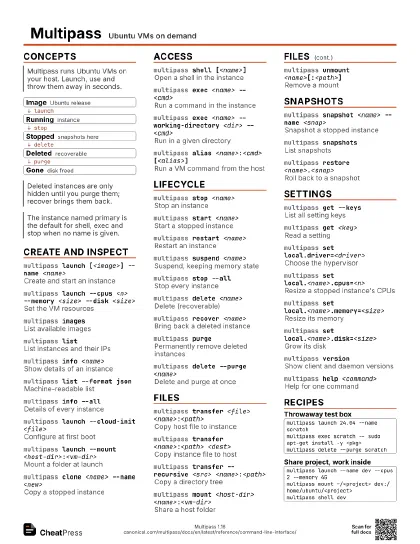
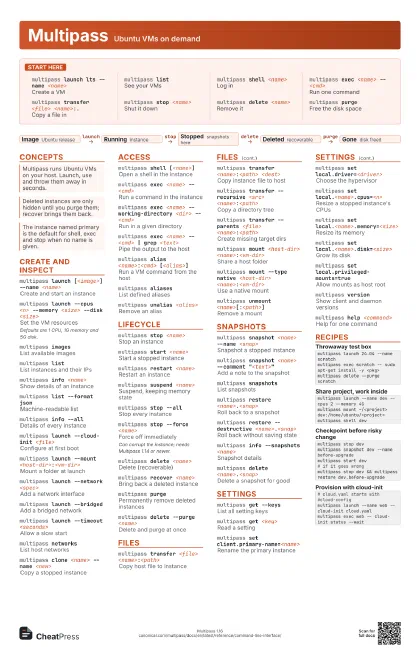
multipass launch lts --name <name>
Create a VM
multipass listSee your VMs
multipass shell <name>
Log in
multipass exec <name> -- <cmd>
Run one command
multipass transfer <file> <name>:.
Copy a file in
multipass stop <name>
Shut it down
multipass delete <name>
Remove it
multipass purgeFree the disk space
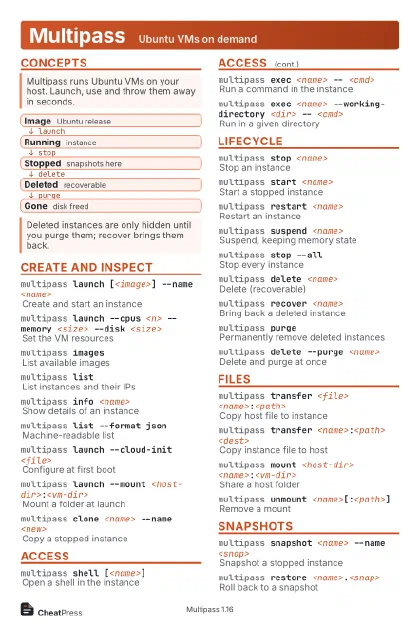
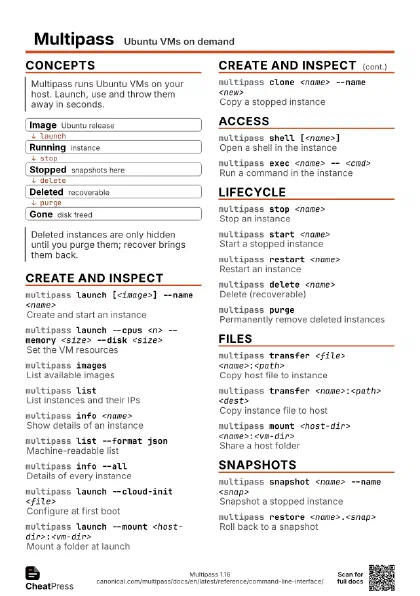
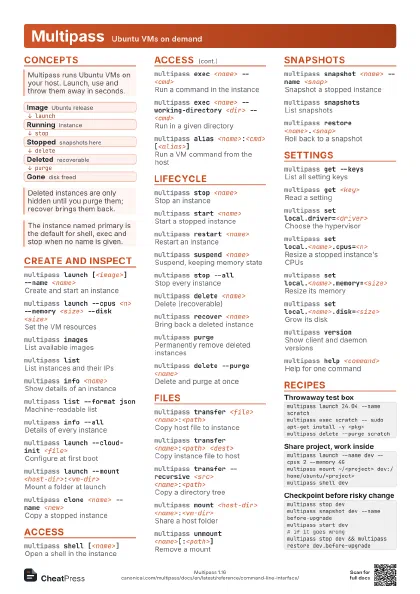
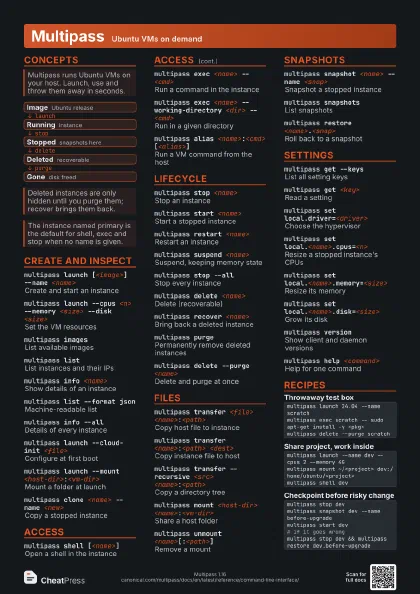
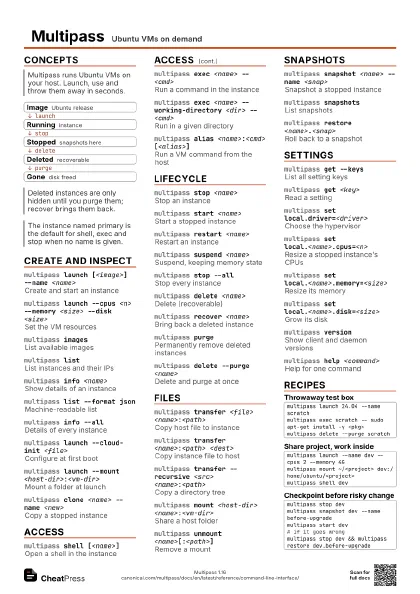
Concepts
- Image Ubuntu release
- Running instance
- Stopped snapshots here
- Deleted recoverable
- Gone disk freed
Create and inspect
multipass launch [<image>] --name <name>
Create and start an instance
multipass launch --cpus <n> --memory <size>
                    --disk <size>
Set the VM resources
Defaults are 1 CPU, 1G memory and 5G disk.
multipass images
List available images
multipass listList instances and their IPs
multipass info <name>
Show details of an instance
multipass list --format json
Machine-readable list
multipass info --all
Details of every instance
multipass launch --cloud-init <file>
Configure at first boot
multipass launch --mount
                    <host-dir>:<vm-dir>
Mount a folder at launch
multipass launch --network <spec>
Add a network interface
multipass launch --bridged
Add a bridged network
multipass launch --timeout <seconds>
Allow a slow start
multipass networks
List host networks
multipass clone <name> --name <new>
Copy a stopped instance
Access
multipass shell [<name>]
Open a shell in the instance
multipass exec <name> -- <cmd>
Run a command in the instance
multipass exec <name> --working-directory <dir>
                    -- <cmd>
Run in a given directory
multipass exec <name> -- <cmd> | grep
                    <text>
Pipe the output to the host
multipass alias <name>:<cmd>
                    [<alias>]
Run a VM command from the host
multipass aliases
List defined aliases
multipass unalias <alias>
Remove an alias
Lifecycle
multipass stop <name>
Stop an instance
multipass start <name>
Start a stopped instance
multipass restart <name>
Restart an instance
multipass suspend <name>
Suspend, keeping memory state
multipass stop --all
Stop every instance
multipass stop --force <name>
Force off immediately
Can corrupt the instance; needs Multipass 1.14 or newer.
multipass delete <name>
Delete (recoverable)
multipass recover <name>
Bring back a deleted instance
multipass purgePermanently remove deleted instances
multipass delete --purge <name>
Delete and purge at once
Files
multipass transfer <file>
                    <name>:<path>
Copy host file to instance
multipass transfer <name>:<path>
                    <dest>
Copy instance file to host
multipass transfer --recursive <src>
                    <name>:<path>
Copy a directory tree
multipass transfer --parents <file>
                    <name>:<path>
Create missing target dirs
multipass mount <host-dir>
                    <name>:<vm-dir>
Share a host folder
multipass mount --type native <host-dir>
                    <name>:<vm-dir>
Use a native mount
multipass unmount <name>[:<path>]
Remove a mount
Snapshots
multipass snapshot <name> --name <snap>
Snapshot a stopped instance
multipass snapshot <name> --comment
                    "<text>"
Add a note to the snapshot
multipass snapshots
List snapshots
multipass restore <name>.<snap>
Roll back to a snapshot
multipass restore --destructive
                    <name>.<snap>
Roll back without saving state
multipass info --snapshots <name>
Snapshot details
multipass delete <name>.<snap>
Delete a snapshot for good
Settings
multipass get --keys
List all setting keys
multipass get <key>
Read a setting
multipass set client.primary-name=<name>
Rename the primary instance
multipass set local.driver=<driver>
Choose the hypervisor
multipass set local.<name>.cpus=<n>
Resize a stopped instance's CPUs
multipass set local.<name>.memory=<size>
Resize its memory
multipass set local.<name>.disk=<size>
Grow its disk
multipass set local.privileged-mounts=true
Allow mounts as host root
multipass version
Show client and daemon versions
multipass help <command>
Help for one command
Recipes
multipass launch 24.04 --name scratchmultipass exec scratch -- sudo apt-get install -y <pkg>multipass delete --purge scratchmultipass launch --name dev --cpus 2 --memory 4Gmultipass mount ~/<project> dev:/home/ubuntu/<project>multipass shell devmultipass stop devmultipass snapshot dev --name before-upgrademultipass start dev# if it goes wrongmultipass stop dev && multipass restore dev.before-upgrade# cloud.yaml starts with #cloud-configmultipass launch --name web --cloud-init cloud.yamlmultipass exec web -- cloud-init status --wait