Cheat
mdadm Linux software RAID
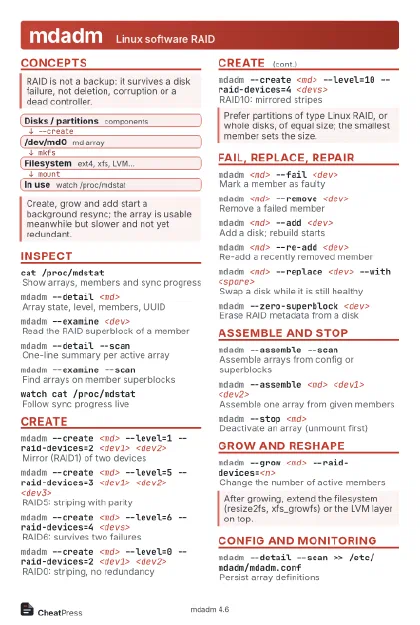 Light · Postcard
102 × 152 mm · PDF
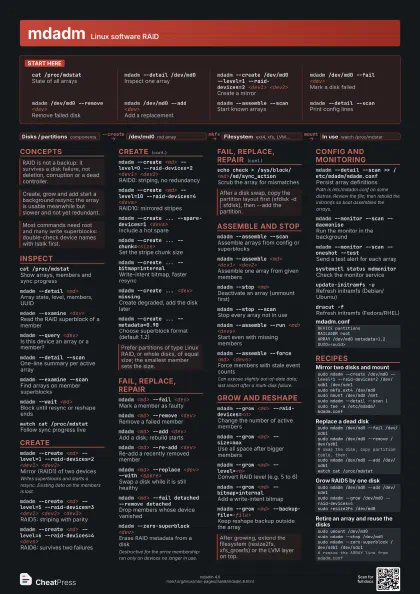
 Dark · Postcard
102 × 152 mm · PDF
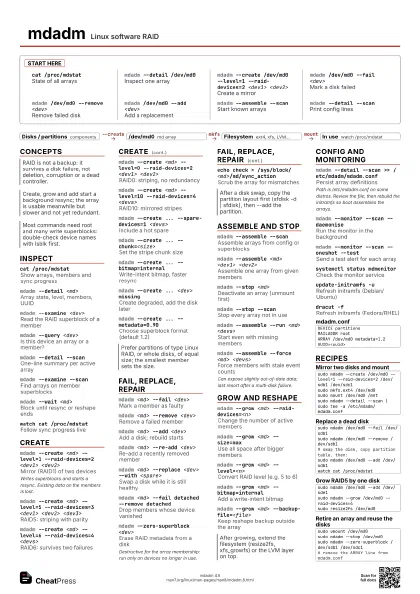
 Ink saver · Postcard
102 × 152 mm · PDF
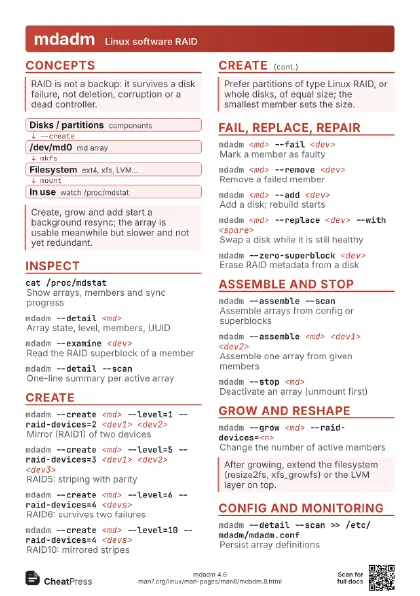
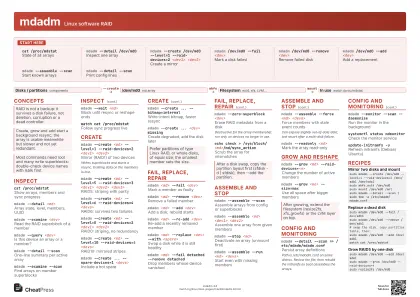
 Light · A4 landscape
297 × 210 mm · PDF
 Dark · A4 landscape
297 × 210 mm · PDF
 Ink saver · A4 landscape
297 × 210 mm · PDF
 Light · A3 landscape
420 × 297 mm · PDF
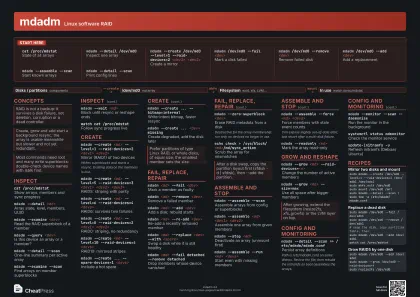 Dark · A3 landscape
420 × 297 mm · PDF
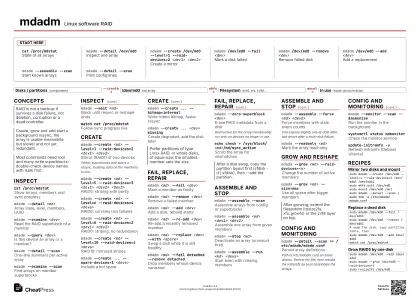 Ink saver · A3 landscape
420 × 297 mm · PDF
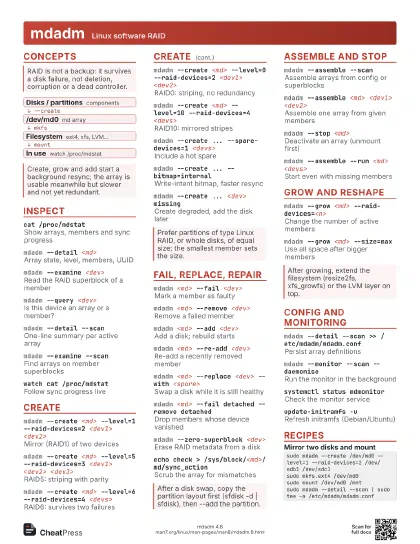
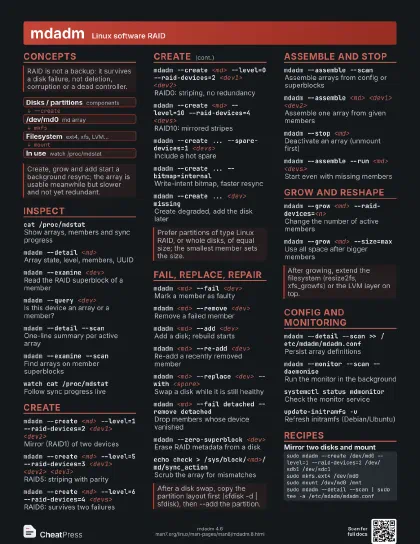
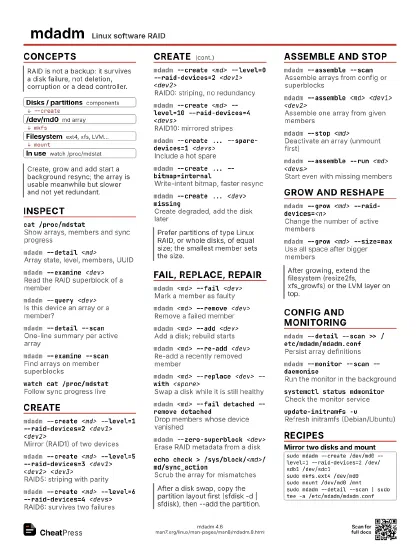
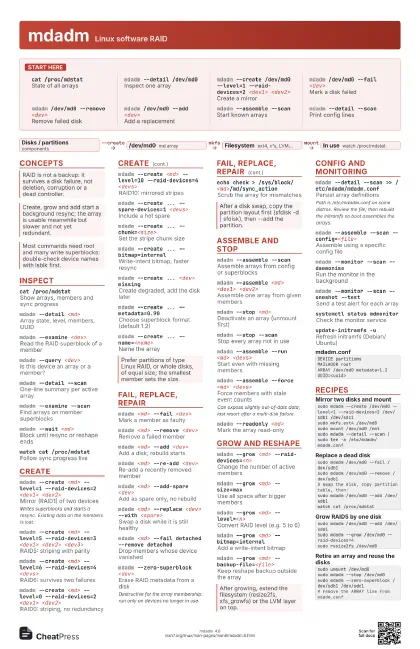
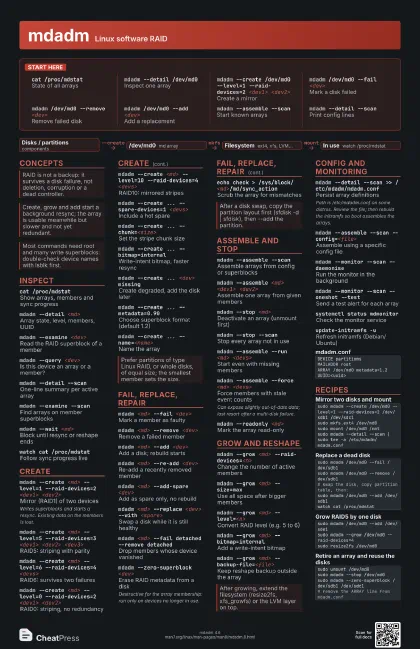
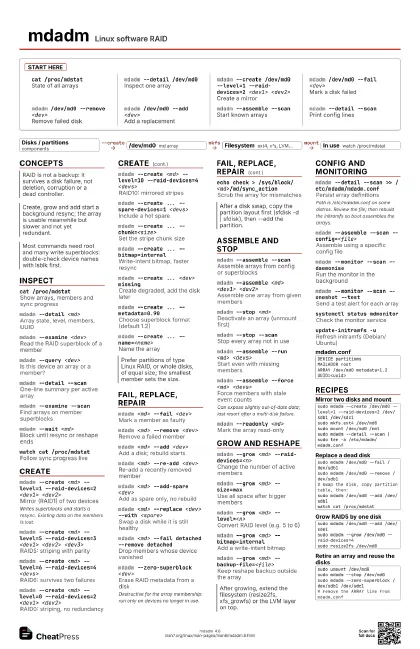
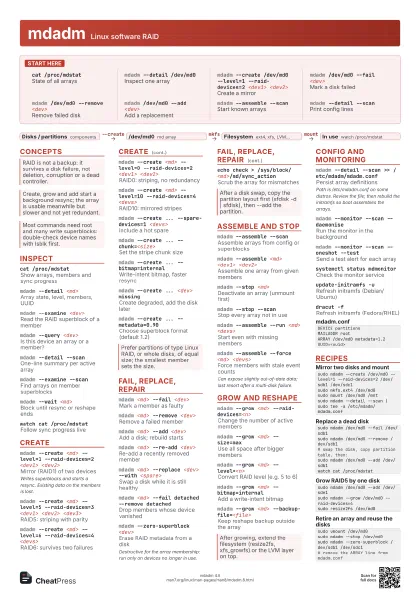
Start here
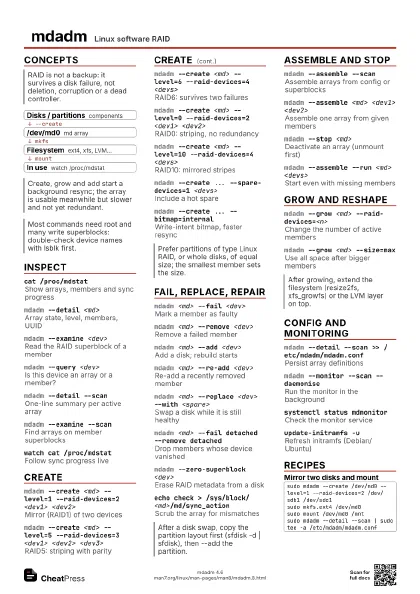
cat /proc/mdstat
State of all arrays
mdadm --detail /dev/md0
Inspect one array
mdadm --create /dev/md0 --level=1 --raid-devices=2
                    <dev1> <dev2>
Create a mirror
mdadm /dev/md0 --fail <dev>
Mark a disk failed
mdadm /dev/md0 --remove <dev>
Remove failed disk
mdadm /dev/md0 --add <dev>
Add a replacement
mdadm --assemble --scan
Start known arrays
mdadm --detail --scan
Print config lines
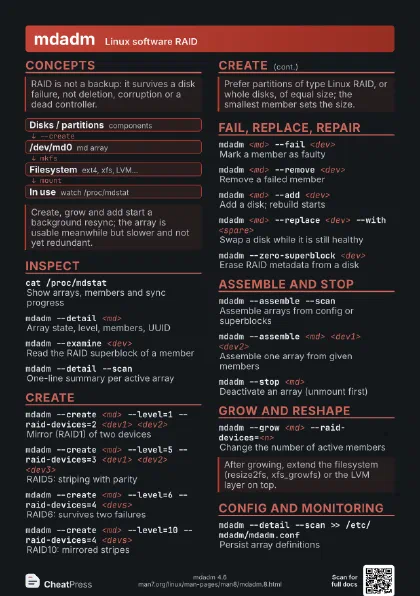
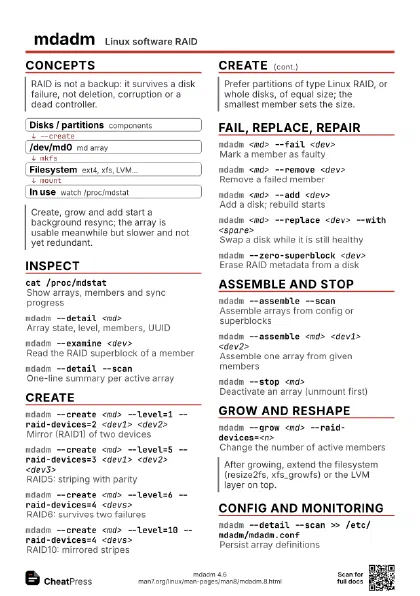
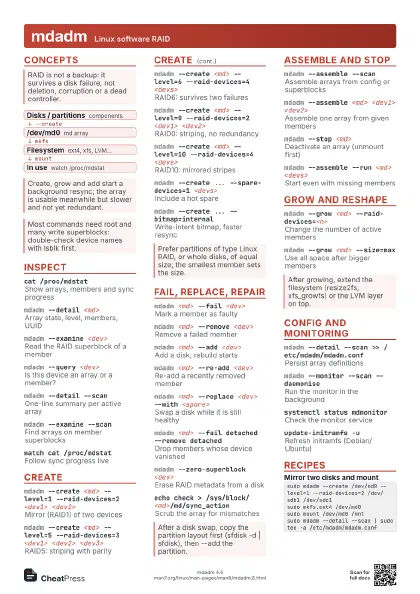
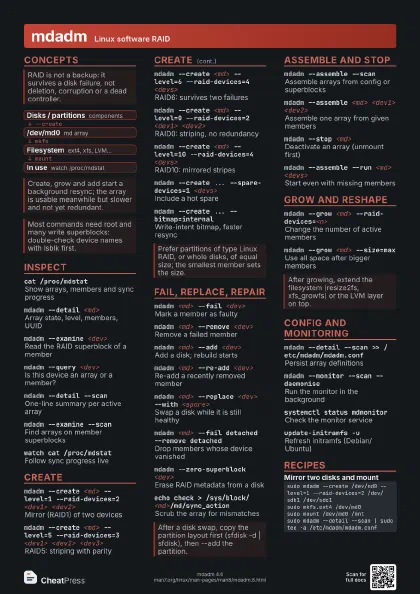
Concepts
- Disks / partitions components
- /dev/md0 md array
- Filesystem ext4, xfs, LVM...
- In use watch /proc/mdstat
Inspect
cat /proc/mdstat
Show arrays, members and sync progress
mdadm --detail <md>
Array state, level, members, UUID
mdadm --examine <dev>
Read the RAID superblock of a member
mdadm --query <dev>
Is this device an array or a member?
mdadm --detail --scan
One-line summary per active array
mdadm --examine --scan
Find arrays on member superblocks
mdadm --wait <md>
Block until resync or reshape ends
watch cat /proc/mdstat
Follow sync progress live
mdadm --versionPrint the mdadm version
Create
mdadm --create <md> --level=1 --raid-devices=2
                    <dev1> <dev2>
Mirror (RAID1) of two devices
Writes superblocks and starts a resync. Existing data on the
members is lost.
mdadm --create <md> --level=5 --raid-devices=3
                    <dev1> <dev2> <dev3>
RAID5: striping with parity
mdadm --create <md> --level=6 --raid-devices=4
                    <devs>
RAID6: survives two failures
mdadm --create <md> --level=0 --raid-devices=2
                    <dev1> <dev2>
RAID0: striping, no redundancy
mdadm --create <md> --level=10 --raid-devices=4
                    <devs>
RAID10: mirrored stripes
mdadm --create ... --spare-devices=1 <devs>
Include a hot spare
mdadm --create ... --chunk=<size>
Set the stripe chunk size
mdadm --create ... --bitmap=internal
Write-intent bitmap, faster resync
mdadm --create ... <dev> missing
Create degraded, add the disk later
mdadm --create ... --metadata=0.90
Choose superblock format (default 1.2)
mdadm --create ... --name=<name>
Name the array
mdadm --create ... --assume-clean
Skip the initial resync
Only for known-clean or throwaway members; parity can be wrong
otherwise.
Fail, replace, repair
mdadm <md> --fail <dev>
Mark a member as faulty
mdadm <md> --remove <dev>
Remove a failed member
mdadm <md> --add <dev>
Add a disk; rebuild starts
mdadm <md> --re-add <dev>
Re-add a recently removed member
mdadm <md> --add-spare <dev>
Add as spare only, no rebuild
mdadm <md> --replace <dev> --with
                    <spare>
Swap a disk while it is still healthy
mdadm <md> --fail detached --remove detached
Drop members whose device vanished
mdadm <md> --write-mostly <dev>
Prefer other mirror side for reads
mdadm --zero-superblock <dev>
Erase RAID metadata from a disk
Destructive for the array membership: run only on devices no
longer in use.
echo check > /sys/block/<md>/md/sync_action
Scrub the array for mismatches
Assemble and stop
mdadm --assemble --scan
Assemble arrays from config or superblocks
mdadm --assemble <md> <dev1> <dev2>
Assemble one array from given members
mdadm --stop <md>
Deactivate an array (unmount first)
mdadm --stop --scan
Stop every array not in use
mdadm --assemble --run <md> <devs>
Start even with missing members
mdadm --assemble --force <md> <devs>
Force members with stale event counts
Can expose slightly out-of-date data; last resort after a
multi-disk failure.
mdadm --readonly <md>
Mark the array read-only
mdadm --readwrite <md>
Make a read-only array writable
mdadm --incremental <dev>
Add one hot-plugged device to its array
Grow and reshape
mdadm --grow <md> --raid-devices=<n>
Change the number of active members
mdadm --grow <md> --size=max
Use all space after bigger members
mdadm --grow <md> --level=<n>
Convert RAID level (e.g. 5 to 6)
mdadm --grow <md> --bitmap=internal
Add a write-intent bitmap
mdadm --grow <md> --bitmap=none
Remove the bitmap
mdadm --grow <md> --backup-file=<file>
Keep reshape backup outside the array
mdadm --grow <md> --array-size=<size>
Shrink array size before reducing members
Config and monitoring
mdadm --detail --scan >> /etc/mdadm/mdadm.conf
Persist array definitions
Path is /etc/mdadm.conf on some distros. Review the file; then
rebuild the initramfs so boot assembles the arrays.
mdadm --assemble --scan --config=<file>
Assemble using a specific config file
mdadm --monitor --scan --daemonise
Run the monitor in the background
mdadm --monitor --scan --oneshot --test
Send a test alert for each array
systemctl status mdmonitor
Check the monitor service
update-initramfs -u
Refresh initramfs (Debian/Ubuntu)
dracut -fRefresh initramfs (Fedora/RHEL)
DEVICE partitionsMAILADDR rootARRAY /dev/md0 metadata=1.2 UUID=<uuid>Recipes
sudo mdadm --create /dev/md0 --level=1 --raid-devices=2 /dev/sdb1 /dev/sdc1sudo mkfs.ext4 /dev/md0sudo mount /dev/md0 /mntsudo mdadm --detail --scan | sudo tee -a /etc/mdadm/mdadm.confsudo mdadm /dev/md0 --fail /dev/sdb1sudo mdadm /dev/md0 --remove /dev/sdb1# swap the disk, copy partition table, then:sudo mdadm /dev/md0 --add /dev/sdb1watch cat /proc/mdstatsudo mdadm /dev/md0 --add /dev/sde1sudo mdadm --grow /dev/md0 --raid-devices=4sudo resize2fs /dev/md0sudo umount /dev/md0sudo mdadm --stop /dev/md0sudo mdadm --zero-superblock /dev/sdb1 /dev/sdc1# remove the ARRAY line from mdadm.conf