Cheat
Mosh Roaming remote shell
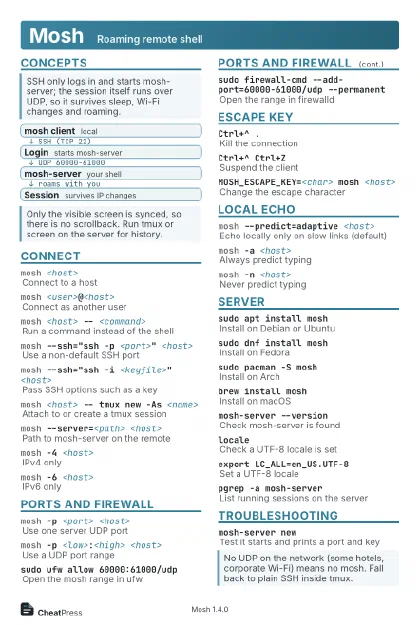 Light · Postcard
102 × 152 mm · PDF
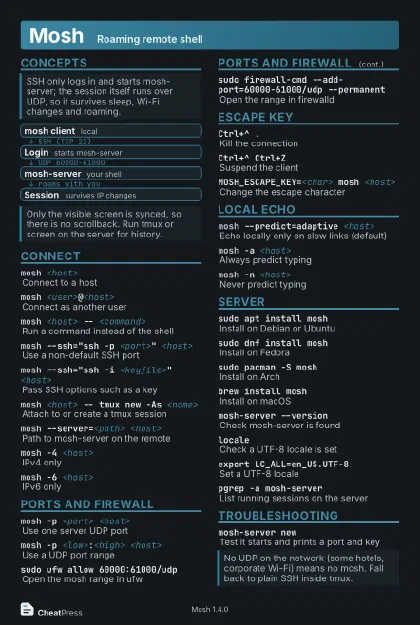 Dark · Postcard
102 × 152 mm · PDF
 Ink saver · Postcard
102 × 152 mm · PDF
 Light · A4 landscape
297 × 210 mm · PDF
 Dark · A4 landscape
297 × 210 mm · PDF
 Ink saver · A4 landscape
297 × 210 mm · PDF
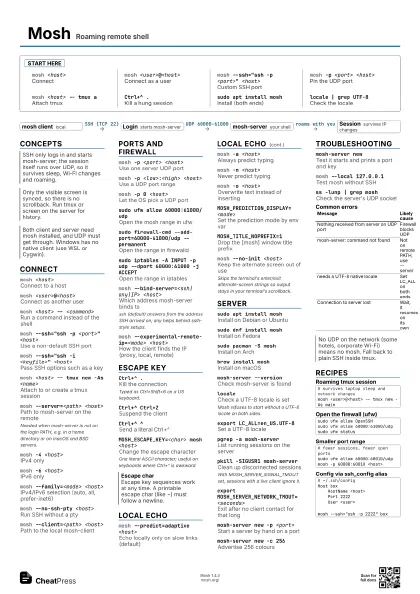
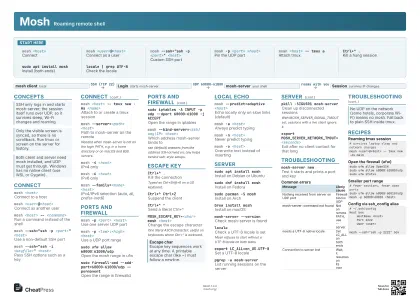 Light · A3 landscape
420 × 297 mm · PDF
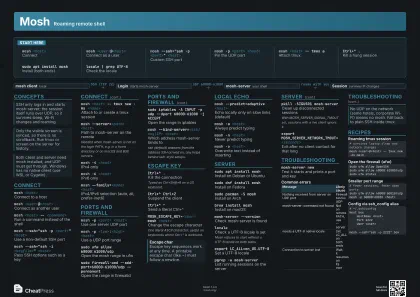 Dark · A3 landscape
420 × 297 mm · PDF
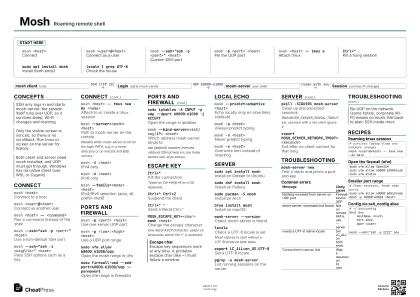 Ink saver · A3 landscape
420 × 297 mm · PDF
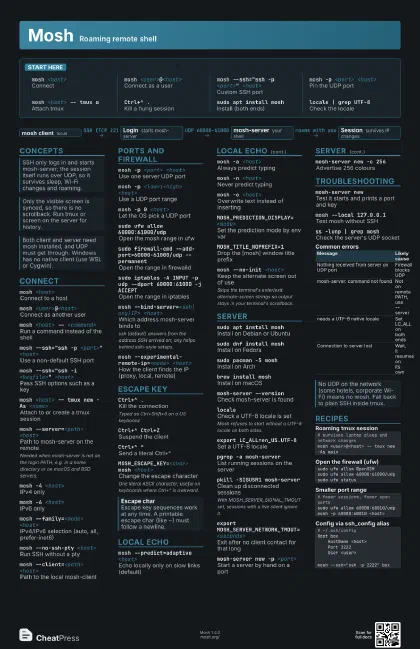
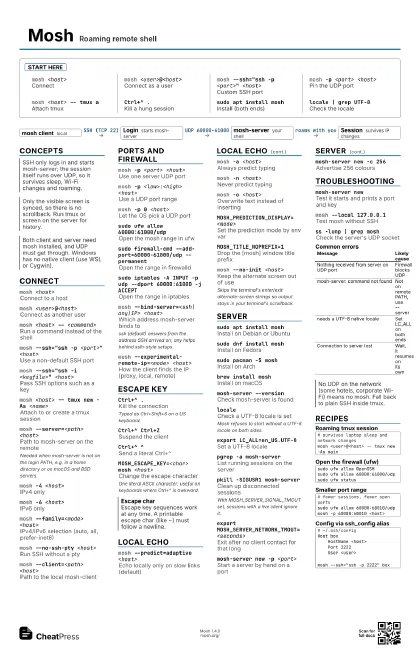
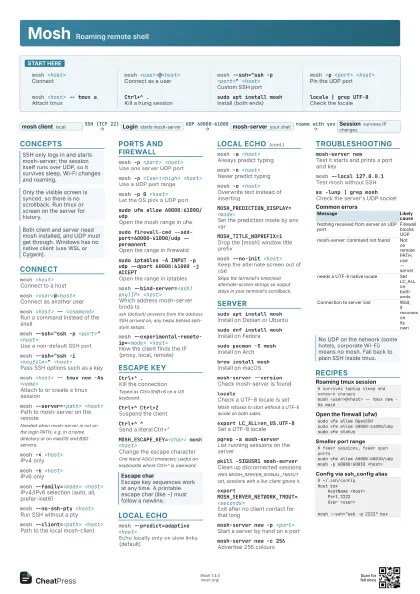
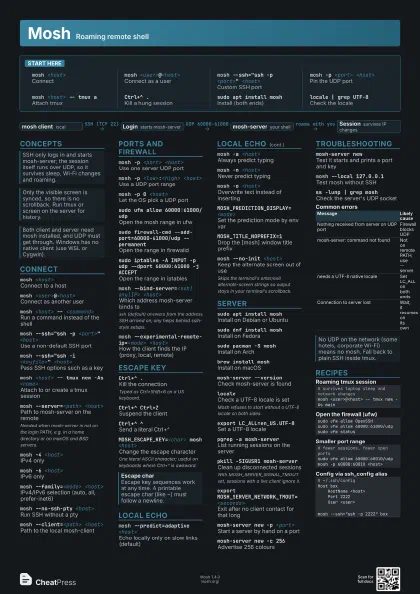
Start here
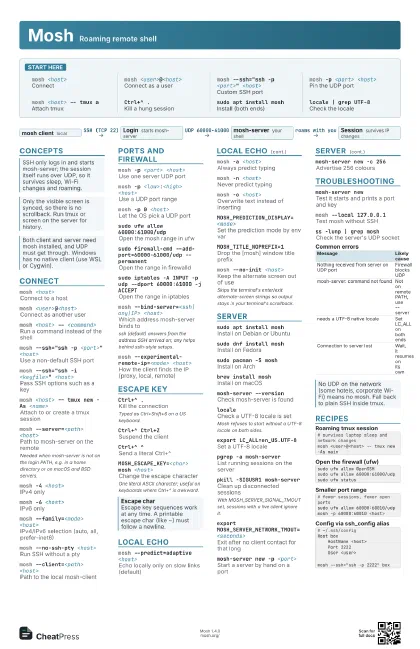
mosh <host>
Connect
mosh <user>@<host>
Connect as a user
mosh --ssh="ssh -p <port>" <host>
Custom SSH port
mosh -p <port> <host>
Pin the UDP port
mosh <host> -- tmux a
Attach tmux
Ctrl+^ .Kill a hung session
sudo apt install mosh
Install (both ends)
locale | grep UTF-8
Check the locale
Concepts
- mosh client local
- Login starts mosh-server
- mosh-server your shell
- Session survives IP changes
Connect
mosh <host>
Connect to a host
mosh <user>@<host>
Connect as another user
mosh <host> -- <command>
Run a command instead of the shell
mosh --ssh="ssh -p <port>" <host>
Use a non-default SSH port
mosh --ssh="ssh -i <keyfile>"
                    <host>
Pass SSH options such as a key
mosh <host> -- tmux new -As <name>
Attach to or create a tmux session
mosh --server=<path> <host>
Path to mosh-server on the remote
Needed when mosh-server is not on the login PATH, e.g. in a
home directory or on macOS and BSD servers.
mosh -4 <host>
IPv4 only
mosh -6 <host>
IPv6 only
mosh --family=<mode> <host>
IPv4/IPv6 selection (auto, all, prefer-inet6)
mosh --no-ssh-pty <host>
Run SSH without a pty
mosh --client=<path> <host>
Path to the local mosh-client
Ports and firewall
mosh -p <port> <host>
Use one server UDP port
mosh -p <low>:<high> <host>
Use a UDP port range
mosh -p 0 <host>
Let the OS pick a UDP port
sudo ufw allow 60000:61000/udp
Open the mosh range in ufw
sudo firewall-cmd --add-port=60000-61000/udp
                    --permanent
Open the range in firewalld
sudo iptables -A INPUT -p udp --dport 60000:61000 -j
                    ACCEPT
Open the range in iptables
mosh --bind-server=<ssh|any|IP> <host>
Which address mosh-server binds to
ssh (default) answers from the address SSH arrived on; any
helps behind sslh-style setups.
mosh --experimental-remote-ip=<mode>
                    <host>
How the client finds the IP (proxy, local, remote)
Escape key
Ctrl+^ .Kill the connection
Typed as Ctrl+Shift+6 on a US keyboard.
Ctrl+^ Ctrl+Z
Suspend the client
Ctrl+^ ^Send a literal Ctrl+^
MOSH_ESCAPE_KEY=<char> mosh <host>
Change the escape character
One literal ASCII character; useful on keyboards where
Ctrl+^ is awkward.
Local echo
mosh --predict=adaptive <host>
Echo locally only on slow links (default)
mosh -a <host>
Always predict typing
mosh -n <host>
Never predict typing
mosh -o <host>
Overwrite text instead of inserting
MOSH_PREDICTION_DISPLAY=<mode>
Set the prediction mode by env var
MOSH_TITLE_NOPREFIX=1
Drop the [mosh] window title prefix
mosh --no-init <host>
Keep the alternate screen out of use
Skips the terminal's enter/exit alternate-screen strings
so output stays in your terminal's scrollback.
Server
sudo apt install mosh
Install on Debian or Ubuntu
sudo dnf install mosh
Install on Fedora
sudo pacman -S mosh
Install on Arch
brew install mosh
Install on macOS
mosh-server --version
Check mosh-server is found
localeCheck a UTF-8 locale is set
Mosh refuses to start without a UTF-8 locale on both sides.
export LC_ALL=en_US.UTF-8
Set a UTF-8 locale
pgrep -a mosh-server
List running sessions on the server
pkill -SIGUSR1 mosh-server
Clean up disconnected sessions
With MOSH_SERVER_SIGNAL_TMOUT set, sessions with a live client
ignore it.
export MOSH_SERVER_NETWORK_TMOUT=<seconds>
Exit after no client contact for that long
mosh-server new -p <port>
Start a server by hand on a port
mosh-server new -c 256
Advertise 256 colours
Troubleshooting
mosh-server newTest it starts and prints a port and key
mosh --local 127.0.0.1
Test mosh without SSH
ss -lunp | grep mosh
Check the server's UDP socket
| Message | Likely cause |
|---|---|
| Nothing received from server on UDP port | Firewall blocks UDP |
| mosh-server: command not found | Not on remote PATH, use --server |
| needs a UTF-8 native locale | Set LC_ALL on both ends |
| Connection to server lost | Wait, it resumes on its own |
Recipes
# survives laptop sleep and network changesmosh <user>@<host> -- tmux new -As mainsudo ufw allow OpenSSHsudo ufw allow 60000:61000/udpsudo ufw status# fewer sessions, fewer open portssudo ufw allow 60000:60010/udpmosh -p 60000:60010 <host># ~/.ssh/configHost box HostName <host> Port 2222 User <user>mosh --ssh="ssh -p 2222" box