Cheat
mitmproxy Intercepting HTTP(S) proxy
 Light · Postcard
102 × 152 mm · PDF
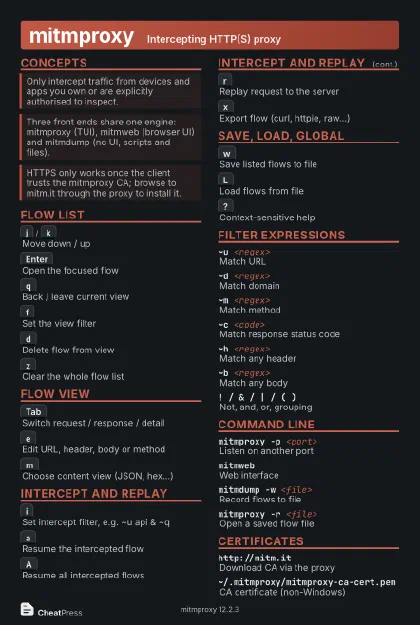 Dark · Postcard
102 × 152 mm · PDF
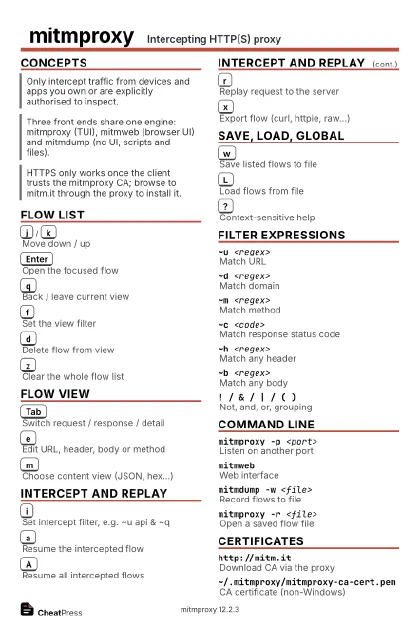 Ink saver · Postcard
102 × 152 mm · PDF
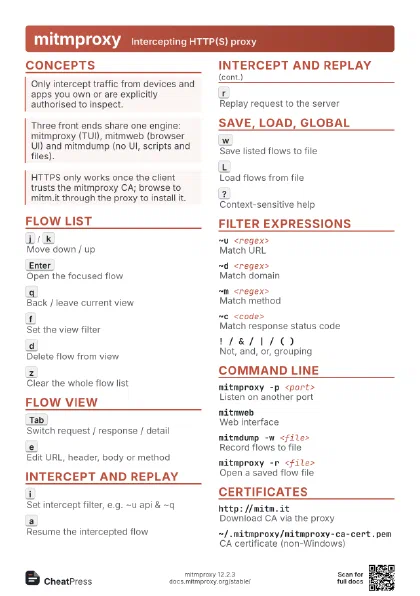
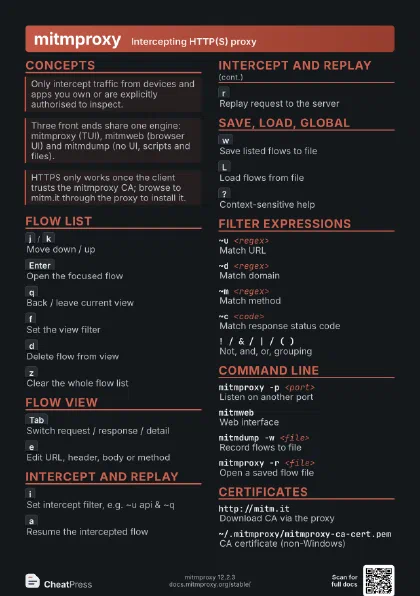
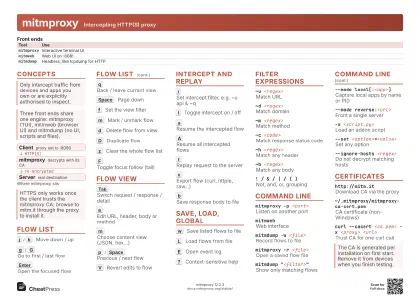 Light · A4 landscape
297 × 210 mm · PDF
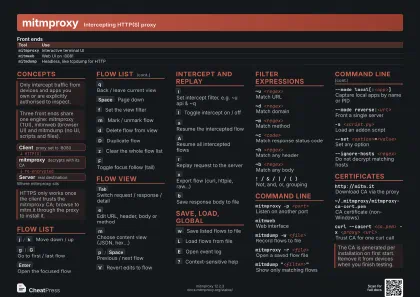 Dark · A4 landscape
297 × 210 mm · PDF
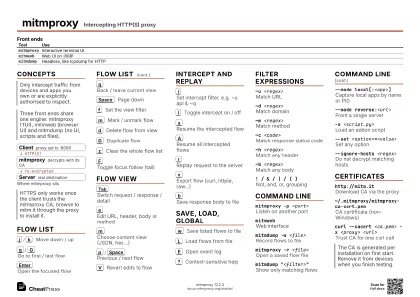 Ink saver · A4 landscape
297 × 210 mm · PDF
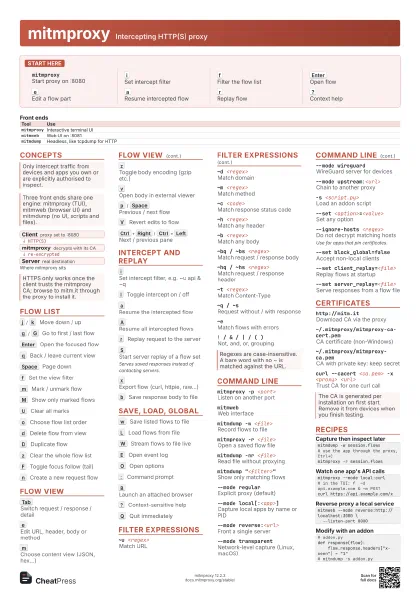
 Light · A3 landscape
420 × 297 mm · PDF
 Dark · A3 landscape
420 × 297 mm · PDF
 Ink saver · A3 landscape
420 × 297 mm · PDF
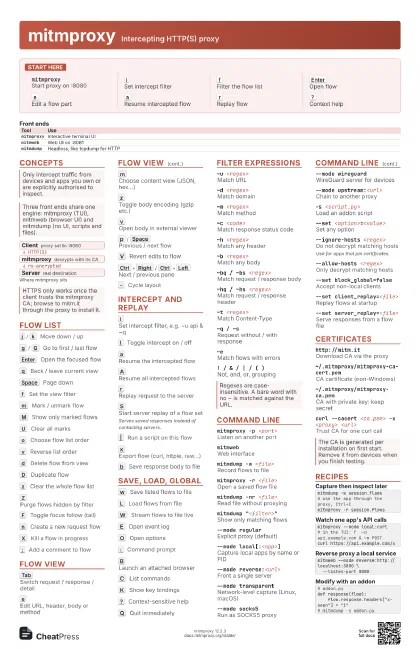
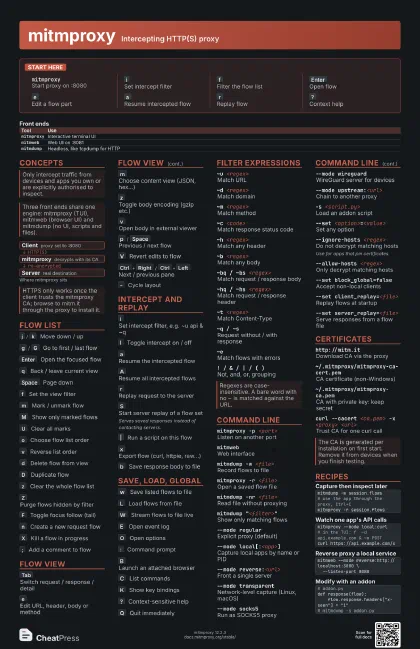
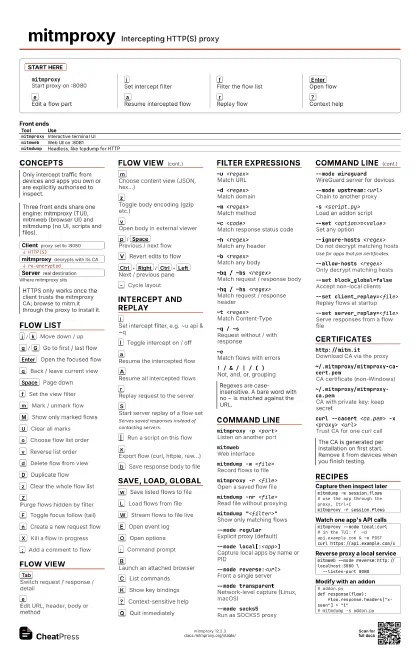
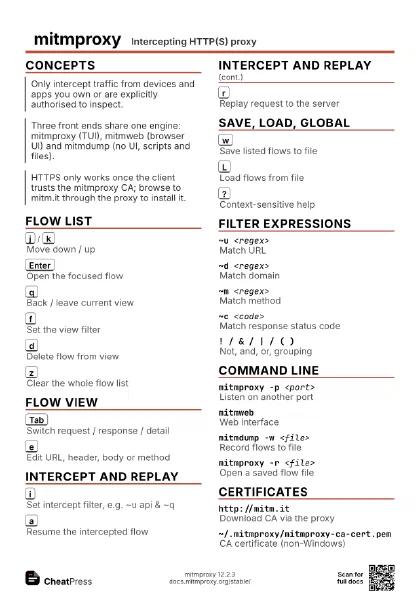
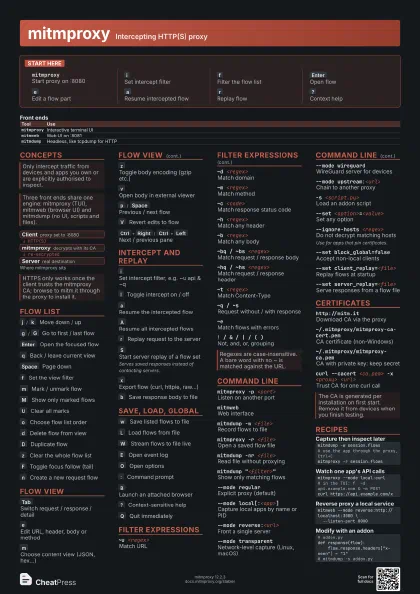
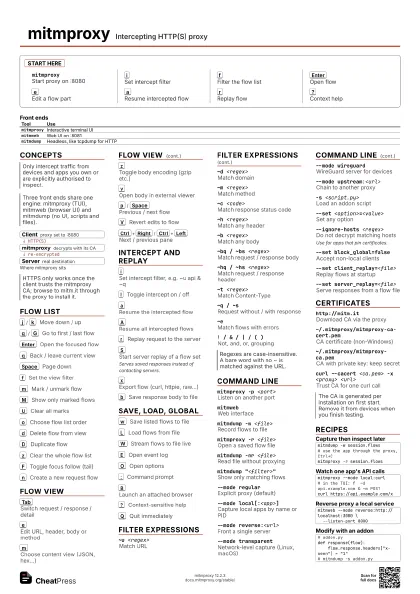
Start here
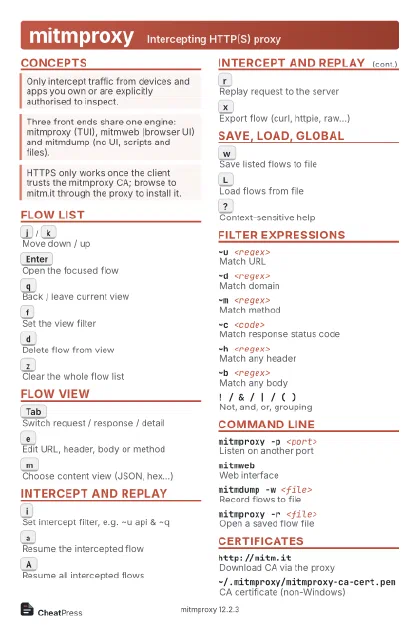
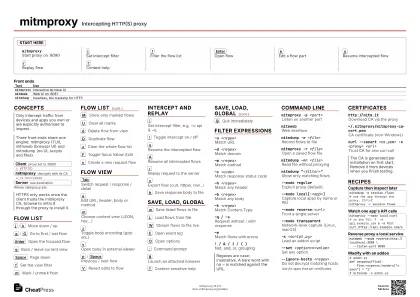
mitmproxyStart proxy on :8080
i
Set intercept filter
f
Filter the flow list
Enter
Open flow
e
Edit a flow part
a
Resume intercepted flow
r
Replay flow
?
Context help
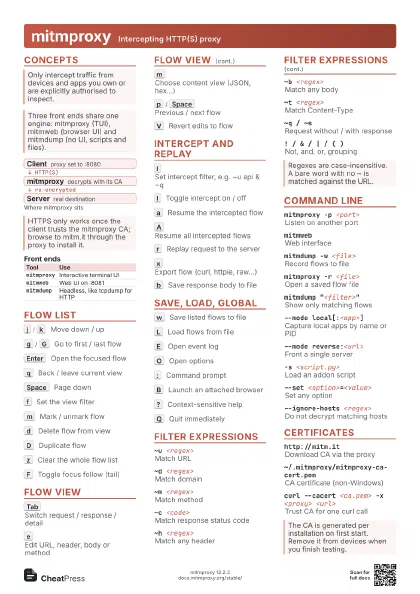
Concepts
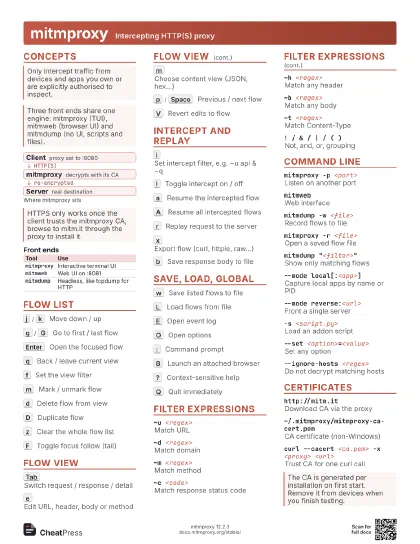
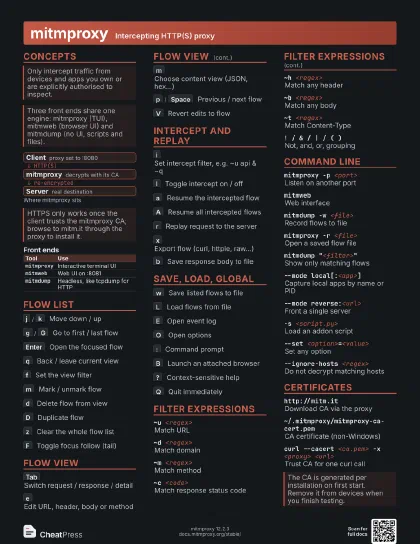
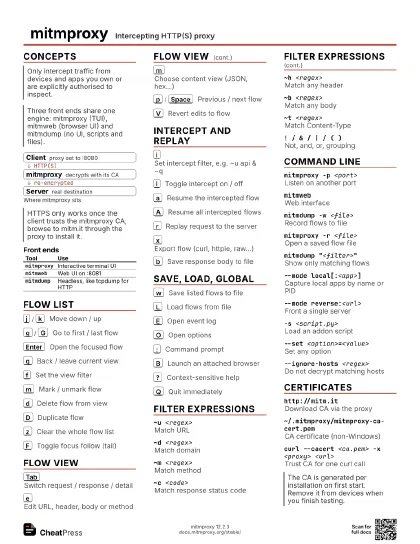
- Client proxy set to :8080
- mitmproxy decrypts with its CA
- Server real destination
| Tool | Use |
|---|---|
mitmproxy |
Interactive terminal UI |
mitmweb |
Web UI on :8081 |
mitmdump |
Headless, like tcpdump for HTTP |
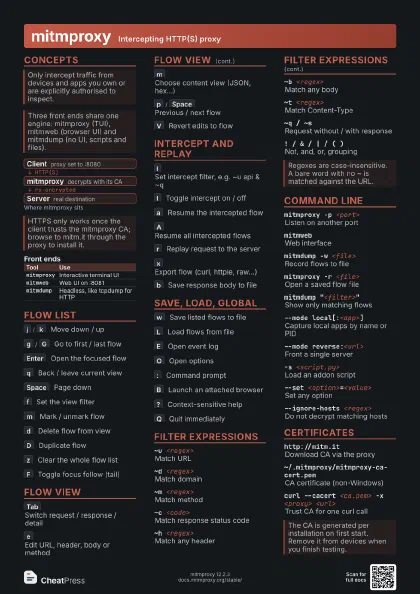
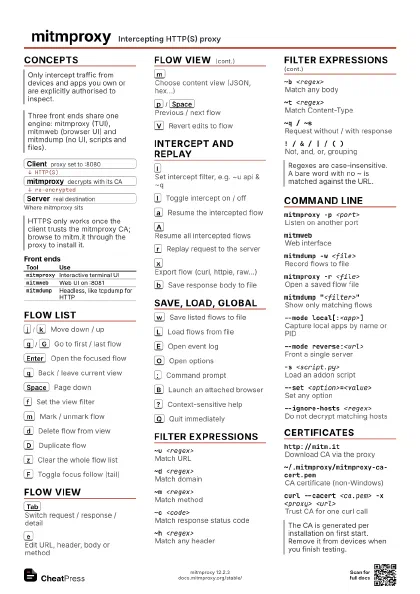
Flow list
j
/
k
Move down / up
g
/
G
Go to first / last flow
Enter
Open the focused flow
q
Back / leave current view
Space
Page down
f
Set the view filter
m
Mark / unmark flow
M
Show only marked flows
U
Clear all marks
o
Choose flow list order
v
Reverse list order
d
Delete flow from view
D
Duplicate flow
z
Clear the whole flow list
Z
Purge flows hidden by filter
F
Toggle focus follow (tail)
n
Create a new request flow
X
Kill a flow in progress
;
Add a comment to flow
Flow view
Tab
Switch request / response / detail
e
Edit URL, header, body or method
m
Choose content view (JSON, hex...)
z
Toggle body encoding (gzip etc.)
v
Open body in external viewer
p
/
Space
Previous / next flow
V
Revert edits to flow
Shift+Tab
Previous layout pane
Ctrl+Right
/
Ctrl+Left
Next / previous pane
-
Cycle layout
Intercept and replay
i
Set intercept filter, e.g. ~u api & ~q
I
Toggle intercept on / off
a
Resume the intercepted flow
A
Resume all intercepted flows
r
Replay request to the server
S
Start server replay of a flow set
Serves saved responses instead of contacting servers.
|
Run a script on this flow
x
Export flow (curl, httpie, raw...)
b
Save response body to file
Save, load, global
w
Save listed flows to file
L
Load flows from file
W
Stream flows to file live
E
Open event log
O
Open options
:
Command prompt
B
Launch an attached browser
C
List commands
K
Show key bindings
H
Toggle quick help bar
?
Context-sensitive help
Q
Quit immediately
Filter expressions
~u <regex>
Match URL
~d <regex>
Match domain
~m <regex>
Match method
~c <code>Match response status code
~h <regex>
Match any header
~b <regex>
Match any body
~bq / ~bs <regex>
Match request / response body
~hq / ~hs <regex>
Match request / response header
~t <regex>
Match Content-Type
~q / ~sRequest without / with response
~eMatch flows with errors
~markedMatch marked flows
~http / ~tcp / ~udp / ~websocket / ~dns
Match by protocol
~src / ~dst <regex>
Match client / server address
! / & / | / ( )
Not, and, or, grouping
Command line
mitmproxy -p <port>
Listen on another port
mitmwebWeb interface
mitmdump -w <file>
Record flows to file
mitmproxy -r <file>
Open a saved flow file
mitmdump -nr <file>
Read file without proxying
mitmdump "<filter>"
Show only matching flows
--mode regularExplicit proxy (default)
--mode local[:<app>]
Capture local apps by name or PID
--mode reverse:<url>
Front a single server
--mode transparent
Network-level capture (Linux, macOS)
--mode socks5Run as SOCKS5 proxy
--mode wireguard
WireGuard server for devices
--mode upstream:<url>
Chain to another proxy
-s <script.py>
Load an addon script
--set <option>=<value>
Set any option
--ignore-hosts <regex>
Do not decrypt matching hosts
Use for apps that pin certificates.
--allow-hosts <regex>
Only decrypt matching hosts
--set block_global=false
Accept non-local clients
--set confdir=<dir>
Use another CA / config dir
--set client_replay=<file>
Replay flows at startup
--set server_replay=<file>
Serve responses from a flow file
Certificates
http://mitm.itDownload CA via the proxy
~/.mitmproxy/mitmproxy-ca-cert.pem
CA certificate (non-Windows)
~/.mitmproxy/mitmproxy-ca-cert.p12
CA certificate for Windows
~/.mitmproxy/mitmproxy-ca.pem
CA with private key: keep secret
curl --cacert <ca.pem> -x <proxy>
                    <url>
Trust CA for one curl call
certutil -addstore root <ca.cer>
Install CA on Windows
Recipes
mitmdump -w session.flows# use the app through the proxy, Ctrl+Cmitmproxy -r session.flowsmitmproxy --mode local:curl# in the TUI: f ~d api.example.com & ~m POSTcurl https://api.example.com/xmitmweb --mode reverse:http://localhost:3000 \ --listen-port 8080# addon.pydef response(flow): flow.response.headers["x-seen"] = "1"# mitmdump -s addon.py