Cheat
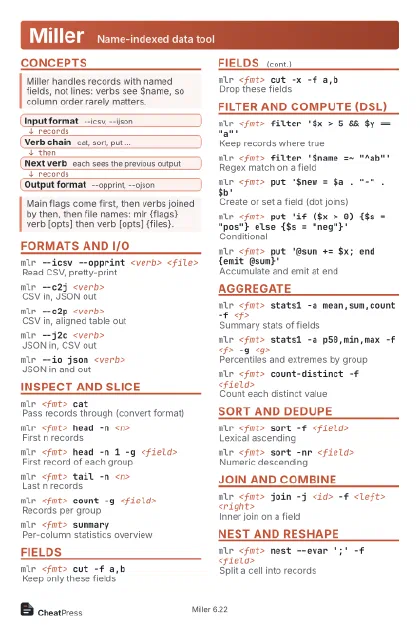
Miller Name-indexed data tool
 Light · Postcard
102 × 152 mm · PDF
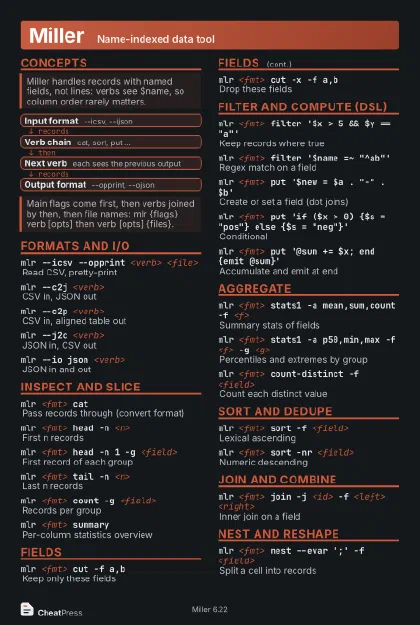 Dark · Postcard
102 × 152 mm · PDF
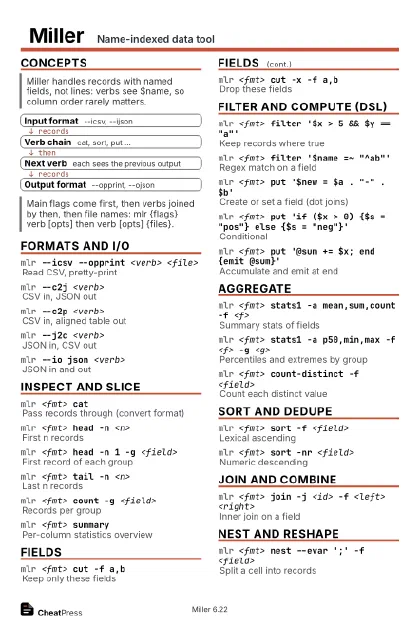 Ink saver · Postcard
102 × 152 mm · PDF
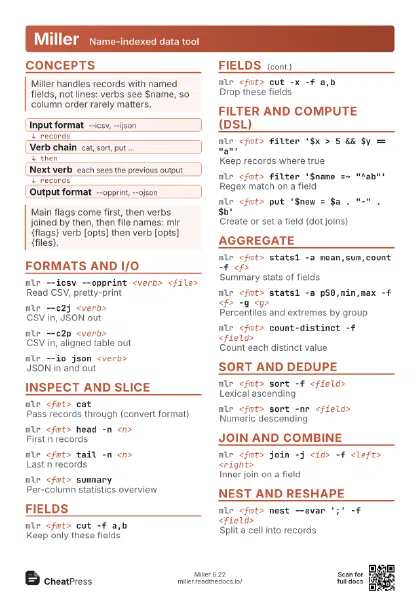
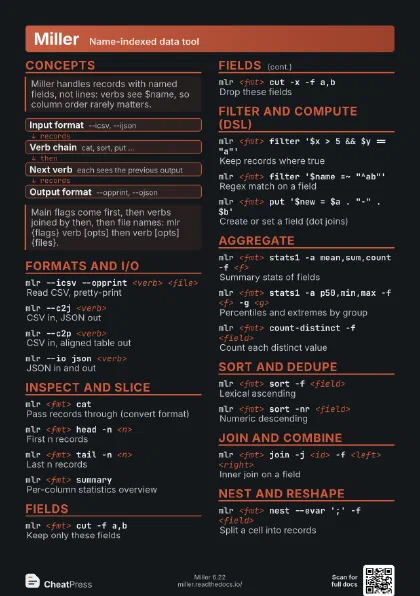
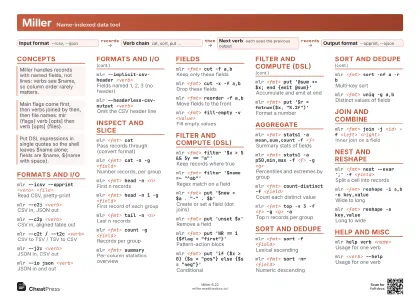 Light · A4 landscape
297 × 210 mm · PDF
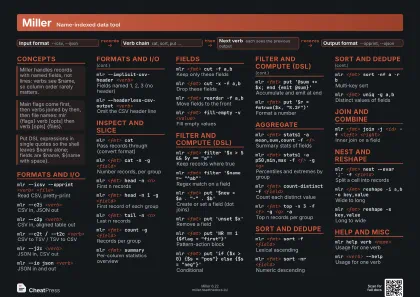 Dark · A4 landscape
297 × 210 mm · PDF
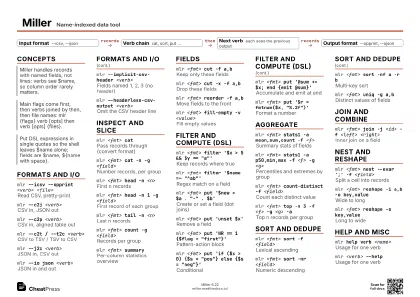 Ink saver · A4 landscape
297 × 210 mm · PDF
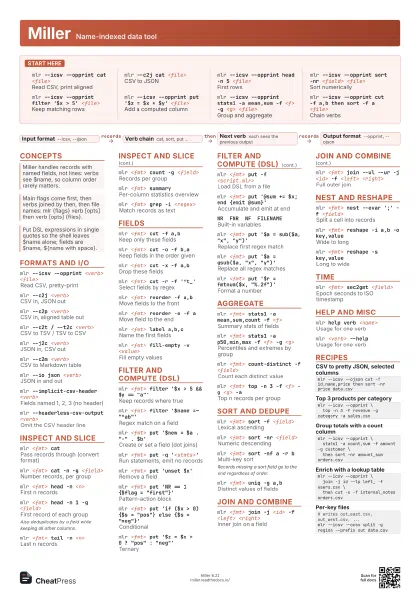
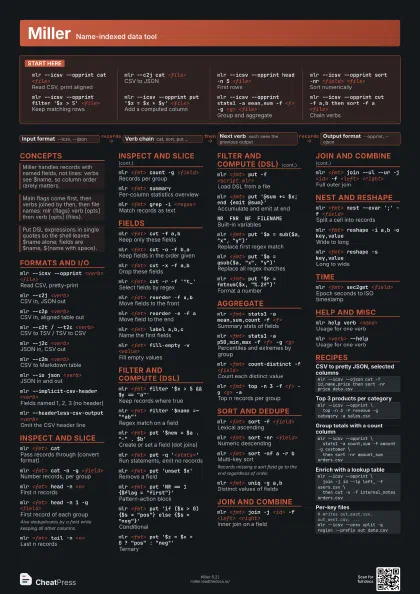
 Light · A3 landscape
420 × 297 mm · PDF
 Dark · A3 landscape
420 × 297 mm · PDF
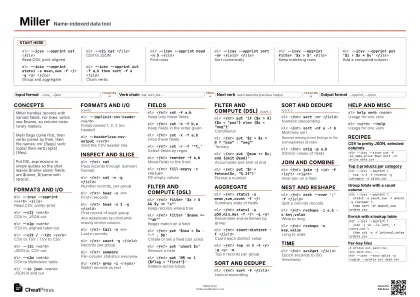 Ink saver · A3 landscape
420 × 297 mm · PDF
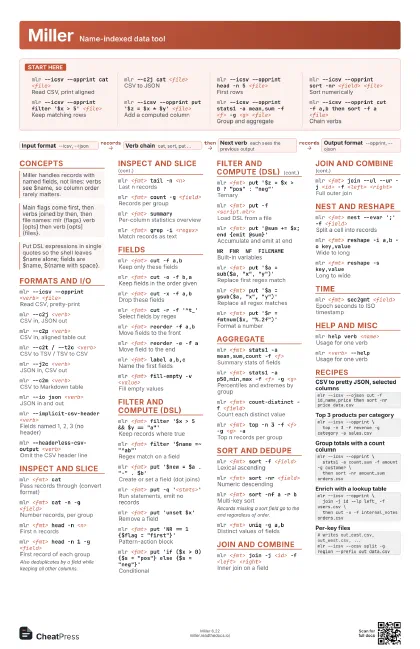
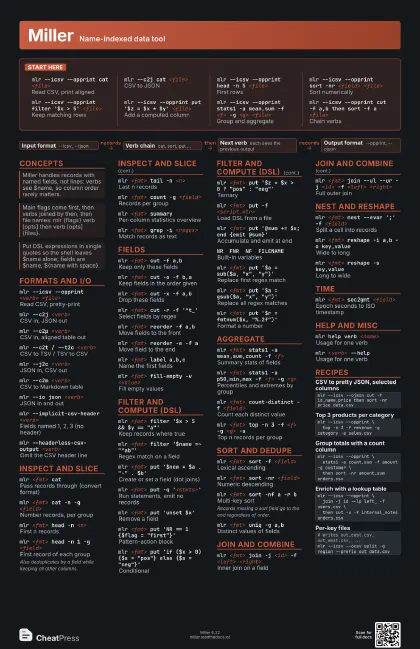
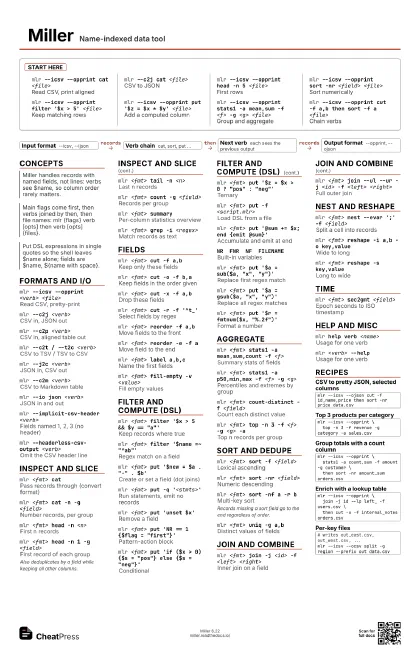
Start here
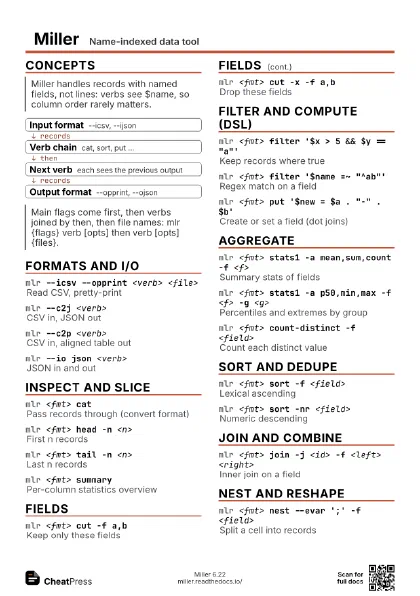
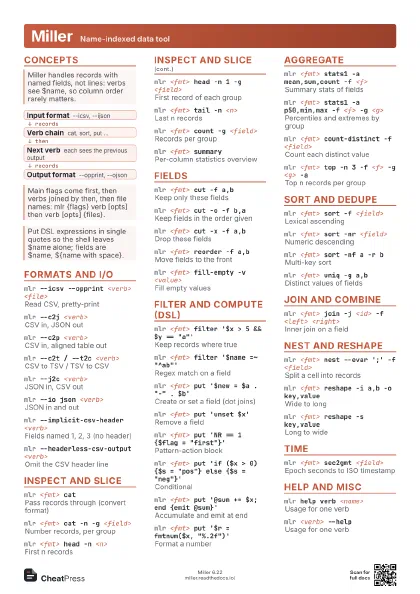
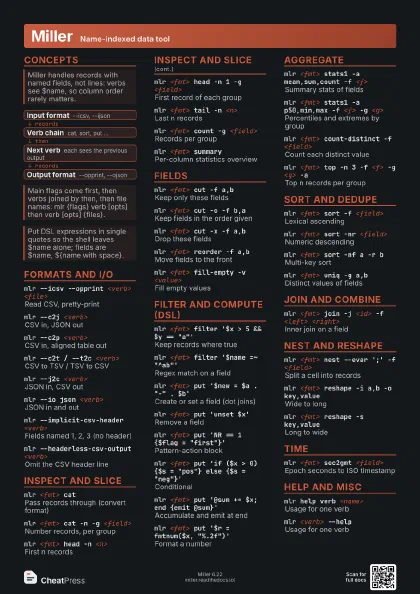
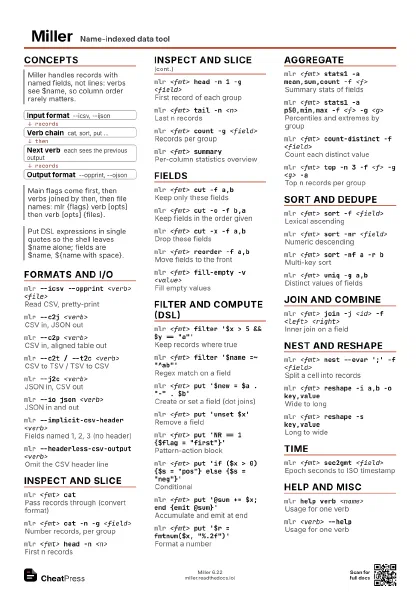
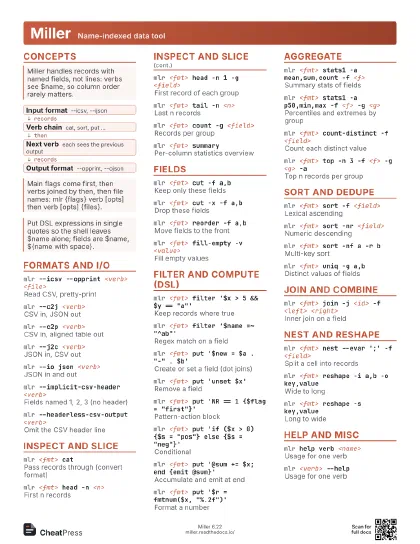
mlr --icsv --opprint cat <file>
Read CSV, print aligned
mlr --c2j cat <file>
CSV to JSON
mlr --icsv --opprint head -n 5 <file>
First rows
mlr --icsv --opprint sort -nr <field>
                    <file>
Sort numerically
mlr --icsv --opprint filter '$x > 5'
                    <file>
Keep matching rows
mlr --icsv --opprint put '$z = $x * $y'
                    <file>
Add a computed column
mlr --icsv --opprint stats1 -a mean,sum -f <f> -g
                    <g> <file>
Group and aggregate
mlr --icsv --opprint cut -f a,b then sort -f a
                    <file>
Chain verbs
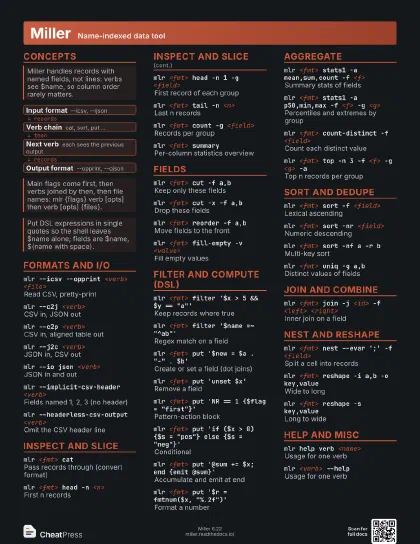
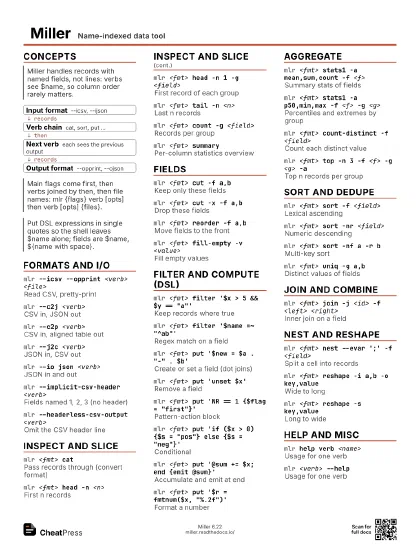
Concepts
- Input format --icsv, --ijson
- Verb chain cat, sort, put ...
- Next verb each sees the previous output
- Output format --opprint, --ojson
Formats and I/O
mlr --icsv --opprint <verb> <file>
Read CSV, pretty-print
mlr --c2j <verb>
CSV in, JSON out
mlr --c2p <verb>
CSV in, aligned table out
mlr --c2t / --t2c <verb>
CSV to TSV / TSV to CSV
mlr --j2c <verb>
JSON in, CSV out
mlr --c2m <verb>
CSV to Markdown table
mlr --io json <verb>
JSON in and out
mlr --implicit-csv-header <verb>
Fields named 1, 2, 3 (no header)
mlr --headerless-csv-output <verb>
Omit the CSV header line
Inspect and slice
mlr <fmt> cat
Pass records through (convert format)
mlr <fmt> cat -n -g <field>
Number records, per group
mlr <fmt> head -n <n>
First n records
mlr <fmt> head -n 1 -g <field>
First record of each group
Also deduplicates by a field while keeping all other columns.
mlr <fmt> tail -n <n>
Last n records
mlr <fmt> count -g <field>
Records per group
mlr <fmt> summary
Per-column statistics overview
mlr <fmt> grep -i <regex>
Match records as text
Fields
mlr <fmt> cut -f a,b
Keep only these fields
mlr <fmt> cut -o -f b,a
Keep fields in the order given
mlr <fmt> cut -x -f a,b
Drop these fields
mlr <fmt> cut -r -f '^t_'
Select fields by regex
mlr <fmt> reorder -f a,b
Move fields to the front
mlr <fmt> reorder -e -f a
Move field to the end
mlr <fmt> label a,b,c
Name the first fields
mlr <fmt> fill-empty -v <value>
Fill empty values
Filter and compute (DSL)
mlr <fmt> filter '$x > 5 && $y ==
                    "a"'
Keep records where true
mlr <fmt> filter '$name =~
                    "^ab"'
Regex match on a field
mlr <fmt> put '$new = $a . "-" .
                    $b'
Create or set a field (dot joins)
mlr <fmt> put -q '<stmts>'
Run statements, emit no records
mlr <fmt> put 'unset $x'
Remove a field
mlr <fmt> put 'NR == 1 {$flag =
                    "first"}'
Pattern-action block
mlr <fmt> put 'if ($x > 0) {$s =
                    "pos"} else {$s = "neg"}'
Conditional
mlr <fmt> put '$z = $x > 0 ? "pos" :
                    "neg"'
Ternary
mlr <fmt> put -f <script.mlr>
Load DSL from a file
mlr <fmt> put '@sum += $x; end {emit
                    @sum}'
Accumulate and emit at end
NR FNR NF FILENAME
Built-in variables
mlr <fmt> put '$a = sub($a, "x",
                    "y")'
Replace first regex match
mlr <fmt> put '$a = gsub($a, "x",
                    "y")'
Replace all regex matches
mlr <fmt> put '$r = fmtnum($x,
                    "%.2f")'
Format a number
Aggregate
mlr <fmt> stats1 -a mean,sum,count -f <f>
Summary stats of fields
mlr <fmt> stats1 -a p50,min,max -f <f> -g
                    <g>
Percentiles and extremes by group
mlr <fmt> count-distinct -f <field>
Count each distinct value
mlr <fmt> top -n 3 -f <f> -g <g> -a
Top n records per group
Sort and dedupe
mlr <fmt> sort -f <field>
Lexical ascending
mlr <fmt> sort -nr <field>
Numeric descending
mlr <fmt> sort -nf a -r b
Multi-key sort
Records missing a sort field go to the end regardless of
order.
mlr <fmt> uniq -g a,b
Distinct values of fields
Join and combine
mlr <fmt> join -j <id> -f <left>
                    <right>
Inner join on a field
mlr <fmt> join --ul --ur -j <id> -f
                    <left> <right>
Full outer join
Nest and reshape
mlr <fmt> nest --evar ';' -f
                    <field>
Split a cell into records
mlr <fmt> reshape -i a,b -o key,value
Wide to long
mlr <fmt> reshape -s key,value
Long to wide
Time
mlr <fmt> sec2gmt <field>
Epoch seconds to ISO timestamp
Help and misc
mlr help verb <name>
Usage for one verb
mlr <verb> --help
Usage for one verb
Recipes
mlr --icsv --ojson cut -f id,name,price then sort -nr price data.csvmlr --icsv --opprint \ top -n 3 -f revenue -g category -a sales.csvmlr --icsv --opprint \ stats1 -a count,sum -f amount -g customer \ then sort -nr amount_sum orders.csvmlr --icsv --opprint \ join -j id --lp left_ -f users.csv \ then cut -x -f internal_notes orders.csv# writes out_east.csv, out_west.csv, ...mlr --icsv --ocsv split -g region --prefix out data.csv