Cheat
Lynx Text-mode web browser
 Light · Postcard
102 × 152 mm · PDF
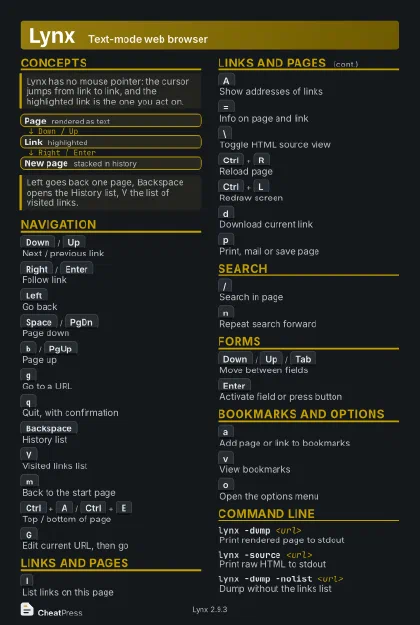 Dark · Postcard
102 × 152 mm · PDF
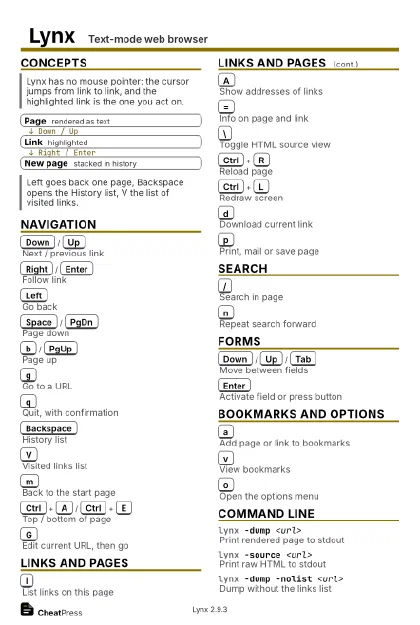 Ink saver · Postcard
102 × 152 mm · PDF
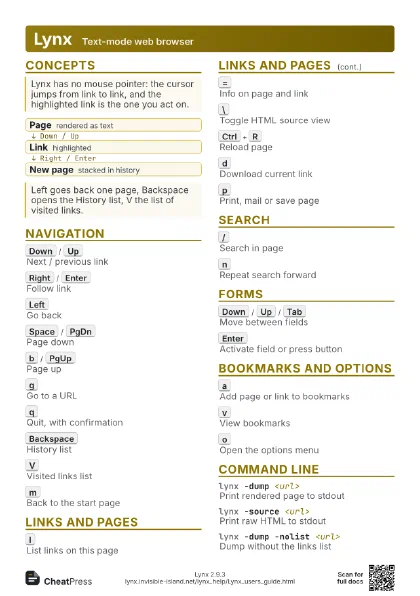
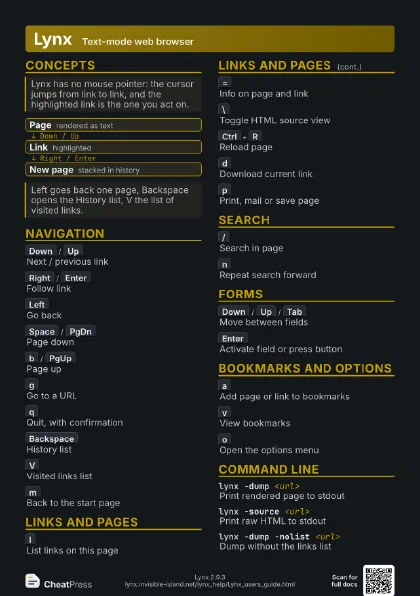
 Light · A4 landscape
297 × 210 mm · PDF
 Dark · A4 landscape
297 × 210 mm · PDF
 Ink saver · A4 landscape
297 × 210 mm · PDF
 Light · A3 landscape
420 × 297 mm · PDF
 Dark · A3 landscape
420 × 297 mm · PDF
 Ink saver · A3 landscape
420 × 297 mm · PDF
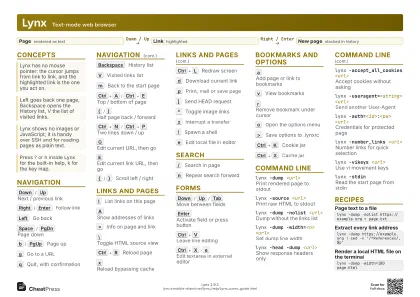
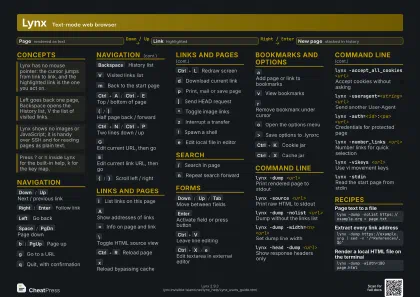
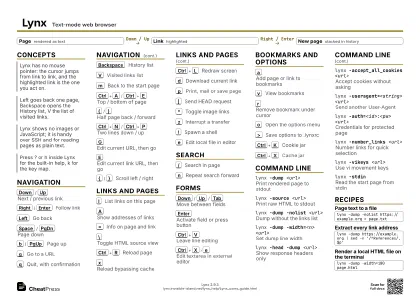
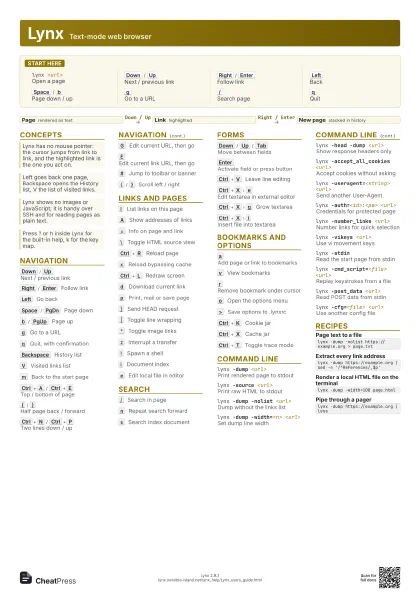
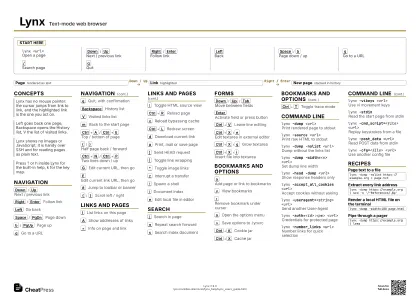
Start here
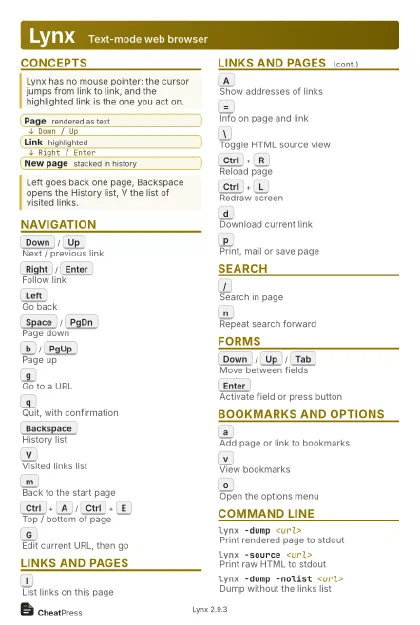
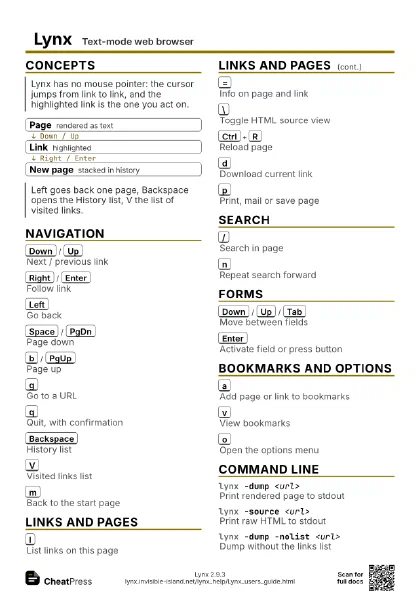
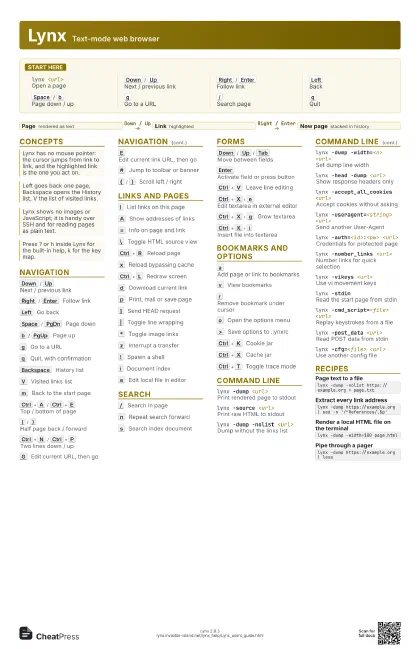
lynx <url>
Open a page
Down
/
Up
Next / previous link
Right
/
Enter
Follow link
Left
Back
Space
/
b
Page down / up
g
Go to a URL
/
Search page
q
Quit
Concepts
- Page rendered as text
- Link highlighted
- New page stacked in history
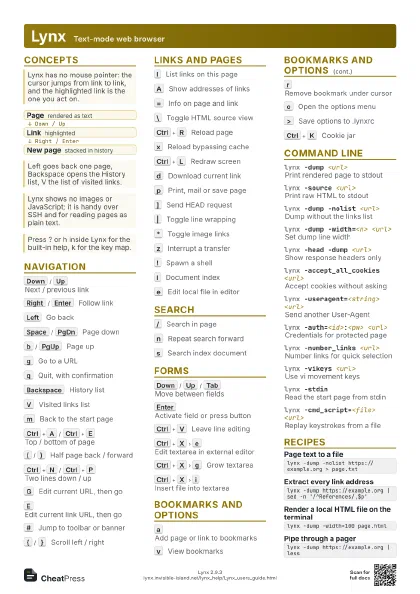
Navigation
Down
/
Up
Next / previous link
Right
/
Enter
Follow link
Left
Go back
Space
/
PgDn
Page down
b
/
PgUp
Page up
g
Go to a URL
q
Quit, with confirmation
Backspace
History list
V
Visited links list
m
Back to the start page
Ctrl+A
/
Ctrl+E
Top / bottom of page
(
/
)
Half page back / forward
Ctrl+N
/
Ctrl+P
Two lines down / up
G
Edit current URL, then go
E
Edit current link URL, then go
#
Jump to toolbar or banner
{
/
}
Scroll left / right
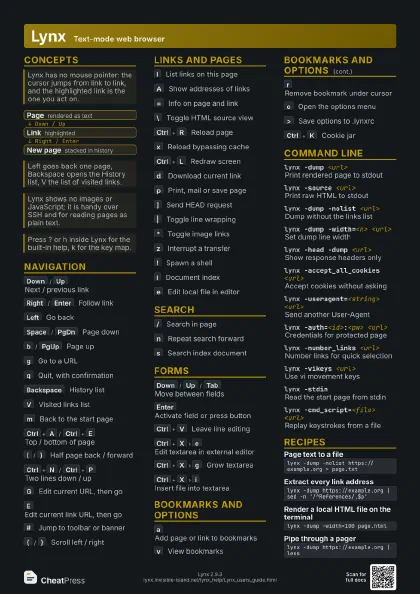
Links and Pages
l
List links on this page
A
Show addresses of links
=
Info on page and link
\
Toggle HTML source view
Ctrl+R
Reload page
x
Reload bypassing cache
Ctrl+L
Redraw screen
d
Download current link
p
Print, mail or save page
]
Send HEAD request
|
Toggle line wrapping
*
Toggle image links
z
Interrupt a transfer
!
Spawn a shell
i
Document index
e
Edit local file in editor
Search
/
Search in page
n
Repeat search forward
s
Search index document
Forms
Down
/
Up
/
Tab
Move between fields
Enter
Activate field or press button
Ctrl+V
Leave line editing
Ctrl+X
e
Edit textarea in external editor
Ctrl+X
g
Grow textarea
Ctrl+X
i
Insert file into textarea
Bookmarks and Options
a
Add page or link to bookmarks
v
View bookmarks
r
Remove bookmark under cursor
o
Open the options menu
>
Save options to .lynxrc
Ctrl+K
Cookie jar
Ctrl+X
Cache jar
Ctrl+T
Toggle trace mode
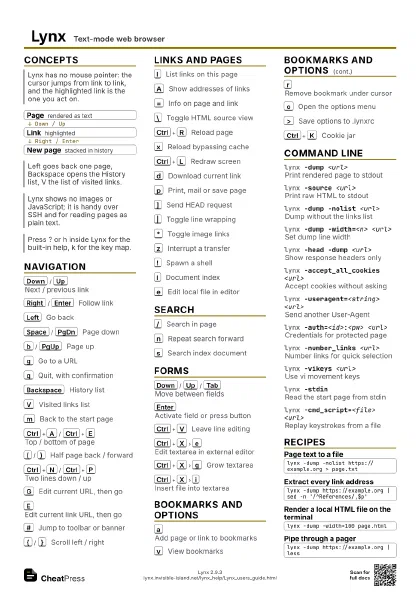
Command Line
lynx -dump <url>
Print rendered page to stdout
lynx -source <url>
Print raw HTML to stdout
lynx -dump -nolist <url>
Dump without the links list
lynx -dump -width=<n> <url>
Set dump line width
lynx -head -dump <url>
Show response headers only
lynx -accept_all_cookies <url>
Accept cookies without asking
lynx -useragent=<string> <url>
Send another User-Agent
lynx -auth=<id>:<pw> <url>
Credentials for protected page
lynx -number_links <url>
Number links for quick selection
lynx -vikeys <url>
Use vi movement keys
lynx -stdinRead the start page from stdin
lynx -cmd_script=<file> <url>
Replay keystrokes from a file
lynx -post_data <url>
Read POST data from stdin
lynx -cfg=<file> <url>
Use another config file
Recipes
lynx -dump -nolist https://example.org > page.txtlynx -dump https://example.org | sed -n '/^References/,$p'lynx -dump -width=100 page.htmllynx -dump https://example.org | less