Cheat
man Manual page lookup
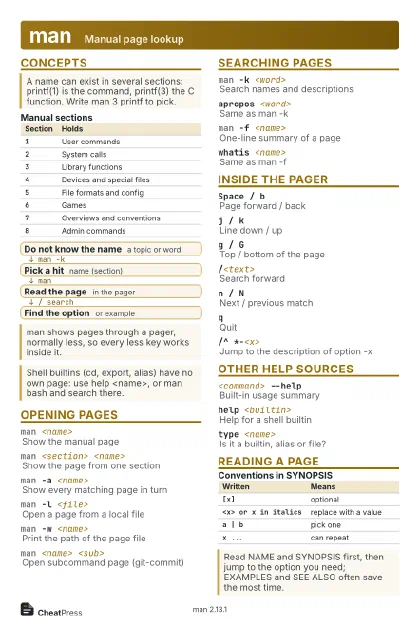 Light · Postcard
102 × 152 mm · PDF
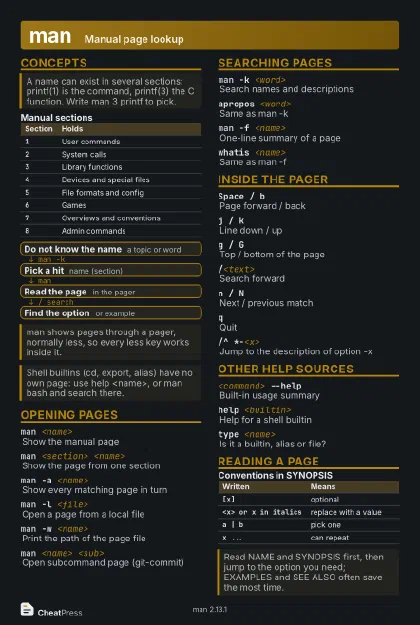 Dark · Postcard
102 × 152 mm · PDF
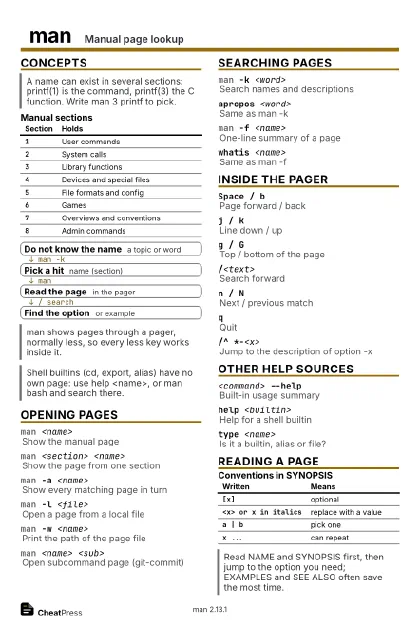 Ink saver · Postcard
102 × 152 mm · PDF
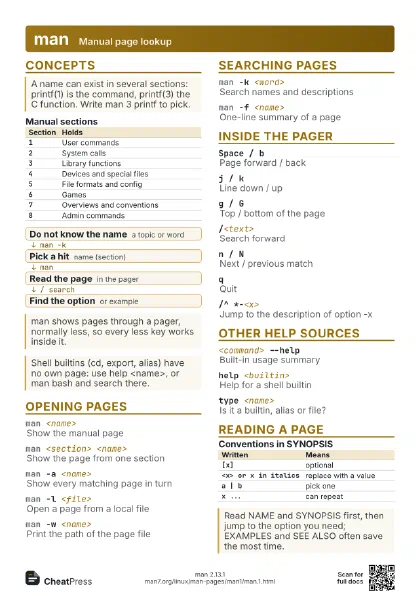
 Light · A4 landscape
297 × 210 mm · PDF
 Dark · A4 landscape
297 × 210 mm · PDF
 Ink saver · A4 landscape
297 × 210 mm · PDF
 Light · A3 landscape
420 × 297 mm · PDF
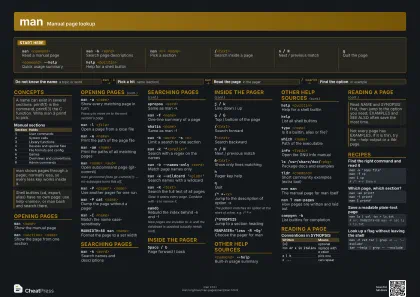 Dark · A3 landscape
420 × 297 mm · PDF
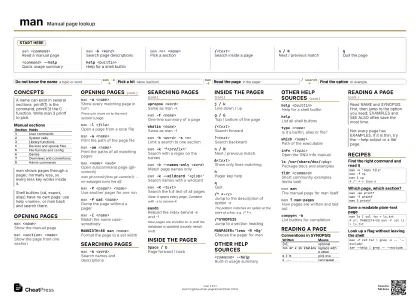 Ink saver · A3 landscape
420 × 297 mm · PDF
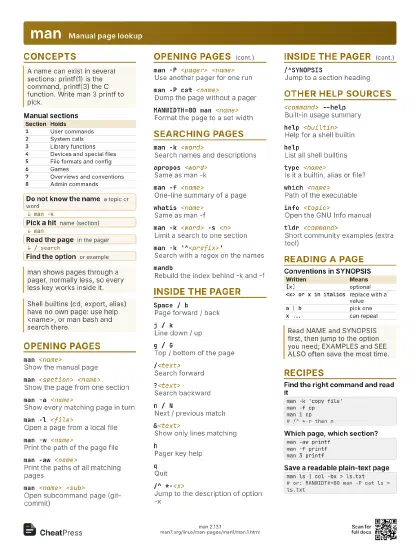
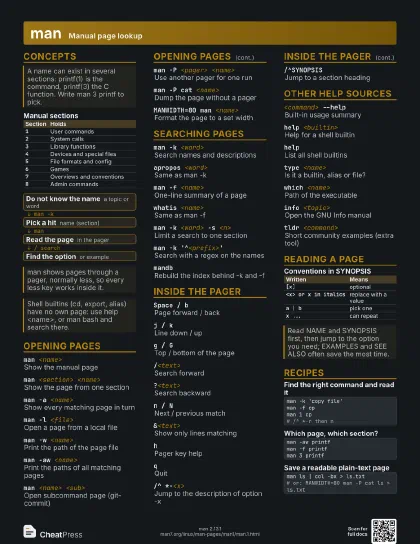
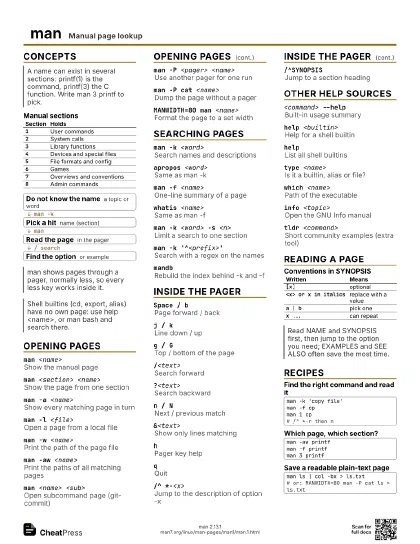
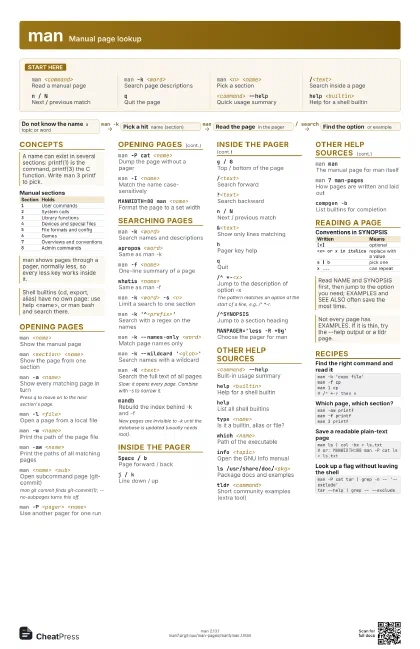
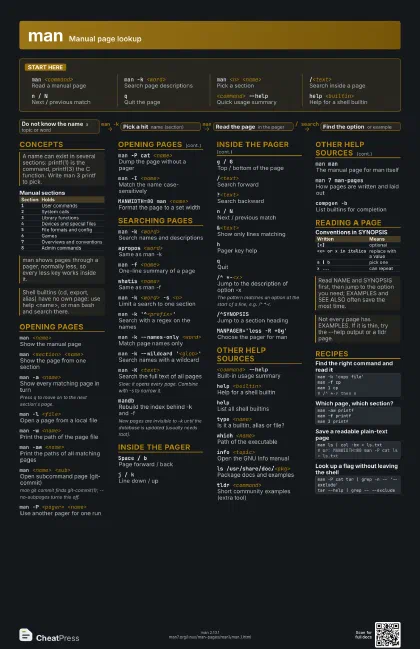
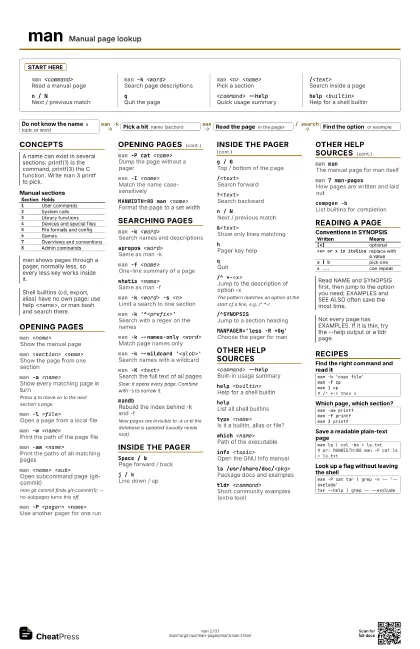
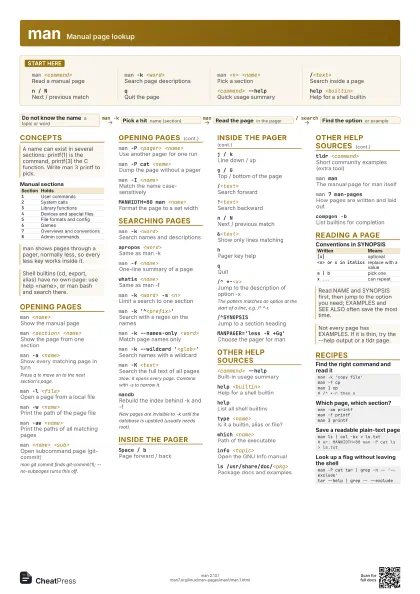
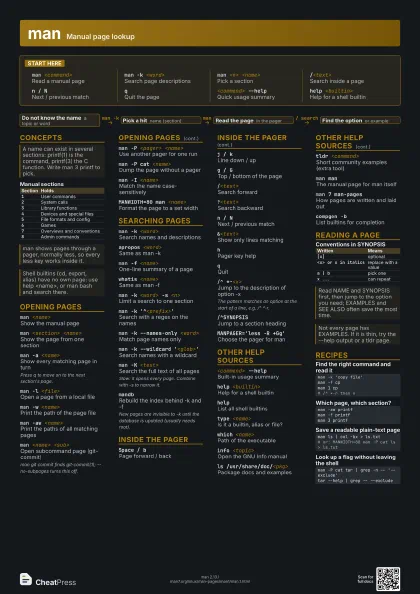
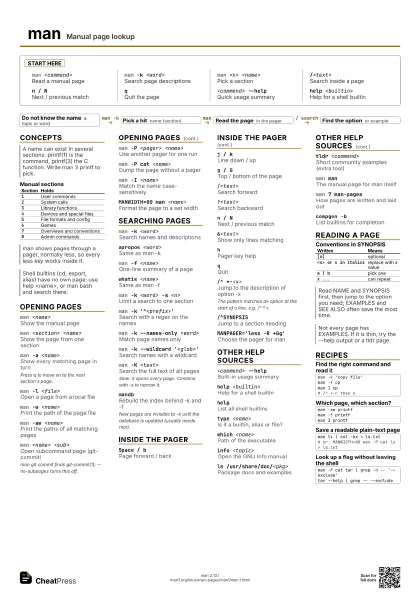
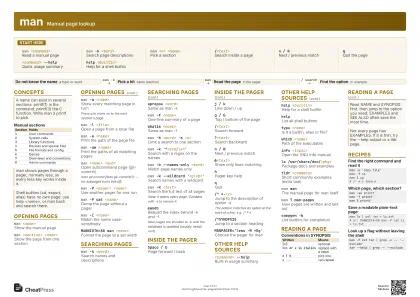
Start here
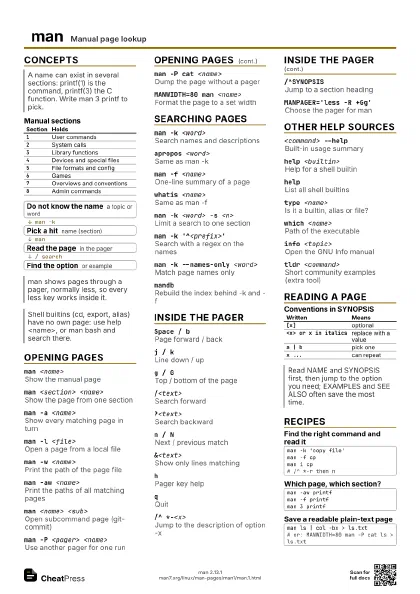
man <command>
Read a manual page
man -k <word>
Search page descriptions
man <n> <name>
Pick a section
/<text>Search inside a page
n / NNext / previous match
qQuit the page
<command> --help
Quick usage summary
help <builtin>
Help for a shell builtin
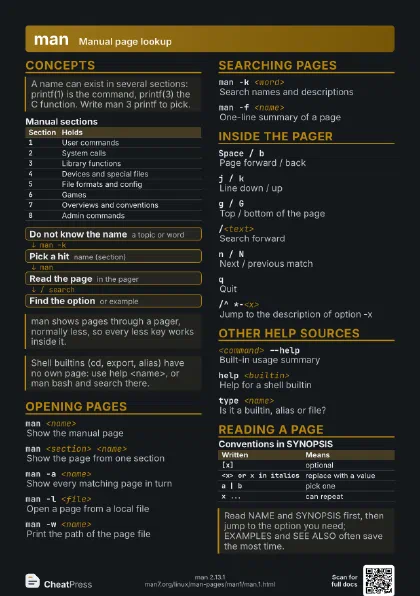
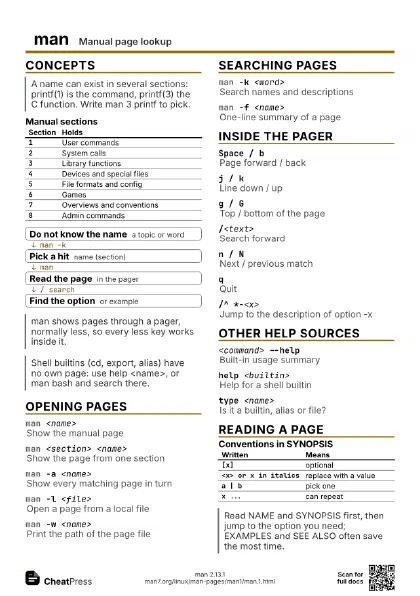
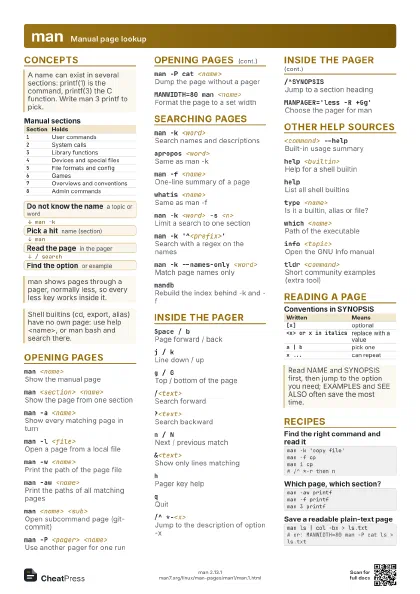
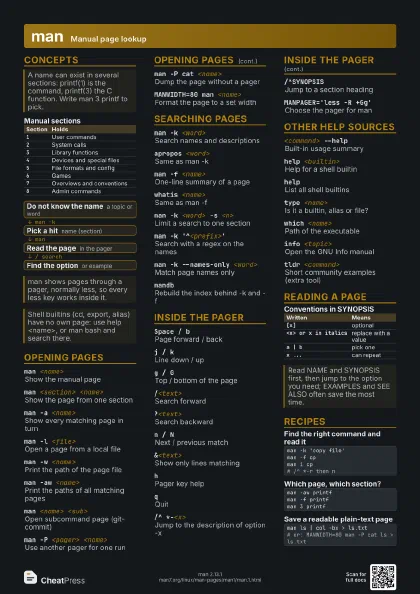
Concepts
| Section | Holds |
|---|---|
1 |
User commands |
2 |
System calls |
3 |
Library functions |
4 |
Devices and special files |
5 |
File formats and config |
6 |
Games |
7 |
Overviews and conventions |
8 |
Admin commands |
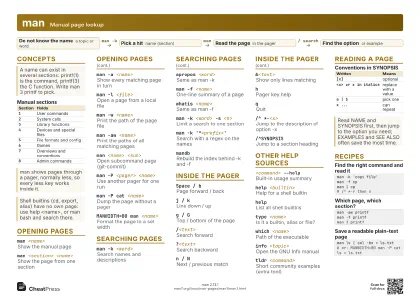
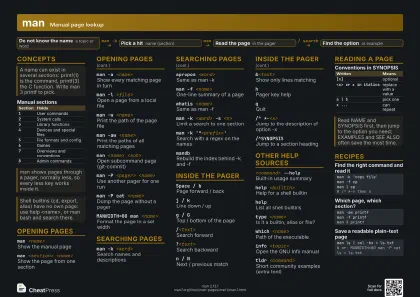
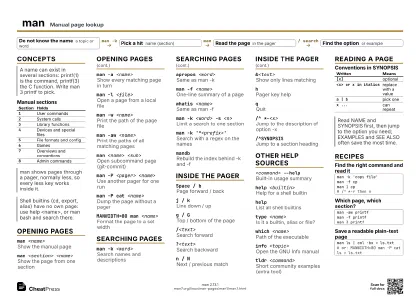
- Do not know the name a topic or word
- Pick a hit name (section)
- Read the page in the pager
- Find the option or example
Opening Pages
man <name>
Show the manual page
man <section> <name>
Show the page from one section
man -a <name>
Show every matching page in turn
Press q to move on to the next section's page.
man -l <file>
Open a page from a local file
man -w <name>
Print the path of the page file
man -aw <name>
Print the paths of all matching pages
man <name> <sub>
Open subcommand page (git-commit)
man git commit finds git-commit(1); --no-subpages turns this
off.
man -P <pager> <name>
Use another pager for one run
man -P cat <name>
Dump the page without a pager
man -I <name>
Match the name case-sensitively
MANWIDTH=80 man <name>
Format the page to a set width
Searching Pages
man -k <word>
Search names and descriptions
apropos <word>
Same as man -k
man -f <name>
One-line summary of a page
whatis <name>
Same as man -f
man -k <word> -s <n>
Limit a search to one section
man -k '^<prefix>'
Search with a regex on the names
man -k --names-only <word>
Match page names only
man -k --wildcard '<glob>'
Search names with a wildcard
man -K <text>
Search the full text of all pages
Slow: it opens every page. Combine with -s to narrow it.
mandbRebuild the index behind -k and -f
New pages are invisible to -k until the database is updated
(usually needs root).
Inside the Pager
Space / bPage forward / back
j / kLine down / up
g / GTop / bottom of the page
/<text>Search forward
?<text>Search backward
n / NNext / previous match
&<text>
Show only lines matching
hPager key help
qQuit
/^ *-<x>Jump to the description of option -x
The pattern matches an option at the start of a line, e.g. /^
*-r.
/^SYNOPSISJump to a section heading
MANPAGER='less -R +Gg'
Choose the pager for man
Other Help Sources
<command> --help
Built-in usage summary
help <builtin>
Help for a shell builtin
helpList all shell builtins
type <name>
Is it a builtin, alias or file?
which <name>
Path of the executable
info <topic>
Open the GNU Info manual
ls /usr/share/doc/<pkg>
Package docs and examples
tldr <command>
Short community examples (extra tool)
man manThe manual page for man itself
man 7 man-pagesHow pages are written and laid out
compgen -bList builtins for completion
Reading a Page
| Written | Means |
|---|---|
[x] |
optional |
<x> or x in italics |
replace with a value |
a | b |
pick one |
x ... |
can repeat |
Recipes
man -k 'copy file'man -f cpman 1 cp# /^ *-r then nman -aw printfman -f printfman 3 printfman ls | col -bx > ls.txt# or: MANWIDTH=80 man -P cat ls > ls.txtman -P cat tar | grep -n -- '--exclude'tar --help | grep -- --exclude