Cheat
lsd ls with colors and icons
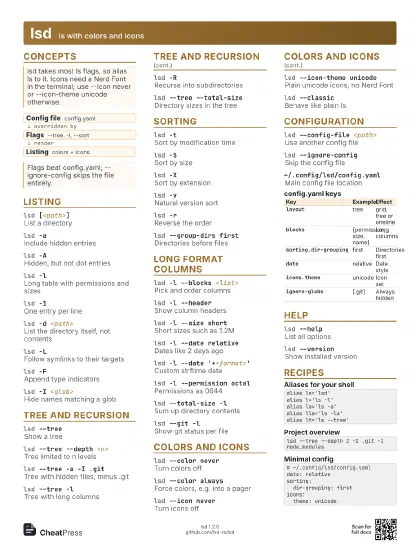
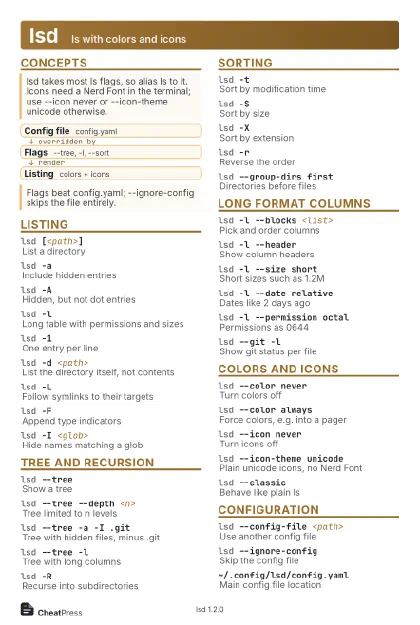 Light · Postcard
102 × 152 mm · PDF
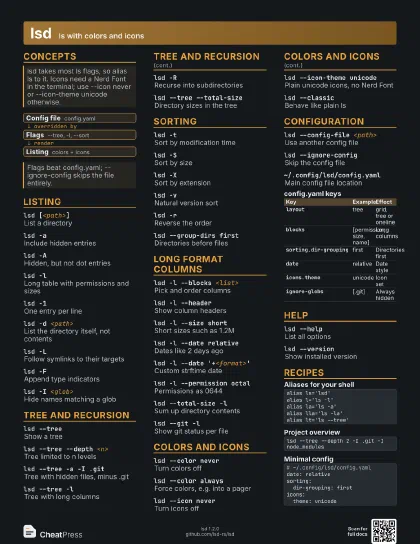
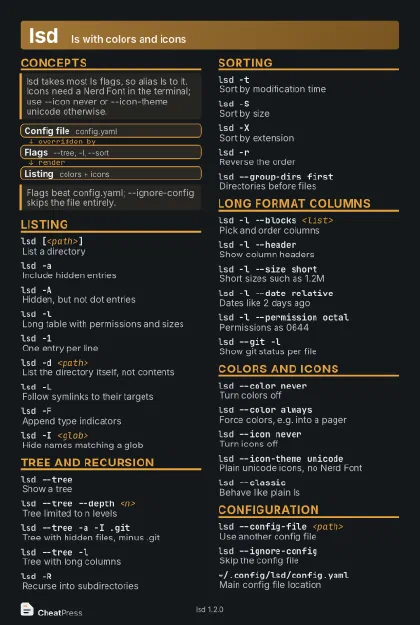 Dark · Postcard
102 × 152 mm · PDF
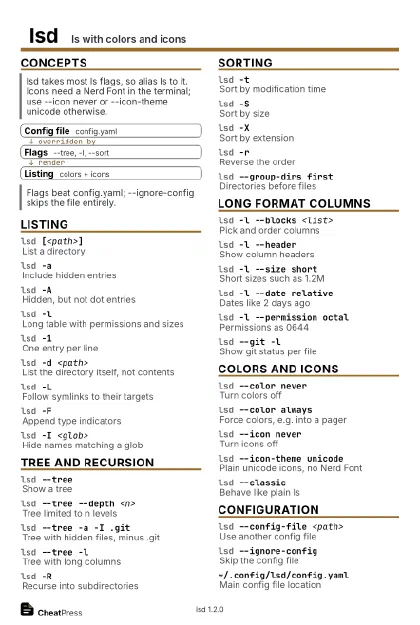 Ink saver · Postcard
102 × 152 mm · PDF
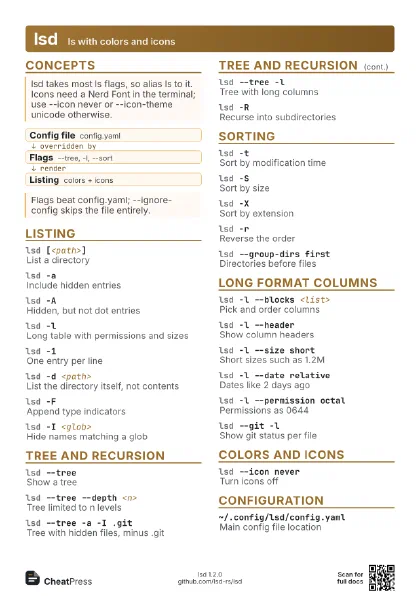
 Light · A4 landscape
297 × 210 mm · PDF
 Dark · A4 landscape
297 × 210 mm · PDF
 Ink saver · A4 landscape
297 × 210 mm · PDF
 Light · A3 landscape
420 × 297 mm · PDF
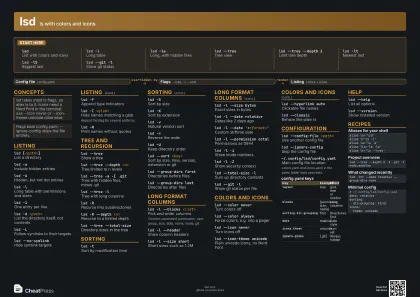 Dark · A3 landscape
420 × 297 mm · PDF
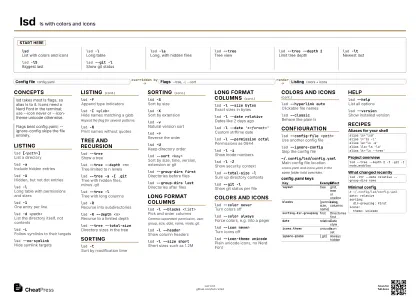 Ink saver · A3 landscape
420 × 297 mm · PDF
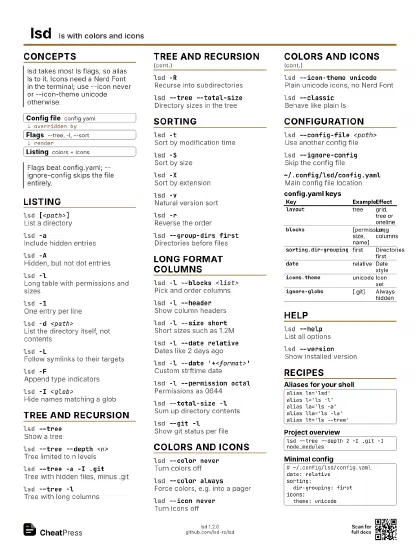
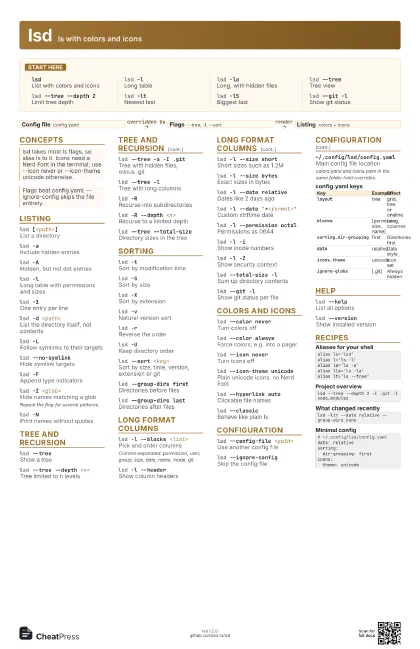
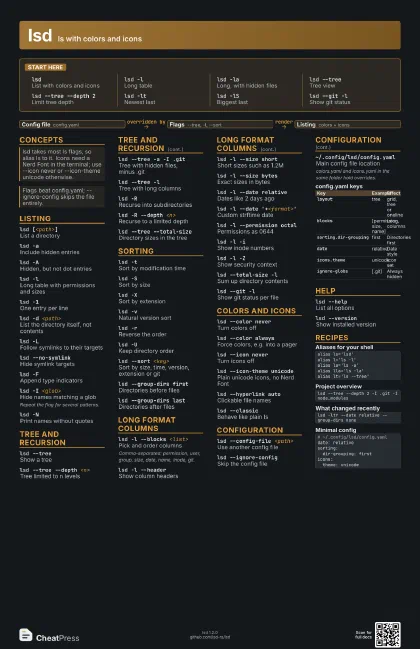
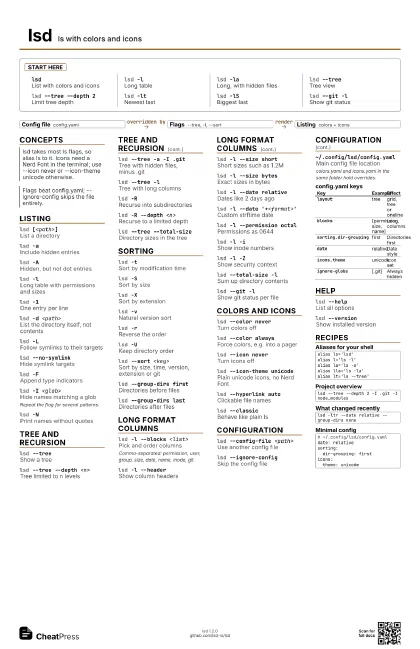
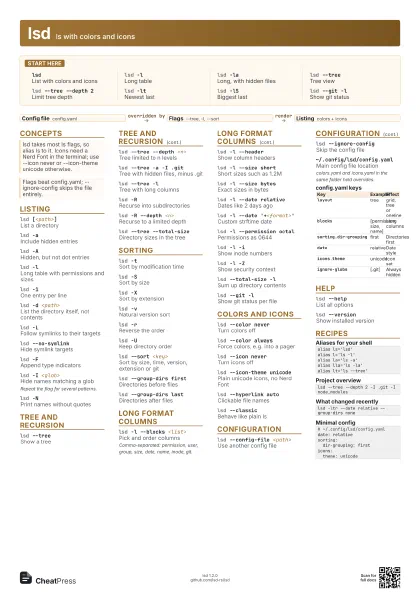
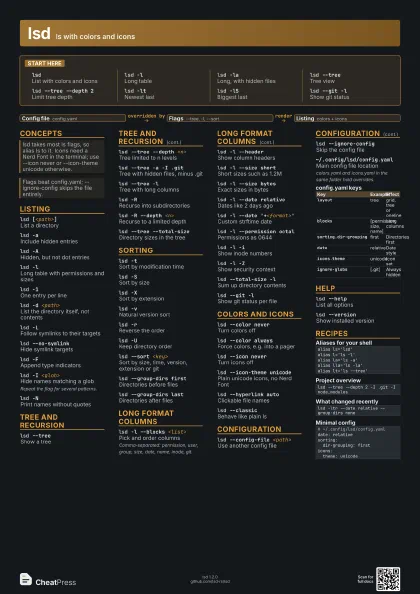
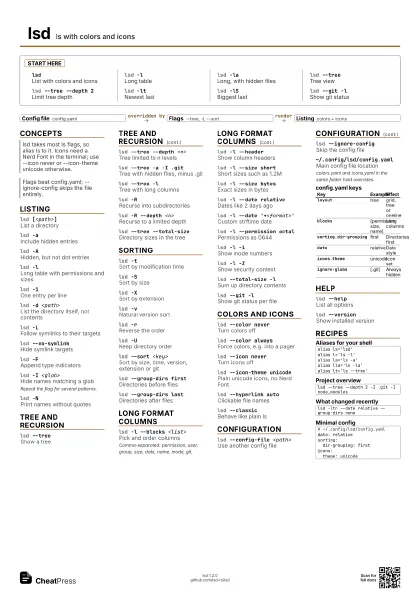
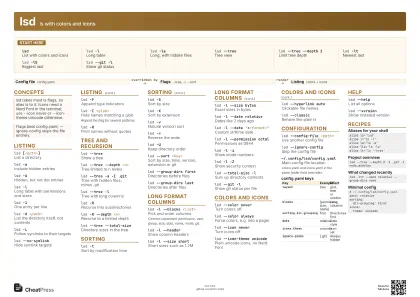
Start here
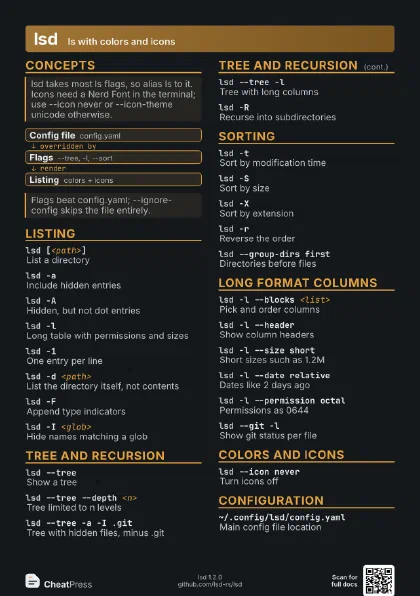
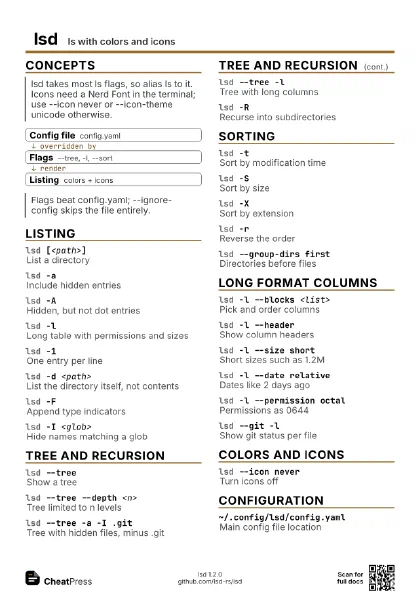
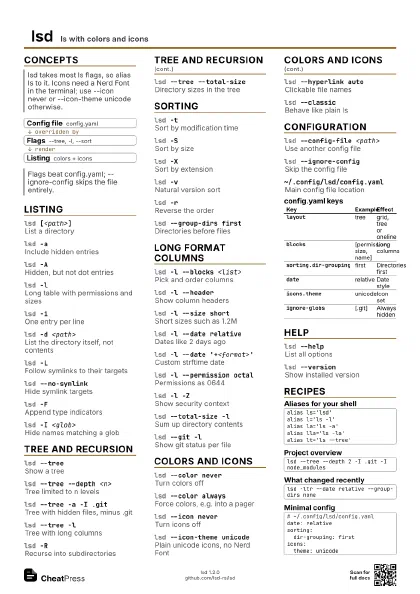
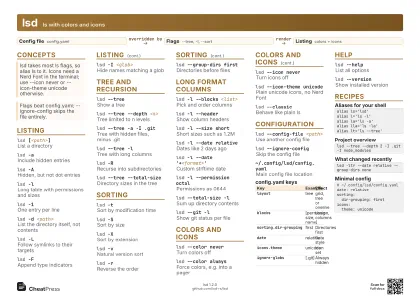
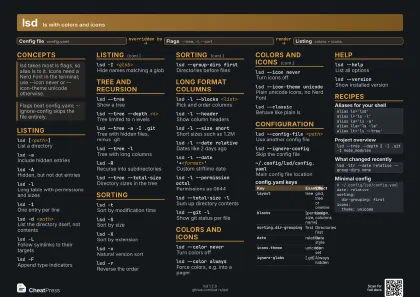
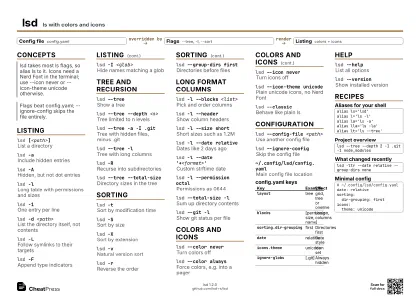
lsdList with colors and icons
lsd -lLong table
lsd -laLong, with hidden files
lsd --treeTree view
lsd --tree --depth 2
Limit tree depth
lsd -ltNewest last
lsd -lSBiggest last
lsd --git -lShow git status
Concepts
- Config file config.yaml
- Flags --tree, -l, --sort
- Listing colors + icons
Listing
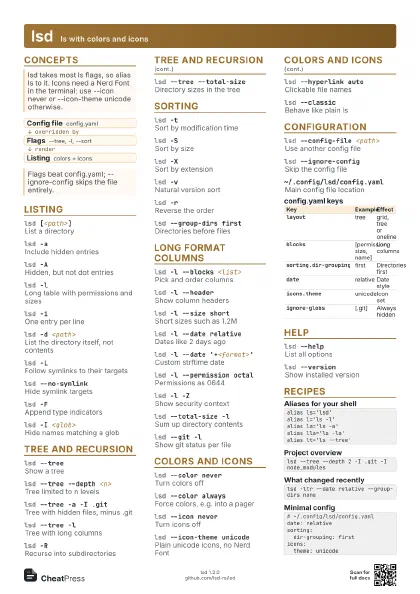
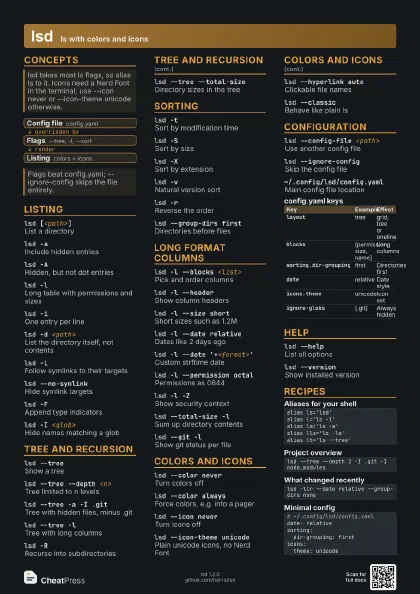
lsd [<path>]
List a directory
lsd -aInclude hidden entries
lsd -AHidden, but not dot entries
lsd -lLong table with permissions and sizes
lsd -1One entry per line
lsd -d <path>
List the directory itself, not contents
lsd -LFollow symlinks to their targets
lsd --no-symlink
Hide symlink targets
lsd -FAppend type indicators
lsd -I <glob>
Hide names matching a glob
Repeat the flag for several patterns.
lsd -NPrint names without quotes
Tree and recursion
lsd --treeShow a tree
lsd --tree --depth <n>
Tree limited to n levels
lsd --tree -a -I .git
Tree with hidden files, minus .git
lsd --tree -lTree with long columns
lsd -RRecurse into subdirectories
lsd -R --depth <n>
Recurse to a limited depth
lsd --tree --total-size
Directory sizes in the tree
Sorting
lsd -tSort by modification time
lsd -SSort by size
lsd -XSort by extension
lsd -vNatural version sort
lsd -rReverse the order
lsd -UKeep directory order
lsd --sort <key>
Sort by size, time, version, extension or git
lsd --group-dirs first
Directories before files
lsd --group-dirs last
Directories after files
Long format columns
lsd -l --blocks <list>
Pick and order columns
Comma-separated: permission, user, group, size, date, name,
inode, git.
lsd -l --headerShow column headers
lsd -l --size short
Short sizes such as 1.2M
lsd -l --size bytes
Exact sizes in bytes
lsd -l --date relative
Dates like 2 days ago
lsd -l --date '+<format>'
Custom strftime date
lsd -l --permission octal
Permissions as 0644
lsd -l -iShow inode numbers
lsd -l -ZShow security context
lsd --total-size -l
Sum up directory contents
lsd --git -lShow git status per file
Colors and icons
lsd --color never
Turn colors off
lsd --color always
Force colors, e.g. into a pager
lsd --icon never
Turn icons off
lsd --icon-theme unicode
Plain unicode icons, no Nerd Font
lsd --hyperlink auto
Clickable file names
lsd --classicBehave like plain ls
Configuration
lsd --config-file <path>
Use another config file
lsd --ignore-config
Skip the config file
~/.config/lsd/config.yaml
Main config file location
colors.yaml and icons.yaml in the same folder hold overrides.
| Key | Example | Effect |
|---|---|---|
layout |
tree | grid, tree or oneline |
blocks |
[permission, size, name] | Long columns |
sorting.dir-grouping |
first | Directories first |
date |
relative | Date style |
icons.theme |
unicode | Icon set |
ignore-globs |
[.git] | Always hidden |
Help
lsd --helpList all options
lsd --versionShow installed version
Recipes
alias ls='lsd'alias l='ls -l'alias la='ls -a'alias lla='ls -la'alias lt='ls --tree'lsd --tree --depth 2 -I .git -I node_moduleslsd -ltr --date relative --group-dirs none# ~/.config/lsd/config.yamldate: relativesorting: dir-grouping: firsticons: theme: unicode